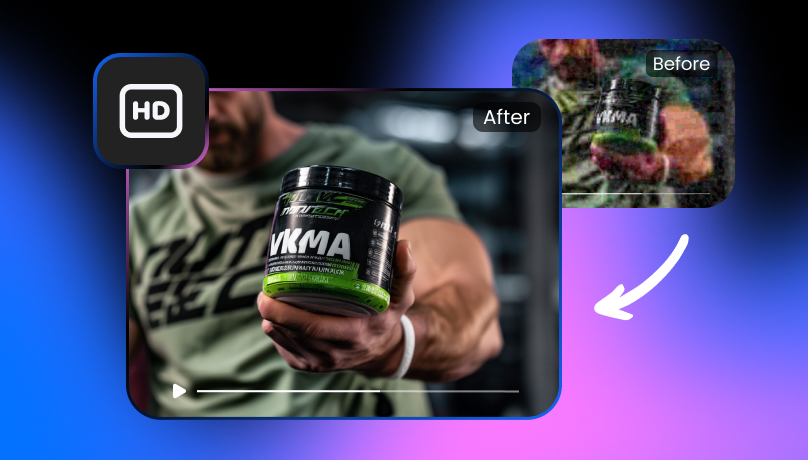
Understanding 720p Reso and & How to Enhance 720p Quality
 Vmake Labs TeamApril 27, 2026
In the world of digital video content, resolution is the key to delivering high-quality visual experiences. Over the years, several video resolution formats have emerged, and 720p remains one of the most widely used options for streaming. Want to know more about it? In this article, you’ll explore 720p resolution, its use cases, and how to enhance your 720p streams with Vmake AI Video Enhancer.
What does 720p Resolution Stand for?

720p resolution is a video format that displays 1280 pixels horizontally and 720 pixels vertically, amounting to a total of 921,600 pixels on the screen. The term 720p refers to the number of horizontal lines of pixels in the video.
The “p” in 720p stands for “progressive scan,” meaning each frame is drawn in a single pass, resulting in smoother motion and a more fluid visual experience compared to interlaced formats like 1080i.
720p reso is often referred to as HD (High Definition), as it’s a step up from standard definition (SD), which was typically 480p. However, it is considered the lower tier of HD quality, offering clear, crisp visuals on smaller screens, though it appears less sharp when viewed on larger displays.
While 1080p (Full HD) and 4K resolutions have become more common in recent years, 720p still holds its ground for several purposes, especially on online streaming platforms like YouTube and Netflix, as well as on social media.
The Applications of 720p Resolution
720p resolution is widely used in many sectors, ranging from entertainment to education. Here are some of the most common applications:
Video Conferencing and Live Streaming
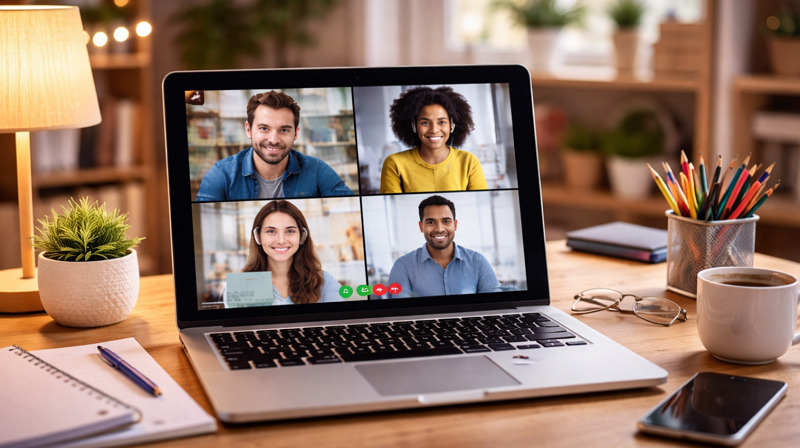
Platforms like Zoom and Twitch often use 720p as a default resolution for video calls and live streams. It’s also a standard for virtual meetings, i.e., Zoom and Microsoft Teams. This resolution offers clear visuals while consuming less bandwidth.
Online Video Platforms
Sites like YouTube, Facebook, Vimeo, and TikTok offer 720p as a standard streaming resolution. It provides viewers with good quality without requiring high-speed internet, making it accessible to a broader audience.
Digital Education
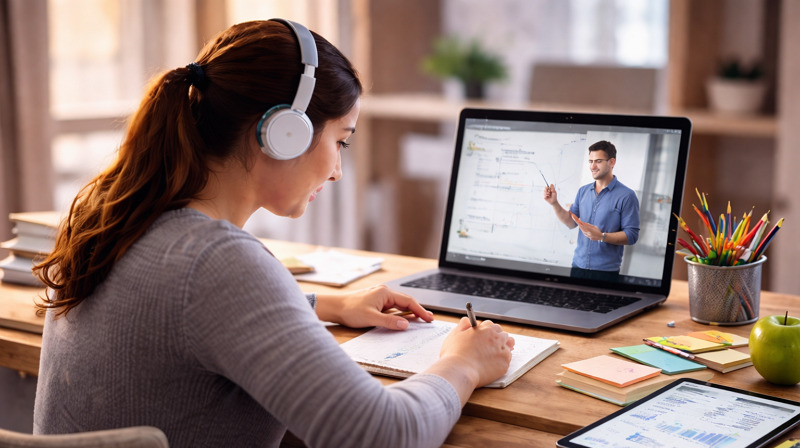
E-learning platforms use 720p for instructional videos, webinars, and online courses. The resolution delivers content that is clear enough for educational purposes while being easy to stream even on slower internet connections.
Mobile and Web Content
As 720p is widely supported by older smartphones, tablets, and laptops. So, it’s commonly used for mobile-friendly videos, such as social media posts and other web content.
Surveillance and Security Systems
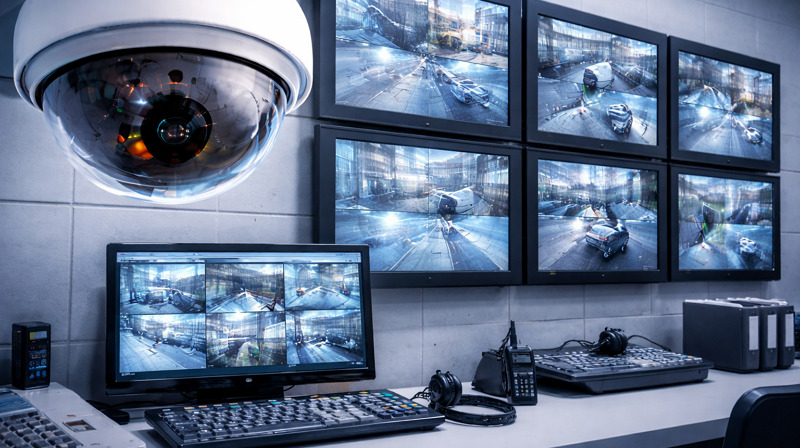
In security applications, 720p reso is often used in CCTV cameras and webcams. It provides sufficient clarity for monitoring purposes of the person, pets, and small objects.
PCs and TVs
Many PC monitors and smart TVs up to 32 inches default to 720p resolution for video playback. It offers a good compromise between quality and file size for both large-screen viewing and smaller devices.
Ecommerce and Digital Marketing
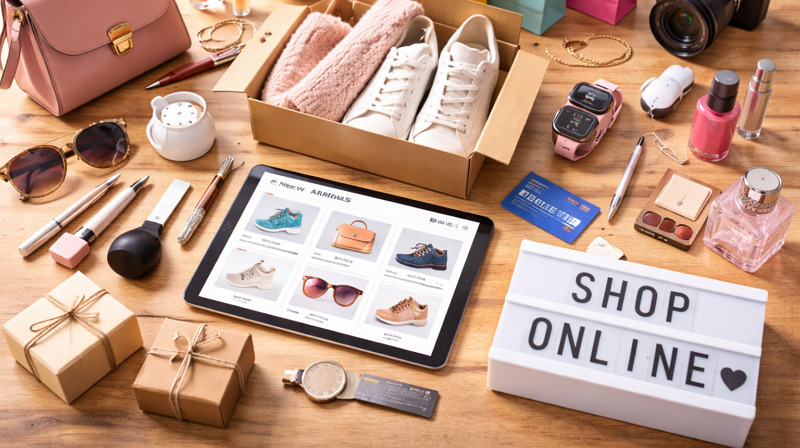
Many ecommerce platforms and marketing campaigns use 720p resolution for product videos, ads, and promotional content. The resolution ensures high-quality visuals for online shoppers without overly taxing load times or bandwidth.
720p vs 1080p: What’s the Difference?
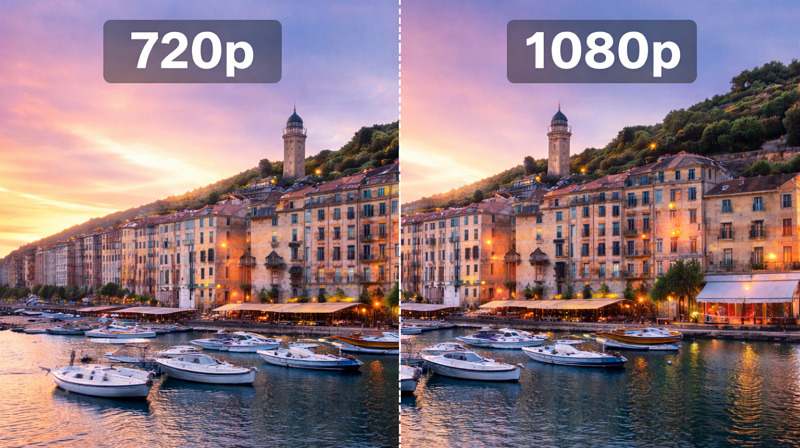
Now that you know about 720p reso, it’s important to understand how it compares to 1080p, a popular higher resolution. Here’s a comparison of 720p vs 1080p:
Resolution
720p is 1280x720 pixels while 1080p is 1920x1080 pixels. In terms of raw pixel count, 1080p offers significantly more pixels than 720p, resulting in sharper, more detailed images.
Aspect Ratio
Both 720p and 1080p resolutions share the same aspect ratio of 16:9, meaning they are both designed to display widescreen content.
Approximate File Size
720p has a smaller file size, making it easier to stream over slower internet connections. It requires around 1.5-3 Mbps for smooth streaming. While 1080p has larger file sizes, which require faster internet speeds, usually 5-8 Mbps for buffer-free streaming.
Visual Clarity
While 1080p offers better clarity due to its higher pixel count, 720p provides decent quality sufficient for most casual viewing. For large screens, however, the difference in image quality becomes more noticeable.
Device Compatibility
720p is compatible with almost all devices, including older smartphones, laptops, and smart TVs. 1080p requires newer devices, including modern smartphones, tablets, and smart TVs, to display content optimally.
Recommended Use
720p is ideal for mobile streaming, e-learning, gaming, and situations with limited internet bandwidth. However, 1080p is best suited for larger screens, gaming on high-end consoles, and viewing content like movies or documentaries where image clarity is paramount.
How to Enhance Low-Res Quality Like 720p Streams?
No doubt, there are occasions when you might want to improve the resolution, especially if you’re dealing with a low-quality 720p stream. Fortunately, modern AI-enhanced video enhancement tools can help you get the most out of your 720p footage. Let’s look at the 720p limitations and how to enhance them efficiently:
Limitations of 720p Videos
-
Compared to 1080p or 4K, 720p reso offers low visual fidelity, especially on larger screens.
-
If you’re watching a cinematic film or playing a visually demanding game, 720p might lack fine detail compared to 1080p or higher.
-
Videos compressed to fit the 720p format may show artifacts such as pixelation or blurriness, especially during fast-motion sequences.
Enhance Your Videos with Vmake AI Video Enhancer
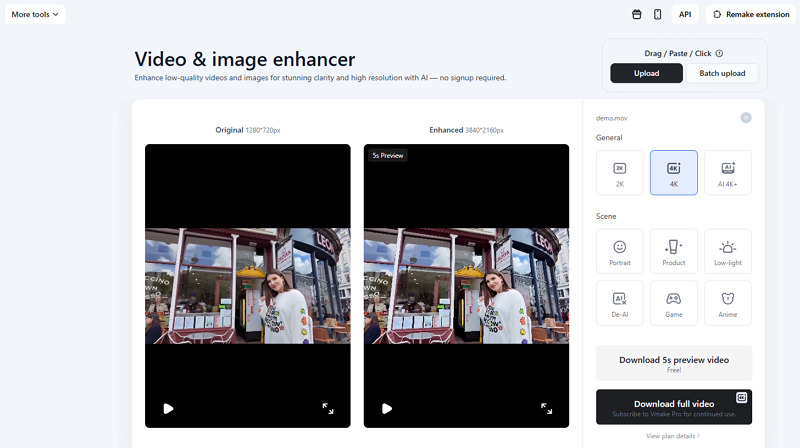
To effectively enhance the visual quality of your 720p videos, the Vmake Video Enhancer is the ultimate solution. This remarkable online tool uses AI-powered algorithms to upscale your videos to 2K, 4K, and even 4K+ resolution.
It also supports enhancing the 720p res videos with smooth motion and sharp details, frame by frame. Whether you need to upscale portraits, low-light gameplay footage, animations, or other heavily compressed videos, it can help perform these tasks. You can also upscale multiple videos at once to save time. It even lets you preview the output before exporting it.
Main Features:
-
Intuitive and ad-free interface with simple navigation
-
Support all popular video formats, i.e., MP4, MOV, M4V, etc.
-
Scene-based enhancement models for various scenarios
-
Provide professional-looking results with AI in a single click
-
Completely secure and delete uploaded files after 7 days
-
Ideal for creators, marketers, streamers, gamers, and more
Steps to Enhance Videos with Vmake Video Enhancer:
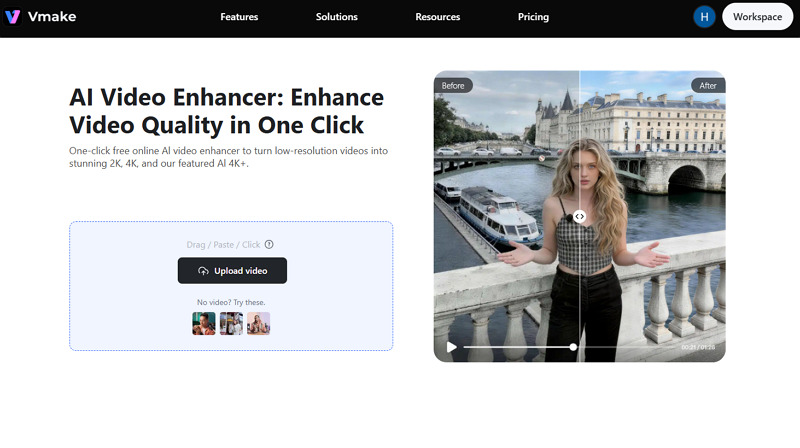
Step 1. Upload Your Video
First of all, open this tool in your browser and click “Upload Video” to import the low-resolution 720p video file.
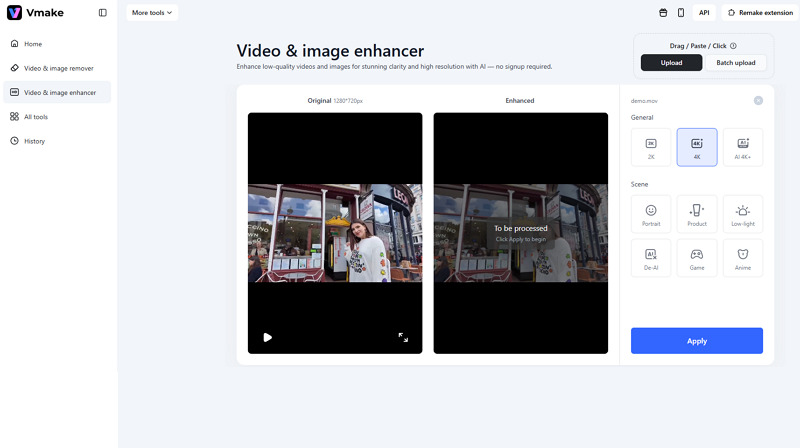
Step 2. Select the Resolution
Next, you can choose the resolution or the scene type, such as portrait, product, game, anime, low-light, de-AI, etc. Then, press “Apply.”
Step 3. Download the Output
Once the AI processing is done, hit the “Download 5s preview video” or “Download full video.” That’s all!
FAQ About 720p Videos
1. Is 720p good video quality?
Yes, 720p is considered good quality for most casual viewing situations, such as watching videos, streaming, recording, live calls, camera use, or any other purpose, especially on smaller screens like smartphones and laptops.
2. What’s better, 720p vs 1080p?
1080p provides higher clarity and more detail due to its increased pixel count. However, 720p is more efficient in terms of file size and bandwidth, making it suitable for streaming over slower connections.
3. Is 720p considered HD for projectors?
Yes, 720p is technically classified as high definition (HD) for projectors, known as standard HD. However, it is the lowest grade of HD, far less sharp than 1080p and 4K resolutions.
Conclusion
720p resolution has held its ground as a popular option for small screens, budget-friendliness, and casual viewing. While it doesn’t offer the level of detail and clarity that 1080p or 4K resolutions provide, it offers a great balance of quality and file size.
However, if you’re looking to enhance your 720p videos, Vmake AI Video Enhancer is a powerful tool. Try it today to ensure your content looks its best, whether you’re watching videos on a small device or a large screen.

You May Be Interested

123APPS Watermark Remover Review (2026): Pros, Cons, and Pricing

Seedance 2.0 vs Sora 2: Which AI Video Generator Wins in 2026?
Top 20 Captions to Make Your YouTube Shorts Go Viral

Google Gemini|Copy Paste This Simple Prompts to Create “Hug my younger self ” Photos

How to Create a YouTube Thumbnail? Create YouTube Thumbnails Using AI
How to Enhance Video for YouTube Like a Pro