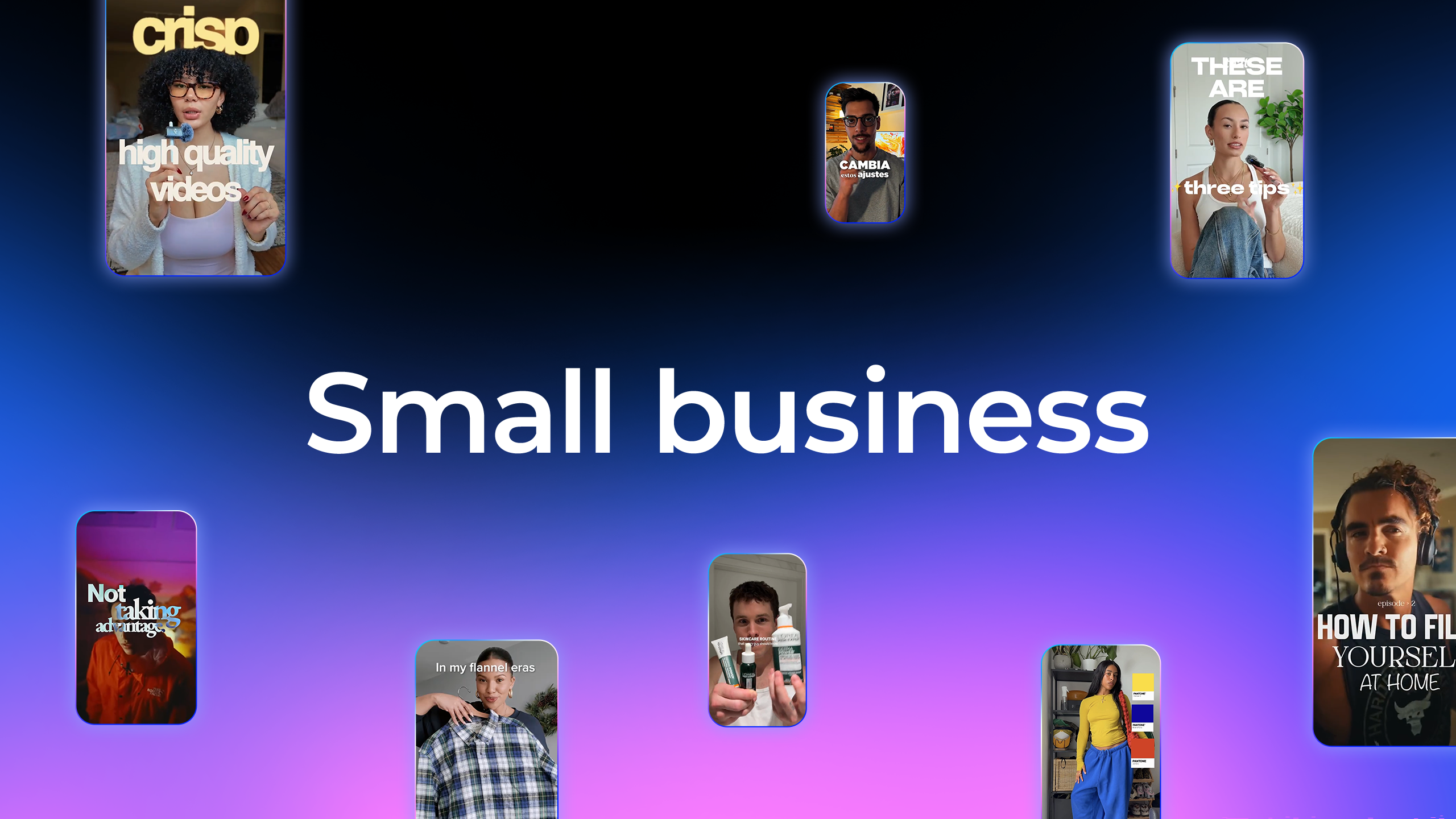
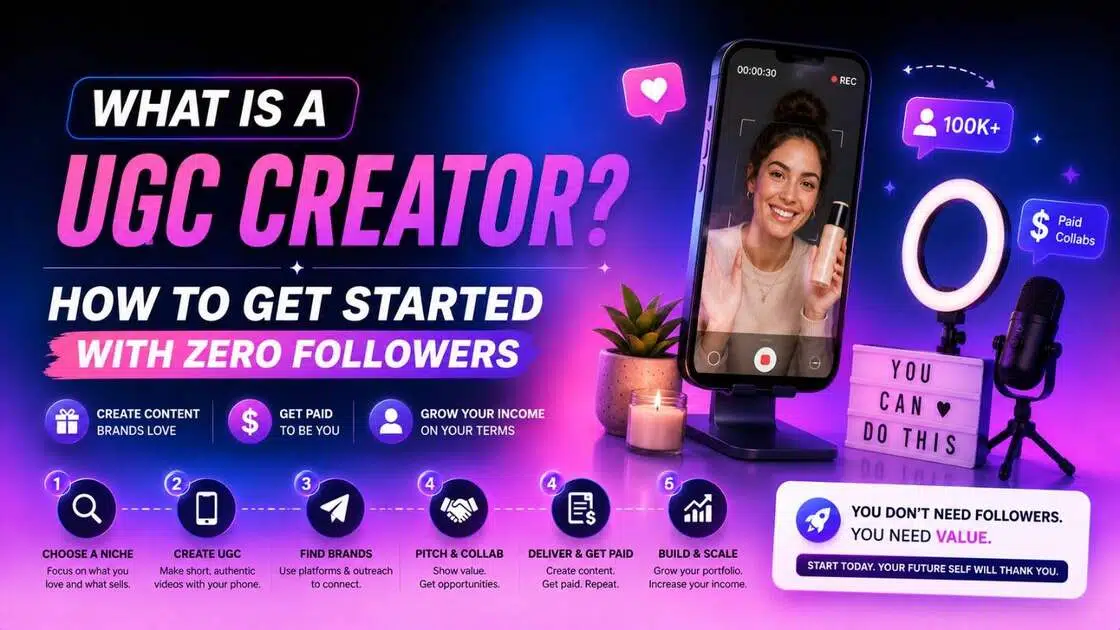
What is a UGC Creator? How to Get Started With Zero Followers
Wondering how to become a UGC creator in 2026 with zero experience? Follow our simple, step-by-step roadmap to build your portfolio and land brand deals. Also, learn how to use Vmake to create UGC videos.

The creator economy is experiencing a massive shift.
Brands no longer rely solely on high-cost traditional ads or celebrity endorsements. Instead, they are turning to authentic, relatable content created by everyday people. This ultimate guide walks you through the world of User-Generated Content (UGC), detailing how you can build a highly profitable career as a UGC creator.
What is a UGC creator?
User-Generated Content (UGC) is brand-specific content created by real consumers, designed to look authentic and organic. A UGC content creator is a professional freelancer who produces this content, usually videos or photos, for brands to publish on their own social media channels. Unlike influencers, UGC creators sell the content licensing rights rather than access to their own audience.
Core responsibilities:
-
Scripting engaging, native-feeling ad hooks.
-
Filming high-quality raw footage of products.
-
Editing videos to match social media trends.
Differences between an UGC creator and an influencer:
|
Metric |
UGC Creator |
Influencer |
|---|---|---|
|
Primary Focus |
Content creation quality |
Audience reach and size |
|
Distribution |
Brand's social channels |
Influencer's own page |
|
Compensation |
Flat rate for content |
Pay based on reach/views |
How to become a UGC creator?
Breaking into the UGC space is highly accessible if you follow a structured approach. Here is the step-by-step framework to launch your freelance content creation career from scratch.
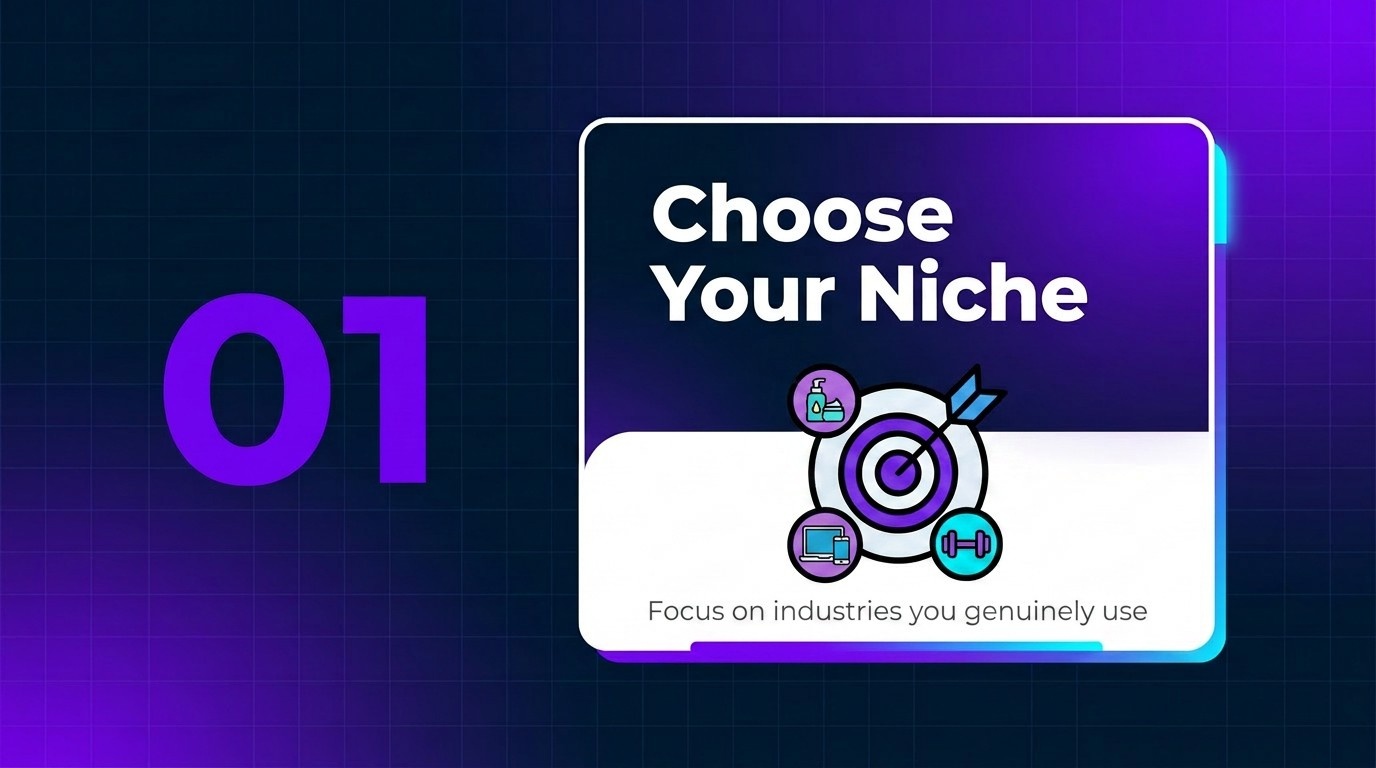
Step 1: Choose your niche and target industry
Focus on industries you genuinely use, like skincare, tech, or fitness. Specializing helps you master niche-specific hooks and makes your pitch highly relevant to brands looking for industry experts.
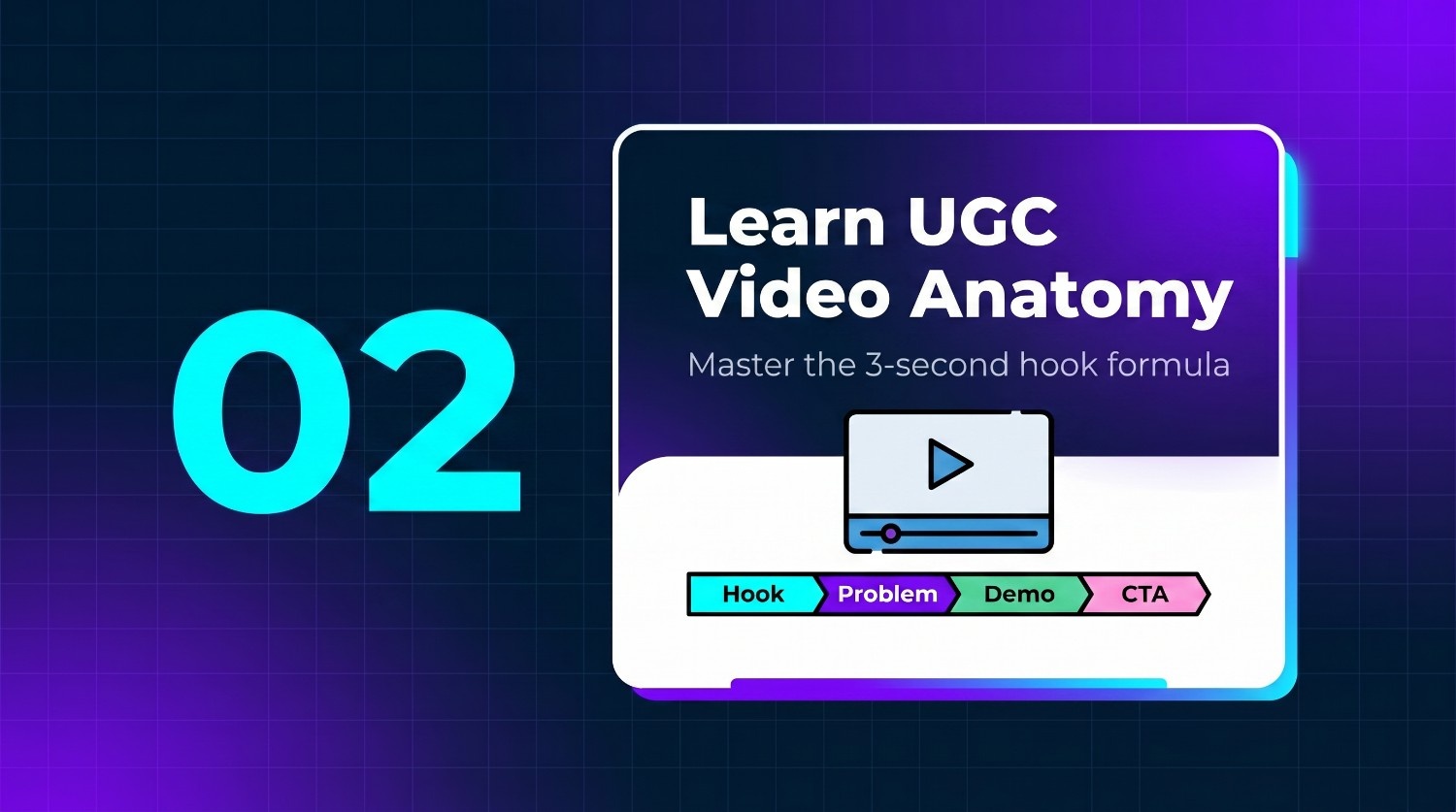
Step 2: Learn the anatomy of a high-converting UGC video
Study high-converting structures consisting of a three-second visual hook, a relatable problem-solution transition, product demonstrations highlighting core features, and a clear, persuasive call-to-action that drives immediate conversions.
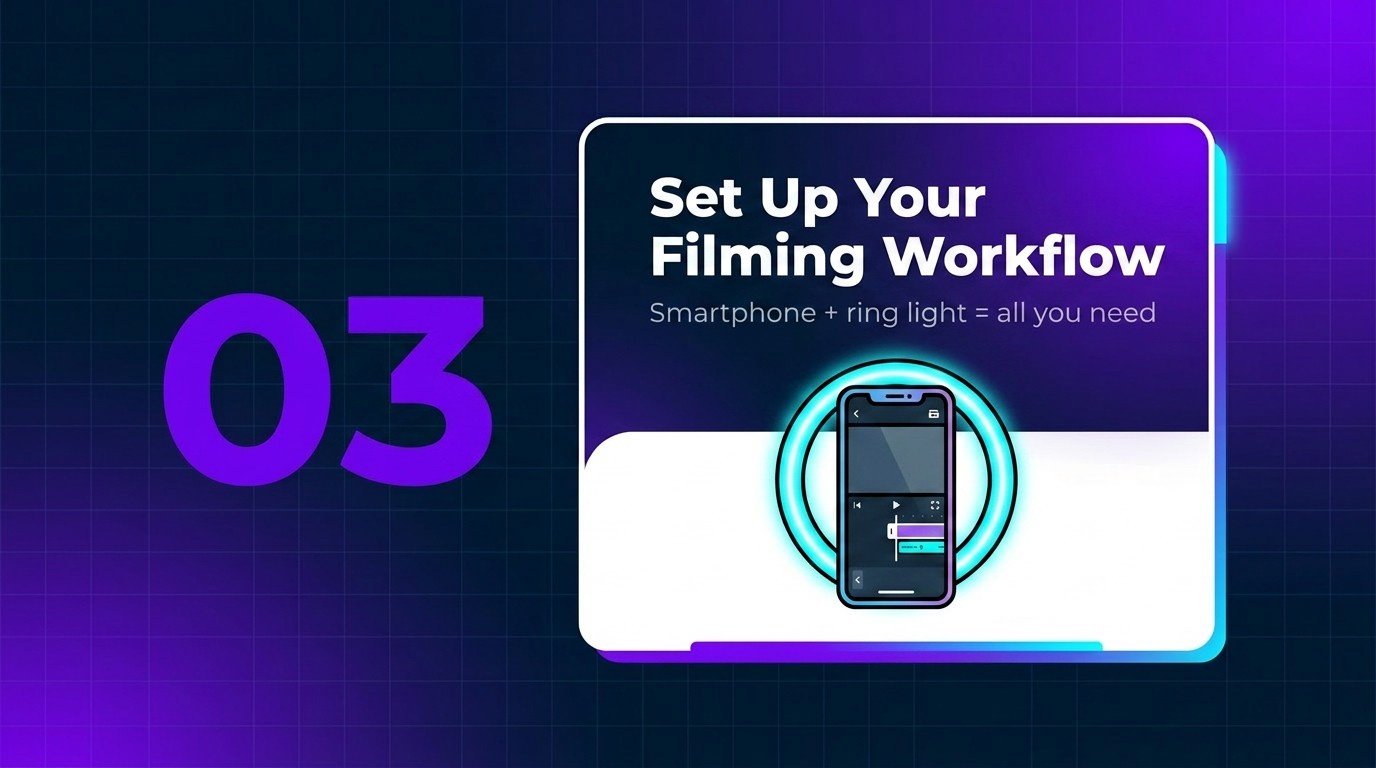
Step 3: Set up a simple filming and editing workflow
You do not need fancy equipment. Use your smartphone, a basic ring light, and clean background spaces. Edit your videos using intuitive, free mobile apps to maintain fast-paced cuts.
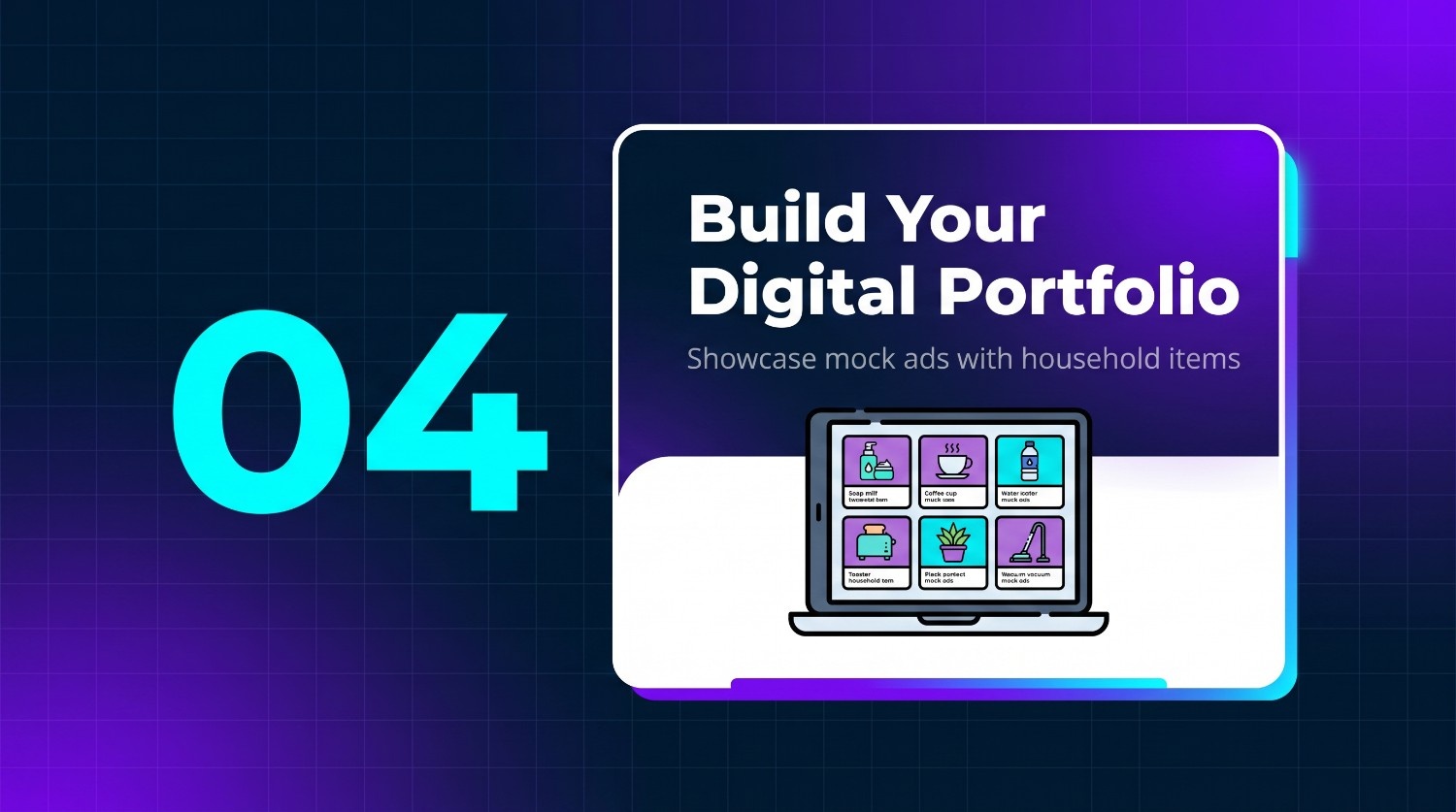
Step 4: Build a digital portfolio of concept videos
Create a simple digital portfolio showcasing placeholder videos of household items. Structure these mock ads to display your scripting, editing, and conceptual abilities to potential clients without prior sales.
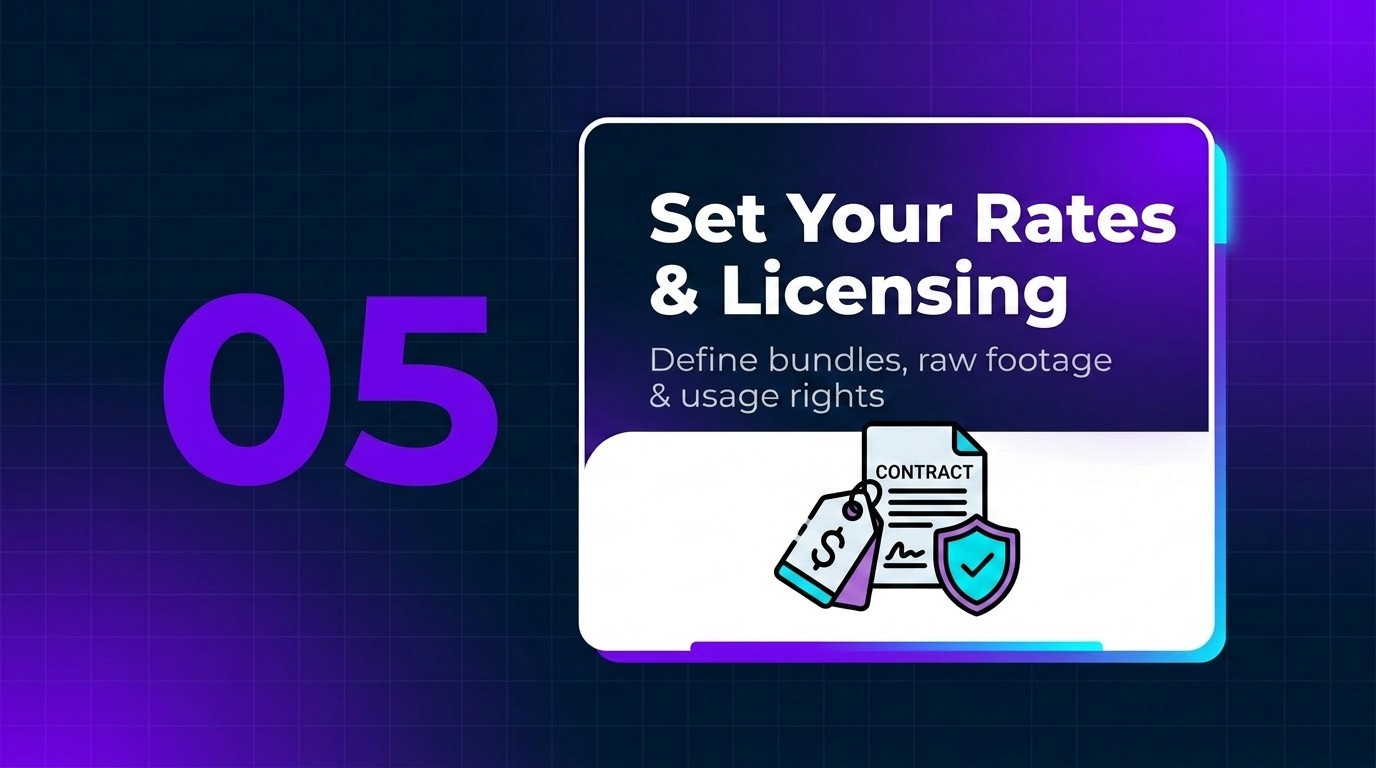
Step 5: Determine your UGC rates and licensing fees
Establish fair base rates for single videos, bundle deals, and raw footage. Be sure to clearly define usage rights and licensing fees if brands plan to run paid ads.
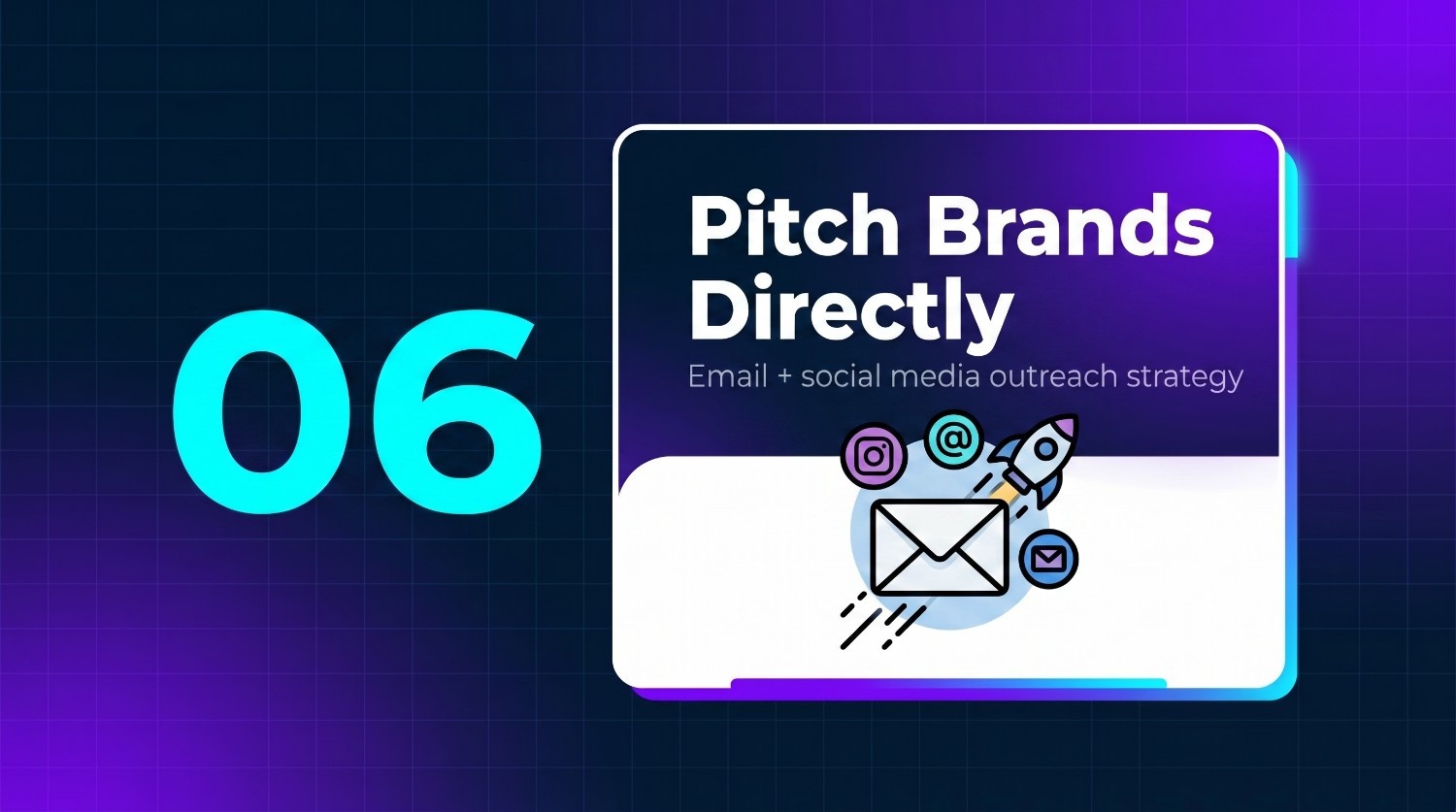
Step 6: Pitch brands directly via email and social media
Find brand contact emails or social handles (such as TikTok) to send personalized pitches. Highlight how your creative concepts can improve their social media ad performance and conversion rates, linking your portfolio.
Top 7 best UGC creator platforms
Finding the right platforms to source client work or streamline your workflow is key to your success as a creator. The following tools represent the industry's best channels:
|
Platform |
Best For |
Difficulty Level |
|---|---|---|
|
Vmake AI |
Automated AI UGC & Fast Scaling |
Very Easy |
|
Upwork |
Direct Pitching & Long-Term Contracts |
Medium |
|
Fiverr |
Outbound Passive Orders (Gigs) |
Easy to Medium |
|
Influee |
E-commerce Partnerships |
Easy |
|
Billo |
Short-Form TikTok/Reels |
Very Easy |
|
Insense |
Ad Whitelisting & Custom Licensing |
Medium |
|
Trend.io |
Premium, Curated Brand Campaigns |
Medium to Hard |
-
Vmake Labs: the ultimate AI assistant for creating UGC videos
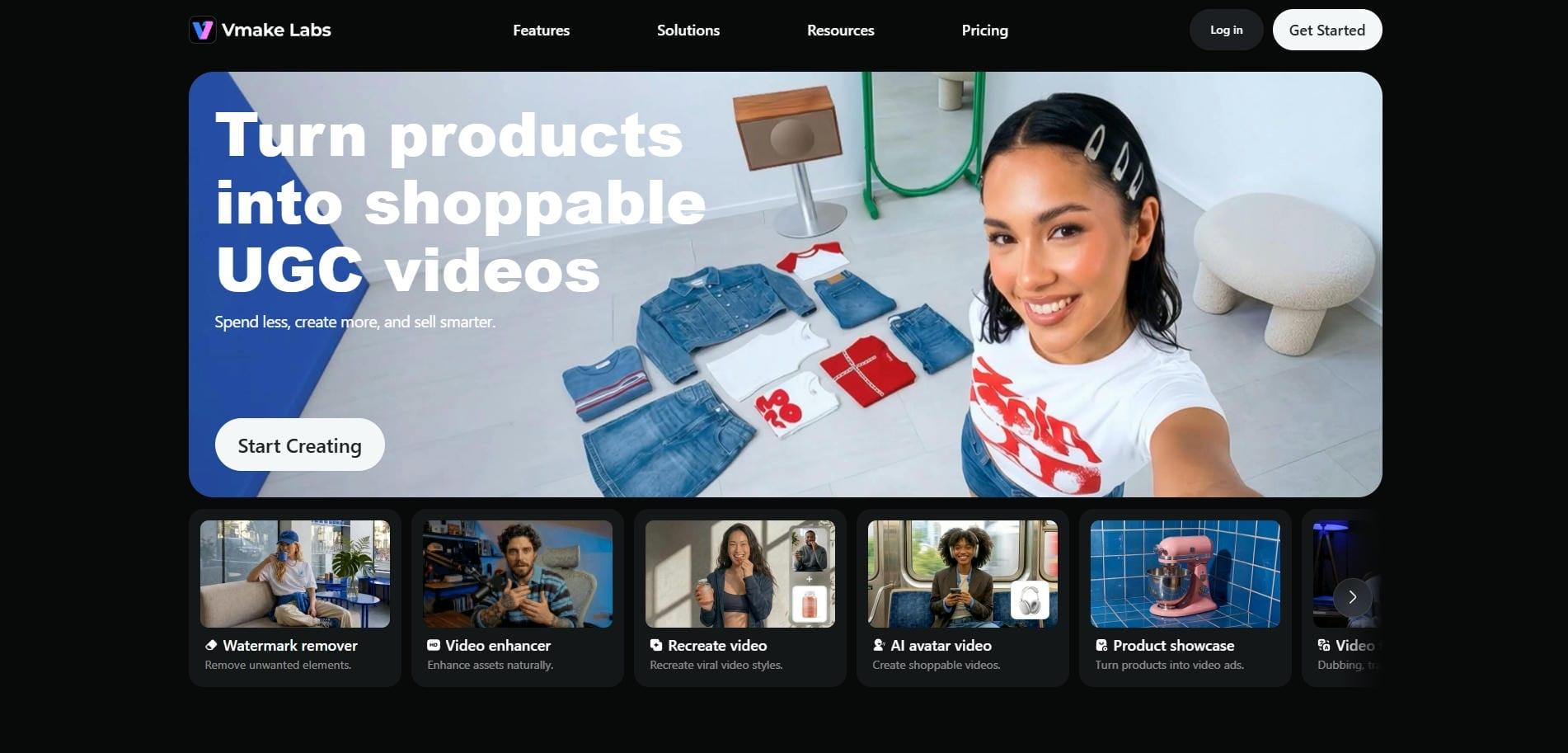
Vmake AI is an industry-leading creative suite designed to automate and elevate the video production process for modern UGC creators. By leveraging advanced artificial intelligence, Vmake helps creators bypass traditional, time-consuming editing bottlenecks, allowing you to generate professional, high-converting product videos in seconds. It is the ultimate tool for scaling your output and landing premium brand partnerships effortlessly.
Key features
-
AI product-to-video generator: Upload a single static product photo to generate dynamic, highly engaging social media videos showcasing the product seamlessly. It is perfect for ecommerce creators who need to produce multiple product videos for different campaigns.
-
AI avatars and presenters: Access moderately realistic, diverse digital presenters to narrate your videos, perfect for camera-shy creators wanting professional video voiceovers. Absolutely perfect for creating talking head videos on a budget.
-
Recreate viral video: Upload a reference video and a product image to seamlessly recreate high-converting viral UGC video formats using your brand's unique assets. Ideal for creators who do not want to spend time searching for the perfect ad idea or format.
-
Multi-model structure: Leverage state-of-the-art video generation models like Veo, Seedance, and Kling to customize outputs and choose the perfect visual rendering engine.
How to use
Step 1: Select your UGC video option
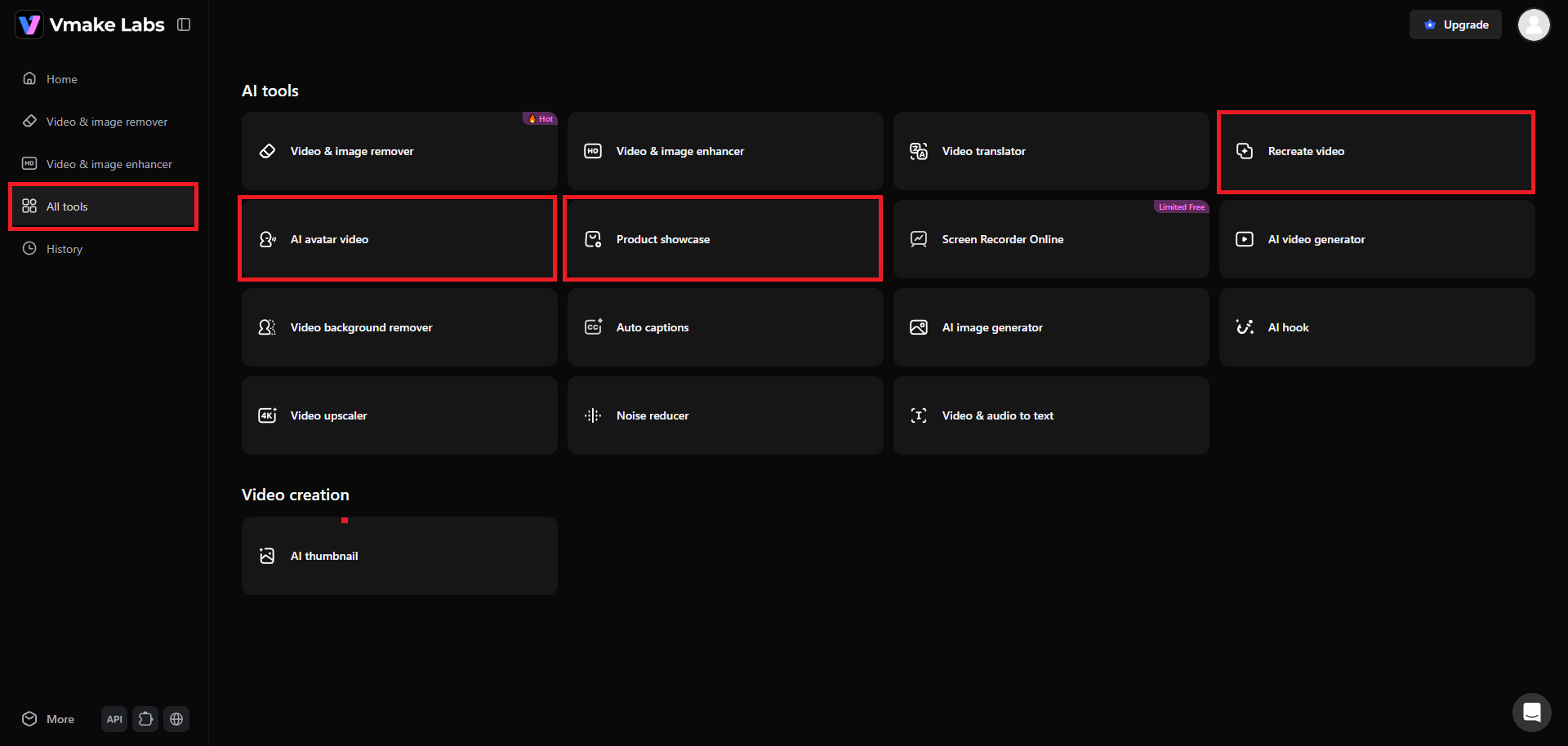
Begin your journey by first accessing your Vmake account. After signing-in, head over to the "All tools" tab and choose your preferred UGC video option. Vmake offers three ways to create a UGC video - recreating a viral video, generating AI avatar videos, and creating product showcase videos.
Step 2: Provide details to create your UGC video
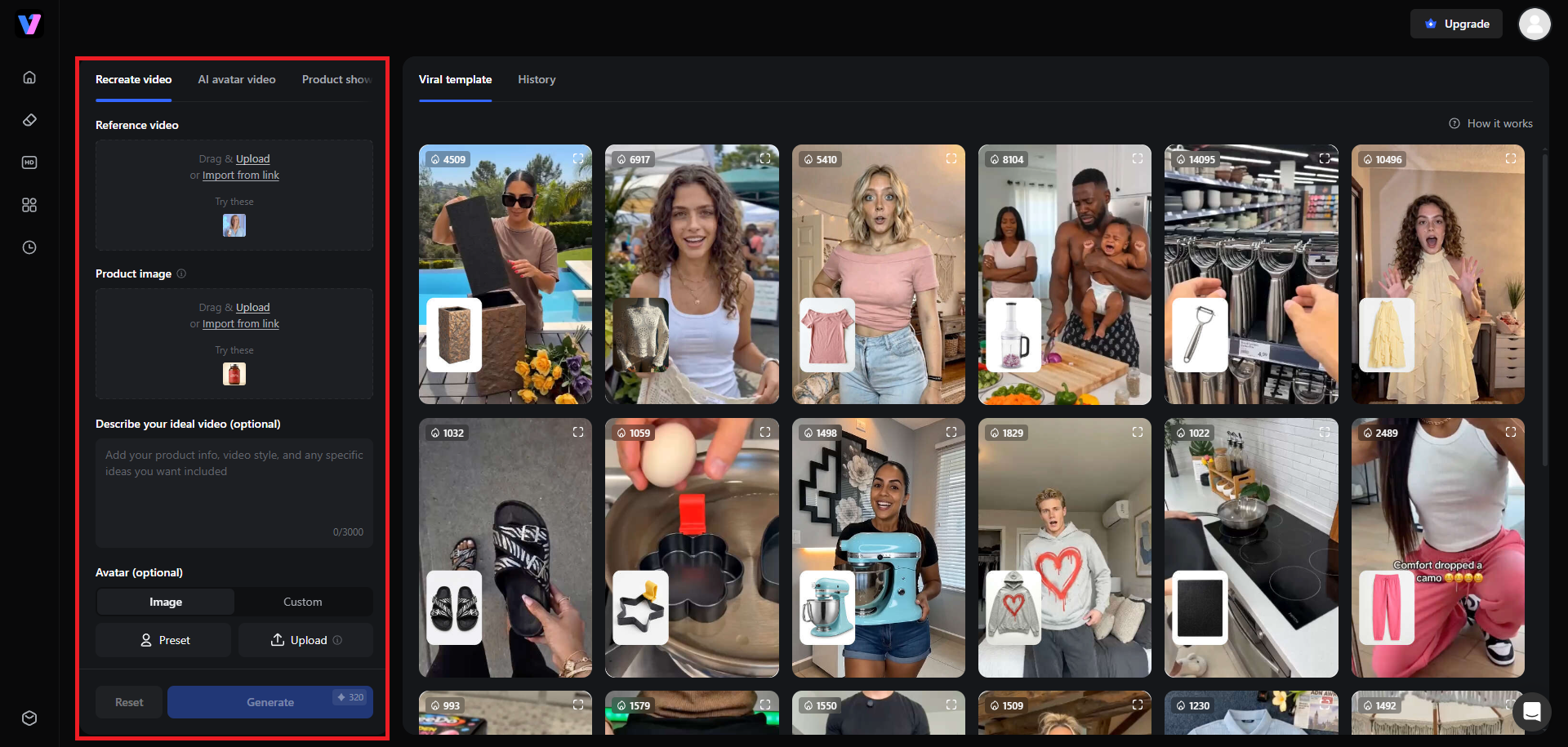
In this example, we will be using the "Recreate video" feature, where you will be able to recreate viral videos. You can either use the templates given on your right-hand side, or proceed to upload/provide URL of your reference viral video, provide details of your product, choose your avatar (optional), the language the video will be in, and the AI video generation model. Additionally, select the video's resolution, aspect ratio, and duration.
Step 3: Generate and export your UGC video
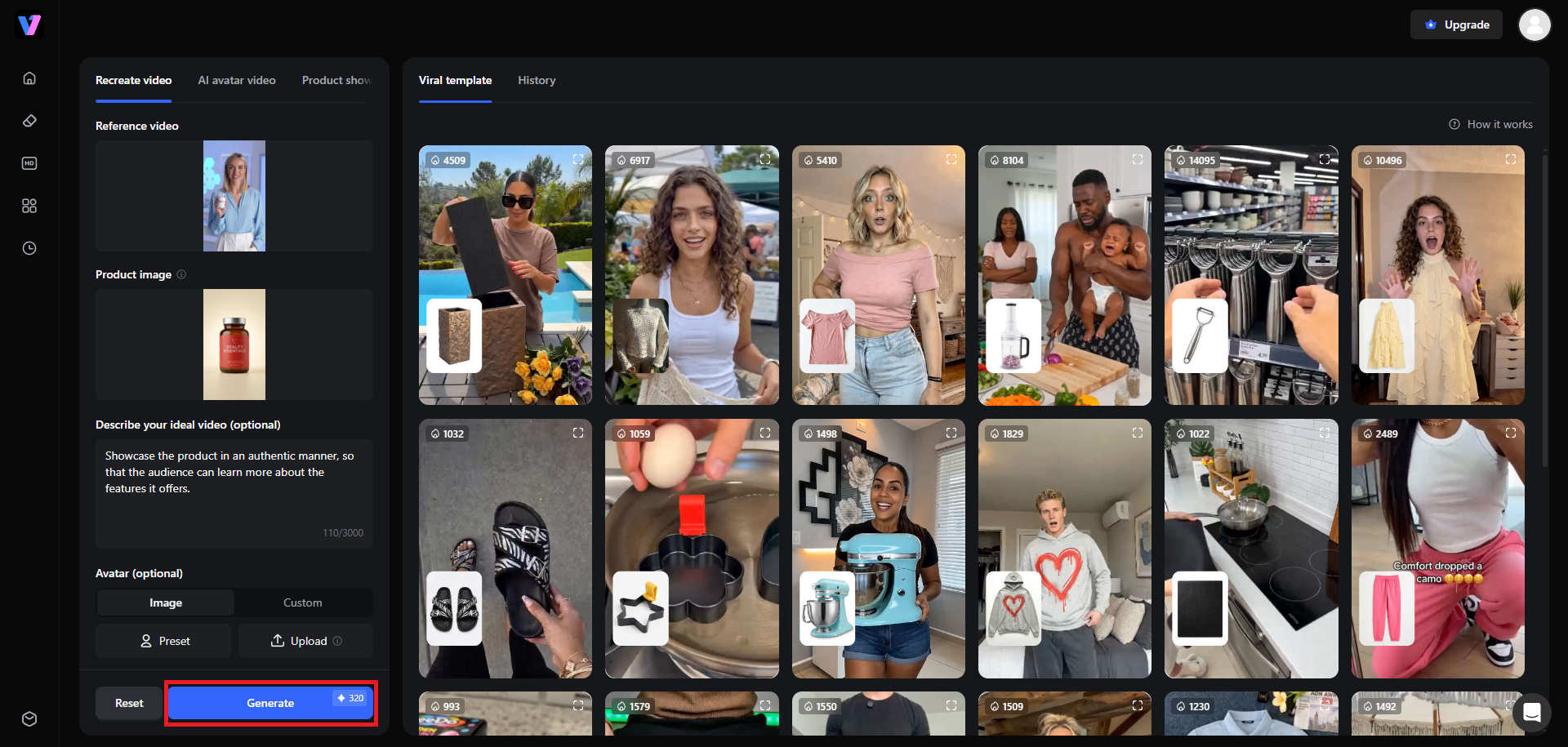
Once done, click on "Generate". Vmake will start creating your UGC video and after the process is completed, you will be able to playback the video, as well as download the video for sharing on social media channels, such as TikTok, Instagram, or YouTube.
Pros
|
|---|
Cons
|
-
Upwork
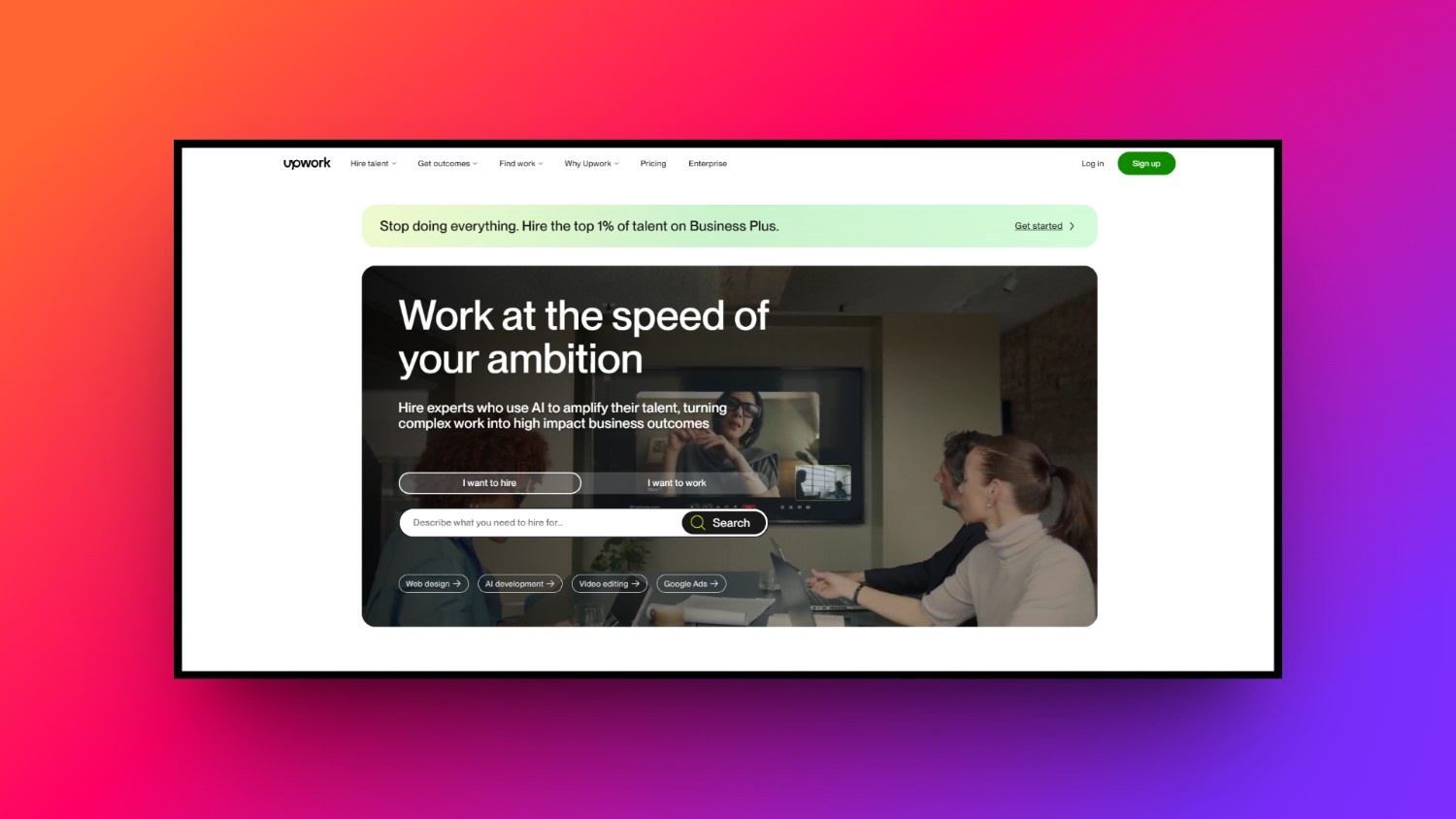
Upwork is a premier global freelance marketplace where UGC creators can connect directly with thousands of businesses seeking custom content. The platform allows you to create a detailed professional profile, showcase your video portfolio, search active job postings, and submit tailored proposals, giving you complete control over your client relationships, contract negotiations, and career growth.
Key features
-
Client direct pitching: Search through daily updated job feeds and write custom proposals detailing your unique approach to their content needs.
-
Project catalog services: Pack and list ready-to-buy UGC packages directly on your profile, allowing brands to purchase your services instantly.
-
Secure payment escrow: Ensure guaranteed compensation as funds are safely held in escrow before you begin any video editing work.
-
Specialized profile creation: Build a dedicated profile highlight sheet specifically focusing on UGC to rank higher in client search algorithms.
Pros
|
|---|
Cons
|
-
Fiverr
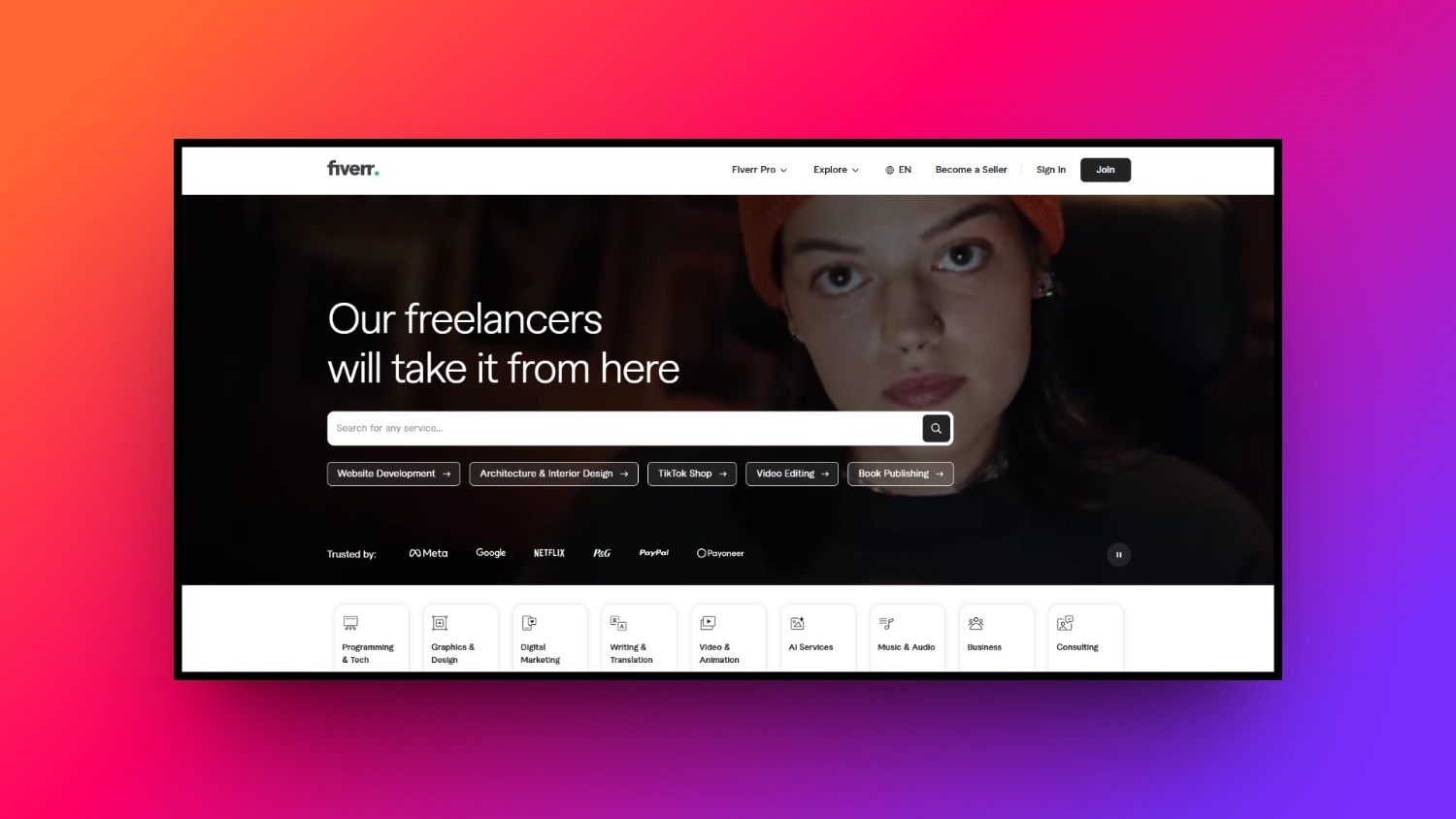
Fiverr flips the traditional freelance model by allowing UGC creators to list pre-packaged services, known as gigs, which brands can buy directly. Instead of chasing clients, you set your pricing tiers, delivery times, and specific inclusions, allowing interested brands to discover your talent organically through the platform's powerful search engine and streamlined ordering system.
Key features
-
Gig tier package options: Offer basic, standard, and premium packages to easily upsell additional services like extra revisions or fast delivery.
-
Seller levels system: Unlock better search visibility and exclusive seller perks as you successfully complete orders and receive high ratings.
-
Custom offer creator: Send customized invoices directly in the chat to easily accommodate unique, complex brand requests outside normal packages.
-
Direct inbox chatting: Communicate with potential buyers via a simple, built-in chat system to align creative expectations before ordering.
Pros
|
|---|
Cons
|
-
Influee
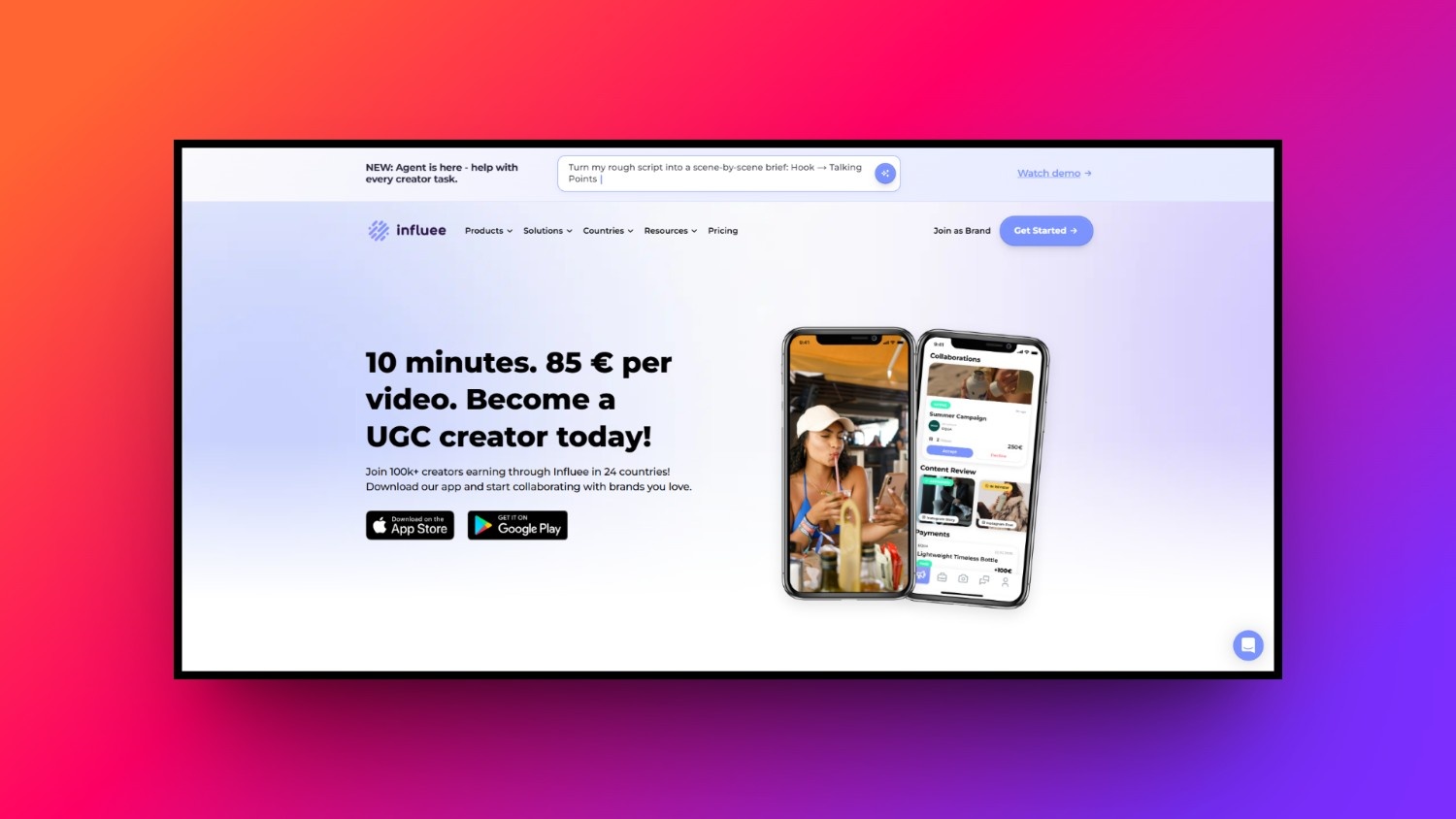
Influee is a specialized platform built exclusively for content creators and e-commerce brands looking to collaborate on high-converting social media ads. Designed with simplicity in mind, it streamlines the collaboration lifecycle from initial application to final product shipment and content approval, making it an excellent hub for creators looking to work with fast-growing brands.
Key features
-
Curated creator campaigns: Apply directly to structured creative briefs posted by brands specifically looking for your demographic and style.
-
Automated product shipping: Receive physical products automatically trackable through the system to guarantee timely delivery for your video creation.
-
In-app creative briefs: Access comprehensive, detailed brand guidelines directly inside the platform to ensure your videos match their expectations.
-
Direct invoicing system: Submit your completed video assets and receive guaranteed, fast payouts directly through the secure digital payment portal.
Pros
|
|---|
Cons
|
-
Billo
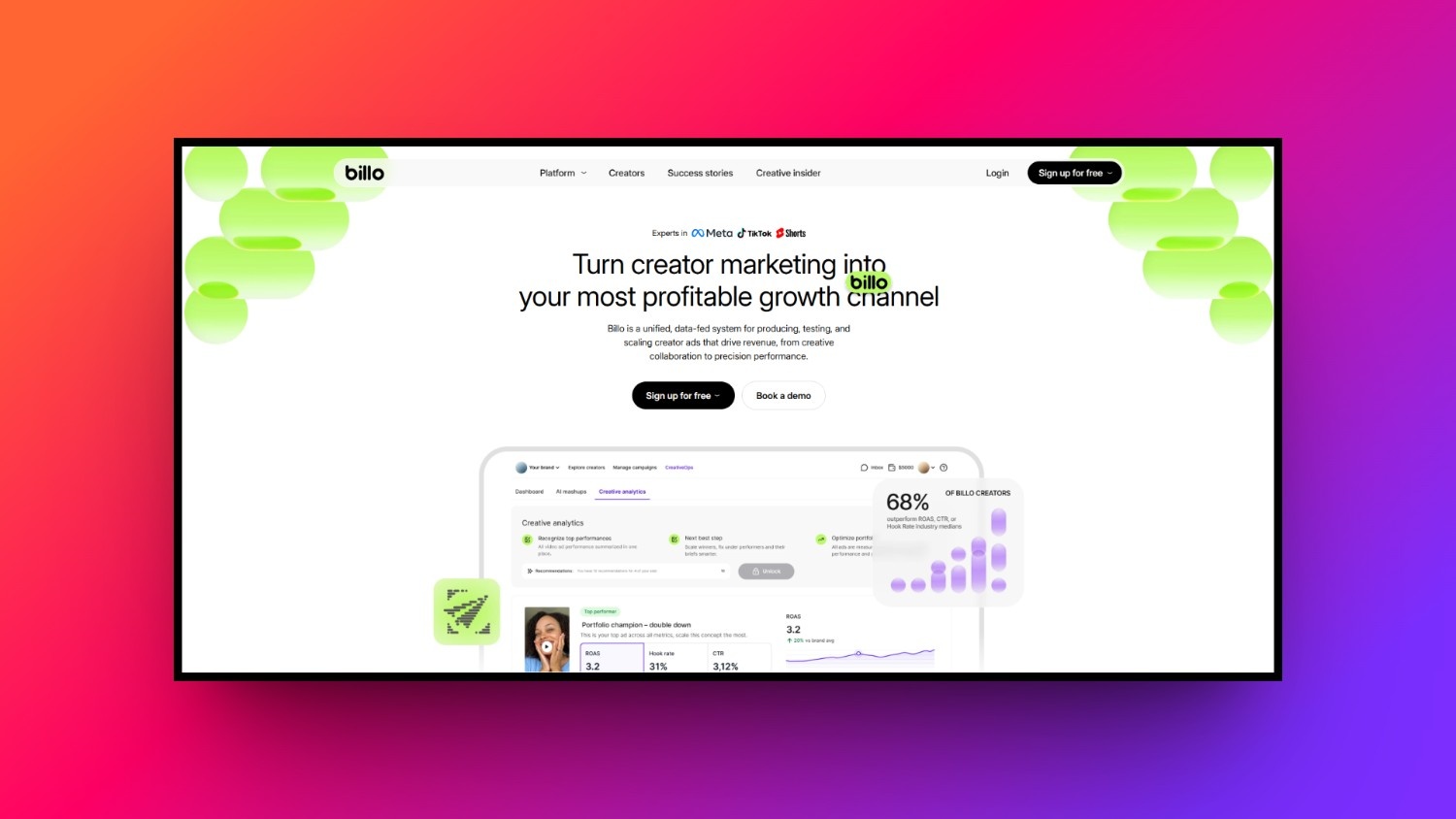
Billo is an incredibly popular mobile-first platform dedicated specifically to custom video content creation for e-commerce brands. The app connects thousands of creators with brands needing TikToks, Reels, and YouTube Shorts. Billo is highly structured, providing a predictable environment where creators can quickly apply for jobs, receive products, and upload edited videos.
Key features
-
Task-based job board: Browse a simple feed of open video tasks categorized by industry, video type, and platform destination.
-
App-based management: Manage your entire creative workflow, from shipping tracking to video uploads, directly on your mobile phone screen.
-
Standardized creator rates: Enjoy transparent base payouts that scale up based on your experience tier and positive platform performance history.
-
Structured video blueprints: Follow built-in outlines that help you structure your videos correctly to satisfy precise brand requirements every time.
Pros
|
|---|
Cons
|
-
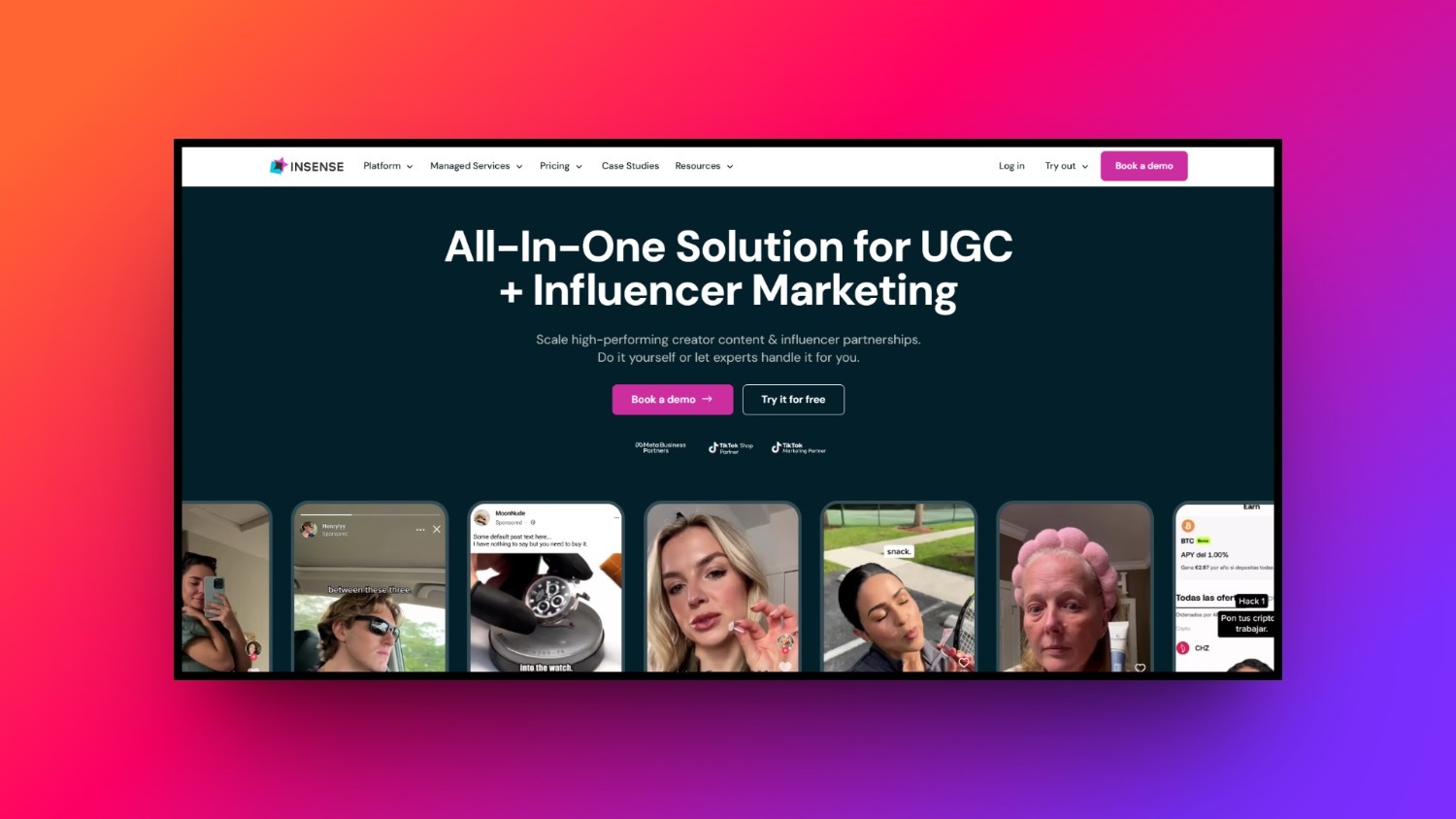
Insense
Insense is a powerful creative platform that bridges the gap between UGC creation and influencer marketing. It specializes in helping brands scale their paid social advertising by connecting them with skilled creators who can produce engaging content and optionally grant creator licensing access, allowing brands to run ads directly through the creator's social profiles.
Key features
-
Creator whitelisting tools: Securely grant brands temporary advertising access to run paid ads through your personal social media handles.
-
Integrated chat board: Discuss script ideas, receive constructive feedback, and send drafts directly within the built-in communication workspace hub.
-
Custom content licensing: Monetize your work further by negotiating specific content usage rights and licensing agreements directly inside jobs.
-
Diverse campaign types: Participate in organic posting campaigns, paid social ad creation, or product testing briefs for ultimate variety.
Pros
|
|---|
Cons
|
-
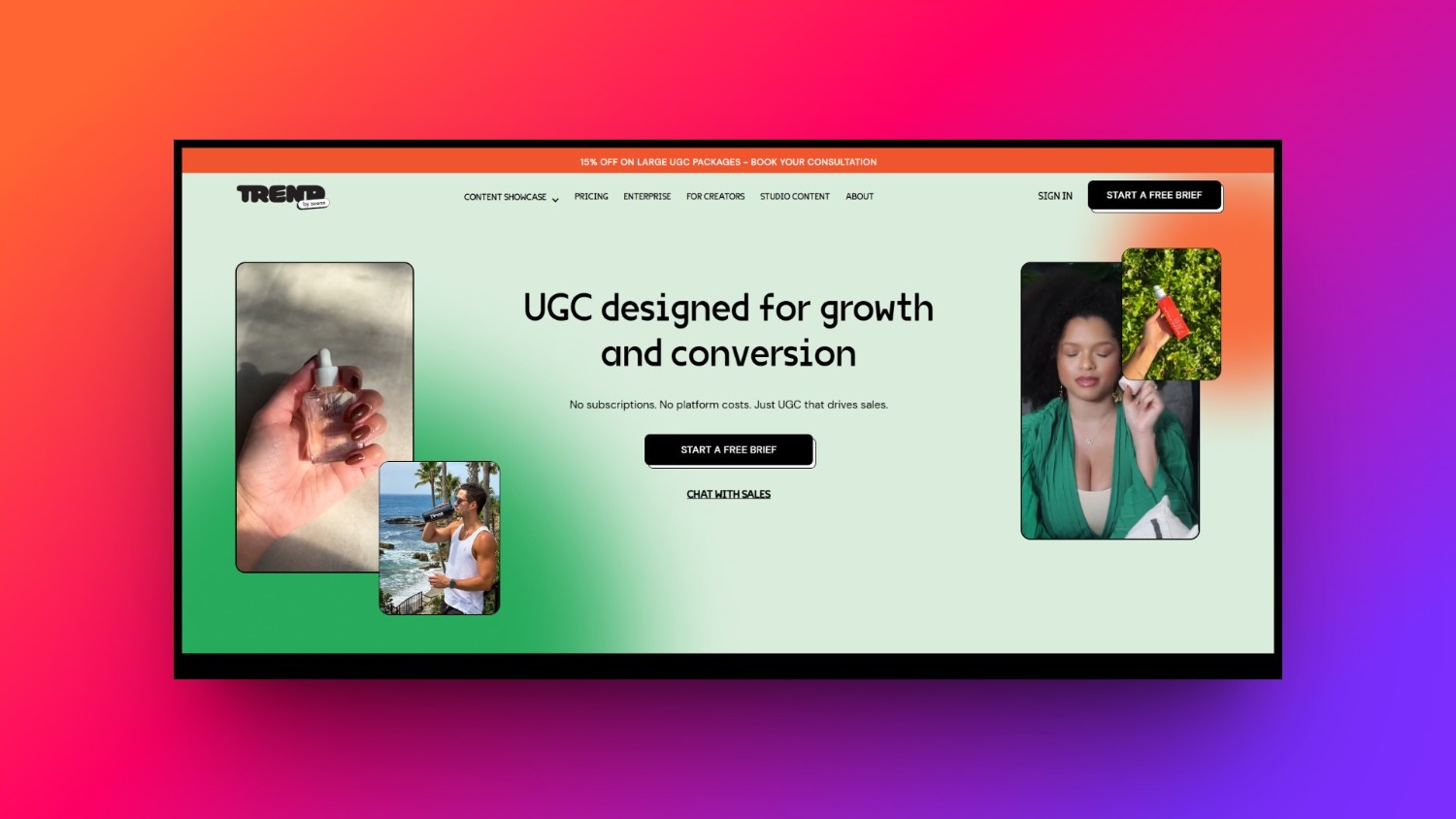
Trend.io
Trend.io is a curated, high-end marketplace that connects top-tier UGC creators with premium brands seeking exceptional visual content. The platform prides itself on quality, pre-vetting both brands and creators to ensure professional-grade photography and videography collaborations. It offers a highly organized workflow with standardized payouts, ensuring a reliable experience for serious digital creators.
Key features
-
Premium brand network: Work exclusively with reputable, well-funded brands looking for top-notch, highly aesthetic visual content.
-
Pre-vetted creator community: Join an exclusive network of high-caliber creators, elevating your professional profile in the eyes of brands.
-
Standardized compensation tiers: Enjoy predictable, guaranteed pricing tiers that ensure you are paid fairly for your creative time.
-
Simplified asset delivery: Upload your high-definition photos and videos through a clean, frictionless file-sharing interface for rapid client approval.
Pros
|
|---|
Cons
|
Benefits of becoming a UGC creator
Building a business with user-generated content offers incredible perks that traditional employment or influencer careers simply cannot match. Here are the core benefits of this creative path.
-
Zero minimum follower count required: You do not need an audience or high follower count to succeed. Brands buy your content quality, not your social reach, allowing absolute beginners to monetize their skills instantly.
-
High flexibility and geographic freedom: Work from anywhere in the world with just your smartphone. This freedom allows you to set your own daily hours, manage clients remotely, and design an ideal lifestyle.
-
Diverse earning channels and recurring brand retainers: Maximize your income by packaging single video deals into ongoing, monthly retainer agreements. These predictable packages guarantee steady cash flow and cultivate highly rewarding, long-term creative relationships.
-
Direct development of highly marketable digital skills: You will master valuable digital marketing skills, including video editing, persuasive copywriting, graphic design, and brand strategy, making you highly employable across the entire digital landscape.
Top 4 success tips for UGC creators
Elevating your content from basic to high-converting is the key to charging premium rates. Implement these highly actionable, expert tips to maximize your creative output and brand satisfaction.
-
Focus heavily on the first 3 seconds (The Hook)
Capture immediate viewer attention by using dynamic visual and verbal hooks. A powerful hook stops users from scrolling and significantly boosts your overall organic video retention metrics.
-
Prioritize great audio and natural lighting over expensive gear
Clear audio and bright, natural light are more critical than premium cameras. Record in quiet spaces near large windows to instantly professionalize your raw video look.
-
Analyze high-performing social ad libraries for inspiration
Regularly audit active TikTok and Meta ad libraries. Studying winning brand strategies helps you identify trending transitions, styles, and copywriting angles to apply to your own creative concepts.
-
Build professional long-term retainer packages
Instead of proposing single videos, offer monthly content bundles. Providing brands with fresh, ongoing video assets secures predictable monthly income while solving their continuous need for ad creative.
Wrapping up
Becoming a UGC creator in 2026 is one of the most accessible and lucrative pathways into the digital creator economy. By focusing on creating authentic, high-converting content rather than chasing viral fame, you can build a stable, scalable freelance business.
While platforms like Upwork and Fiverr connect you with clients, leveraging cutting-edge AI tools like Vmake AI will give you an invaluable competitive edge. Vmake streamlines your scripting, editing, and visual creation, allowing you to produce premium-grade UGC at lightning speeds. Embrace the future of creation and launch your journey today.
FAQs
What is the average rate for a beginner UGC creator?
Beginners typically charge between $100 and $150 per video. As you build your portfolio, master conversion hooks, and offer licensing packages for paid ads, you can easily scale to $300+ per video.
Do I need to show my face to make money as a UGC creator?
No. Many brands actively seek faceless UGC, such as aesthetic product close-ups, ASMR unboxing videos, or screen-recording tutorials. You can build a highly profitable, fully anonymous creative business.
Can I use Vmake AI if I have absolutely zero video editing experience?
Yes, absolutely. Vmake AI is built specifically for ease of use, letting beginners generate highly professional, voiceover-synced videos with dynamic product shots through simple one-click templates and intuitive AI-powered tools.
How do brands use the content created by UGC creators?
Brands use this content across their organic social media feeds, email marketing campaigns, website landing pages, and, most frequently, as high-converting creative assets for paid Facebook, Instagram, and TikTok ads.
What are the best niches for new UGC creators to target?
Beauty, skincare, consumer tech, health and wellness, and home goods are highly profitable niches. These industries have massive advertising budgets and a constant, high demand for fresh social media content.

You May Be Interested

Best AI-Driven UGC Video Platforms for Startups in 2026

UGC Ads: How to Create High-Converting AI UGC Video Ads
Best UGC Video Creation Tools for Instagram Reels: Top Picks