
How to Create 4K Cinematic AI Videos: The Definitive Seedance 2.0 to Vmake Guide
 Ken DawsonFebruary 14, 2026
The dream of the "one-person movie studio" has officially arrived in 2026. Only a few years ago, producing a high-fidelity cinematic sequence required a crew of dozens, expensive Arri Alexa cameras, and a post-production budget that could rival a small nation's GDP. Today, the combination of ByteDance’s Seedance 2.0 and Vmake’s AI Video Enhancer has democratized the ability to create 4K cinema-grade content.
However, a lingering problem remains: raw AI video often looks "dreamy," low-resolution, or plagued by temporal flickering. While Seedance 2.0 excels at choreography and storytelling consistency, it often exports at 1080p or 2K with visible artifacts. To create content that stands up on a 4K home theater or a commercial screen, you need a professional enhancement pipeline. In this guide, we will walk you through the end-to-end workflow of directing in Seedance and mastering in Vmake.
- Phase 1: Pre-Production – Setting the Cinematic Foundation in Seedance 2.0
- Phase 2: Production – Mastering Multi-Shot Consistency
- Phase 3: The Vmake Pipeline – From 2K Draft to 4K Master
- Phase 4: Post-Production – Environmental Cleanup with Vmake
- Case Study: The "Neon Samurai" Sequence
- FAQ: Mastering the 2026 AI Workflow
- Conclusion: Your Professional Studio Awaits
Phase 1: Pre-Production – Setting the Cinematic Foundation in Seedance 2.0
Before you hit "Generate," you must understand that Seedance 2.0 is a multimodal director, not just a prompt box. Its power lies in its ability to digest multiple inputs simultaneously to maintain visual intent.
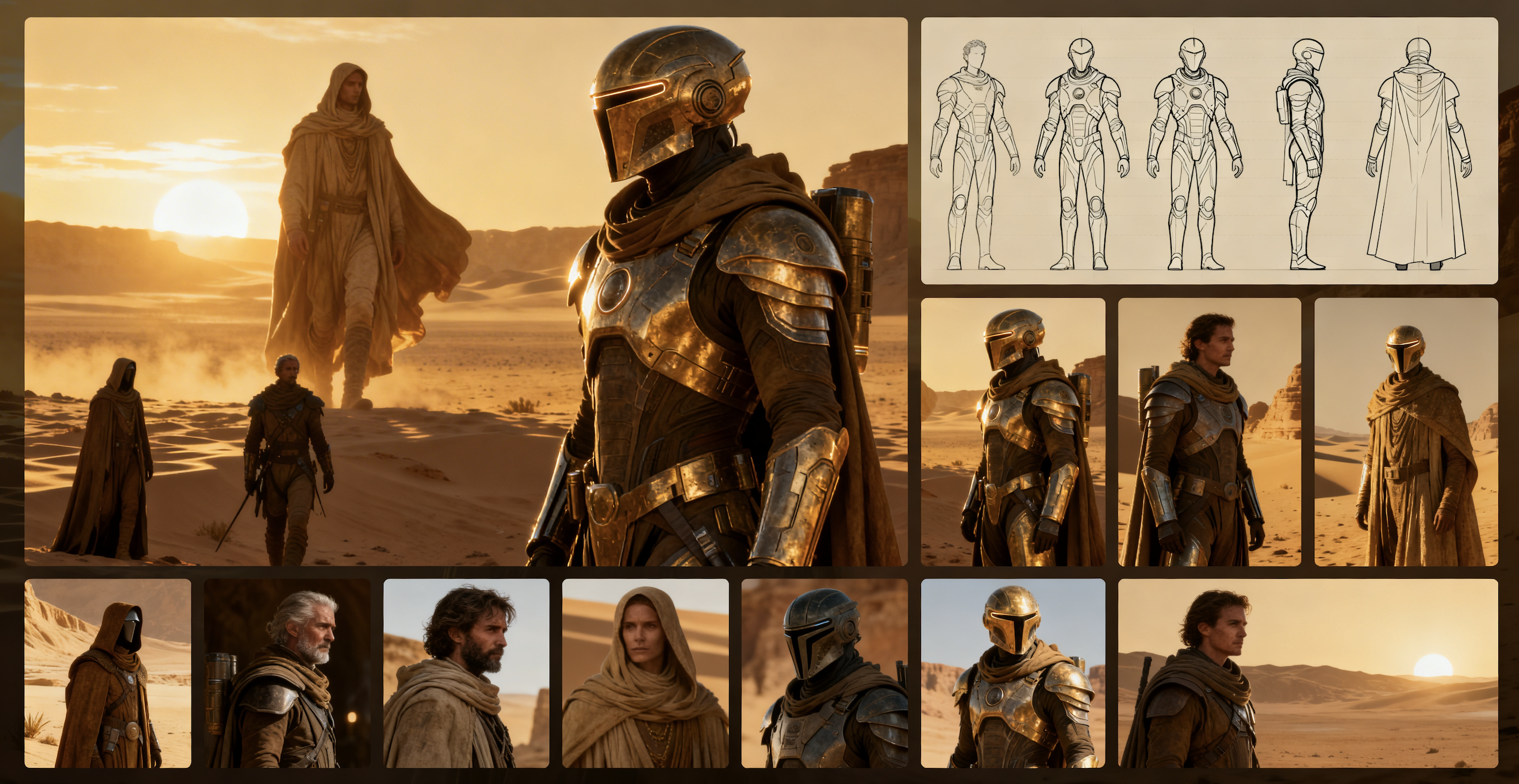
The biggest mistake beginners make is using "text-only" prompts. To get a cinematic look, you need to use the @Reference system. Seedance 2.0 allows up to 12 simultaneous references (9 images, 3 videos).
- The Lighting Anchor: Upload a high-quality still from a film like Blade Runner 2049. Tag it as @Lighting. This ensures the AI understands high-contrast, volumetric light rather than "generic" brightness.
- The Subject Anchor: Upload a character sheet with front, side, and 45-degree views. Tag it as @Character. This is the secret to AI character consistency across multiple shots.
- The Motion Anchor: If you want a specific camera move, such as a "Handheld tracking shot," upload a 5-second clip of that movement. Seedance will "learn" the camera physics without copying the visual content.
1.2 Writing "Director-Level" Prompts
In 2026, the best prompts are structured like a shot list. Avoid flowery adjectives; use technical lens and lighting cues.
- Ineffective Prompt: "A beautiful girl walking in a city at night, very realistic, 4k."
- Pro Cinematic Prompt: [Subject: @Character] walking through [Setting: @Environment], shot on 35mm anamorphic lens, high-contrast chiaroscuro lighting, slow dolly-in, shallow depth of field, rain-slicked pavement reflections --seed 42.
Phase 2: Production – Mastering Multi-Shot Consistency
Seedance 2.0’s "Multi-Shot Narrative" is its killer feature. Unlike earlier models that generated one clip at a time, Seedance can plan a sequence.
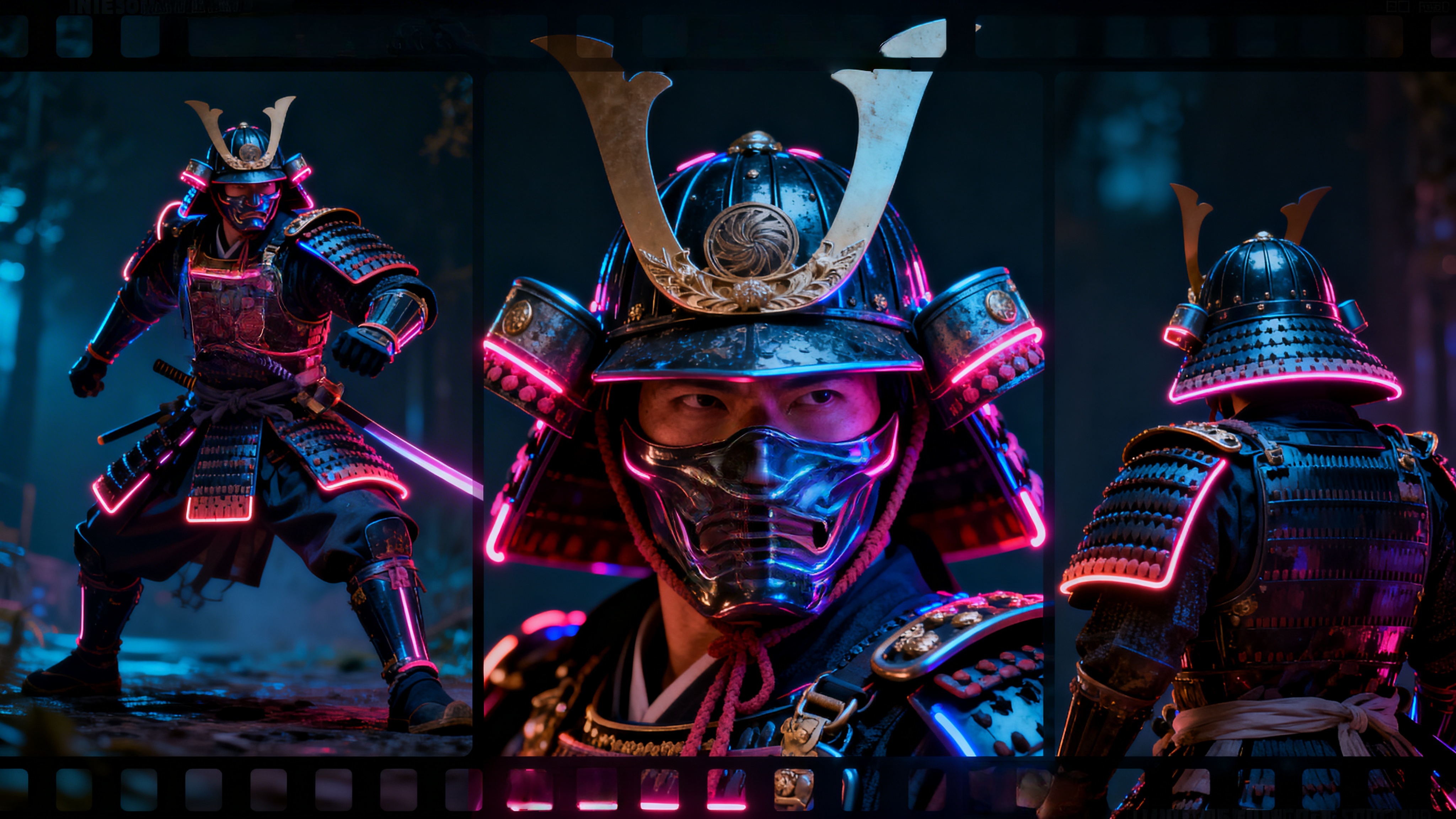 2.1 The Storyboard Workflow
Use the AI Agent within the Seedance interface to generate a storyboard first. This allows you to see the "keyframes" of your story. If Shot 3 looks inconsistent with Shot 1, you can manually lock the @Character reference to Shot 3 to force the model back into alignment. This prevents the "morphing" effect common in lower-tier AI generators.
2.2 Native Audio-Visual Sync
One of the most overlooked updates in Seedance 2.0 is its Native Audio Engine. By uploading a music track or a voiceover file, the AI will synchronize the character's lip-sync and the scene’s "cuts" to the beat. This saves hours of manual editing in post-production. However, remember: this audio-synced file is still just a "draft" until it passes through the Vmake 4K restoration pipeline.
Phase 3: The Vmake Pipeline – From 2K Draft to 4K Master
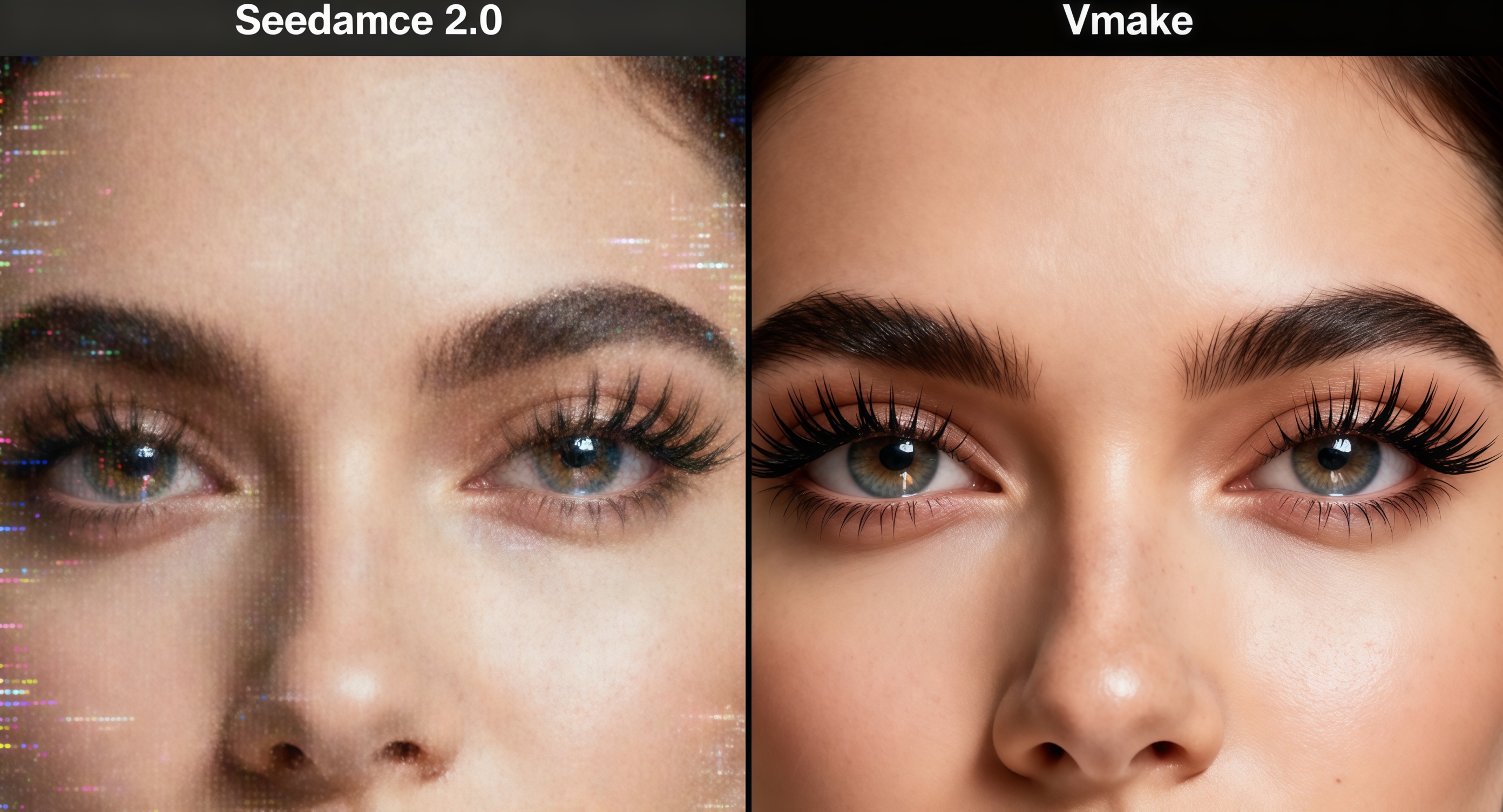
Even at its best, Seedance 2.0’s 2K output can suffer from temporal shimmering (small flickers in textures) and a lack of fine detail in areas like hair, skin pores, and fabric. This is where Vmake transforms a "cool AI clip" into a "cinematic masterpiece."
 3.1 Vmake AI Video Enhancer: Beyond Simple Upscaling
Traditional upscalers just enlarge pixels, resulting in a blurry mess. Vmake’s AI Video Enhancer uses a deep generative model to reconstruct missing data.
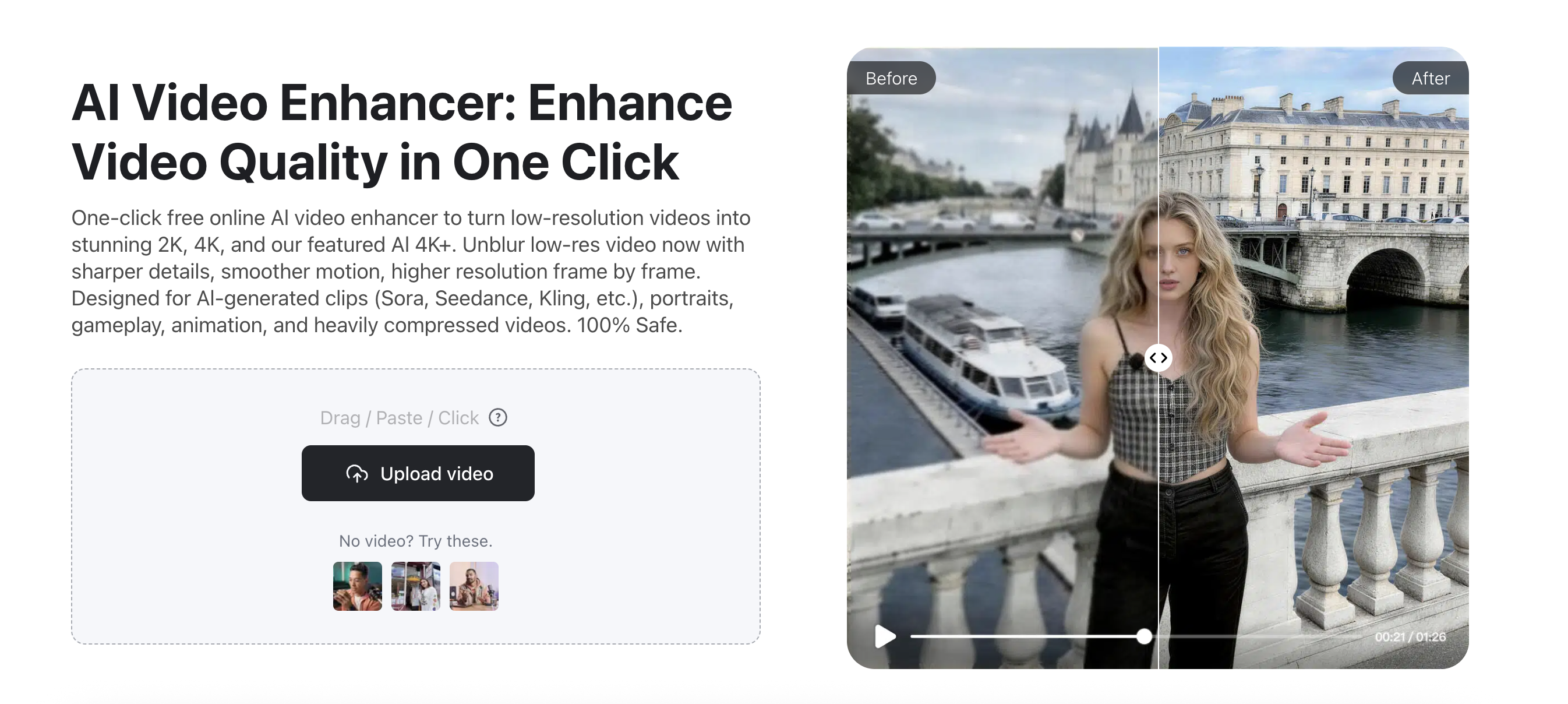
- Detail Restoration: Vmake identifies "high-frequency" areas like eyes and foliage. It replaces blurry AI noise with sharp, believable textures that look like they were captured by a 4K sensor.
- Temporal Smoothing: Vmake analyzes the movement between frames. If Seedance 2.0 caused a slight "jitter" in a character's arm, Vmake’s engine smooths the motion vector, making the movement look like it was filmed at a high frame rate.
3.2 The 4K Upscaling Process: Step-by-Step
Step 1: Input: Drag and drop your Seedance 2.0 export into the Vmake AI Video Enhancer.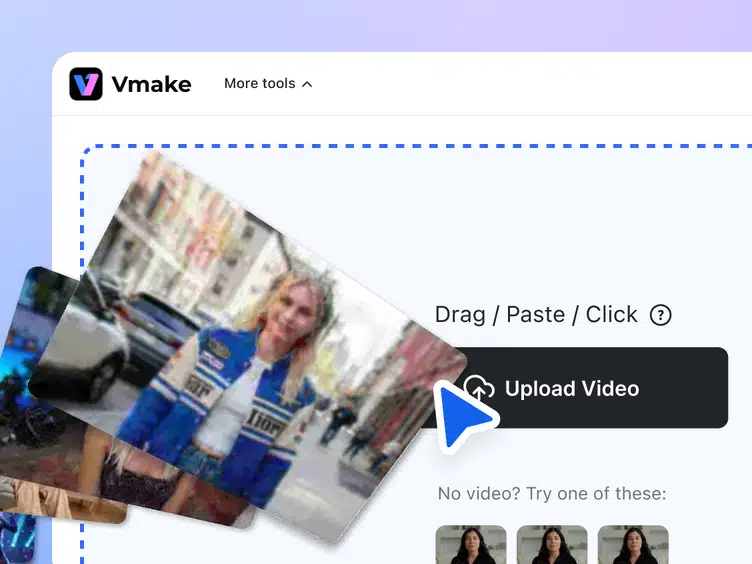
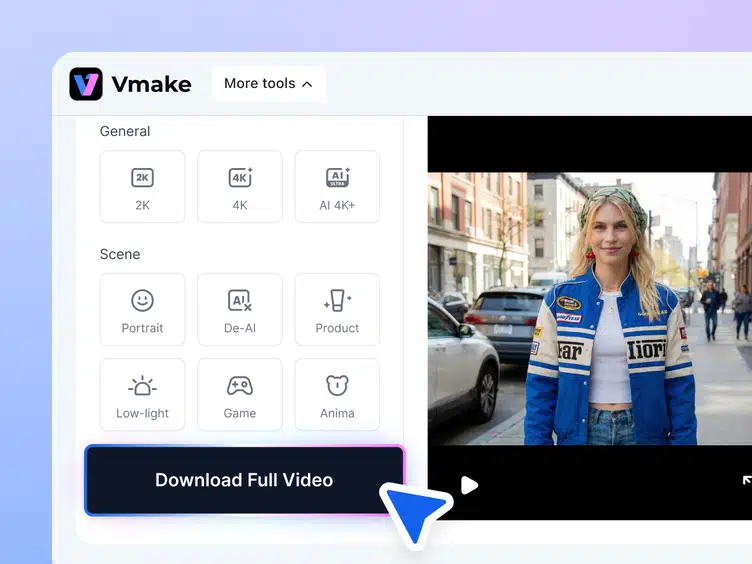
Step 2: Resolution: Select 4K (3840x2160), and if you're looking for a more natural and higher quality ouput, choose AI 4K+ and also the De-AI mode.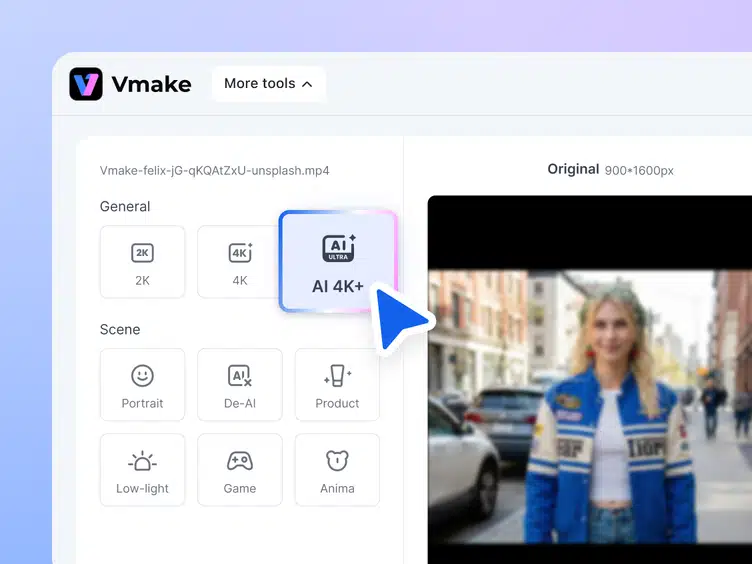
Step 3: Frame Rate: Increase your 24fps AI generation to a silky-smooth 60fps using Vmake’s frame interpolation for an "action movie" feel.
Phase 4: Post-Production – Environmental Cleanup with Vmake
AI is prone to "hallucinations"—a third arm in a crowd, a floating coffee cup, or a weird watermark. Professional filmmakers use Vmake to "clean the plate."
4.1 Background Removal and Replacement
If your Seedance background looks "too AI" or surreal, use Vmake’s Video Background Remover. You can isolate your character (who looks great thanks to Seedance’s consistency) and place them into a real, high-resolution 8K photographic plate. This "hybrid" approach—AI character plus real-world background—is how the best filmmakers are winning awards in 2026.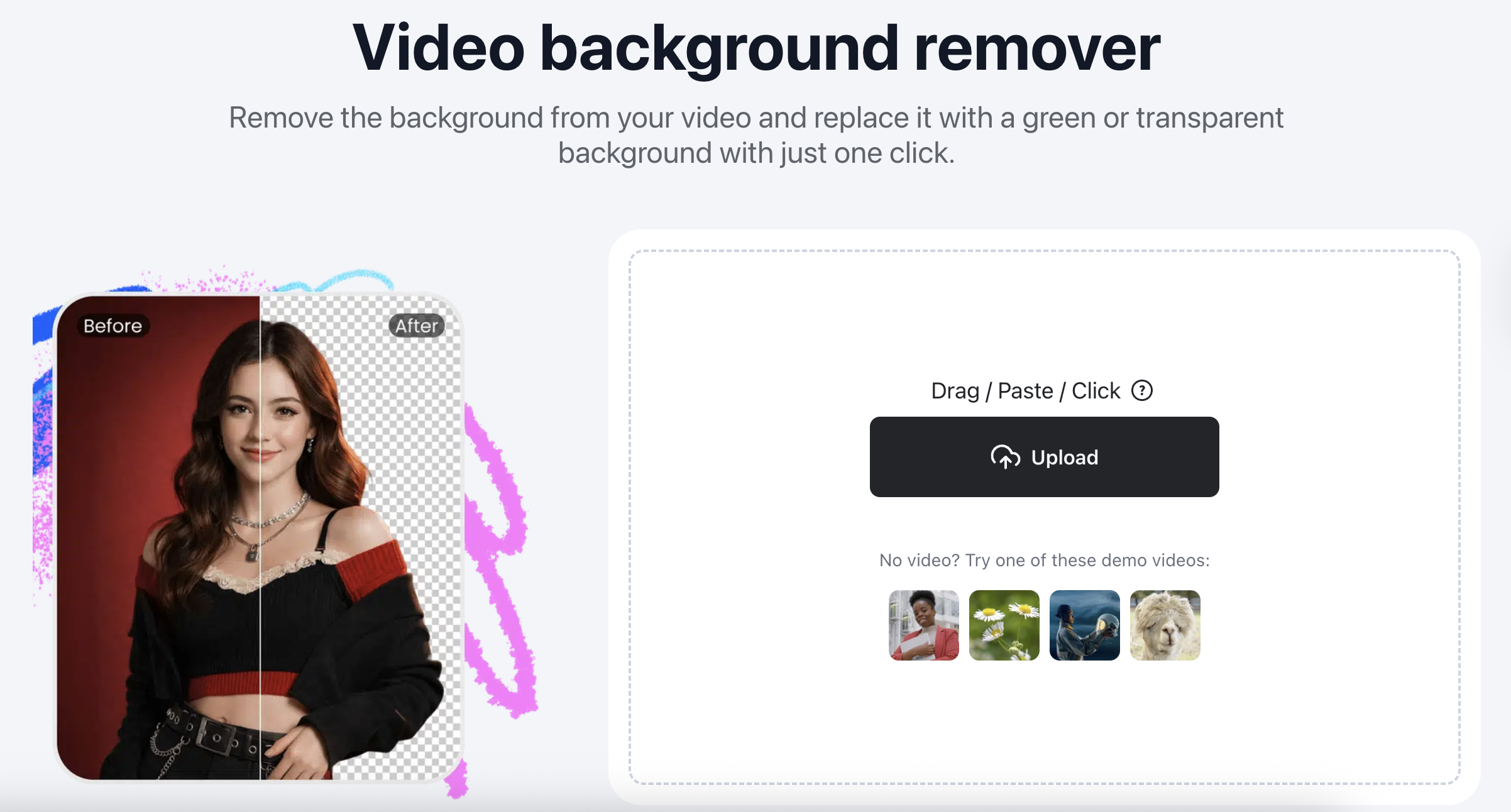
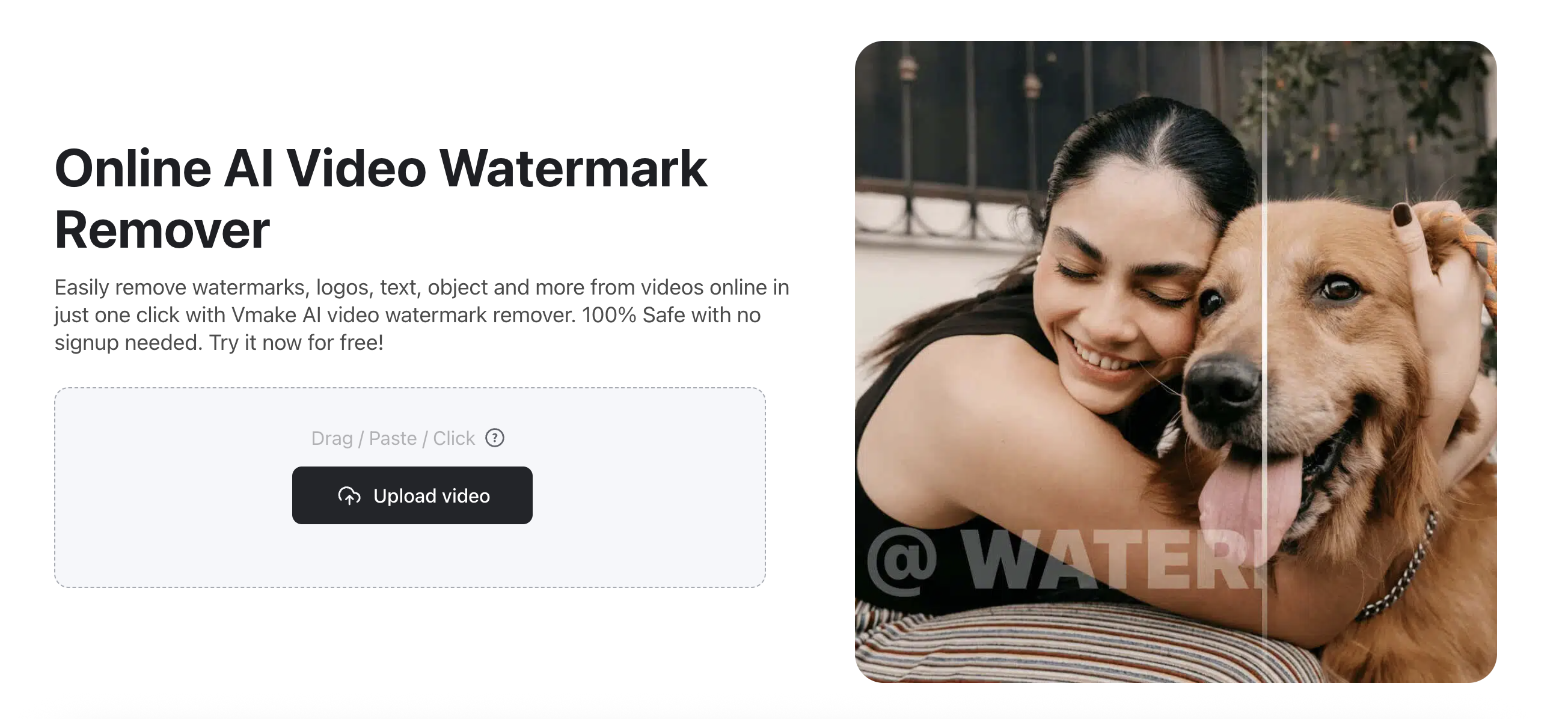
To make your video truly professional, you must remove all artifacts. Use Vmake’s Watermark Remover to ensure no platform logos or AI metadata distract the viewer. This is essential for commercial clients who require clean, branded assets for YouTube, Instagram, or TV broadcast. Check this out if you are looking for a more detailed steps of how to remove seedance 2.0 watermark.
 Case Study: The "Neon Samurai" Sequence
To demonstrate the power of this workflow, let's look at a 15-second commercial project created for a fictional tech brand.
- The Setup: We used Seedance 2.0 to generate a samurai standing in a rainy Tokyo street.
-
The Problem: The rain looked like static noise, and the character's face became blurry during a close-up tracking shot.
-
The Vmake Fix: By running the clip through the Vmake AI Video Enhancer, the rain was transformed into individual, sharp droplets. The Face Enhancement tool restored the glint in the samurai’s eyes, making the character feel "alive" rather than a flat, generated image.
FAQ: Mastering the 2026 AI Workflow
Q1: Can I run Vmake on a mobile phone?
A1: Yes. The Vmake app offers the same 4K upscaling and background removal tools as the desktop version, allowing you to edit Seedance generations on the go.
Q2: How does Vmake handle "Temporal Flickering"?
A2: Unlike standard video editors, Vmake uses temporal smoothing algorithms that look at the frames before and after a "flicker" to intelligently predict the correct texture, resulting in stable, broadcast-quality video.
Q3: How long does it take to upscale a 15-second clip to 4K?
A3: Thanks to Vmake’s 2026 cloud-processing updates, a 15-second cinematic clip takes roughly 2–3 minutes to fully master in 4K.
Q4: Is Seedance 2.0 free?
A4: It typically operates on a credit-based system. Most professional workflows involve a subscription to ByteDance’s creative suite, which pairs perfectly with a Vmake Pro account for high-volume output.
Conclusion: Your Professional Studio Awaits
The gap between "amateur" and "professional" in 2026 is no longer defined by the gear you own, but by the workflow you master. By combining the narrative control and multimodal references of Seedance 2.0 with the technical perfection of Vmake, you are no longer just an "AI user"—you are a digital cinematographer.
Ready to see the difference? Don’t let your creative vision stay stuck in a low-resolution draft. Try Vmake’s AI Video Enhancer today and transform your Seedance 2.0 clips into professional 4K masterpieces.

You May Be Interested

Seedance 2.0 vs Kling 3.0: 2026 AI Video Model Comparison

Seedance 2.0: What's New & How to Use It
How to Remove Seedance 2.0 Watermark from Videos

Seedance 2.0 vs Sora 2: Which AI Video Generator Wins in 2026?
