
How to Make a Short Movie Using AI: Complete Beginner's Guide
Want to create your own short film? Learn how to make a short movie from script to screen with practical filmmaking tips, then discover how Vmake AI can simplify video creation.

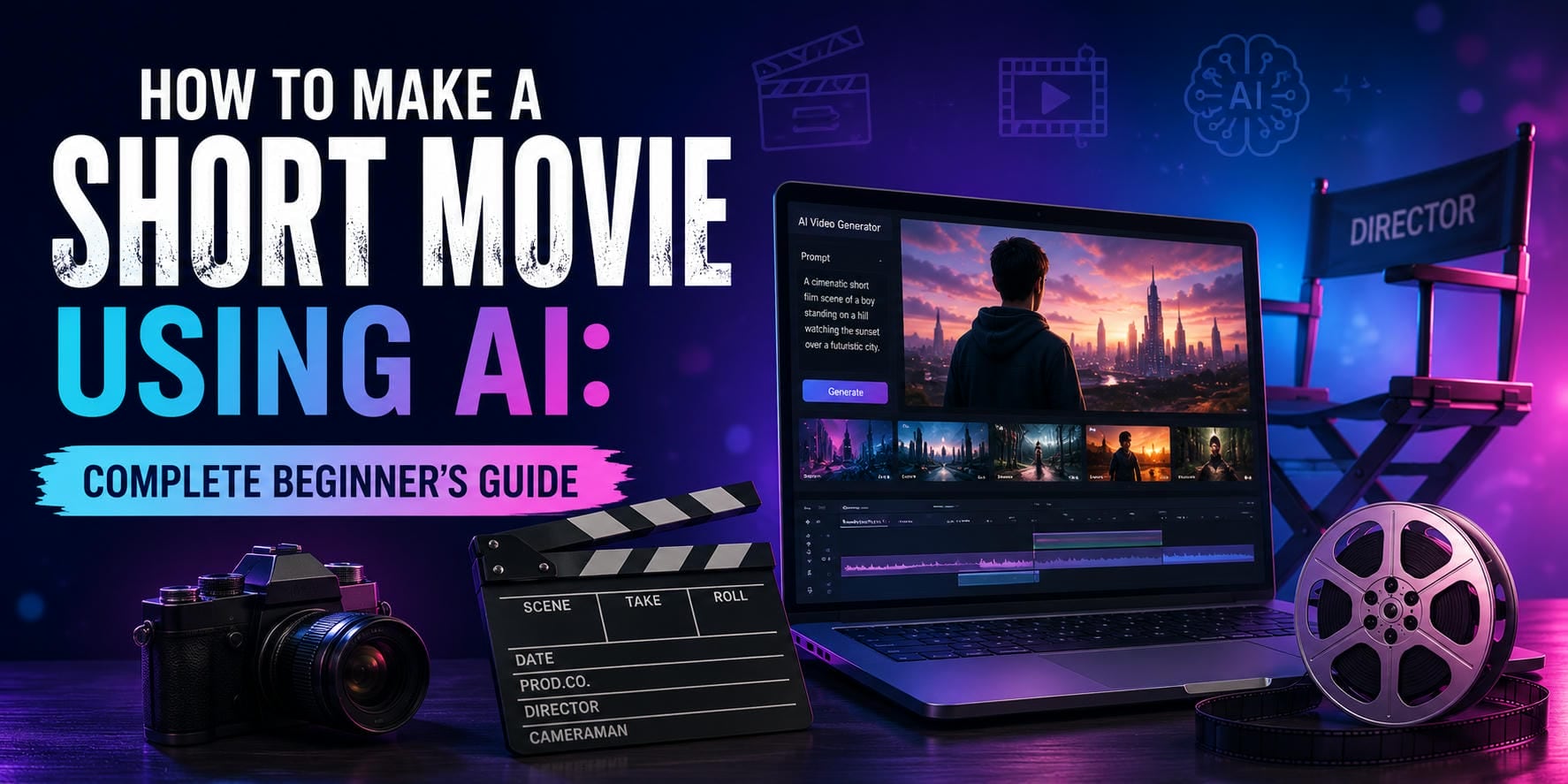
Making a short film used to require an army: cameras, actors, locations, and endless hours of tedious editing. Today, AI has completely rewritten the script. With advanced LLM and deep learning, AI tools put a full production studio right on your laptop in just seconds. Let's discover how to make a short movie with AI today.
Planning your short movie before production
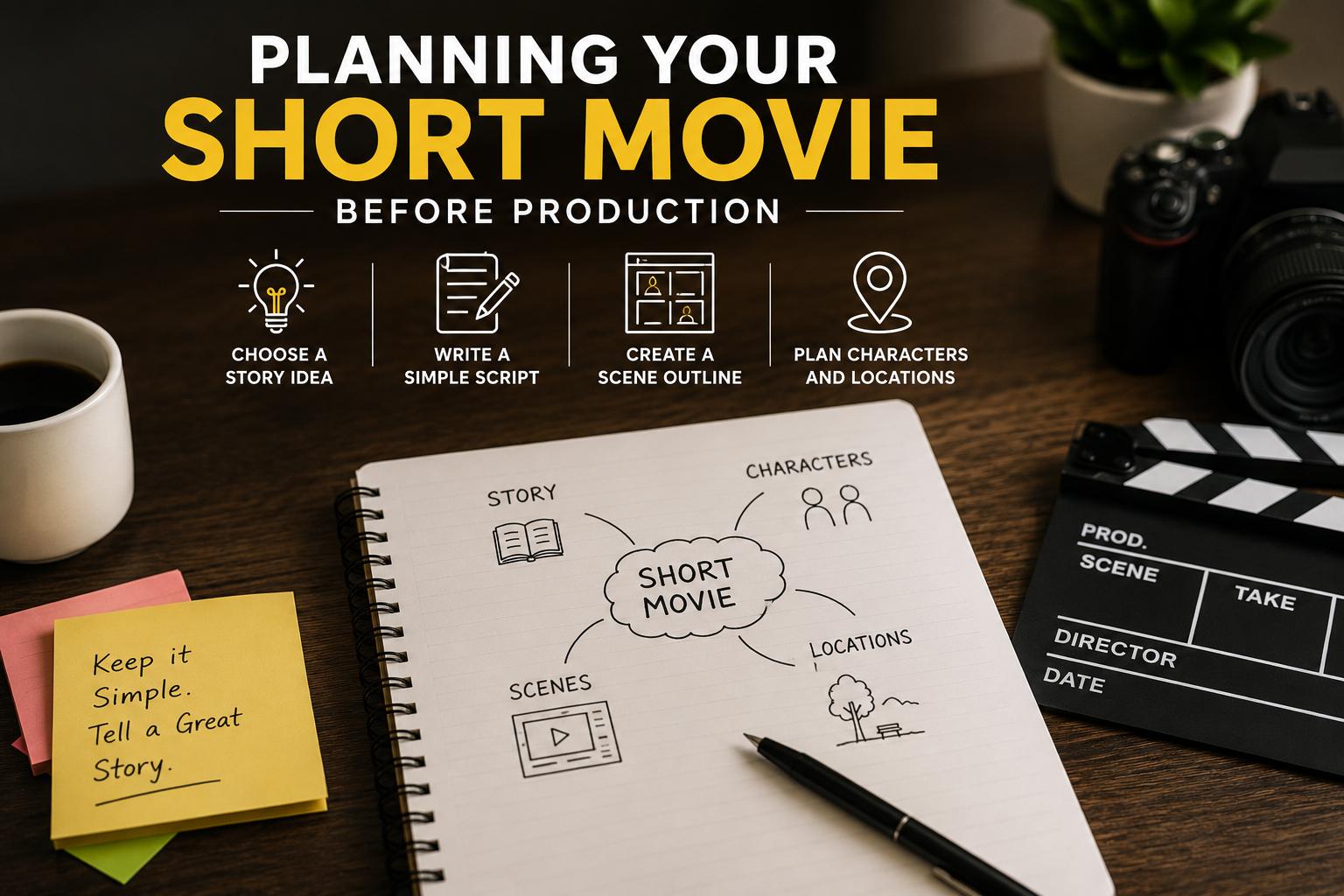
Choose a Story Idea
Every great short film starts with a focused concept. When brainstorming, stick to a single, compelling idea that fits a brief runtime. Resist the urge to write a sprawling epic; keeping your core premise simple ensures the story remains punchy and impactful.
Write a Simple Script
Once your concept is locked in, translate it into a basic script. Map out the main events and write natural dialogue that drives the action forward. Keeping things simple at this stage gives you a strong narrative backbone and prevents the project from getting bloated.
Create a Scene Outline
With your script drafted, break the narrative down into a structured scene outline. This acts as your roadmap, helping you organize the flow of the story from start to finish. Use it to check your pacing and highlight the critical turning points that hook the audience.
Plan Characters and Locations
Finally, map out who is in your story and where it takes place. Keep your character roster small and your settings minimal to avoid overcomplicating things. Clear characters and practical locations keep the project manageable and make the actual creation process a lot smoother.
How to make a short movie at home with limited resources
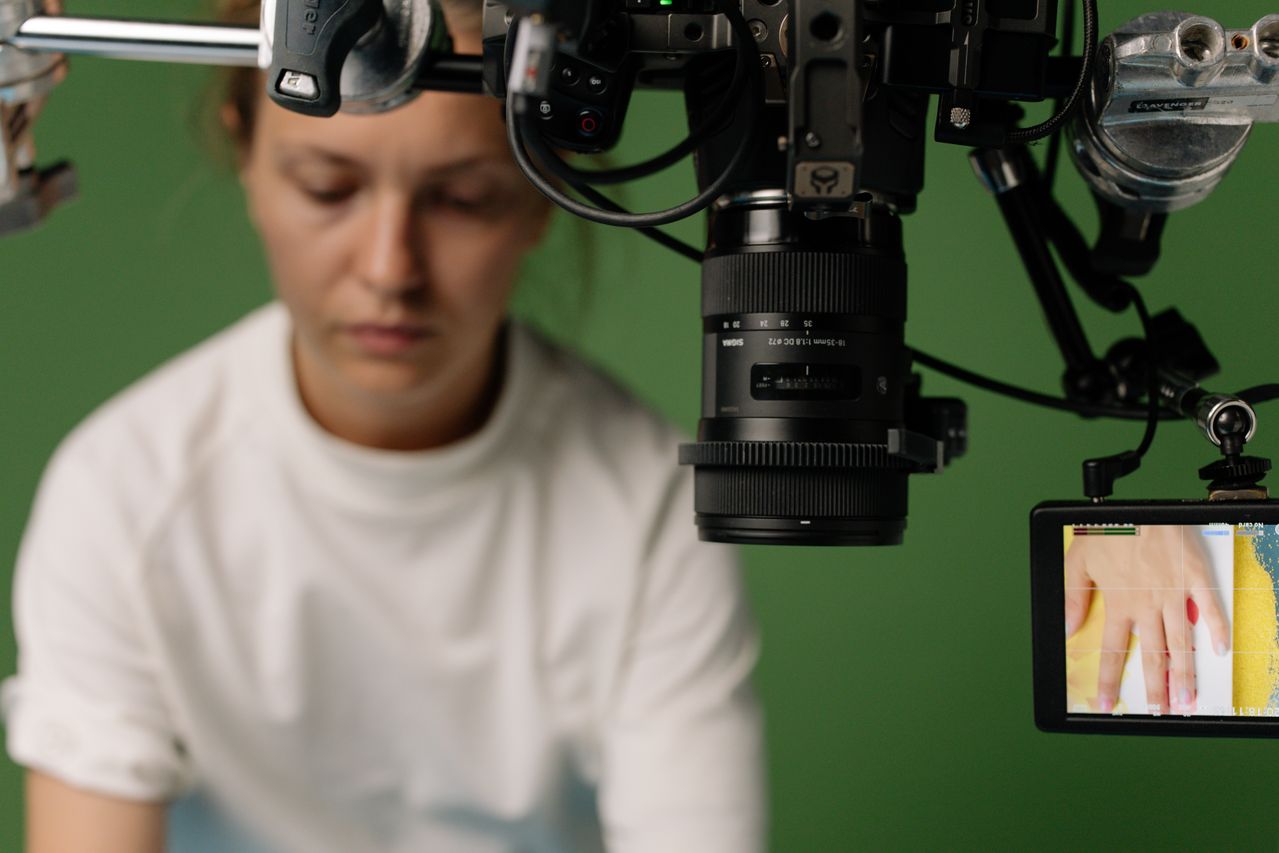
A lot of creators believe they need fancy cameras and all sorts of professional gear to make a good short film. A good story often wins over a big budget, in fact. You can make exciting content with a smartphone, natural light, and familiar settings. If you're having a hard time capturing specific shots, AI-generated visuals can help fill the gaps and broaden your creative options.
Tips for making a short movie on your own
Creating a film entirely on your own is a massive undertaking, but you can set yourself up for success by keeping your approach manageable. Here is how to keep your solo project on track:
-
If you make a short film by yourself, you have to do everything from writing and directing to editing and publishing.
-
The easiest way is to keep the project small.
-
Focus on one simple story, keep the number of locations small, and don't make things too complicated.
-
Many of the most successful independent short films succeed because they take a simple idea and do it really well.
-
Consider using AI tools to create scenes, visualize concepts, or generate footage that would otherwise be difficult or expensive to film. This can help solo creators bring ambitious ideas to life with fewer production resources.
How to make a short movie with Vmake AI
In traditional filmmaking, it's often a very planned-out process that requires a lot of equipment and technical know-how. AI provides a different answer, enabling creators to craft scenes using prompts and visual references. Instead of spending weeks setting up shoots and moving equipment around, creators can now spend more time on storytelling and creative direction, with AI helping create visuals and get ideas off the ground.
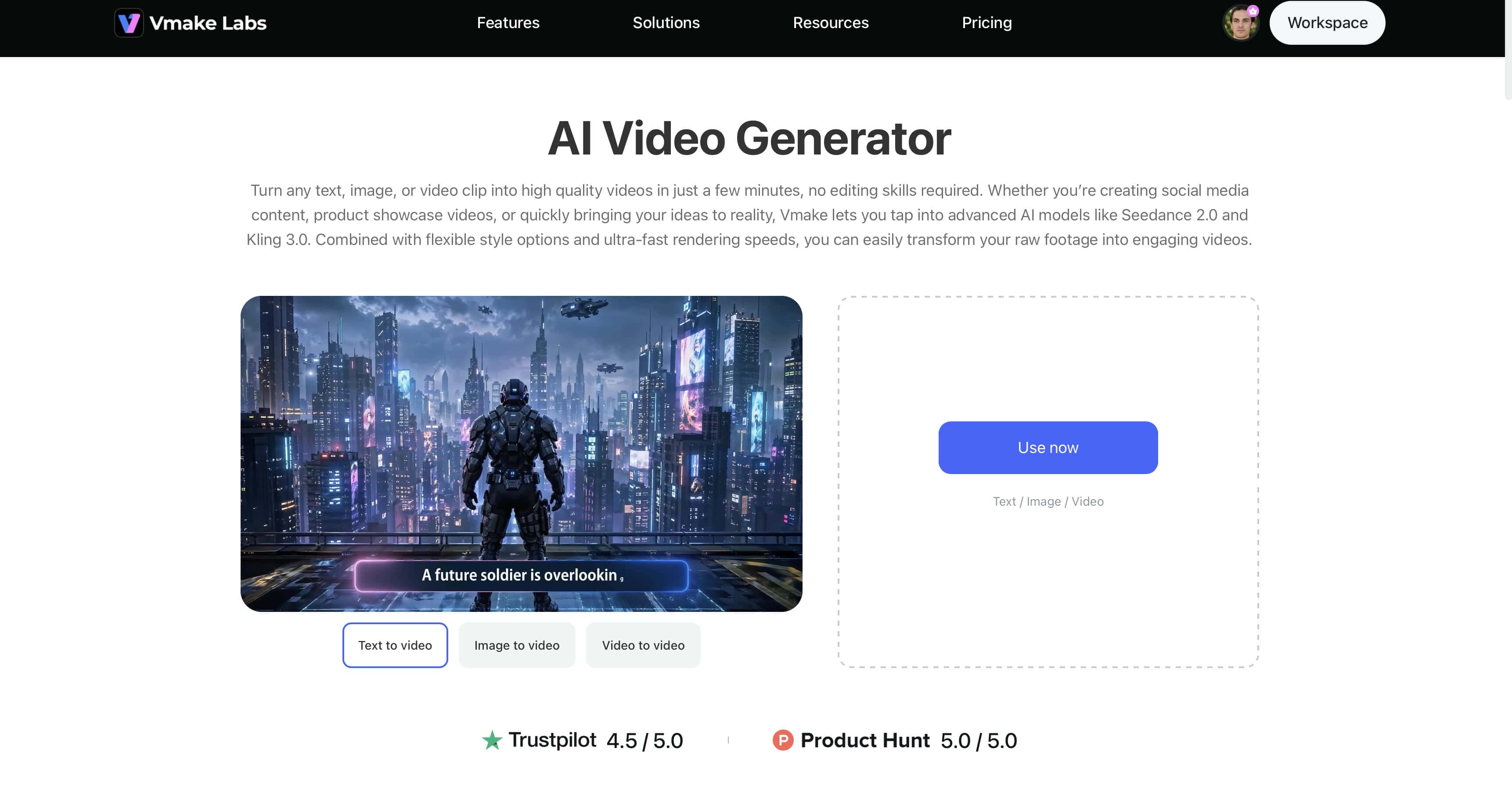
As we mentioned, Vmake AI is such a new-gen tool. It is an AI video generator platform that allows creators to generate videos from text prompts and images. Whether you're creating a short narrative film, concept scenes, or just experimenting with visual storytelling, the platform provides tools that will make the process easier and video creation more efficient.
Key features of Vmake AI
-
Text-to-video movie creation: Transform story ideas into video scenes with simple text prompts. You describe your characters, locations, actions, and visual style, and then AI will generate matching footage. This allows creators to visualize concepts quickly without filming every scene manually.
-
Consistent character generation: Use the same character look and design for a character in several scenes in your film. You can also combine generated visuals with an AI avatar to create more cohesive storytelling and ensure visual consistency from beginning to end.
-
AI scene generation: Create unique environments, settings, and story moments without the need for physical locations or elaborate sets. AI can generate anything from city streets to fantasy worlds to futuristic vistas to match the tone and needs of your story.
-
Cinematic camera movements: Shoot videos with interesting angles, smooth motion, and cinematic framing. These cinematic effects help create a stronger visual hook, making scenes more immersive and engaging for viewers across platforms like YouTube, TikTok, and Instagram.
-
High-quality video exports: Export high-resolution scenes and videos for sharing, editing or publishing. High-quality outputs will keep visual details and ensure that your short movie looks professional on all platforms and devices.
Steps to create a short movie with Vmake AI
Creating a short movie with Vmake AI is a straightforward process. Follow the steps and turn your ideas into reality.
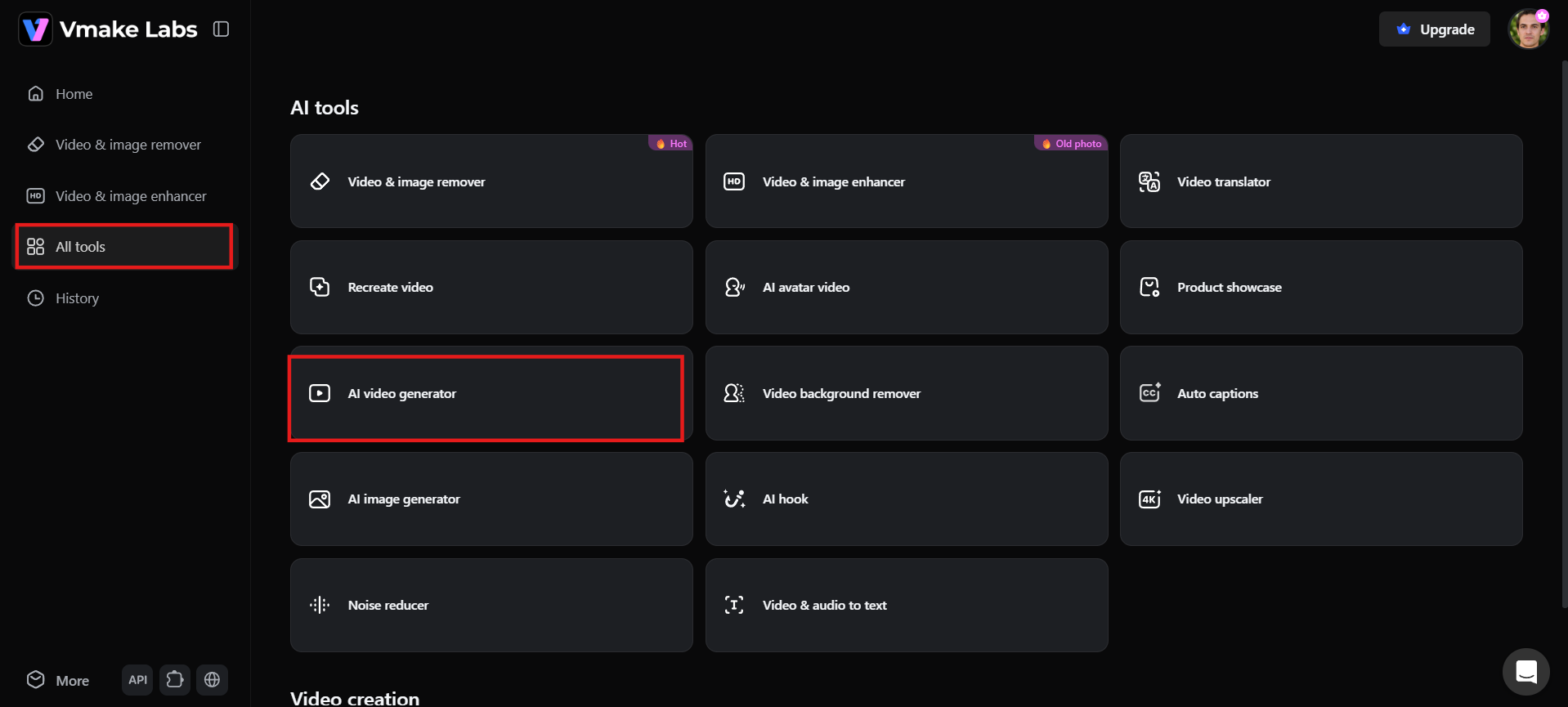
Step 1: Open Vmake AI Video Generator and enter your story idea
First, go to the Vmake AI Video Generator and choose video creation mode. Please write a prompt with details about your movie idea, such as characters, setting, actions, mood, and visual style. A clear and detailed prompt helps the AI understand your vision and generate scenes that align with your story.
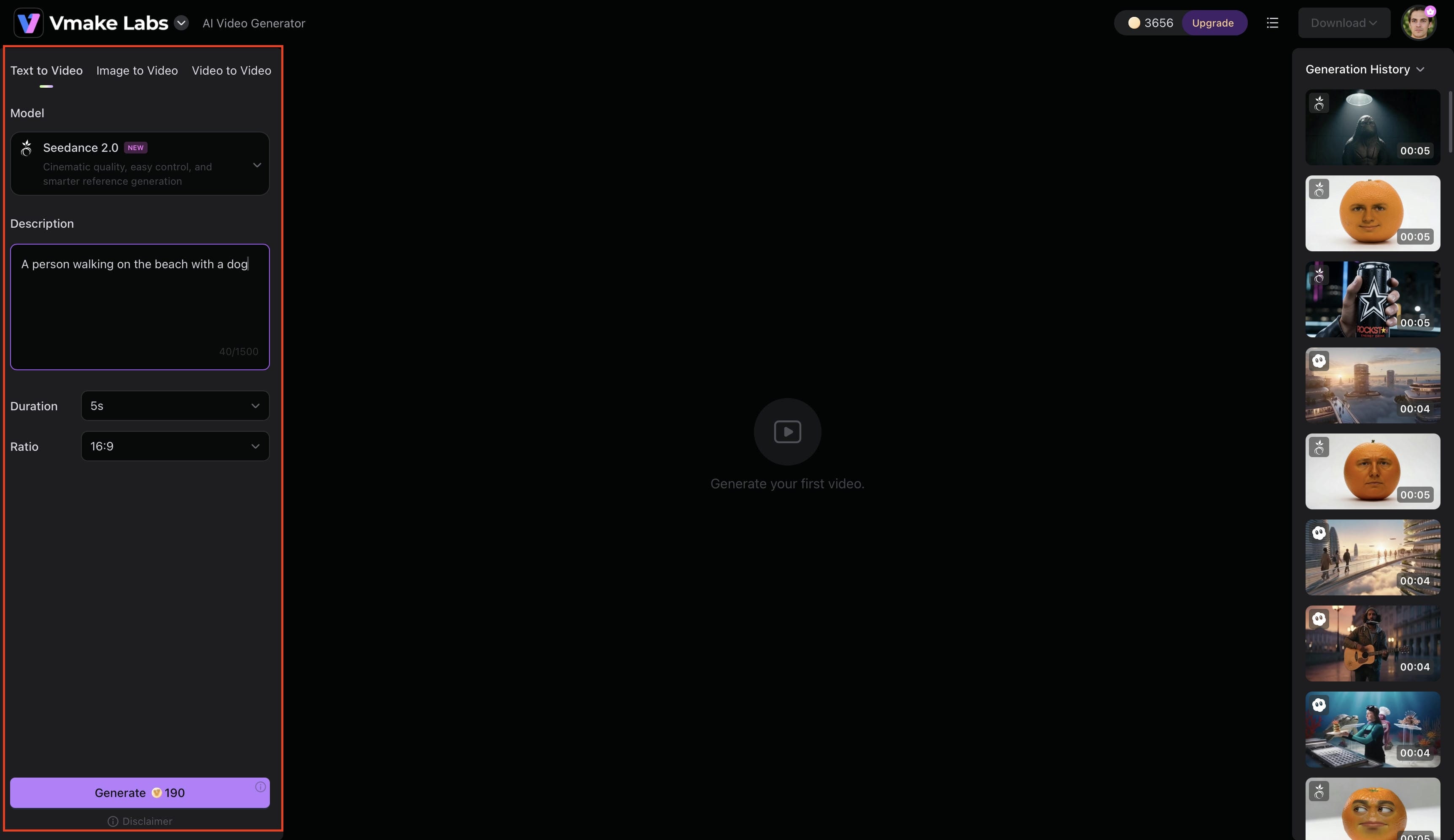
Step 2: Generate and refine your movie scenes
When your prompt is ready, create your first scene and see the results. Adjust the settings with varied descriptions, camera angles, lighting styles, and visual details. Make more clips for the important parts of the story and keep consistency in characters, locations, and general tone.
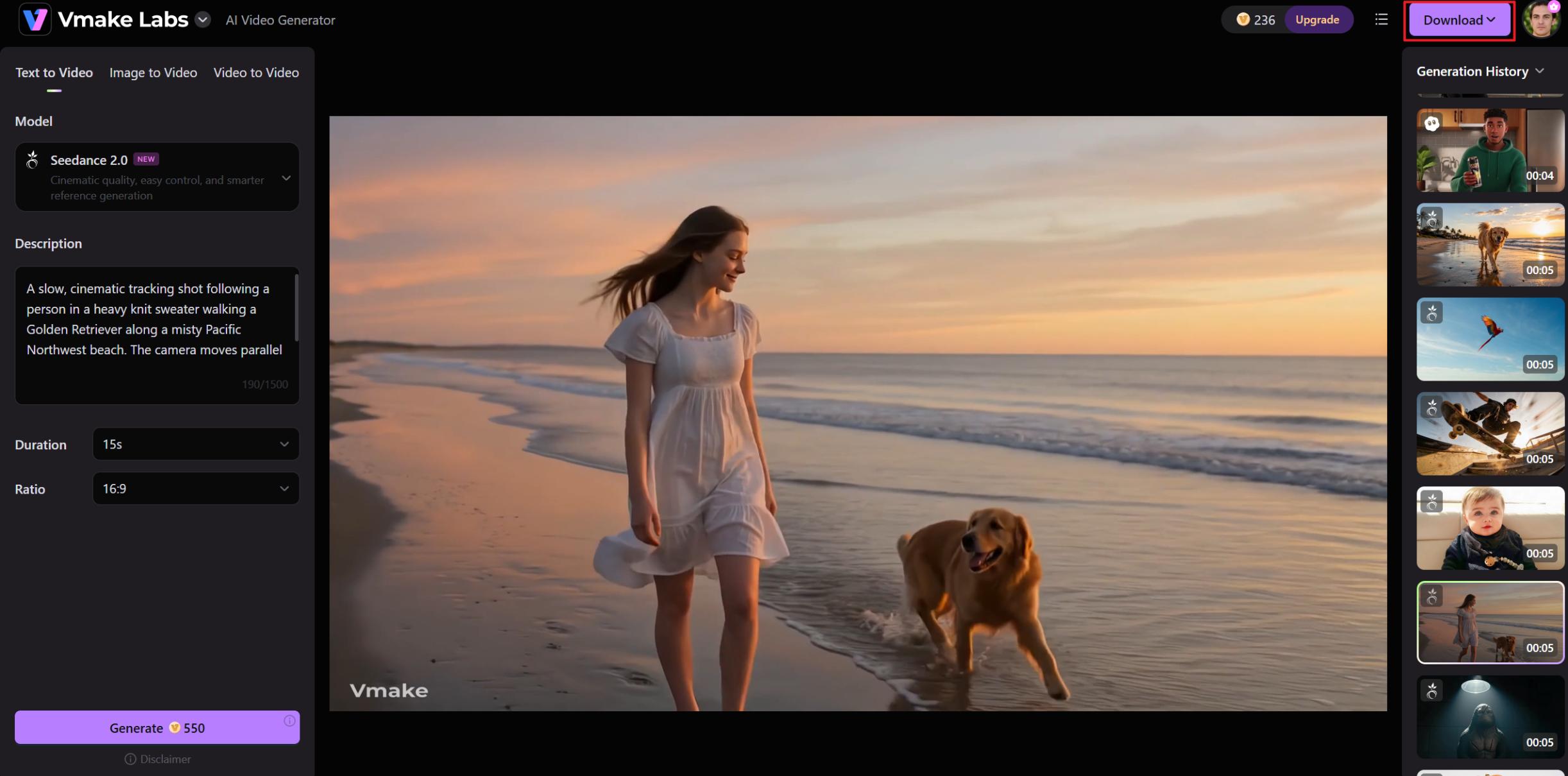
Step 3: Download and assemble your final short movie
Once you have created all the needed scenes, download the clips and assemble them in the right order. Add music, voice-overs, sound effects, and transitions to make the viewing experience. When you've finished fine-tuning and aligning everything to your vision, export the final version of your short movie and share it with your audience.
What makes a great short movie
You don't need a big budget or fancy special effects to make a great short film. It has something to say and a limited time to say it, and that's what counts. Here are some best tips for you to follow:
-
Typical short film lengths and formats
Most short films are between 5 and 20 minutes long, but some are one minute long, and some are forty. Typical formats are narrative shorts, animated shorts, documentaries, and experimental projects. The perfect length will depend on your story and where you're planning to share it, whether it is social media, YouTube, or film festivals.
-
Elements of effective storytelling
Good stories have an obvious goal. The audience should instantly know who the protagonist is and what his goal is. Conflict is needed to build tension and keep the audience invested, emotional moments are needed to make the audience connect with the story, and then a memorable ending to tie it all up and leave the audience with something to remember.
-
Simple is beautiful
Many successful short films are based on simple ideas. Try not to tell more than one story; just stick to one theme or conflict. The simple premise allows you to develop characters and emotions for a longer period of time. Hence, making the story easier to follow and more impactful for viewers.
Common mistakes to avoid when making a short movie
Even with a great concept, simple missteps during production can easily derail your final product. Watch out for these frequent pitfalls that many first-time filmmakers encounter:
-
Trying to tell too many stories at once: Short films work best when they focus on a single idea or conflict. Too many subplots can confuse viewers and dilute the main message.
-
Making the film longer than necessary: Every scene should serve a purpose. Unnecessary footage can slow the pacing and reduce audience engagement.
-
Poor sound quality: Viewers are often more forgiving of imperfect visuals than bad audio. Clear dialogue, music, and sound effects are essential for an immersive experience.
-
Inconsistent characters and visual styles: This is particularly common in AI-assisted filmmaking. Characters may change appearance between scenes, or visual styles may shift unexpectedly, making the story feel less cohesive.
-
Overusing AI-generated effects: AI can create impressive visuals, but excessive effects can distract you from the story. Focus on supporting the narrative rather than showcasing every available effect.
-
Skipping review and refinement: Whether scenes are filmed traditionally or generated with AI, always review the results before publishing. Small adjustments to pacing, visuals, and continuity can significantly improve the final movie.
Finally, don't forget who your target audience is and where it will be distributed so that the film will meet the expectations of the viewers.
Conclusion
With today's AI tools and streamlined production workflows, creating a short movie is easier than ever. Storytelling, planning, and delivery are still important things. But if you're making a movie at home, or working on your own, or even learning about AI-powered filmmaking, you'll always get better results if your focus is on story. Vmake AI simplifies the creative process, generating cinematic scenes, keeping the visual consistency, and generating high-quality videos. With the right approach and tools, anyone can bring an idea to life as an engaging short movie.
FAQs
How to make a short movie on your own?
The process of making a short film alone starts with a simple story and a clear plan. Keep the number of characters and locations low so that the project is manageable. AI tools can also be used to generate scenes to lessen the burden of traditional production.
How to make a short movie at home?
You don't need a professional studio to create a short film. A smartphone, natural lighting, and familiar locations can be enough to tell an engaging story. If you need additional visuals or cinematic scenes, AI-powered tools can help expand your creative possibilities.
How to make a short animated movie with AI?
Make a story, then write prompts that describe your characters, what they do, and where they are, and AI video generators can translate those prompts into moving scenes. With platforms such as Vmake AI, it's easy to generate visual content without advanced animation skills.
What is the ideal length for a short movie?
Most short films are 5 to 20 minutes long. Some will be a little shorter or longer, depending on the story. The best length is the length that allows you to tell your story well, without adding in scenes that don't add to the story, or slowing down the pacing.
Can beginners use Vmake AI for short-film creation?
Yes. Vmake AI is designed to be easy to use and accessible for anyone, regardless of experience. With its AI-powered tools, beginners can create scenes, cinematic visuals, and turn story ideas into short movies without much filmmaking knowledge.

You May Be Interested
How to Make AI Baby Videos: 3 Best Tools to Make Baby Videos

How to Make a Video Animation: Creative Best Practices
