How to Remove Watermark from a Photo: Simple Solutions That Work
 Ken DawsonMarch 25, 2026
Watermarks ruin great images. Whether it’s a stubborn stock photo preview, an unwanted editing app logo, or an old date stamp on a personal memory, those overlays get in the way.
That is why so many people are searching for terms like ‘how to remove watermarks from a photo,’ ‘how to remove a watermark from photos,’ and ‘how to remove watermarks from a photo.” The desired result is often the same: tidy up the image, without creating anything that looks blurry, patched, or obviously retouched.
This guide explains how to do this hands-on. You will find out what photo watermarks are, the most common types you will face, how to get rid of them with easy methods, and when AI-powered tools can save the day.
Also, we will discuss some important legal and ethical considerations, because not all watermarks are fair game for removal without authorization.
What Is a Photo Watermark and Why Is It Added
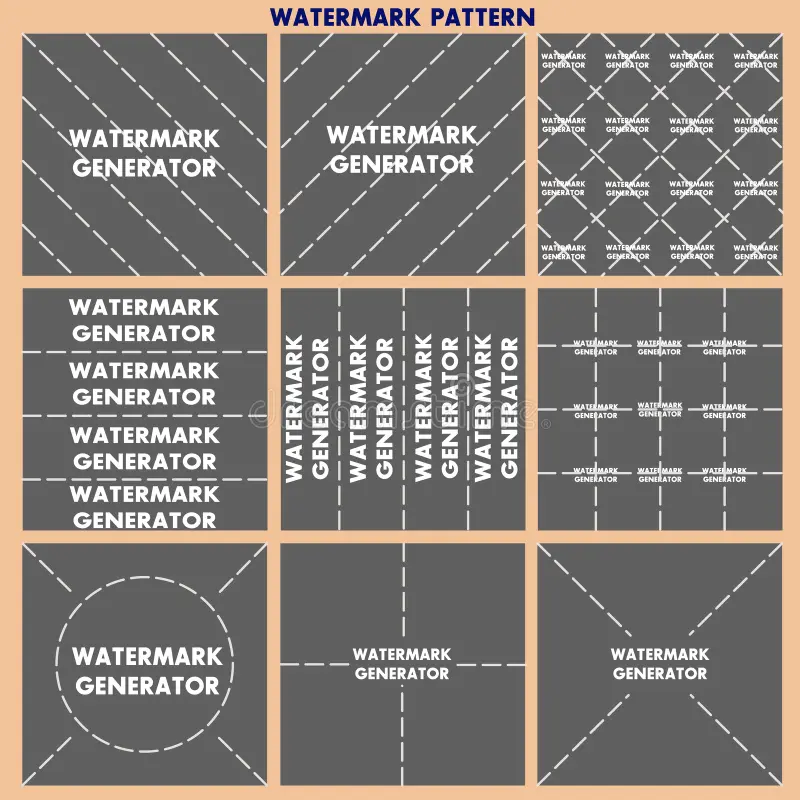
A photo watermark is a visual mark that appears over an image to showcase ownership or branding, or to limit usage rights. It can be a text, a logo, a repeated transparent pattern, a timestamp, or an app name during export.
Watermarks serve a few simple purposes for creators and platforms:
For copyright protection, Watermarks prevent an image from being copied or used without permission. If you work as a web designer, you’ll see this is often on stock photo websites or in photography portfolios.
For branding, apps, photographers, and studios can watermark their name or logo to indicate the image’s origin.
To push for Upgrades or paid downloads: Somehow, tools allow previewing or exporting an image using a watermark, but remove it only after payment or subscription.
So, can you remove watermarks from photos? It depends on the image:
Removing it is fine if it’s your own photo.
If you are allowed to edit it, that’s fine too.
However, if the watermark is from someone else’s copyrighted image, it would be safer to use their licensed or original file.
 Common Types of Photo Watermarks
The type of watermark matters because a small corner mark is much easier to remove than one spread across detailed areas such as hair, fabric, or skin.
Watermark Type | What It Looks Like | How Easy It Is to Remove |
Text watermark | A name, URL, username, or app label placed over the image | Usually easier if it is small and placed away from key details |
Logo watermark | A brand or creator logo, often in a corner or near the subject | Often manageable if it does not cover important parts of the photo |
Transparent overlay watermark | A repeated pattern across the image, common in stock photos | Harder to remove because it affects a larger area |
Date stamp or camera mark | A date, time, or camera label added to the image | Usually easier than a large overlay watermark |
App export watermark | Branding added by a free app during export | Often easier to crop or edit out because placement is consistent |
How to Remove Watermark from Photo (Step-by-Step Methods)
If you’re wondering how to remove a watermark from a photo, the first step is to figure out two things: where the watermark is and how much of the image it covers. That will generally indicate which method is the most sensible.
Method 1 – Crop the Watermark Out
If the watermark is at the very edge of the image and doesn’t overlap with the target object, then cropping should be your primary tool, as it will (arguably) take less time than any other post-processing step.
It’s most useful for tiny logos, corner marks, and lower-bar text located away from the most important areas of the composition.
Do you want to edit the photo (open it in your store gallery editor, Canva, Photoshop, or another simple editing app with a crop function)? Crop to cut the watermark, then export as an image.
The main advantage of cropping is that it is easy, fast, and cost-free—no advanced tools or editing skills required. The downside is clear: you’re losing some of your photos. If the image is already tightly cropped, it might look awkward or incomplete.

Method 2 – Use a Retouch or Healing Tool
A manual retouch tool does a good job, too, if the watermark is small and on a plain or soft background.
This trick works best when the watermark is over sky, walls, pavement, blurred backgrounds, or other simple surfaces. Things get tougher when it crosses body configurations, hair, skin, or detailed shapes.
The process is straightforward. Load the image into a photo editor, zoom into the watermark area, select the retouch or healing tool, and brush slowly over the mark. Next, examine the image at actual size to be certain that the area you fixed doesn’t appear smeared or artificial.
With the right precautions, this method can give surprisingly good results. It simply requires more work than cropping, and the quality depends on the photo.
Method 3 – Remove Photo Watermark with AI
AI is the most accessible solution for many users in 2026. Rather than manually repainting or cloning the image, deep learning tools can detect the marked area and recreate the background with far less effort.
This is particularly useful if you are specifically asking how to remove a watermark from a photo without spending hours learning editing tools.
One good practical option for this is the Vmake Online Image Watermark Remover. Its purpose is to remove watermarks, text, logos, and other elements that resemble an overlay without compromising the image’s natural appearance.
When is AI-based removal the better option?
The watermark is bigger than the corner logo.
The image background is not smooth.
You want the result to happen more quickly.
There’s fading (or retouching, which is leaving marks)
You require a cleaner result with less trial and error.
How to use it:
Step 1. Open the tool online
Go to Vmake Image Watermark Remover in your browser.
 Step 2. Upload your image
Add the photo you want to edit. This can be useful for images with visible text overlays, logos, or watermark patterns.

Step 3. Let the AI remove the watermark
Start the removal process and allow the tool to analyze the marked section and rebuild the image underneath.

Step 4. Preview the result
Before saving, check the cleaned image carefully. Look closely at textures, edges, shadows, and any detailed areas.
 Step 6. Download the final image
If the result looks good, save the edited version.
What makes AI tools appealing is speed. What might take ten or fifteen minutes with a clone brush can sometimes be handled in a few clicks. That said, results still depend on the watermark and the image. AI can do a very good job, but it is not magic. If the watermark covers the most detailed part of the photo, you may still see imperfections.
Free vs Paid Photo Watermark Removal Tools
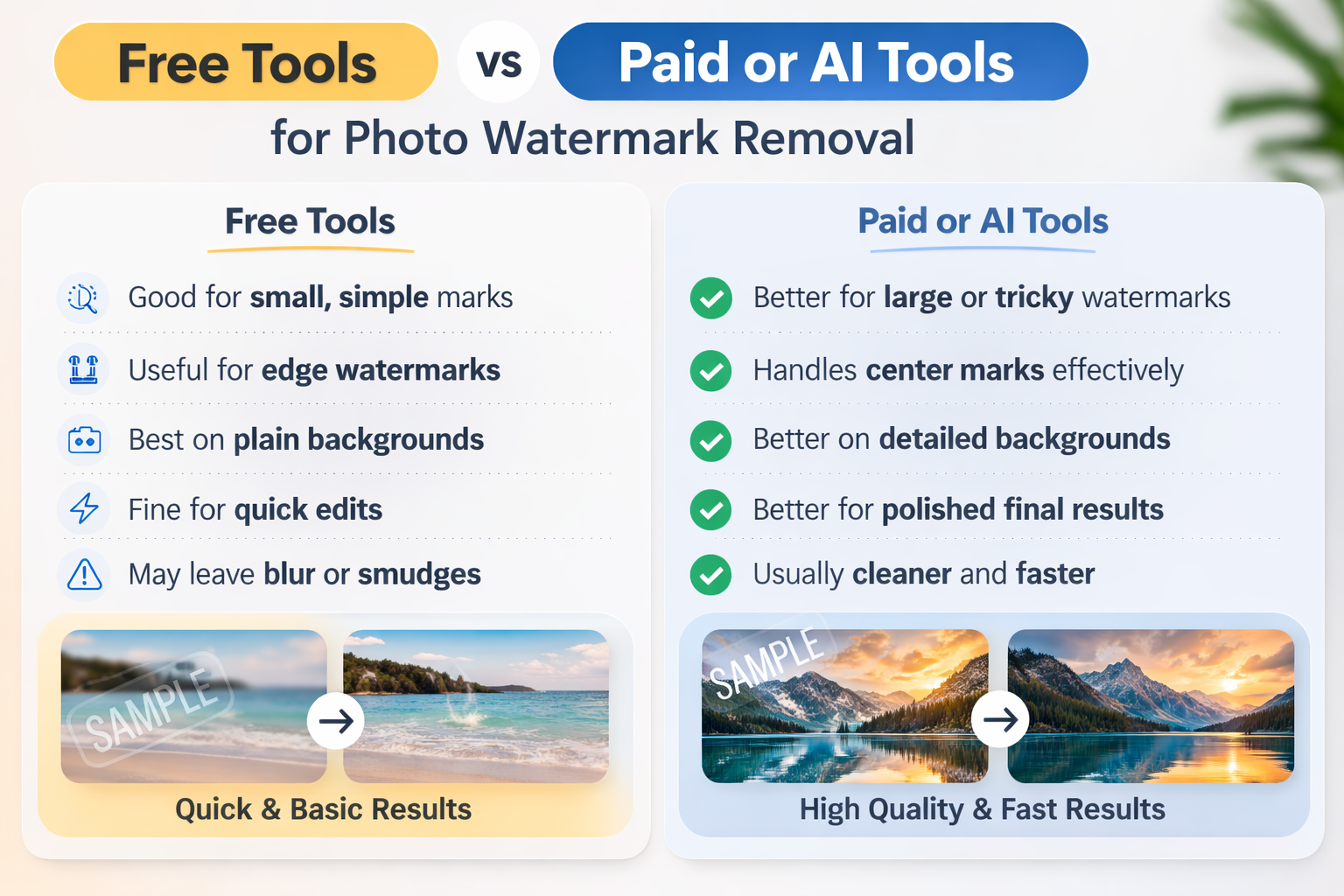
Free tools are great for quick, simple watermark removal, but they have their limits. Here is a quick comparison:
Free Tools | Paid or AI Tools |
Good for small, simple marks | Better for large or tricky watermarks |
Useful for edge watermarks | Handles center marks more effectively |
Best on plain backgrounds | Better on detailed backgrounds |
Fine for quick edits | Good for polished final results |
May leave blur or smudges | Usually cleaner and faster |
In short, free tools are best for basic fixes. Paid or AI tools are worth using when image quality matters.
 Things to Consider Before Removing a Photo Watermark
Before removing any watermark, it is important to think about rights and usage.
Copyright comes first: A watermark does not make a picture. It may still be protected.
Use it correctly: Purchase the license, get permission, or find another legal image.
Personal and commercial use are not the same: Editing your own file vs. using a protected image for business.
FAQs
How To Get Rid Of Watermarks In A Photo Without Deteriorating The Quality?
Just follow the method according to the watermark type. Cropping works for edge marks. Retouch tools can clean up small areas. AI tools tend to be more effective on big or ungainly watermarks. Export the image at the highest quality you can.
And the last photo in the folder is — how to remove watermarks from a photo for free?
You can experiment with cropping, manual healing tools, or free online removers. These tools work well for small and simple marks, but tougher watermarks may require a stronger tool.
How to Delete Watermarks from Photos on Mobile
Many phone editing apps now have crop, healing, and object-removal tools. They can be helpful for quick-and-dirty edits.
How To DeWatermark a Watermark from the Picture Center?
And this is more difficult than removing a corner watermark. Cropping typically does not work, and manual editing requires more time. AI removal tools are often the best first place to try.
A Guide to Removing Watermarks from a Photo for Professional Output
Choose the least destructive method. When cropping kills the composition, replace with retouch or AI cleanup. Then zoom in and examine the edited area closely before exporting.
Final Thoughts
The best way to remove a watermark from a photo depends on the specific picture and watermark type, as well as the desired quality afterward.
The fastest solution for edge watermarks is cropping. It is tedious and time-consuming; manual retouching works well only when the background is plain, and the marked area is small. But to many people, the AI tools of 2026 represent the easiest compromise between speed and image quality.
Tools like Vmake Image Watermark Remover can simplify a task that used to take much more effort. Instead of spending ages patching text or logos by hand, you can achieve a cleaner result much more quickly.

You May Be Interested

Google Gemini|Copy Paste This Simple Prompts to Create “Hug my younger self ” Photos

[2025] Top 5 FREE Video Downloader without Watermark

123APPS Watermark Remover Review (2026): Pros, Cons, and Pricing