How to Download Instagram Videos Without A Watermark in 2026
Want to download Instagram videos without watermarks? Follow this guide to save reels, stories, and posts quickly using safe and reliable methods online.

Instagram is home to numerous reels, stories, and interesting videos. However, downloading such content sometimes comes at the expense of unnecessary branding that may be undesirable. Many people would prefer clean video downloads that can be edited, shared, or kept private. To help you out, this article will provide all the steps on how to download Instagram videos without watermarks. Let's dive in!
Why must Instagram add watermarks to videos?
An Instagram video without a watermark is a reel, story, or post that lacks any visible watermark or logo. This type of video is preferred for editing purposes. Nevertheless, Instagram applies watermarks on videos to ensure protection and preserve its brand image. It serves to acknowledge the source of the information and plays an important role in establishing ownership, integrity, and identity.
How to download Instagram videos without watermarks using online tools
Download Instagram videos without watermarks using online tools by pasting the link and saving the video.
-
Vmake
Vmake is an AI-based tool that lets you download Instagram videos without watermarks in a matter of minutes. All you have to do is provide the video link on Instagram, and you can instantly convert it into a video without any watermarks. Its AI video watermark remover is completely browser-based, meaning no installation or sign-up is required. For users who need to download Instagram videos without watermarks regularly, such as content creators or editors, it is particularly helpful.

Steps-by-step process:
Follow these quick steps to download Instagram videos without watermarks, safely and easily.
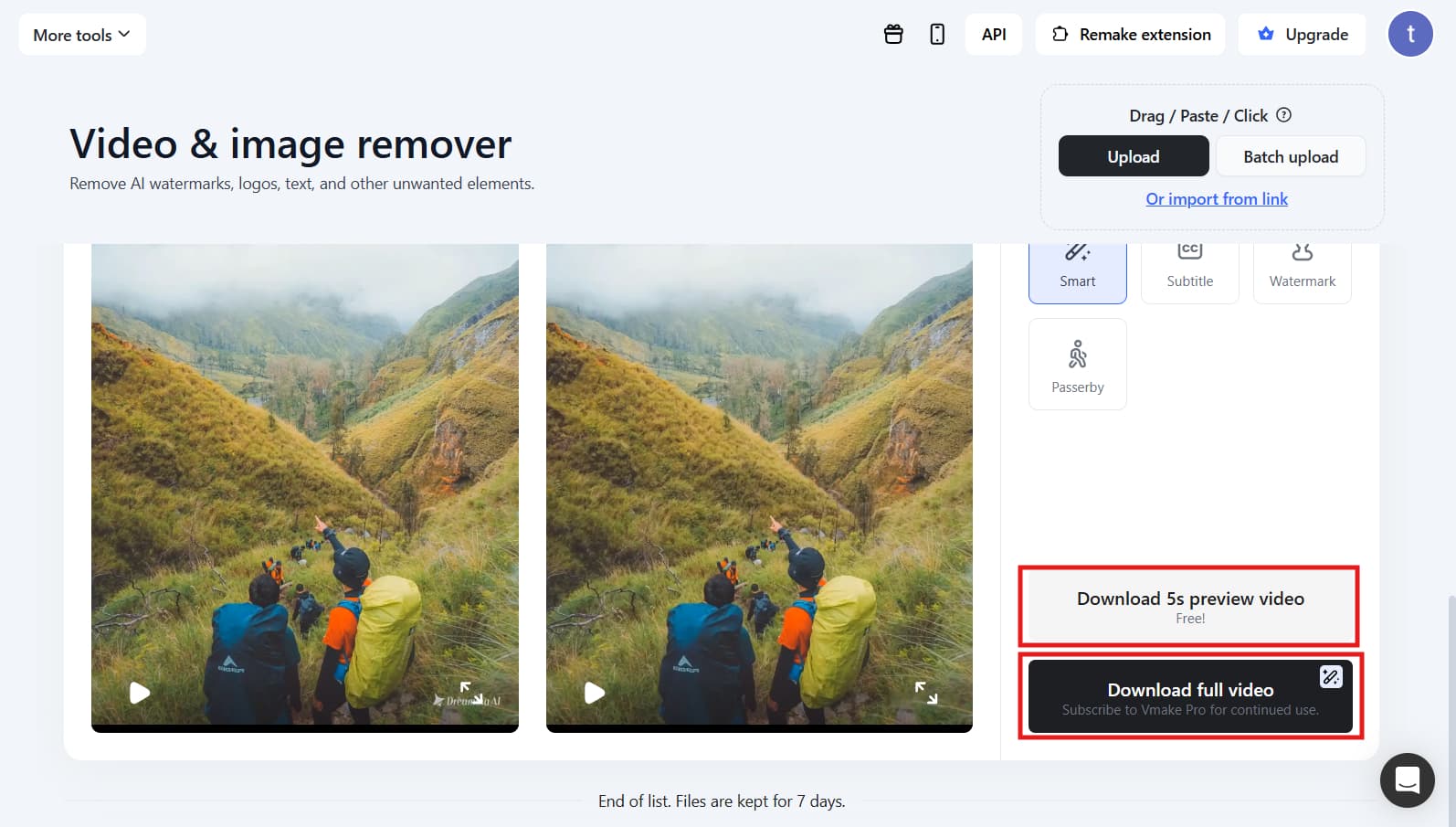
Step 1: Access Vmake and upload your Instagram video Log in to Vmake, then go to the "Vmake video watermark remover" tool to remove AI watermarks, logos, text, and other unwanted elements.
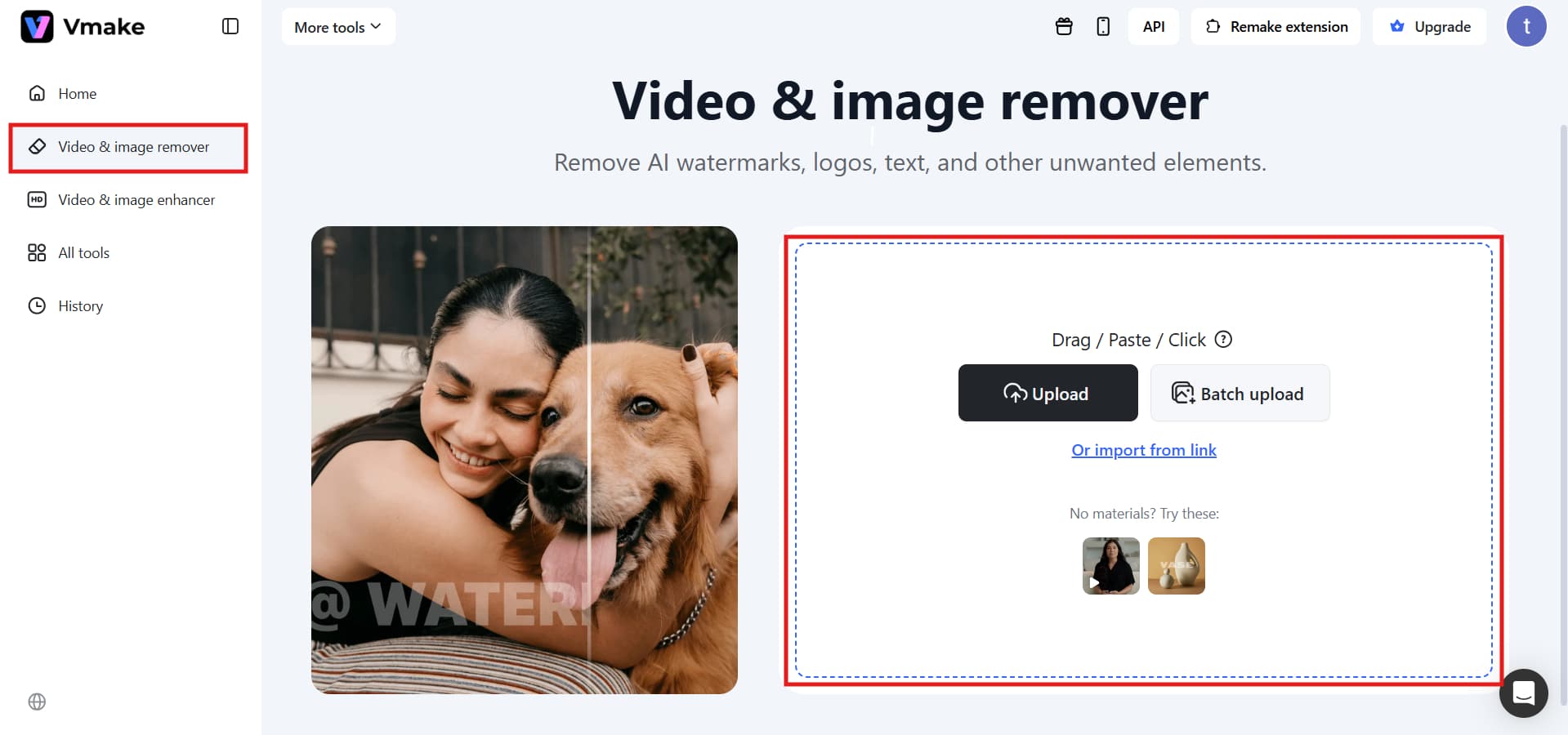
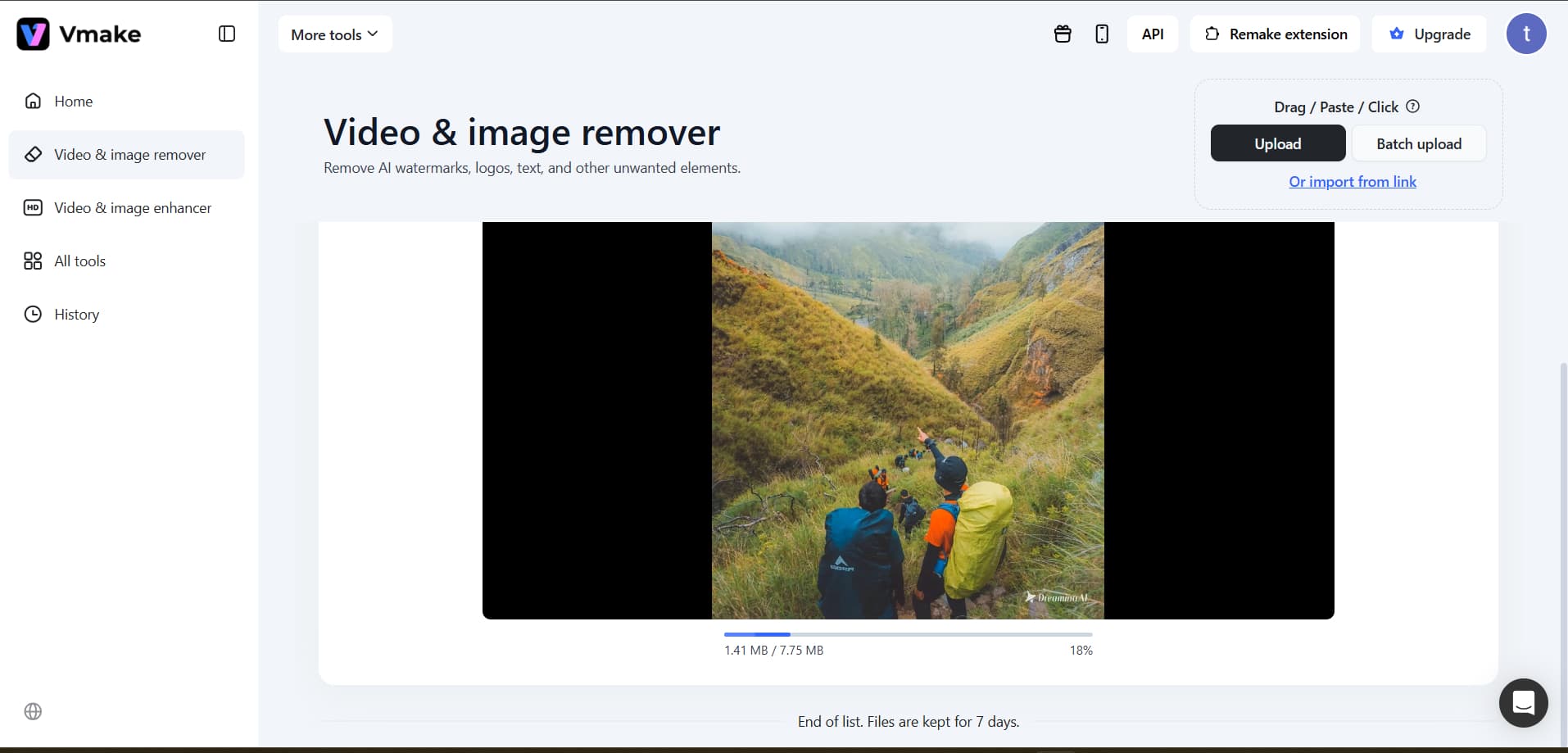
Upload your "Instagram video" file or import through a "link" directly from your device. The system automatically scans the video for watermarks.
Step 2: AI detection and processing Tools like Smart, Subtitle, and Watermark use AI to detect watermark areas and remove them while preserving original video quality and background details in "Auto". No manual editing is required.
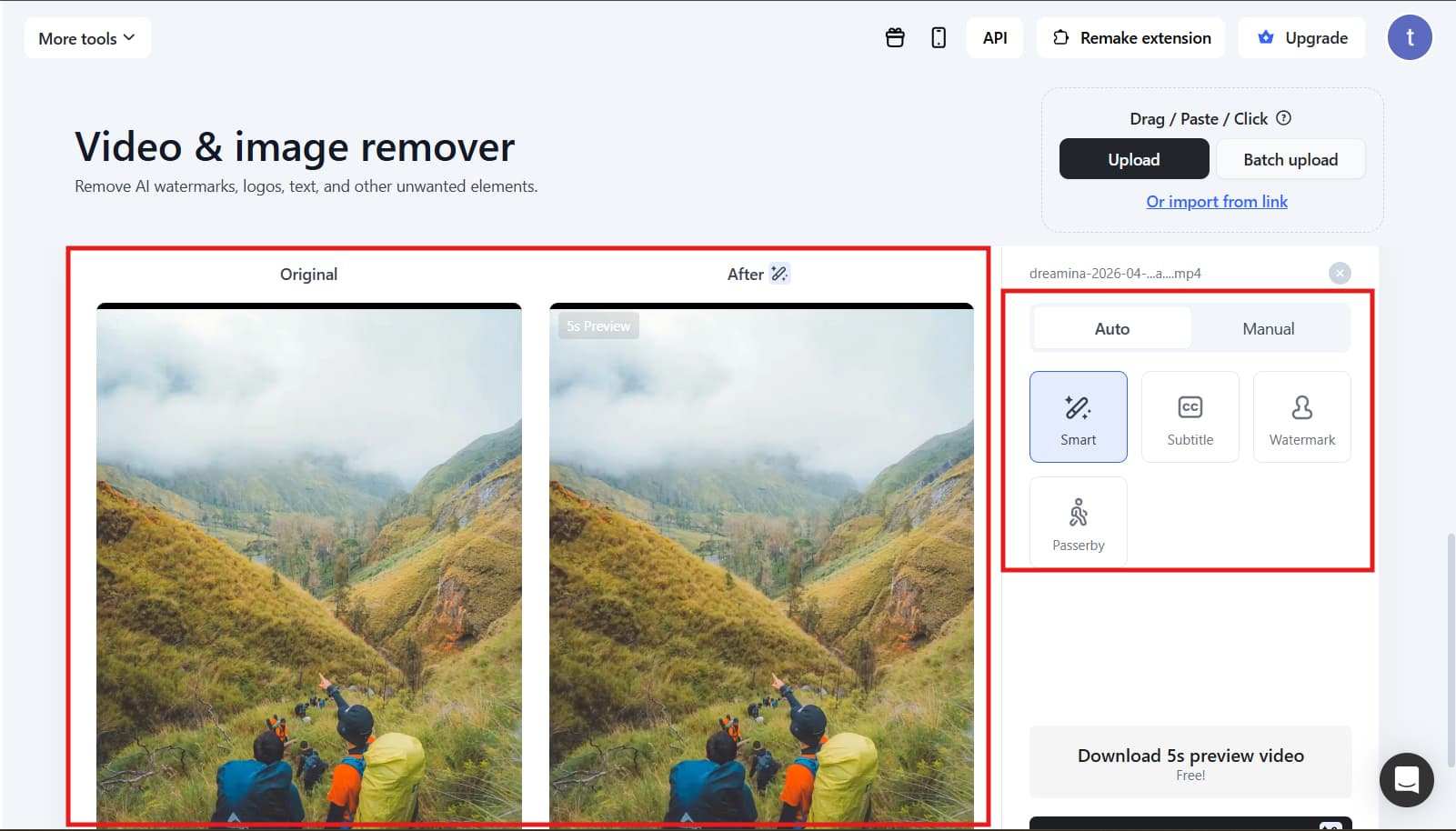
Step 3: Preview and download After processing, preview the watermark-free video to ensure quality, then "Download" the final best version instantly.
Key features:
-
AI-powered watermark removal: Uses advanced AI to remove watermarks from Instagram video downloads smoothly. It detects and removes branding while keeping the video clean and natural-looking.
-
HD-quality downloads: Ensures Instagram videos download without watermarks in original or HD resolution. This keeps videos sharp and suitable for editing or reposting.
-
Browser-based tool: Works directly in the browser for Instagram video downloads without watermarks or installation. Users can access it instantly from any device.
-
Fast processing speed: Quickly converts links into downloadable files for Instagram video download without a watermark. It minimizes waiting time even for longer videos.
-
User-friendly interface: Simple layout for easy download of Instagram videos without watermark. Even beginners can paste a link and download in a few clicks.
Pros:
-
High-quality output for Instagram video download without watermark in HD clarity
-
Browser-based tool with no installation needed for instant access
-
Fast processing for smooth and quick downloads
Cons:
-
Limited free usage for Instagram video download without watermark features
-
Requires a stable internet connection for proper functioning
-
SnapInsta
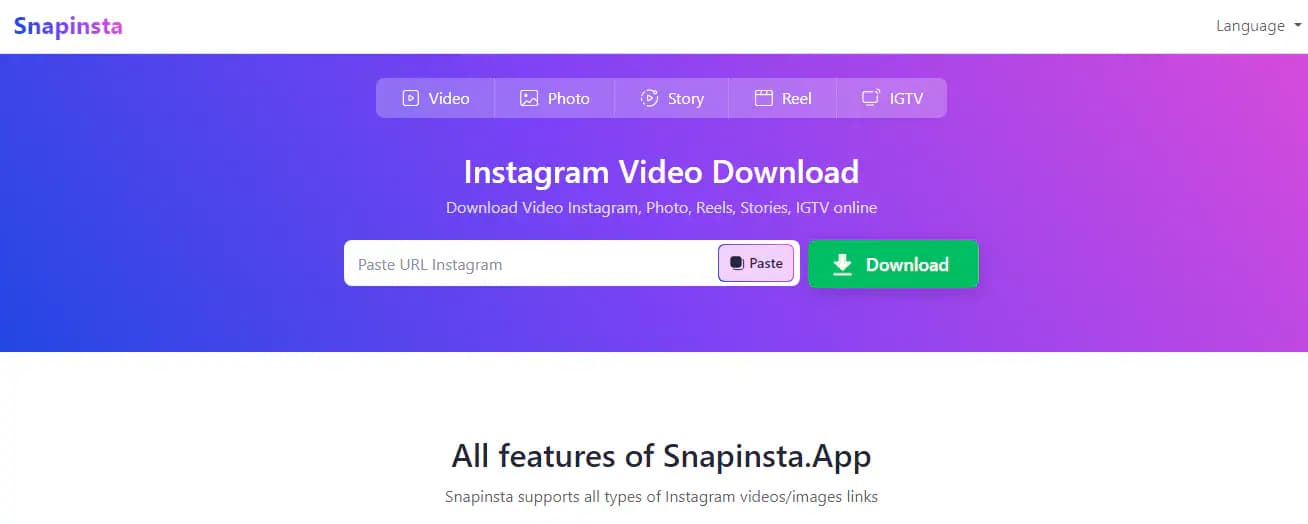
SnapInsta is an online tool that helps users download Instagram videos without watermarks in a hassle-free way. This platform lets you download videos in different formats, including IGTV, stories, posts, and reels, and all it requires is copying the video link from Instagram. The entire process of downloading Instagram videos with this tool is handled in your web browser, so you do not have to download anything or create an account.
Steps-by-step process:
-
Log in to Instagram and grab the video or reel link
-
Navigate to the SnapInsta website on your web browser
-
Enter the copied video link in the provided field
-
Press the download button to initiate the downloading of the Instagram video
-
Download the Instagram video without a watermark of the desired quality
Key features:
-
Free download of Instagram videos without a watermark
-
Works with reels, posts, stories, and IGTV videos
-
No need to create an account or log in
-
Efficient processing of Instagram videos without a watermark download
-
Compatibility with all browsers and operating systems
How to download Instagram videos without watermarks using mobile apps
Learn how to download Instagram videos without watermarks using mobile apps in a few simple steps.
-
Insta Save
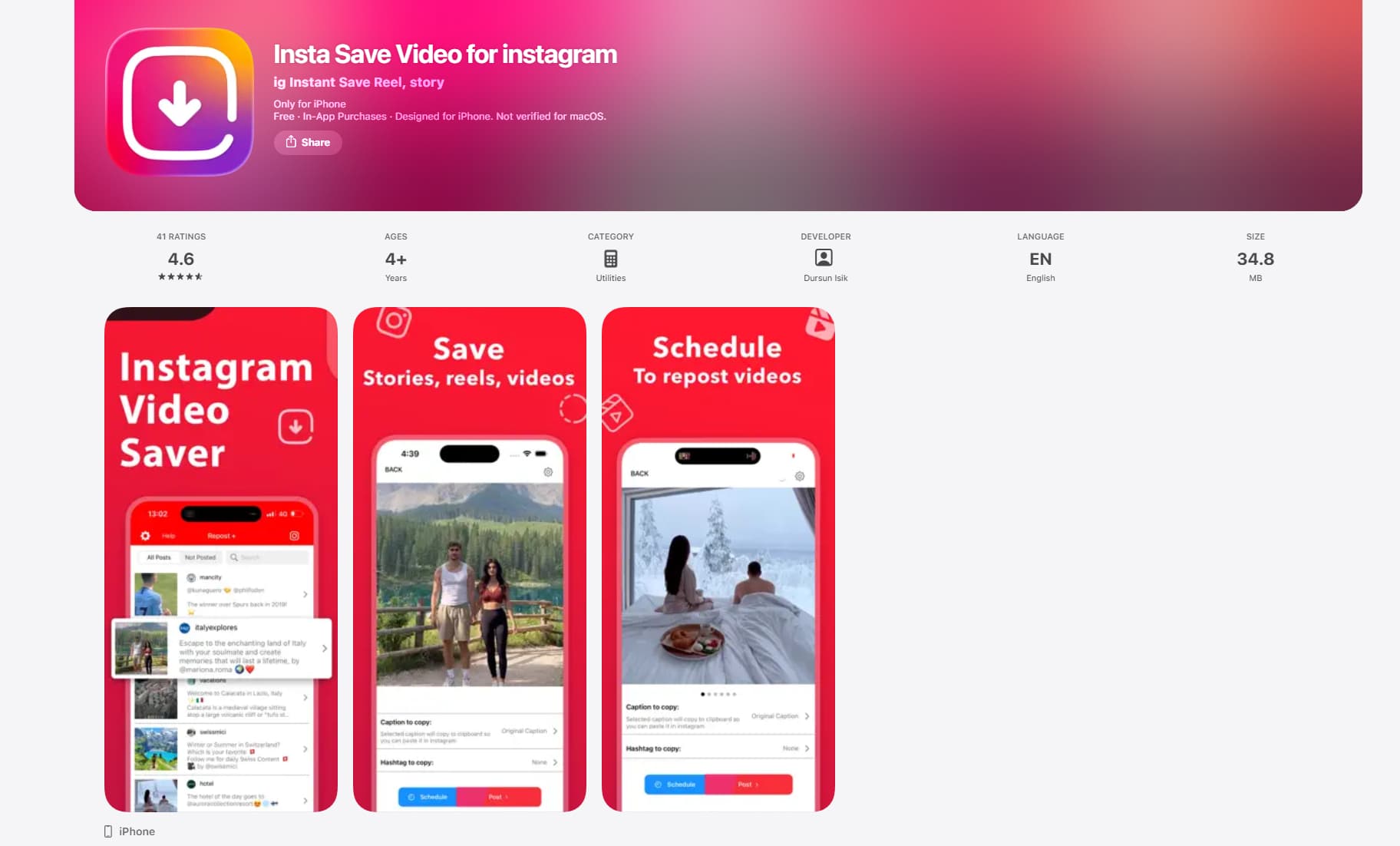
Insta Save is an Android app that lets you download Instagram videos without a watermark. This program enables rapid downloads of Instagram reels, posts, and videos through a link that should be copied from Instagram. It is user-friendly and provides a smooth experience; therefore, anyone can use it regardless of whether they are tech-savvy or not. It guarantees high-quality downloads and fast and seamless video storage.
Steps-by-step process:
-
Open Instagram and copy the video or reel link
-
Install and launch the InstaSave app
-
Paste the copied link into the app
-
Tap the download button to process the video
-
Save the Instagram video download without watermark to your gallery
Key features:
-
Simple interface for easy Instagram video download without watermark
-
Saves videos directly to the device gallery
-
Fast processing with good quality retention
-
FastSave
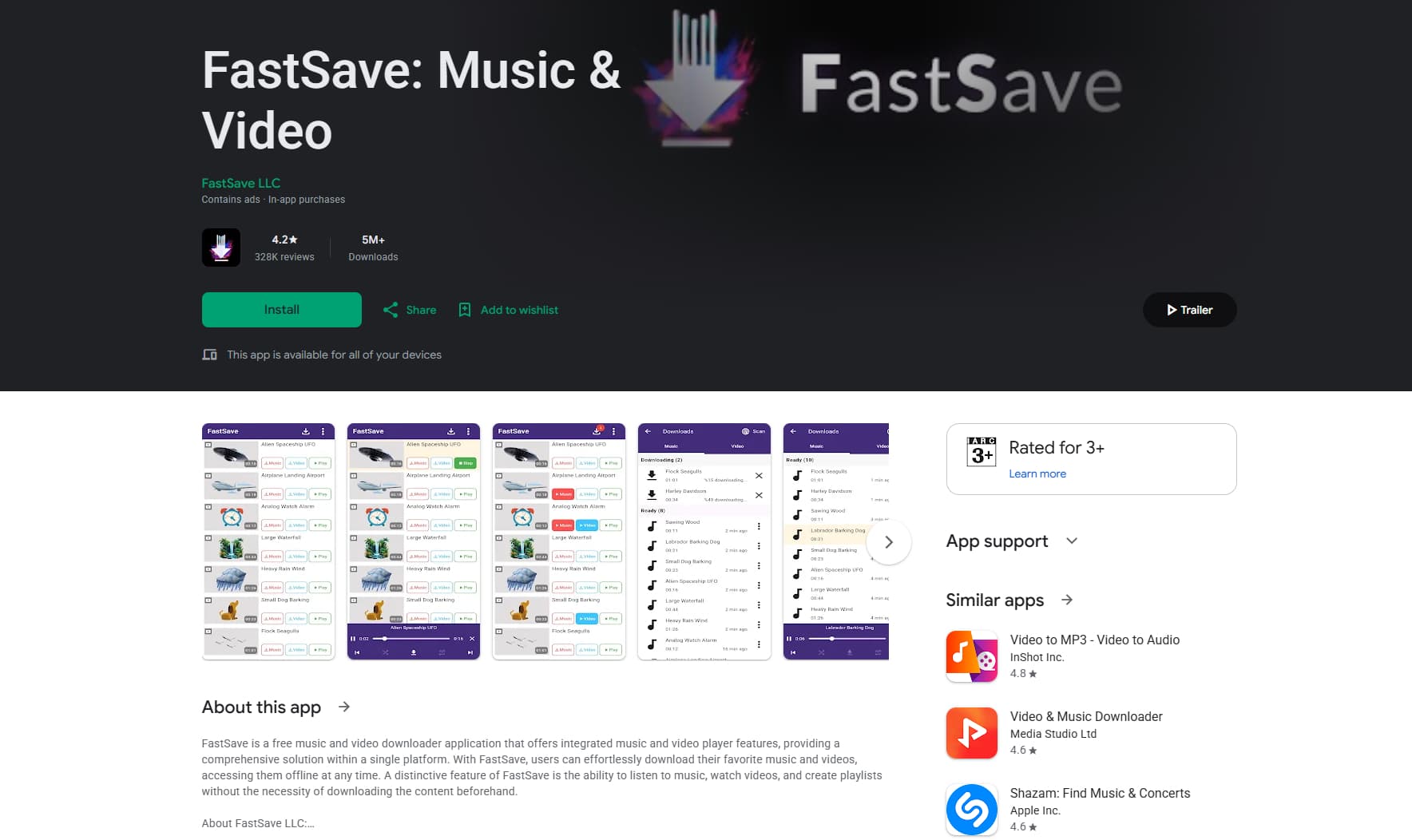
FastSave is a popular mobile application designed for quick and efficient Instagram video downloads without watermark. In this case, users can simply paste the Instagram link in the app to download reels, videos, and other content from the site. The app is noted for its efficiency and reliability in performing its function. Users can download videos without interrupting other activities thanks to background downloading.
Steps-by-step process:
-
Install and launch the FastSave app on your mobile
-
Get the Instagram video or reel URL
-
Paste it in the app
-
Click on the download button to start
-
Download the Instagram video without watermark
Key features:
-
The background download feature allows multitasking
-
Faster and easier Instagram video download without watermark
-
Sharing and saving features
Online tools vs mobile apps for downloading Instagram videos without watermark
Choosing between online tools and mobile apps for downloading Instagram videos without watermarks depends on speed, quality, and convenience. Here's a quick comparison to help you decide:
|
Feature |
Online Tools |
Mobile Apps |
|---|---|---|
|
Speed |
Instant processing in browser; no setup required. |
Slower at first (installation), faster for repeated use. |
|
Video quality |
Often preserves original/HD quality. |
Can maintain quality, but some apps may compress files. |
|
Ease of use |
Very simple (copy-paste link and download) |
Requires installation but offers a more structured workflow. |
|
Device compatibility |
Works on all devices (Android, iPhone, PC, tablet) |
Limited to specific OS (Android or iOS) |
|
Best use case |
Ideal for quick, occasional downloads. |
Best for frequent downloads with extra features. |
Pro tips for Instagram video download without watermark
Follow these essential tips to ensure safe, high-quality, and watermark-free Instagram video downloads every time.
-
Trusted tools only: It is recommended to stick to well-known, reputable Instagram video downloader platforms that don't add watermarks when downloading videos from social networking sites. Safe platforms help avoid issues associated with viruses, adware, or data loss while ensuring stable performance.
-
HD quality download: Ensure that Instagram video downloads without a watermark by choosing an HD or original resolution for a better view and easier editing later.
-
Correct video link: Make sure you copy the exact Instagram URL before starting the download of the Instagram video without a watermark. An incorrect or incomplete link may lead to errors or failed downloads. Double-check the link for smooth processing.
-
Avoid unsafe sites: Refrain from downloading from any website you do not know about, that offers the facility for Instagram videos to be downloaded without any watermarks. Such websites could pose many dangers, such as malware-infected ads, phishing attempts, or faulty download mechanisms.
-
Verify before saving: Before downloading a video from the website, always preview it to make sure you are downloading the correct Instagram video without a watermark.
Conclusion
In conclusion, this guide explains how to download Instagram videos without watermarks using safe online tools and mobile apps, while maintaining HD quality and ease of use. Choosing trusted platforms ensures smooth, secure downloads without branding issues. For the best experience, use Vmake AI for fast and reliable results. Start today and download Instagram videos without watermarks, easily and efficiently, for personal or creative use.
FAQs
Can I download Instagram reels without watermarks on Android and iPhone?
Absolutely, Instagram Reels can be downloaded without watermarks on Android or iPhone via various websites and apps. This is possible on any device, and the procedure is very easy. You just have to copy the link of that reel, and then you can easily download the video.
Why do Instagram videos still show watermarks after downloading?
Instagram videos may still show watermarks if the tool used for Instagram video download without watermark does not fully process the file. It can also happen if the original video already contains embedded branding or if the download link is incorrect.
Is it legal to download Instagram videos without watermarks?
It is acceptable to download Instagram videos without watermarks for personal usage. However, it is important not to use the videos inappropriately by reproducing them without the owner's consent.
Why do Instagram video downloads without watermark tools fail sometimes?
Some possible reasons include a private account or dead links, as well as server problems with the tool. Updates in Instagram's algorithm can also interfere with the process.
What are the copyright rules for downloading an Instagram video without a watermark?
Copyright guidelines for the download of Instagram videos without watermarks involve giving proper credit to the creators. Commercial usage must be done only after seeking their permission.

You May Be Interested

123APPS Watermark Remover Review (2026): Pros, Cons, and Pricing