
HD Video Maker: Upscale Video to HD in One Click






How to enhance video to HD
Upload your video
Drag your video or upload from your device. We support popular formats including MP4, MOV, M4V, 3GP, and AVI.

Choose output quality
Select your desired resolution, or let AI automatically optimize the best settings. Then enhance your video in one click.

Download HD video
Processing takes just minutes. Download your enhanced high-definition video, ready for sharing, publishing, or professional use.

HD video maker for every scenario










AI-powered HD video enhancement engine

Intelligent detail reconstruction
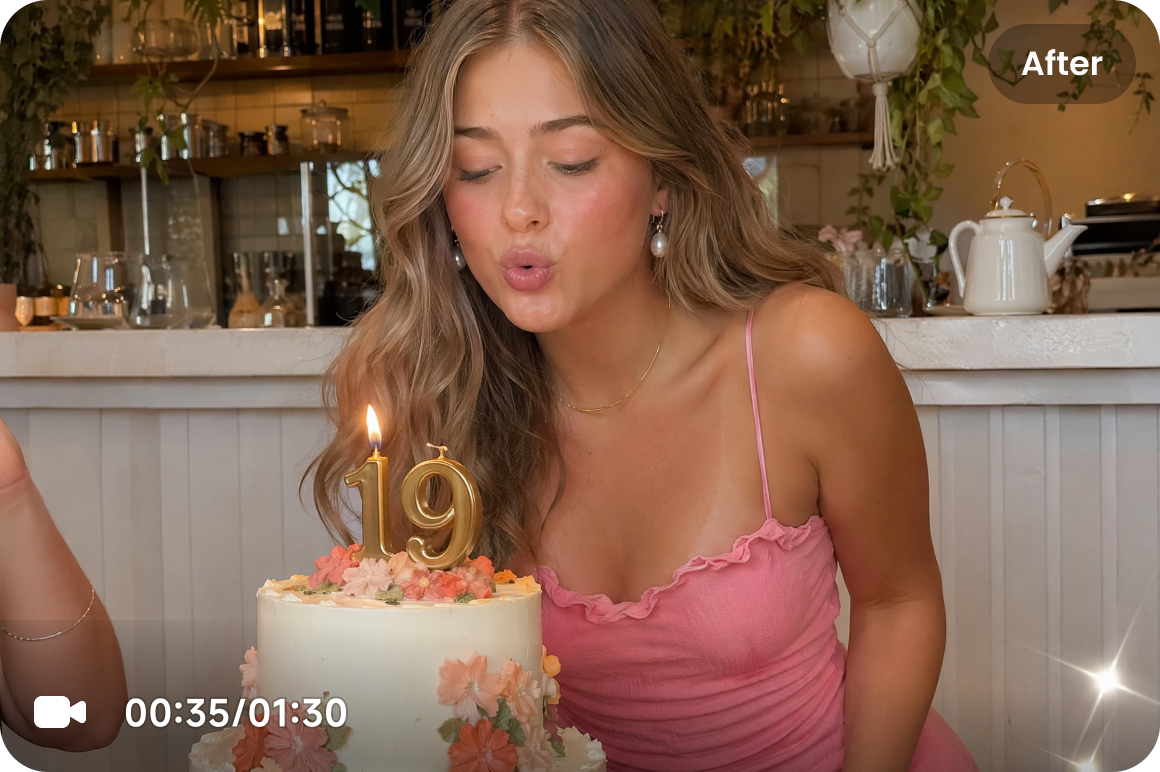
We restore clarity where it often fades, especially in faces, text, and textures. Our AI carefully reconstructs facial features, material details, and edges. Instead of an unnatural, over-smoothed look, it delivers clean, realistic HD that stays true to the original.
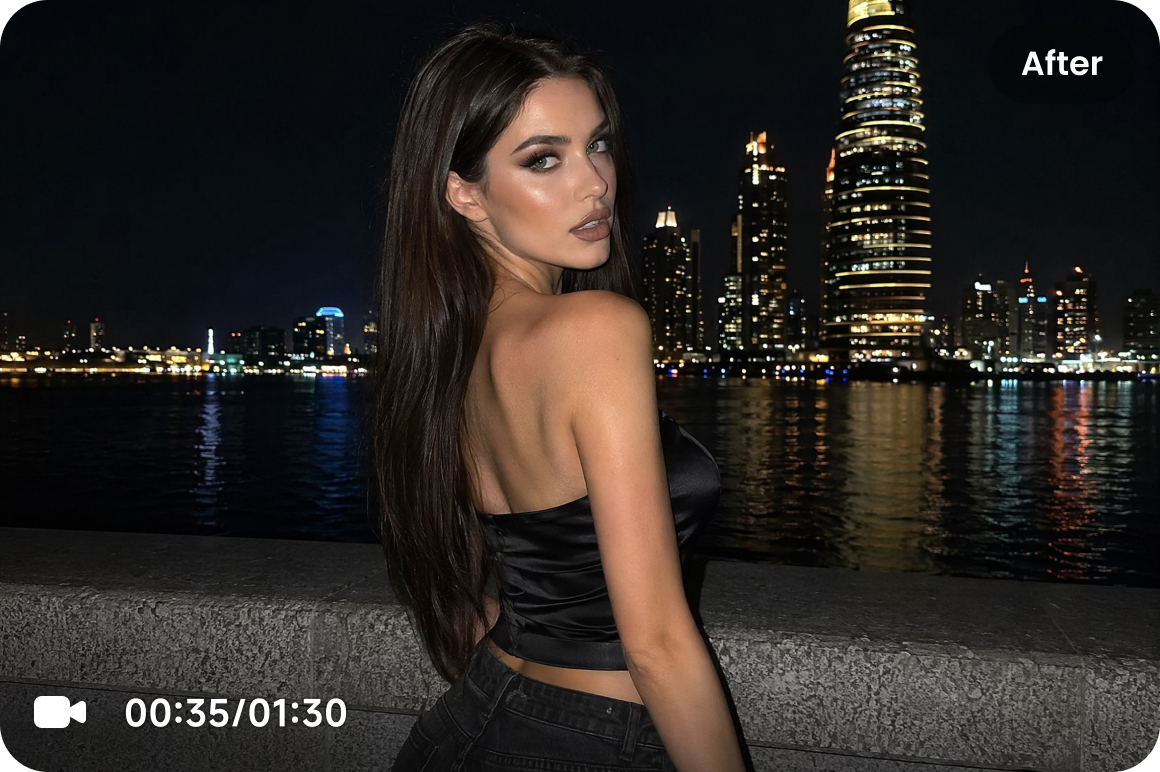
Noise & artifact reduction
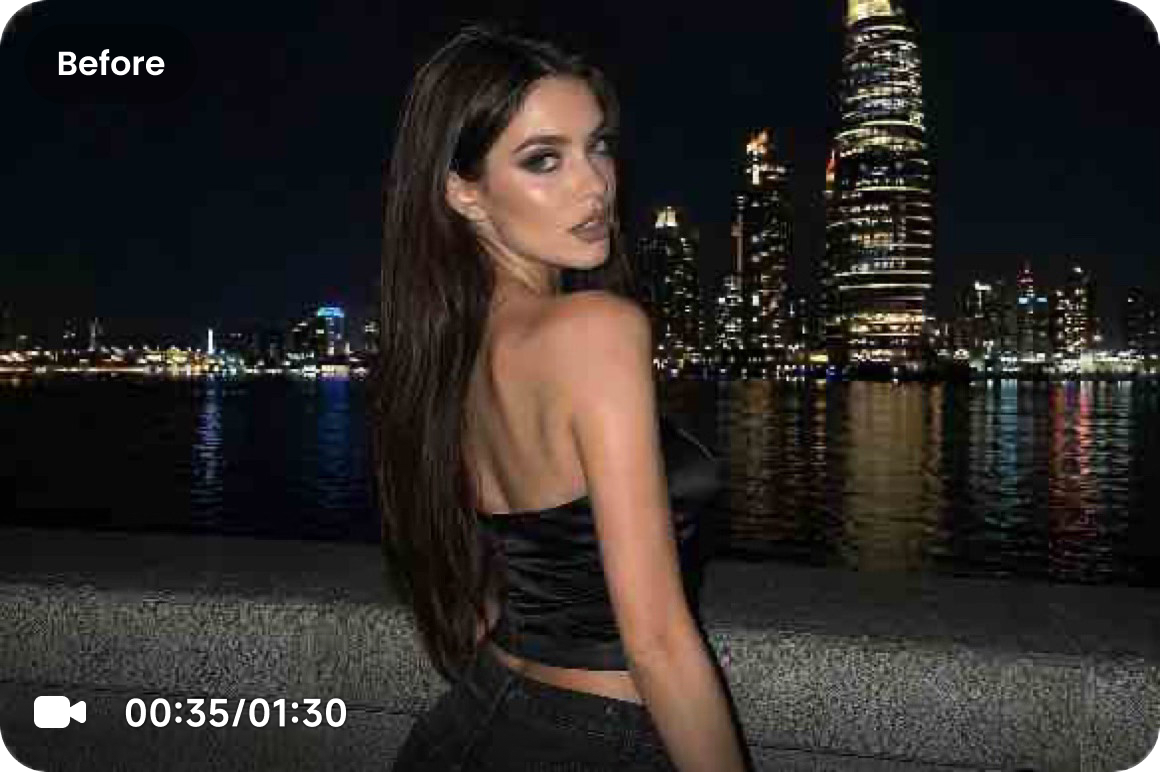
We remove common compression flaws like noise, blockiness, and edge artifacts. This significantly improves overall clarity and keeps the image balanced, delivering a polished result without grain or distortion.
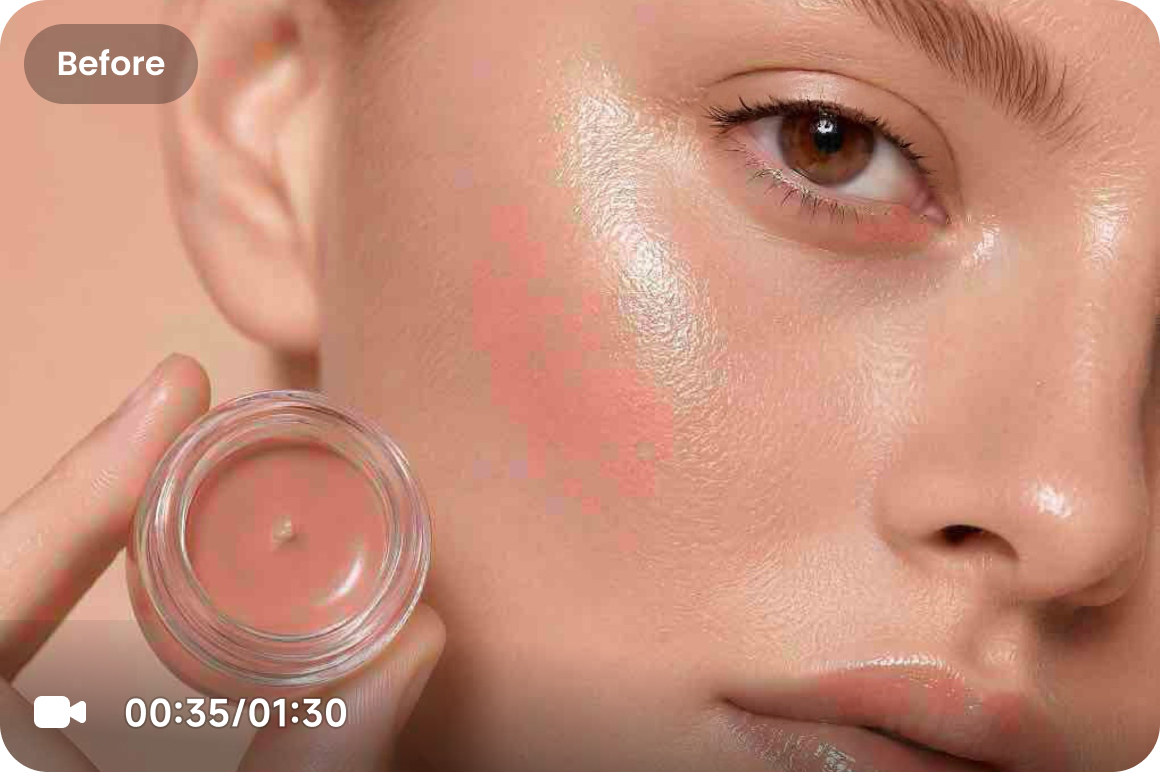
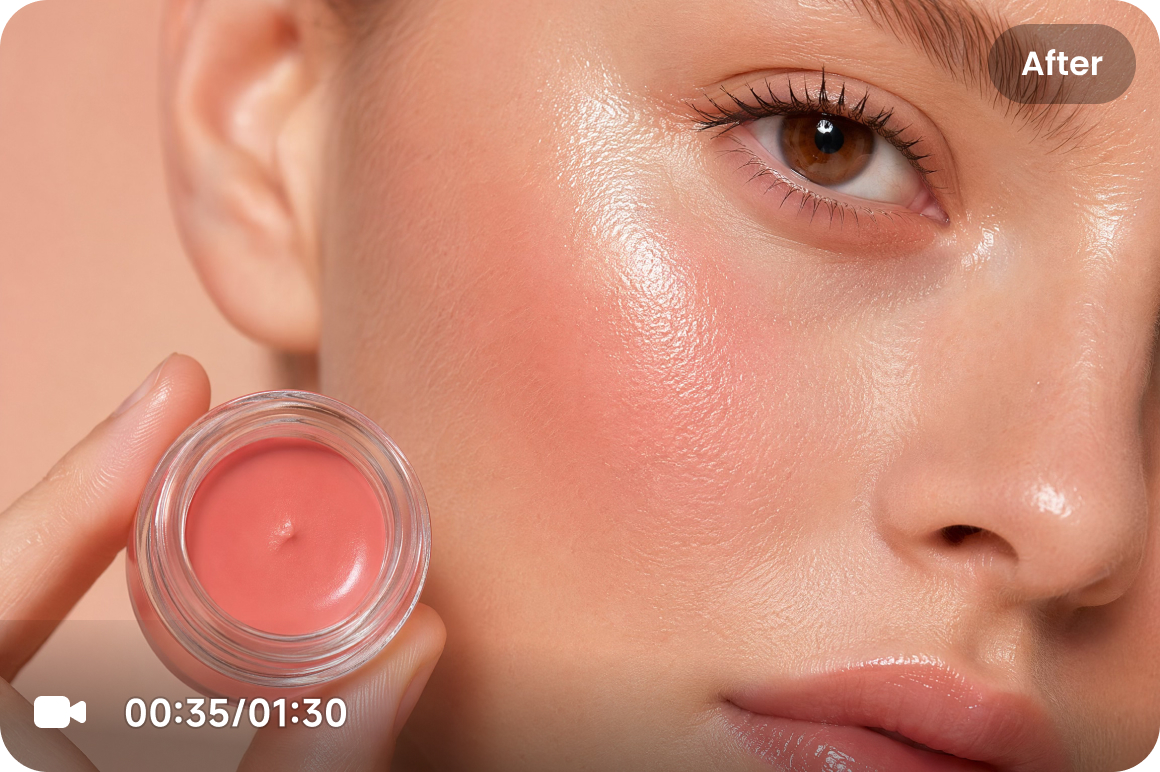
High-precision video upscaling
We upscale your video to higher resolutions while keeping it stable. This significantly reduces edge flicker, prevents details from warping, and stops the background from distorting. The final video remains a sharp, clear HD video that looks great even on large screens or high-resolution displays.
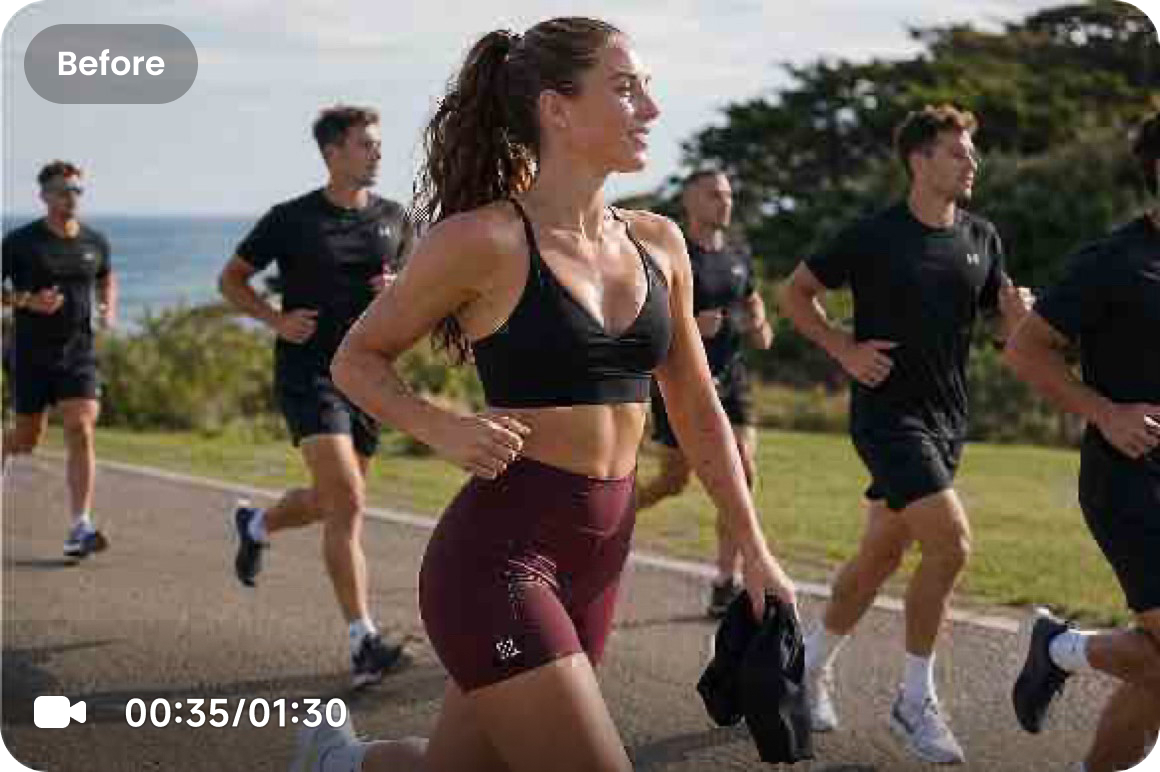
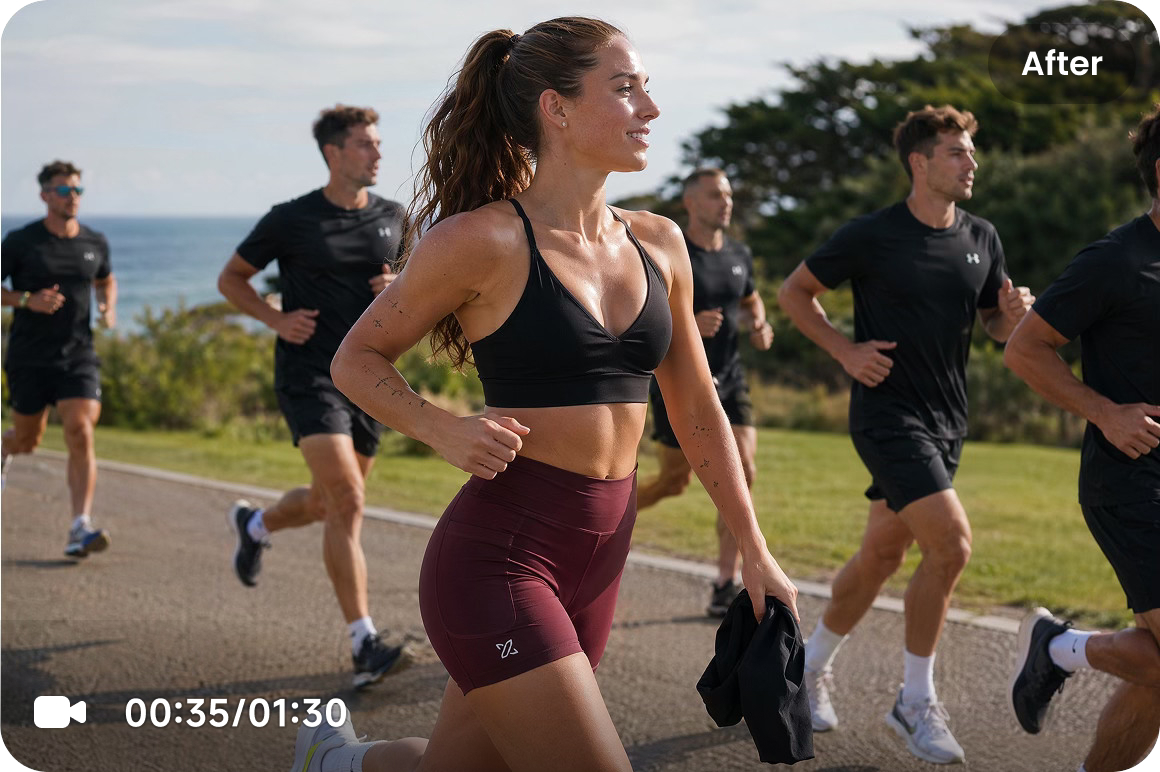
Dynamic detail reconstruction
We enhance clarity in fast-moving scenes by reconstructing details frame by frame. This helps get rid of the blur and ghosting, keeping your subject sharp and delivering smooth, stable HD from start to finish.
Who is this HD video maker for
Users restoring old or low-quality videos
If you're working with old footage, compressed clips, or files that have been re-encoded multiple times, this tool helps you enhance resolution and clarity, bringing your videos back to life with clean, HD-quality results.

Creators & social teams
If you publish, edit, or repurpose content across platforms, you can fix quality loss from compression and keep your videos looking sharp and consistent in HD for every post.
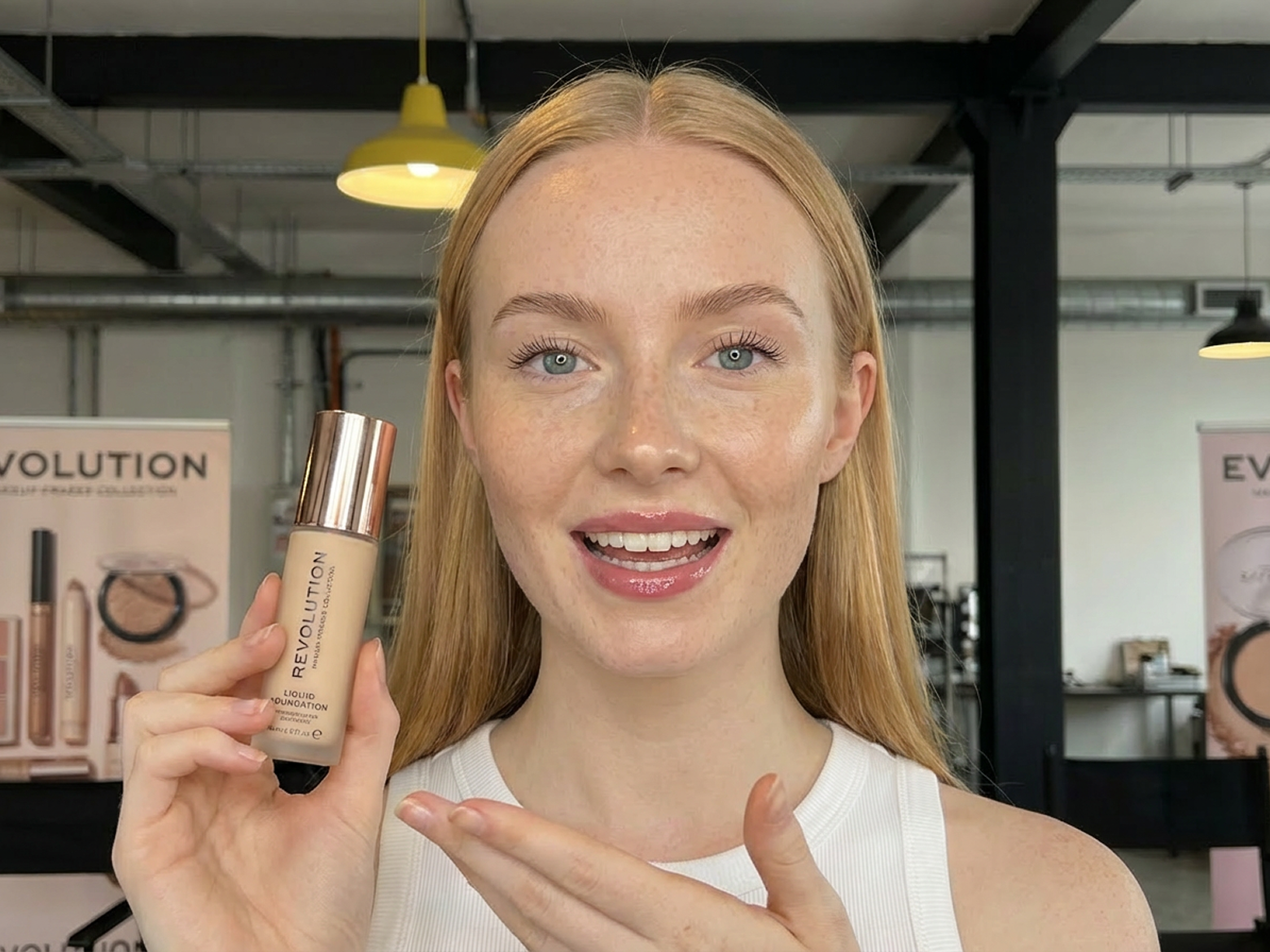
Ecommerce & marketing professionals
If you create product videos or ads, you can enhance the clarity of text, textures, and details,making your visuals look more professional and helping build trust and improve conversions.

Gamers & screen recording users
If you capture gameplay, tutorials, or screen recordings, you can reduce blur and motion artifacts while keeping fast-moving scenes clearer and smoother for a better viewing experience.


Use the HD video enhancer not only online, but also via API. Easily integrate with agent platforms and automated workflows to support content production, batch processing, and multi-version distribution at scale.

Focused on resolution upscaling and detail reconstruction, our AI restores lost information during enlargement and reduces blur and compression artifacts. Turn “blurry upscaling” into true clarity reconstruction—delivering stable, natural-looking HD results.

No technical experience needed. Just upload your video, and AI will handle resolution enhancement, detail optimization, and quality improvement automatically—delivering clear, high-quality results.

Your privacy comes first. Your videos are only accessible to you, and all uploaded and processed files are automatically deleted after 7 days to ensure your data stays safe.

Enjoy a smooth experience with no ads, no pop-ups, and no security risks. Focus on enhancing your videos without distractions.

We continuously update and improve our features based on user needs and industry trends—so you always get a better, more reliable video enhancement experience.
FAQ about Vmake Labs HD video maker
What is HD video maker?
Can AI really upscale a video to HD?
Yes, absolutely! Modern AI doesn’t just stretch your video, it intelligently fills in the missing details as it increases the resolution. This means you can turn older or lower-quality footage into real HD video that still looks natural.
Will enhanced videos look unnatural or over-sharpened?
Nope. The AI is tuned to boost clarity without going overboard. It fills in detail naturally, so you won’t get that harsh, artificial sharpness, just a clean, realistic result.
What types of videos can be enhanced?
Pretty much any video, such as old home movies, compressed clips from social media, phone recordings, gameplay footage, or dim, blurry shots. If it’s low quality, it can likely be improved.
Will my video be compressed or lose quality?
No, the system actually works to preserve your original quality. It outputs a newly enhanced HD version, so you don’t lose detail from extra compression.
Do I need professional skills to enhance videos?
Not at all. Just upload your video, pick the HD option, and the AI will automatically handle upscaling, detail restoration, and noise reduction.
Discover more features
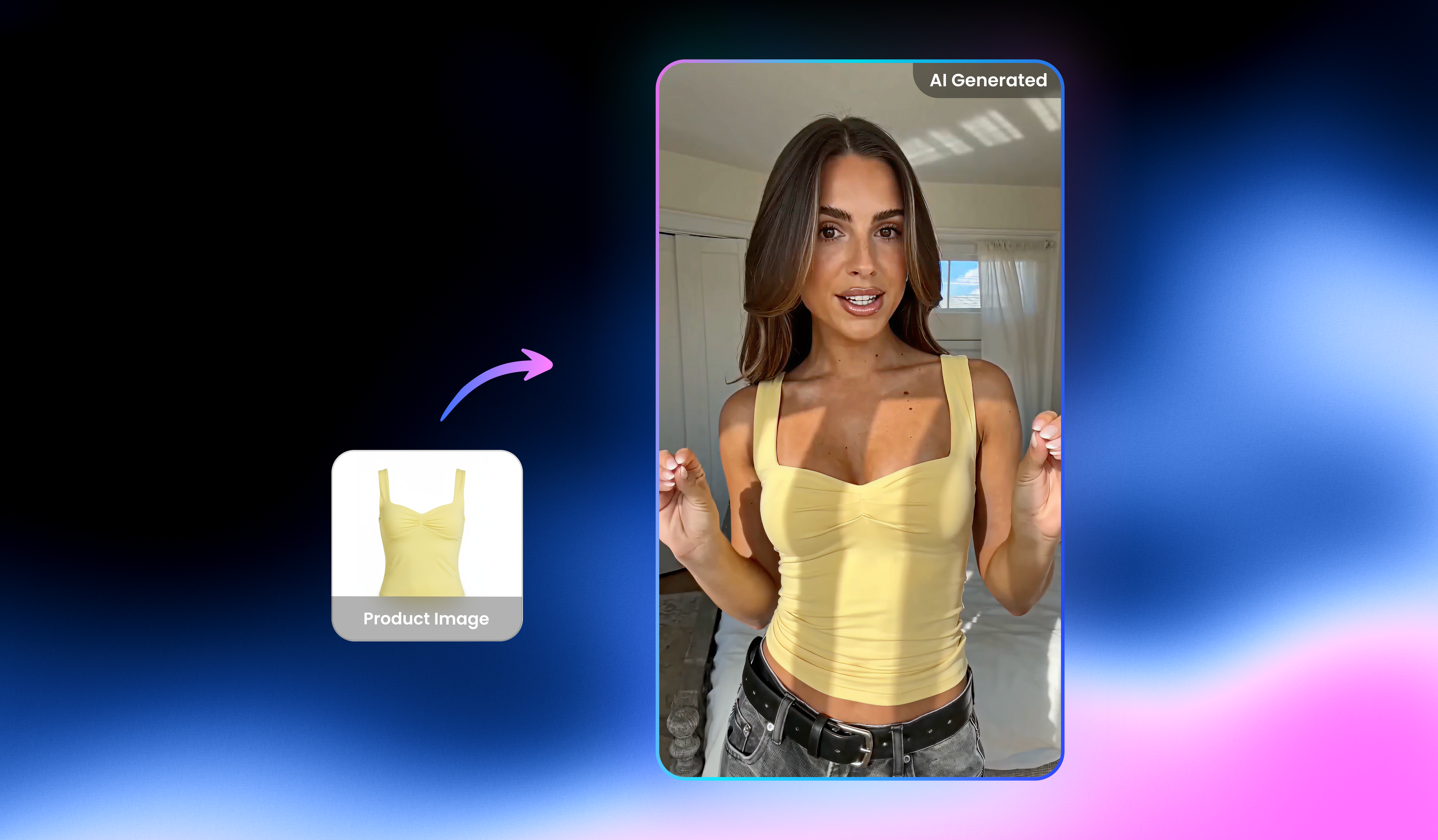
UGC video

Watermark & text remover

Video upscaler

Video Translator

AI video generator

Video background remover

Video noise reducer

Video & audio to text
Best HD video maker right next to you
Upload your video now and see it transform into stunning HD clarity with Vmake Labs HD video maker!
Real stories, real results: voices of our users
I tried Vmake Labs for the first time today
I tried Vmake Labs for the first time today. Received a wonderful video to use in an 80th Birthday Congratulations Video but it was so much more out of focus than all the others ... It just looked out of place when viewed in the compilation ...What to do 🤔
I went to Google search looking for a video enhancer website online and decided to try yours first.
Boy did I pick the right one!
The enhanced video came out so nice and looks great with the rest ... And no one is ever going to know it was enhanced.
Thank you so much for a quality tool ... I know I will be using it again in the future.
Awesome Vmake Labs application
Hi staff and everyone!
I just wanted to share a heartfelt thank you for creating such an amazing Vmake Labs video and image app. It has been incredibly helpful for bringing my ideas to life. I love making videos, and the video enhancers and sizing options are truly my favorite features—they make everything look sharper, cleaner, and so much more impressive. Every time I use them, my confidence and creativity get a little boost.
It works AMAZING for video enhancement
It works AMAZING for Video Enhancement. I use professionally all the time!
Bought it largely because of the video enhancer
Bought it largely because of the Video enhancer and the removers, quite efficient and quick response.