AI Animation

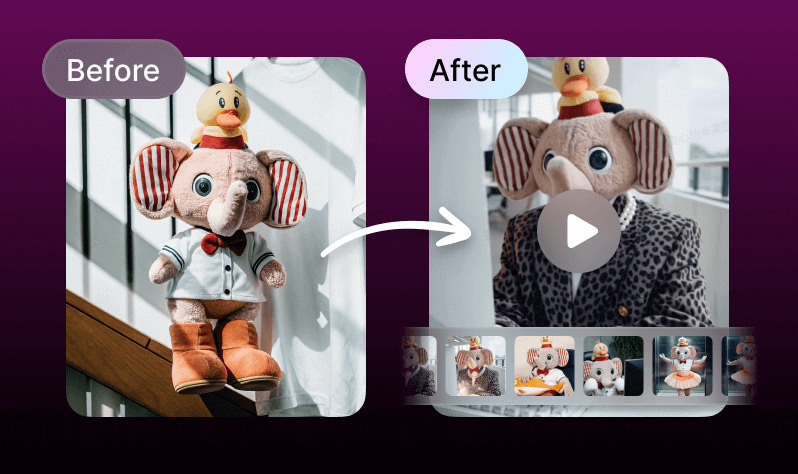
Transform your idea into a stunning video in just 3 simple steps with Text to Animation AI. Create eye-catching AI animation for your Instagram ads today!

How to create a short videos?

Step1

Script

Simply input your ideas or import a complete script to automatically generate storyboards. Easily switch styles, edit characters, and adjust narration.
Step2

Storyboard

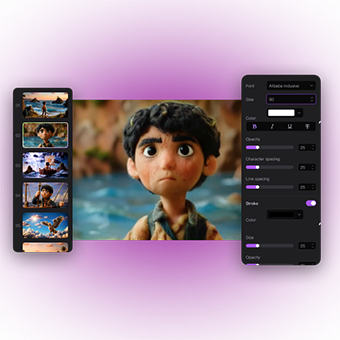
After generating the storyboards, you can further enhance visual details.
Step3

Production

Now you can generate a complete video with subtitles, voiceover, and background music, and make some basic post-production.

Why AI Animation

All-in-One Ease

All-in-One Ease

  • Say goodbye to juggling multiple tools. With Text to Animation AI, you can seamlessly create scripts, generate images, and edit videos - all in one smooth, creative experience on the AI Animation Video Generator platform.
Try it Now
Multiple Generation Models

Multiple Generation Models

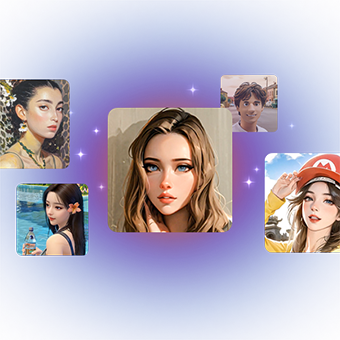
  • With Text to Animation AI, you can generate characters from your script, and enjoy the flexibility of crafting your own unique creations!

Try it Now
Various Visual Styles

Various Visual Styles

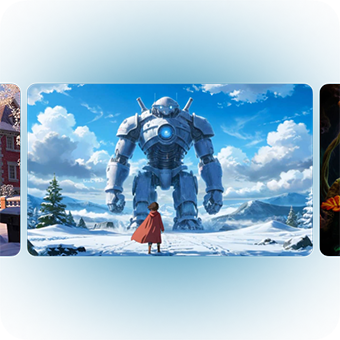
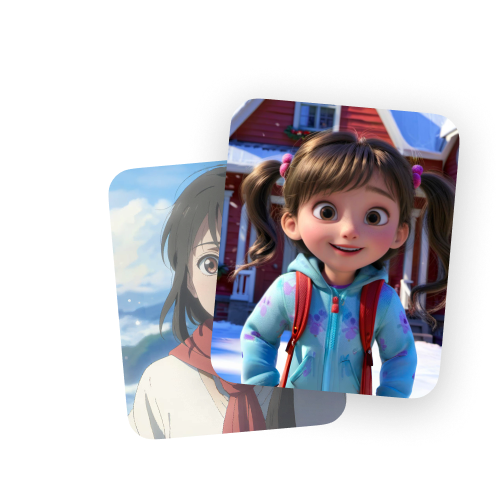
  • From Japanese manga and American-style comics to traditional Chinese aesthetics, Text to Animation AI offers a wide range of visual styles to serve your imagination.
Try it Now
User-Friendly Operation

User-Friendly Operation

  • Text to Animation AI is designed for beginners and pros alike. Create high-quality short videos in just three easy steps - effortless, efficient, and stress-free!
Try it Now

What AI Animation can do

AI Character

With Text to Animation AI, you can generate characters from your script, and enjoy the flexibility of crafting your own unique creations!
AI Character

Storyboard

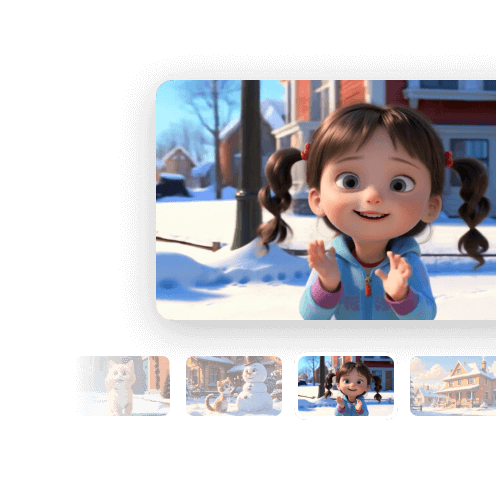
Generate storyboards based on the scripts with Text to Animation AI.
Storyboard

AI Video Generation

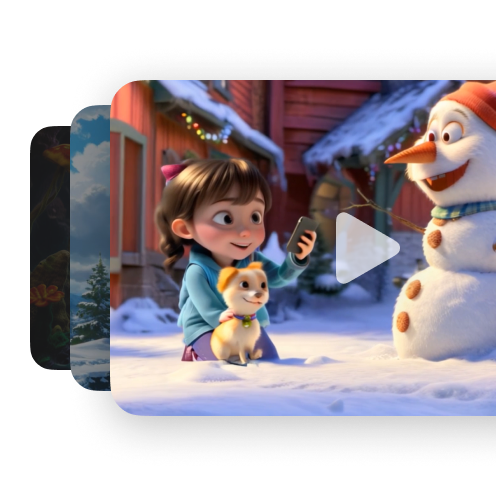
Transform your storyboard into a stunning video with Text to Animation AI.
AI Video Generation

FAQs

What is AI Animation?

AI Animation is a powerful tool that transforms your ideas into videos.It offers one-stop solutions from script creation and character generation to storyboard generation and video production.There are various visual styles for creators to choose from. How do I use AI Animation?

How do I use AI Animation?

Enter your idea or script,it only takes three steps to create a wonderful short video. 1.Select visual style and character information; 2.Generate storyboards; 3.Generate a video in one click.Simplify the video production process and unleash unlimited creativity!

Why AI Animation?

One-stop solutions. There are various visual styles and generation models for creators to choose from.Storyboards supports further editing. All of these are simple to use and highly flexible.

What devices and platforms are compatible with AI Animation?

Currently, only browsers are supported. Chrome is recommended.

I want to use videos I created with Vmake for commercial purposes. Are there any copyright restrictions?

If you are a subscriber, you can use the content you create for commercial or non-commercial purposes. Please refer to our Terms of Service for more details.