YouTube Thumbnail Success: A 2026 Guide to Boosting Your Click-Through Rate
 Vmake Labs TeamMarch 10, 2026
You’ve spent days scripting, filming, and editing your latest video. You’ve polished the audio, color-graded the footage, and finally hit "Publish." But twelve hours later, the view count is stalling. You check your analytics and see the dreaded "1.2% Click-Through Rate."
The hard truth of YouTube in 2026 is this: Your video is only as good as the thumbnail that represents it.
A thumbnail is your digital storefront. It is the literal split-second barrier between a user scrolling past or becoming a lifelong subscriber. In an era where AI-generated content and high-production creators are flooding the feed, "good enough" no longer cuts it.
In this complete guide, we’ll break down the exact science and art of designing high-CTR (Click-Through Rate) YouTube thumbnails that stop the scroll and force the click.
Why Your Thumbnails Are the Most Important Part of Your Video
In the YouTube ecosystem, the algorithm acts as a matchmaker. It shows your video to a potential viewer (an "Impression") and waits to see if they bite.
If people don't click, the algorithm assumes the video isn't relevant and stops showing it. This makes CTR the ultimate "trust signal." Even if your video is cinematic gold, no one will ever know if the thumbnail doesn't do its job.
The 0.5-Second Rule
Research suggests that a viewer decides whether to click on a video in less than 500 milliseconds. You aren't competing with other videos in your niche; you are competing with the human brain's desire to filter out noise. Your thumbnail needs to provide an immediate dopamine hit or a "curiosity gap" that demands to be closed.
The Anatomy of a High-CTR Thumbnail (2026 Edition)
Design trends shift, but human psychology remains the same. To win the click in 2026, you must master these three pillars of design.
1. Keep It Simple (The "Less is More" Principle)
The biggest mistake beginners make is trying to tell the whole story in one image. This creates visual clutter.
-
The Rule of Three: Try to limit your thumbnail to three main elements (e.g., a face, an object, and a short text string).
-
The "Mobile-First" Test: Over 70% of YouTube views happen on mobile devices. If your thumbnail looks messy or unreadable when shrunk down to the size of a postage stamp, it will fail.
2. Bold, Sparse Text
If you use text, make it punchy.
- Don't Repeat the Title: If your title is "How to Bake a Cake," your thumbnail shouldn't say "How to Bake a Cake." Instead, it should say "NEVER FAIL" or "SECRET INGREDIENT."
- Readability: Use heavy, sans-serif fonts with high-contrast outlines or "drop shadows." This ensures the text pops against complex backgrounds.
3. The Power of Emotion & Faces
Humans are evolutionarily wired to look at faces.
- Eye Contact: A subject looking directly into the "camera" of the thumbnail creates a psychological connection with the viewer.
-
Authenticity Over Caricature: While the "YouTube Face" (extreme shock) still works for some niches, 2026 trends are leaning toward authentic emotion. A look of genuine curiosity, subtle disappointment, or intense focus often performs better than a fake scream.
Mastering Visual Hierarchy: Color, Composition, and Contrast
To guide the viewer's eye exactly where you want it, you need to understand how visual elements play together.
Color Theory and Contrast
You want colors that stand out against YouTube’s white or dark mode interface.
-
Complementary Colors: Use "opposite" colors on the color wheel to create natural pop. Think blue backgrounds with orange text, or purple accents with yellow highlights.
-
Saturation: Boosting the saturation slightly (around 10-15%) can make a thumbnail look more "alive," but avoid overdoing it to the point of looking "deep-fried."
The Rule of Thirds
Don't just stick your face in the middle. Place your most important elements—the face or the "hero object"—along the grid lines of the Rule of Thirds. This creates a more balanced and professional look that feels "right" to the human eye.
Background Management
A busy background distracts from the subject. One of the most effective ways to increase CTR is to blur the background or remove it entirely to replace it with a high-contrast gradient. This puts 100% of the focus on the foreground.
How to Use AI to Accelerate Your Thumbnail Design
You no longer need to be a professional graphic designer to create world-class thumbnails. AI tools have democratized the "pro look."
Leveraging AI Tools
In 2026, creators are using AI to handle the tedious parts of design:
-
Background Removal: Instead of manual masking, tools like Vmake’s AI background remover allow you to cut out a subject perfectly in one click. This lets you swap in a more vibrant, branded background.
- Image Upscaling: If you took a screenshot from a 1080p video, it might look blurry as a thumbnail. Using an AI Image Enhancer can sharpen the details and make the eyes "pop."
- Generative Fill: Need a "Lamborghini" or a "Stormy Sky" in the background but don't have the photo? AI can generate these assets to fit your composition perfectly.
For creators who need speed, Vmake offers an ecosystem of tools that bridge the gap between "rough draft" and "viral ready." By using AI-driven lighting adjustments and object removal, you can clean up a cluttered room in your background and replace it with a studio-quality setting in seconds.
How to Use Vmake to Design Pro-Level YouTube Thumbnails
Vmake AI Thumbnail Maker is a simple, all-in-one tool built to do the hard work for you. Whether you need to clean up a messy background, make a blurry photo look sharp, or fit your text perfectly for mobile screens, Vmake handles it in a few clicks. It’s like having a professional designer in your pocket, allowing you to create high-quality thumbnails that grab attention without the usual tech headaches.
You don’t need a degree in graphic design to create high-CTR thumbnails. Vmake’s AI suite is designed to take you from a raw, cluttered video frame to a polished, "click-worthy" thumbnail in just a few clicks.
Here is your step-by-step workflow to get it done:
Step 1: Extract or Upload Your Hero Image
Open the Vmake platform and navigate to the AI Thumbnail Maker.
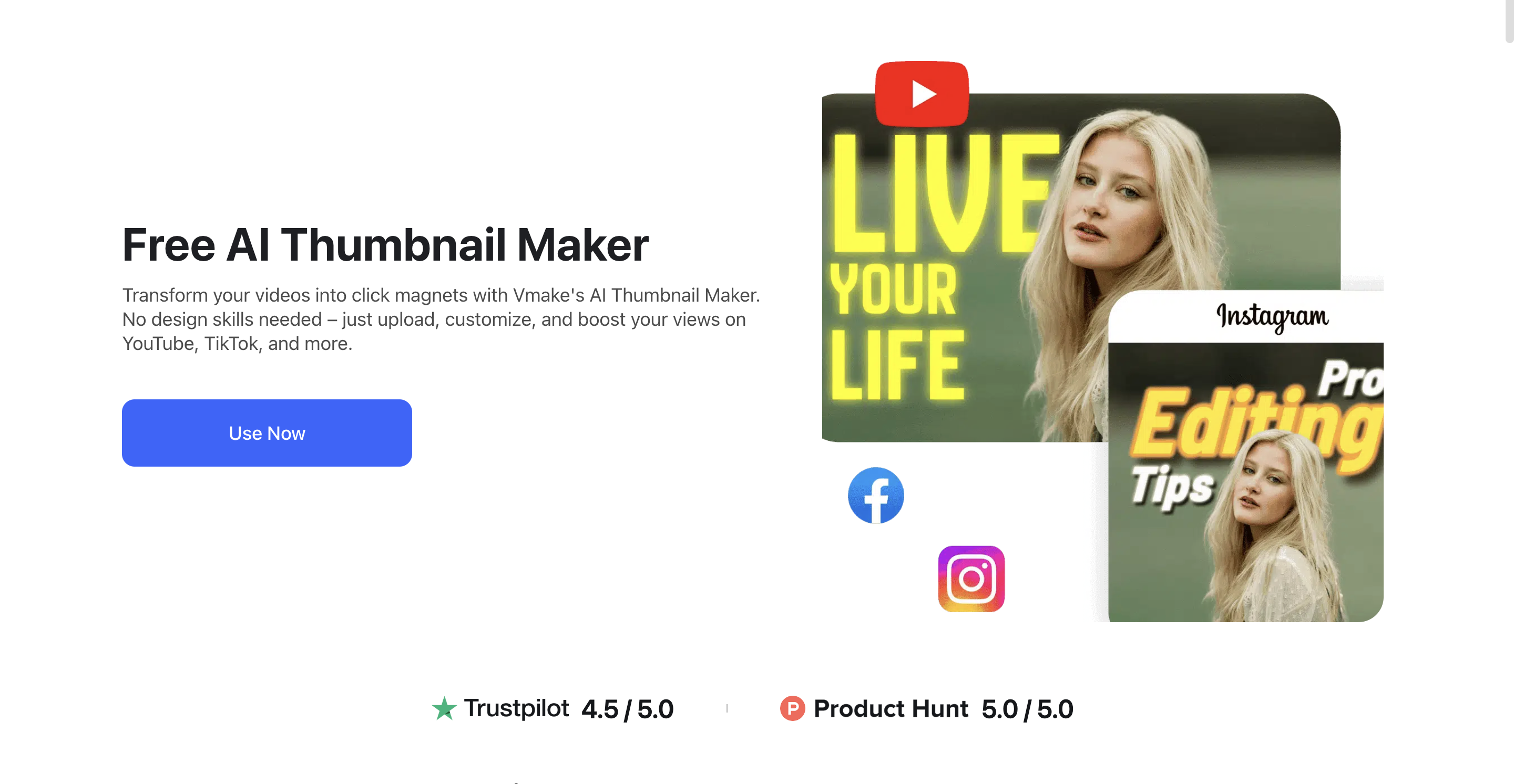
- From Video: If you’re editing your video in Vmake, you can directly select the frame that best captures the emotion or "hook" of your content.
-
From Scratch: Alternatively, upload a high-quality photo of yourself or your product directly into the dashboard.
Step 2: Enhance Quality and Emotional Impact
Sometimes the perfect frame is a little blurry or poorly lit.
- Apply the AI Image Enhancer to sharpen facial features, clear up skin textures, and adjust the lighting. This makes your thumbnail look crisp, professional, and trustworthy, even on small mobile screens.
- Pro Tip: Vmake’s intelligent tools can also help you adjust the "vibe" of your image, ensuring your expression matches the tone of your video.
Step 3: The "Stamp Test" and Export
Before you hit "Download," perform the Stamp Test.
- Zoom your view out to roughly 10% (simulating the size of a thumbnail on a mobile device).
- If your face is visible and your text is readable, you are ready to export.
- Download your thumbnail in JPG or PNG format (keeping it under 2MB) and head over to YouTube Studio to replace your default frame.
The "Test & Refine" Strategy: Beyond Design
Designing the thumbnail is only half the battle. The best creators treat their thumbnails like a science experiment.
YouTube’s "Test & Compare" (A/B Testing)
YouTube now allows creators to upload multiple thumbnails for a single video. The system shows different versions to different viewers and tells you which one resulted in more watch time.
-
The Strategy: Always design two versions. One "safe" version (following your usual style) and one "experimental" version (different colors, different facial expressions).
The "Duration Badge" Hazard
Never put important text or a key face in the bottom right corner. That’s where YouTube’s time stamp (the duration badge) sits. If your "secret tip" is covered by "10:04," the viewer loses the context.
Common Thumbnail Mistakes (And How to Fix Them)
- Misleading Clickbait: If your thumbnail promises a $1,000,000 prize and the video is about a $5 scratcher, your "Average View Duration" will tank. The algorithm will penalize you, and you’ll lose viewer trust.
- Too Much Detail: Remember, most people view this on a 6-inch screen. If you have 10 people in the thumbnail, they will look like ants.
-
Inconsistent Branding: While every thumbnail should be unique, using a consistent font or color palette helps your loyal fans find your videos instantly in a crowded subscription feed.
Frequently Asked Questions (FAQ)
What is the ideal YouTube thumbnail size?
The recommended size is 1280 x 720 pixels (a 16:9 aspect ratio). Keep the file size under 2MB and use .JPG or .PNG formats.
What is a "good" CTR for YouTube?
A typical CTR on YouTube ranges from 2% to 10%. However, for a brand-new video, you want to aim for 6% or higher. Don't compare your CTR to others; compare it to your own channel average.
Should I include my channel logo in the thumbnail?
Generally, no. Your channel icon and name appear right below the video. Using a logo in the thumbnail usually just adds unnecessary clutter.
Does the file name of the thumbnail affect SEO?
While not a primary ranking factor, it is a best practice to name your file using your primary keywords (e.g., high-ctr-thumbnail-tips.jpg) to help Google index the image correctly.
Conclusion
High-CTR thumbnails are a blend of human psychology and technical execution. In 2026, the creators who win are those who focus on clarity, emotion, and contrast.
Don't leave your channel's growth to chance. By simplifying your designs, leveraging AI tools to polish your images, and constantly A/B testing your results, you can turn a struggling channel into a powerhouse.

You May Be Interested
How to Generate Thumbnails with AI: Guide for Optimized Previews