
Old Home Video Restoration: Restore Old Videos and VHS with AI
Upload your old home videos or VHS recordings and restore them with AI. Vmake Labs enhances clarity, removes noise, and improves resolution to bring your memories back in HD or 4K.


How to restore old videos in 3 steps
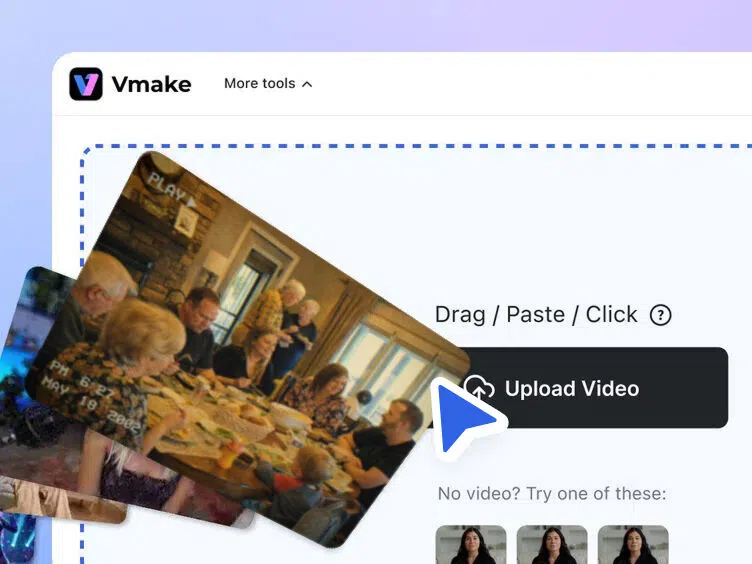
Upload your old video
Upload digitized VHS footage, old home videos, or archived clips directly to Vmake Labs AI restoration tool. Supports common formats including MP4, MOV, and AVI — no software download or account required.
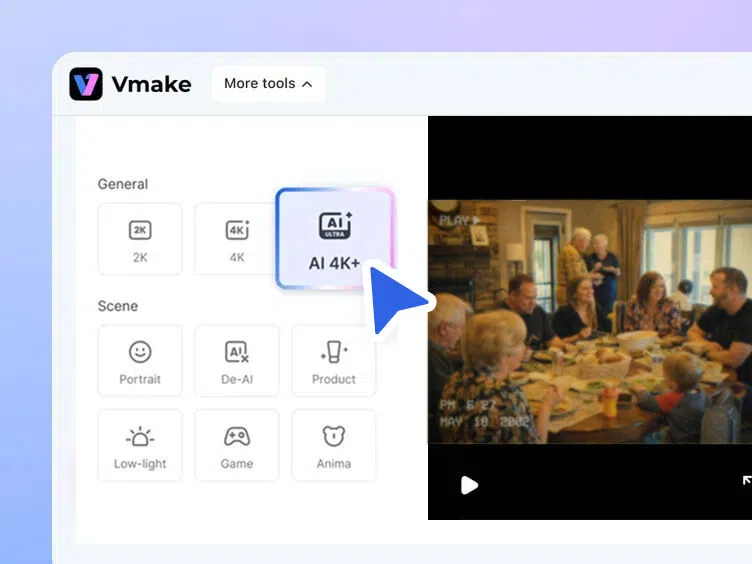
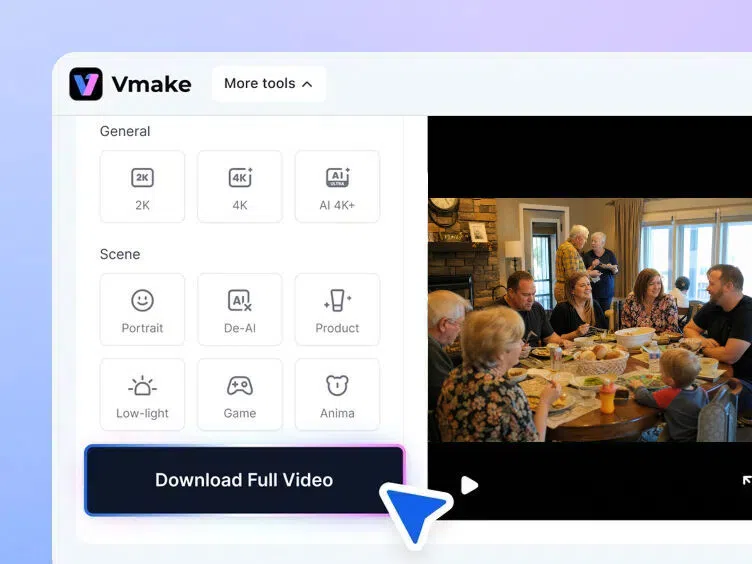
Choose restoration settings
Select enhancement options such as resolution upscaling, noise reduction, or clarity improvement. AI analyzes every frame to detect and correct the specific quality issues present in your footage — whether grain, blur, interlacing artifacts, or compression damage.
Preview and download your restored video
Preview the enhanced result and download your restored video in HD or 4K — free, no watermark, no account needed. Ready to watch on modern TVs, laptops, and mobile devices.
When to use an old video restoration tool


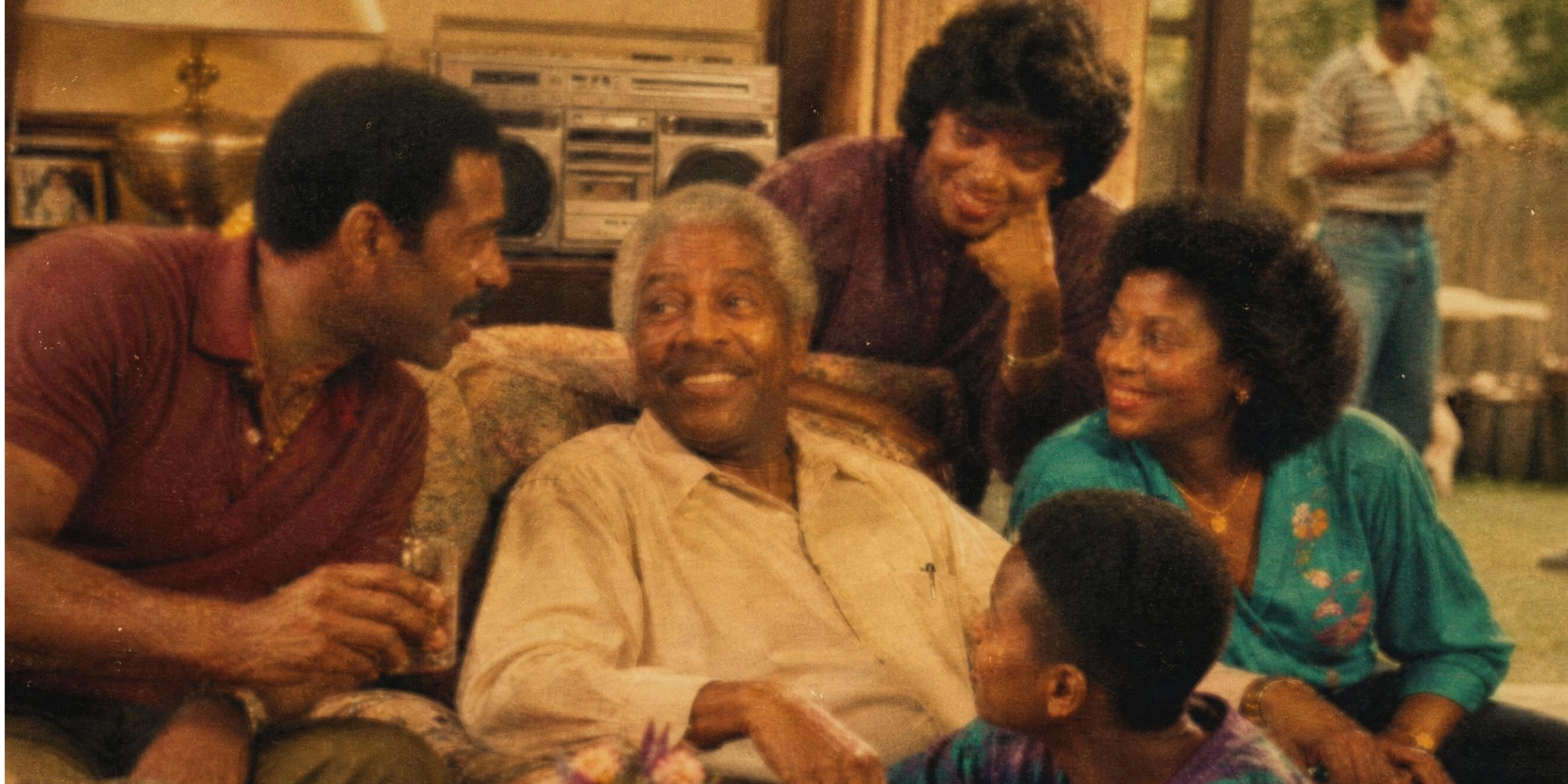
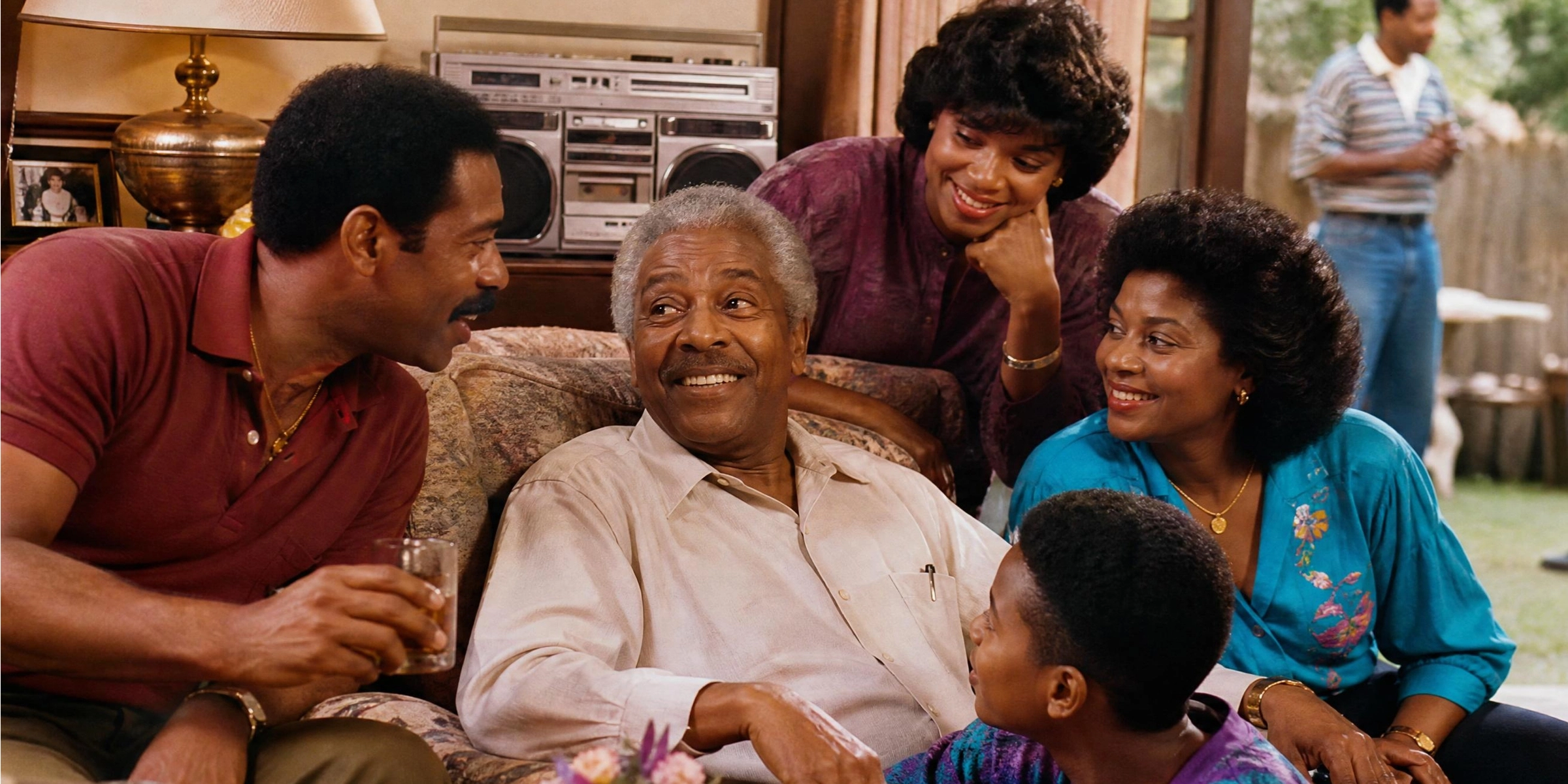
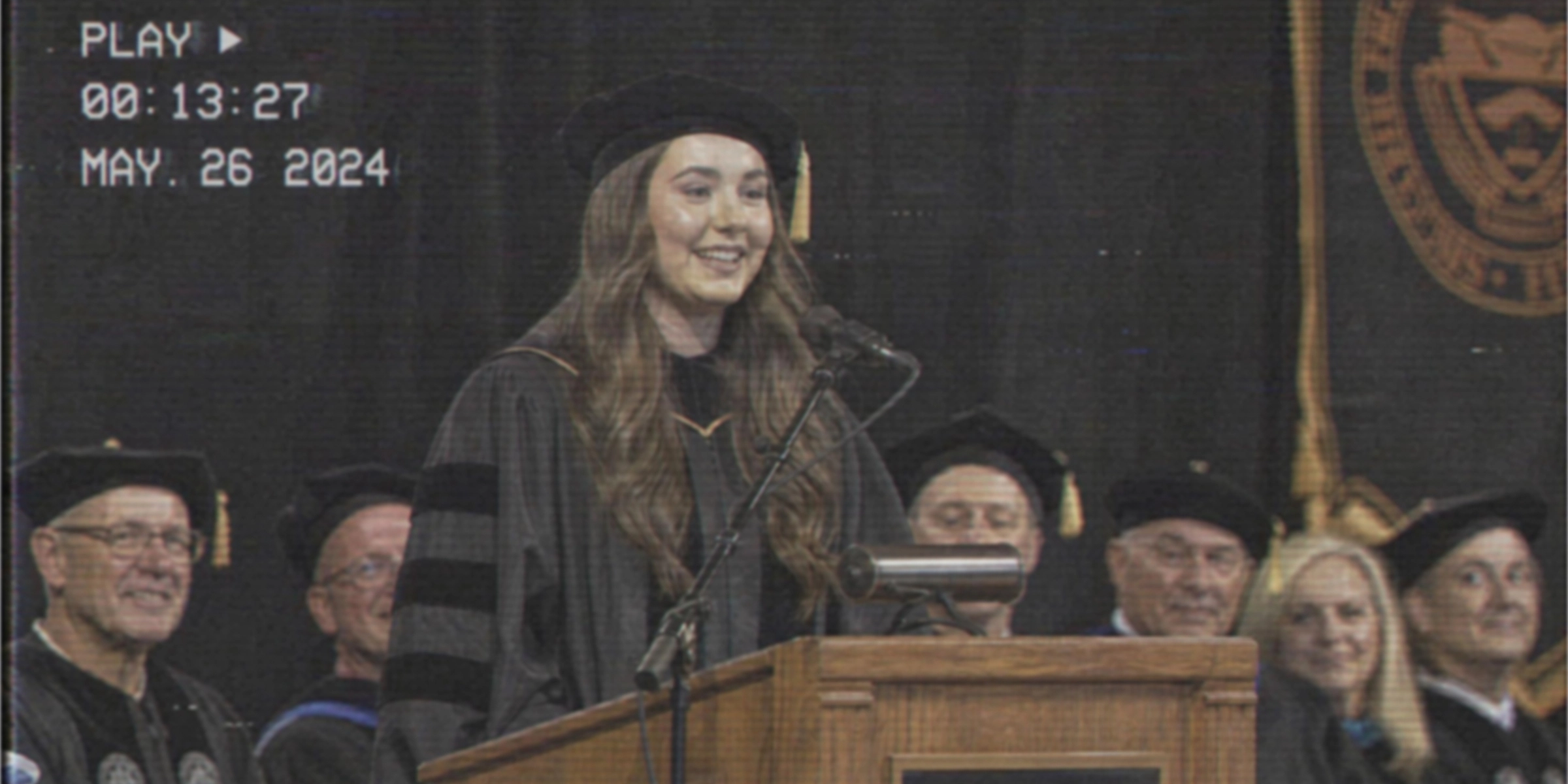
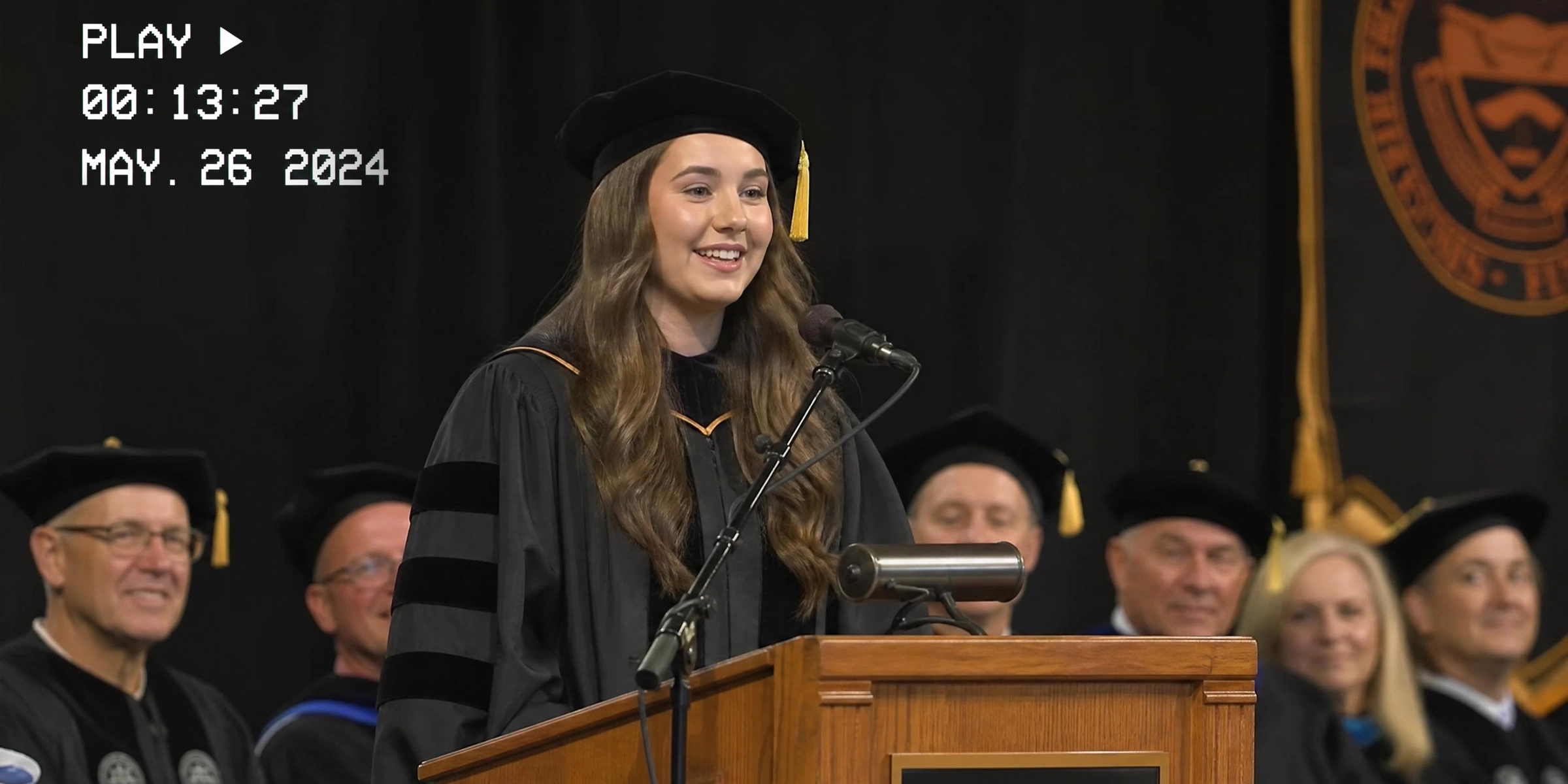
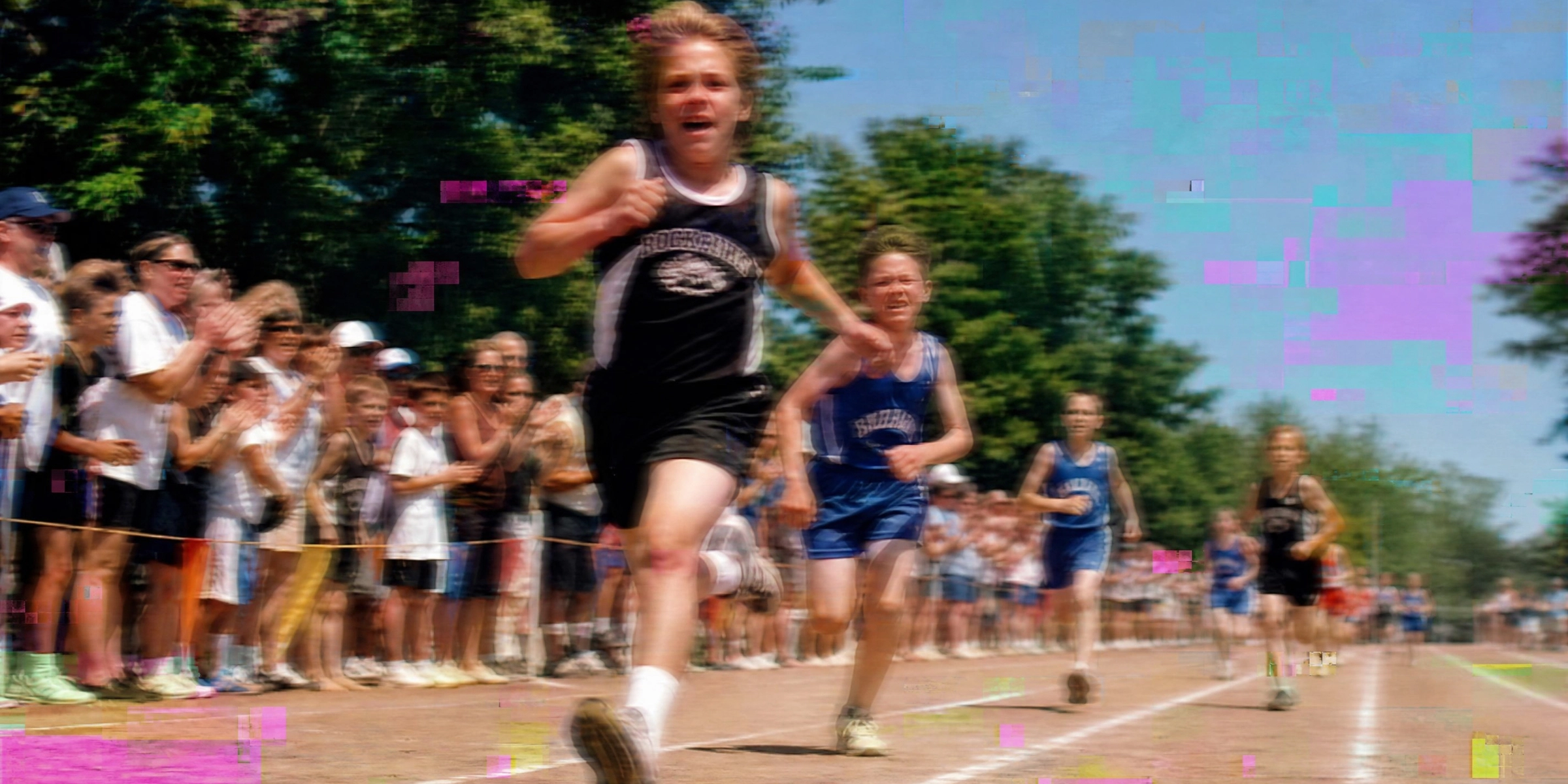
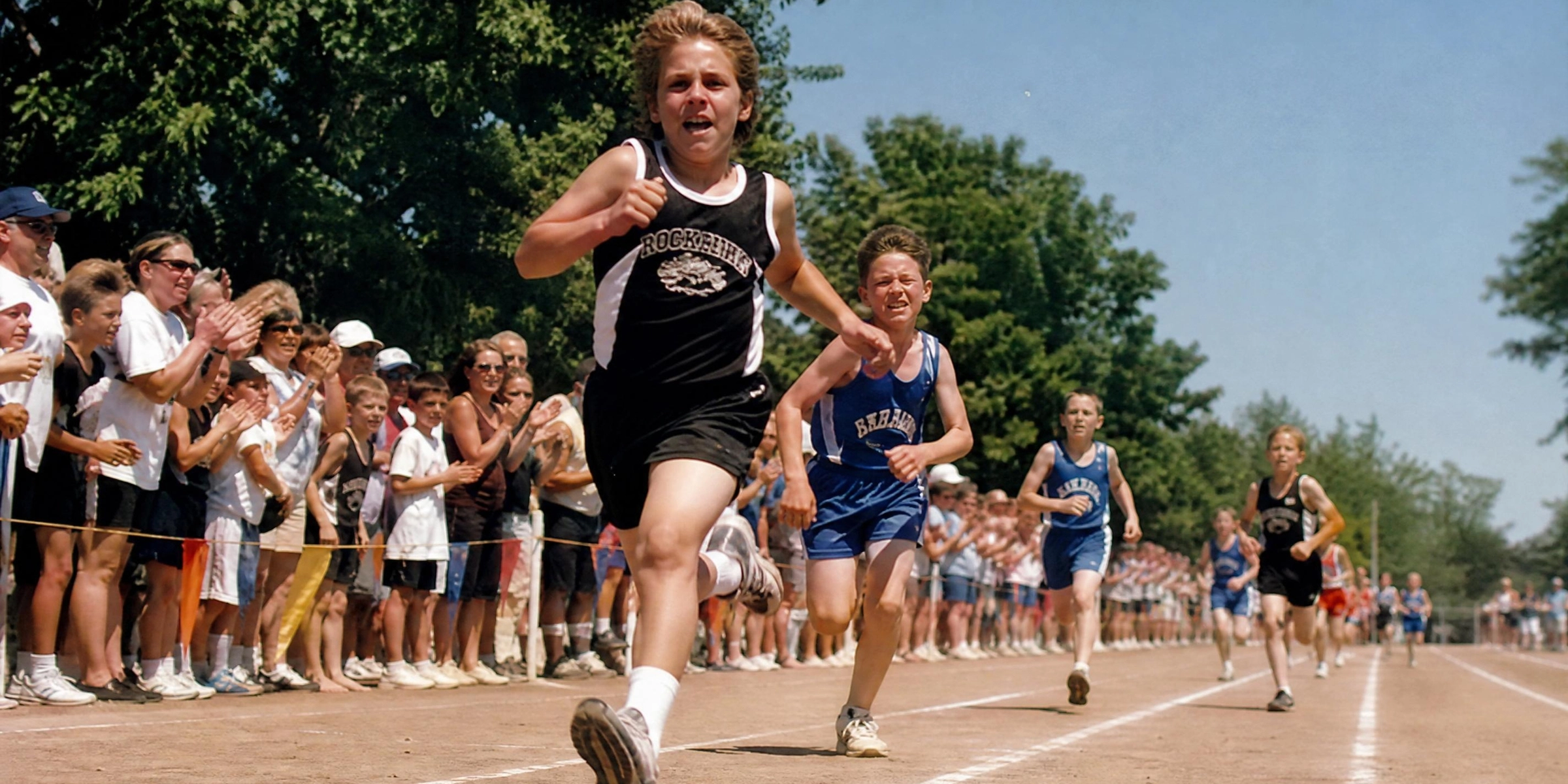




Restore old videos with AI enhancement
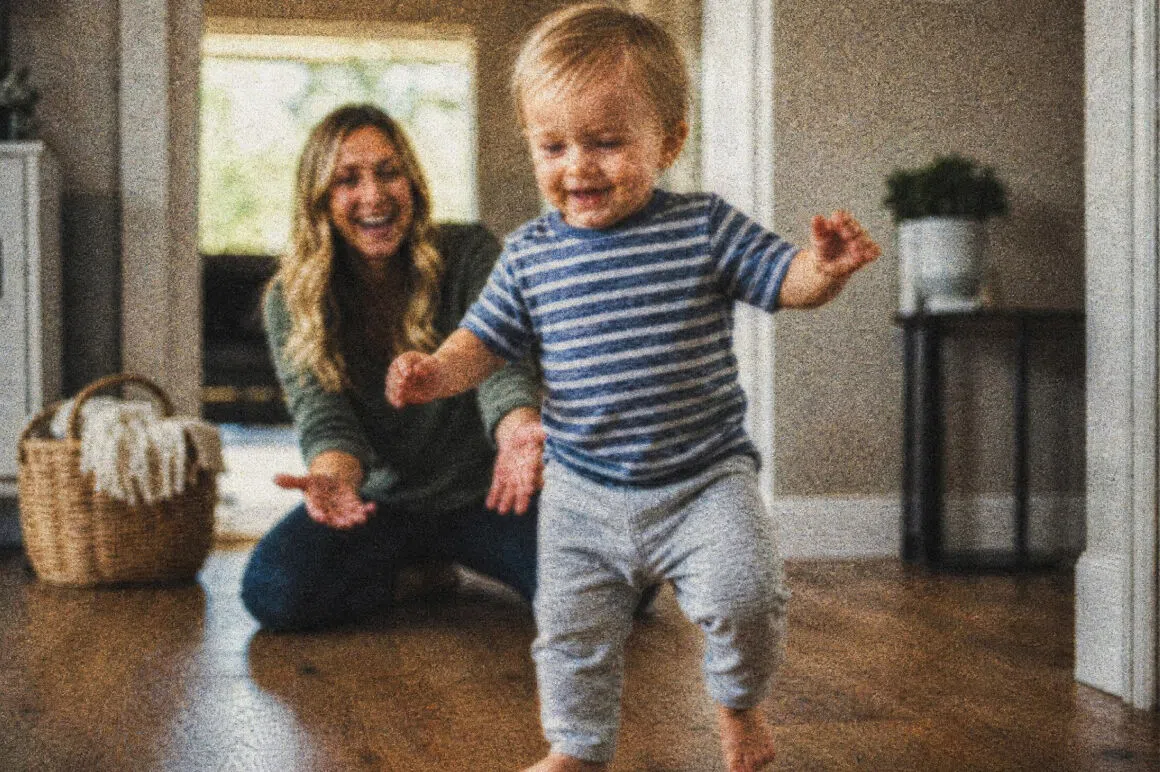

AI-powered video restoration
Advanced AI models analyze every frame to recover lost details and improve overall video quality. Unlike manual color correction or sharpening filters, AI restoration understands what old footage should look like — reconstructing detail rather than simply applying a global enhancement preset.
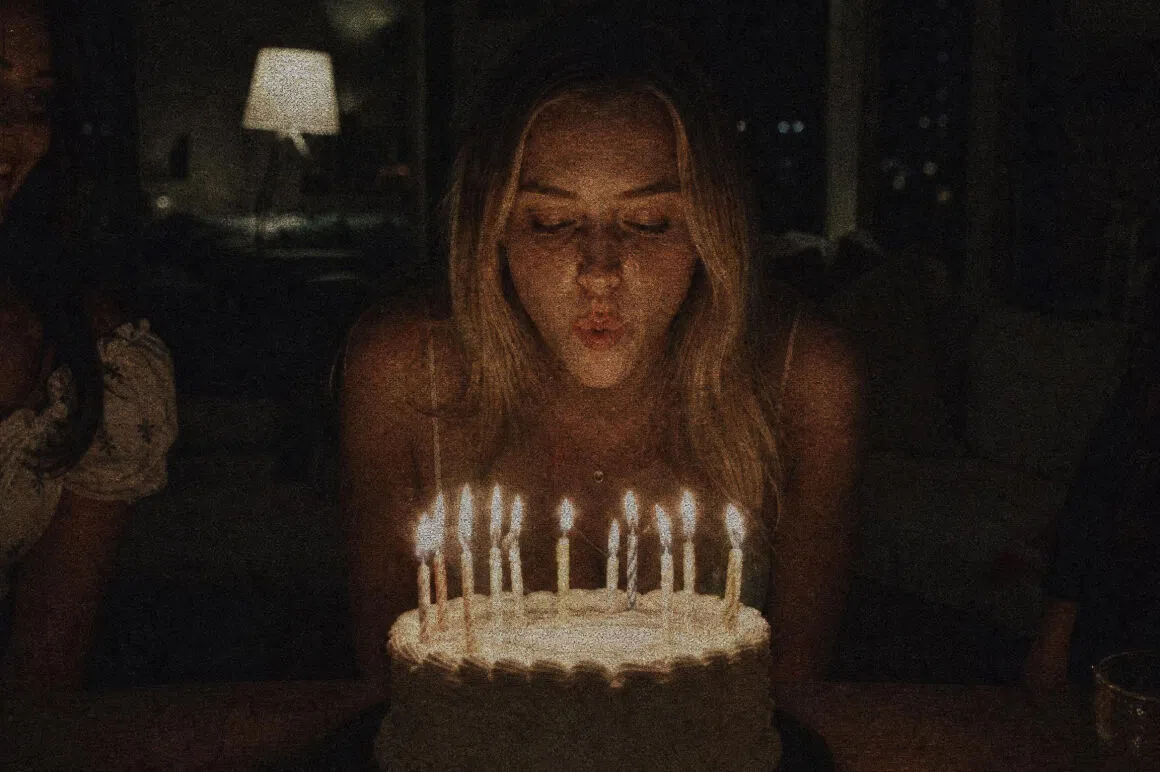
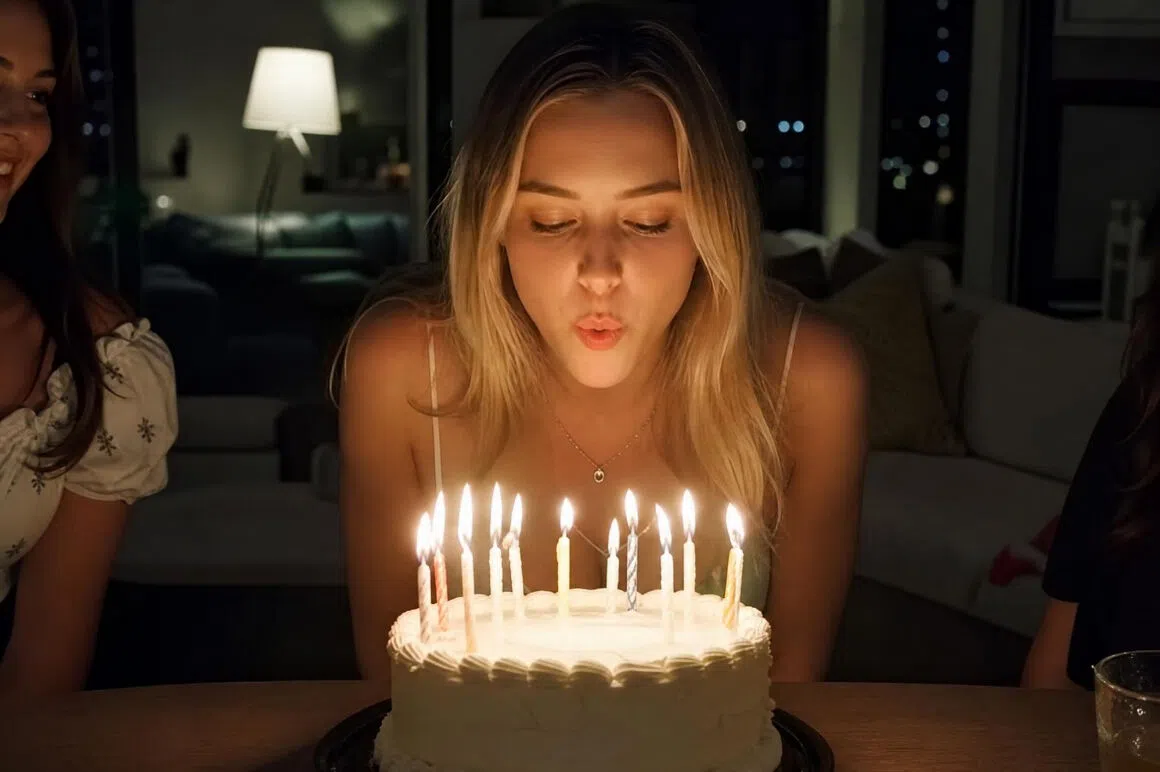
Reduce noise and grain
Automatically remove visual noise, film grain, and compression artifacts common in old recordings. AI distinguishes between image detail and unwanted noise, so the reduction targets degradation without blurring the underlying content — a key concern for editors who find that aggressive denoising in Premiere Pro removes texture alongside the noise.

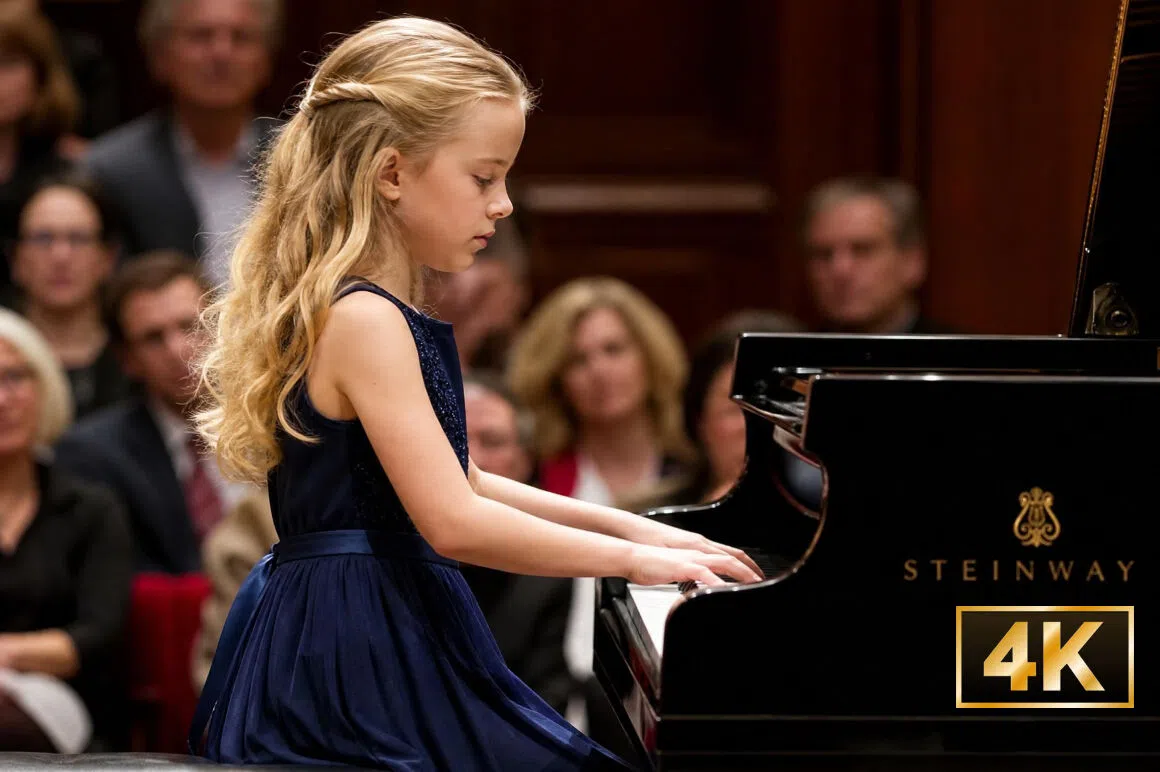
Upscale old video resolution
Improve low-resolution videos and upscale them to HD or 4K for modern playback. VHS-era footage and early digital camcorder recordings were often captured at resolutions well below what today's screens display natively — AI upscaling bridges that gap by reconstructing plausible pixel detail rather than simply stretching the image.
Who uses Vmake Labs old video restoration tool
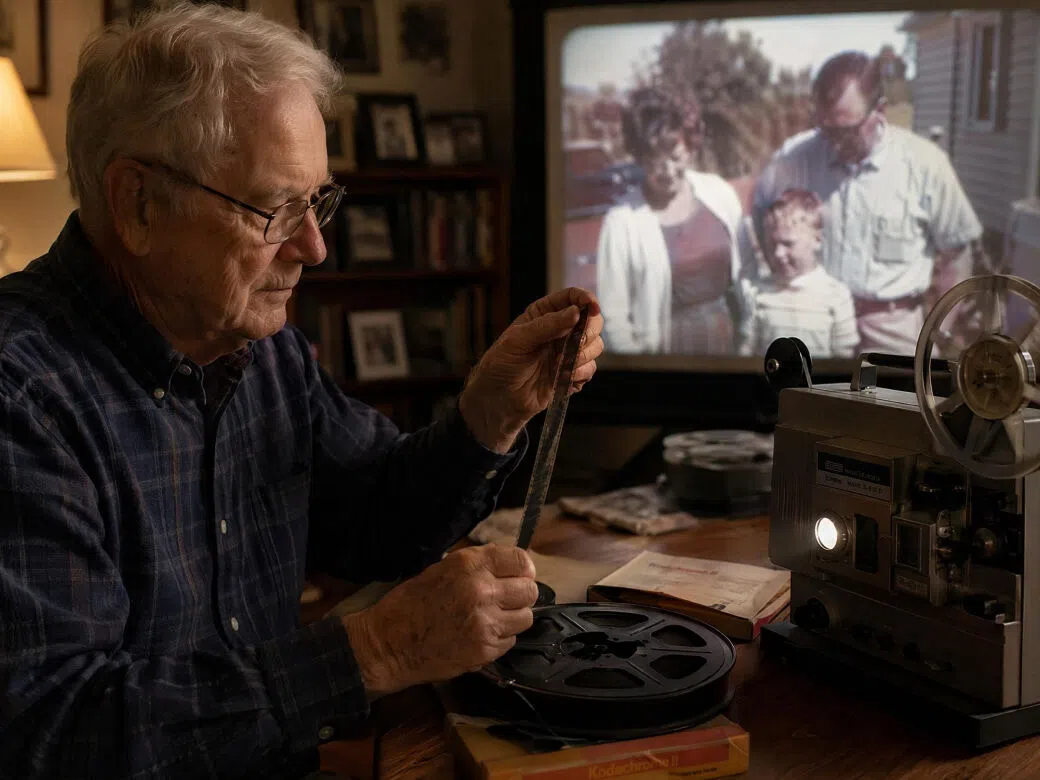
Families preserving memories
Families restore old home videos and VHS recordings to preserve important moments for future generations. VHS tapes degrade a little more every year — and many families do not realize how much quality has been lost until they try to watch them. AI restoration helps recover what is still there before further degradation makes it impossible.
Content creators and filmmakers
Creators restore archival footage or historical clips to improve quality for modern projects. Restored footage that would previously have been unusable due to grain, blur, or interlacing can be incorporated into documentaries, retrospectives, or creative projects after AI enhancement.

Marketing and media teams
Brands and agencies restore legacy footage for campaigns, retrospectives, or promotional storytelling. Older brand films, event recordings, or archival clips can be cleaned up and repurposed for modern channels without the cost of reshooting or the technical overhead of frame-by-frame manual restoration.

FAQ
What is old video restoration?
Can I restore old VHS videos without a professional service?
Yes. Once your VHS tapes have been digitized, you can use AI video restoration tools like Vmake Labs to improve video quality online. Simply upload the digital file, apply restoration settings, and download the enhanced version without needing professional editing software.
Can old videos be upscaled to HD or 4K?
Yes. AI upscaling can increase old videos to HD (1080P) or 4K resolution while improving sharpness and clarity. The final result depends on the quality of the original footage, but AI can significantly enhance how old videos appear on modern displays.
Is the old video restoration tool free to use?
Yes. Vmake Labs offers free daily credits for old video restoration. Upload your video, apply AI enhancement, and download the restored result directly in your browser. No software installation is required.
How to restore old videos on iPhone or Android?
You can restore old videos directly from your mobile browser. Upload a video from your device, select restoration settings, and let AI enhance the footage online. No app download or high-performance hardware is needed..
What types of videos can be restored?
Vmake can restore many types of footage, including VHS recordings, camcorder videos, home movies, screen recordings, compressed clips, and AI-generated videos with visual artifacts. It works best on footage affected by blur, noise, grain, or low resolution.
Why choose Vmake Labs old video restoration tool

Built specifically to restore home videos, VHS recordings, and archived media. The AI is designed to address common issues found in old footage, including blur, grain, noise, and low resolution.

Restore old videos directly in your browser without installing complex software. No Premiere Pro plugins, no Topaz license, no GPU hardware required. Upload, set preferences, and download — accessible on any device.

Export restored videos in HD or 4K for viewing, sharing, or archiving. Enhanced results are noticeably cleaner and sharper than the original footage on today's displays — suitable for sharing with family, repurposing for content, or preserving for the long term.
Discover More Features

Video & Image Enhancer

Watermark & Text Remover

Video Upscaler

AI Video Generator

Video Background Remover

Video & Audio to Text

Video Noise Reducer

AI Video Translator
Ready to restore your old home videos?
Bring old memories back to life with AI-powered video restoration. Upload your VHS recordings or old home videos and enhance them to HD or 4K — free, in your browser, no login required.
What our users say
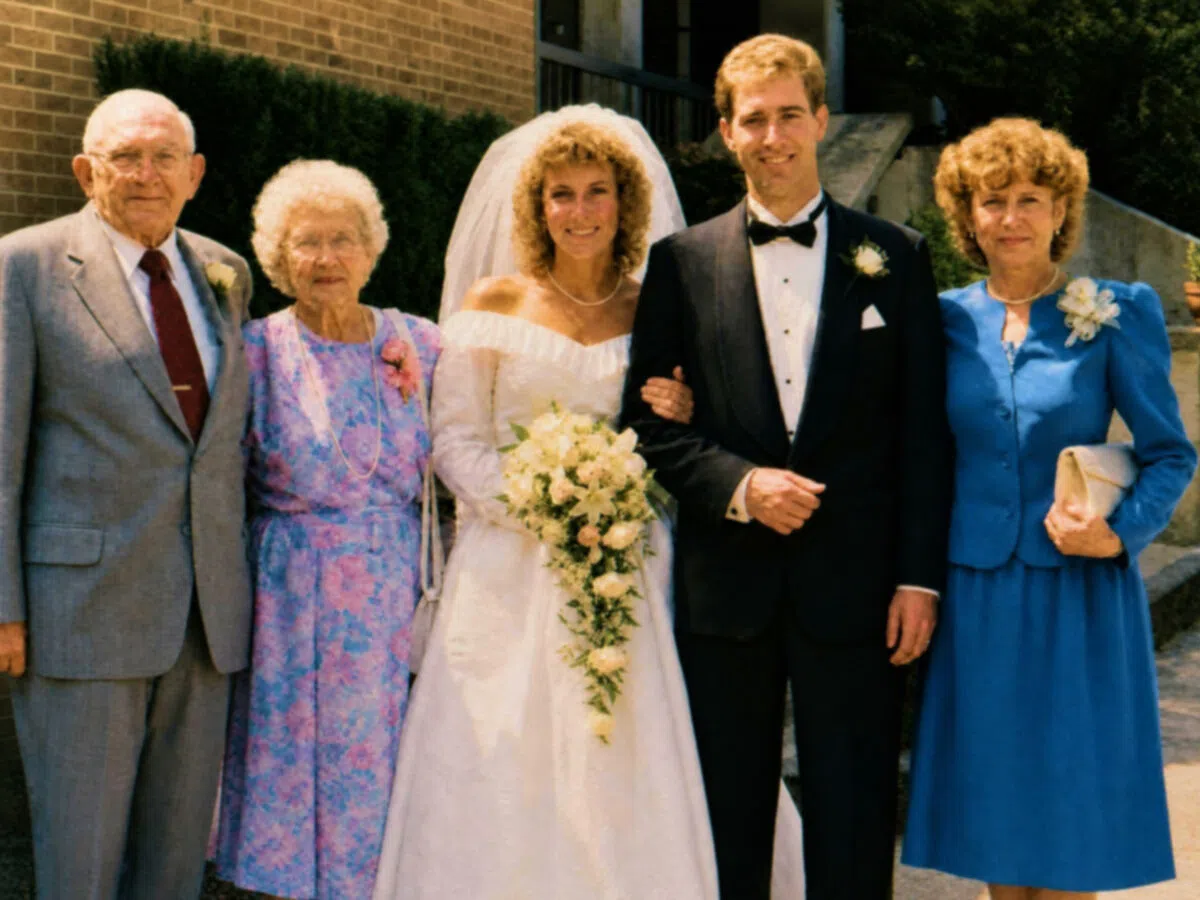
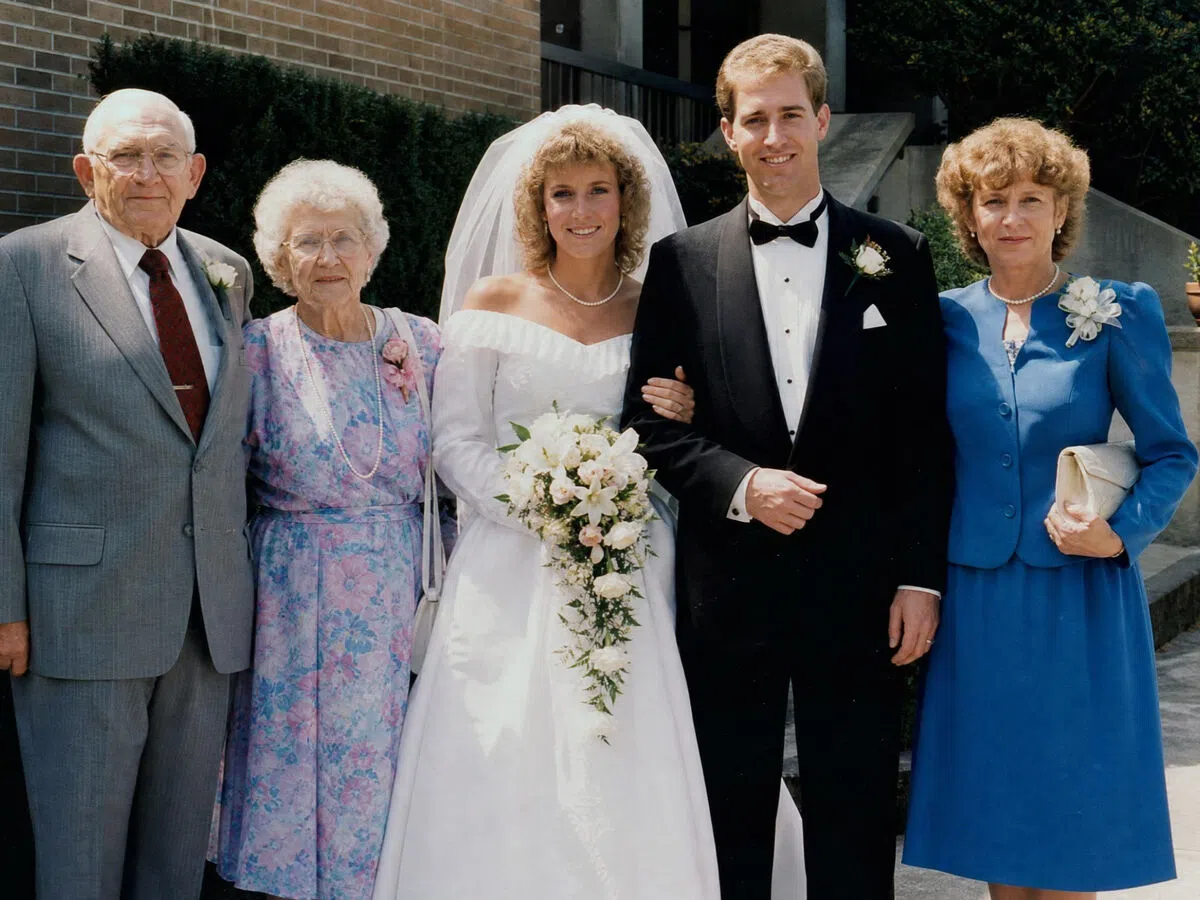
I found VHS tapes from my parents' wedding while clearing out the house. The footage was grainy and barely watchable. Vmake Labs restored it to something we could actually see clearly. We cried watching it. Genuinely incredible.
I had camcorder footage from the early 2000s that was too blurry to use in a documentary project. After running it through Vmake Labs, the clarity improved enough to cut it in with modern footage. Would not have been usable otherwise.
I have tried Topaz and it was expensive and slow on my laptop. Vmake Labs runs in the browser so no GPU needed. The noise reduction on our old VHS tapes was noticeably better than what I was getting before.
My dad was a keen amateur videographer and left behind hours of VHS home videos. I used Vmake Labs to restore a birthday video from 1987. The faces are actually recognizable now.
We had archived brand footage from the late 1990s that the client wanted to repurpose. Vmake Labs restoration cleaned up the grain and improved the resolution enough to use in a modern campaign.
Free, no login, and it handles interlaced footage from old camcorders better than I expected. The deinterlacing alone makes a visible difference before you even look at the upscaling.