
Free AI Unblur Video Tool: Fix Blur in Any Video Online
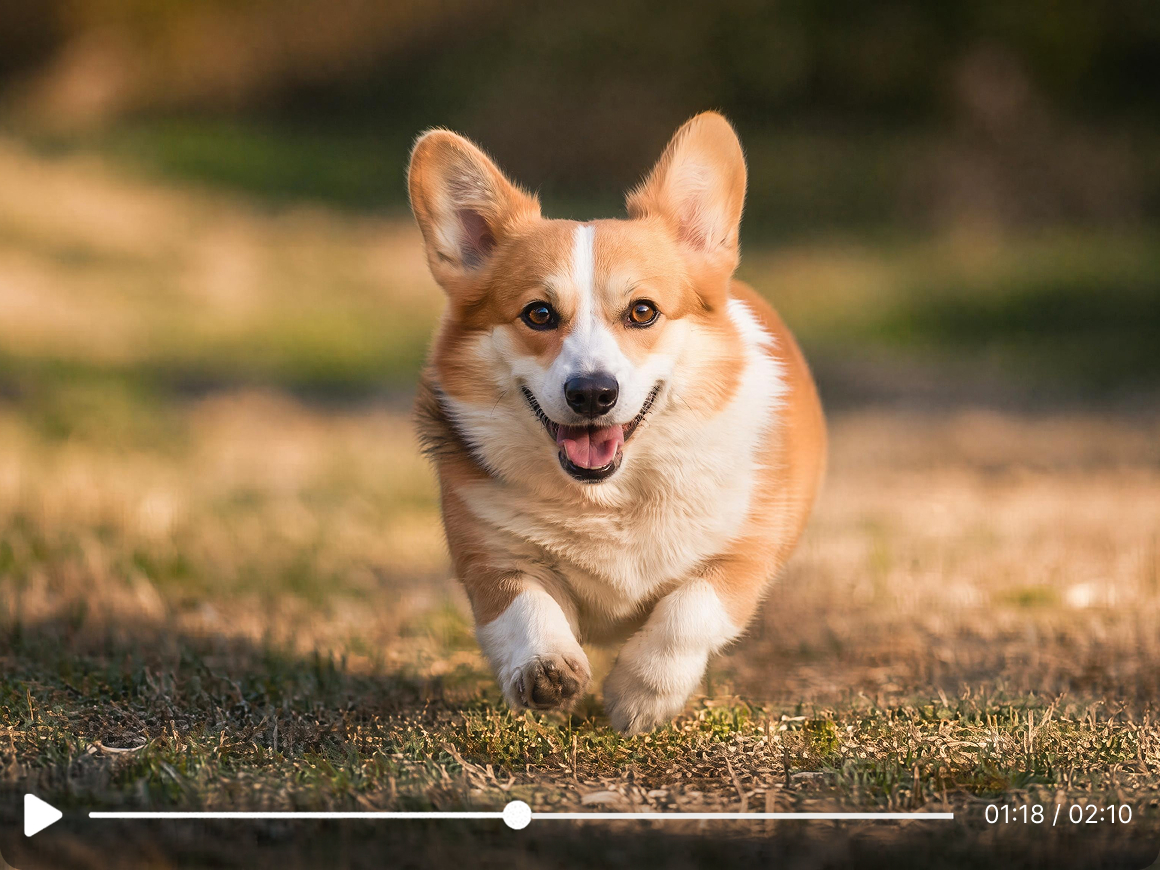
Rescuing your best moments from bad focus. Say goodbye motion blur in your footage. Vmake Labs AI goes through every frame and reconstructs the sharpness that was lost. Unblur video online free, no signup.


How to unblur a video in 3 steps
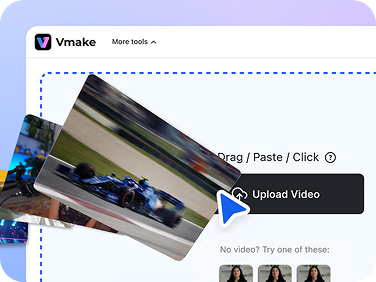
Upload your video
Begin by entering Vmake Labs official website. Drag your blurry clip into the box or click Upload.
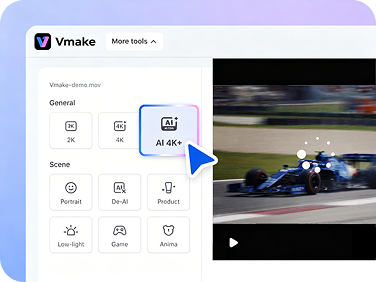
AI fixes the blur
After uploading, Vmake Labs begin to analyze your video, identifies the blur type, and reconstructs the missing pixel detail.
Preview and download
Check the sharpened result and download the unblurred version. No watermarks on any export.
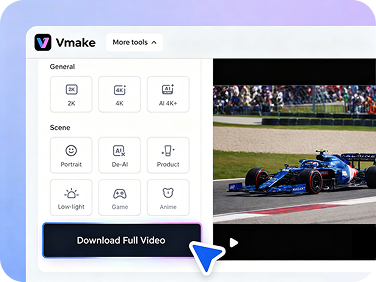
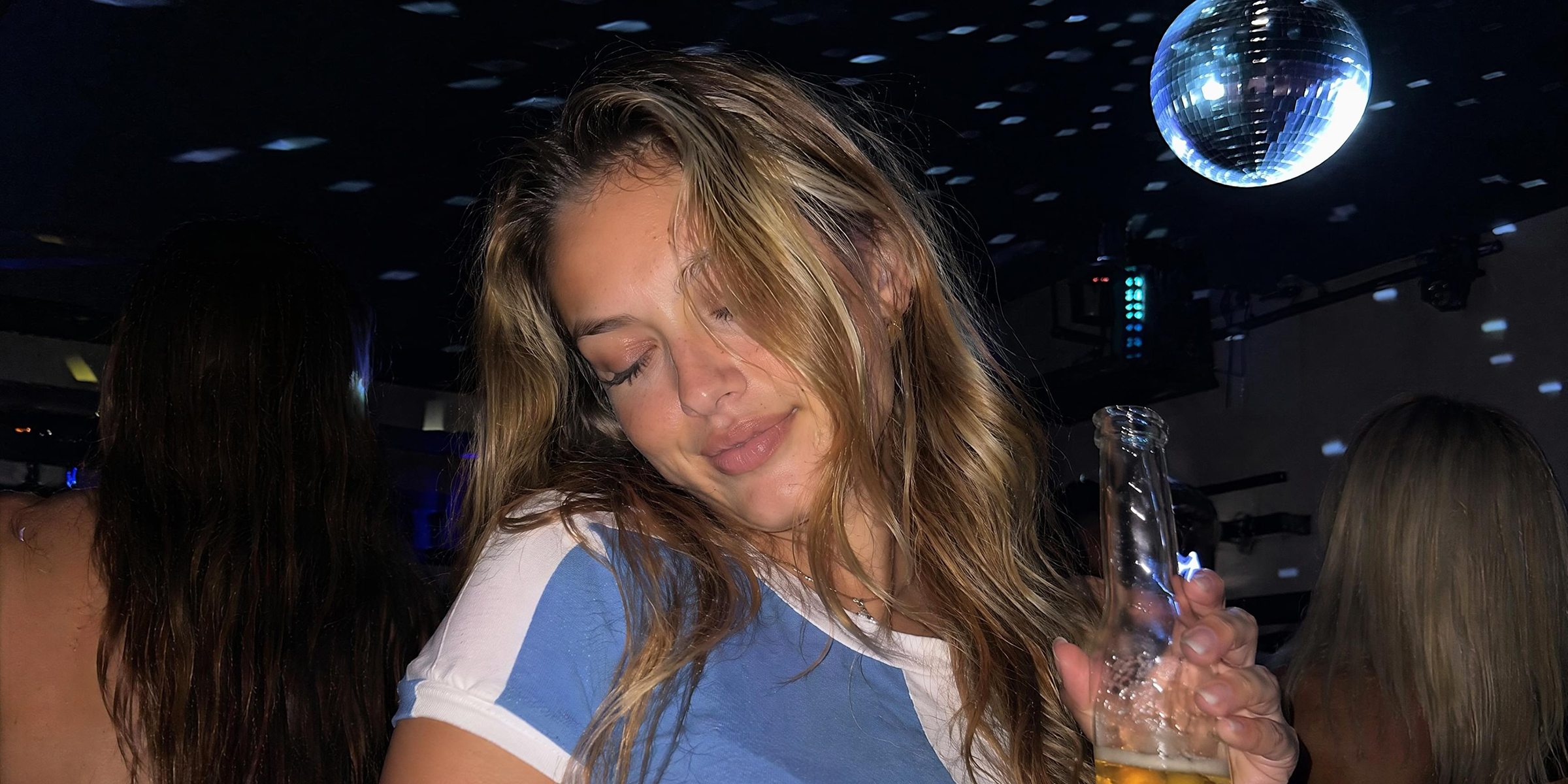
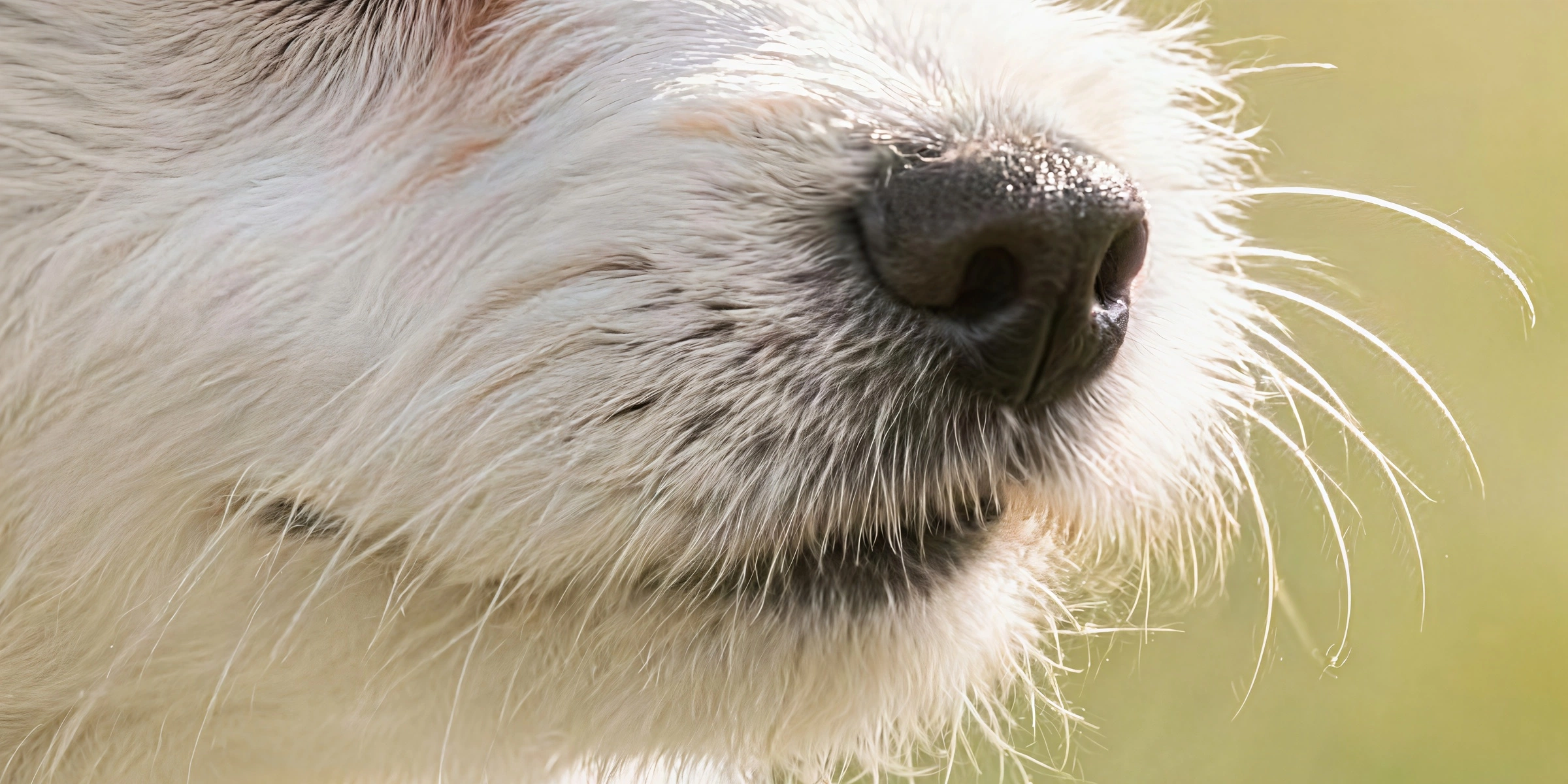
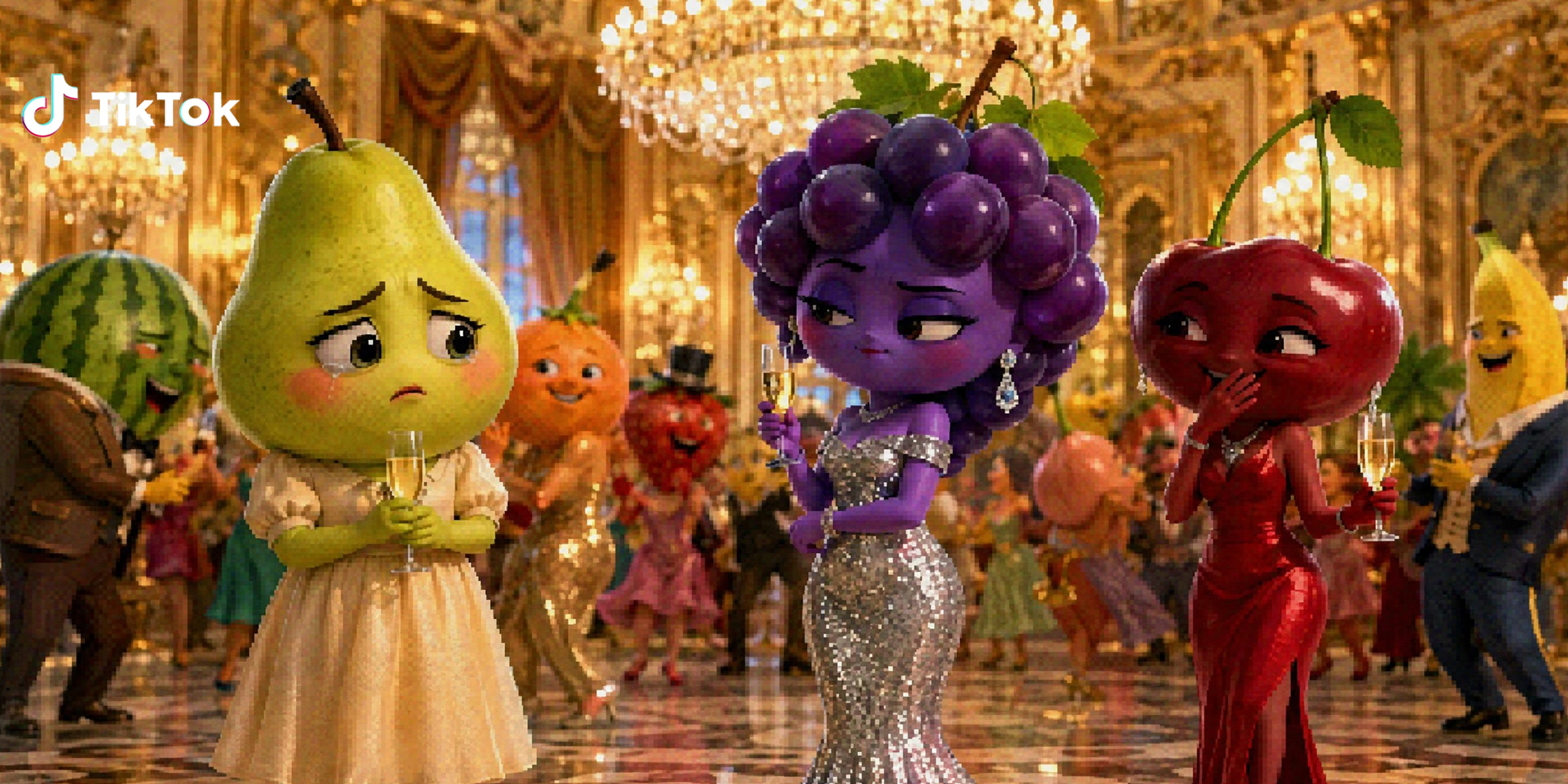
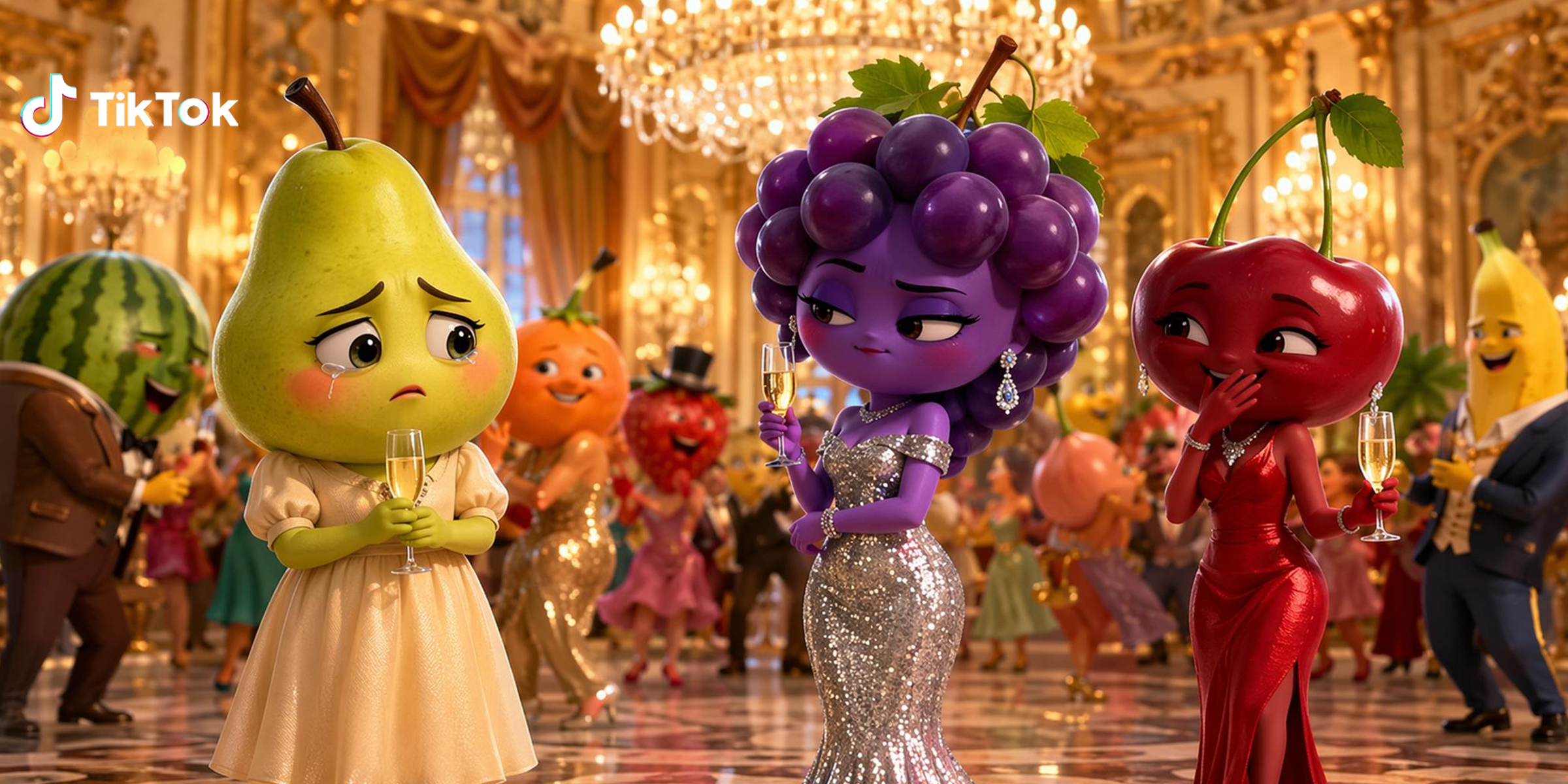
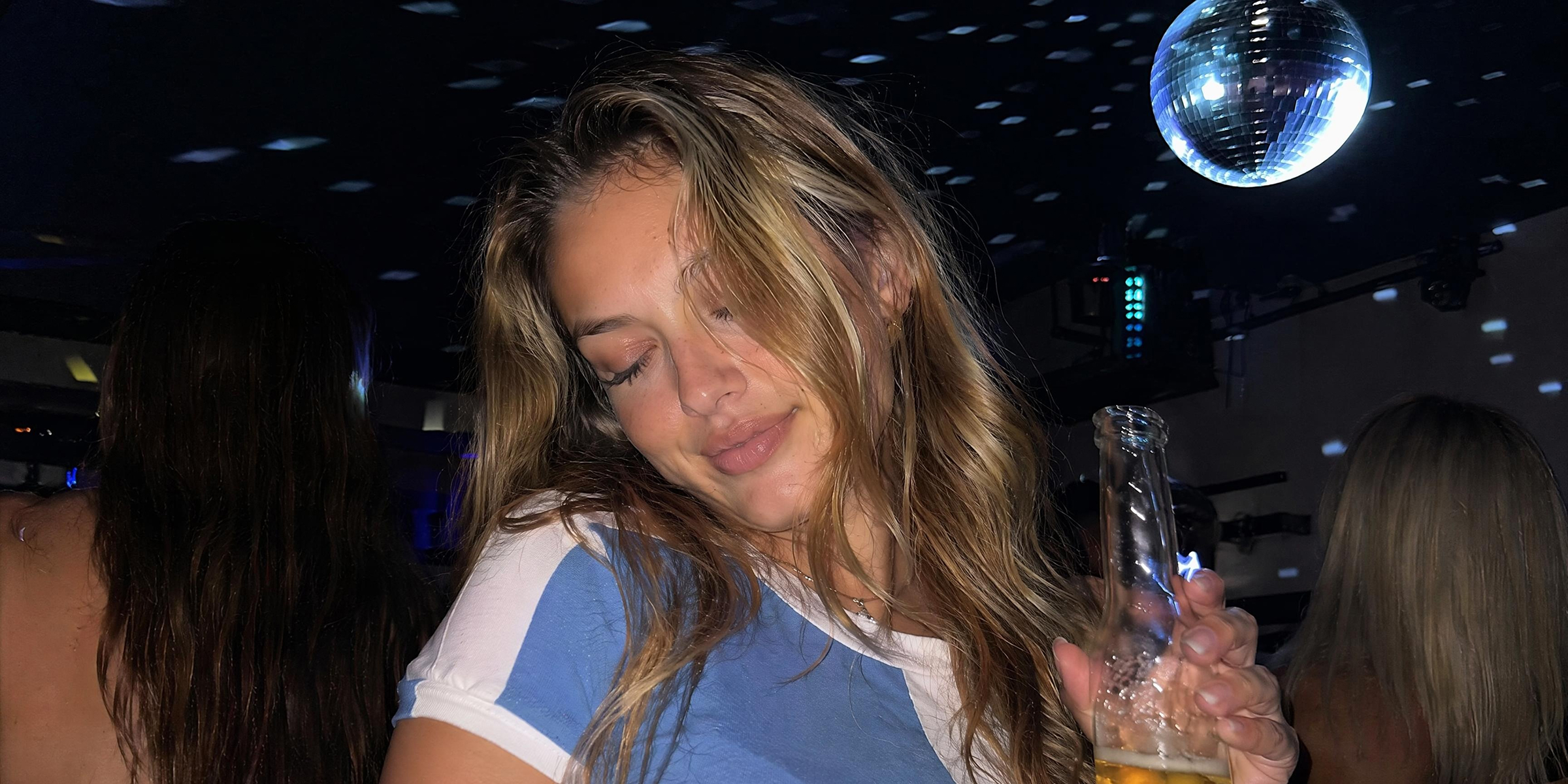
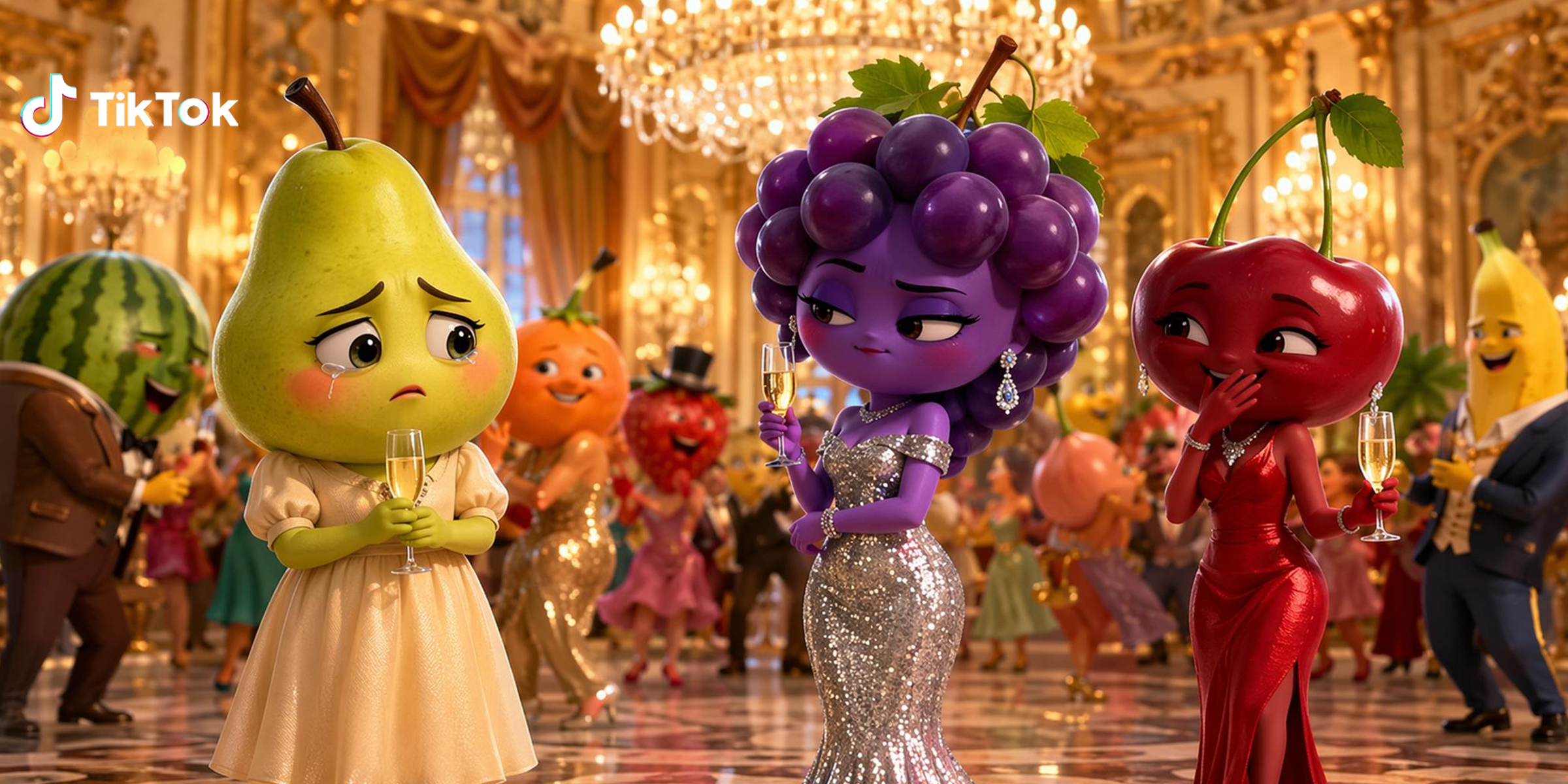
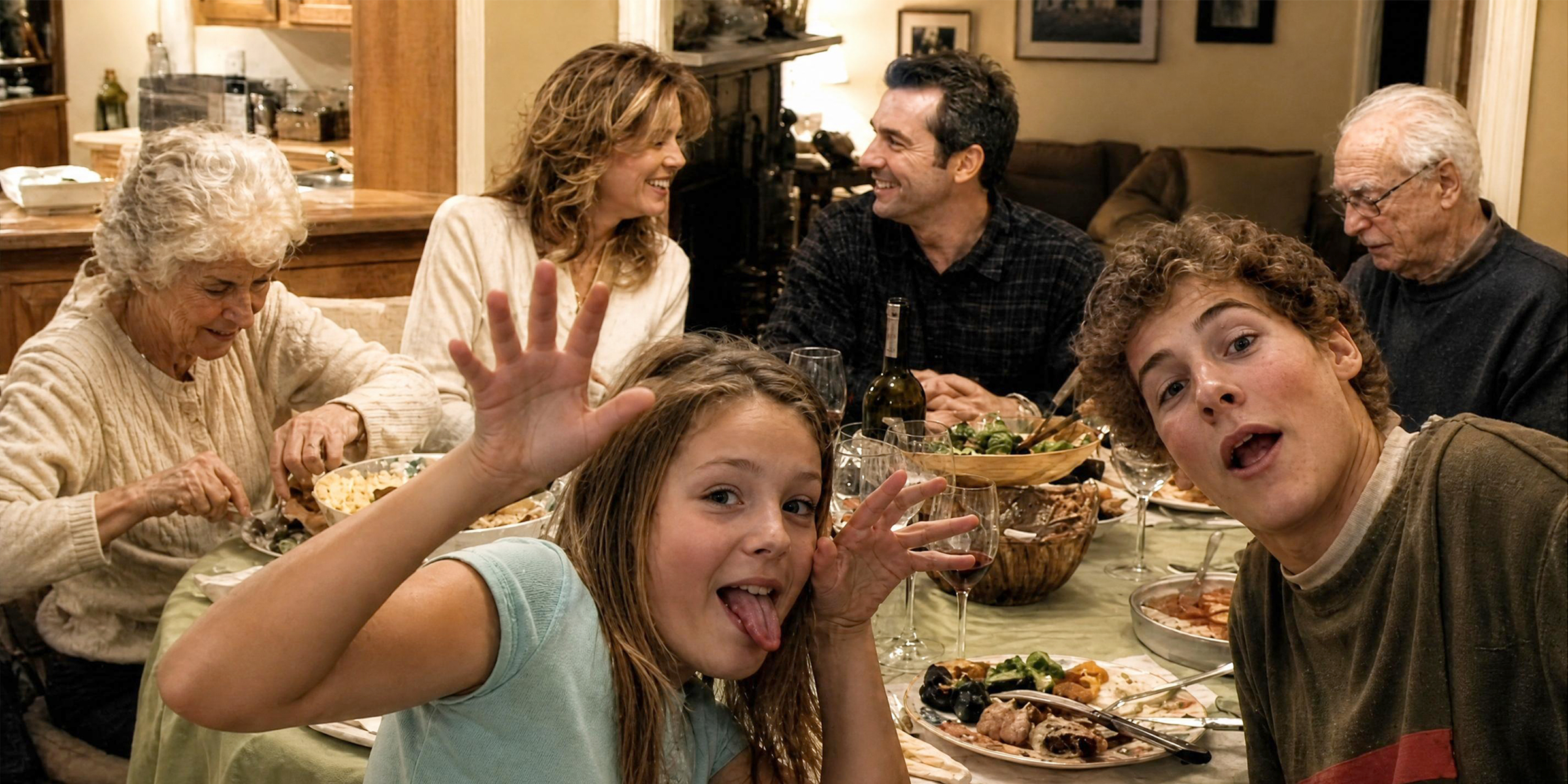
What types of blur Vmake Labs can fix
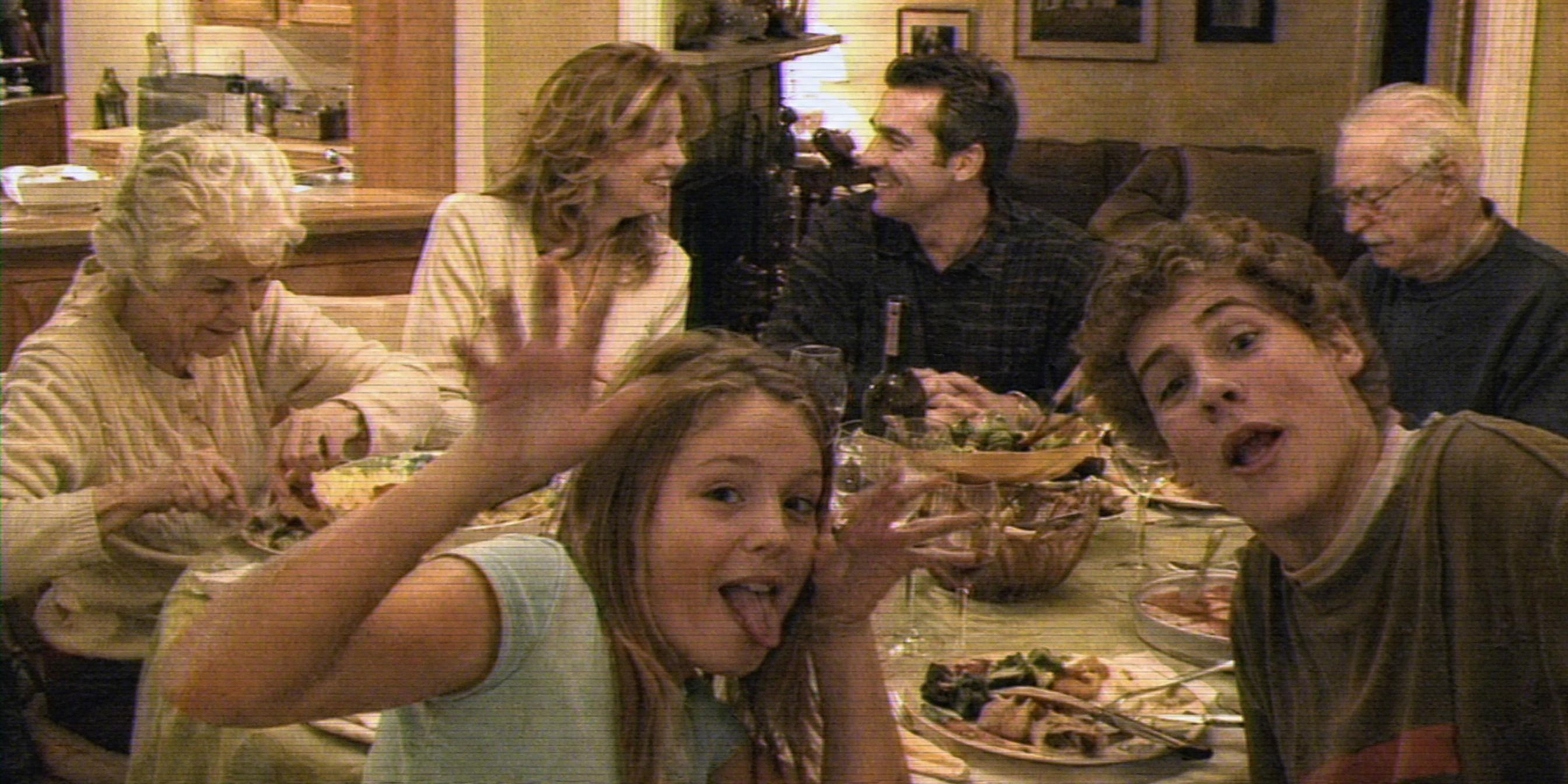
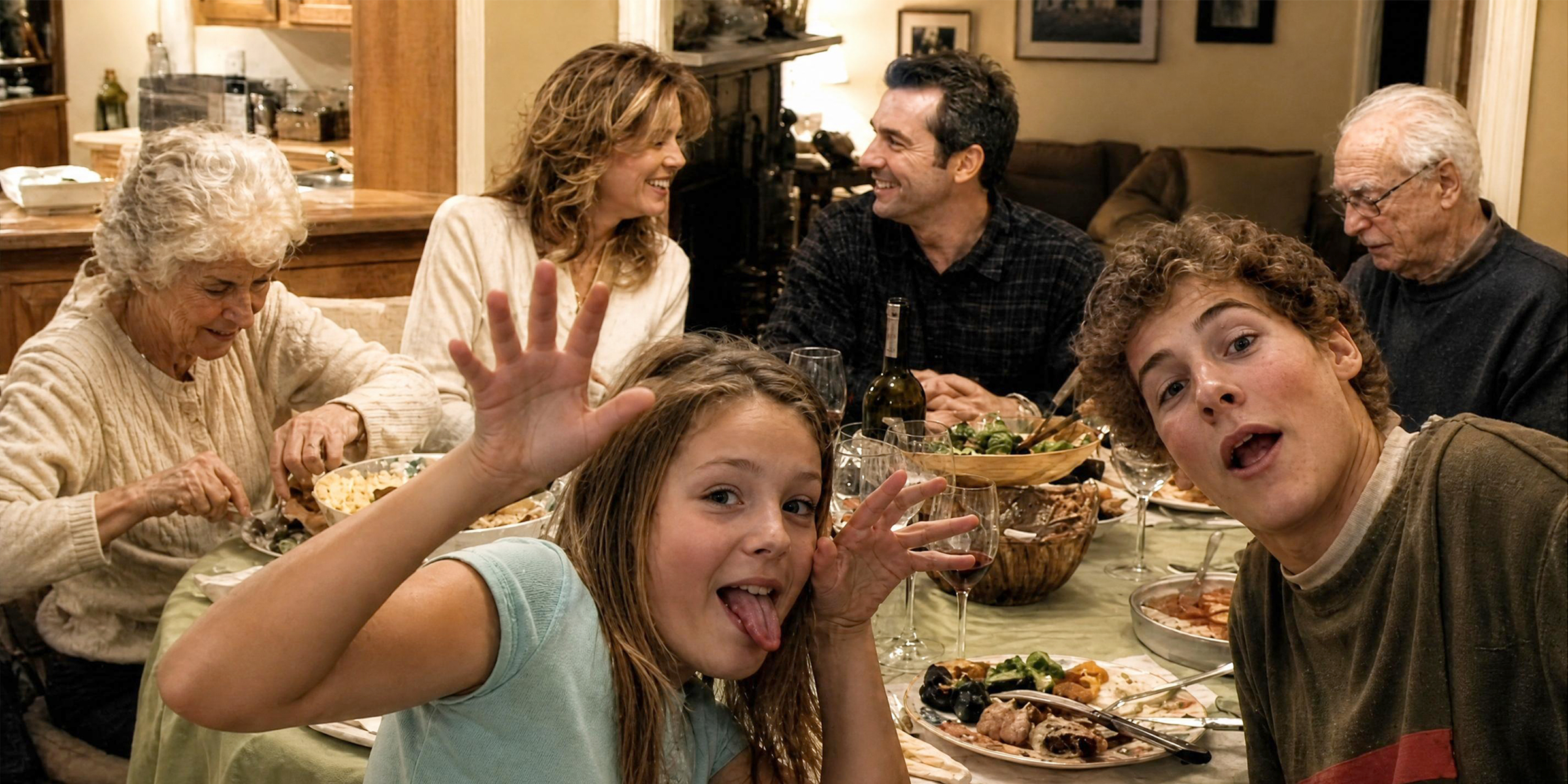
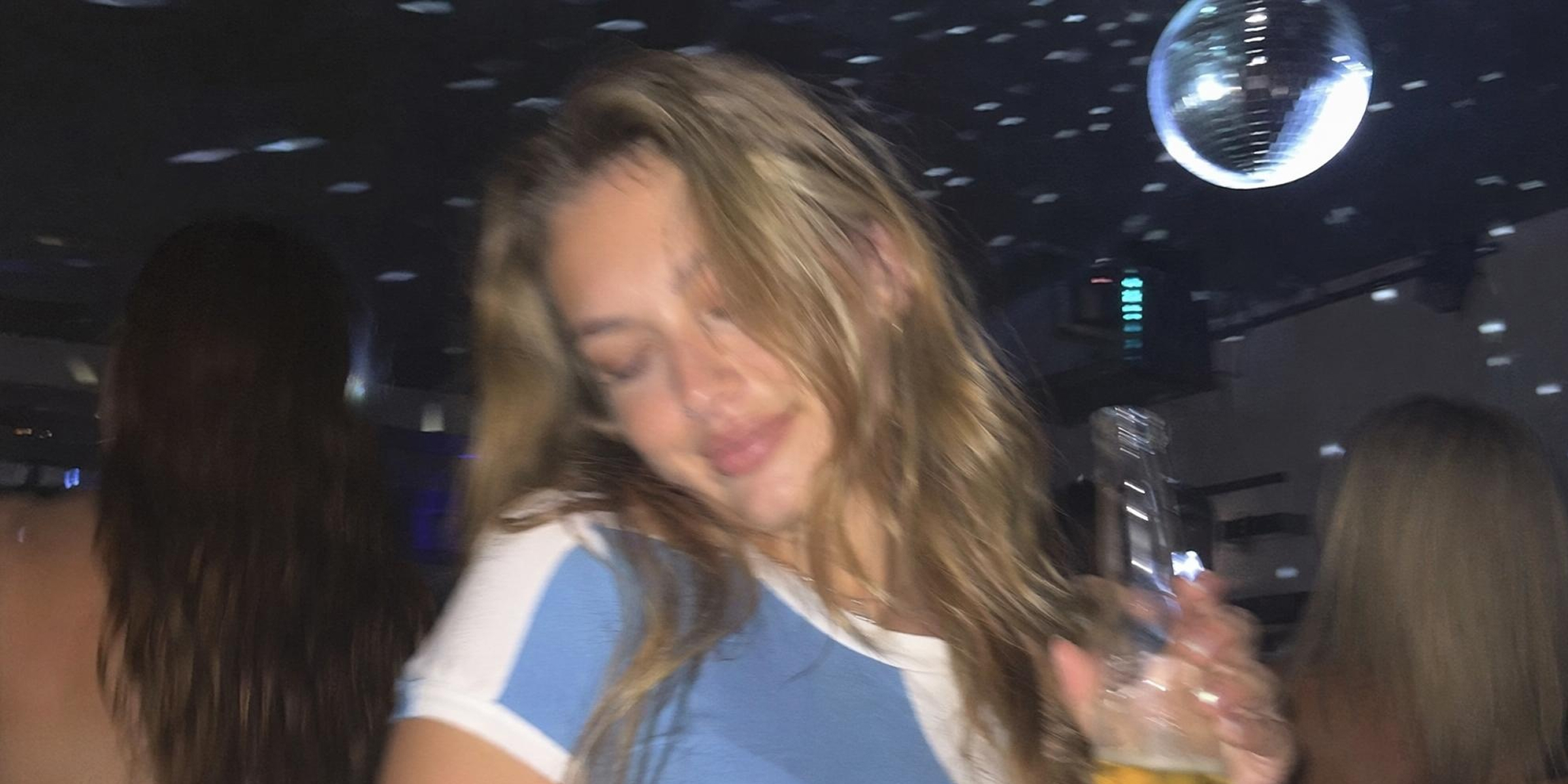

Why Vmake Labs video unblur tool works
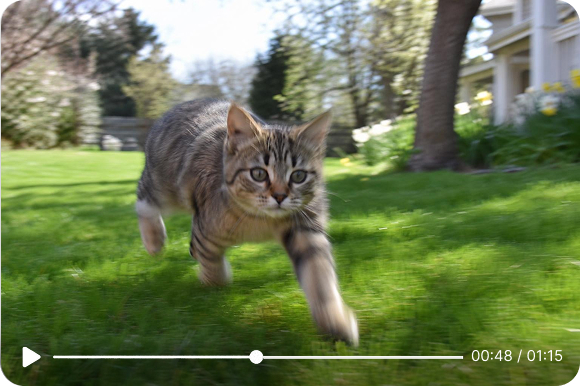
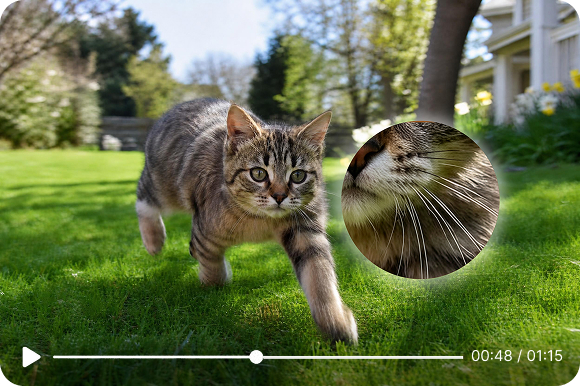
Frame-by-frame reconstruction
Vmake Labs does not apply a single sharpening pass across the whole clip. Every frame is analyzed individually. The AI identifies where blur has degraded detail and reconstructs the missing pixel information for that specific frame.
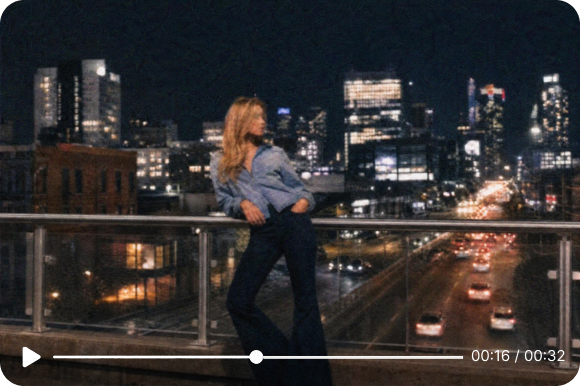
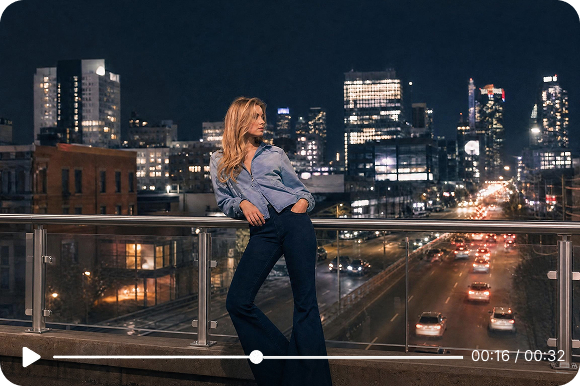
Handles every blur type
Motion blur, focus blur, compression artifacts and low-light softness are all handled by the same AI model. You upload once and the tool determines the right fix for each frame automatically.
Who uses Vmake Labs video blur remover
Content creators and vloggers
You shot a great clip but motion blur or soft focus makes it unusable. Vmake Labs fixes it so the footage you worked for makes it into your content.

E-commerce brands and marketers
Your product video looks soft and detail is lost on the packaging or material. Run it through Vmake Labs before it goes to a listing or ad campaign and recover the visual specificity that drives purchase decisions.

Video editors and production teams
Client-supplied footage often arrives blurry. Vmake Labs gives you a clean, sharp version to work from without asking the client for a reshoot.
Frequently asked questions
How do I unblur a video?
What types of blur can Vmake Labs fix?
Motion blur, focus blur, compression softness and low-light blur. All handled by the same AI model in a single processing pass.
Is it free to unblur video online?
Yes. Upload and preview free. Full video export uses credits. No watermarks on any export at any plan.
How does the AI fix blur without making it look processed?
The AI reconstructs pixel detail based on surrounding frame content rather than applying a global sharpening filter. The result sharpens the blur without the halo effect that standard sharpening produces.
Can I fix blur on videos from any platform?
Yes. Footage from TikTok, Instagram, YouTube, cameras and any other source all work the same way.
Does fixing blur change anything else in the video?
No. Only the visual sharpness of each frame is processed. Audio, aspect ratio, frame rate and length stay exactly as they were.
Why choose Vmake Labs to unblur video

Your videos never leave without your permission. Uploaded content is processed and deleted automatically. We don't store, share or train on your footage.

Motion, focus, compression and low-light blur handled by one model. Upload once, the AI determines the right fix for each frame.

Repair damaged videos directly in your browser on desktop, tablet, or mobile. No software installation required.
Discover More Features

Video & Image Enhancer

Watermark & Text Remover

Video Upscaler

AI Video Translator

AI Video Generator

Video Background Remover

Video & Audio to Text

Video Noise Reducer
Ready to unblur your video?
Upload your clip and let the AI reconstruct every frame. Download sharp, clear footage in minutes.Free to start. No account required.
What our users say
I had a batch of travel clips that came back blurry after platform compression. Vmake Labs sharpened them in under a minute each. The detail on faces and backgrounds came back in a way I did not expect.
Product videos with soft focus were making our listings look unprofessional. After Vmake Labs the material detail and label text are sharp. Worth running every product video through this before it goes live.
We regularly get client footage with motion blur throughout. Vmake Labs fixes it automatically. The frame-by-frame processing means consistent results across the whole clip.
I use it on client-supplied footage that arrives soft. Vmake Labs gives me a sharp starting point without asking for a reshoot. The before and after preview means I know what I am getting before I commit.
Tutorial recordings from a few years back were too soft for the current library. Vmake Labs unblurred them and now they are consistent with my newer content. Saved me from reshooting hours of material.
Old archival footage with motion blur from early cameras. Vmake brought it to a standard usable in a modern cut. The reconstruction is the best I have tested on genuinely difficult source material.