What Is B-roll? How Secondary Footage Elevates Your Video Production
Still asking exactly what is B-roll? Learn to master secondary footage to keep viewers hooked, and see how AI tools like Vmake help you create stunning B-rolls instantly without lifting a camera.

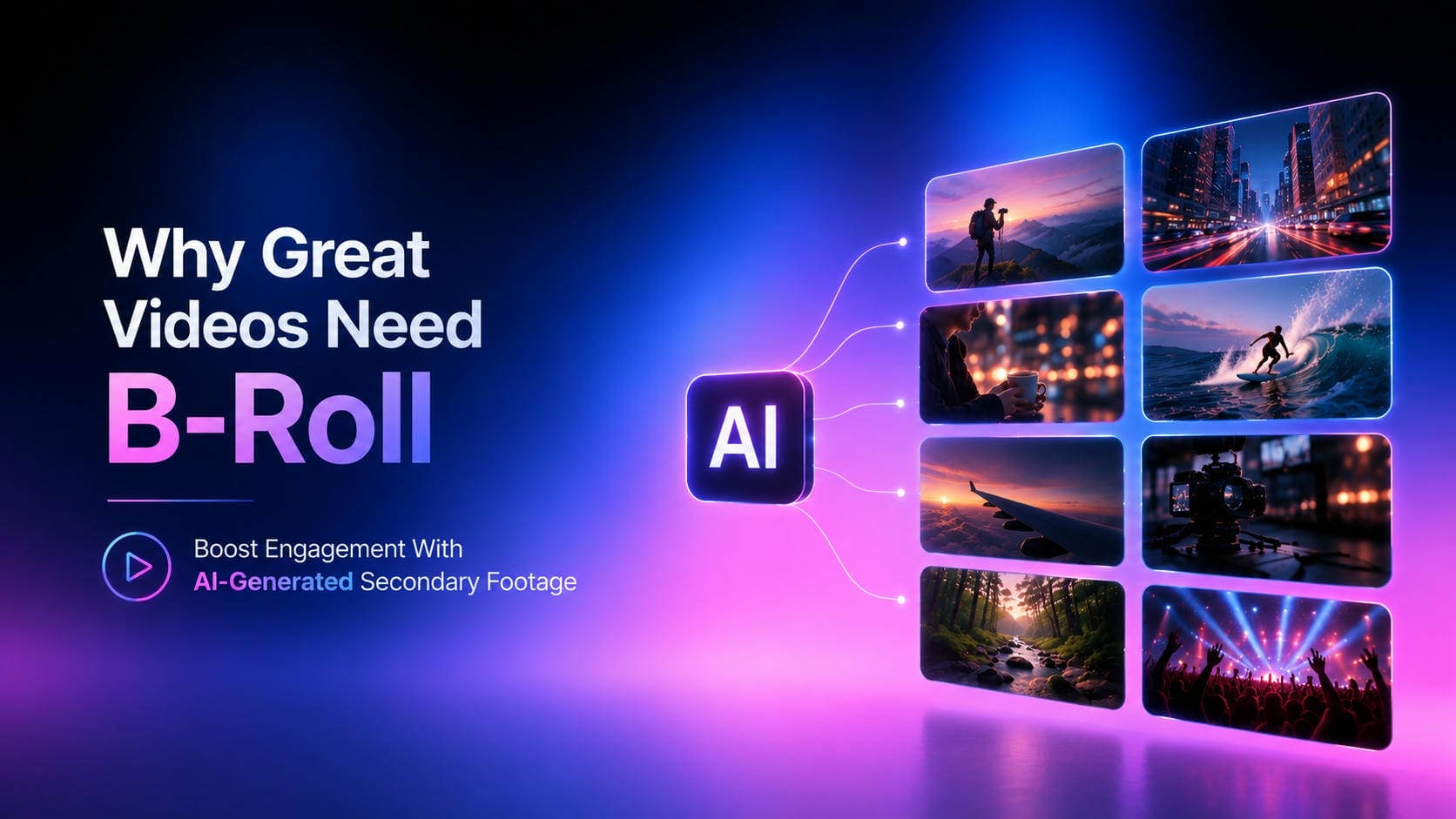
Secondary footage is what separates polished videos from amateur ones, whether it's a documentary or a YouTube tutorial. Understanding what B-roll is and how it differs from primary shots can take your average content to engaging storytelling, even without a professional filming setup.
What is B-roll in video and film?
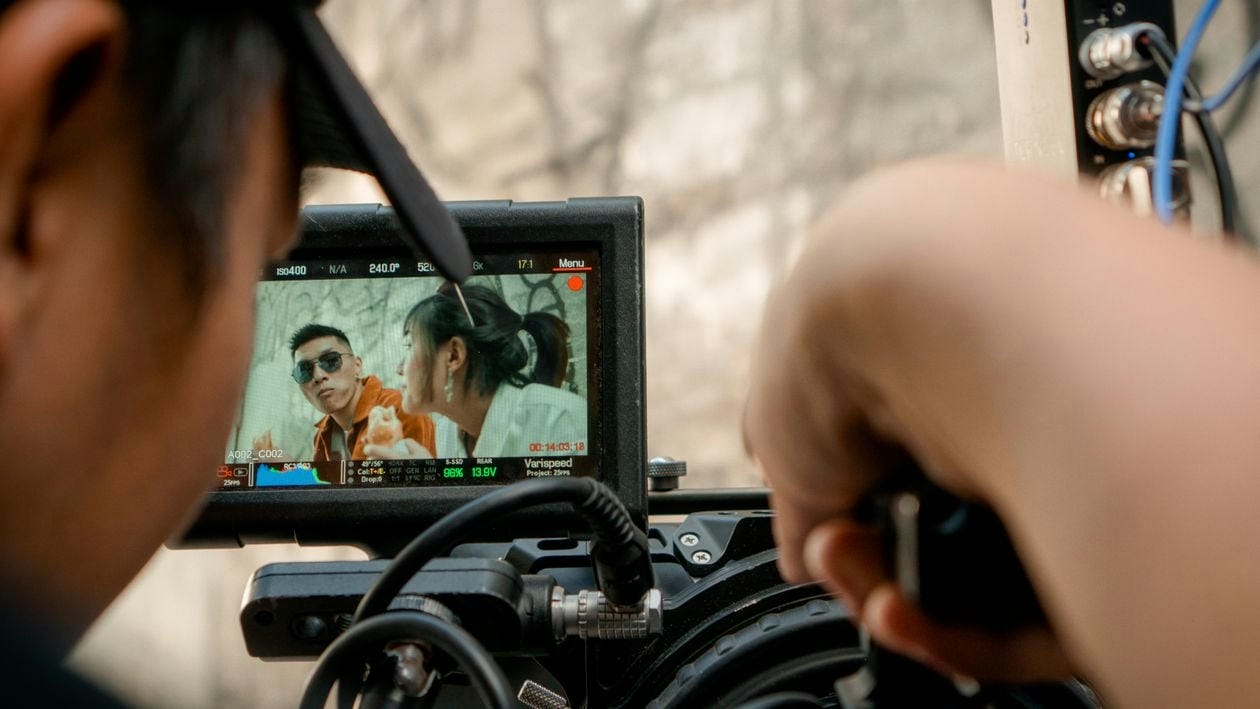
To grasp exactly what B-roll is in film and video production, it helps to look at its core purpose: acting as the visual backbone for the main narrative (the A-roll). The term itself traces its roots back to the editing days of early 20th-century Hollywood. At the time, film editors physically spliced an "A" reel carrying the primary audio and scenes, while utilizing a secondary "B" reel specifically to handle cutaways and transitions.
Today, this concept applies across all modern video formats: In documentaries, it provides historical context. For broadcast news, it visualizes the anchor's report. In YouTube content and social media clips, it maintains viewer retention by preventing the camera from remaining static on a single talking subject.
A-Roll vs. B-Roll: Key Differences
To understand how these two types of footage work together to create a seamless video, here is a quick breakdown of their key differences:
|
Feature |
A-Roll |
B-roll |
|---|---|---|
|
Definition |
The primary narrative footage and audio. |
Supplemental footage that provides context. |
|
Examples |
Interviews, talking heads, main action. |
Landscape shots, close-ups, cutaways. |
|
Purpose |
Drives the story and delivers the core message. |
Sets the scene, builds mood, and hides cuts. |
Why B-roll footage matters in video creation
Secondary footage does much more than just fill space on your timeline. Here is a quick breakdown of how strategically using B-roll can instantly elevate the quality and flow of your video projects:
|
Benefit |
Practical Application |
|---|---|
|
Hides Jump Cuts |
Seamlessly covers awkward edits or pauses in the A-roll interview without breaking the narrative flow. |
|
Provides Visual Context |
Shows the audience exactly what the speaker is talking about, reinforcing the message visually. |
|
Pacing and Rhythm |
Breaks up long scenes of dialogue, giving the viewer a moment to absorb the information. |
|
Emotional Impact |
Uses lighting, movement, and composition to establish the mood of a specific scene. |
Common types of B-roll content
Knowing what B-roll content is comes in handy when planning a shoot, because it allows videographers to build a comprehensive visual library. If you are wondering what a B-roll shot is, practically, professional editing based on a few specific shot types:
-
Establishing shots
A wide-angle shot that establishes the scene/location before the action starts. They're used to orient the viewer at the beginning of a scene, with things like aerial shots of cityscapes or wide open shots of the outdoors.

-
Cutaway shots
The camera pulls away from the main subject to a related detail in the environment or a specific reaction and then goes back to the main narrative. They are still one of the most used transition methods in modern editing.

-
Insert shots
Very close-up shots to focus on some details of the story, e.g., hands typing on a keyboard or signing a document. Product video generators can also help you create these hyper-focused visual assets.

-
Reaction shots
Having people who are listening or reacting adds a dynamic human element to conversations. The segment doesn't feel like a static presentation because the subject reacts to another person in interview-format videos.

-
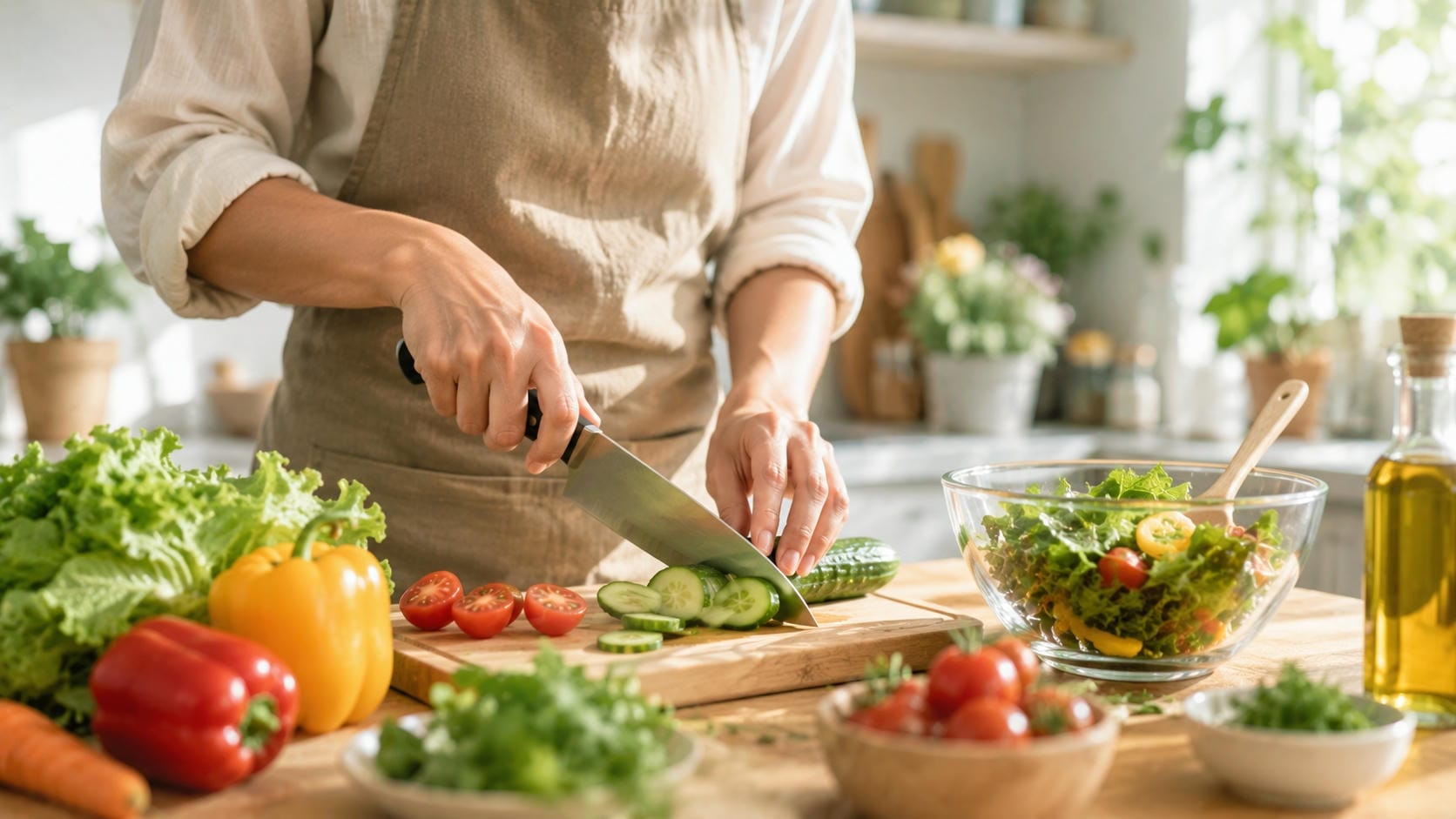
Action/Process shots
Visually depicting someone actively doing something helps to illustrate the concept being narrated. Whether it's a chef chopping vegetables or a programmer writing code, it takes the burden of explaining every detail verbally.
-
Atmospheric/Environmental shots
Exterior shots, natural landscapes, and crowd movements that set the mood, time of day, and geographical context. These textual additions give the average video a more cinematic and immersive feel.

How to Shoot and Source Your B-roll Video
Understanding exactly what B-roll video is and how sourcing works will help you understand how to build a reliable visual library. Usually, creators use a combination of manual shooting, stock libraries, and modern generative technologies.
Shoot it yourself
Capturing great secondary footage does not require a massive budget or a Hollywood-tier production crew. Keeping a few core principles in mind guarantees high-quality results from standard equipment.
-
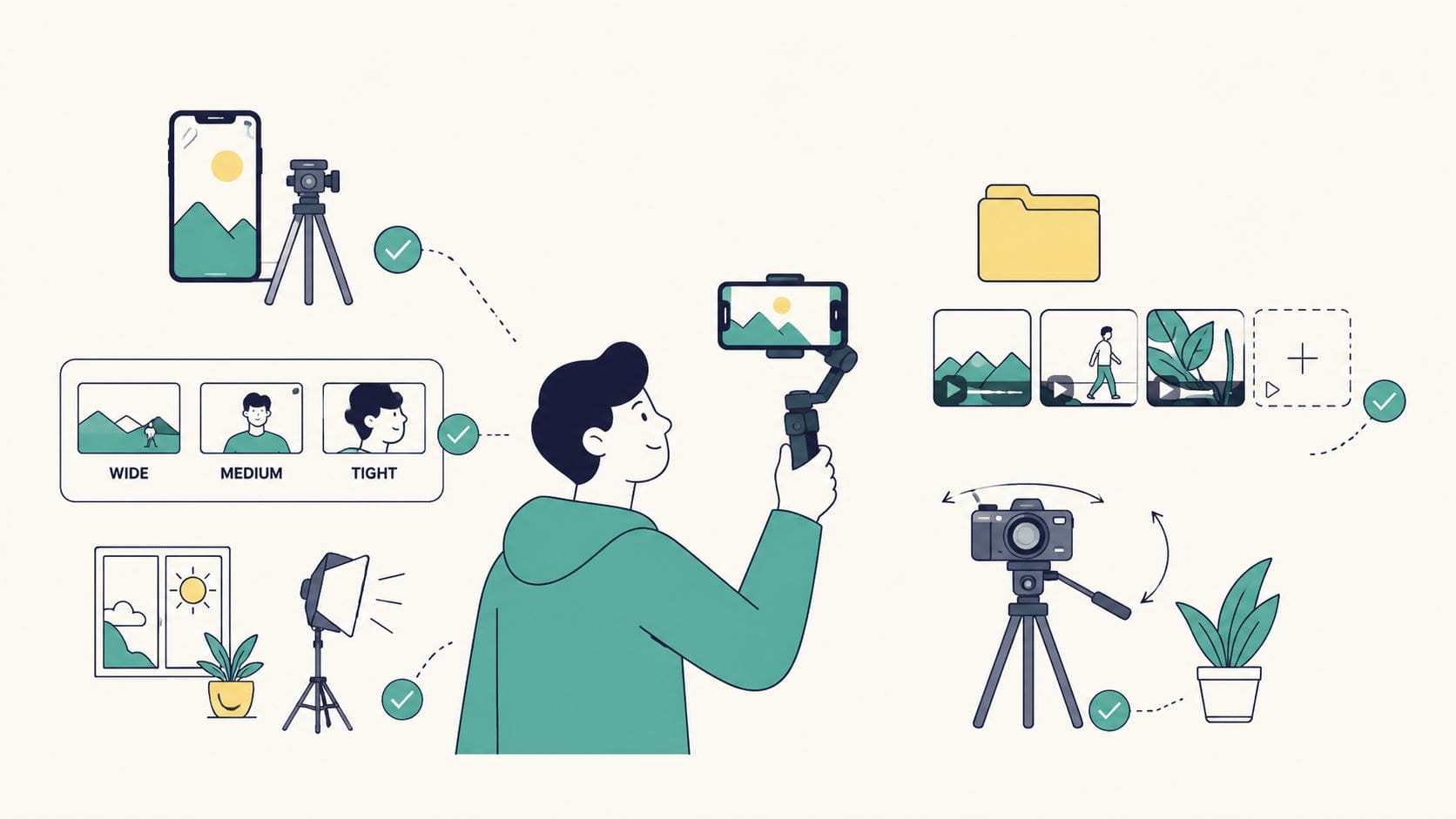
Use available gear: Modern smartphones capture excellent high-resolution clips, eliminating the absolute necessity for expensive professional cameras. Pairing a mobile device with a simple tripod or gimbal stabilizer effectively removes distracting, amateurish camera shakes.
-
Apply the 3-angle rule: Capturing every single scene from at least three distinct vantage points provides immense flexibility during the editing process. Having wide, medium, and tight framing options prevents visual repetition and helps mask sudden audio cuts seamlessly.
-
Master lighting and movement: Natural daylight generally produces much better visual results than harsh, artificial overhead indoor lighting setups. Blending completely static clips with intentional, smooth camera motions—like slow pans or gentle tilts—adds professional polish.
-
Over-shoot: Gathering far more material than initially planned serves as a vital safety net for any video project. Editors constantly hunt for extra cutaways to cover narrative mistakes, making abundant raw files incredibly valuable.
Use stock footage libraries
When time constraints or location access prevent manual filming, stock libraries offer immediate access to vast visual databases. This method provides specific niche content without leaving the editing desk.
-
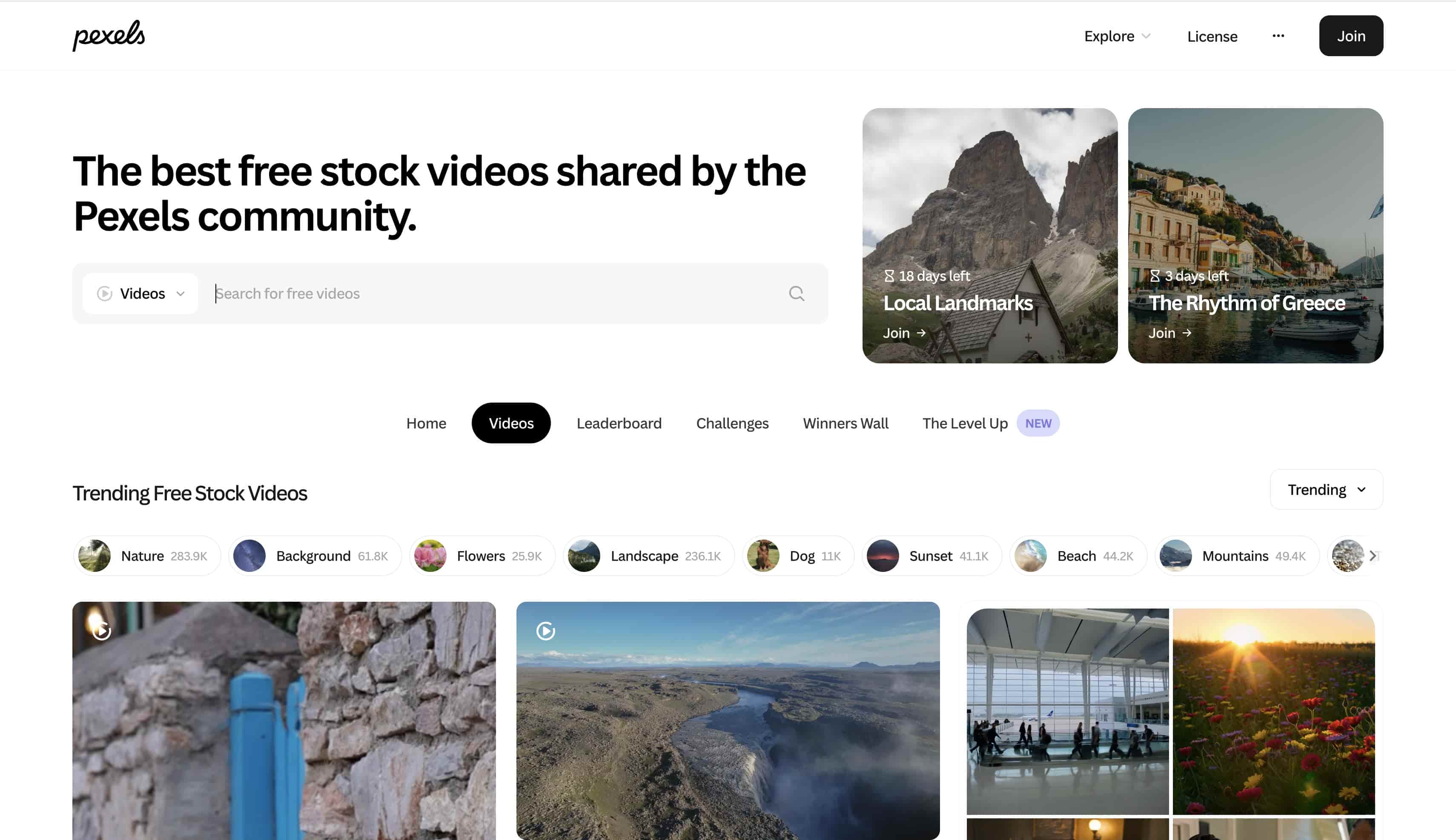
Free vs. Paid: Open-source platforms like Pexels and Pixabay offer excellent generic scenes without any upfront financial investment. Conversely, premium databases like Getty Images or Shutterstock provide highly specific, premium content for specialized projects.
-
Match your visuals: Downloaded clips rarely share the exact same lighting conditions or aesthetic as the primary narrative footage. Applying a consistent color grade across all media ensures a cohesive viewing experience and prevents visually jarring transitions.
-
Check licenses: Navigating the legalities of downloaded media remains a critical step before publishing any final video project. Carefully verifying commercial usage rights, attribution rules, and exclusivity clauses prevents costly and stressful copyright strikes.
Generate B-roll with AI
The landscape of visual sourcing is shifting rapidly as generative technologies mature. Modern artificial intelligence platforms now deliver entirely new ways to conceptualize and build video assets.
-
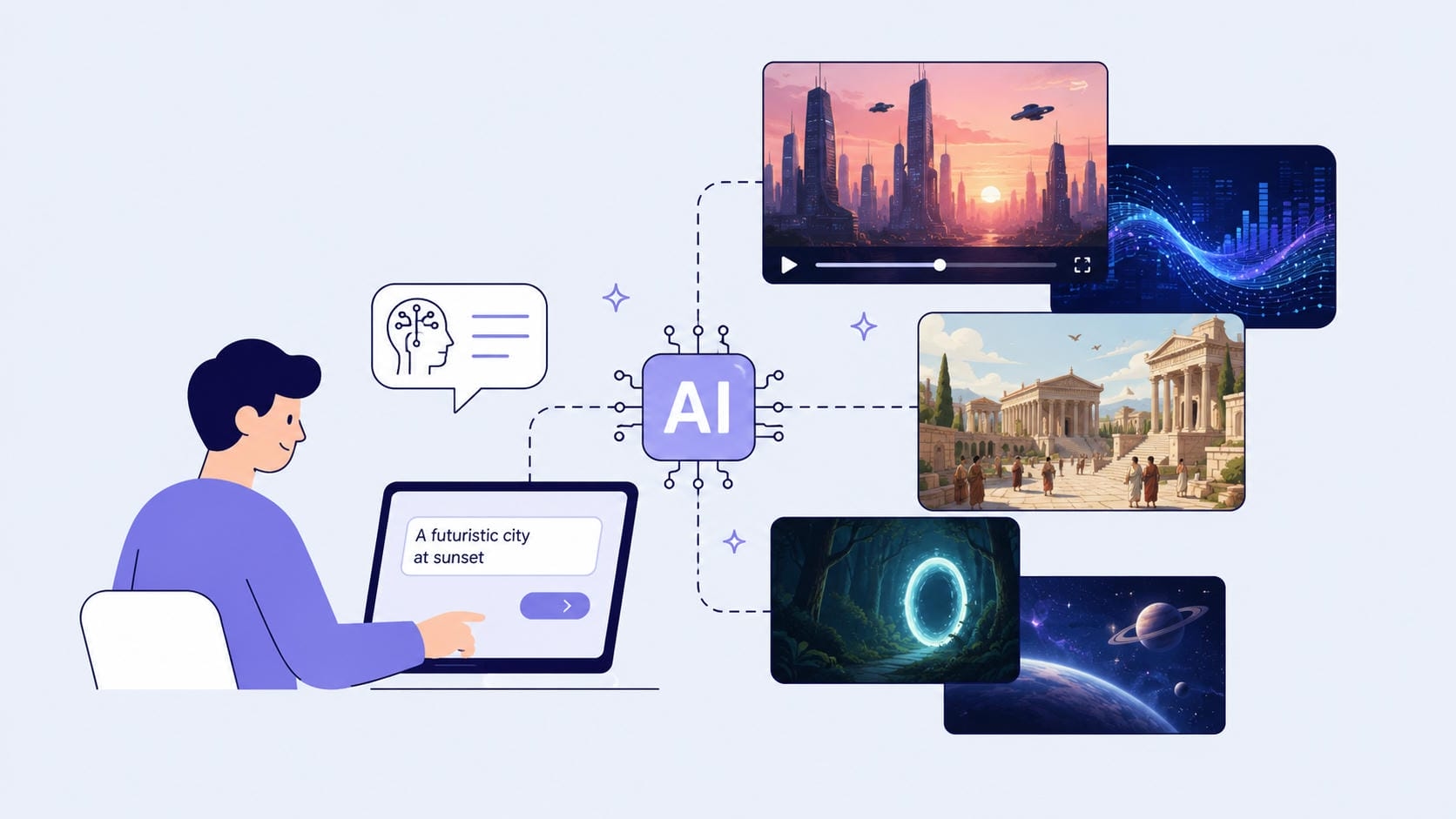
The evolution of sourcing footage: Advanced text-to-video and image-to-video models now offer a powerful modern alternative to manual filming and traditional media databases. These generative tools allow creators to conjure specific, high-quality secondary clips almost instantly using simple descriptions.
-
Why choose AI over traditional stock: Finding the perfect stock clip often involves hours of tedious searching through generic, overly-staged corporate media libraries. Generative AI bypasses budget constraints, expensive location scouting, and endless scrolling by instantly producing custom visuals tailored exactly to the narrative.
-
Ideal use cases for AI generation: Artificial intelligence excels at visualizing abstract concepts, such as data flowing through a digital network or complex financial trends. It also provides the perfect solution for recreating impossible-to-film historical eras, futuristic cityscapes, or hyper-specific fantasy environments.
Create stunning B-roll with Vmake AI video generator
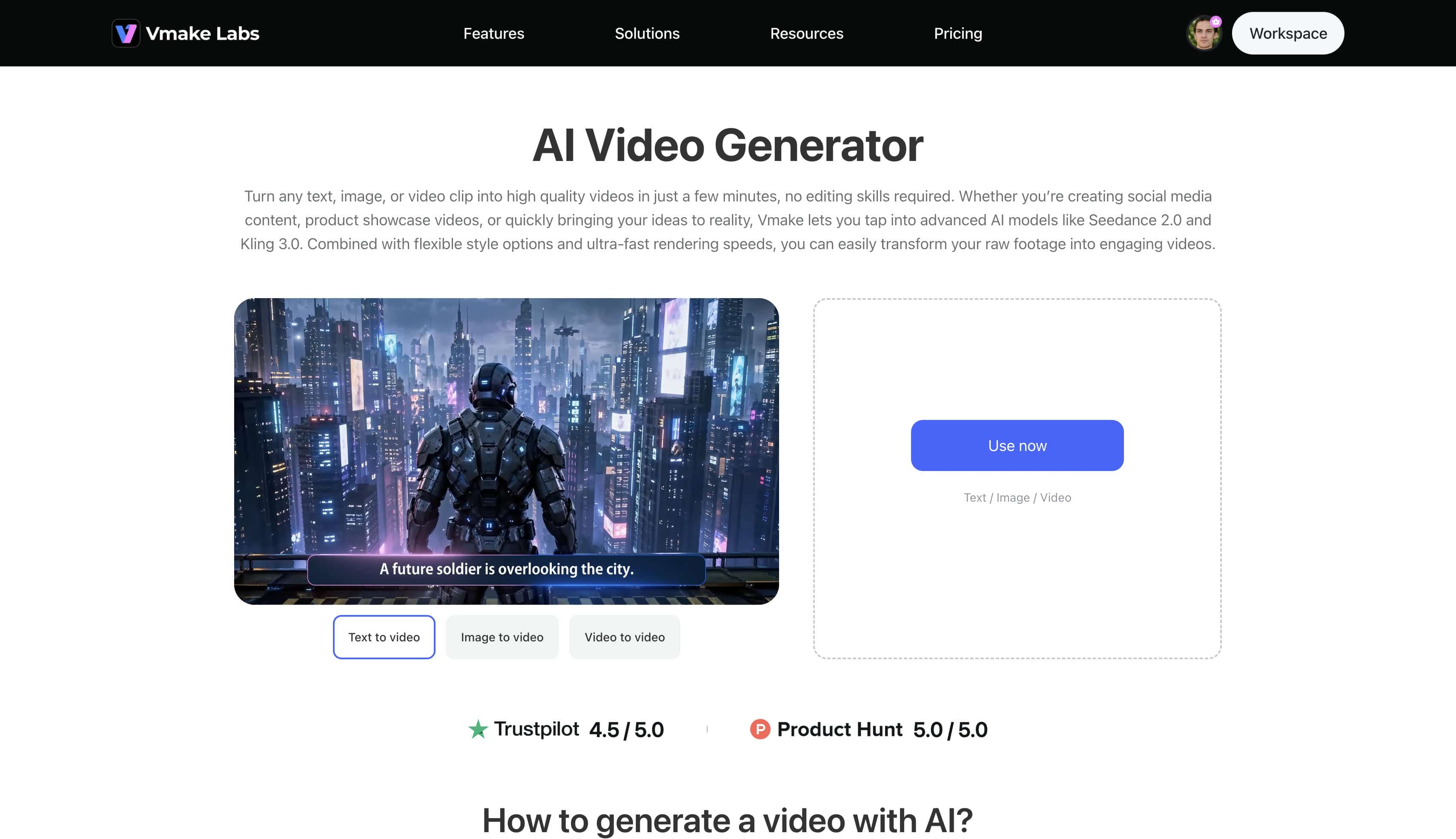
Vmake AI video generator has emerged as a premier web-based tool, specifically engineered to simplify the creation of stunning, cinematic B-rolls. While traditional stock hunting or on-location shoots can drain hours, Vmake utilizes advanced neural networks to transform simple text commands into seamless, high-quality supplemental clips within seconds.
Key video generation features
-
Text to Video: This feature takes text descriptions and turns them into full video clips of 2 to 15 seconds. It supports many mainstream models to ensure that the output is in accordance with the desired aesthetic.
-
Image to Video: Convert still images into animated motion by using uploaded reference images and text prompts together. It also lets you produce videos from specific first and last frame images for precise control of the scene.
-
Frames: This option generates smooth video transitions by utilizing both a first and a last frame image alongside a text description. It offers precise visual control over the exact starting and ending states of the generated scene.
-
Effects: This capability integrates built-in video generation effects with a reference image and a text prompt to produce stylized content. It helps creators instantly apply distinct artistic overlays and cinematic motions to their footage.
-
Video to Video: This tool takes existing footage and converts it into entirely new stylistic formats. Creators can easily transform old clips into new visual assets by uploading a reference video and applying built-in style effects.
Step-by-step guide to generating B-roll footage
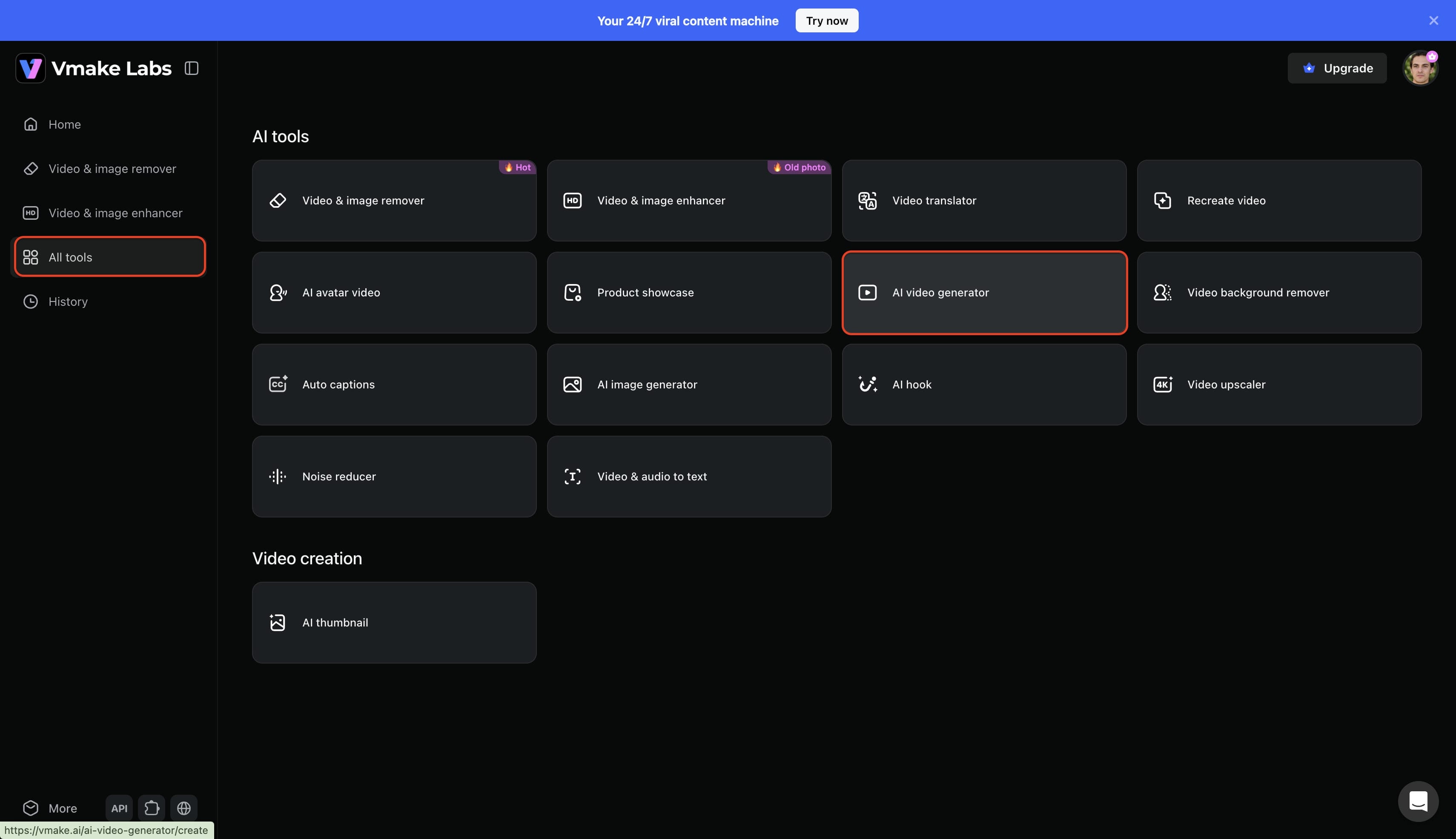
Step 1: Access the AI video generator feature
Begin by logging into your Vmake account to access the primary dashboard. Navigate the interface and select the "All tools" option. From the available suite of creative utilities, click on the "AI video generator" to initiate your B-roll production workflow.
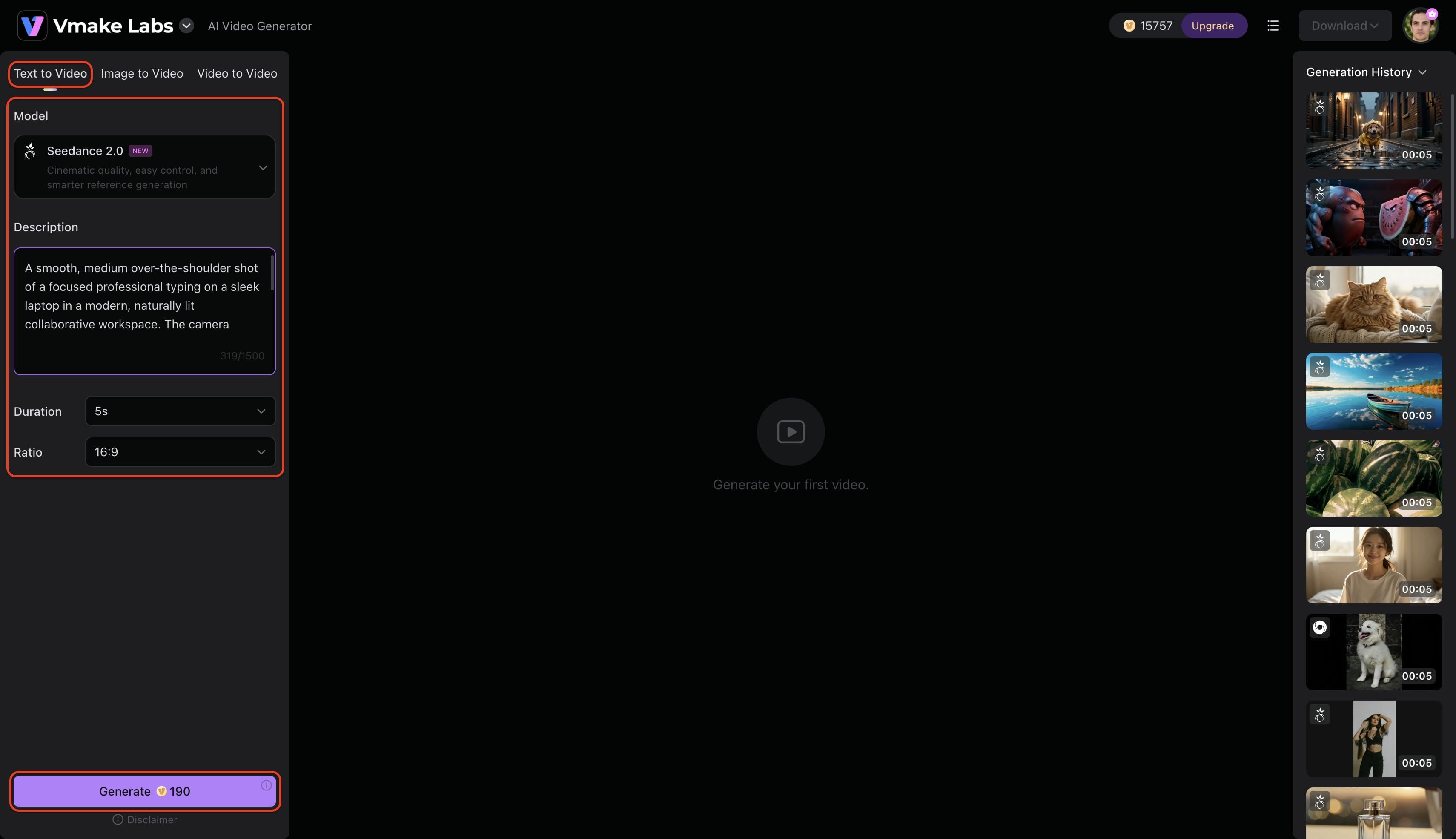
Step 2: Input the B-roll creation details
The interface will require specific parameters regarding the desired secondary footage. Choose a preferred creation method—such as text-to-video, image-to-video, or video-to-video—and select a foundational model like Seedance, Veo, or Kling. Input a detailed prompt describing the exact visual requirements of the B-roll scene, define the appropriate duration and aspect ratio, and click "Generate" to commence production.
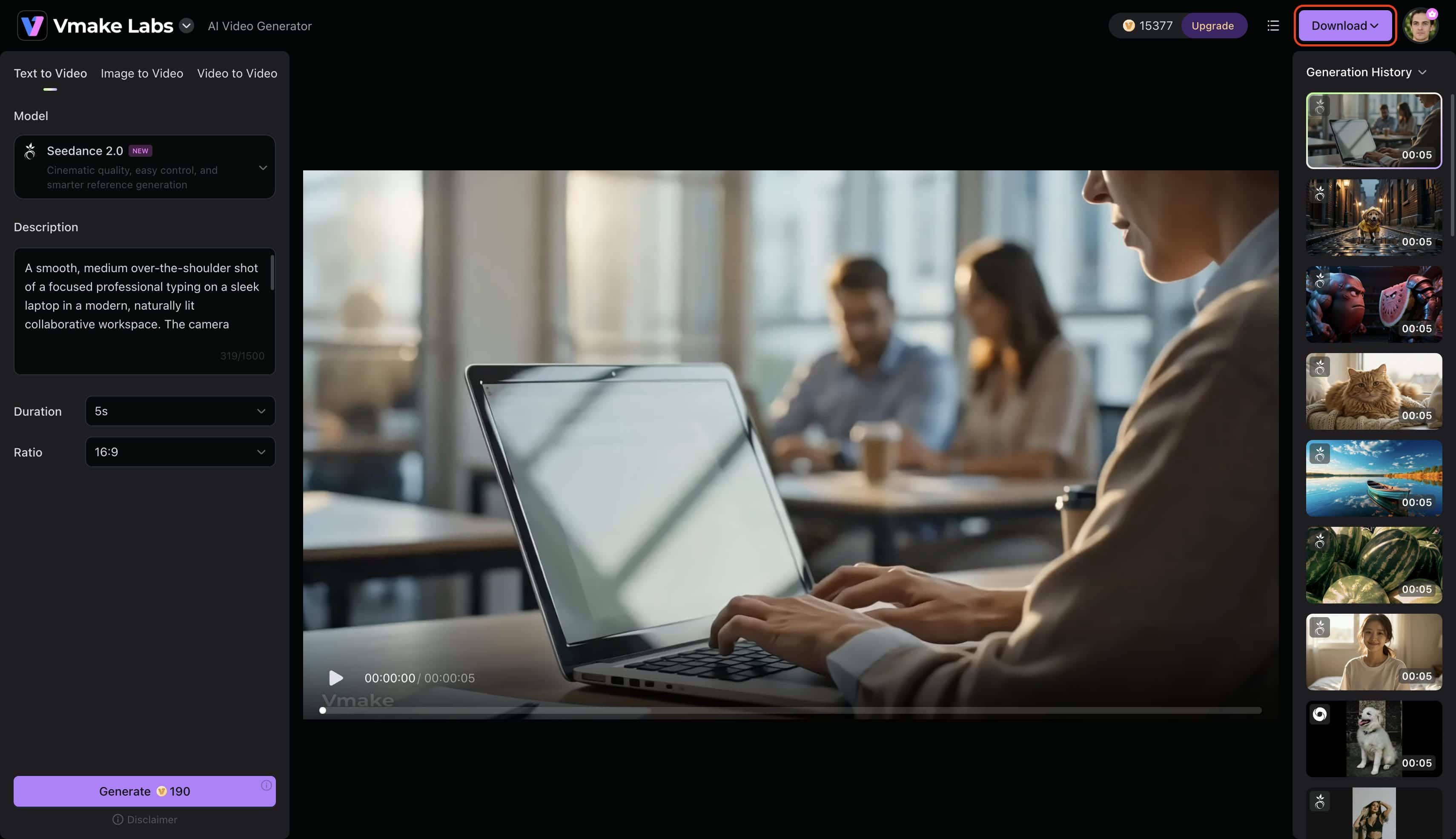
Step 3: Export the generated B-roll footage
The system will process the submitted inputs and render the custom B-roll clip. Review the finalized media once it appears on the screen, then select the "Download" option to export the file straight to local storage for immediate editing integration.
Conclusion
Mastering what is B-roll is the definitive secret to transforming average, static content into professional, high-impact storytelling. By skillfully integrating secondary footage, you can maintain viewer retention, provide essential visual context, and seamlessly hide narrative transitions. Whether you choose to capture your own raw clips using mobile gear, leverage vast stock libraries, or utilize generative AI platforms like Vmake to produce custom visuals instantly, building a diverse media library is invaluable. Start applying these production techniques today, and you will immediately elevate the quality of your videos and keep your audience captivated throughout every project.
FAQs
What is B-roll footage in filmmaking?
In traditional filmmaking, it is the additional footage intercut with the main shot. It provides environmental context, sets the mood, and helps editors stitch scenes together in a cohesive manner without jarring visual jumps.
How much B-roll should a video include?
The exact ratio depends on the format, but visually engaging content typically spends 30 to 50 percent of its running time on ancillary clips. This keeps the audience engaged, especially when there are long passages of explanatory dialogue.
What is B-roll content for YouTube and social media videos?
On digital platforms, this content is often screen recordings, product close-ups, environmental pans, or lifestyle action shots. It helps to back up what the creator is talking about visually.
Can I create B-roll without filming anything?
Yes. Editors often rely on generative AI tools to prompt dynamic scenes or license high-quality stock media from external libraries to fill in the gaps in their visual narrative.
Do I need professional equipment to shoot B-roll footage?
A modern smartphone, equipped with basic stabilization tools such as a tripod or gimbal, can perfectly record supplementary high-resolution clips, given proper lighting and composition.

You May Be Interested

How to Make AI Video of Photo Without Looking Strange - A Guide
Demystifying 2K Video Resolution: The Ultimate Guide
Best Quality Video YouTube: 2026 Export Settings & 4K Tricks
Resize Videos Online Without Losing Quality: A Smarter Way in 2026