How to Tell If a Video Is AI-Generated: 10 Red Flags to Look For
From distorted backgrounds to synthetic audio, learn how to spot modern deepfakes and tell if a video is AI-generated with confidence. Also, discover how to create realistic videos with Vmake Labs.

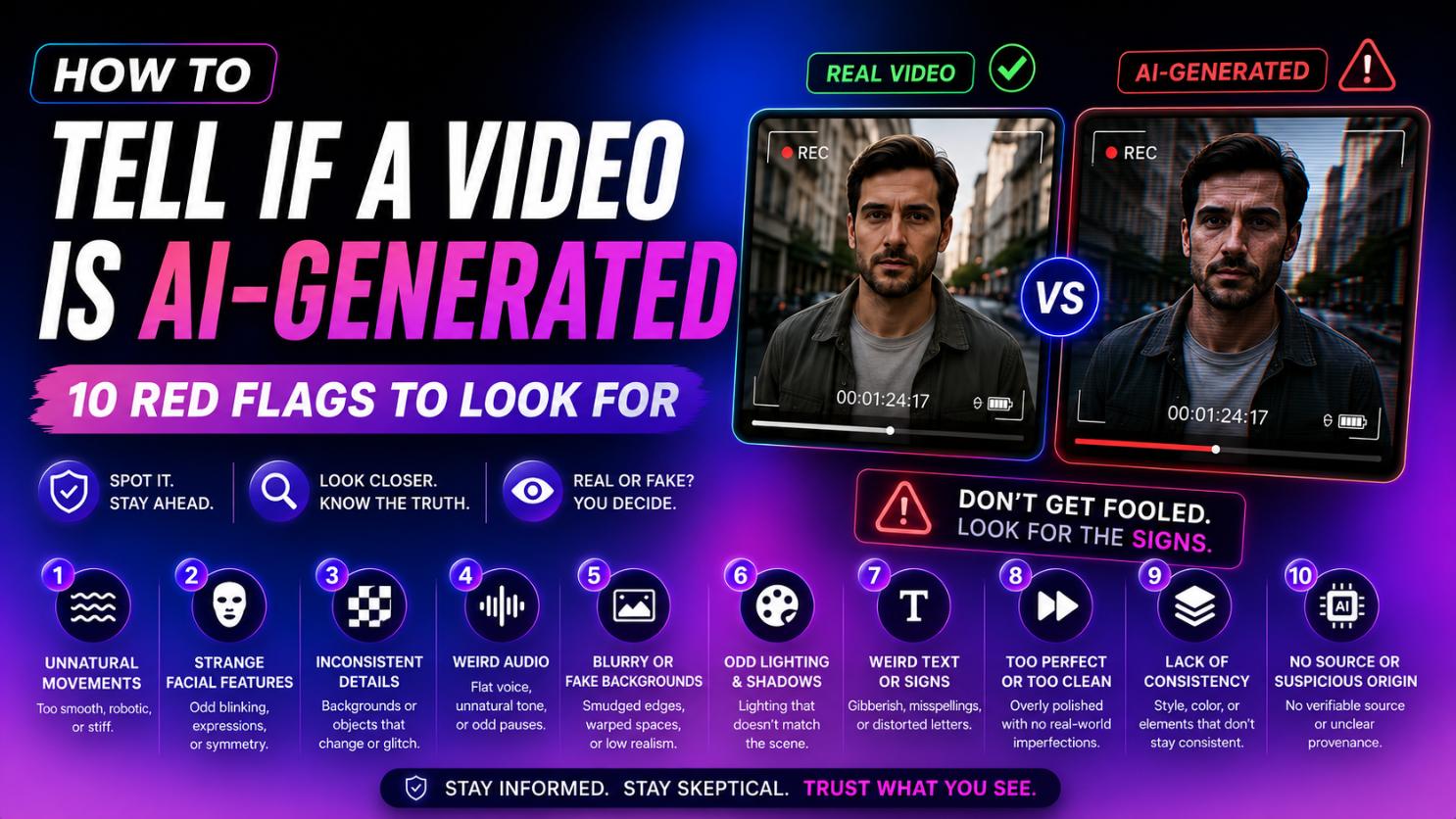
As generative artificial intelligence evolves, distinguishing between authentic footage and synthetic media has become incredibly challenging. Deepfakes and AI-generated videos are spreading across social platforms, bringing both creative potential and serious misinformation risks. To protect yourself from deception, you must know what to look for. This guide covers ten proven visual and auditory red flags to spot synthetic videos.
What is an AI-generated video?
An AI-generated video is a synthetic media file created, altered, or enhanced using artificial intelligence and machine learning algorithms, rather than traditional cameras and physical actors.
Using advanced deep learning models, particularly Generative Adversarial Networks (GANs) and diffusion transformers, developers can generate highly realistic human faces, synthetic voices, and entirely fictional environments. These videos range from face-swaps (deepfakes) and text-to-video animations to fully synthetic digital avatars.
While this technology empowers content creators with cost-effective production tools and personalized advertising, it also poses significant challenges. The rapid democratization of these tools means that anyone can create hyper-realistic, deceptive content, making public media literacy and robust verification methods more critical than ever before.
How to tell if a video is AI-generated: 10 proven methods
Detecting artificial intelligence in video content requires a keen eye and ear. By focusing on tiny rendering errors, you can easily identify synthetic media using these ten methods.
-
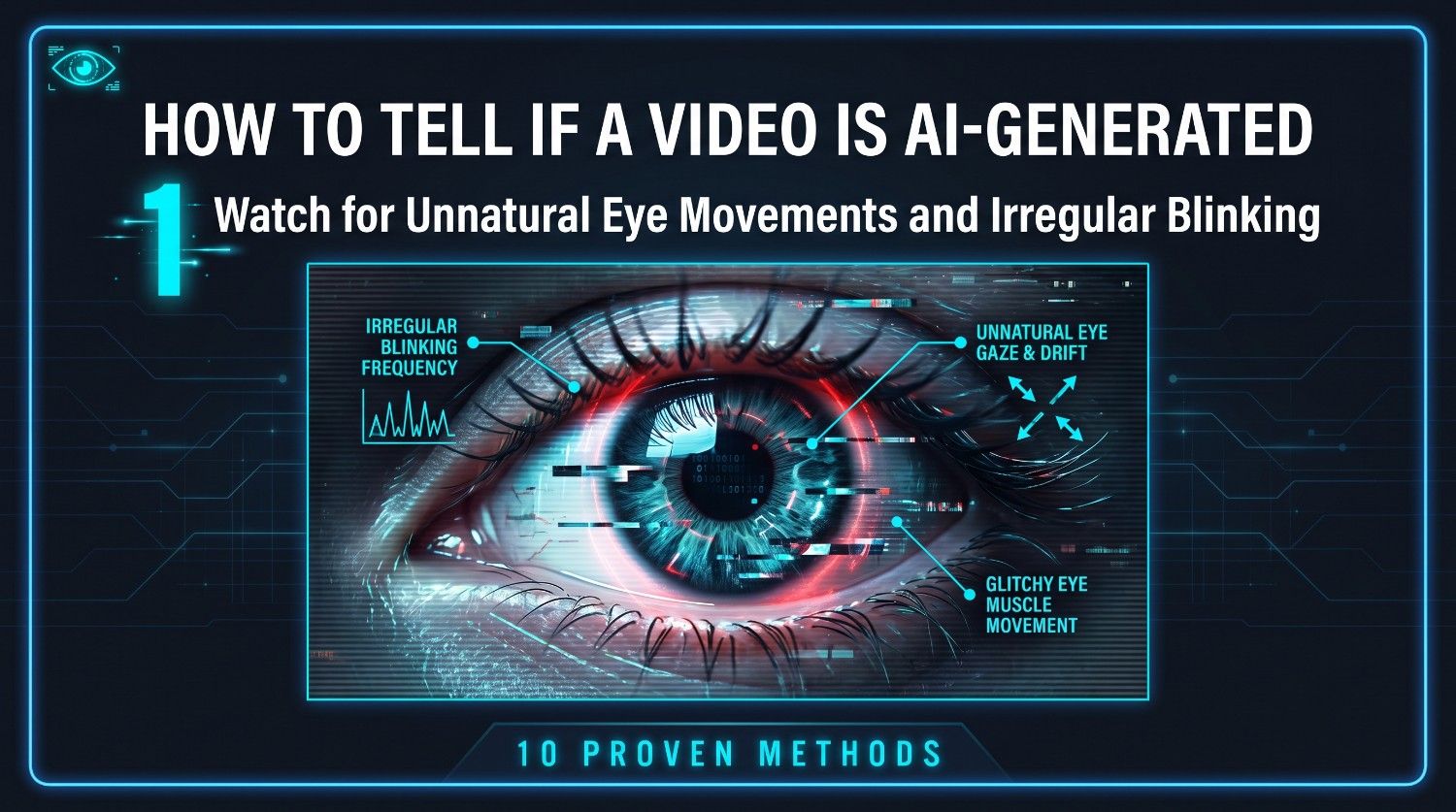
Watch for unnatural eye movements and irregular blinking
Human eyes are incredibly expressive, reflecting light and shifting fluidly with emotion. In contrast, AI generators often struggle to render natural ocular behavior. Look closely at the subject’s eyes: are they blinking at a normal, rhythmic rate, or do they remain static for unnaturally long periods? Furthermore, check if both eyes are looking in the exact same direction. AI often produces mismatched gaze directions or fails to render realistic light reflections inside the pupils, leaving them looking lifeless.
-
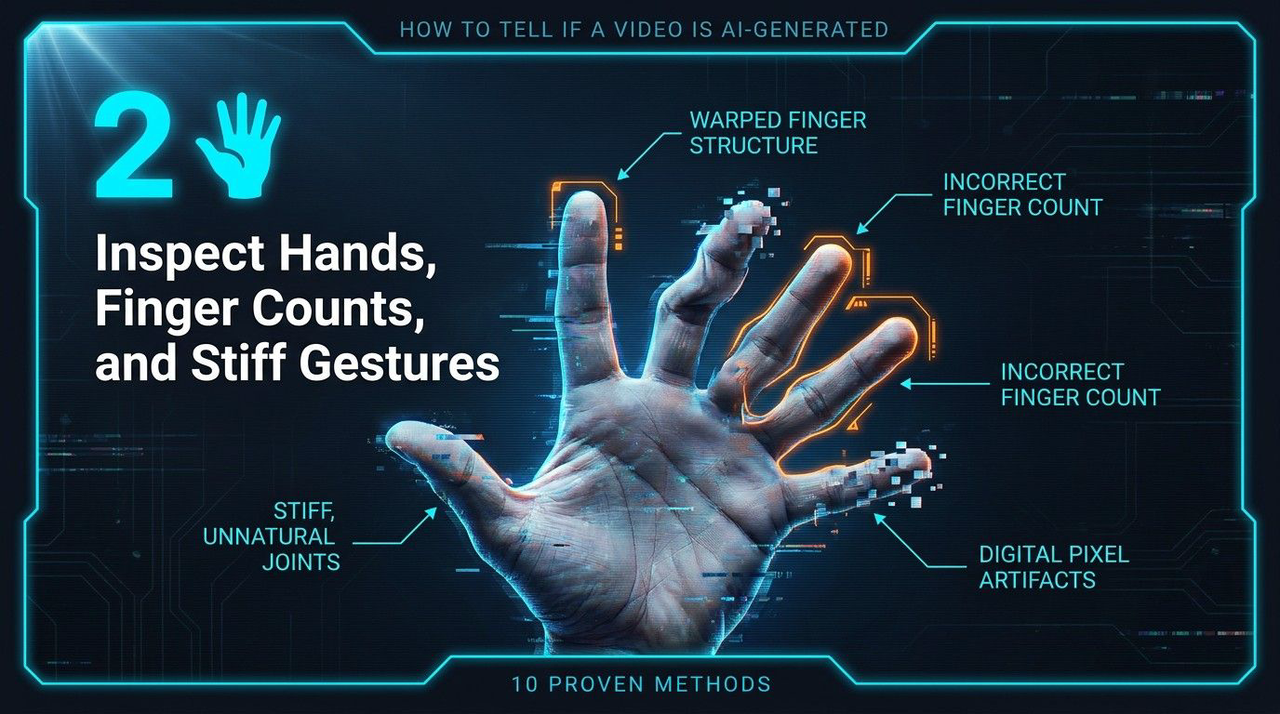
Inspect hands, finger counts, and stiff gestures
While AI has improved significantly, hands can still be tricky for AI image generators and video generators to render convincingly. Due to the complex geometry and various angles of human hands, algorithms frequently fail to render them accurately. Inspect the subject’s hands for structural anomalies, such as six fingers, missing digits, or hands that look strangely webbed. Additionally, pay close attention to stiff, robotic gestures, or hands that seem to unnaturally morph into clothing, table surfaces, or other nearby objects during movement.
-
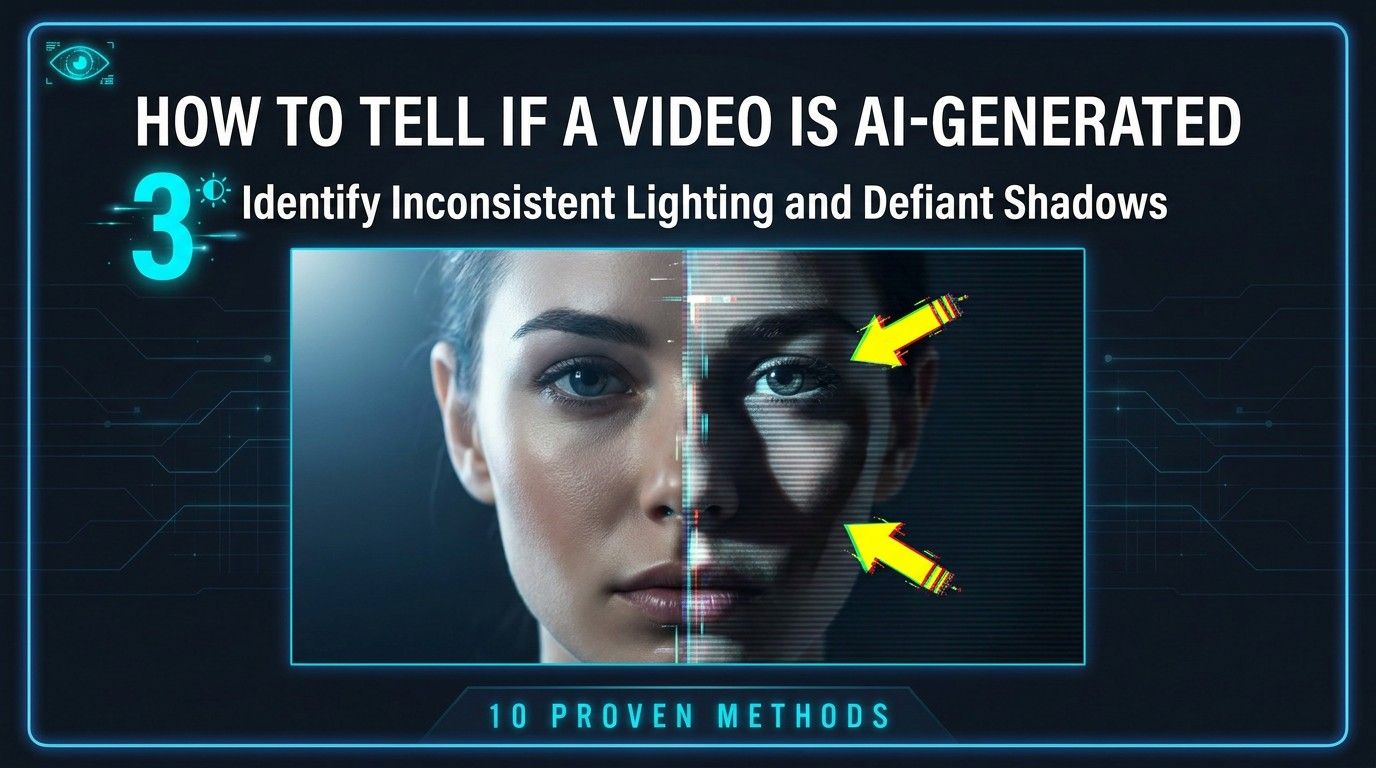
Identify inconsistent lighting and defiant shadows
Real-world physics dictate that light travels in straight lines, casting precise, logical shadows based on the light source. AI models, however, render videos frame-by-frame, often losing track of light positioning. Watch for shadows that don't match the angle of the sun or studio lamps. Look for instances where a subject's face is brightly illuminated, yet their neck remains in complete shadow, or shadows that flicker and shift unnaturally as the subject moves.
-
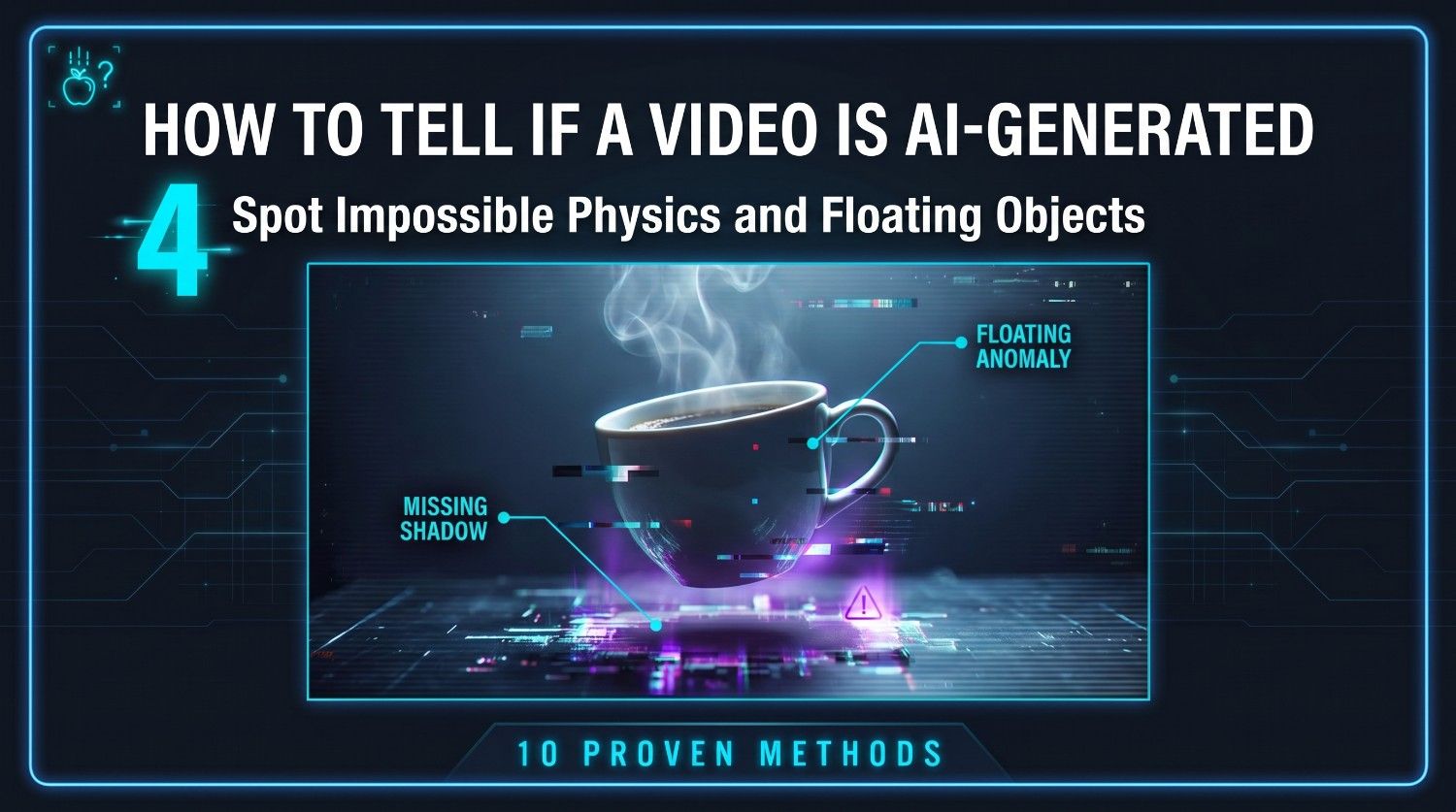
Spot "impossible physics" and floating objects
Artificial intelligence models do not actually understand gravity, mass, or physical interactions; they simply predict pixels. This lack of comprehension leads to absurd physical anomalies in synthetic videos. Keep an eye out for objects that float mid-air, clothes that bend in impossible directions, or hair that clips through solid collars. Liquids might flow upward, or solid items might clip through each other during interactions. These subtle physics failures are a dead giveaway of AI generation.
-
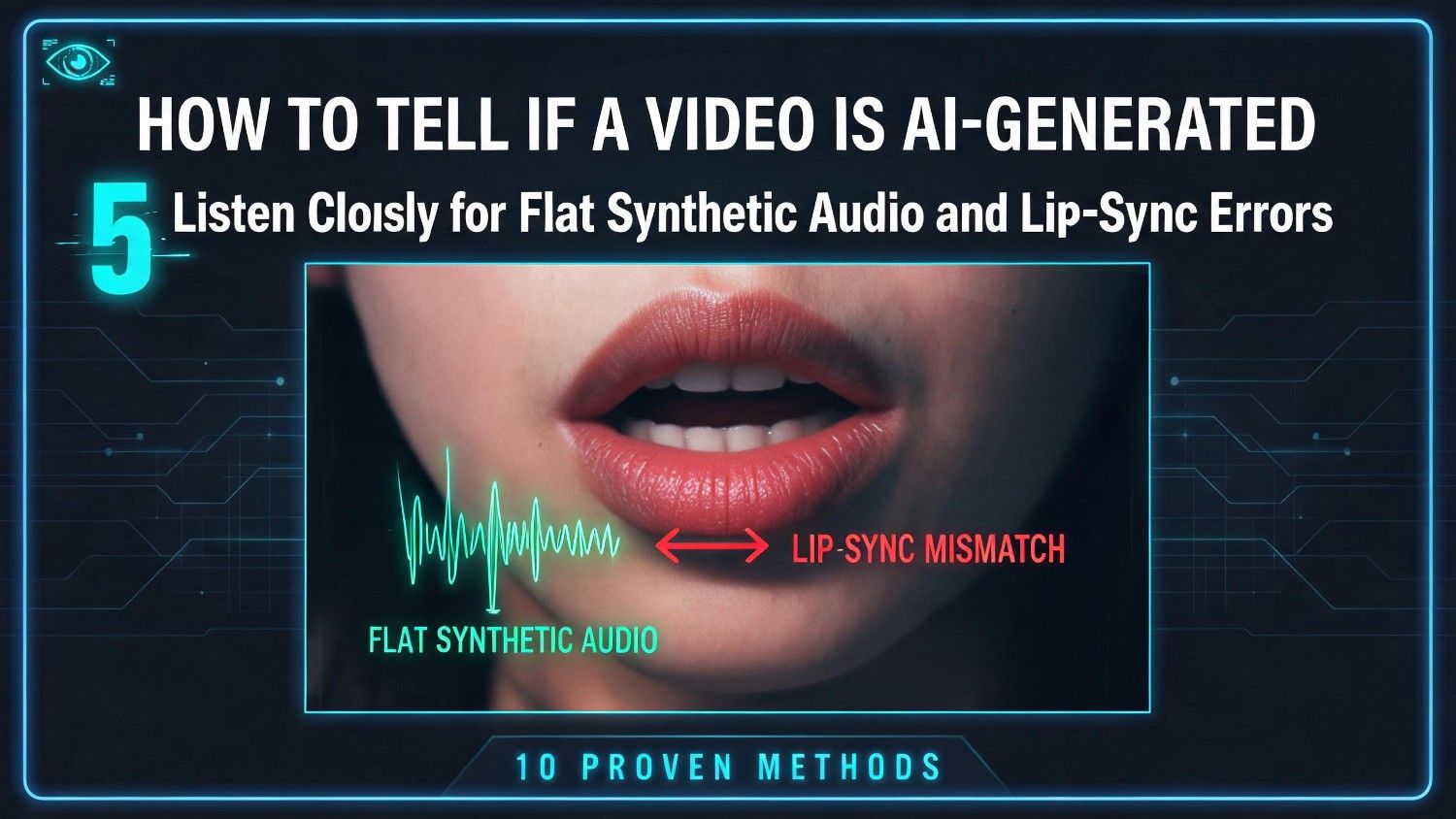
Listen closely for flat synthetic audio and lip-sync errors
While AI voice cloning has advanced significantly, synthetic speech still lacks the subtle nuances of human vocal expression. Listen for a robotic, monotone cadence that lacks emotional range, breathing sounds, or natural pauses. Furthermore, analyze the synchronization between the speaker's mouth movements and the audio track. AI-generated videos often feature delayed lip-syncing, or mouth shapes that do not physically correspond to the specific phonetic sounds being spoken in the audio.
-
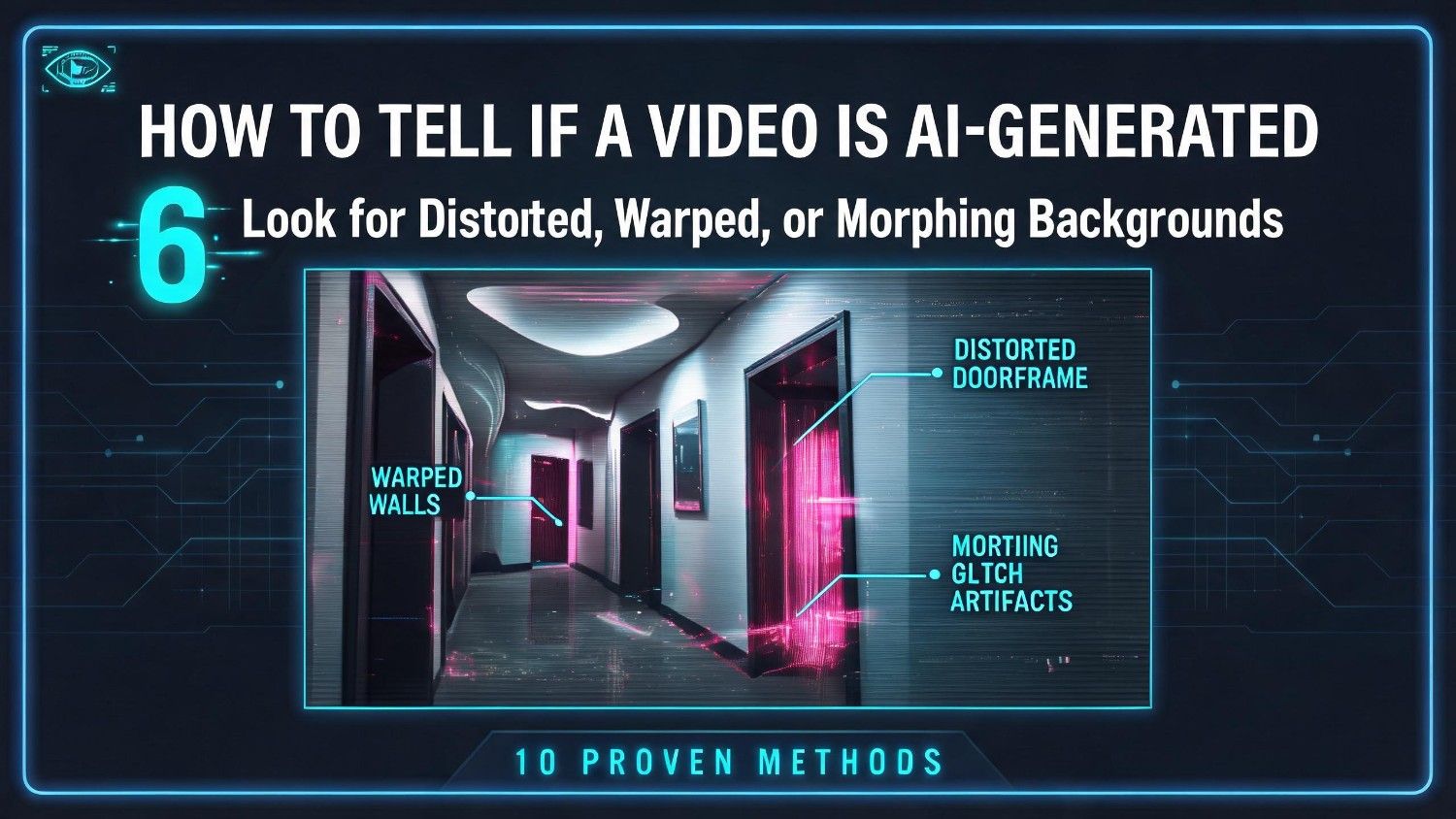
Look for distorted, warped, or morphing backgrounds
To spot a deepfake, look away from the main subject and closely examine the background. AI models prioritize rendering the main subject, often leaving background elements neglected. You will frequently notice structural pillars warping, background crowds morphing into indistinct shapes, or straight architectural lines bending as the camera pans. This background distortion occurs because the AI struggles to maintain temporal consistency for non-focused elements across different frames of the video.
-
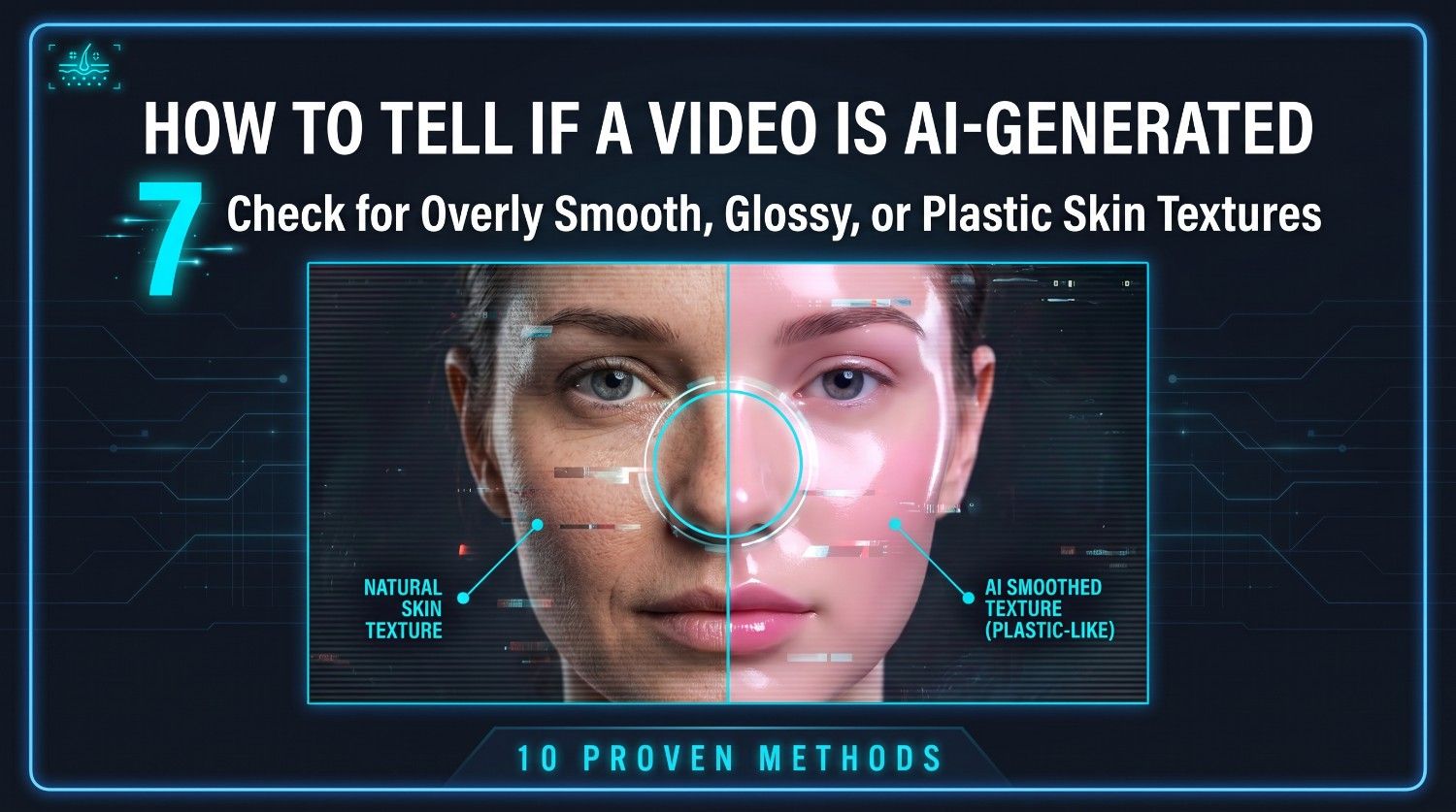
Check for overly smooth, glossy, or "plastic" skin textures
Human skin has natural imperfections, including pores, fine lines, freckles, blemishes, and varied color tones. AI-generated faces, particularly those created using basic deepfake algorithms, tend to look unnaturally flawless. Look for an airbrushed, glassy, or plastic aesthetic where all natural skin texture has been completely smoothed away. If the subject looks like a highly polished video game character rather than a real human being, you are likely looking at an artificial creation.
-
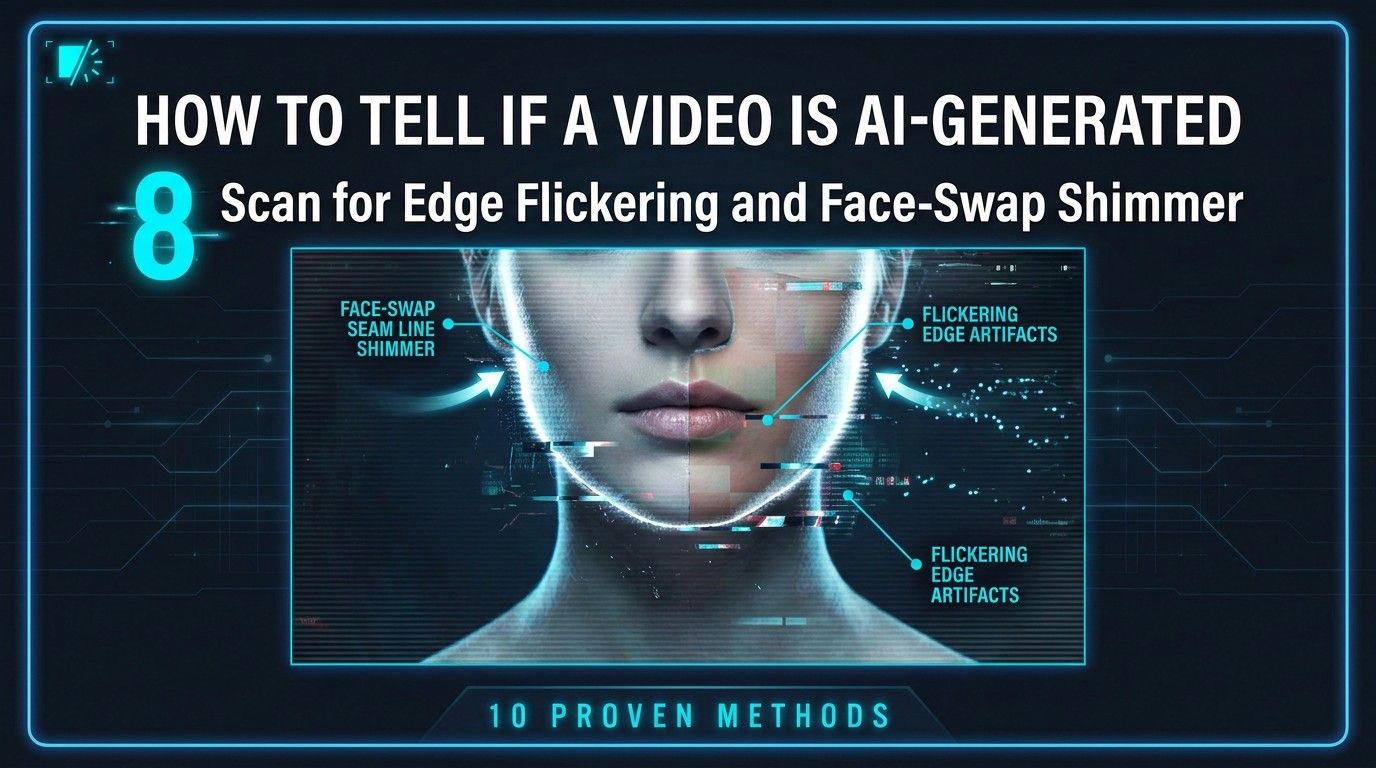
Scan for edge flickering and face-swap shimming
When a deepfake algorithm overlays a synthetic face onto a real actor’s head, the boundaries can be difficult to align perfectly. Pay close attention to the edges of the face, the jawline, and around the eyebrows and hair. You will often spot a subtle flickering, blurring, or double-edge effect, particularly when the subject turns their head quickly. These visual glitches reveal where the digital mask struggles to stay attached to the underlying base video.
-
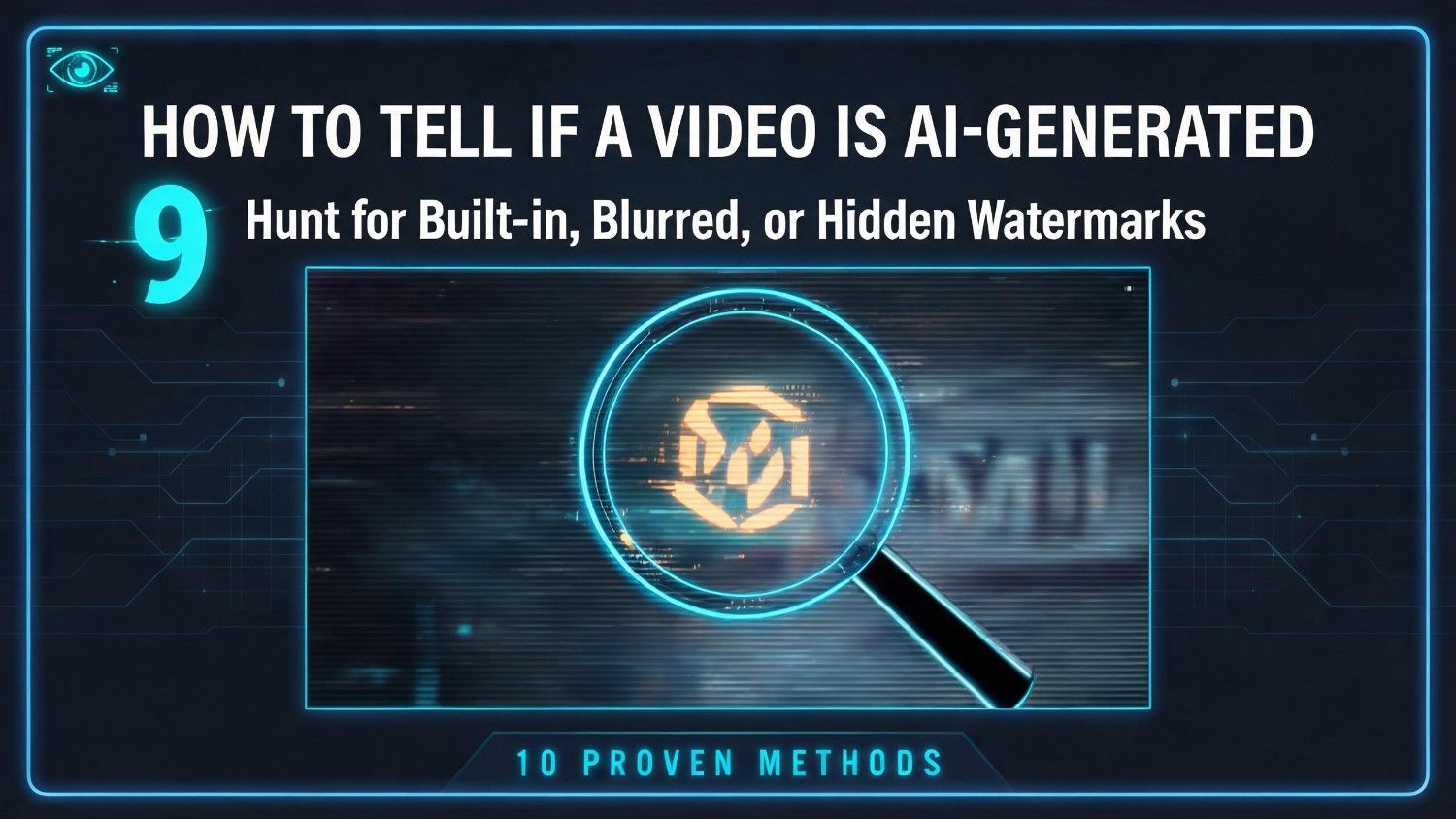
Hunt for built-in, blurred, or hidden watermarks
Many commercial AI video generation platforms automatically apply a watermark to identify synthetic content. While malicious actors try to crop or blur these markers out, they often leave behind suspicious, blurry patches in the corners of the video. Check the bottom-right or bottom-left corners for smudged pixels or faint logos. Discovering a poorly obscured watermark is a direct indication that the video has been processed by a public AI tool.
-
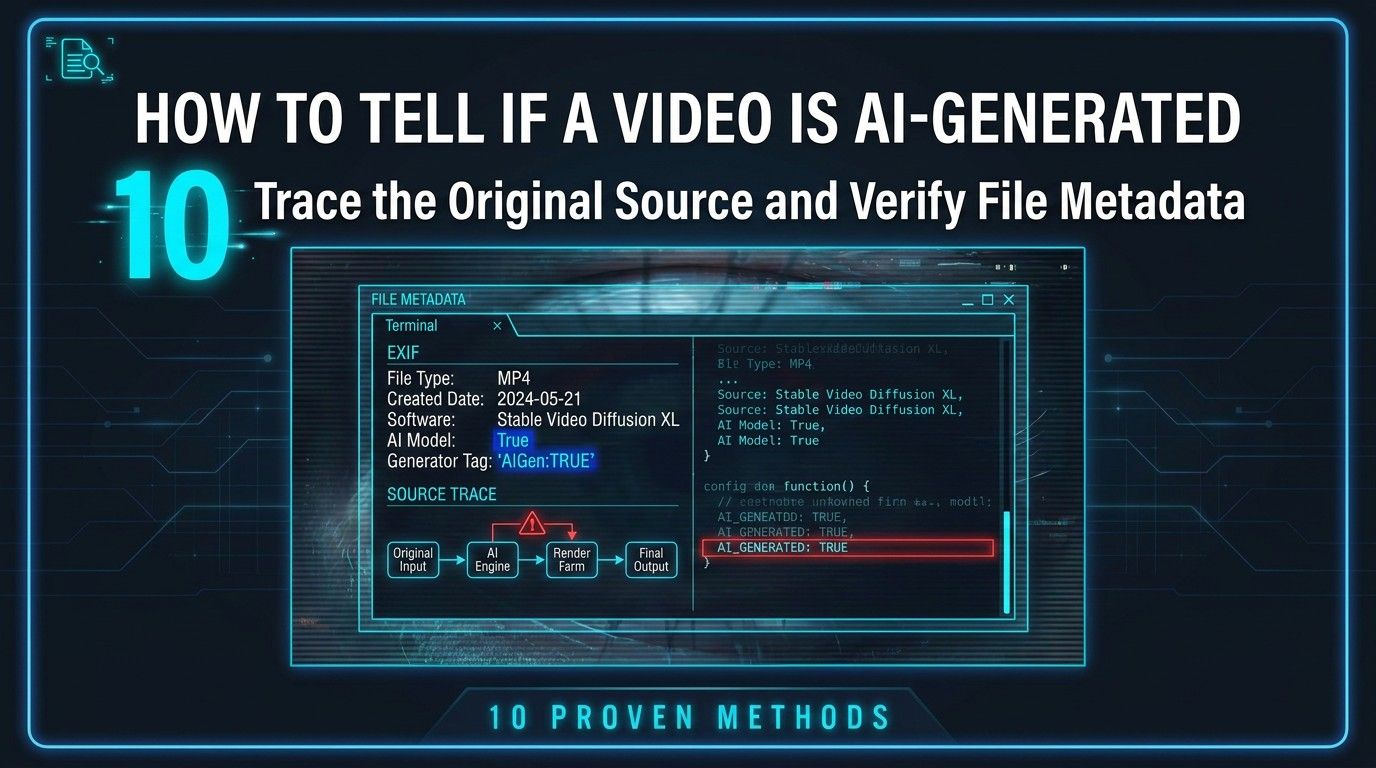
Trace the original source and verify file metadata
When visual inspection fails, technical verification can reveal the truth. Try to trace the video back to its earliest online appearance to verify the publisher's credibility. If you have access to the raw video file, use metadata viewing tools to inspect its internal properties. AI-generation software often leaves behind distinct digital footprints, software signatures, or modified creation dates within the file's metadata, proving the file was synthesized rather than captured.
How to tell if a video is AI-generated: tools that help detect genuineness
While manual analysis is helpful, specialized software is often required to confirm a deepfake. Utilizing advanced algorithms, these technical solutions provide definitive proof of a video’s origin.
I. AI detection platforms
Several specialized web platforms utilize reverse-engineered machine learning models to analyze video frames and detect synthetic manipulation in real time.
-
Microsoft Video Authenticator
Developed by Microsoft, this tool analyzes video frames in real-time to provide a localized confidence score, identifying subtle grayscale and blending anomalies that are invisible to the human eye.
-
Intel FakeCatcher
Intel's specialized platform detects deepfakes with incredible accuracy by analyzing blood flow in human faces. It tracks subtle skin color changes caused by heartbeat rhythms across video frames.
-
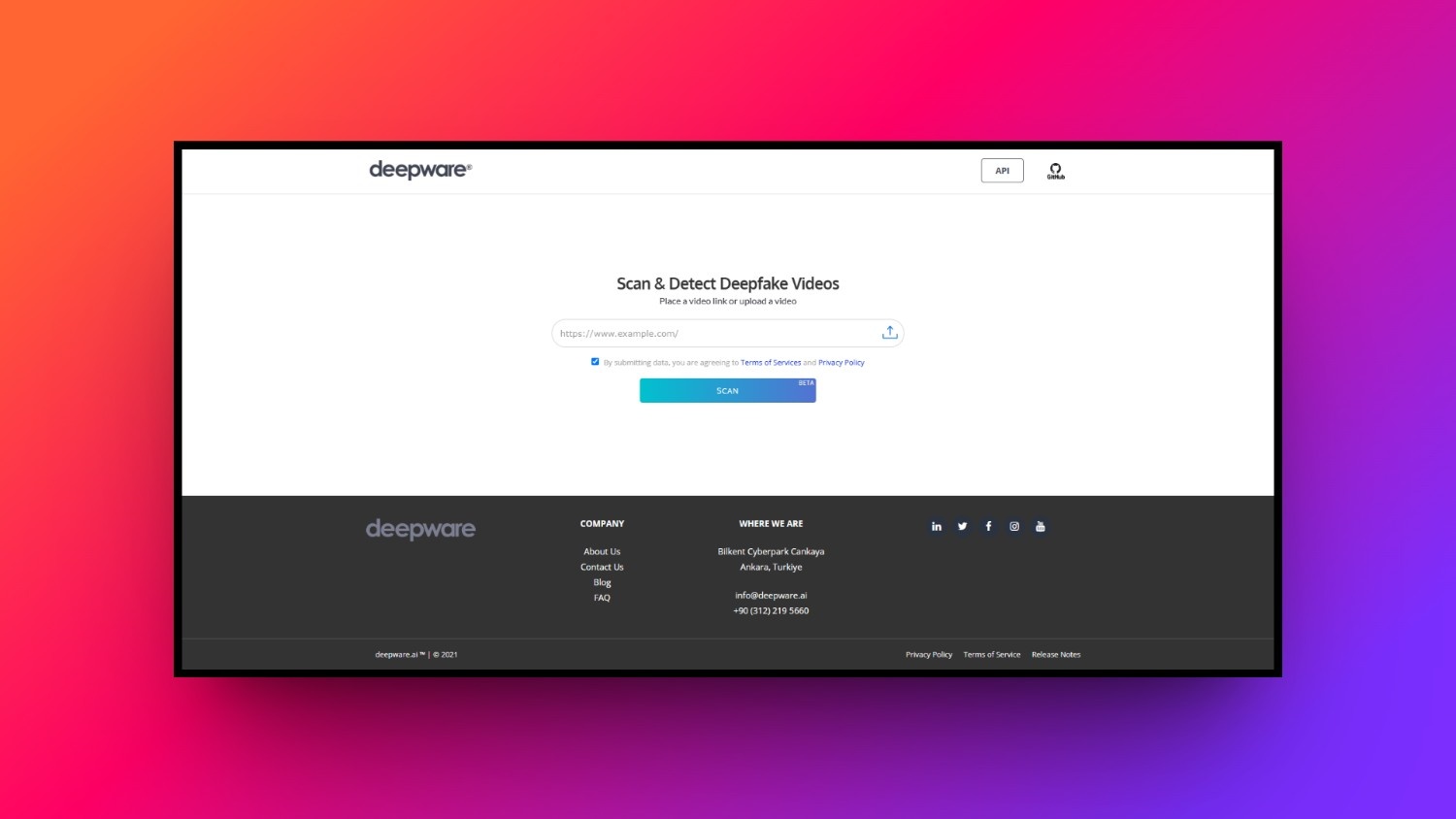
Deepware Scanner
An open-source, user-friendly platform designed to scan suspicious videos. Users simply upload a file or link to receive an immediate diagnostic breakdown of potential deepfake signatures and manipulations.
II. Reverse image/video search
Reverse search engines allow you to upload individual video frames to locate their original online sources. By finding authentic, unaltered source footage, you can instantly compare it against the suspicious video to identify face-swaps, synthetic audio overlays, or malicious edits designed to spread misinformation.
III. Metadata analysis
Metadata analysis involves examining a video file’s underlying code for hidden technical data. Authentic cameras embed specific details like camera models, GPS locations, and exposure settings. Conversely, AI tools leave behind editing signatures, missing structural segments, or synthetic file markers that immediately flag the video as artificial.
IV. Source verification tools
Establishing content authenticity at the point of creation is crucial. These dedicated tools verify the origin and chain of custody of digital media files.
-
Coalition for Content Provenance and Authenticity (C2PA)
This open technical standard embeds secure, tamper-evident metadata directly into media files. It tracks the entire journey of a video, showing exactly when and how it was created or edited.
-
Content Authenticity Initiative (CAI)
Led by Adobe, this initiative provides open-source tools that allow creators to attach secure digital credentials to their videos, proving authenticity and preventing unauthorized AI manipulation.
-
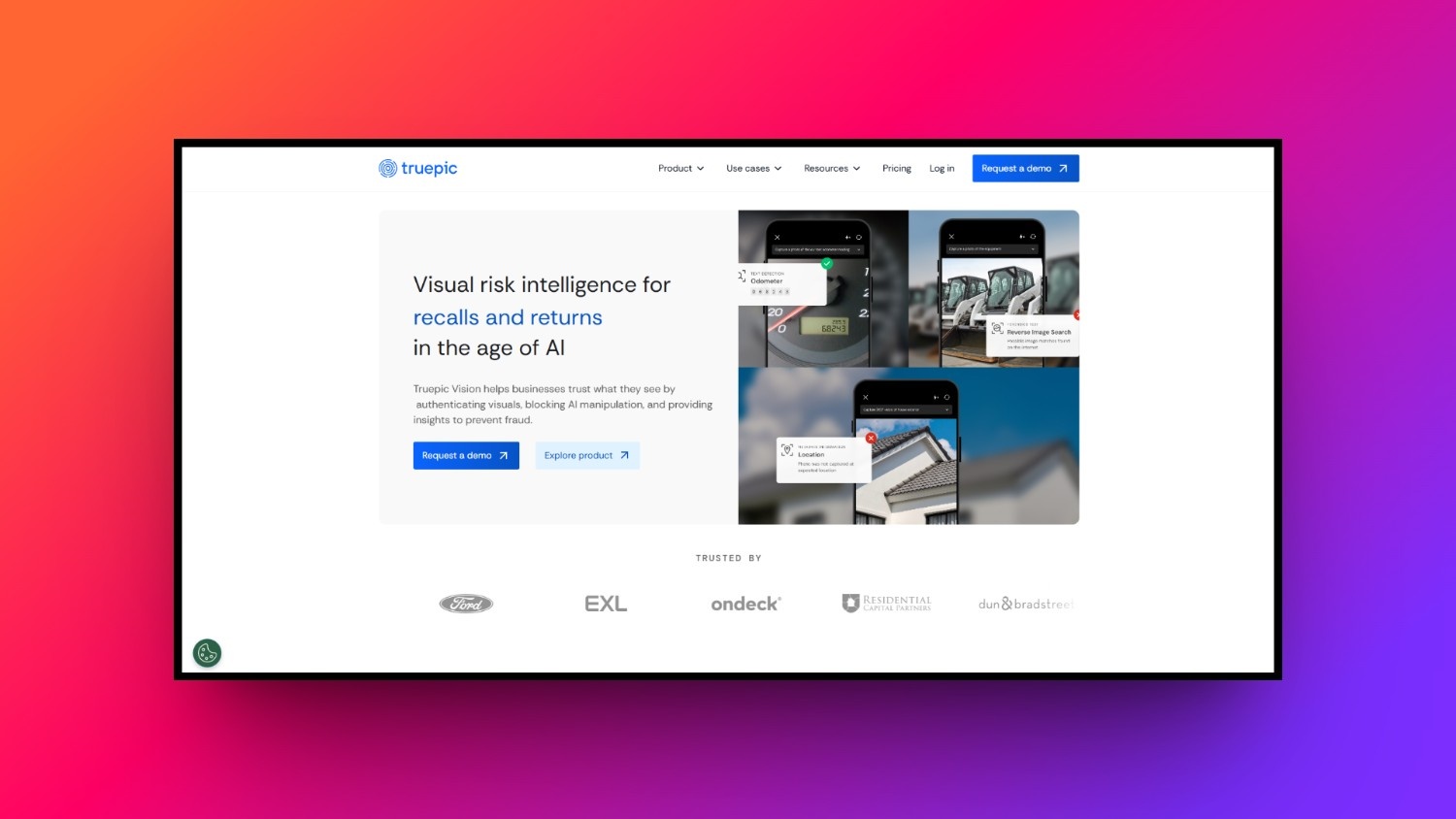
Truepic Lens
Truepic uses secure camera technology to sign photos and videos at the exact moment of capture, verifying GPS, time, and visual integrity before the file can be altered.
While deepfake detection tools are vital for security, the positive side of this technology allows creators to generate stunning, realistic marketing content safely using professional systems like Vmake Labs.
How to generate hyper-realistic videos: Meet Vmake Labs
As AI video generation becomes a mainstream creative asset, choosing the right platform is essential for producing high-quality, ethical, and realistic content. Vmake Labs stands out as an industry-leading video generator designed specifically for e-commerce, digital marketing, and content creators.
By focusing on advanced rendering engines, Vmake Labs eliminates the common visual glitches, like distorted backgrounds and robotic movements, that plague lower-tier platforms. The tool offers a suite of intuitive features that make professional video production accessible without a studio setup, allowing you to generate lifelike human presenters and stunning visual assets with absolute ease and creative control.

Exciting features of the Vmake Labs AI video generator
-
Text-to-video & image-to-video: Transform written prompts or static photos into highly dynamic, realistic video clips. This feature seamlessly interprets visual context, animating images with natural human movements and realistic environmental physics.
-
Natural facial expressions: Create videos with realistic facial movements and subtle emotions that make AI-generated characters feel more lifelike. Natural expressions help reduce the artificial look often associated with AI videos, resulting in more believable and engaging content.
-
Ability to select aspect ratio and video duration: Tailor your synthetic videos perfectly for various social channels. Easily choose custom aspect ratios, like vertical for TikTok or widescreen for YouTube, and set precise clip durations for your projects.
-
Advanced AI models for higher-quality generation: Choose from leading AI models, including Seedance, Veo, and Kling, to generate videos that match your creative needs. These advanced models produce smoother motion, better consistency, and more realistic details, helping create videos that are harder to distinguish from traditionally produced content.
-
Creation of UGC videos: Generate highly engaging, authentic-looking User Generated Content featuring realistic AI avatars and recreations of viral videos. These avatars speak naturally, mimic human expressions, and deliver product demonstrations that build trust with your target audience.
-
4K exports: Ensure your final marketing campaigns maintain a premium look. Vmake Labs supports ultra-high-definition 4K rendering, delivering crisp details, sharp textures, and clear audio that rivals expensive traditional camera shoots.
How to use Vmake Labs for realistic AI video creation
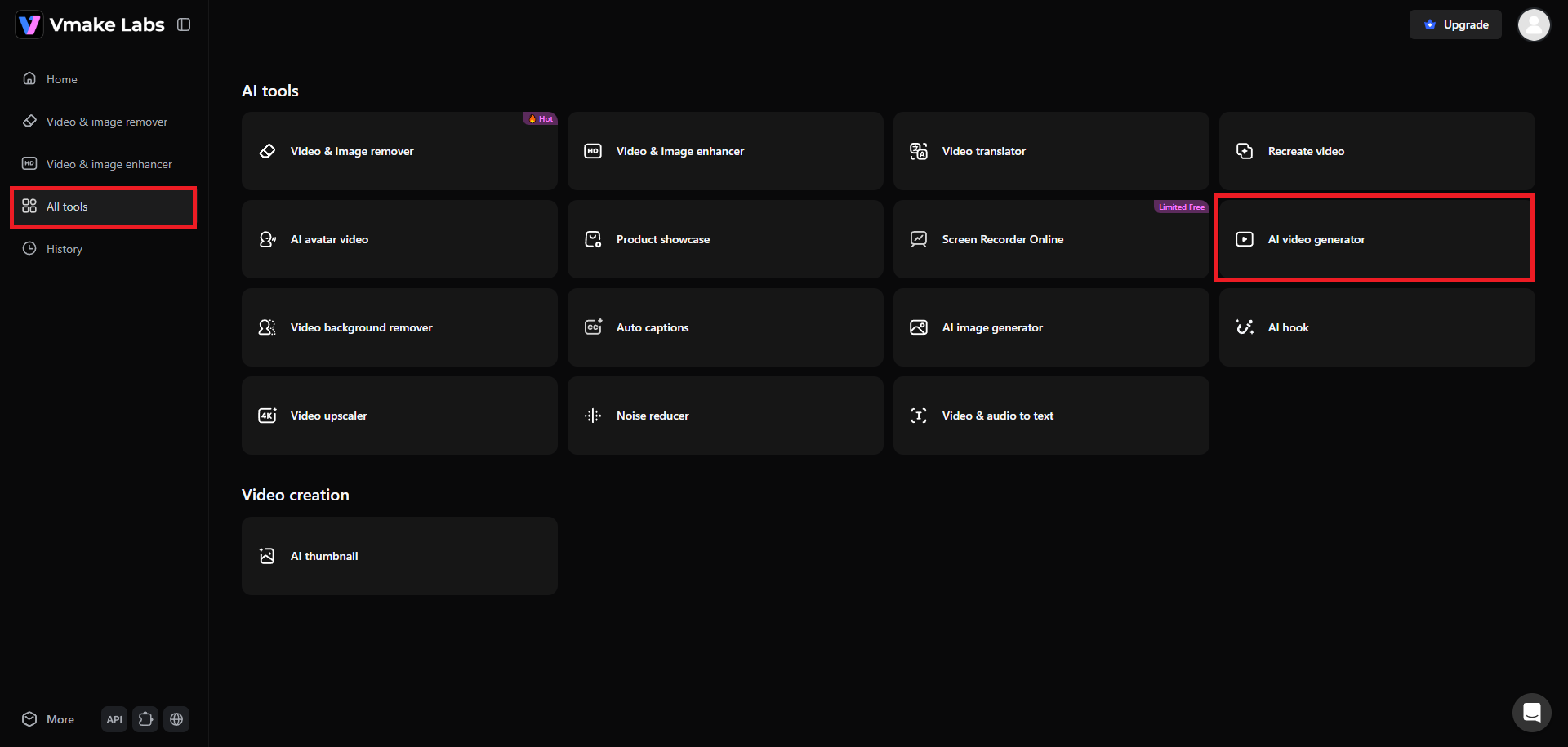
Step 1: Select the "AI video generator" feature
Start by first logging into your account. After signing in, you need to head over to the "All tools" tab from the left-hand side of your window. Then, click on the "AI video generator" option.
Step 2: Select your input method and provide a detailed prompt
On a new web page, you will be allowed to choose your input method. Vmake offers users to create videos via text, image, or even video inputs. We are selecting the "Text to video" option here. Start by first choosing your preferred AI video generation model (Seedance, Veo, Kling, etc.) and then entering your detailed prompt.
Make sure to include keywords like "realistic" and "cinematic" in your prompt, as well as provide any negative prompts (things you don't want the AI to include). After that, choose your video duration and aspect ratio. Once done, click on "Generate".

Step 3: Download your realistic AI-generated video
AI will start generating your video, and once that is completed, the same will be shown on your screen. You will have the option to "Download" your realistic AI-generated video, in glorious 4K resolution.

Wrapping up
Navigating the era of synthetic media requires a balanced approach. On one hand, understanding the visual and physical red flags of AI-generated videos is essential for spotting misinformation and deepfakes. On the other hand, the creative power of artificial intelligence cannot be denied.
When utilized ethically and professionally through advanced platforms like Vmake, AI video generators empower creators to produce flawless, highly engaging, and realistic visual content. By staying informed on detection techniques while adopting high-quality production tools, we can responsibly navigate and shape the future of digital storytelling.
FAQs
Can AI-generated videos bypass traditional detection methods?
Yes, advanced deepfakes can occasionally bypass basic detection. However, combining visual inspection of physics and lighting with sophisticated technical tools like metadata analysis remains highly effective in uncovering synthetic video content.
Why do AI video generators struggle with hands and rendering shadows?
AI models generate frames sequentially based on pixel probabilities rather than physical rules. This makes it difficult to render complex anatomical structures like fingers or keep consistent lighting angles across moving subjects.
What is the "uncanny valley" effect in AI video generation?
The uncanny valley is a psychological phenomenon where a near-perfect human replica causes feelings of unease in viewers. Subtle flaws, like lifeless eyes or stiff lip movements, trigger this biological revulsion.
How to tell if a YouTube video is AI-generated?
To spot AI on YouTube, check for a synthetic voiceover, repetitive stock background music, or robotic visual loops. Additionally, look out for YouTube's official "altered content" disclosure label in the video description.
Is there a free tool to easily check if a video is AI-generated?
Yes, platforms like Deepware Scanner offer free, user-friendly deepfake detection. Users can upload a file or insert a web link to quickly analyze a video for common synthetic markers and anomalies.
How can content creators ensure their AI videos look realistic and authentic?
Creators should use high-end platforms like Vmake Labs that prioritize high-resolution 4K exports, maintain accurate physical rendering, and feature lifelike human avatars with natural facial expressions and synchronized vocal pacing.

You May Be Interested
Best AI Video Generator: Top Tools Tested (2026)

7 Best Sora Alternatives for AI Video Generation in 2026
Heygen Alternatives: A Guide to 7 AI Video Tools Worth Trying
Best AI Avatar Tools for Business Growth (2026 Guide)