How to Make a Documentary: The Ultimate Step-by-Step Guide
Ready to tell your story? Discover how to make a documentary with this updated 2026 guide, detailing budgeting, gear, shooting tips, and post-production. Additionally, learn how to make your own documentary film with Vmake AI video generator.

Documentary filmmaking is one of the most powerful mediums for truth-telling, self-expression, and social change. Whether you are an aspiring creator capturing a local story or a student working on a class project, learning how to make a documentary can feel overwhelming. This comprehensive guide simplifies the journey from initial concept to your final, polished, and shareable film.
What is a documentary?
At its core, a documentary is a non-fiction film designed to document reality, educate viewers, or present a specific point of view on real-world events, people, and issues.
Unlike narrative fiction, which relies on scripted actors and fabricated scenarios, documentaries capture authentic human experiences and factual evidence. However, they are more than mere recordings of raw reality; they are creative treatments of actuality.
By utilizing interviews, historical archives, observational footage, and narrative structures, documentaries reshape real-life occurrences into compelling stories that challenge perspectives, evoke empathy, and preserve history for future generations.
Common types of documentaries
Filmmakers use various structural approaches, or modes, to shape how they present non-fiction stories to their audience. Here are the six primary documentary types you should know:
Poetic mode
This style prioritizes mood, tone, and sensory effect over traditional narrative structure. It uses abstract imagery, creative editing, and expressive music to evoke feelings rather than convey strict factual information.
Expository mode
The classic format that directly addresses the audience, often utilizing an authoritative "voice-of-God" narrator. It presents a strong argument or historical account supported by logical, educational footage.
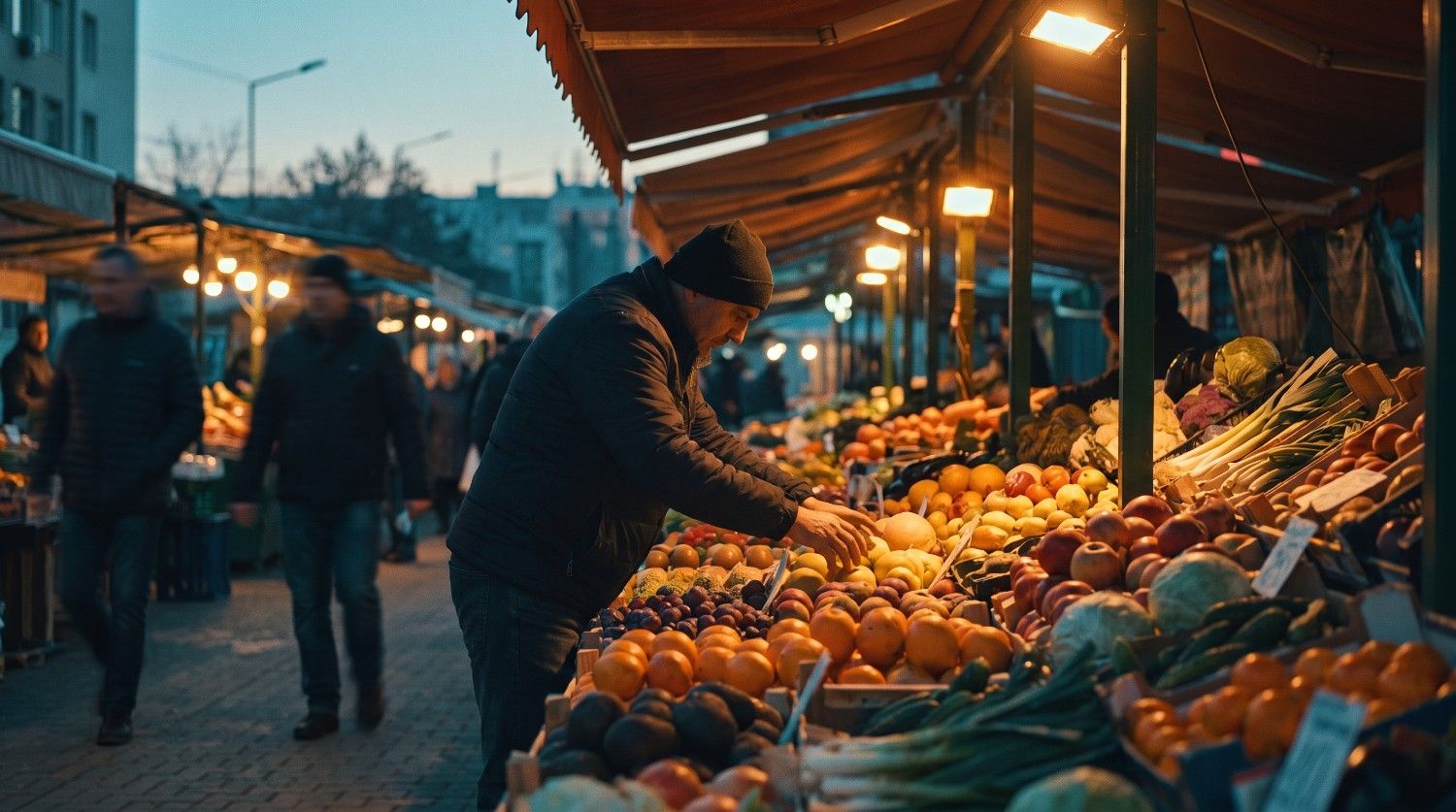
Observational mode
Often called fly-on-the-wall filmmaking, this type records subjects living their lives without interference. There are no direct interviews, narration, or staging, allowing the raw truth to unfold naturally.
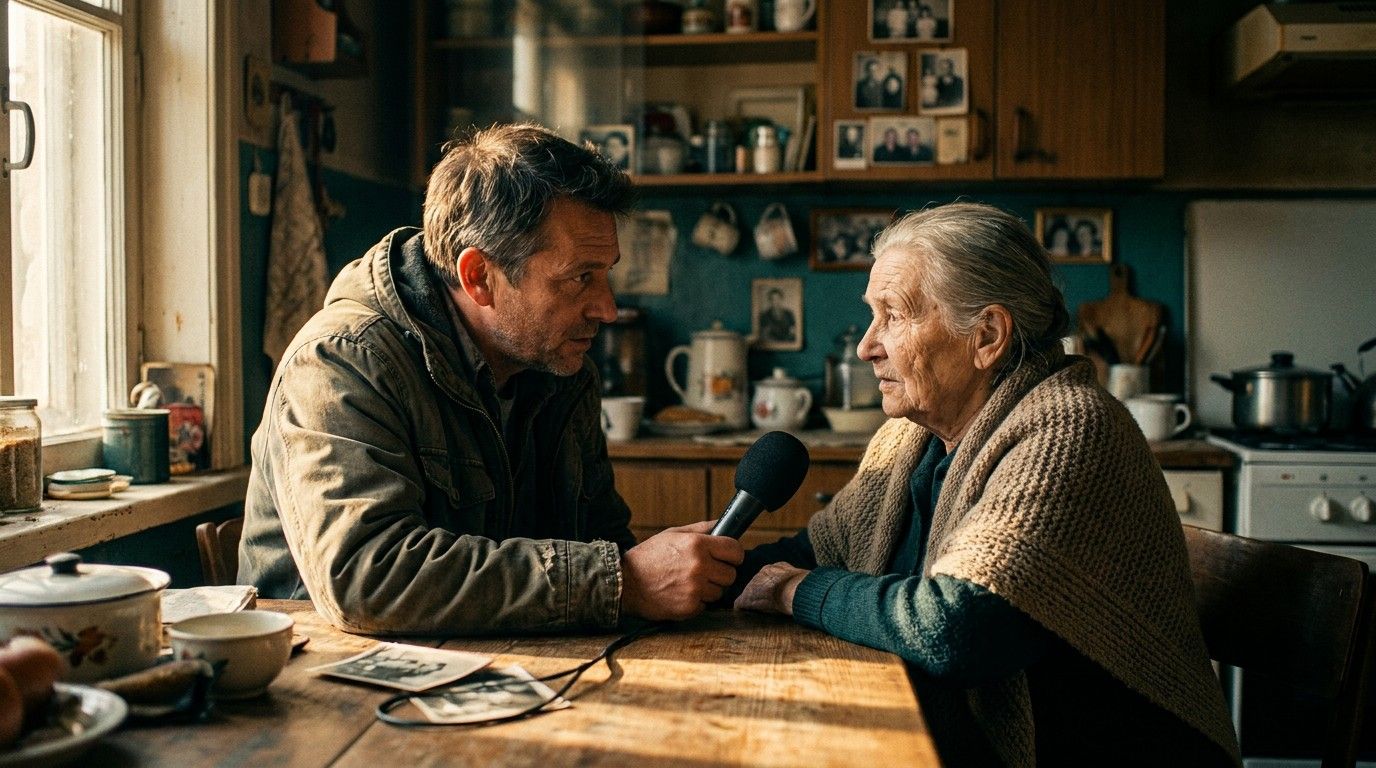
Participatory mode
Here, the filmmaker actively interacts with the subjects, becoming part of the narrative. Interviews resemble natural conversations, and the director's presence directly influences the direction of the story.
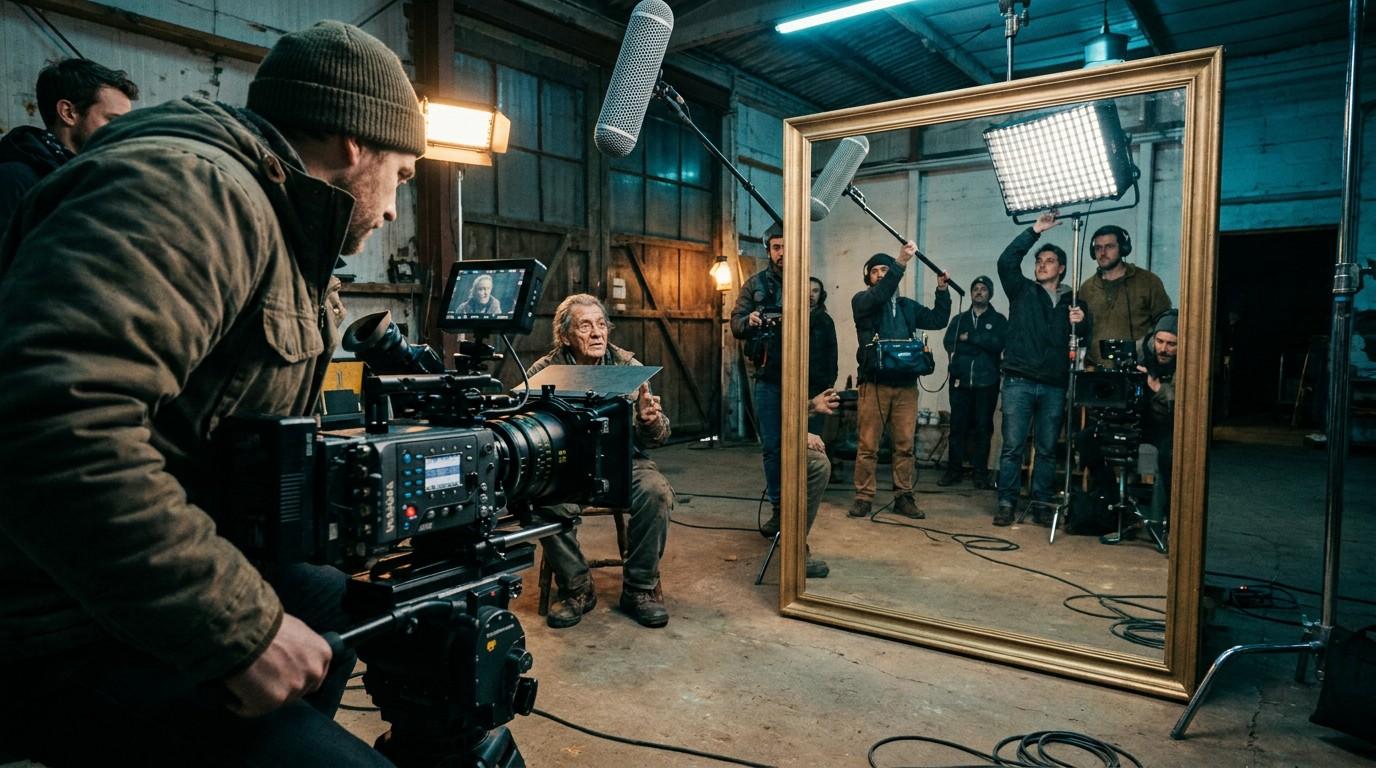
Reflexive mode
This self-aware style draws attention to the filmmaking process itself. It exposes the camera crew, editing techniques, and constructed nature of the film, questioning the subjective truth of documentaries.
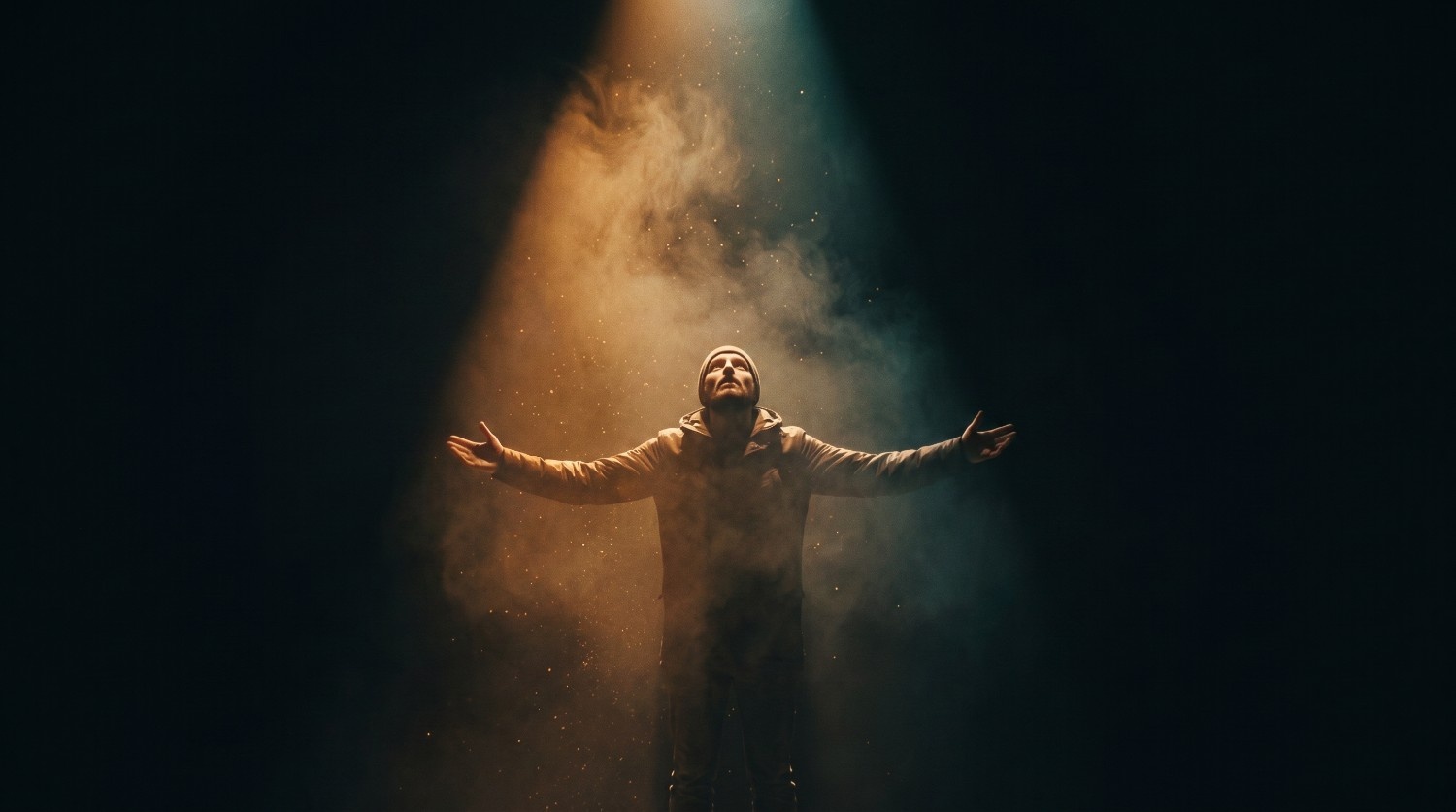
Performative mode
This highly personal approach emphasizes the filmmaker's subjective experience and emotional relationship with the topic. It often uses staged reenactments to explore deeper, personal truths rather than objective facts.
How to make a documentary film: steps to follow
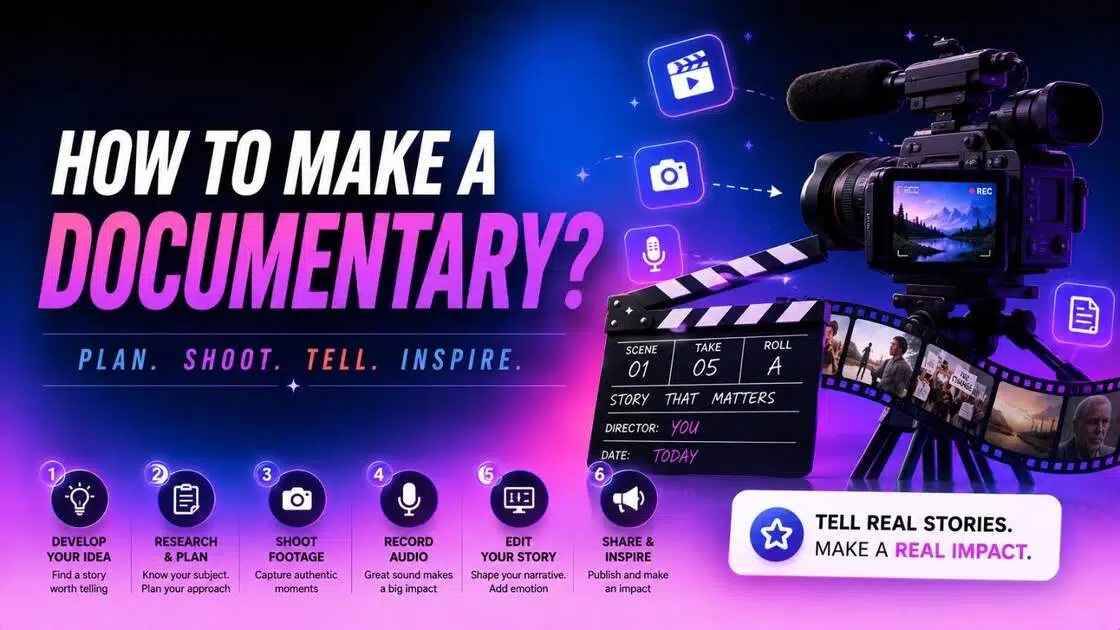
Creating a documentary requires a systematic approach to balance creative vision with real-world variables. Follow this proven six-step roadmap to bring your non-fiction vision to life:
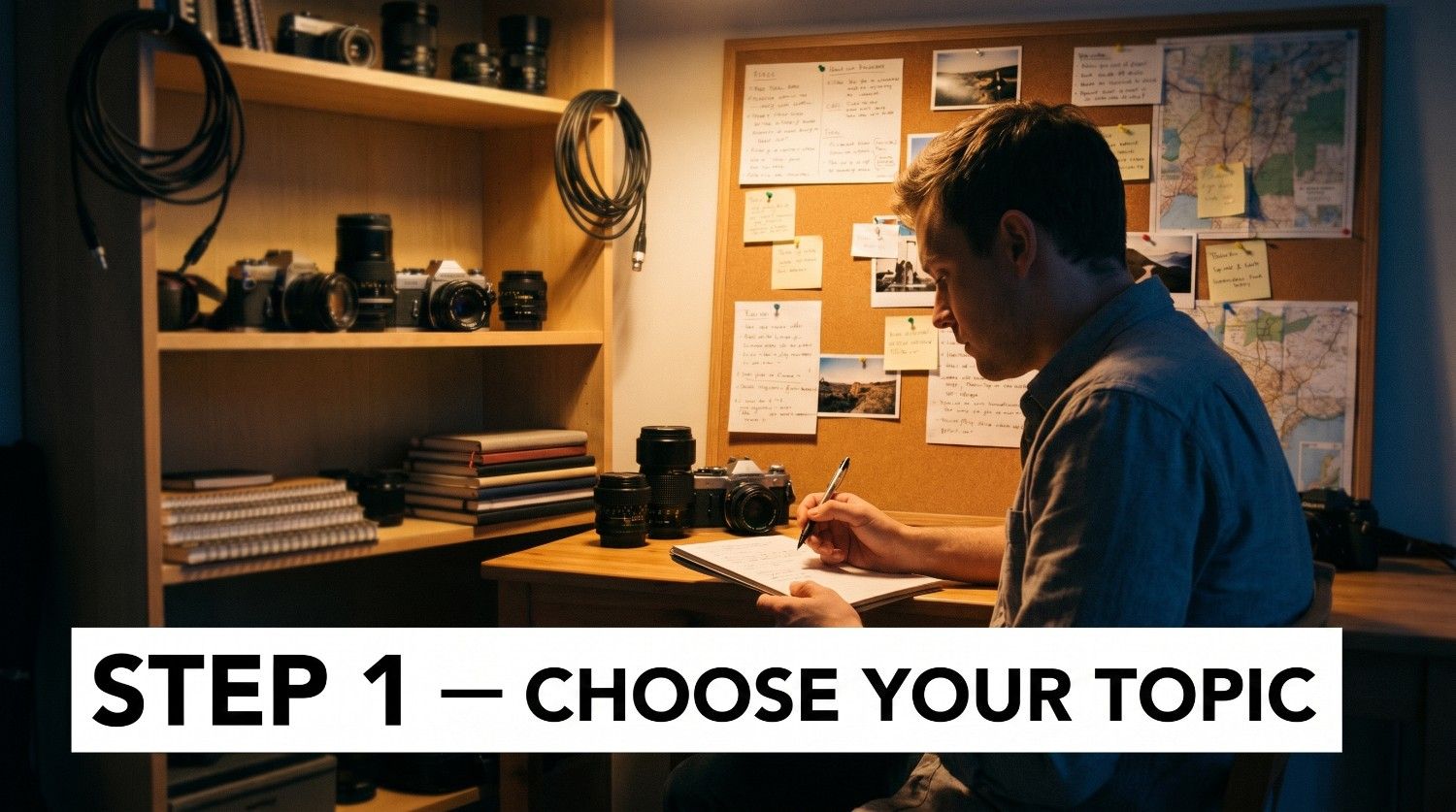
Step 1: Choose a documentary topic
Find a compelling, focused subject that sparks curiosity. If making a documentary for a school project, pick a localized topic matching your tight timeline. For a short documentary, focus strictly on one captivating character rather than a broad, complex historical epic.
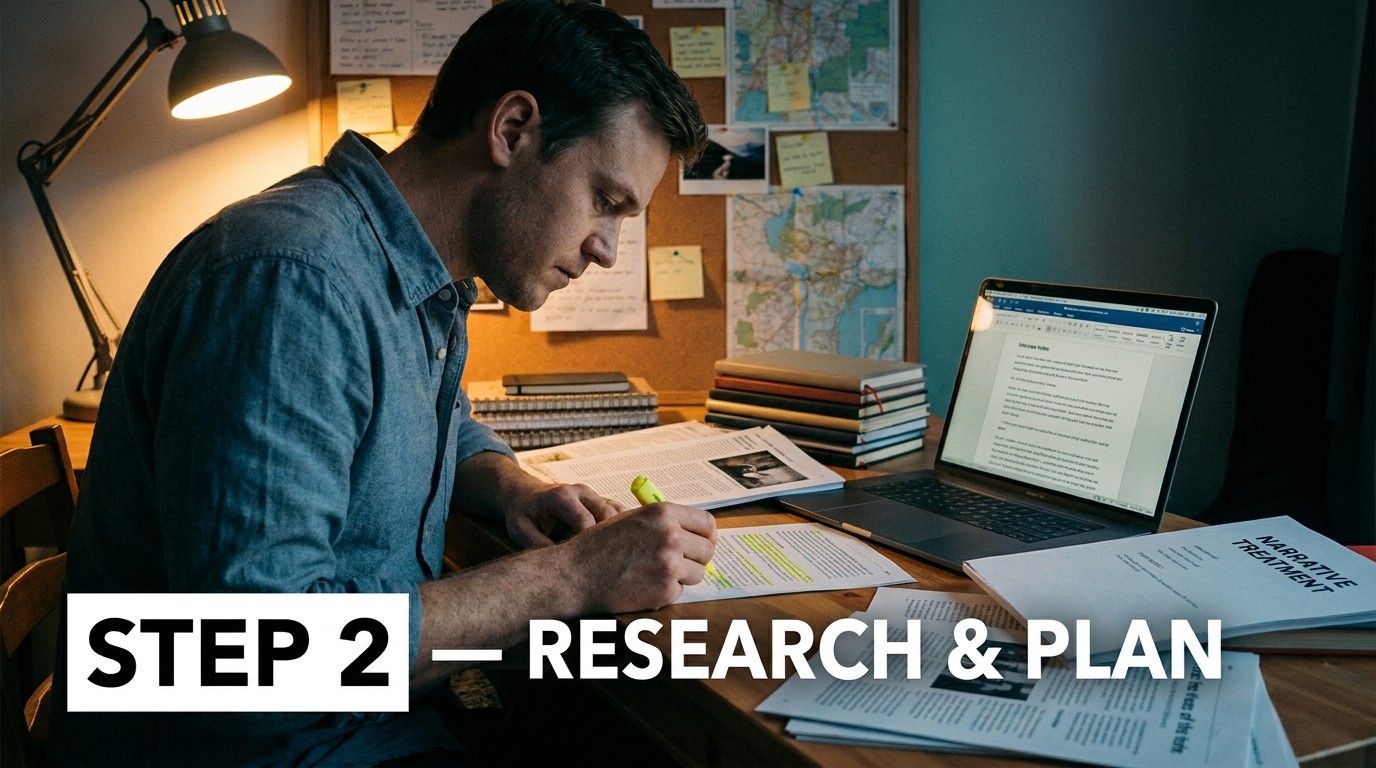
Step 2: Research and plan your story
Conduct deep background research, pre-interview key subjects, and write a narrative treatment. While reality is unpredictable, having a structural outline helps you anticipate your central themes and plan the essential questions you need to ask during on-camera interviews.
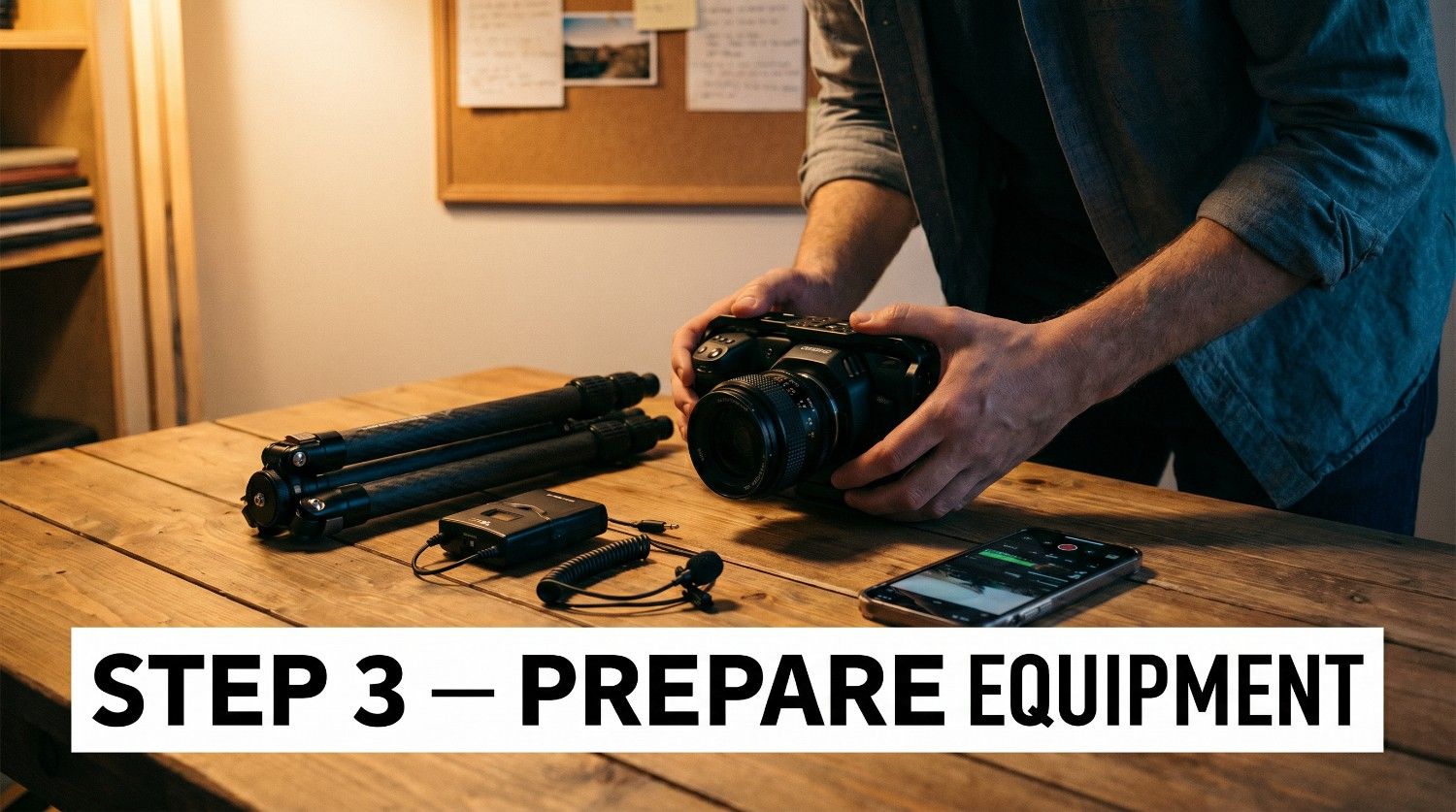
Step 3: Prepare your equipment
Gather reliable gear, prioritizing crisp microphones, a stable tripod, and a capable camera. You do not need cinema-grade systems; even a modern smartphone paired with a lapel mic can deliver exceptional, broadcast-worthy results if your lighting and audio remain consistent.
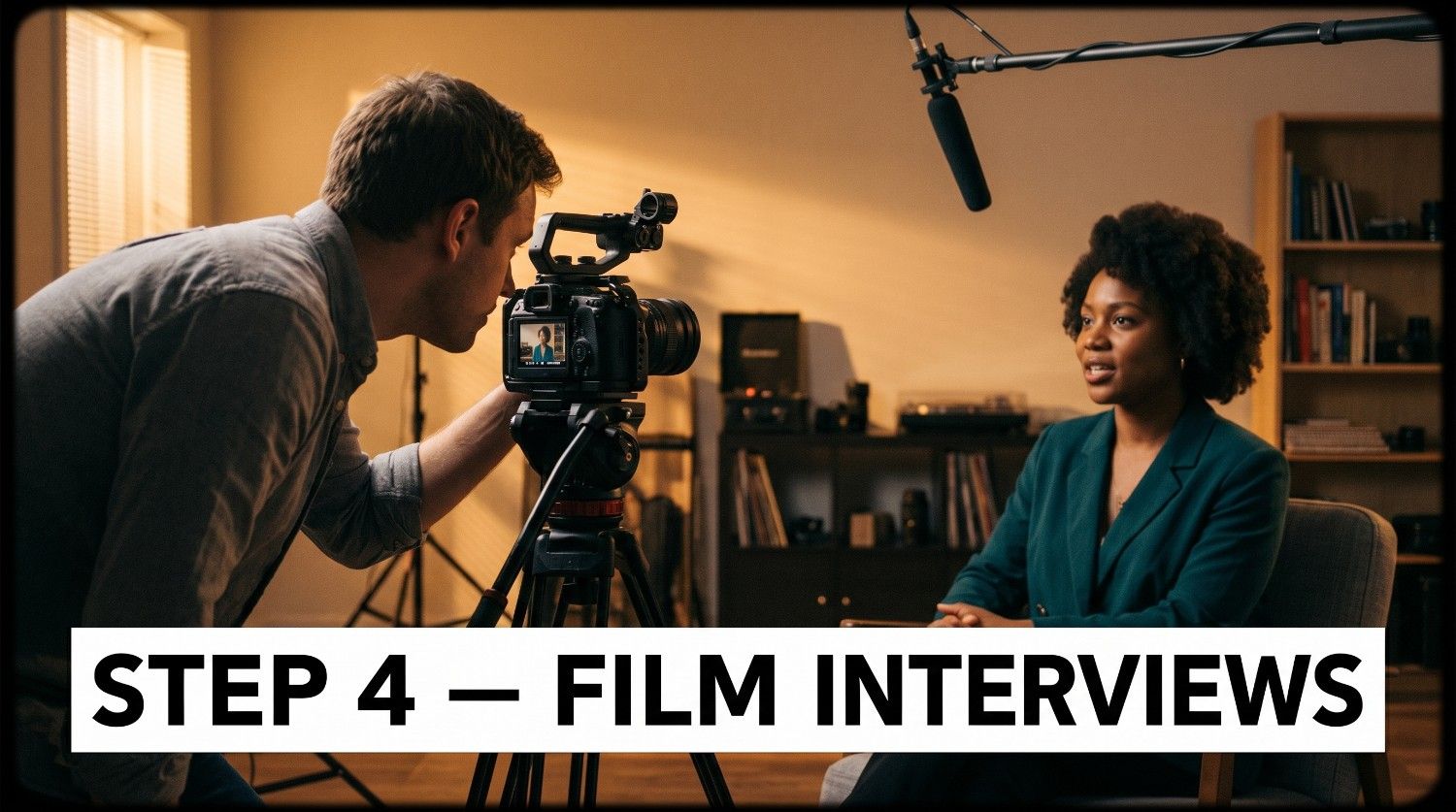
Step 4: Film interviews and B-roll
Record your primary interviews using the rule of thirds for framing, and capture ample B-roll footage to visually represent what subjects discuss. These secondary cutaway shots are vital for covering up edits and keeping your audience visually engaged.
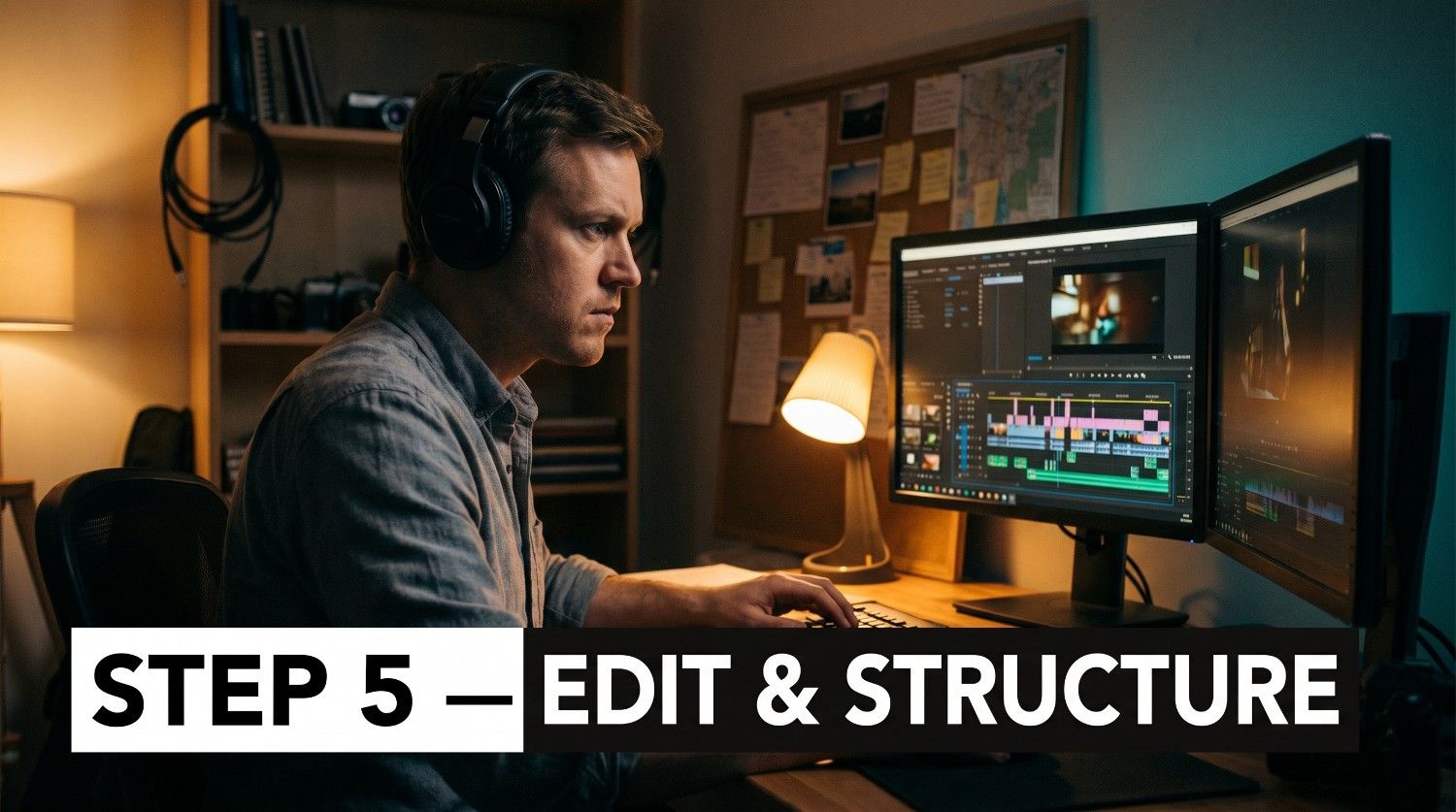
Step 5: Edit and structure your documentary
Import your footage, organize audio tracks, and assemble your rough cuts. Focus on building a cohesive story arc where the interviews drive the narrative forward, and carefully place your B-roll, music, and sound design to enhance the film's emotional pacing.
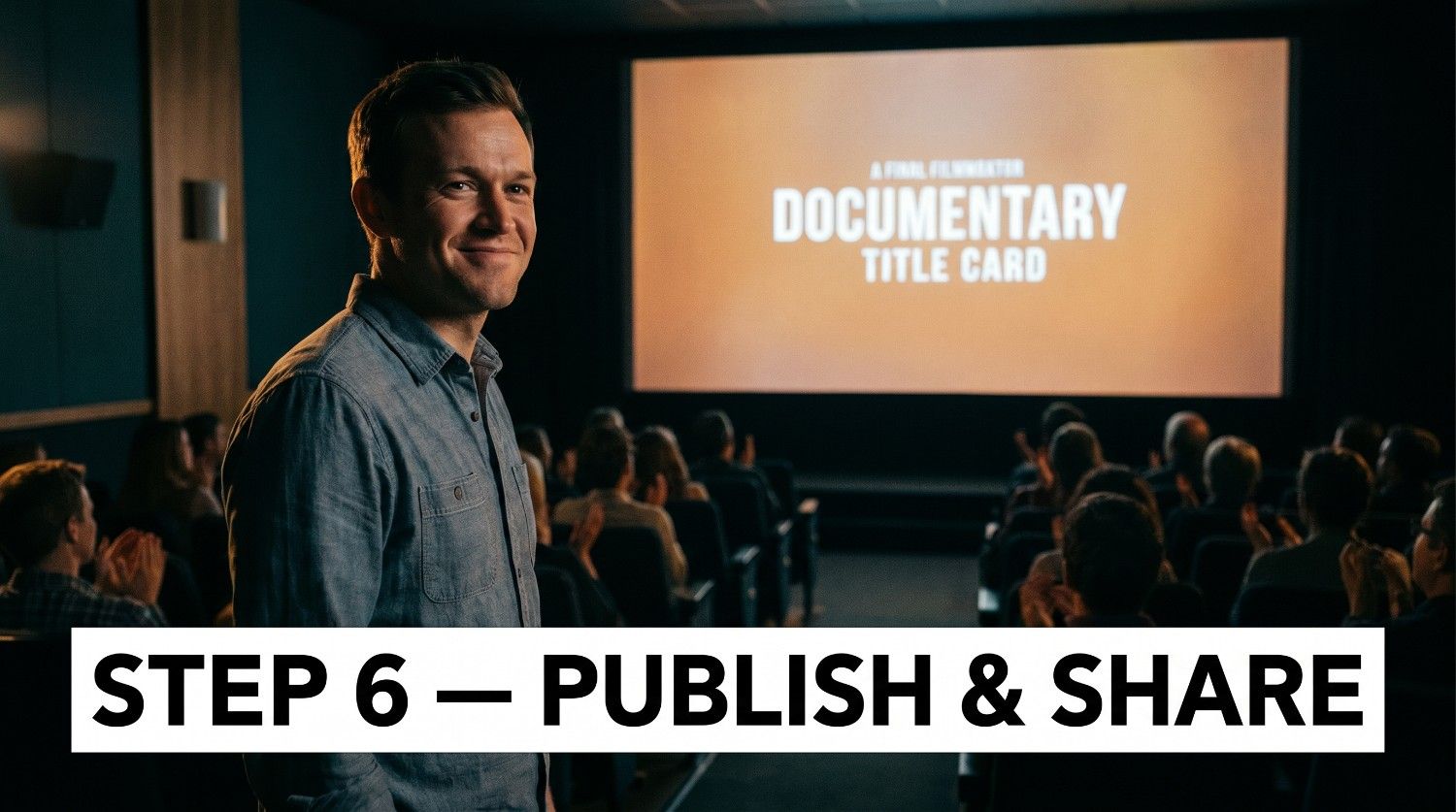
Step 6: Publish and share your film
Export your final master file in high resolution and plan your distribution strategy. You can submit your work to film festivals, upload it to online video platforms like YouTube or Vimeo, or host a local community screening to spark conversation.
Introducing Vmake: Make a documentary movie with AI
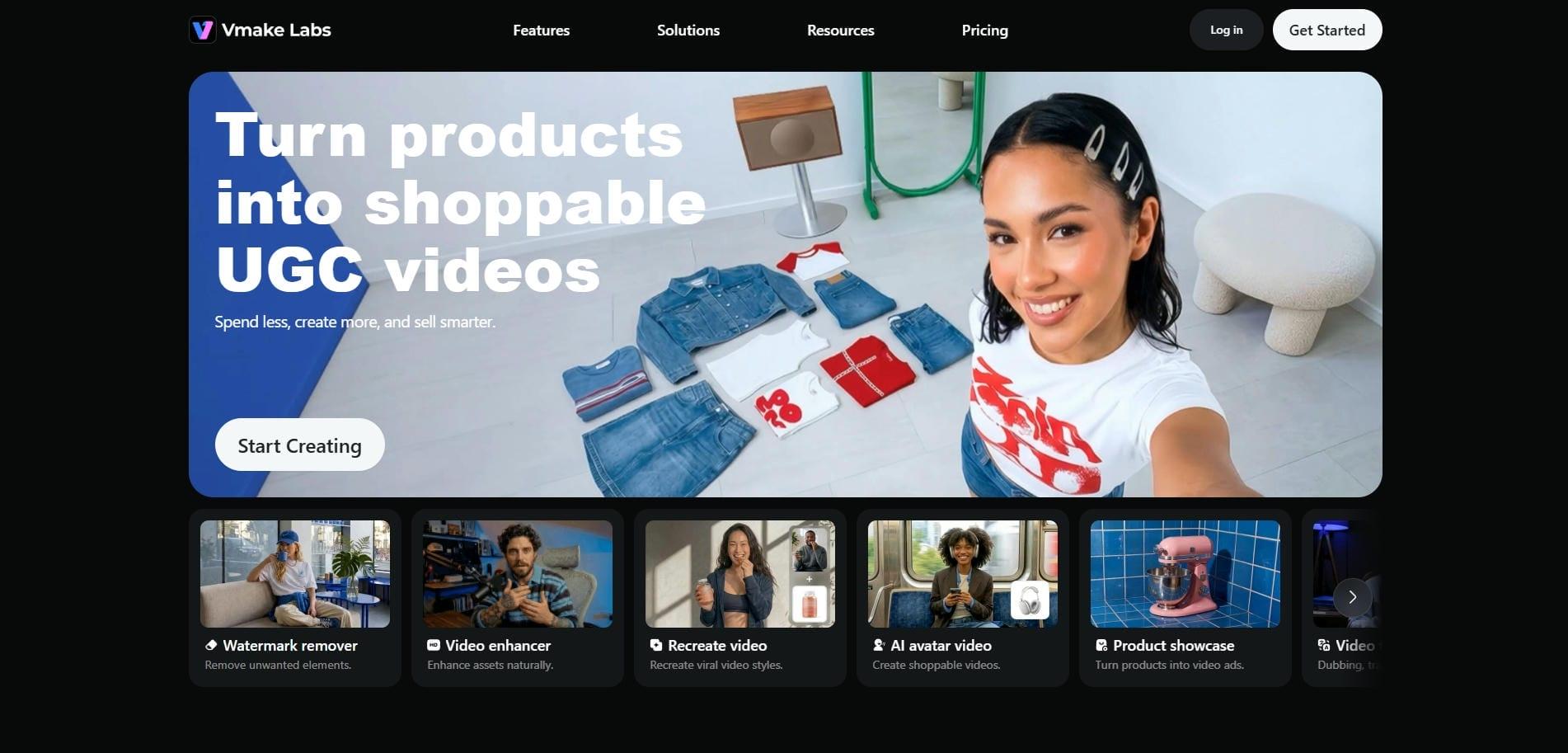
In modern post-production, generating highly specific B-rolls or visualizing historical events can be a major bottleneck. Vmake AI video generators bridge this gap, allowing filmmakers to easily produce high-quality cinematic assets from text prompts or static images. Whether you are missing coverage for a crucial interview segment or need to bring static archival photographs to life, Vmake offers an accessible, AI-powered solution to elevate your visual storytelling.
By streamlining asset creation, it allows independent creators to maintain high production values without the need for expensive, specialized animation crews or complex, hard-to-license stock footage libraries.
Key features of Vmake AI video generator for creating documentaries
-
Text-to-video generation for B-roll creation: Transform detailed descriptive prompts into cinematic B-roll clips. This feature is ideal for generating symbolic, abstract, or hard-to-shoot illustrative footage that seamlessly covers gaps in your editing timeline.
-
Image-to-video animation for historical and archival assets: Breathe life into historical assets by animating old, static photographs. Vmake adds subtle camera panning, depth, and mostly realistic subject movement to flat archival images, creating engaging cinematic sequences.
-
Highly customizable aspect ratios and video duration: Tailor generated videos to your project's specific aesthetic requirements. Export in various aspect ratios, ensuring your AI assets integrate perfectly with your real-life footage.
-
Multi-model structure: Leverage advanced models like Seedance 2.0, Veo 3.1, and Kling 3.0 in tandem to ensure realistic motion, hyper-detailed textures, and consistent lighting throughout your generated documentary scenes.
How to use Vmake AI video generator for your documentary?
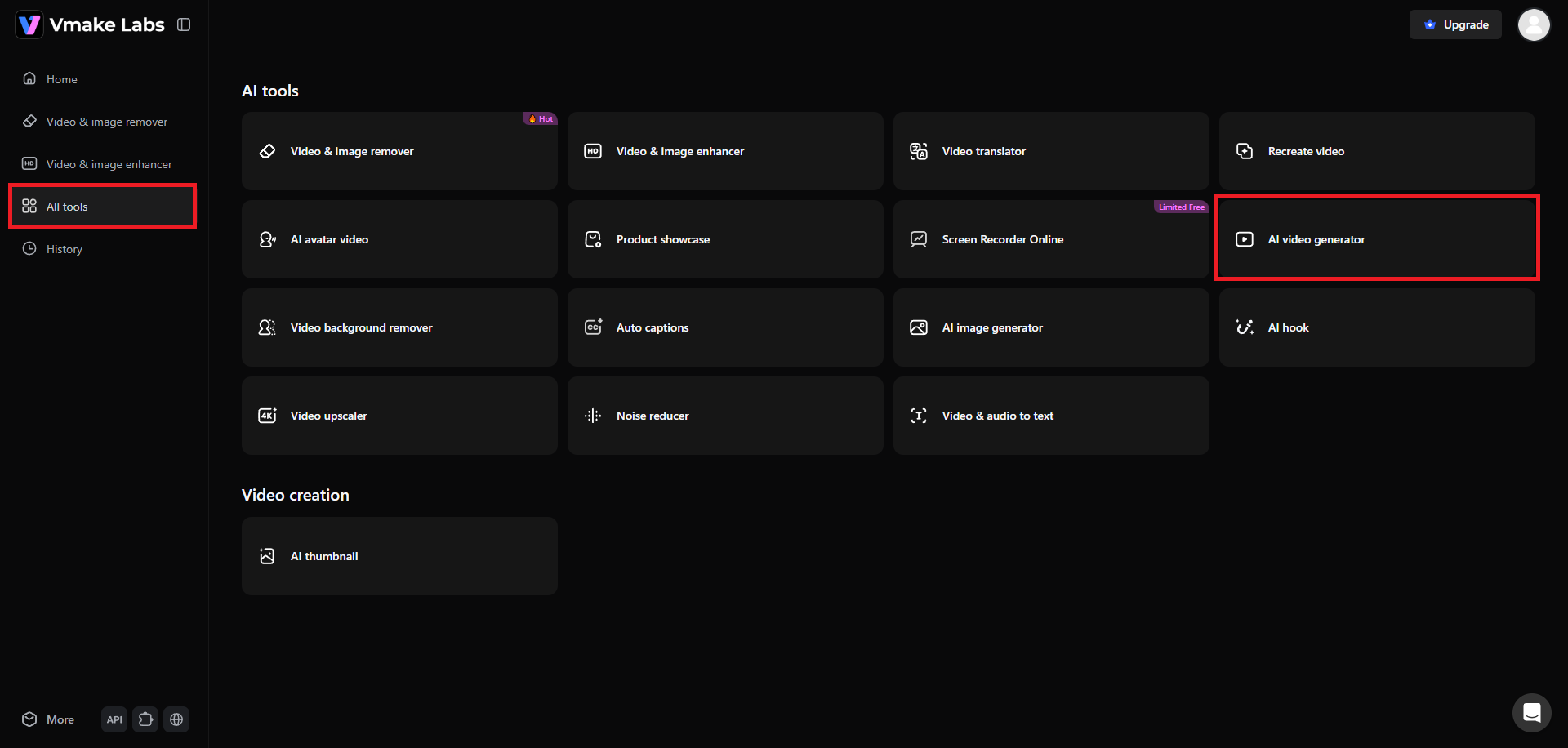
Step 1: Select the "AI video generator" tool
First, you need to sign-in to your Vmake account. After logging in, access the "All tools" section from the left-hand dashboard, and then select the "AI video generator" option.
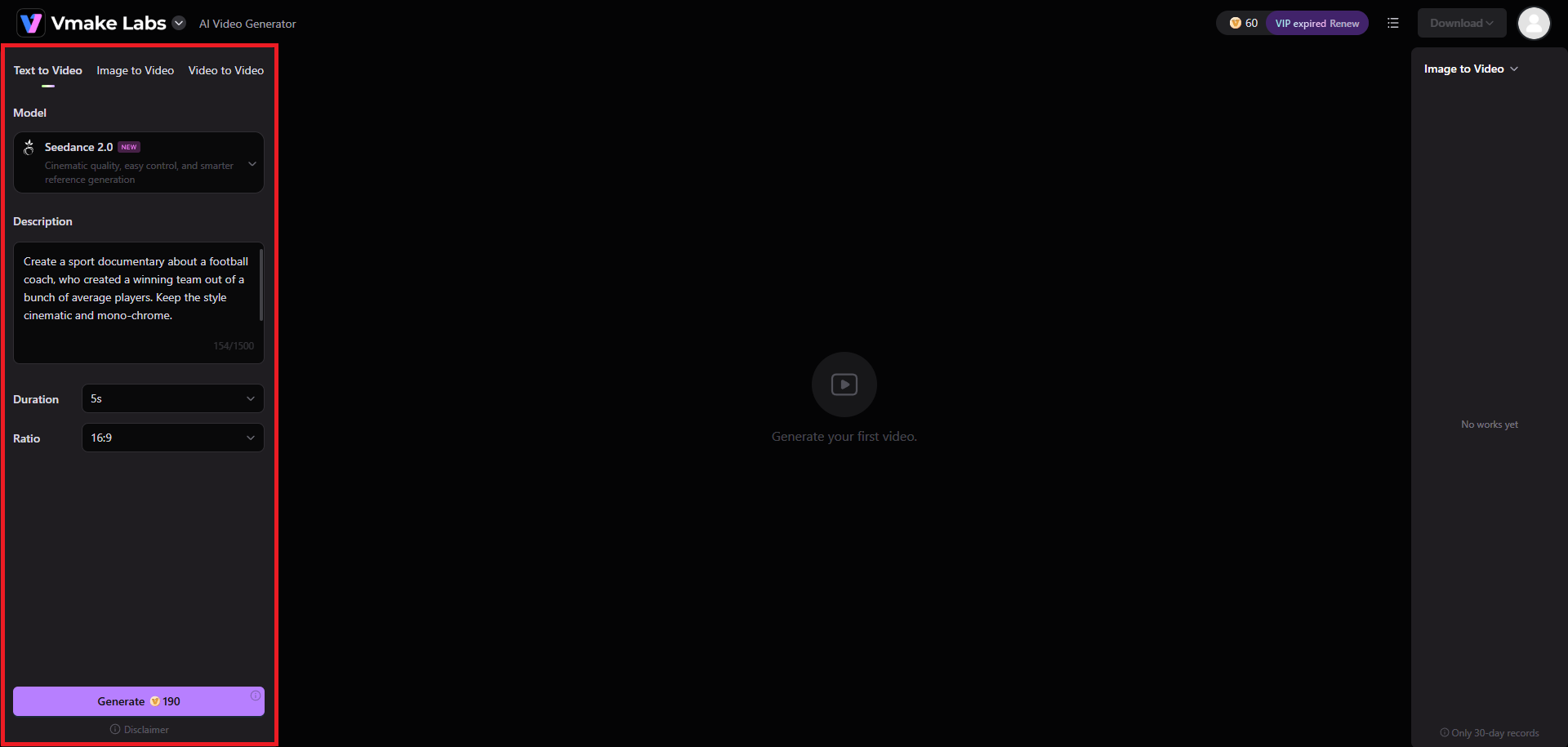
Step 2: Select your AI model and provide your prompt
A new web page will open, where you will have the option to select your input mechanism. Vmake offers video generation via text-to-video, image-to-video, and video-to-video. Simply select your input process and then provide a detailed prompt regarding the type of documentary you want to create. Additionally, choose your preferred video duration and aspect ratio. Once done, click on "Generate".
Step 3: Export your finalized documentary
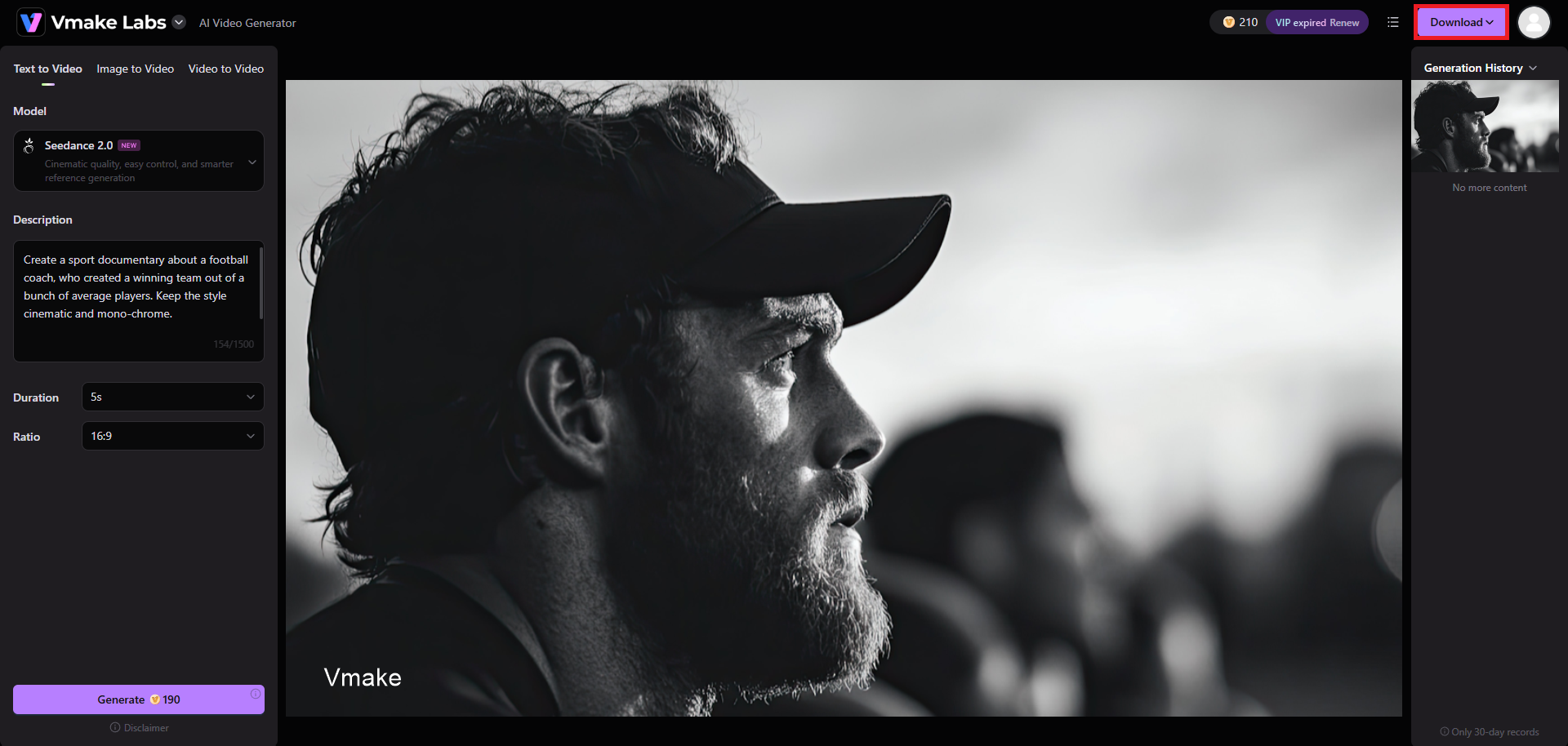
Vmake will start generating your video and once that is completed, the same will be shown on your screen. You need to just click on the "Download" option and your documentary will be exported in your preferred resolution (up to 4K), to your local device.
Tips and mistakes to avoid in documentary filmmaking
Succeeding in non-fiction filmmaking requires balancing technical preparation with a respectful approach to your real-life subjects. Here are critical tips to follow and common pitfalls to avoid:
Tips |
Mistakes |
|---|---|
Plan your shoot thoroughly, but be ready to abandon your script when reality takes an unexpected turn. The most magical documentary moments are often those you never could have planned.
Audiences will tolerate amateur visuals, but bad audio will ruin your film instantly. Invest in high-quality microphones, place them close to subjects, and carefully monitor background noise on set.
Always have subjects sign appearance releases before you start filming. Securing these permissions early protects your project from future legal disputes and is required for commercial distribution and festivals.
Capture a wide variety of secondary footage, environmental cutaways, and close-up textures. Having abundant B-roll gives you maximum flexibility in the editing room to smooth over jump cuts. |
Avoid manipulating interviews to fit a preconceived thesis. Respect the truth of your subjects' lived experiences, and let the real story reveal itself naturally during production and editing.
Never rely on a single memory card. Backup your footage to at least two separate external hard drives daily to prevent devastating data loss from corrupted media or hardware failures.
Do not overcrowd your film with continuous dialogue or music. Allow quiet moments, ambient sounds, and natural pauses to let key emotional beats settle and resonate with your audience.
Avoid using unauthorized commercial music or archives. Licensing violations can prevent your documentary from being shown publicly. Always use royalty-free libraries or secure explicit, legally documented clearances. |
Wrapping up
Making a documentary is an intensely rewarding journey that demands patience, adaptability, and technical discipline. By choosing a compelling topic, preparing your equipment, and capturing authentic voices, you can construct a narrative that deeply resonates with audiences.
Modern tools like the Vmake AI Video Generator help streamline this process, allowing you to fill visual gaps with high-quality generated B-roll and animated archival photos. As you step into the field, remember to respect your subjects, prioritize clean audio, and let the truth guide your storytelling. Grab your camera or your phone, stay flexible, and start capturing the world around you.
FAQs
How long does it typically take to make a documentary?
The timeline varies widely from a few weeks for short projects to several years for feature-length films, depending on research complexity, shooting schedules, budget constraints, and the depth of the editing phase.
Can I make a high-quality documentary by myself?
Absolutely. Solo filmmakers can create powerful documentaries using accessible consumer gear, provided they focus on a strong, intimate story, capture clear audio, and master basic lighting and editing techniques.
What is the difference between A-roll and B-roll in documentaries?
A-roll is your primary narrative footage, which typically features on-camera interviews or direct commentary. B-roll consists of supplemental, cutaway footage that visually supports, illustrates, or contextualizes what is being said in the A-roll.
Do I need legal permission or release forms to film people?
Yes, you should obtain signed talent release forms for anyone who appears on camera. This ensures you have the legal right to distribute your film and prevents future copyright or privacy lawsuits.
How do filmmakers secure funding for documentary projects?
Documentary budgets are commonly secured through a combination of public grants, arts council funding, crowdfunding campaigns, philanthropic donations, private investors, and pre-sales agreements with television networks or streaming platforms.

You May Be Interested
How to Make a Reel: Step-by-Step Guide for Beginners

How to Make a Viral Tom Cruise Brad Pitt AI Video Fast