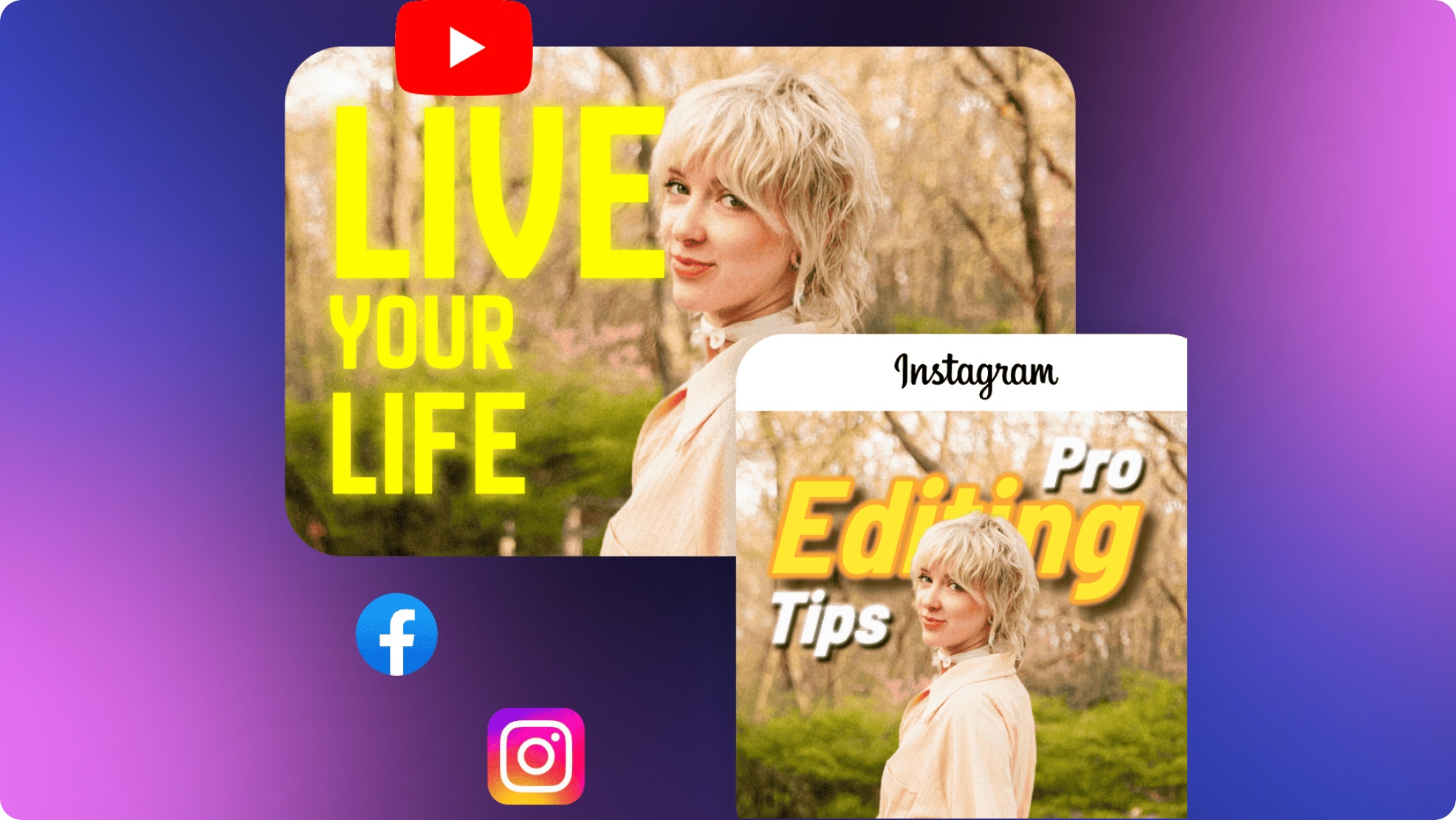
9 YouTube Thumbnail Mistakes That Are Killing Your Channel Growth: The 2026 Guide
 Vmake Labs TeamMarch 13, 2026
You’ve spent forty hours scripting, filming, and editing. You’ve polished the audio to a professional sheen. You hit "Publish" and wait for the views to roll in—but instead, you see a flatline in your analytics.
The hard truth of YouTube in 2026 is that the algorithm doesn't reward the best video; it rewards the best-packaged video. If your Click-Through Rate (CTR) is low, your masterpiece stays hidden. Most creators aren't failing because their content is bad; they are failing because they are making "invisible" mistakes in their thumbnail design.
Two Experiments: Why One Soared and One Stalled
To understand the stakes, look at a famous case study from the science channel Veritasium.
Years ago, they uploaded a video titled "The Magnus Effect" featuring a basketball being dropped from a massive dam.
- The Failure: The original thumbnail was a wide-angle shot of the dam. The basketball was a tiny speck, and there was no human element. It was technically accurate but emotionally "dead."
- The Success: They eventually changed the thumbnail to a close-up of the creator’s shocked face on one side and a high-contrast image of the basketball curving mid-air with a bold yellow arrow.
- The Result: The video went from a standard performer to a global viral sensation with over 40 million views.
The content was identical. The packaging was the only difference. Let’s ensure your channel isn't the one being left behind.
1. The "Title-Copy" Trap
Many creators repeat their video title word-for-word in the thumbnail text.
- The Mistake: Redundancy. If your title says "How to Bake a Cake," and your thumbnail says "How to Bake a Cake," you’ve wasted 50% of your real estate.
- The Fix: Use the thumbnail to provide the emotional hook or the result. If the title is the "What," the thumbnail should be the "Why." Try: "NEVER FAIL" or "SECRET INGREDIENT."
2. Ignoring the "Duration Badge"
YouTube’s interface places a black time-stamp (e.g., "10:42") in the bottom-right corner of every thumbnail.
- The Mistake: Placing your "punchline" or a key facial expression in that corner, only for it to be covered by the numbers.
- The Fix: Always treat the bottom-right quadrant as a "dead zone." Place your hero elements (faces and text) on the left side or center.
3. The "Postage Stamp" Effect (Mobile Blindspot)
In 2026, over 75% of YouTube views happen on mobile devices.
- The Mistake: Designing on a 32-inch monitor and using thin, script fonts or tiny details that vanish on a smartphone screen.
- The Fix: Perform the "Stamp Test." Zoom your design out to 10%. If you can't read the text or recognize the expression instantly, your design is too busy.
4. Using "Flat" or Low-Quality Images
A dark, grainy, or "flat" photo makes your channel look like an amateur hobby rather than a professional brand.
- The Mistake: Using a raw video screenshot without any post-processing.
- The Fix: Use AI Image Enhancement. Tools like Vmake can take a standard frame and use AI to sharpen eyes, smooth skin textures, and brighten the "whites" of the image to make it pop against the YouTube UI.
5. Cluttered "Everything-Included" Designs
The human brain can only process about three visual "chunks" in the 0.5 seconds it takes to scroll.
- The Mistake: Adding four people, two arrows, three emojis, and a paragraph of text.
- The Fix: Follow the Rule of Three. Limit your thumbnail to: 1 Subject (Face), 1 Hero Object, and 1 Short Text String.
6. Busy, Chaotic Backgrounds
If your background is just as sharp and colorful as your face, you disappear into the image.
- The Mistake: A cluttered office or a messy street competing for the viewer's attention.
- The Fix: Use Vmake’s AI Background Remover. Isolate your subject and replace the background with a clean gradient or a heavily blurred "bokeh" version of the original scene. This creates the depth needed to make the subject "jump" off the screen.
7. Inconsistent Branding
If a fan sees your video in their "Suggested" feed, they should know it’s yours before they even read your name.
- The Mistake: Using different fonts, colors, and styles for every upload.
- The Fix: Establish a "Brand Kit." Choose two primary fonts and two "Action Colors" (like Electric Blue or Lime Green) and stick to them for at least 10 videos to build visual authority.
8. Misleading "Clickbait" (Trust Killer)
- The Mistake: Putting a red circle around an explosion that never happens in the video. You might get the click, but your "Average View Duration" will tank, telling the algorithm your video is low quality.
- The Fix: Practice "Integrity-Based Hooking." Represent the peak emotional moment of the video. If the thumbnail shows a shocked face, make sure the video delivers that shock within the first 60 seconds.
9. Lack of A/B Testing
The most successful creators in the world—including MrBeast—rarely get it right on the first try.
- The Mistake: Uploading one thumbnail and never looking at the data again.
- The Fix: Use YouTube’s "Test & Compare" feature. Create two versions with different color schemes or different "hooks" and let the real-world data decide the winner.
How to Use AI to Fix These Mistakes (The Vmake Workflow)
Vmake AI Thumbnail Maker is an all-in-one AI visual suite designed specifically for YouTube creators. Unlike traditional editors that require hours of manual masking and color grading, Vmake uses advanced 2026 AI models to handle background removal, skin texture recovery, and UI-safe formatting in seconds.
As a creator, your time should be spent on storytelling, not wrestling with Photoshop layers. Here is how I use Vmake to automate the "technical" side of these fixes:
Step 1: Generate a Thumbnail Layout with AI
Instead of starting from scratch, I use Vmake’s AI Thumbnail Generator to quickly create a clean and attention-grabbing layout.
Simply upload a frame from your video, choose a thumbnail template, and add a short hook (3–5 words works best). The AI helps organize the layout so the subject, text, and visual focus are clear—even on mobile screens.
Step 2: Enhance the Image Quality
Next, I use Vmake’s AI Image Enhancer to improve the thumbnail image.
Just upload the image and let the AI sharpen details, brighten the face, and improve overall clarity. This helps transform a basic screenshot into a more professional-looking thumbnail.
Creator FAQ: Solving the "Real-World" Problems
Q: Is "Clickbait" actually bad for my channel?
A: "Deceptive" clickbait is bad because it kills watch time. "Curiosity" clickbait is essential. If you don't give the viewer a reason to be curious, you aren't doing your job as a creator.
Q: Should I put my logo in the thumbnail?
A: Generally, no. Your logo takes up space and is already visible on your channel icon right below the video. Keep that space for high-contrast imagery.
Q: What is a "good" CTR in 2026?
A: It varies by niche, but generally, anything above 5% is solid. If you are below 2%, you almost certainly have one of the 9 mistakes listed above.
Q: Does the background color really matter?
A: Yes. Avoid "YouTube Red" and "Light Mode White" as primary colors; they blend into the site’s interface. Use colors like Cyan, Orange, or Neon Green to create a natural "border" of contrast.
Conclusion: From Invisible to Irresistible
YouTube growth in 2026 is a game of marginal gains. By fixing these 9 common mistakes, you aren't just making "pretty pictures"—you are removing the friction between your content and your potential audience.
Stop letting "technical design" hold you back. Leverage AI tools to handle the background removal and image sharpening so you can focus on the psychology of the click.

You May Be Interested
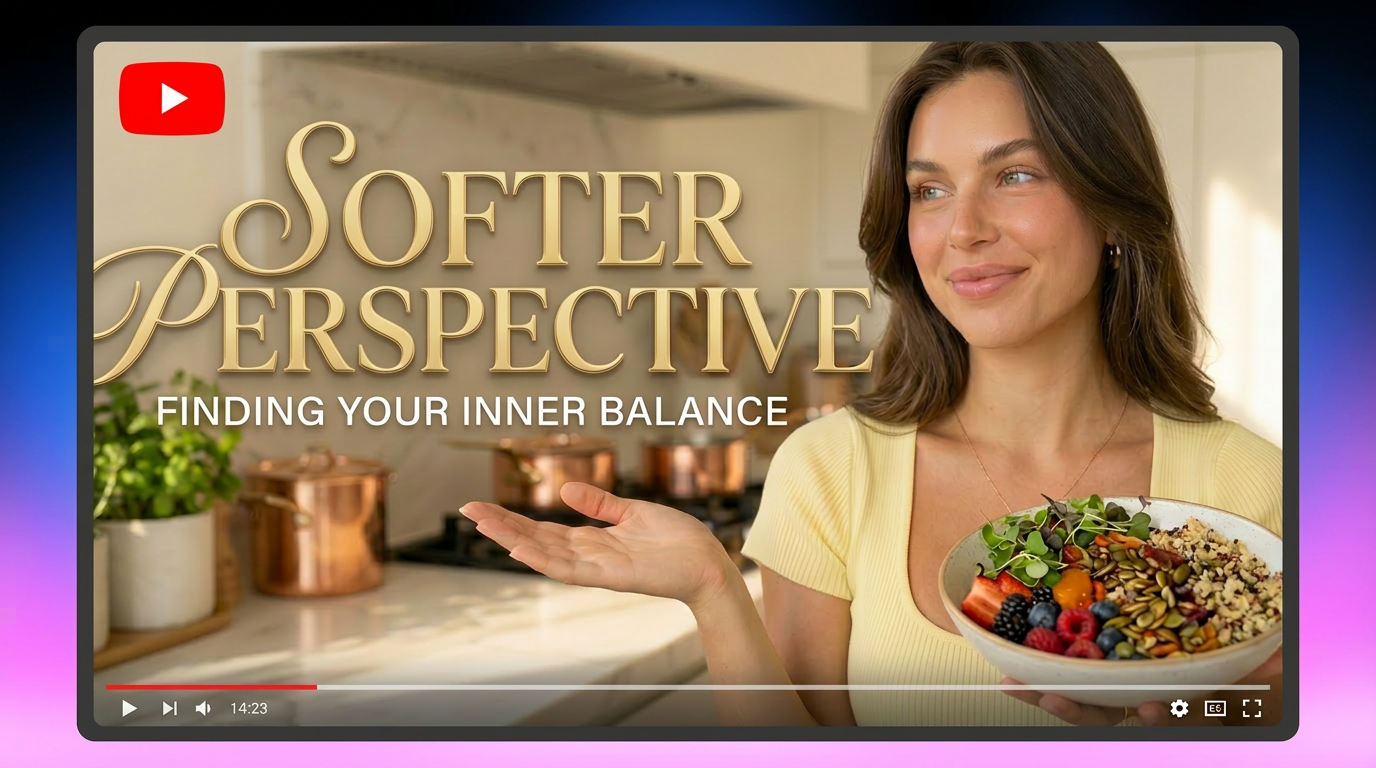
How to Create Professional YouTube Thumbnails with AI: A Creator’s 2026 Strategy

Best Free Music Sites for YouTube Videos Without Copyright Issues
Best Trending UGC Video Examples Across TikTok, Instagram, and YouTube