
Free WebM to MP4 Converter
All processing runs locally to protect your privacy. Uses Mediabunny hardware acceleration first and automatically falls back to FFmpeg.
Max file size 1GB
By continuing, you agree to our Terms of Use.
How to Convert WebM to MP4 in 3 Easy Steps
Upload your WebM files
Click to upload or drag and drop one or more WebM files from your device.
Choose settings and convert
Optionally adjust codec, bitrate, resolution, or trim range, then click Convert
Download MP4 output
When conversion is complete, click Download MP4 and save the result locally.
Feature Highlights
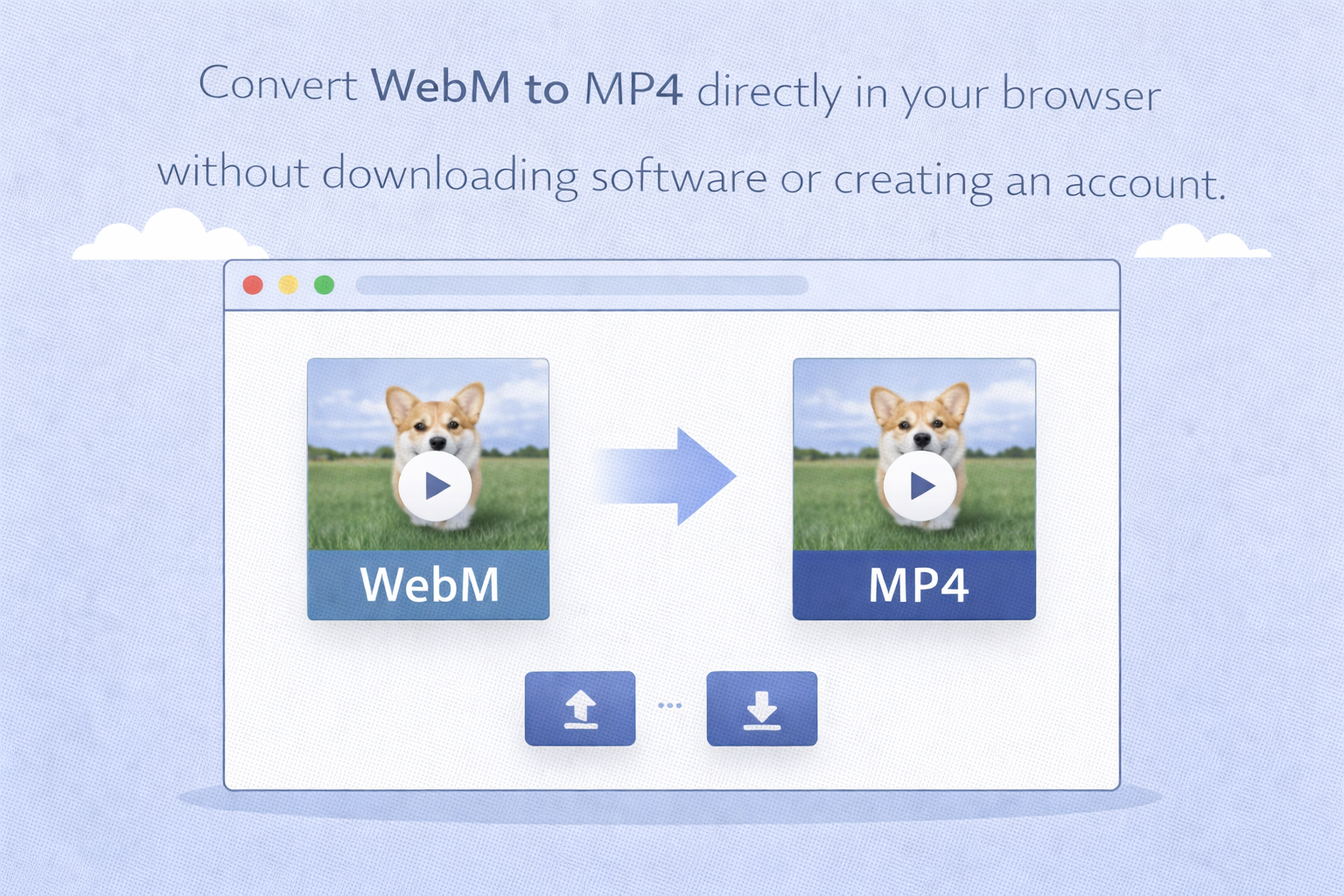
Free online conversion
Convert WebM to MP4 directly in your browser without downloading software or creating an account.
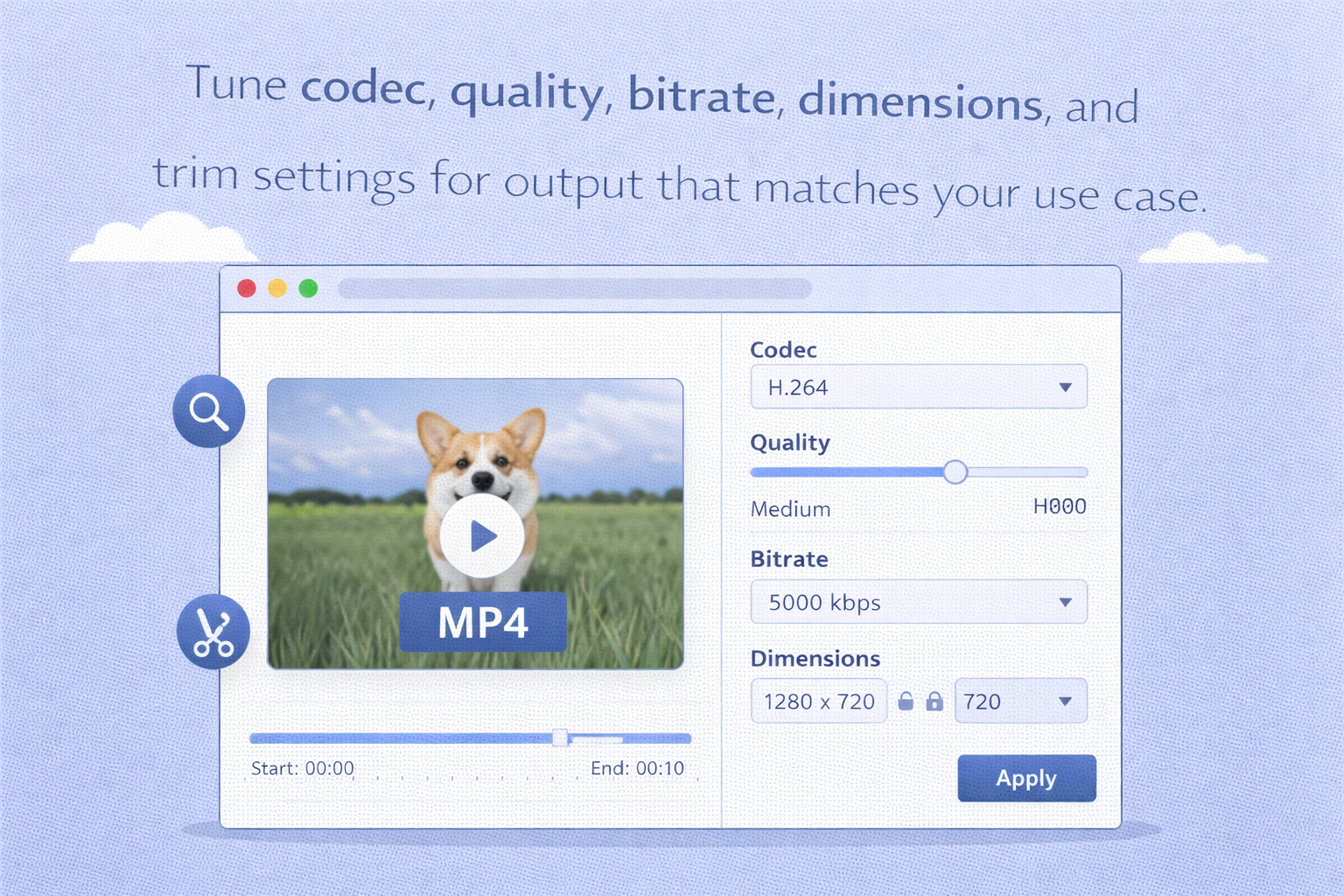
Advanced controls when you need them
Tune codec, quality, bitrate, dimensions, and trim settings for output that matches your use case.
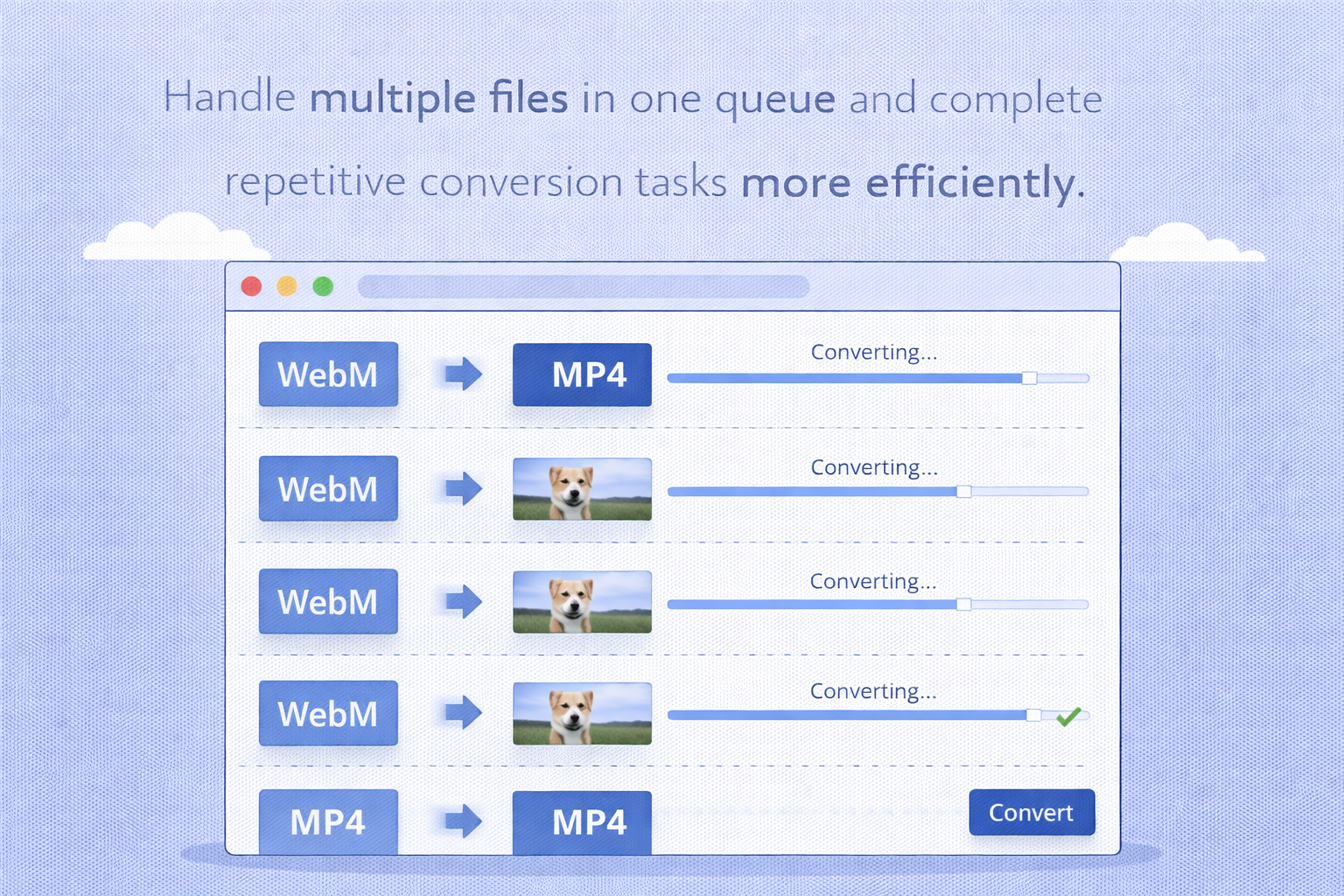
Fast workflow with batch support
Handle multiple files in one queue and complete repetitive conversion tasks more efficiently.
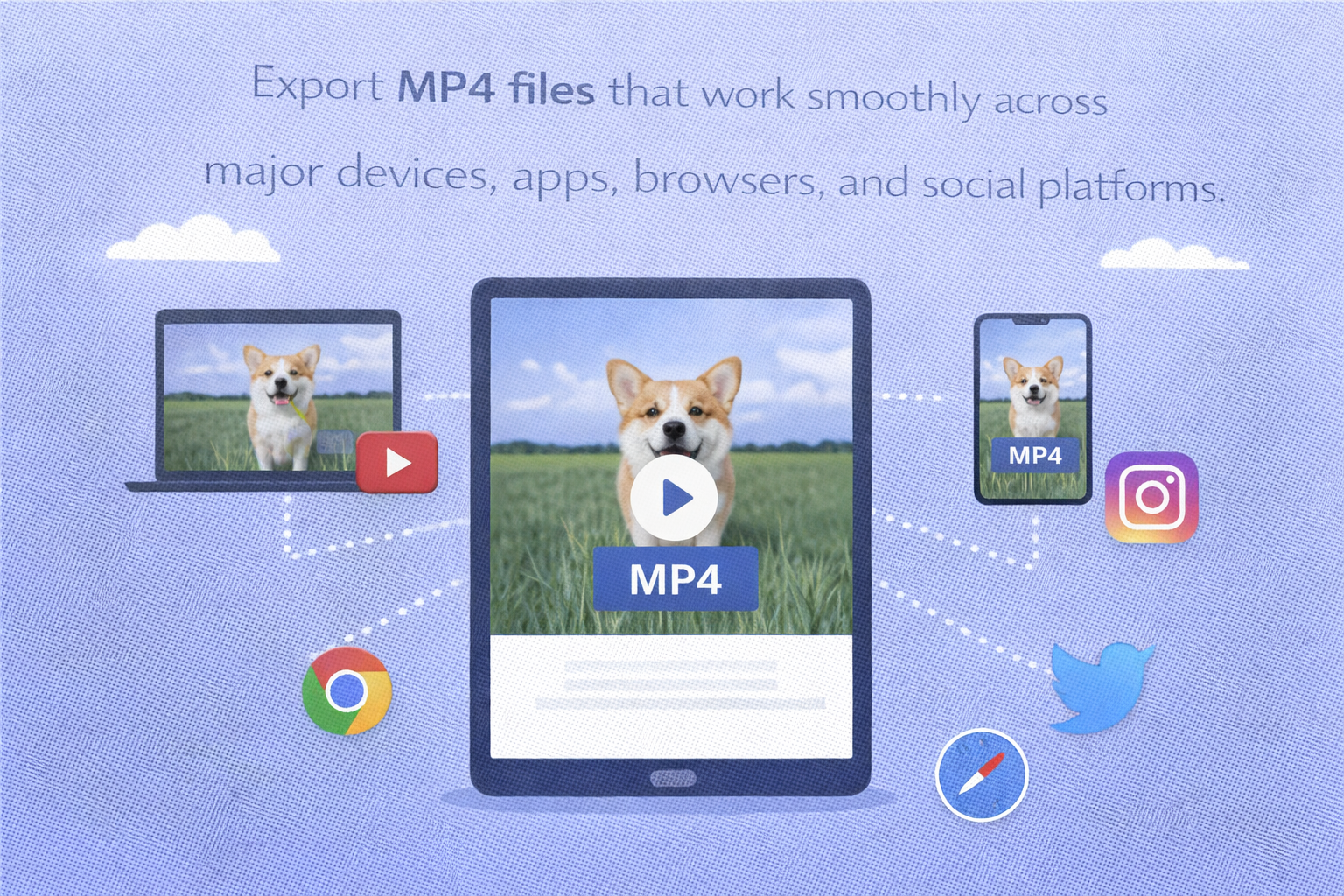
Compatible MP4 output
Export MP4 files that work smoothly across major devices, apps, browsers, and social platforms.
FAQ
Is this WebM to MP4 converter free to use?
Do I need to install software?
No. Everything runs in your browser, so no installation is required.
Can I adjust output quality before converting?
Yes. You can customize codec, bitrate, resolution, and trim settings before starting conversion.
Can I use it on mobile devices?
Yes. The converter supports modern mobile and desktop browsers.
Can I convert multiple files at once?
Yes. Batch conversion is supported so you can upload and process multiple WebM files in one session.