
Free MP4 to GIF Converter
Convert MP4 to GIF directly in your browser — free, fast, and super easy.
Max file size 500MB, max duration 15s
By continuing, you agree to our Terms of Use.
How to Convert MP4 to GIF in 3 Steps
Upload your MP4 files
Drag and drop one or more MP4 files into the converter or click to choose them from your device.
Set GIF output options
Adjust the frame rate, output width, and trim start and end times to control size, smoothness, and clip length.
Convert and download your GIF
Start the conversion and download the GIF after the export is complete.
Feature Highlights
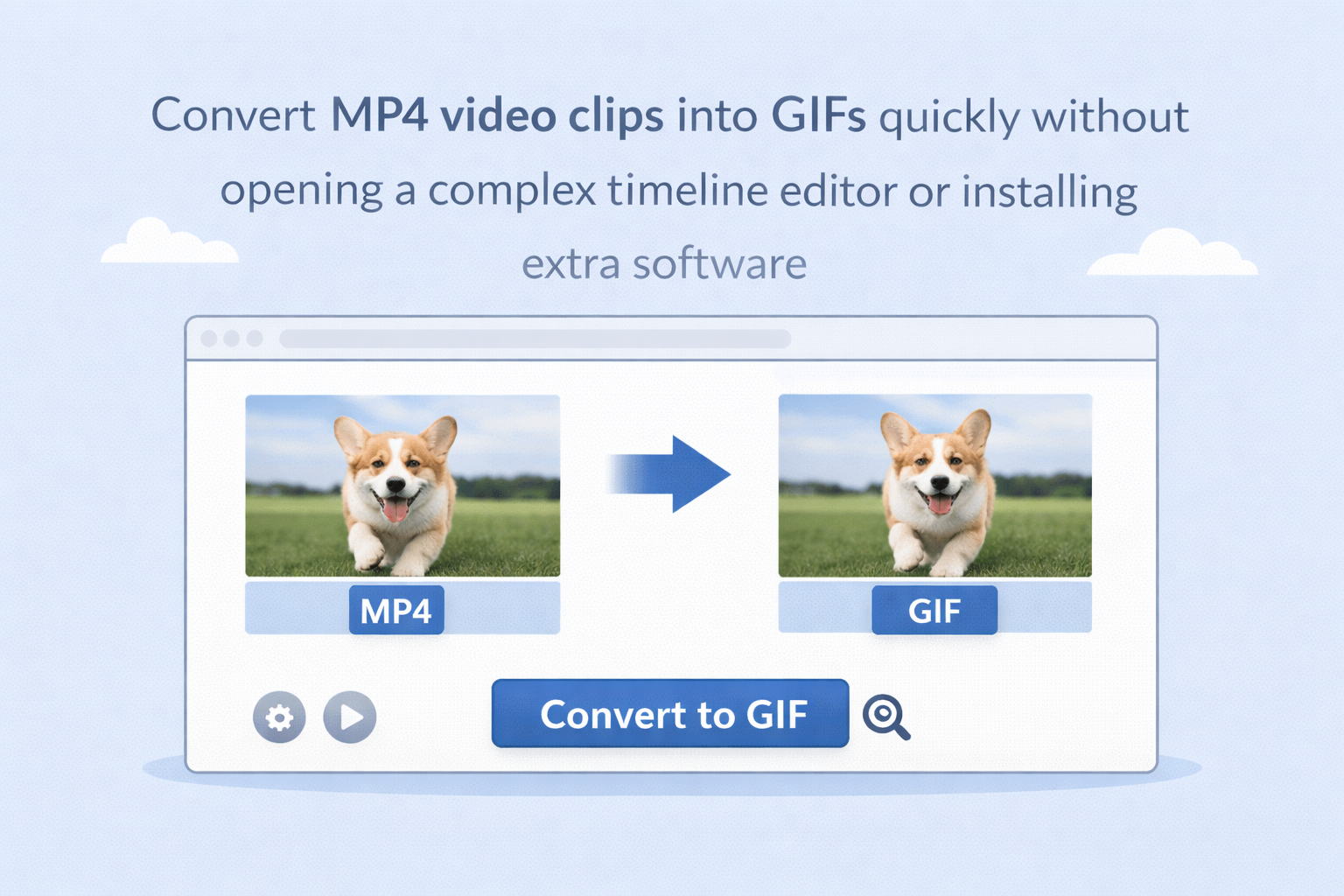
Built for MP4 to GIF export
Convert MP4 video clips into GIFs quickly without opening a complex timeline editor or installing extra software.
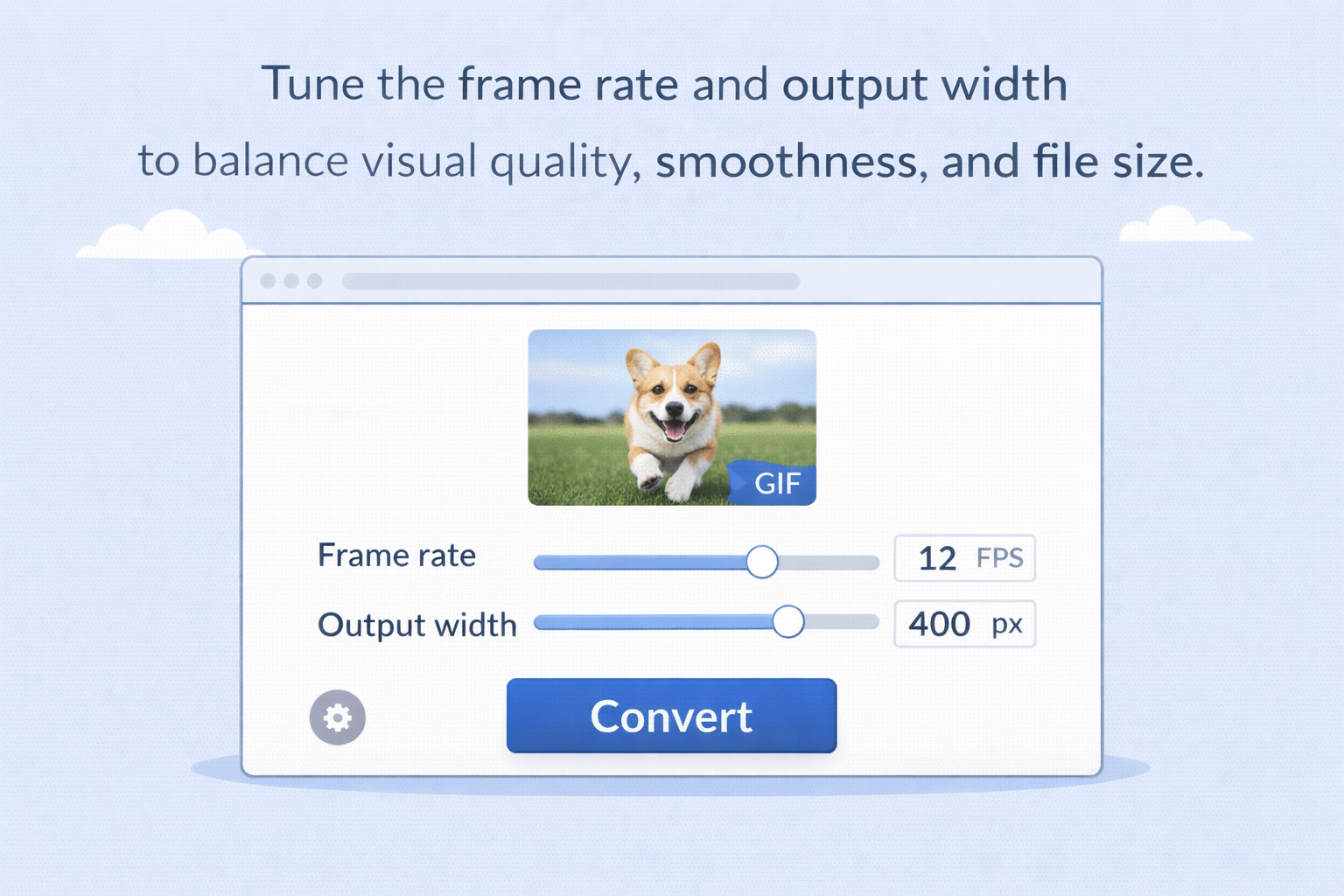
Adjustable FPS and width
Tune the frame rate and output width to balance visual quality, smoothness, and file size.
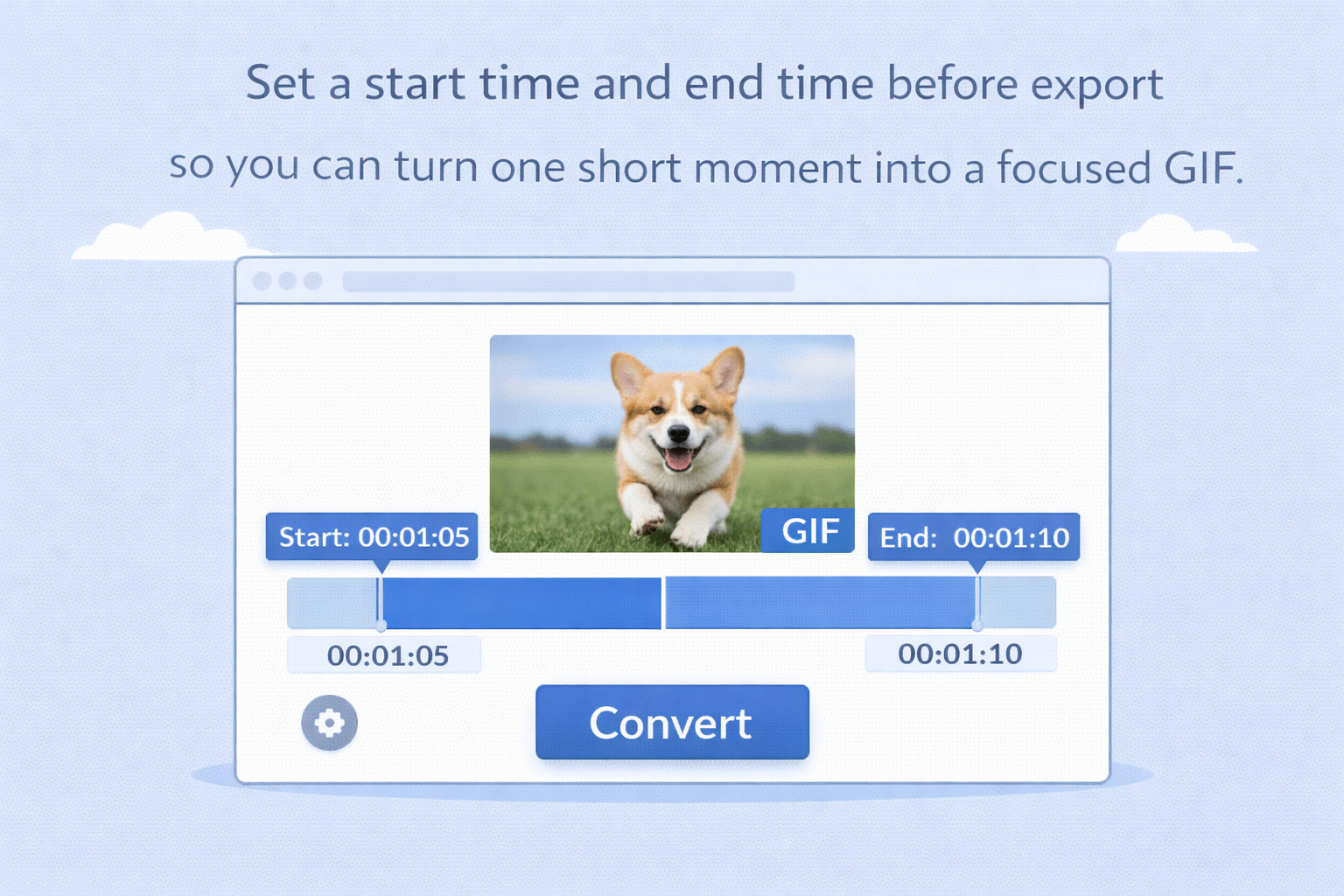
Trim only the part you need
Set a start time and end time before export so you can turn one short moment into a focused GIF.
Short clip optimization
The tool is designed around short GIF-ready clips, which helps keep exported animations more practical for sharing.
FAQ
Is this MP4 to GIF converter free?
Do I need video editing software?
No. You can create GIFs directly in your browser without installing a separate editor.
Can I trim the video before converting?
Yes. You can set trim start and trim end times before exporting the GIF.
Can I change the GIF quality or size?
Yes. You can adjust options such as FPS and output width to control the result.
Is there a clip length limit?
Yes. The GIF conversion clip is limited to a short duration, up to 15 seconds, to keep exports manageable.