
Image Resizer
Resize JPG, PNG, and WebP images locally in your browser for social posts, exact dimensions, or scaled exports.
Supports JPG / JPEG / PNG / WebP, max 50.00 MB per file.
All files are processed locally in your browser.
How to Resize Images in 3 Steps
Upload your images
Add JPG, JPEG, PNG, or WebP files from your device. Each image can be up to 50MB.
Choose resize settings
Use exact dimensions, percentage scaling, or social media presets for Instagram, Facebook, YouTube, X, and TikTok.
Resize and download
Pick crop, contain, or stretch behavior, then export resized images individually or together as a ZIP file.
Feature Highlights
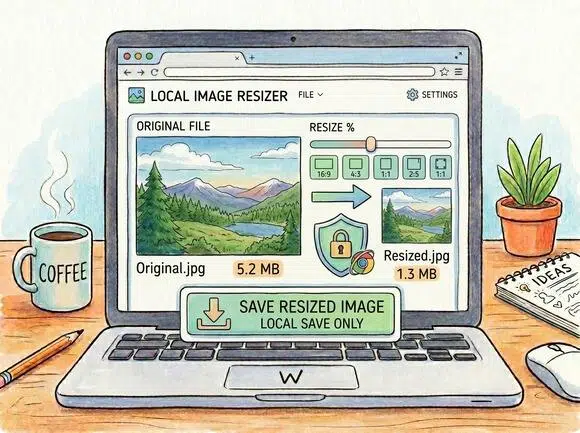
Local browser-side resizing
Resize images directly in your browser so your files stay on your device during the workflow.
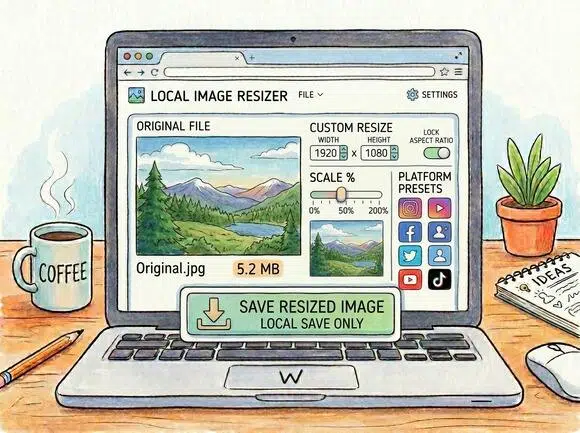
Exact, scale, and social sizes
Set custom width and height, scale from the original image, or choose ready-made platform presets.
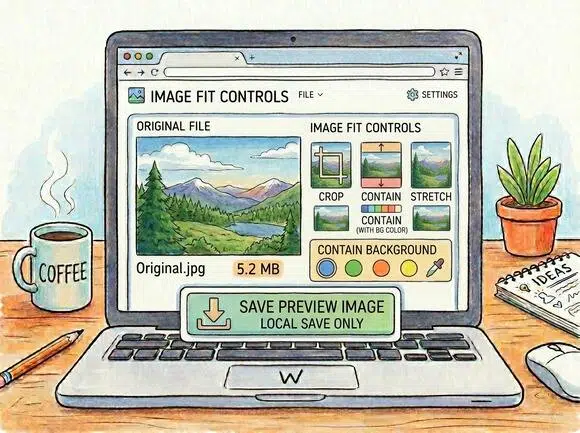
Crop, contain, or stretch
Control how every image fits the target canvas, including background color for contain mode.
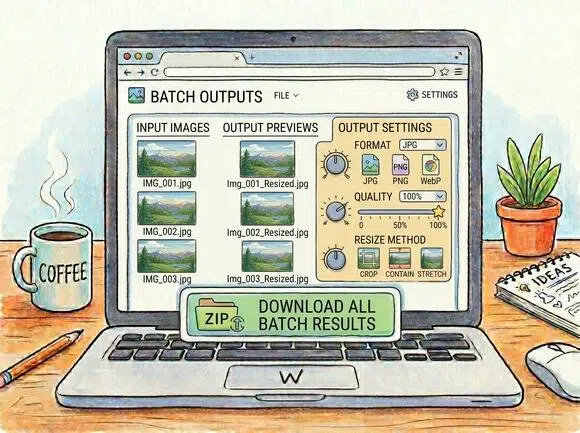
Batch outputs with ZIP download
Resize multiple images, preview outputs, adjust format and quality, then download the successful results together.
Frequently Asked Questions
Is this image resizer free?
Are my images uploaded to a server?
No. The resize workflow is designed to process images locally in your browser.
Which formats are supported?
You can upload JPG, JPEG, PNG, and WebP images up to 50MB per file.
Can I resize images for social media?
Yes. The tool includes presets for Instagram, Facebook, YouTube, X, and TikTok.
Can I choose how the image fits the new size?
Yes. You can use crop, contain, or stretch fit modes and adjust output format and quality.