
Free GIF to MP4 Converter
All processing runs locally to protect your privacy. Supports batch selection and ultra-fast conversion.
Max file size 100MB
By continuing, you agree to our Terms of Use.
How to Convert GIF to MP4 in 3 Steps
Upload your GIF files
Drag and drop one or more GIF files into the converter, or click the upload area to select them from your device.
Start the conversion
Click Convert to turn each GIF into MP4 directly in your browser without uploading it to a server.
Download your MP4 files
When the conversion finishes, download each MP4 file and use it across apps, websites, and devices more easily.
Feature Highlights
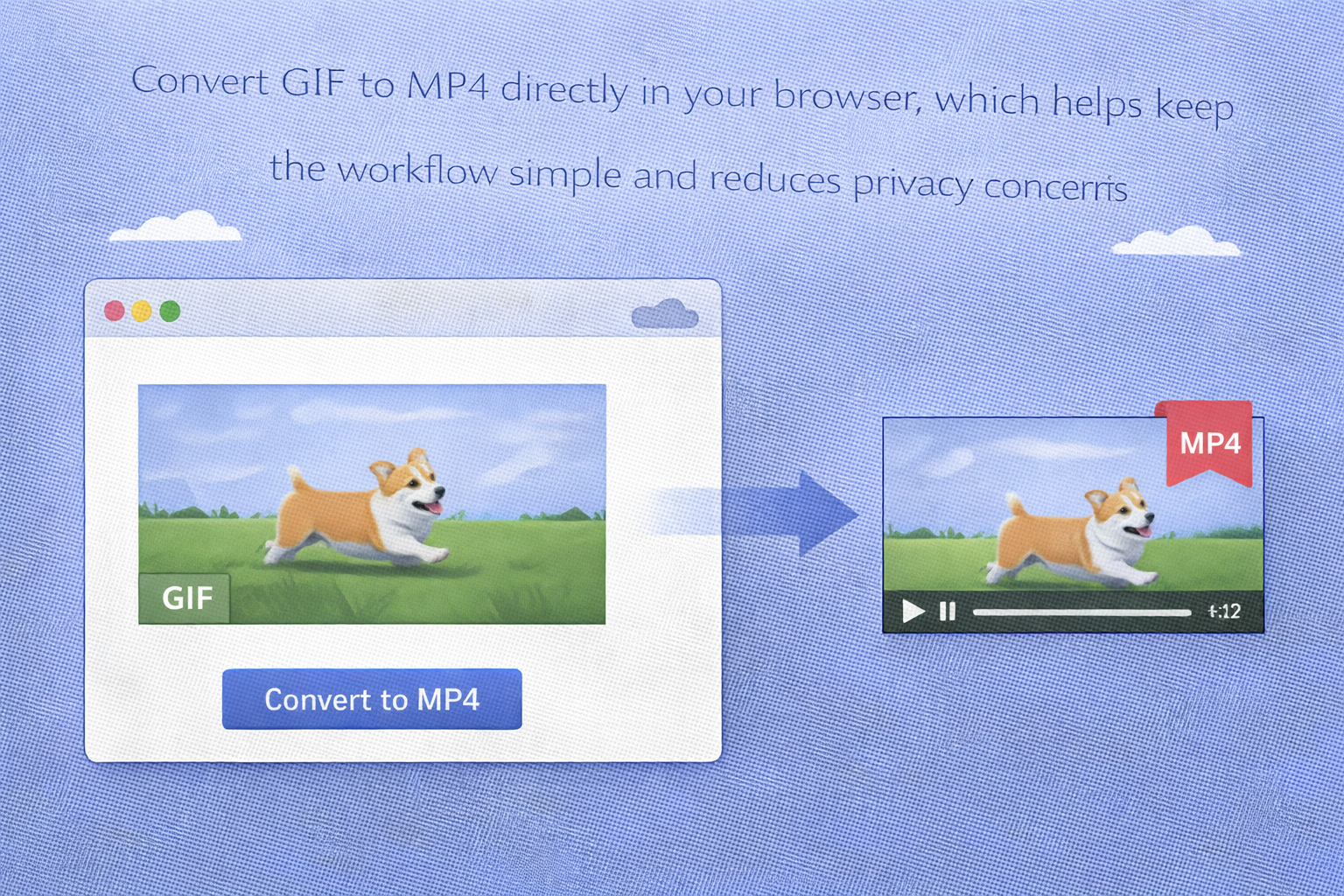
Browser-based conversion
Convert GIF to MP4 directly in your browser, which helps keep the workflow simple and reduces privacy concerns.
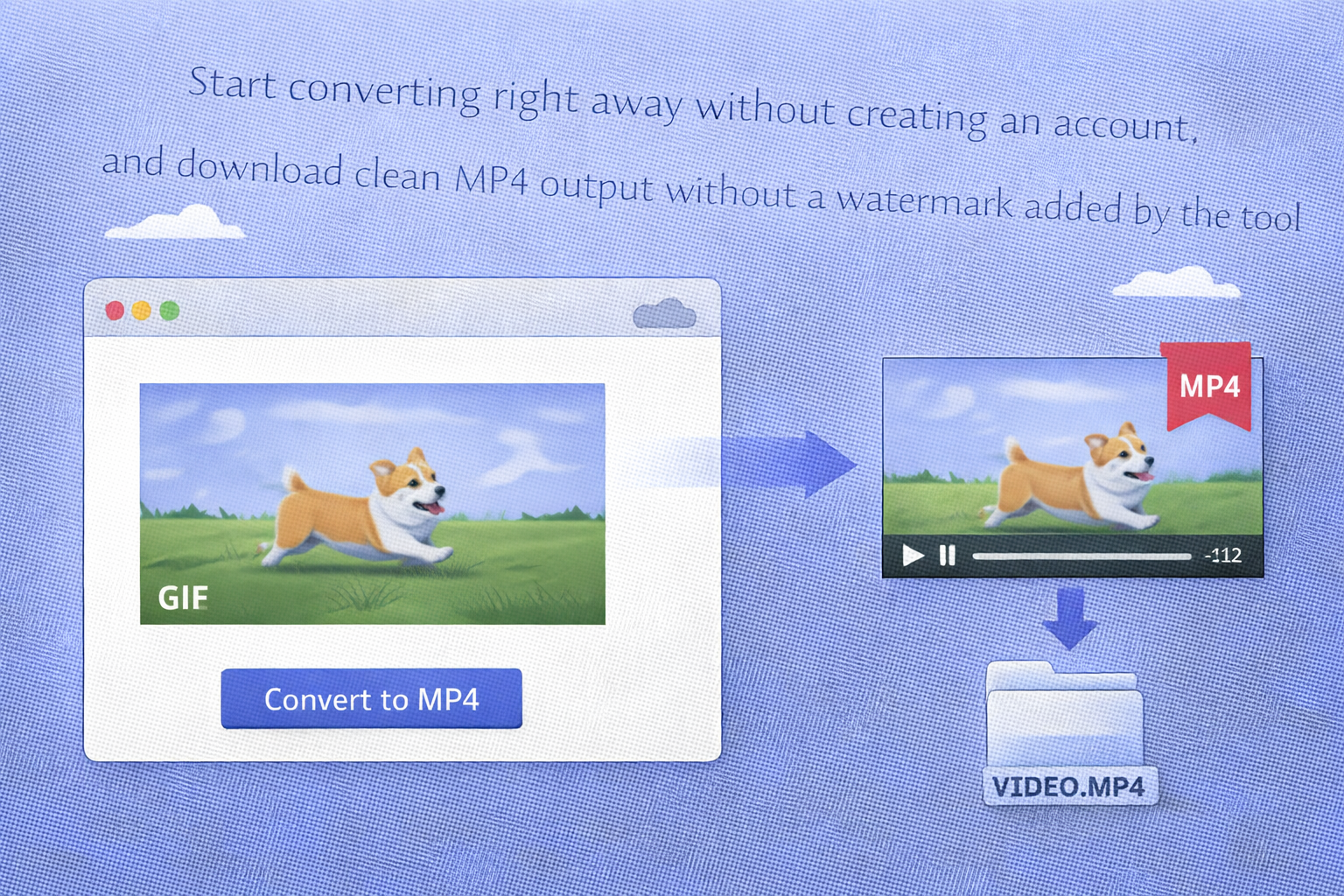
No signup and no watermark
Start converting right away without creating an account, and download clean MP4 output without a watermark added by the tool.
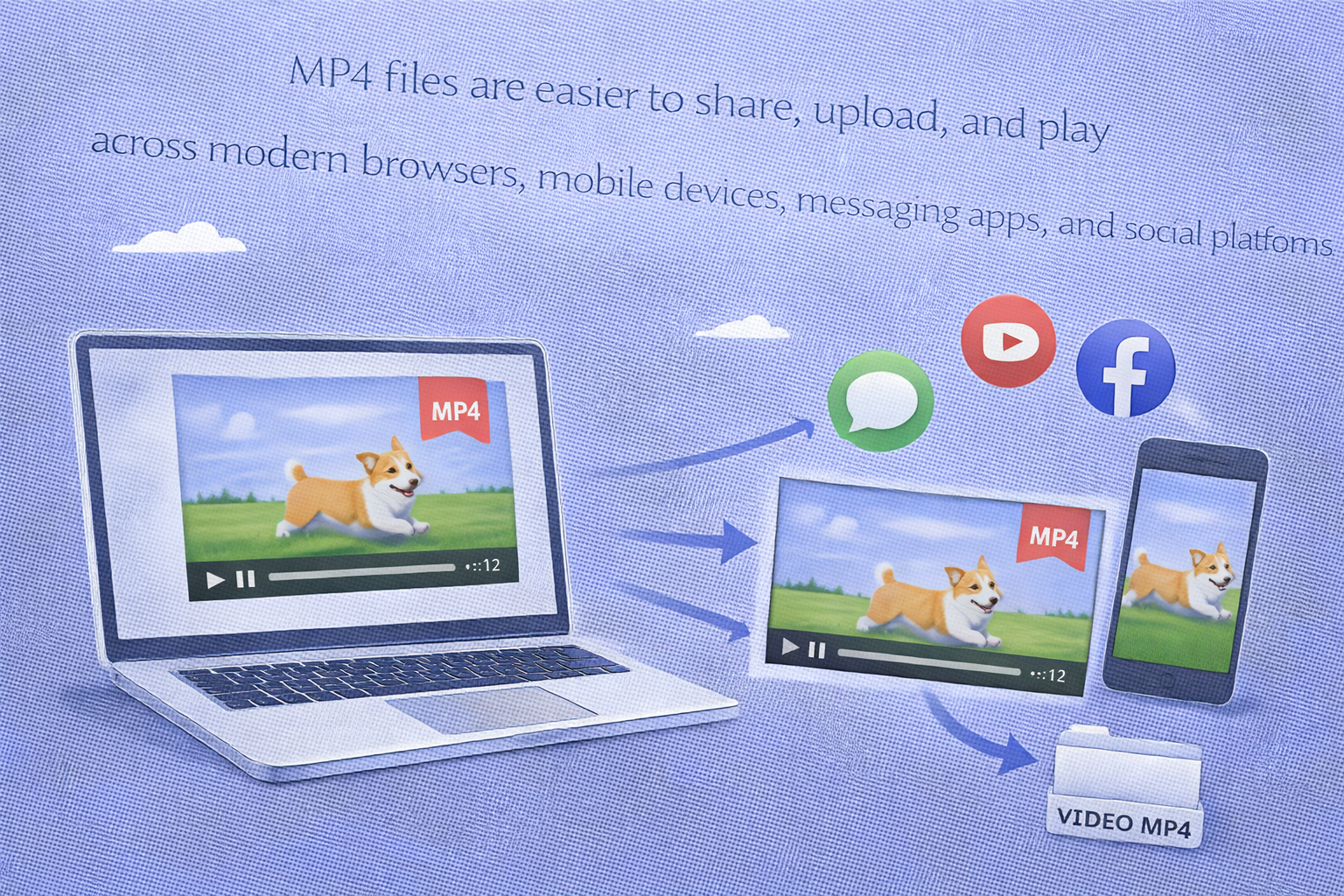
Better playback compatibility
MP4 files are easier to share, upload, and play across modern browsers, mobile devices, messaging apps, and social platforms.
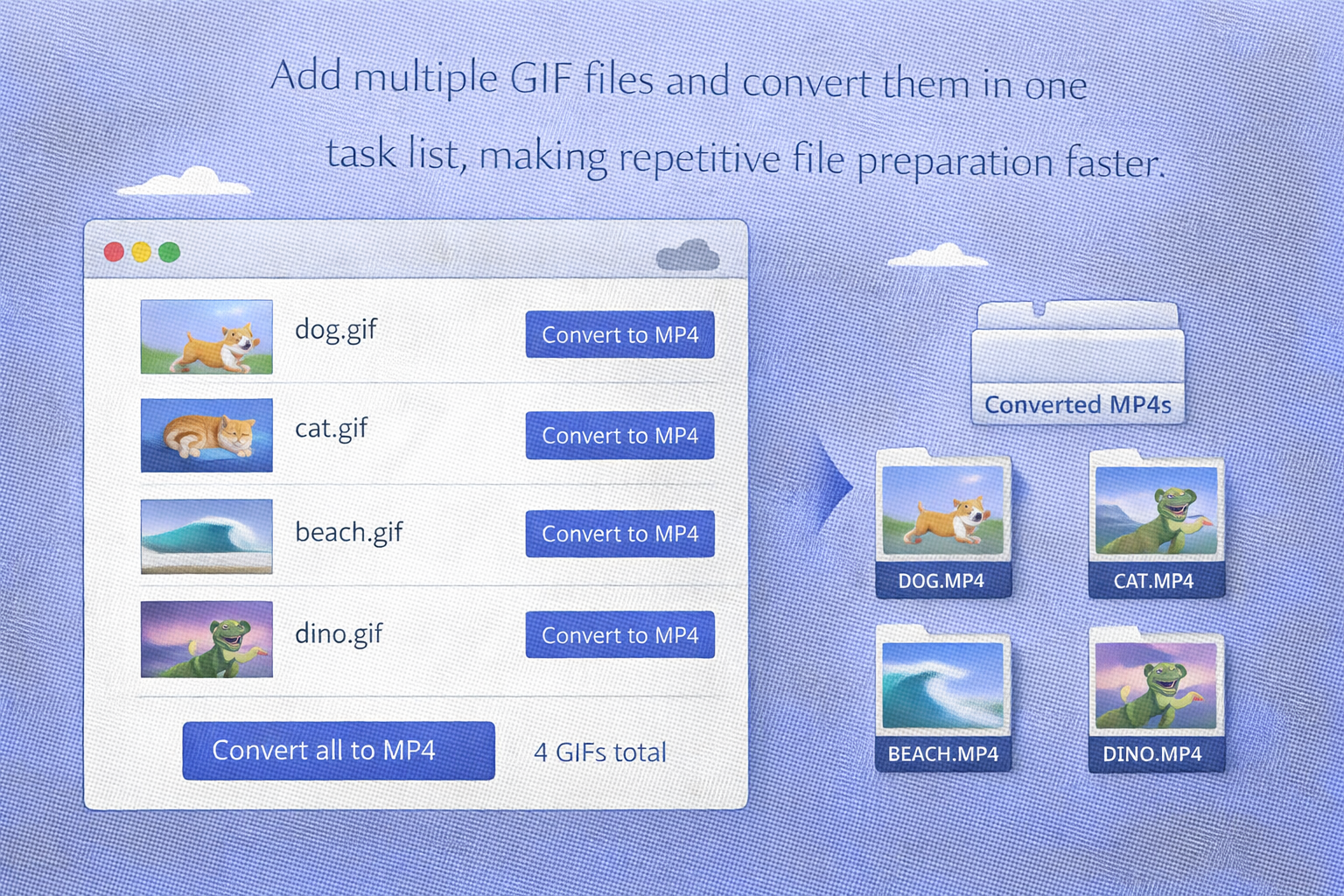
Batch-friendly workflow
Add multiple GIF files and convert them in one task list, making repetitive file preparation faster.
FAQ
Is this GIF to MP4 converter free to use?
Do I need to install software?
No. The converter runs in your browser, so you do not need to install extra software.
Are my files uploaded to a server?
This tool is designed for local browser conversion, so your GIF files are processed in your browser instead of being uploaded as part of the normal workflow.
Can I convert multiple GIF files at once?
Yes. You can add multiple GIF files and convert them from the same task list.
Why convert GIF to MP4 instead of keeping GIF?
MP4 usually offers better playback compatibility and can be easier to share, upload, and use across more platforms.