
Free MP4 to MP3 Converter
All processing is done locally to protect your privacy. Supports batch selection and trim settings.
Max file size 1GB
By uploading, you agree to our terms of service and privacy policy.
How to Convert MP4 to MP3 in 3 Steps
Upload your source file
Add your file from local storage to start the conversion process.
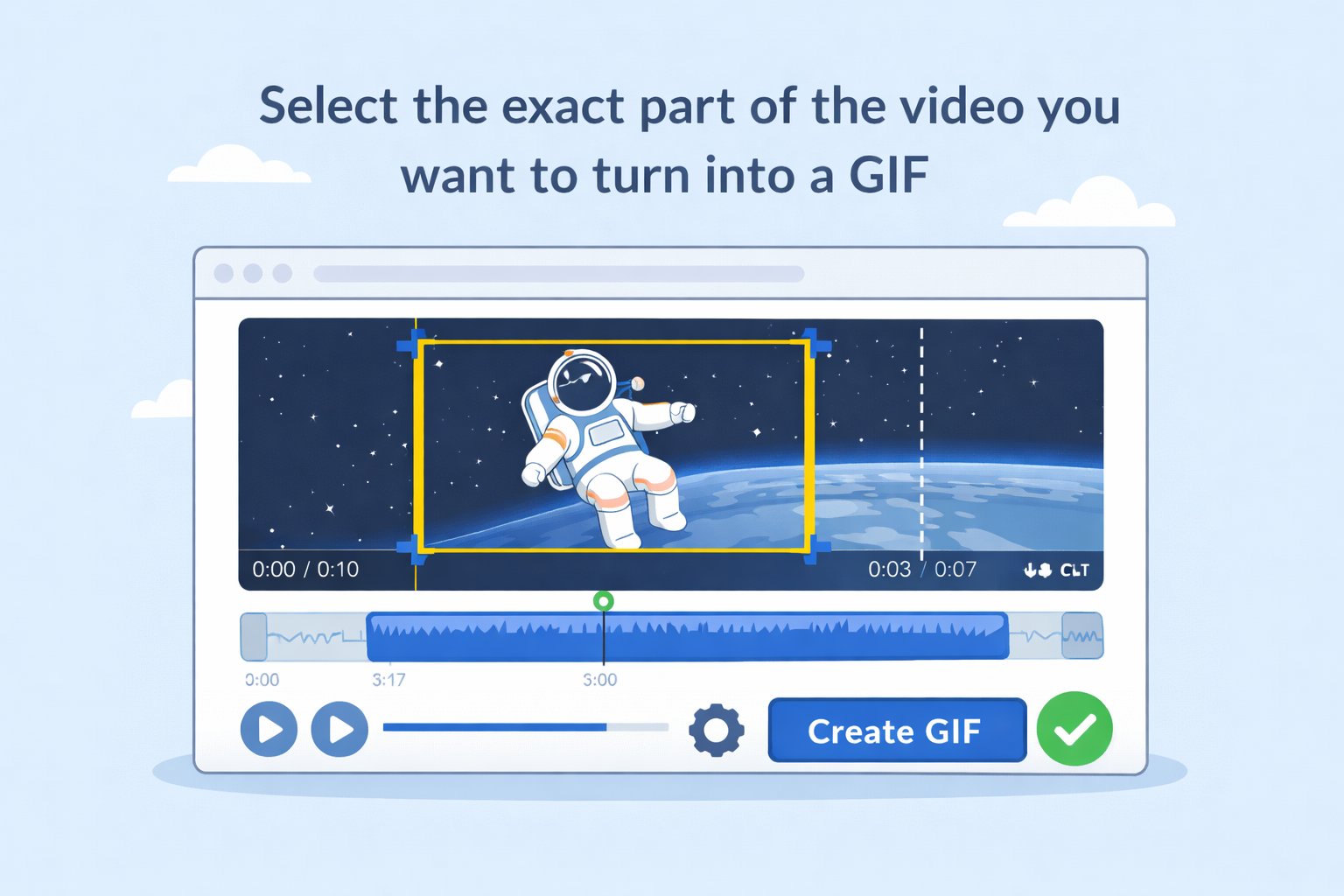
Trim and adjust output settings
Select the exact clip range and output settings before export.
Convert and download
Start conversion and download the output file when processing is complete.
Feature Highlights
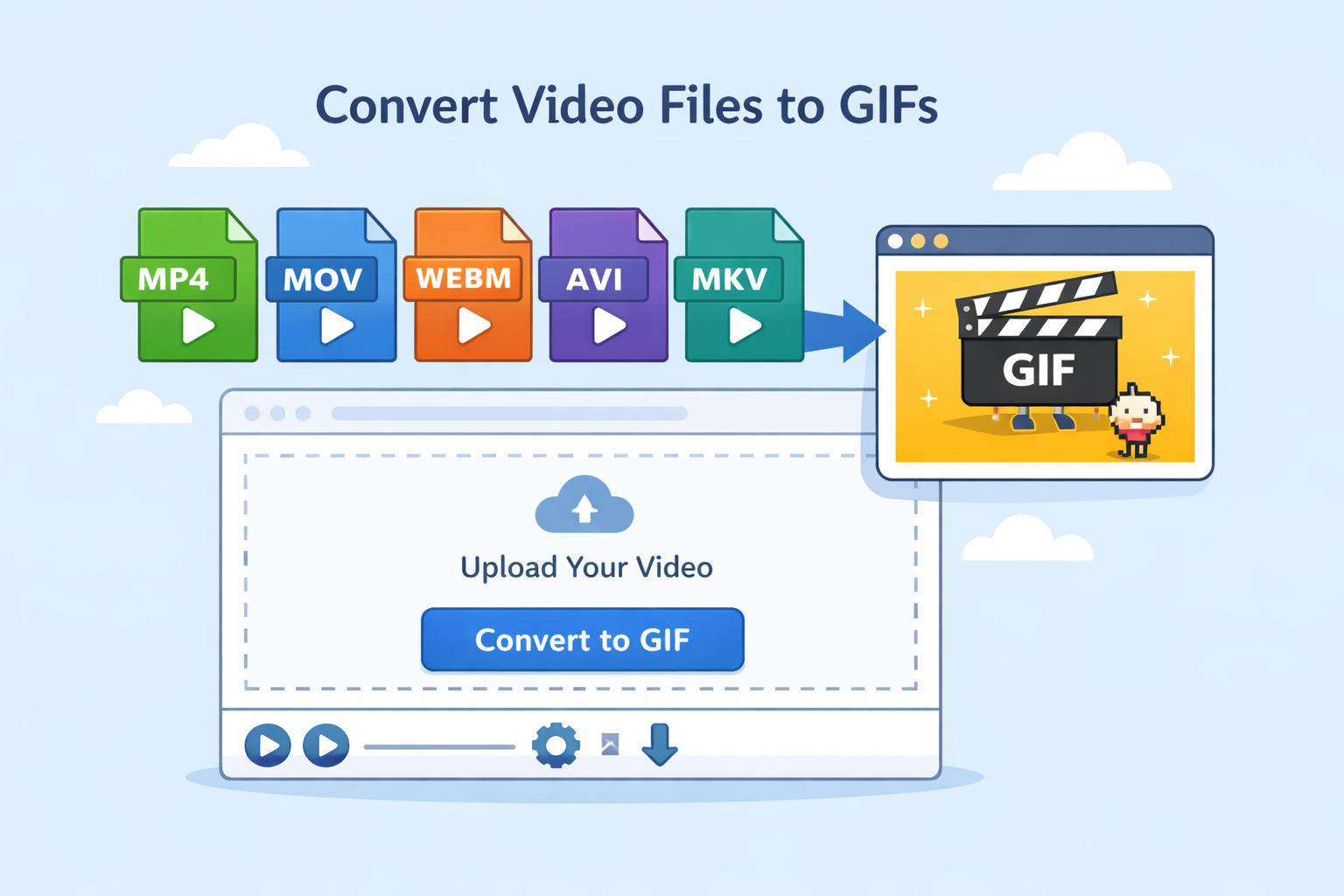
Simple upload and conversion flow
Upload your file, choose settings, and export in just a few clicks.
Works directly in your browser
No installation required. Complete conversion online on desktop and mobile browsers.
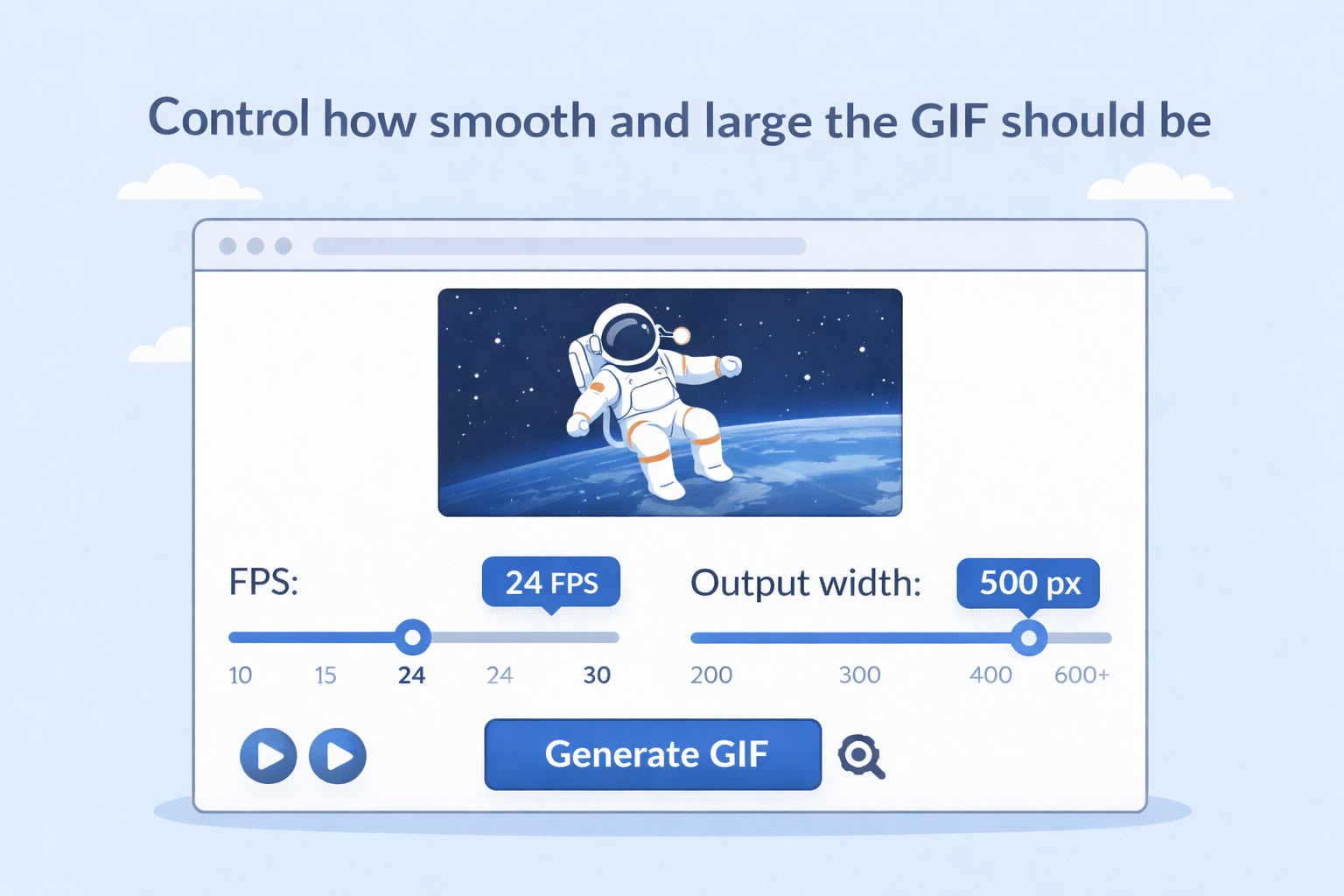
Flexible output control
Adjust relevant options to balance file size, quality, and compatibility.
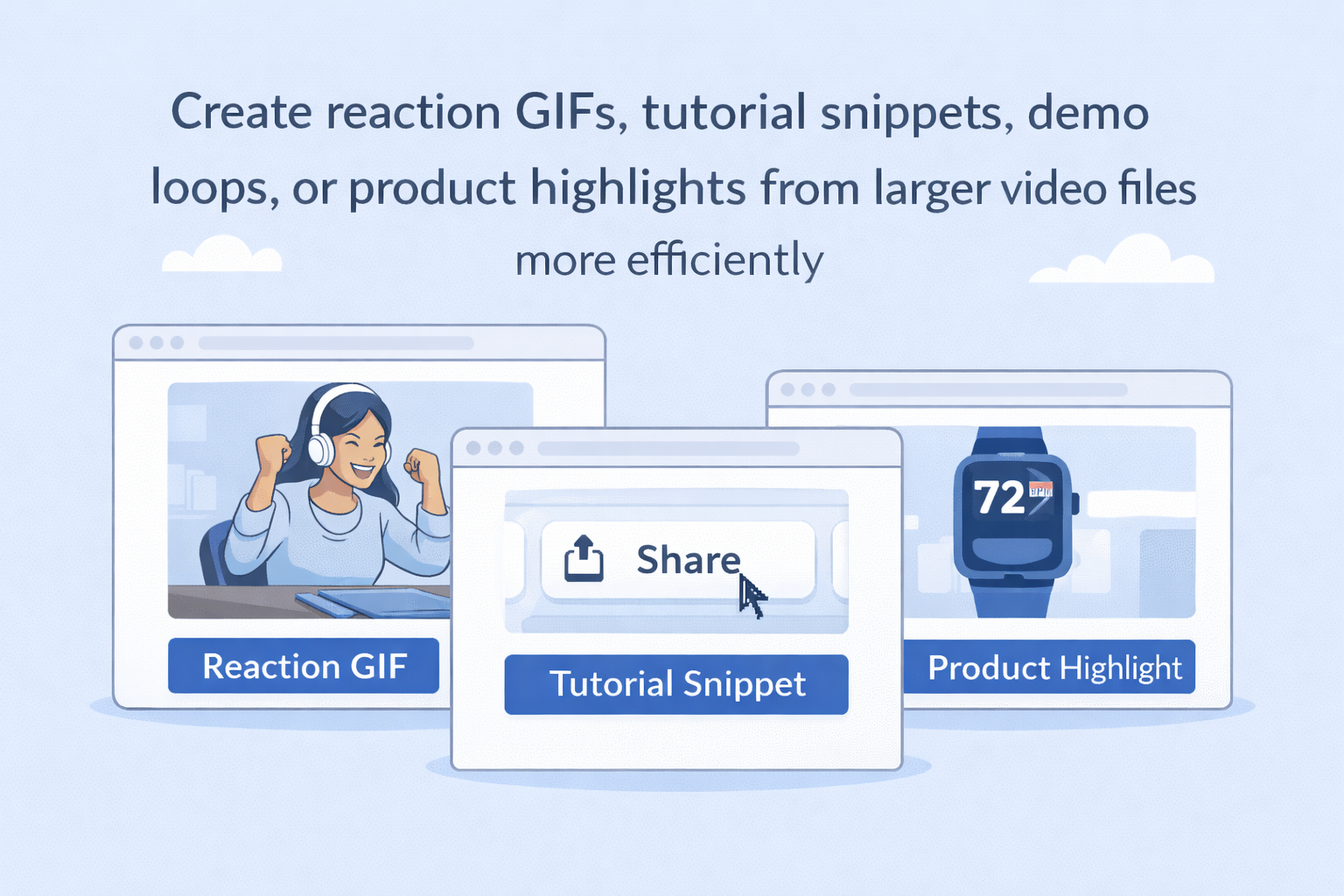
Reliable output for daily use
Create ready-to-use files for sharing, editing, and publishing scenarios.
Frequently Asked Questions
Is this tool free to use?
Do I need to install software?
No. The tool runs in your browser without additional installation.
Can I adjust output settings before conversion?
Yes. You can adjust available settings before exporting the final file.
Will my files be processed quickly?
Most files are processed quickly, depending on file size and network conditions.
Can I use the output on other platforms?
Yes. The exported file is suitable for common playback, editing, and sharing scenarios.