
GIF to Video Converter
Completely local processing to protect your privacy. Supports multiple formats, batch selection, and high-speed conversion.
Max file size 100MB
By continuing, you agree to our Terms of Use.
How to Convert GIF to Video in 3 Steps
Upload your GIF files
Add one or more GIF files by drag and drop or by selecting them from your device.
Choose the video format
Pick the output format for each file, including MP4, MOV, WEBM, MKV, or AVI, based on how you plan to use the result.
Convert and download
Click Convert and then download the finished video files once each task is complete.
Feature Highlights
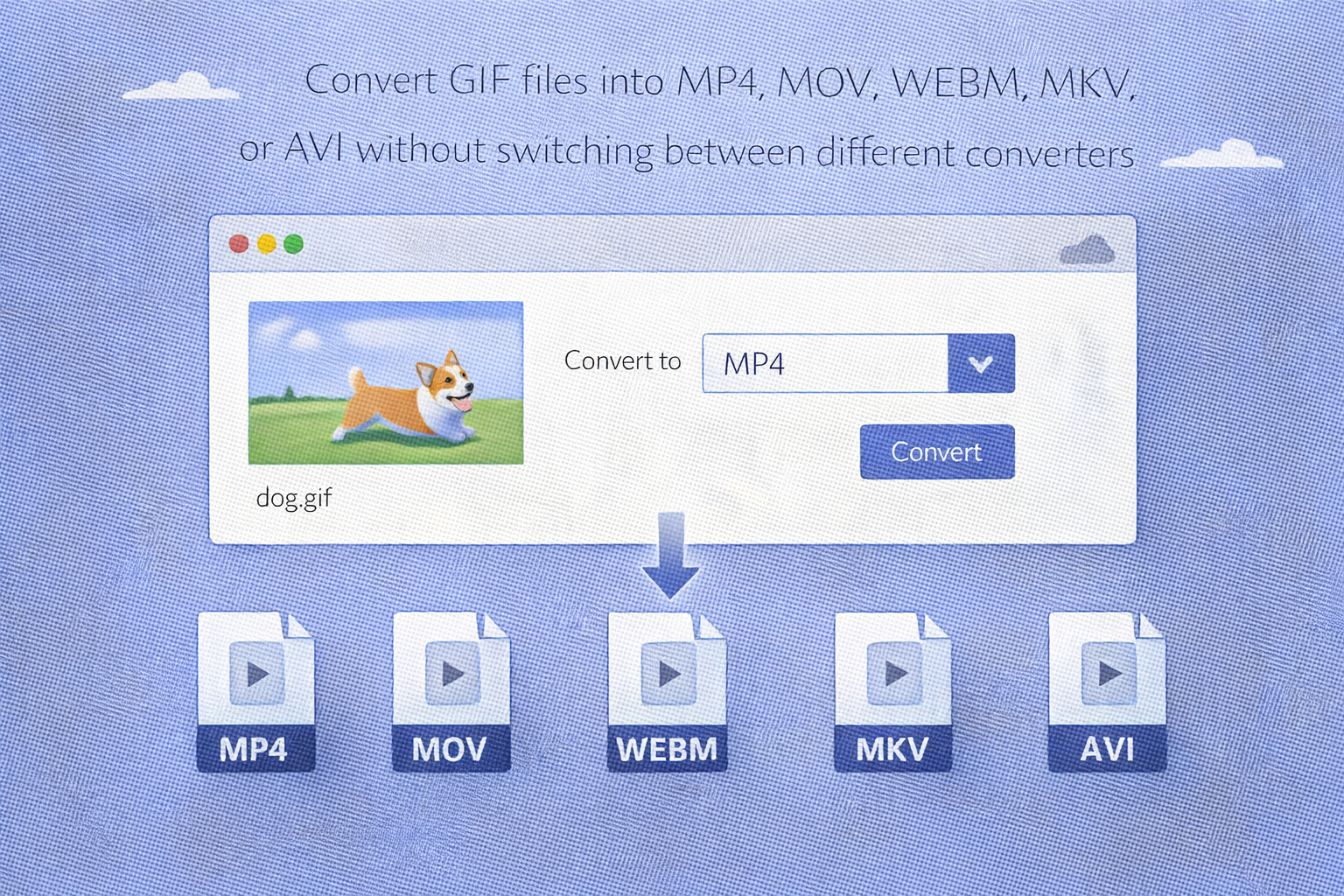
Multiple output formats in one tool
Convert GIF files into MP4, MOV, WEBM, MKV, or AVI without switching between different converters.
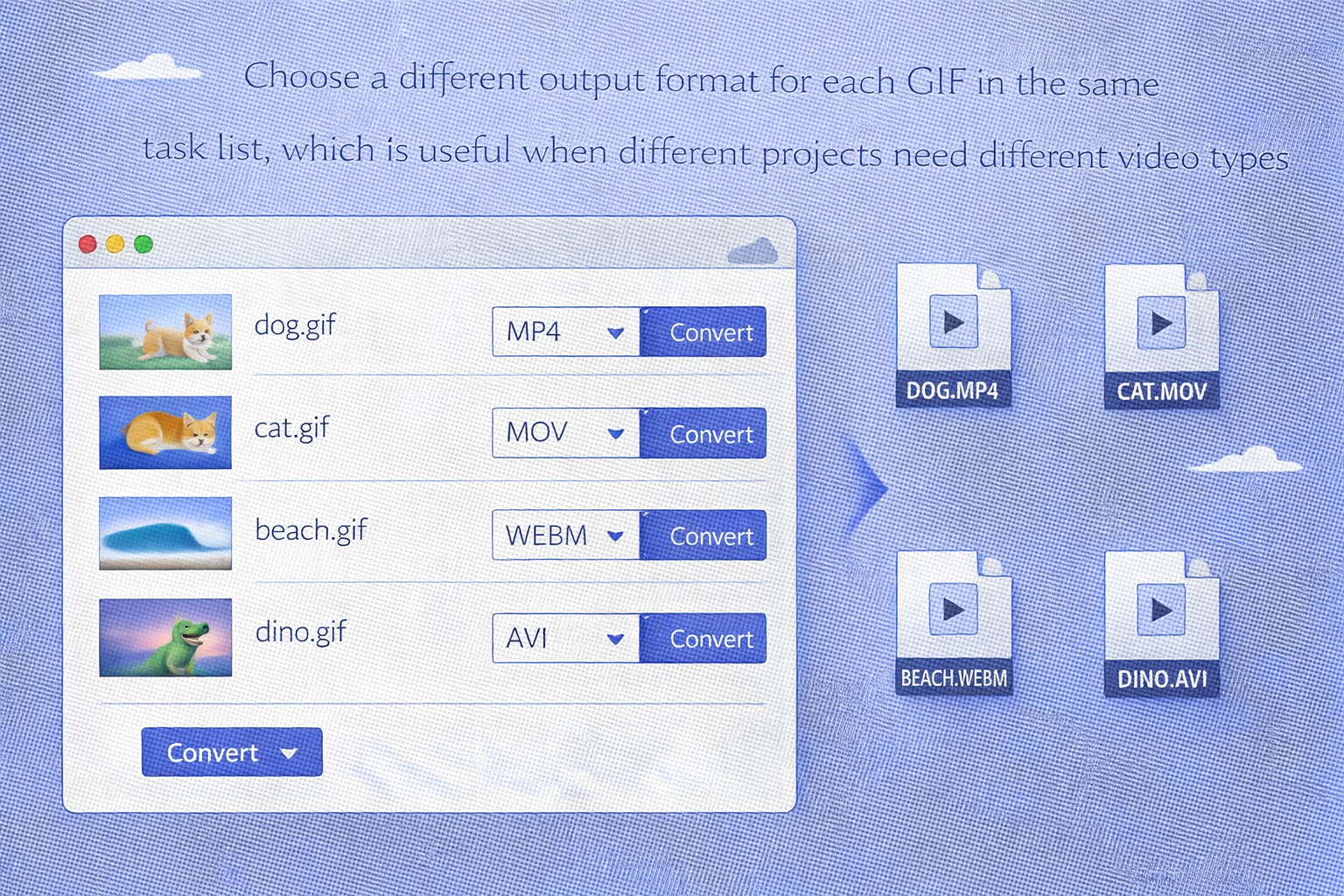
Per-file format selection
Choose a different output format for each GIF in the same task list, which is useful when different projects need different video types.
Local browser processing
The converter is built for browser-based processing, helping you work faster without a typical upload-and-wait workflow.
No signup and no watermark
Start using the tool immediately and download finished files without a platform watermark added to the output.
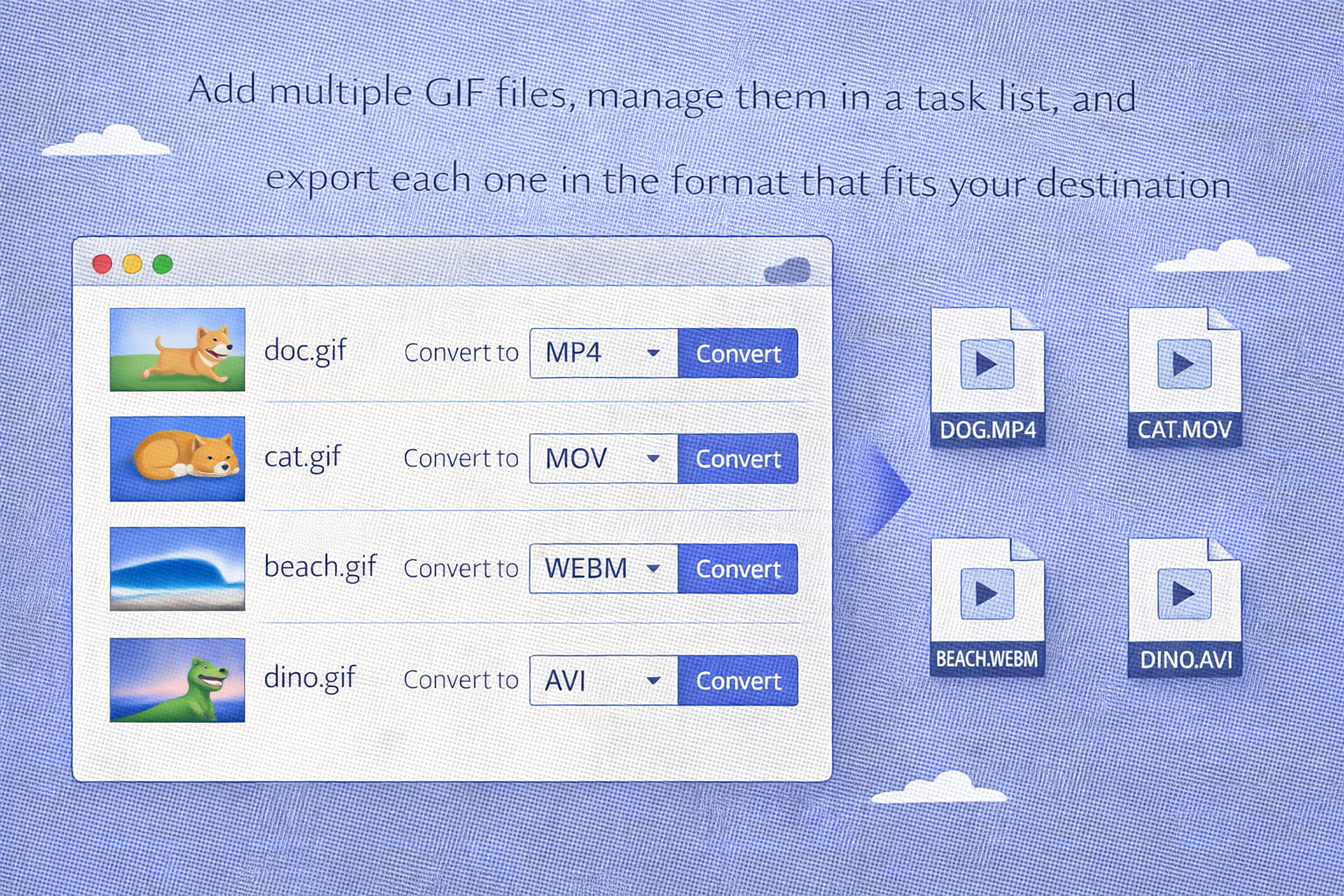
Batch conversion workflow
Add multiple GIF files, manage them in a task list, and export each one in the format that fits your destination.
FAQ
Is this GIF to video converter free?
Which video formats can I export to?
You can export GIF files to MP4, MOV, WEBM, MKV, or AVI.
Do I need to install anything?
No. The converter works directly in your browser.
Can I choose a different output format for each file?
Yes. The tool supports per-file format selection, so different GIF files can be exported in different video formats.
Are my files uploaded during conversion?
This tool is designed for local browser conversion, so files are processed in your browser as part of the standard workflow.