
Image Compressor
Compress JPG, PNG, and WebP images locally in your browser with clear before-and-after results.
Supports JPG / JPEG / PNG / WebP, max 50.00 MB per file.
All files are processed locally in your browser.
How to Compress Images in 3 Steps
Upload your images
Add JPG, JPEG, PNG, or WebP files from your device. Each image can be up to 50MB.
Choose quality and output format
Set the compression quality and keep the original format or export as JPG, PNG, or WebP.
Compress and download
Review before-and-after file sizes, then download the compressed images together as a ZIP file.
Feature Highlights
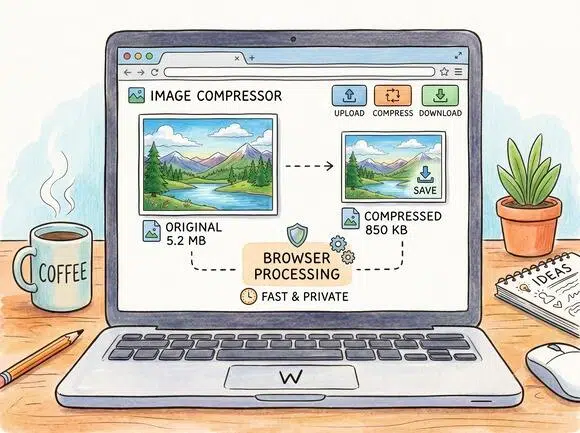
Local browser-side compression
Images are processed in your browser, so the compression flow stays fast and private.
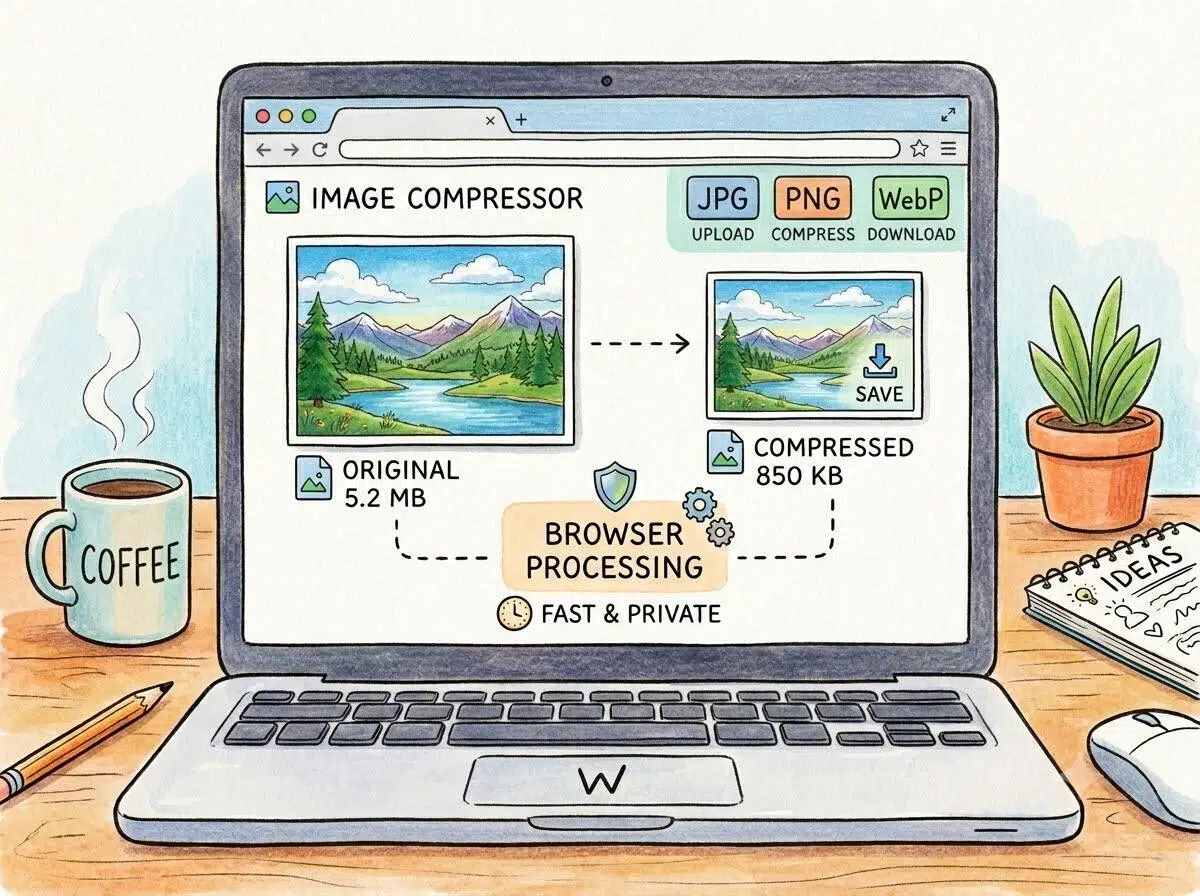
Supports JPG, PNG, and WebP
Compress common web image formats and convert the output when you need a different format.
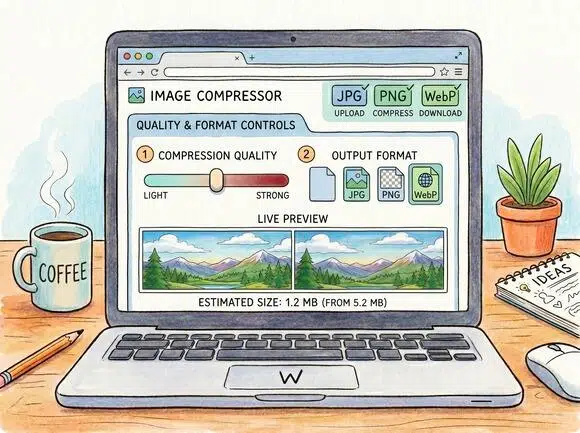
Quality and format controls
Adjust compression quality from light to strong and choose original, JPG, PNG, or WebP output.
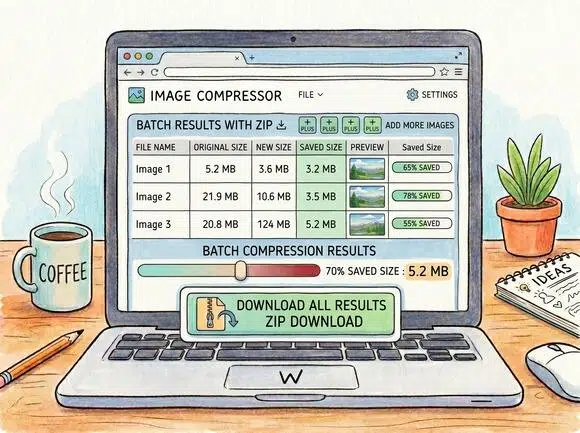
Batch results with ZIP download
Add multiple images, track saved size per file, and download all successful results in one ZIP.
Frequently Asked Questions
Is this image compressor free?
Are my images uploaded to a server?
No. The tool is designed to process images locally in your browser, so your files stay on your device.
Which image formats are supported?
You can upload JPG, JPEG, PNG, and WebP images up to 50MB per file.
Can I choose the output format?
Yes. You can keep the original format or export compressed files as JPG, PNG, or WebP.
Why was an image kept as original?
If compression does not reduce the file size, the tool keeps the original image to avoid a larger output.