
Image to PDF
Pure frontend local processing. Uploaded images will be sequentially merged into a single PDF file.
Supports JPG / PNG / WEBP, over 100MB limit.
By continuing, you agree to our Terms of Use.
How to Convert Images to PDF in 3 Steps
Upload your image files
Add JPG, PNG, WEBP, GIF, or BMP files by drag and drop or by selecting them from your device.
Arrange images and adjust settings
Reorder the images, then choose options like page size, orientation, margins, fit mode, and image compression.
Generate and download your PDF
Click Generate PDF to create one PDF file and download it when the export is ready.
Feature Highlights
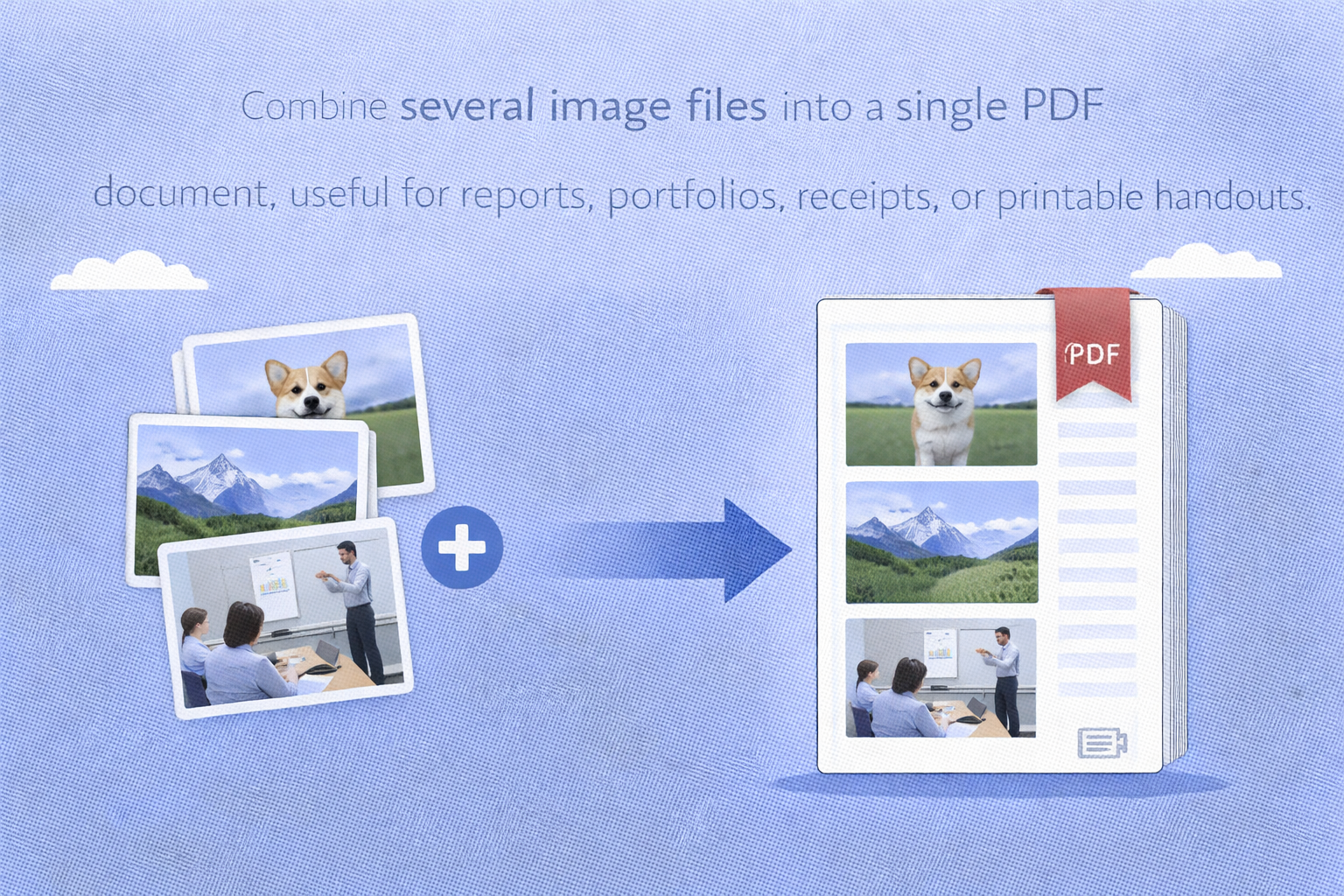
Merge multiple images into one PDF
Combine several image files into a single PDF document, which is useful for reports, portfolios, receipts, or printable handouts.
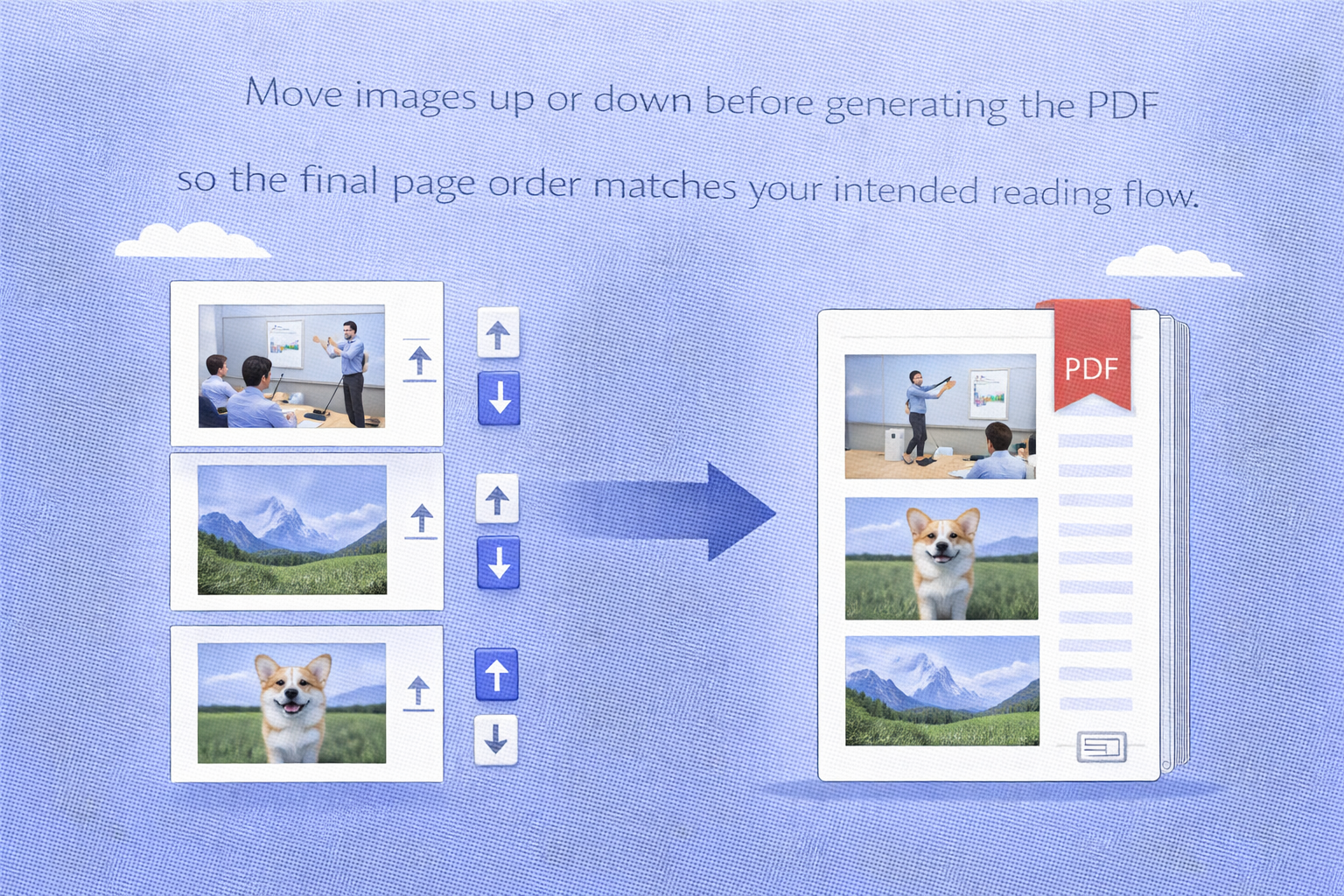
Control page order before export
Move images up or down before generating the PDF so the final page order matches your intended reading flow.
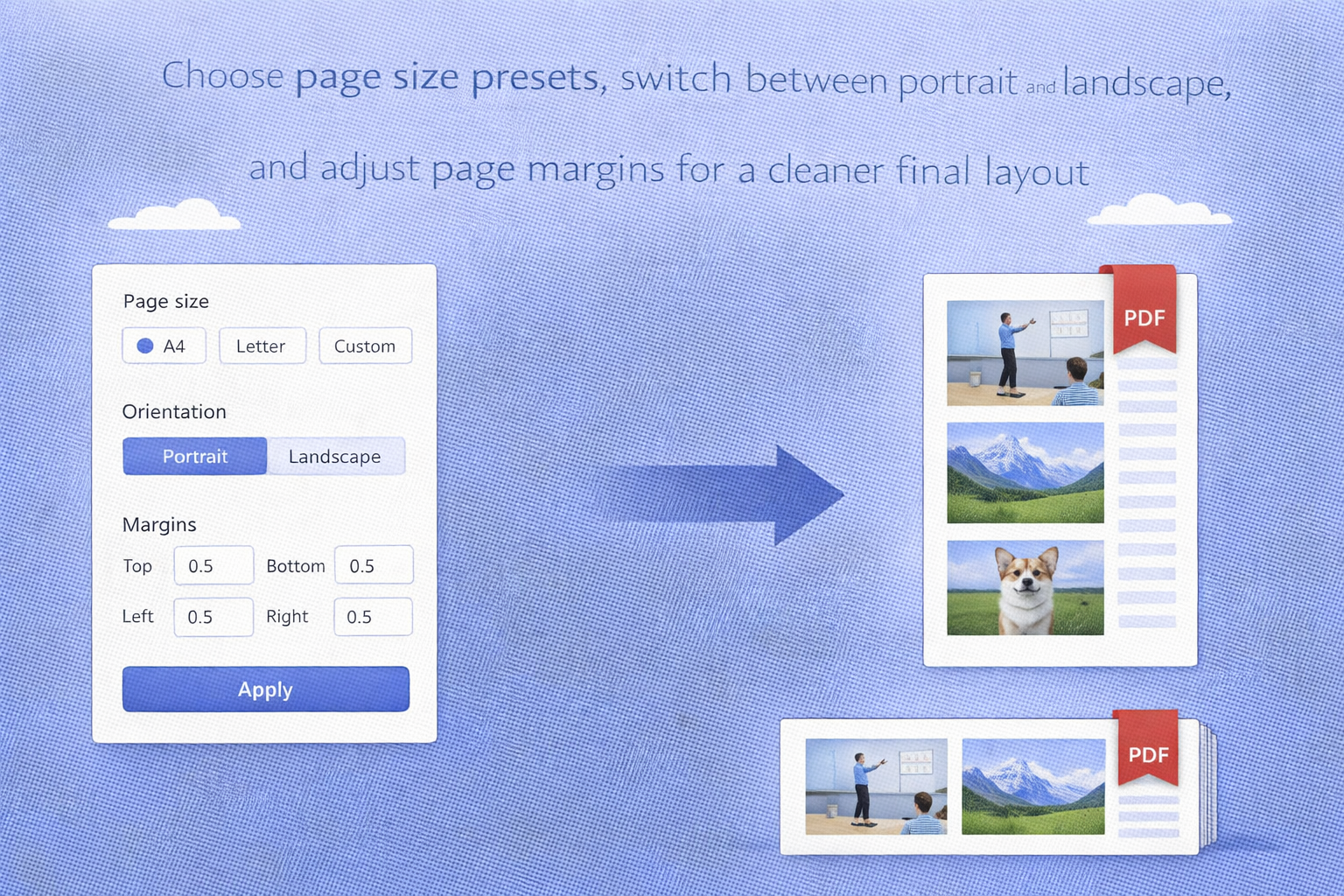
Flexible PDF layout settings
Choose page size presets, switch between portrait and landscape, and adjust page margins for a cleaner final layout.
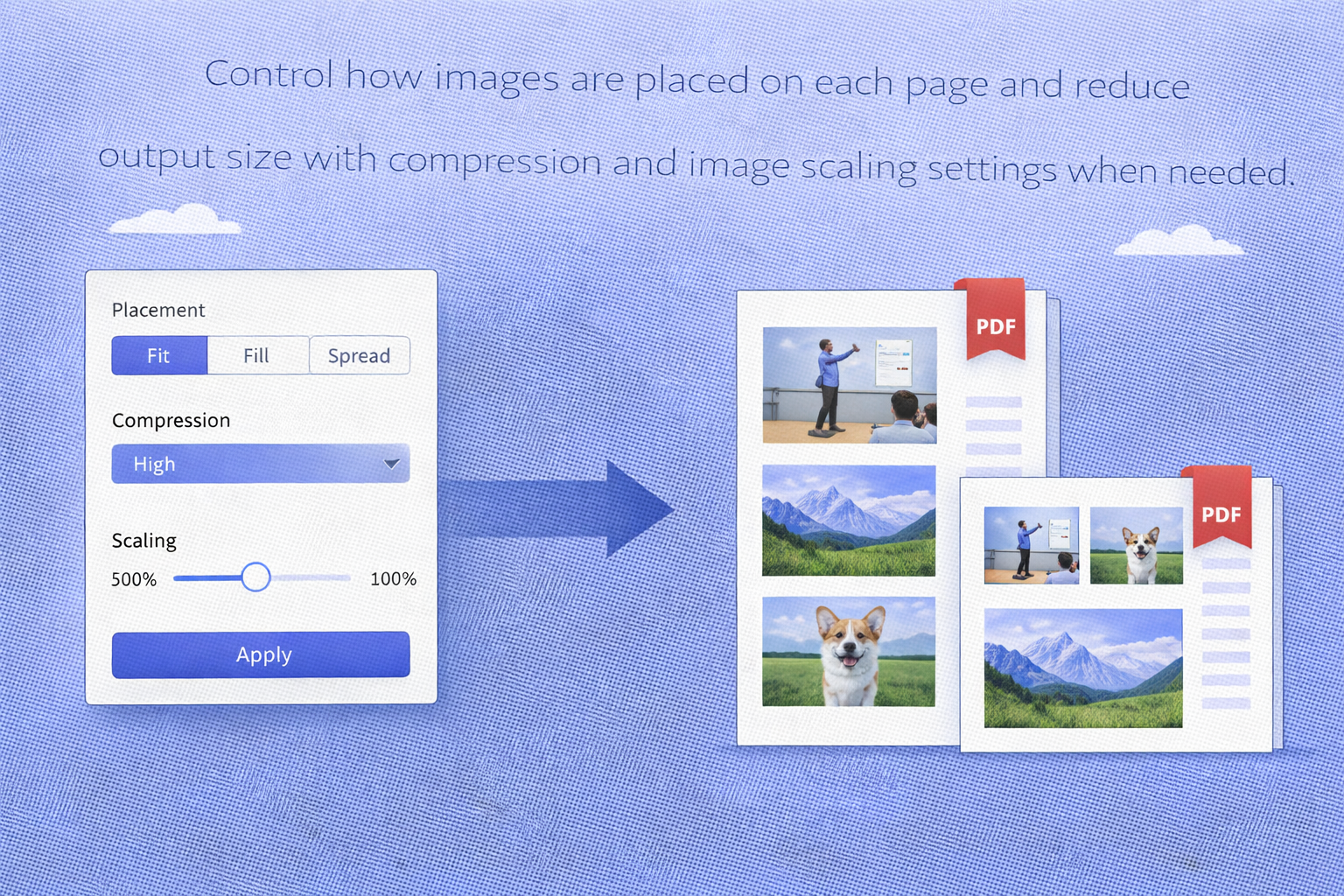
Image fit and compression options
Control how images are placed on each page and reduce output size with compression and image scaling settings when needed.
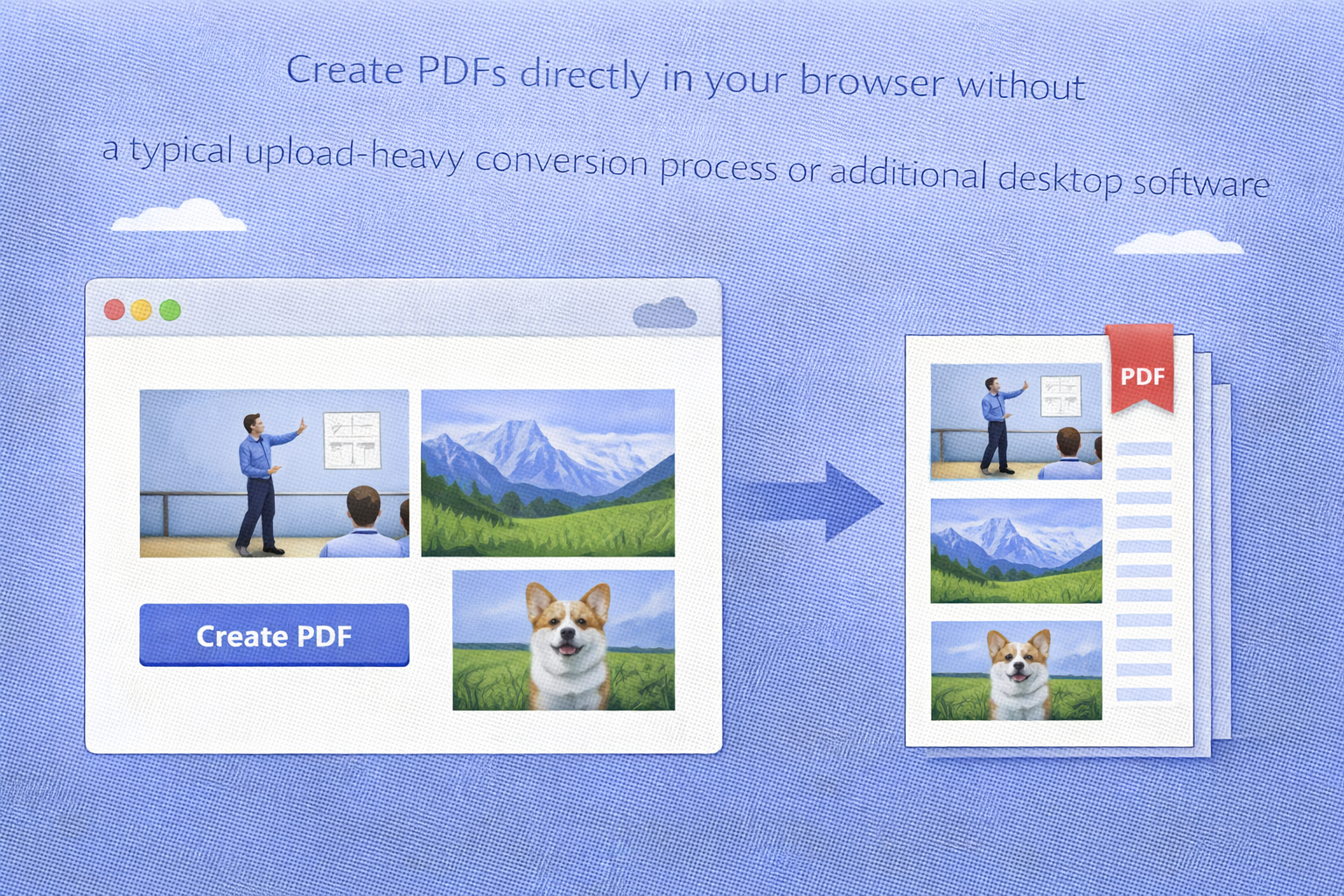
Browser-based workflow
Create PDFs directly in your browser without a typical upload-heavy conversion process or additional desktop software.
FAQ
Is this image to PDF converter free?
Which image formats are supported?
The tool supports common image formats including JPG, PNG, WEBP, GIF, and BMP.
Can I merge multiple images into one PDF?
Yes. You can add multiple images and export them as a single PDF file.
Can I reorder pages before generating the PDF?
Yes. You can move images up or down in the list before you generate the PDF.
Can I change the PDF page size or orientation?
Yes. The tool supports page size, orientation, margins, fit mode, and other layout-related settings.