How to Make a Birthday Video Message: Easy Guide & Creative Ideas
Make every birthday celebration extra special with a personalized birthday video message. Learn how to use Vmake Labs to create and share a meaningful video message that friends and family will cherish.

Making a birthday video message is one of those things that sounds like a chore until you actually do it. But honestly, it's probably the best way to make someone feel special when you can't be there in person. You don't need to be a professional editor, either. A few simple clips and a bit of genuine effort can easily turn into something they'll end up rewatching for years. Here is how to actually get it done without losing your mind.
Planning a birthday message video
You don't need a massive script for this, but you still need quick planning to make the video meaningful. Spending just five minutes figuring out what you actually want to say and who else you need to badger into sending you a clip makes a world of difference.
-
Define the purpose and tone
Before you do anything else, you need to decide what you're actually trying to achieve here. Figure out the vibe. Is this thing supposed to make them cry, laugh out loud, or maybe a bit of both? The safest bet is to just match the personality of whoever is blowing out the candles.
-
Decide who will participate
Next up, you need to figure out who actually needs to be in this thing. Think about the people who will actually make them smile, like family, old classmates, current coworkers, or close friends. Even getting their dog on camera for three seconds works.
-
Set a theme
Picking a theme is the secret weapon for these projects. It just makes the editing process so much easier because you aren't guessing what the final product should look like. You can base it on practically anything they love; their favorite hobbies, colors, movies, or even a specific decade they're obsessed with.
Creative birthday video message examples
If you want to make something that goes beyond just a basic line-up of people saying "Happy Birthday," you need an actual concept. Otherwise, it gets repetitive fast. The goal here is to do something they won't expect. Whether you want to roast them so hard, they laugh, trigger some happy tears, or just take them on a massive trip down memory lane, having a creative angle changes everything.
-
Friends and family compilation video
Getting a big group of family, friends, and coworkers to send in clips is probably the most popular route for a reason. It just works. You'll want to ask everyone to keep their messages short; somewhere between 20 and 60 seconds is the sweet spot, and have them share a quick memory, a wish, or just some encouraging words.
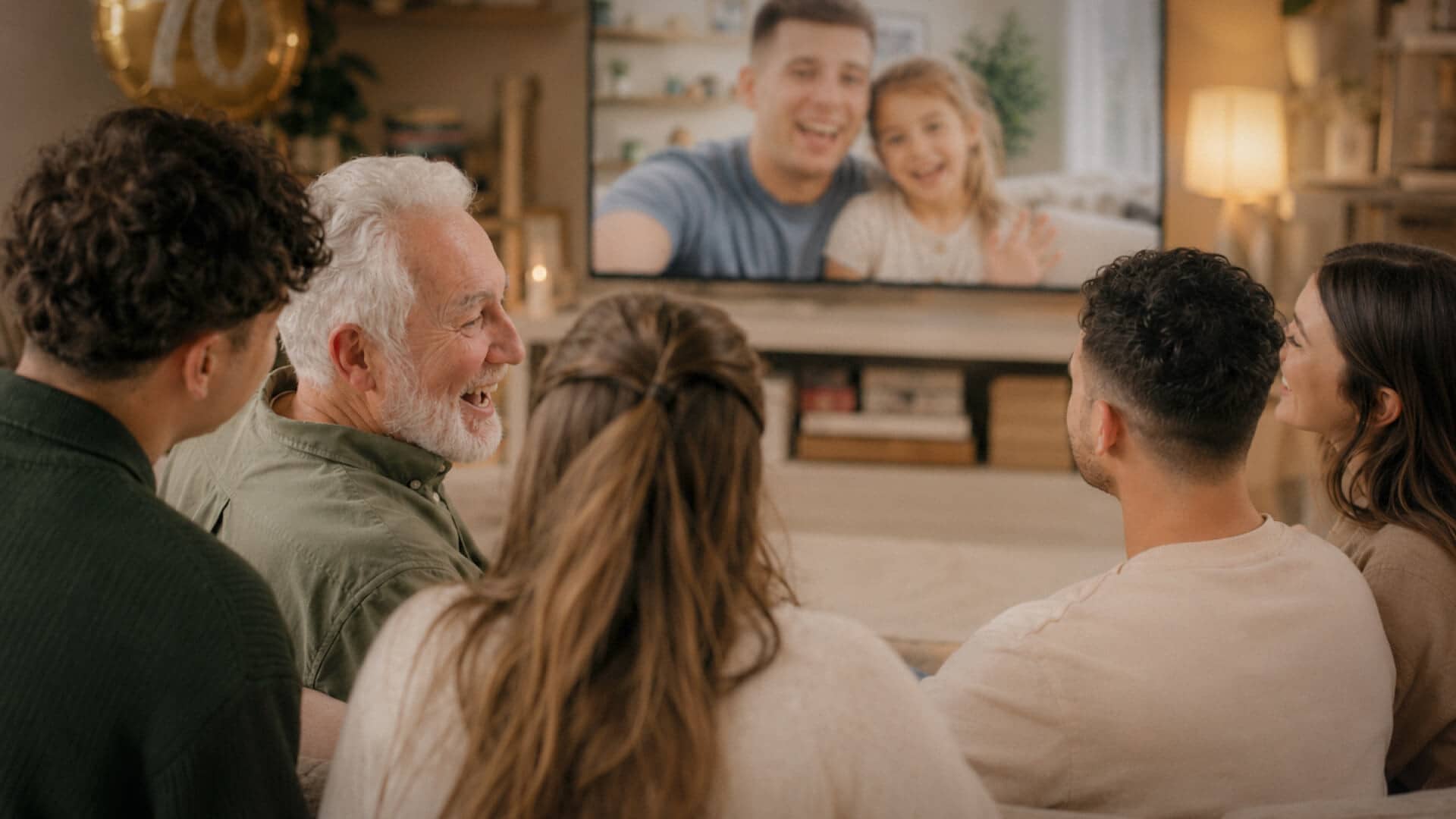
It's a lot of pieces to juggle, but this format hits incredibly hard for milestone birthdays, especially when people are scattered across different time zones and can't be there to raise a glass in person.
-
Memory timeline video
If you want to do something deeply sentimental, taking them on a bit of a nostalgic journey is the way to go. You basically want to construct a timeline of their life. Dig up those embarrassing childhood photos, old home videos, random vacation clips, graduation snapshots, and big family parties, and then string them all together in chronological order. It takes a lot of digging through old hard drives, but it's worth it.
-
Funny birthday video messages
If the birthday person is someone who absolutely lives to laugh, skip the sentimental stuff entirely and go for a comedy reel. Fill it with bad inside jokes, goofy impressions, or just terrible bloopers. The best way to do this is to badger everyone involved into wearing ridiculous costumes, using stupid props, or recreating a classic, embarrassing moment you all share.
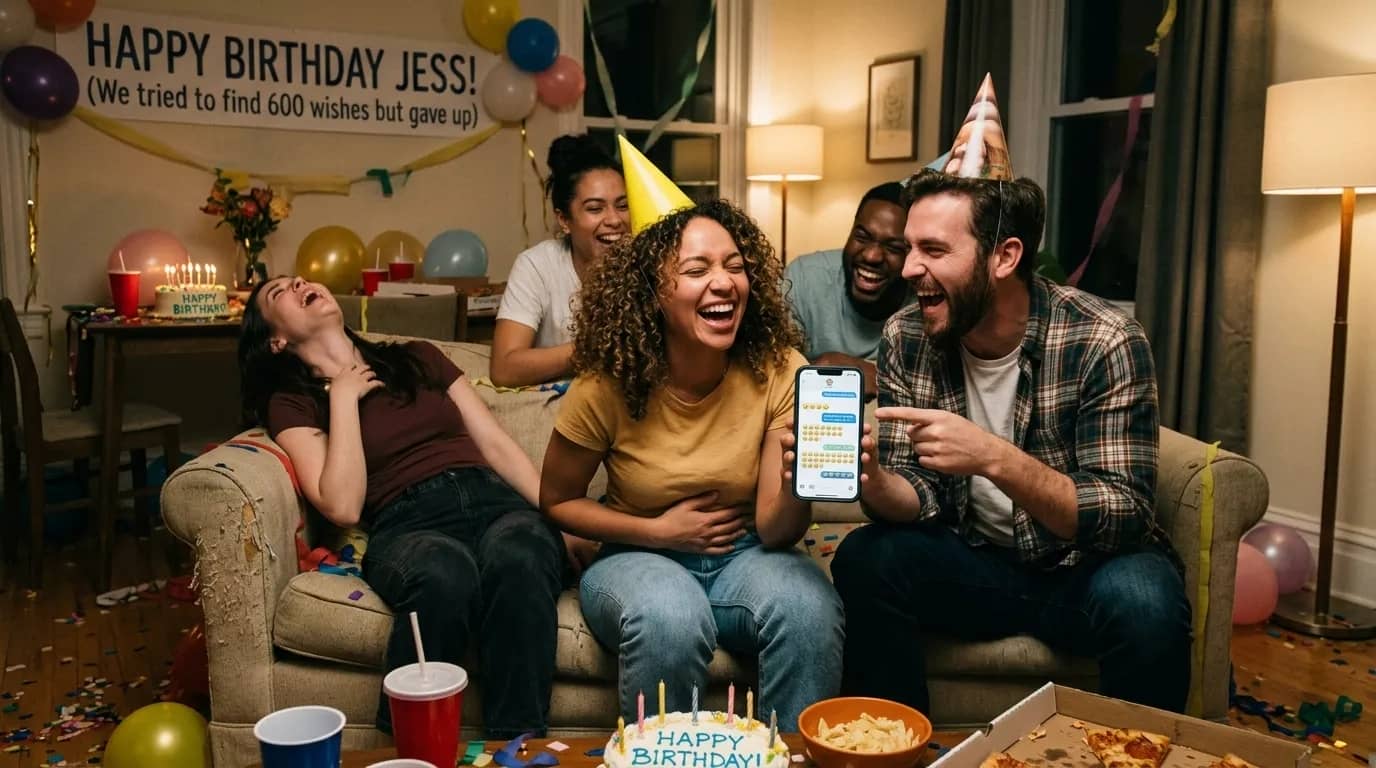
But here's the thing you have to keep in mind: you want to keep the humor positive. It's a birthday roast, not an intervention. The whole point is to keep them laughing from the second they hit play until the very end.
-
Celebrity-style birthday greetings
If the person you're celebrating loves a bit of drama or pop culture, you can have a lot of fun making the video look like a high-end celebrity tribute. Basically, you tell everyone contributing to pretend they are famous actors, rock stars, athletes, or over-the-top TV hosts delivering an exclusive shoutout. They can dress to the nines, mock up a fake red carpet in their living room, or twist a famous celebrity catchphrase to fit the birthday person.
-
"Reasons We Love You" video
If you want to go the deeply emotional route, a "Reasons We Love You" video is about as heartfelt as it gets. You basically text a bunch of family and friends and ask them to name one or two specific things they genuinely love about the birthday person. Maybe it's their ridiculous sense of humor, the fact that they always show up when needed, or just how much they've helped people out over the years.
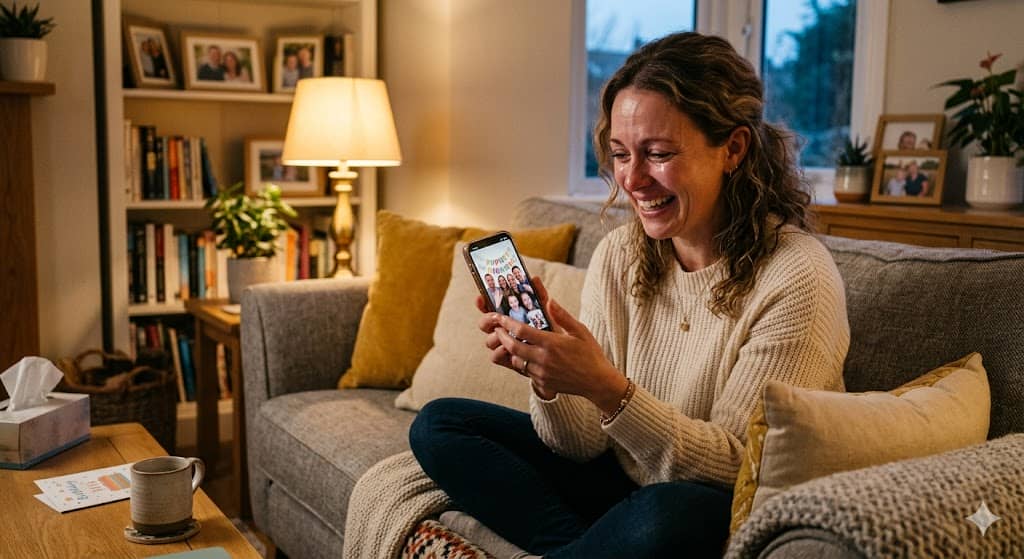
It takes a little extra effort to stitch it all together, but honestly, it's worth it. It leaves them with a permanent reminder of exactly how much they matter to the people around them.
How to create a birthday video message
Here are the six steps to actually get it done without giving yourself a headache.
Step 1: Gather birthday wishes
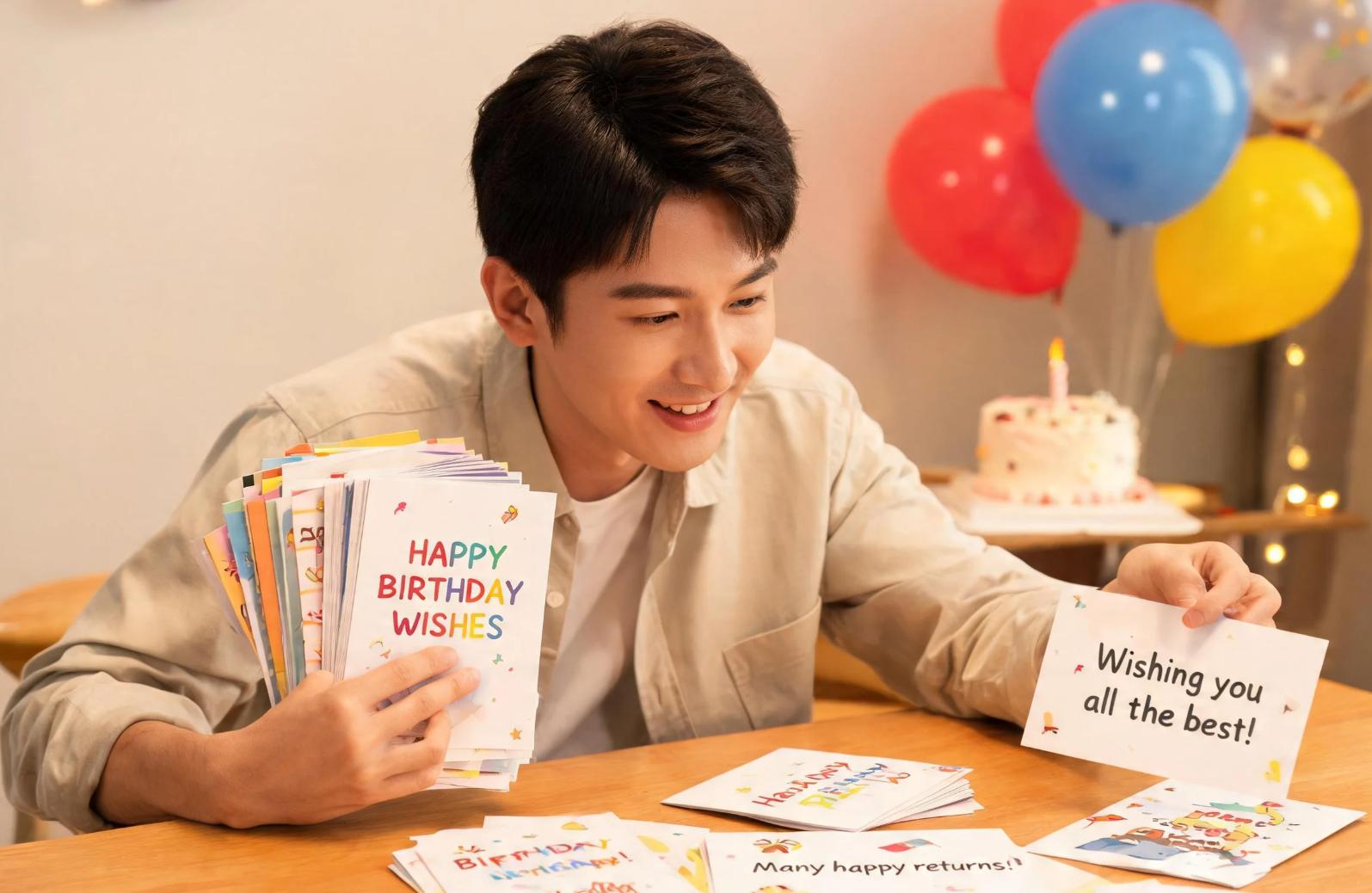
First things first: you need to actually gather the clips. Reach out to the family, friends, coworkers, or old classmates you want in the video and tell them to record a quick greeting. Tell them to keep it between 20 and 60 seconds.
Give them a few incredibly basic ground rules before they hit a record. Tell them to stick to one orientation, either portrait or landscape, so the final edit doesn't constantly jump around.
Step 2: Create a simple script or structure
Don't just start dumping clips into a timeline and hope for the best. Deciding how the video should actually flow before you touch an editing app makes the whole thing feel way less clunky.
Mapping out the sequence ahead of time makes the actual editing process so much smoother. It gives you a roadmap, and honestly, it keeps the final video from feeling like a random, disjointed mess that people want to skip through.
Step 3: Collect photos and videos
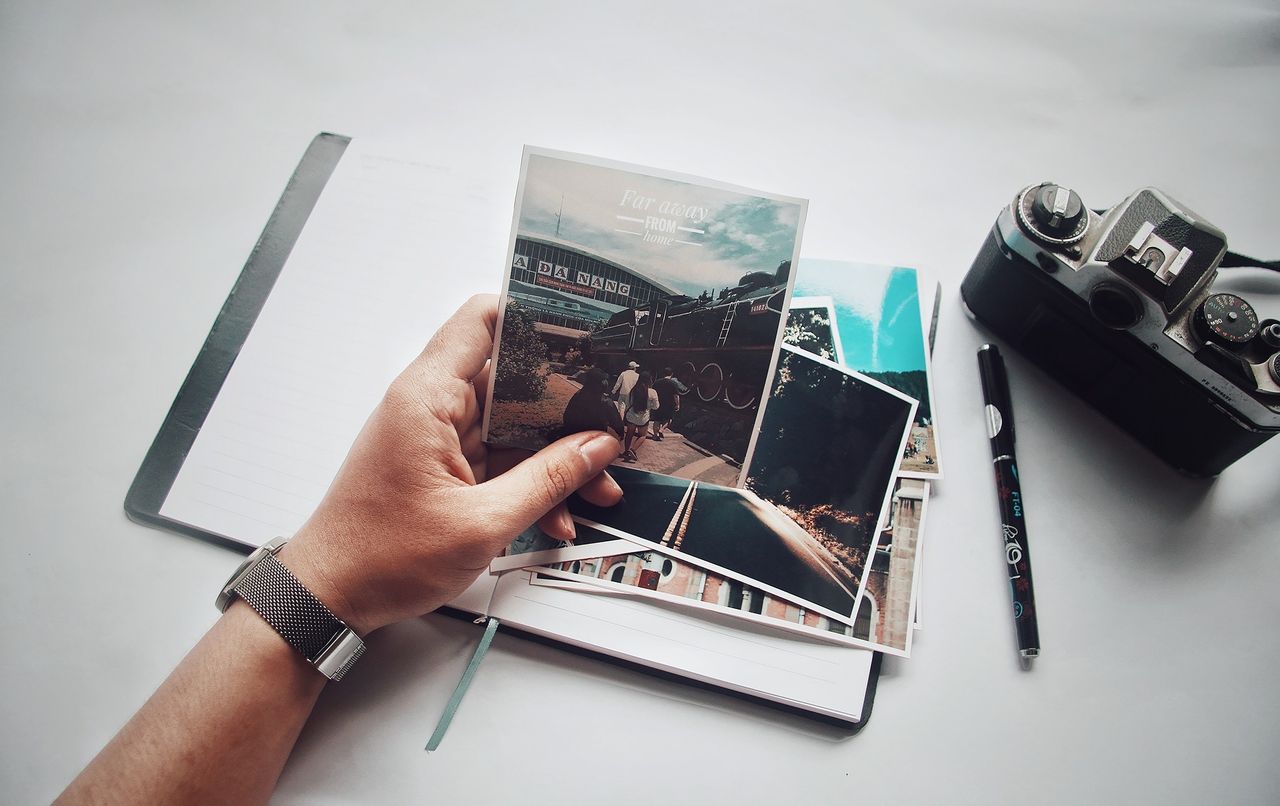
Go hunt down the photos and video clips that actually mean something; the ones that show the highlights of their life. Take their old childhood snapshots, vacations, big life achievements, family dinners, and all those hilarious candid photos that they probably forgot existed.
Try to use high-resolution images where you can. Clear pictures just look better on a big screen. For the video clips, keep them short and make sure you can actually hear what's happening over the background noise.
Step 4: Record high-quality video clips
Good video doesn't require a cinema camera, but low-quality footage can weaken even a strong message. Record at least 1080p with a stable frame rate (30fps is usually fine) to keep footage sharp and consistent across devices. Make sure the phone is steady; use a tripod or a solid surface and keep the camera at eye level for a more natural, engaging perspective.
Encourage contributors to speak naturally instead of reading word-for-word. A simple bullet-point outline works better than a full script, helping maintain a conversational flow. It also helps to pause briefly between thoughts; this makes editing easier and improves clarity in the final cut.
Step 5: Edit everything together
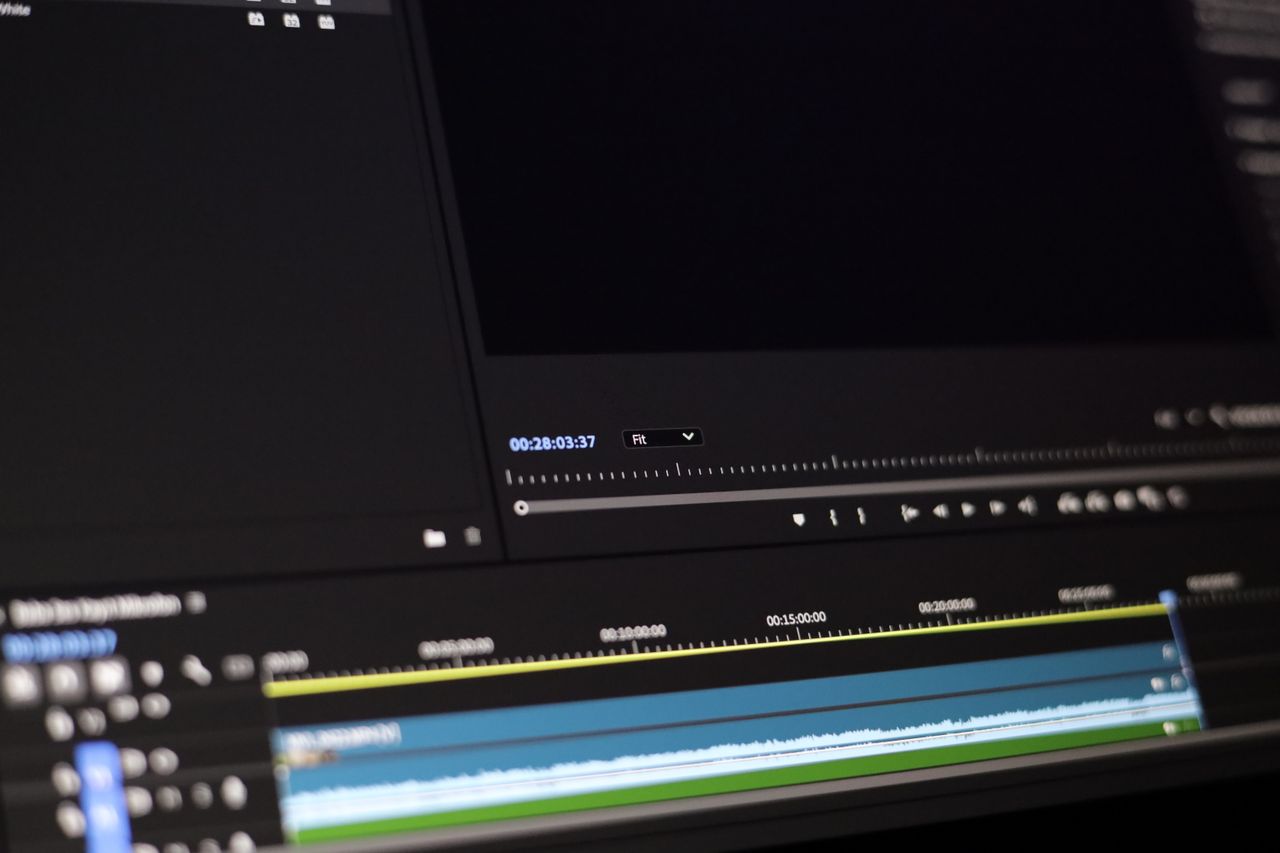
Once you've finally badgered everyone into sending their files, you can actually start building the thing. Drop the clips into your timeline in the order you planned, and cut out those awkward three seconds at the start of every video where people are just staring at the screen, deciding if it's recording yet. Go ahead and add some clean transitions, background music, text captions, and your photo slides to smooth the whole thing out.
Step 6: Review and share
Before you hit export, sit down and watch the entire thing from start to finish. Pay extra close attention to the audio levels. There is nothing worse than background music that completely drowns out what someone is saying. Once you're actually happy with how it looks, export the file in a high-quality format.
How you deliver it is up to you. You can send it directly over email, drop it in a group chat, upload it to cloud storage, or post it on social media. But honestly? If you can, play it on a big screen during their actual birthday party or on a group video call. Watching their faces while they watch the video is the best part.
Make things easier: Try Vmake Labs for a unique birthday video message
You really don't need to waste hours fighting with complex editing software or have a background in video production to make something great. Vmake Labs AI video generator handles heavy lifting by using AI to turn your random photos, text ideas, and clips into a personalized birthday video without all the usual technical friction. It takes just a few steps to put it together. Whether you're trying to build a deeply sentimental tribute for a family member or just want to whip up a quick, fun surprise for a friend, this AI clip maker pretty much streamlines the whole messy process.
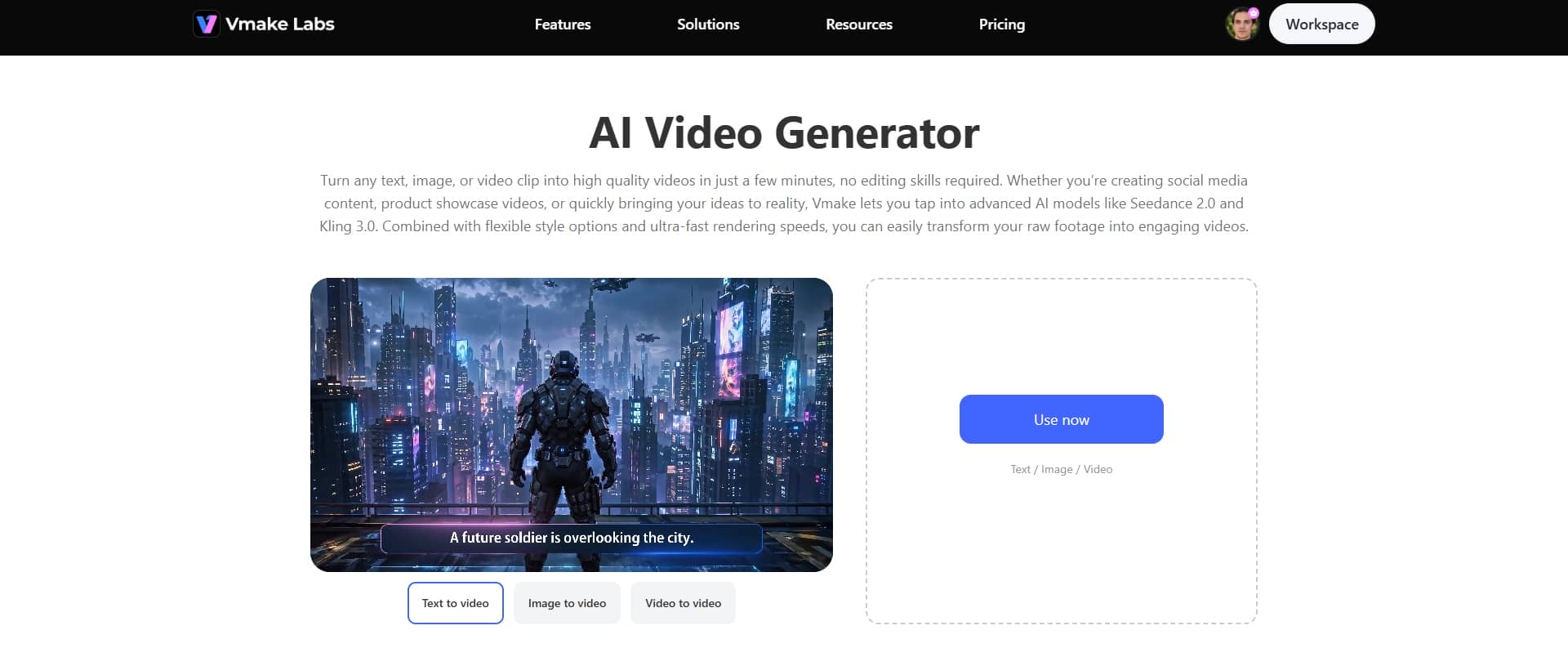
Key features
-
AI Avatar videos
If you're putting together a birthday message but don't want to record yourself on camera, Vmake Labs lets you use AI avatars to deliver the wishes instead. You can pick a digital presenter to say your birthday message, which is especially useful for surprise videos or when multiple people can't physically record together but still want a unified greeting.
-
Image-to-video creation
For birthday projects built around memories, this feature turns your photo collection into a cohesive birthday story. Instead of sending static images, you can upload childhood pictures, past celebrations, or group selfies, and Vmake Labs transforms them into a flowing birthday montage that feels more emotional and engaging than a simple slideshow.
-
High-resolution output
Once your birthday video is ready, you can export it in high resolution, so it looks polished when played on TVs, phones, or shared on social media.
Step-by-step guide
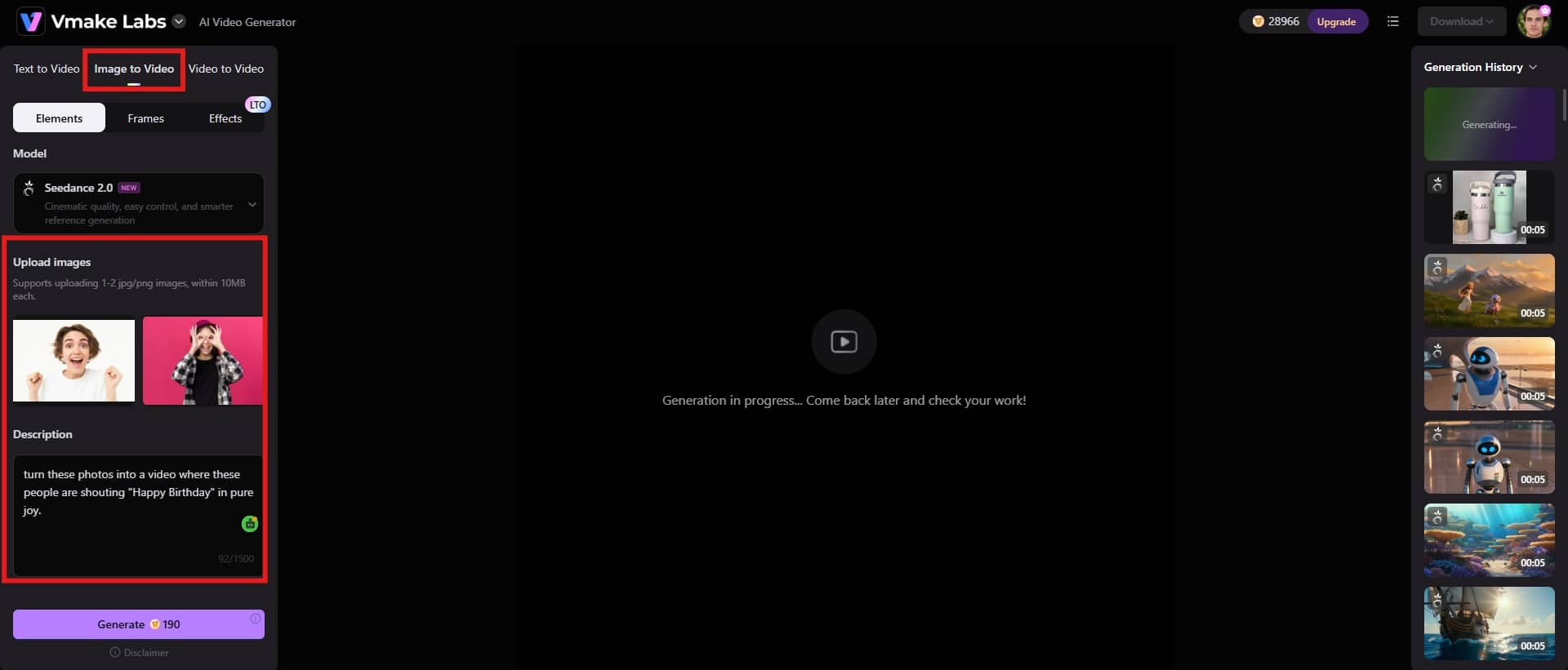
Step 1: Add your content idea
Start by clicking on the "Image to video" option right at the top of the page. From there, you'll upload your reference photo and type out a text prompt to tell the AI exactly what you want it to do.
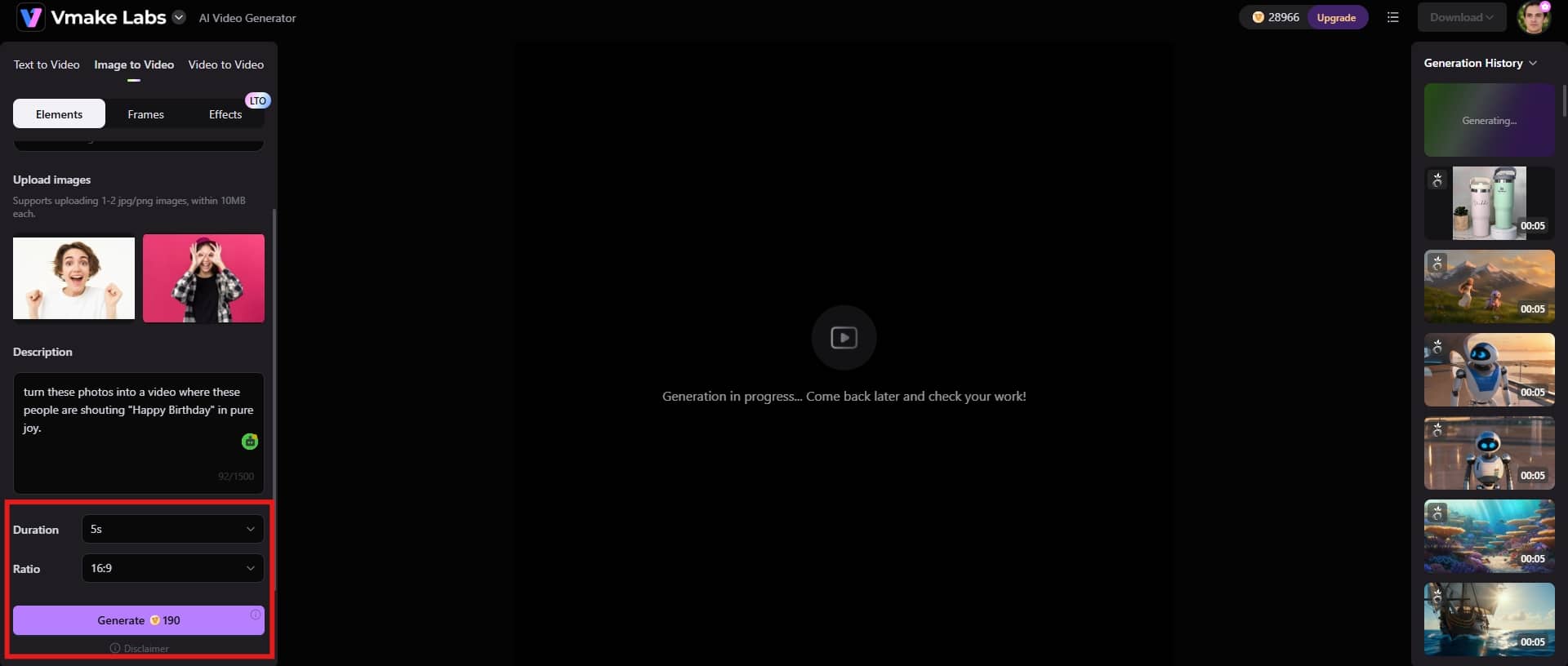
Step 2: Adjust settings & generate
Next up, you can tweak the actual length of the final video so it fits your pacing. You'll also want to pick the right aspect ratio based on where you're actually planning to post or play the thing. Once those settings look good, go ahead and hit "Generate" to kick off the rendering process.
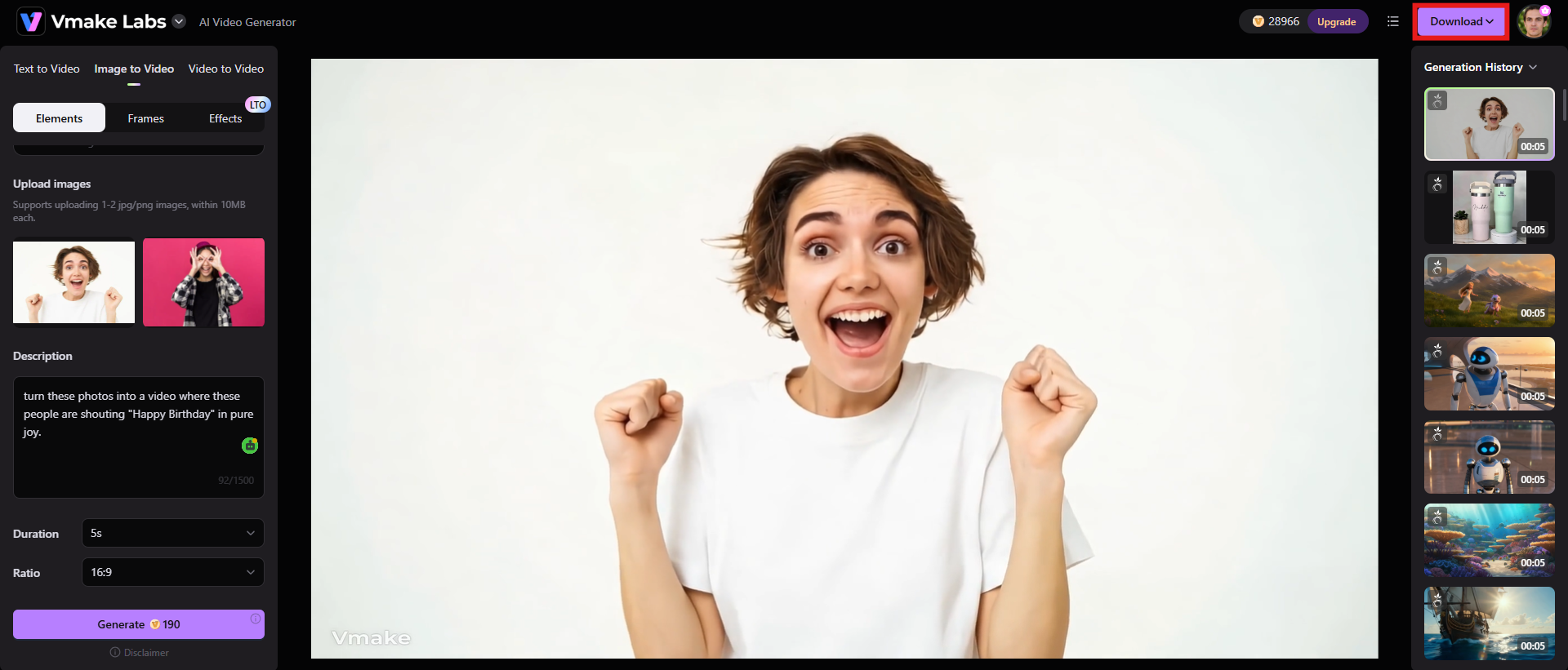
Step 3: Preview and download the video
Once AI finishes building the video, make sure you actually sit down and watch the preview all the way through. It's a lifesaver for catching weird visual bugs or glitches before you send it out. If the clip looks solid, just hit the "Download" button at the top of the screen to save it.
Tips to make your Happy Birthday video message emotional
If you want to move past the standard, boring "hope you have a great day" format and create something that actually leaves an impact, you just need to focus on a few small, thoughtful shifts.
-
Add subtitles for clarity and emotion
Subtitles help make birthday messages more accessible and emotionally clear, especially when videos are watched on mute or in noisy environments. Keep them short and well-timed, so they reinforce the spoken words rather than distract them. Using simple, clean typography also helps maintain focus on the message itself.
-
Maintain a consistent aspect ratio
Stick to one format, either 9:16 for mobile/social stories or 16:9 for widescreen viewing, so the video feels cohesive. Mixing orientations or resizing clips inconsistently can break immersion, while a uniform layout keeps attention on the people and memories being shared.
-
Use royalty-free or subtle background music
Choose soft, royalty-free tracks that support the emotional tone without overpowering the message. Light piano, acoustic guitar, or ambient instrumentals work well for birthday videos because they enhance warmth and nostalgia while keeping the spoken wishes front and center.
-
Keep transitions simple and intentional
Avoid overusing flashy effects or complex transitions. Gentle fades or simple cuts are usually enough to maintain emotional flow. Over-editing can feel distracting, while minimal editing helps the sincerity of the message come through more naturally.
-
Add personal stories
To be honest, nobody actually wants to sit through twenty different clips of people saying "Happy Birthday, hope you have a great day" on repeat. It's incredibly boring. Instead, tell a quick story that actually captures who they are or highlights the specific bond you two share. It could be a goofy memory from when you were kids. Or maybe it's a time when they completely had your back when you were going through a rough patch.
Conclusion
Building a birthday video message for someone is one of those projects that takes a bit of effort but pays off completely. You don't need a massive budget or pro-level editing skills to pull this off. Honestly, the videos that actually make people tear up or laugh out loud are the ones built on inside jokes, real stories, and genuine, unscripted emotion. Whether you end up making a goofy compilation, a nostalgic trip down memory lane, or just a straight-up heartfelt tribute, it's that personal history that does heavy lifting.
If you're staring at a pile of media and realizing you don't have days to spend editing, that's where something like Vmake comes in handy. It speeds up the boring parts of the process. It turns flat photos into video clips, and exports the whole project in high resolution.
FAQs
How long should a birthday video message be?
The sweet spot for a birthday video is right around 2 to 5 minutes. Anything longer and people honestly start checking their phones. That window gives you just enough room to weave in some genuine messages, a quick story, and a couple of photos without the whole thing dragging. If you're pulling together a group video with a bunch of different people, you have to be strict. Tell everyone to keep their segment between 20 and 60 seconds.
What should I say in a birthday video message?
Don't overthink the script. Start with a simple, warm birthday greeting to break the ice. From there, just talk about a favorite memory you two share, something you genuinely appreciate about them, or a trait they have that you've always secretly admired. When you're ready to wrap up, keep it simple. Wish them a genuinely great year ahead, full of happiness, good health, and success.
Can I create a birthday video message for free?
You absolutely can. Plenty of online editors and phone apps have free tiers that give you exactly what you need to stitch together photos, old video clips, text, and music. Their free versions are usually more than enough if your goal is just to make something thoughtful and personal. You don't need to spend money to make a great gift.
How do I collect video messages from multiple people?
The simplest approach is to just have everyone film a quick clip on their smartphones and send it over. They can text them to you, drop them in an email, or dump them into a shared cloud drive folder. Before anyone actually hits a record, send out a few basic ground rules. Tell them exactly how long the clips should be, remind them which way to hold the phone, mention recording quality, and set a hard deadline for submissions.
What type of music works best for birthday videos?
You want to pick music that actually matches the vibe of the footage and who the person is. If you're building something for a loud, high-energy party, go with an upbeat track. On the flip side, if you are making a more sentimental tribute video, the kind meant to make people a little teary-eyed, soft instrumentals or a slower melody will work much better.
Can I make a birthday video message using AI tools?
You can, absolutely. AI video tools, like Vmake Labs, have gotten to the point where they actually take a lot of the headache out of the process, especially if you're trying to build something from a basic text prompt, a handful of photos, or some random footage you have lying around. The main benefit here is speed. Instead of spending hours staring at a complicated timeline, you can lean on AI to pull together a clean, professional-looking clip in a fraction of the time.

You May Be Interested
Best AI Video Generator: Top Tools Tested (2026)
25 Father’s Day Card Ideas Every Dad Will Love
Best Faceless YouTube Channel Ideas to Grow Faster