
Free AI 1080P to 4K Converter: Upscale Any Video to 4K
Your 1080P footage isn't stuck in the past. Convert low-resolution footage with Vmake Labs AI-powered 1080P video to 4K converter. Vmake Labs rebuild missing detail, sharpen edges and improve texture quality for clean, true 4K output. Try it now for free!

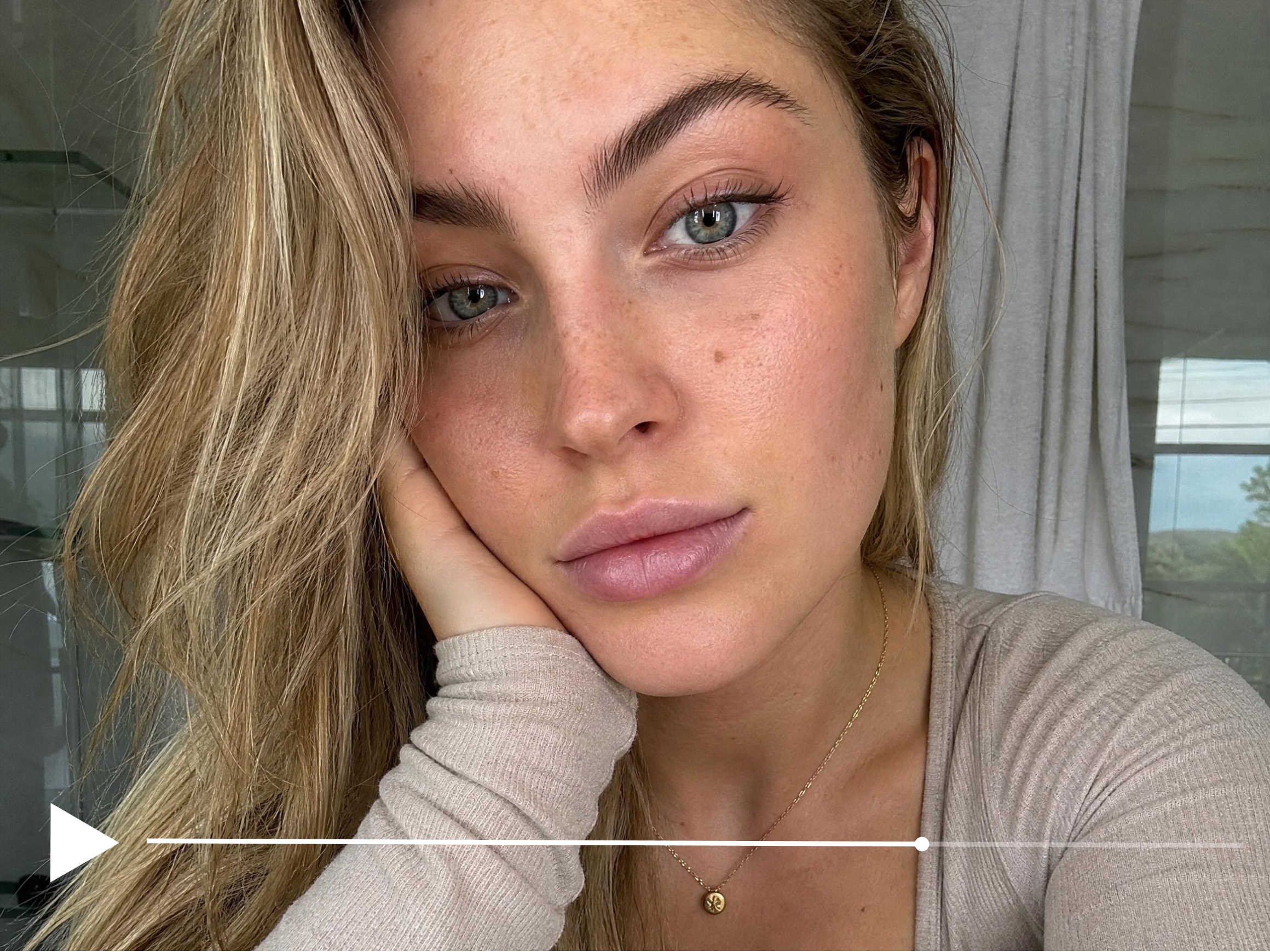


How to convert 1080P to 4K in 3 steps
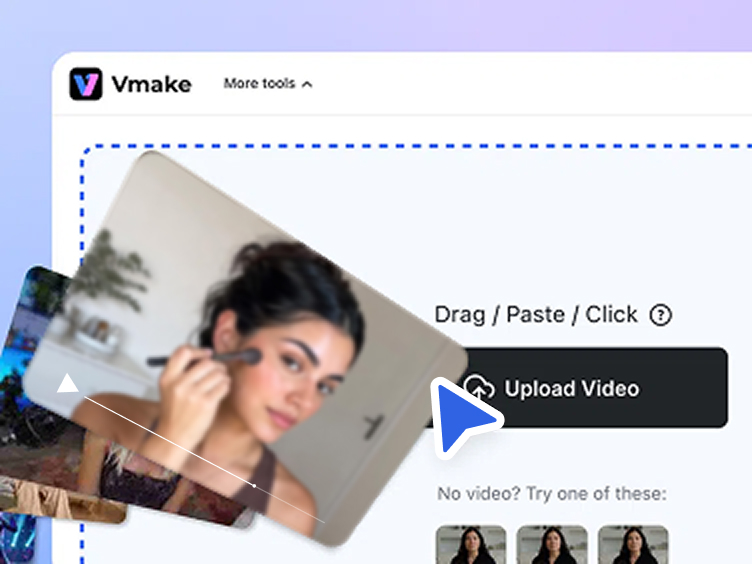
Upload your 1080P video
Import your 1080P video into Vmake Labs or drag it directly into the workspace. Most common formats upload instantly without preparation.
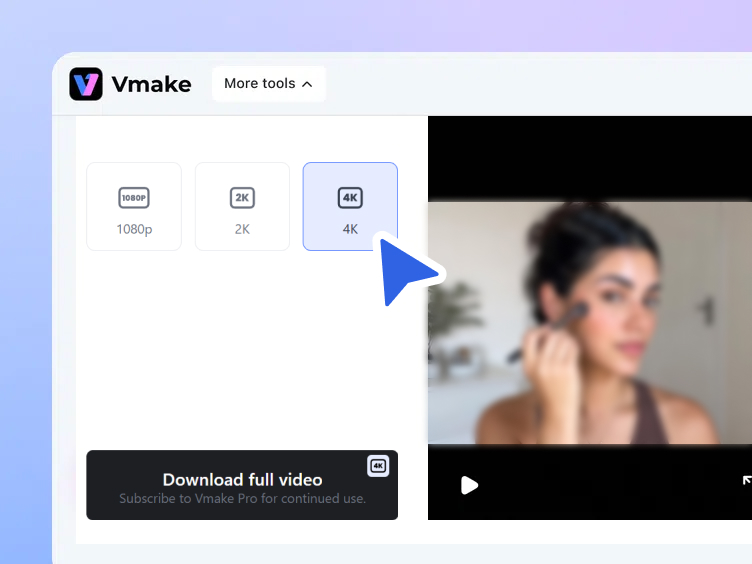
AI converts to 4K
Select 4K. Vmake Labs automatically analyzes each frame and reconstructs the pixel detail that should be present at 4K.
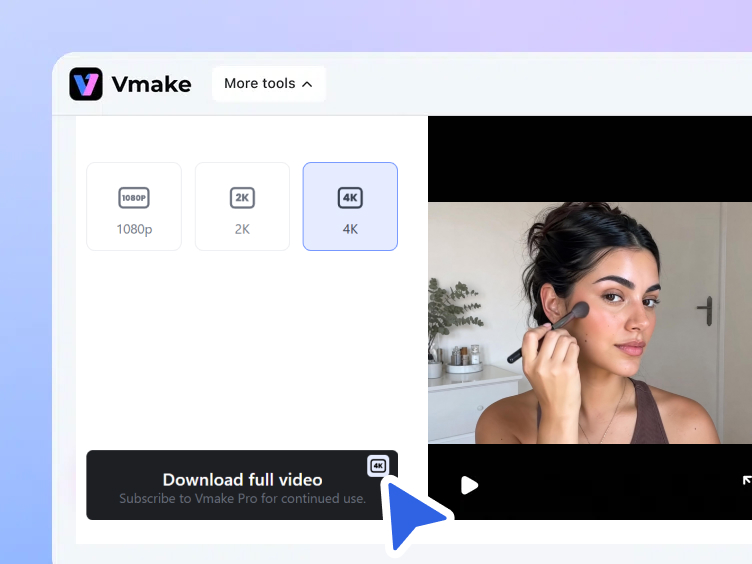
Download your 4K video
Watch the enhanced 4K result before downloading the finished file. Every export is watermark-free and ready for publishing.
When to convert 1080P to 4K
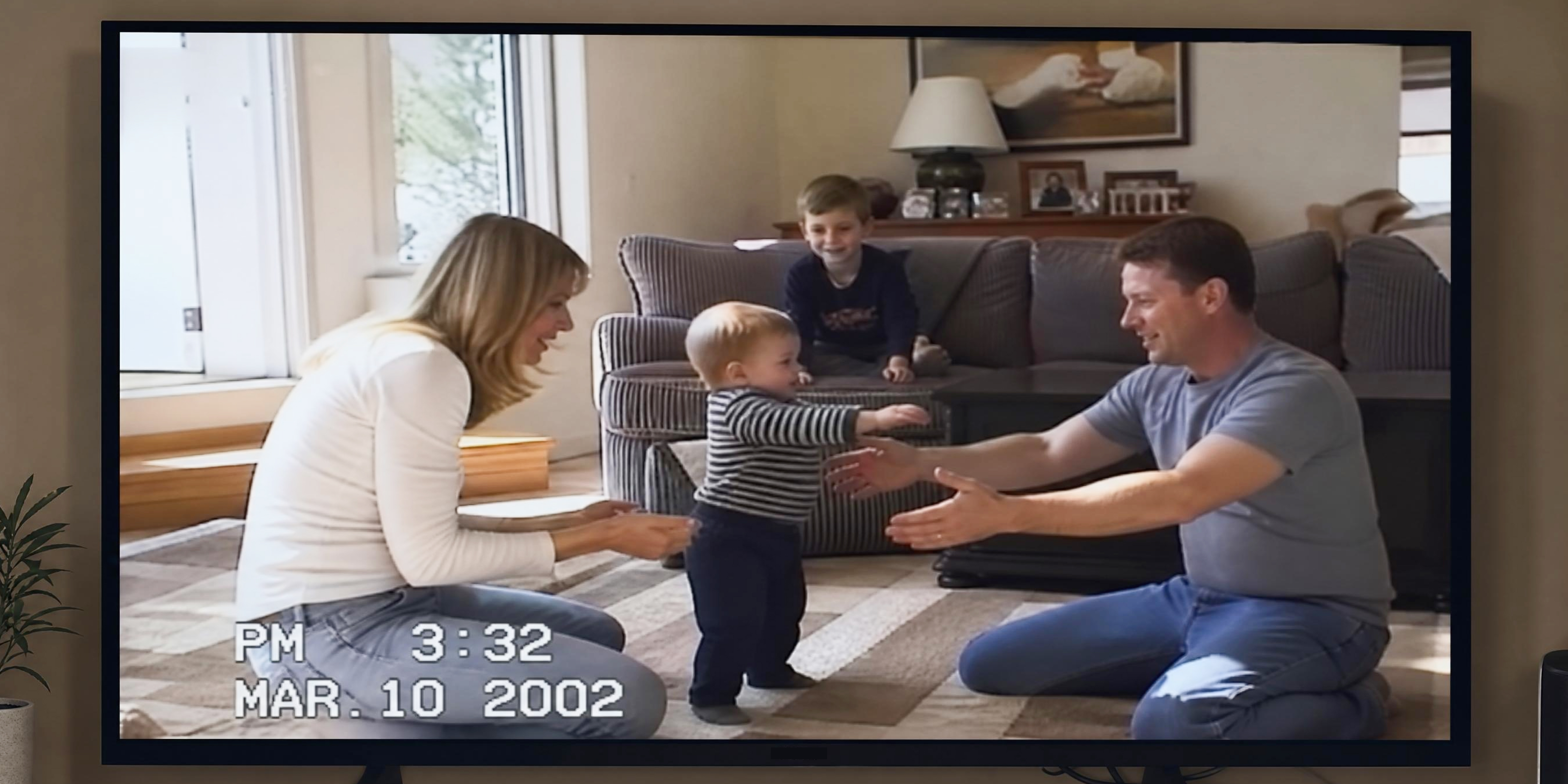
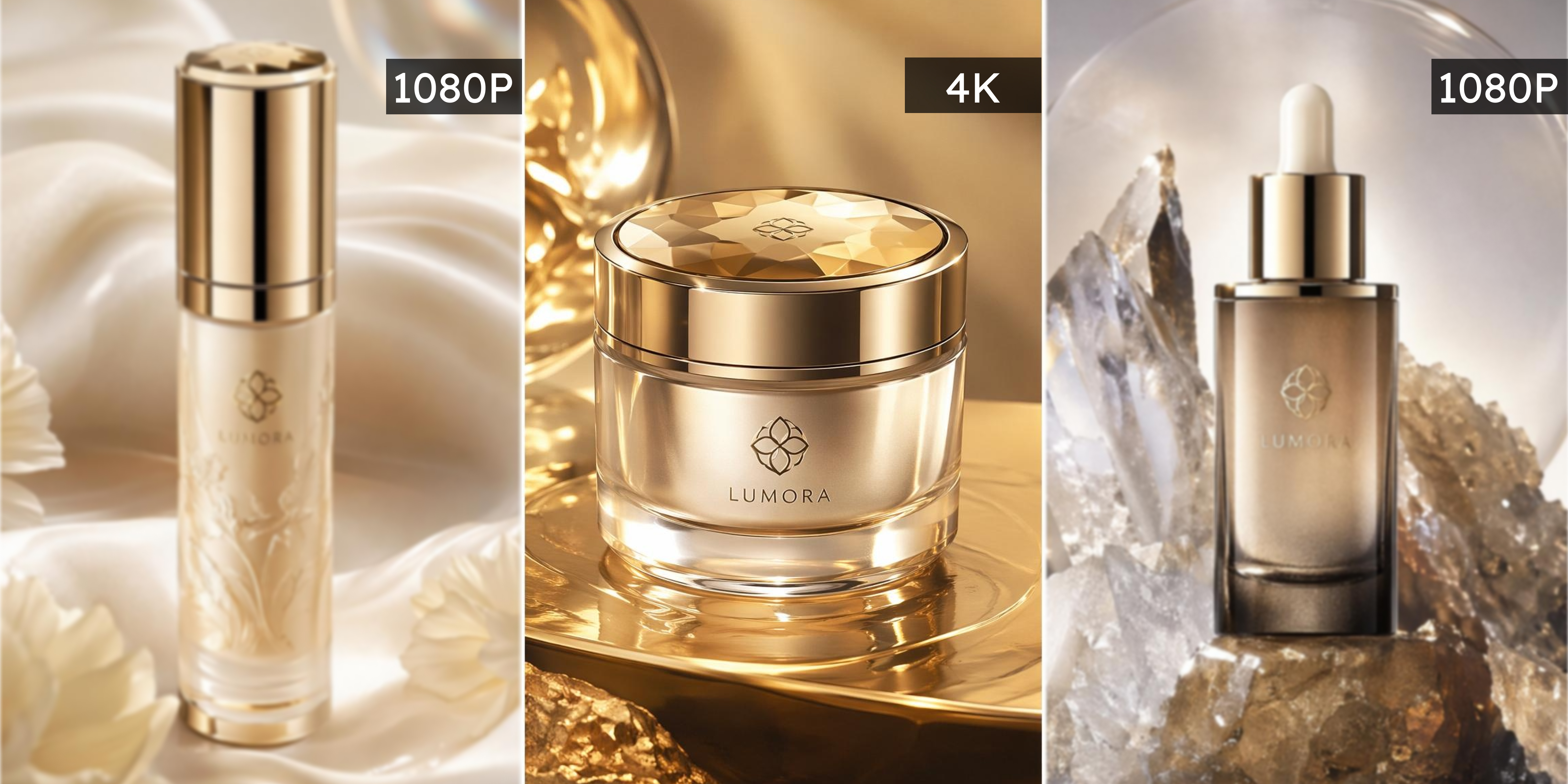
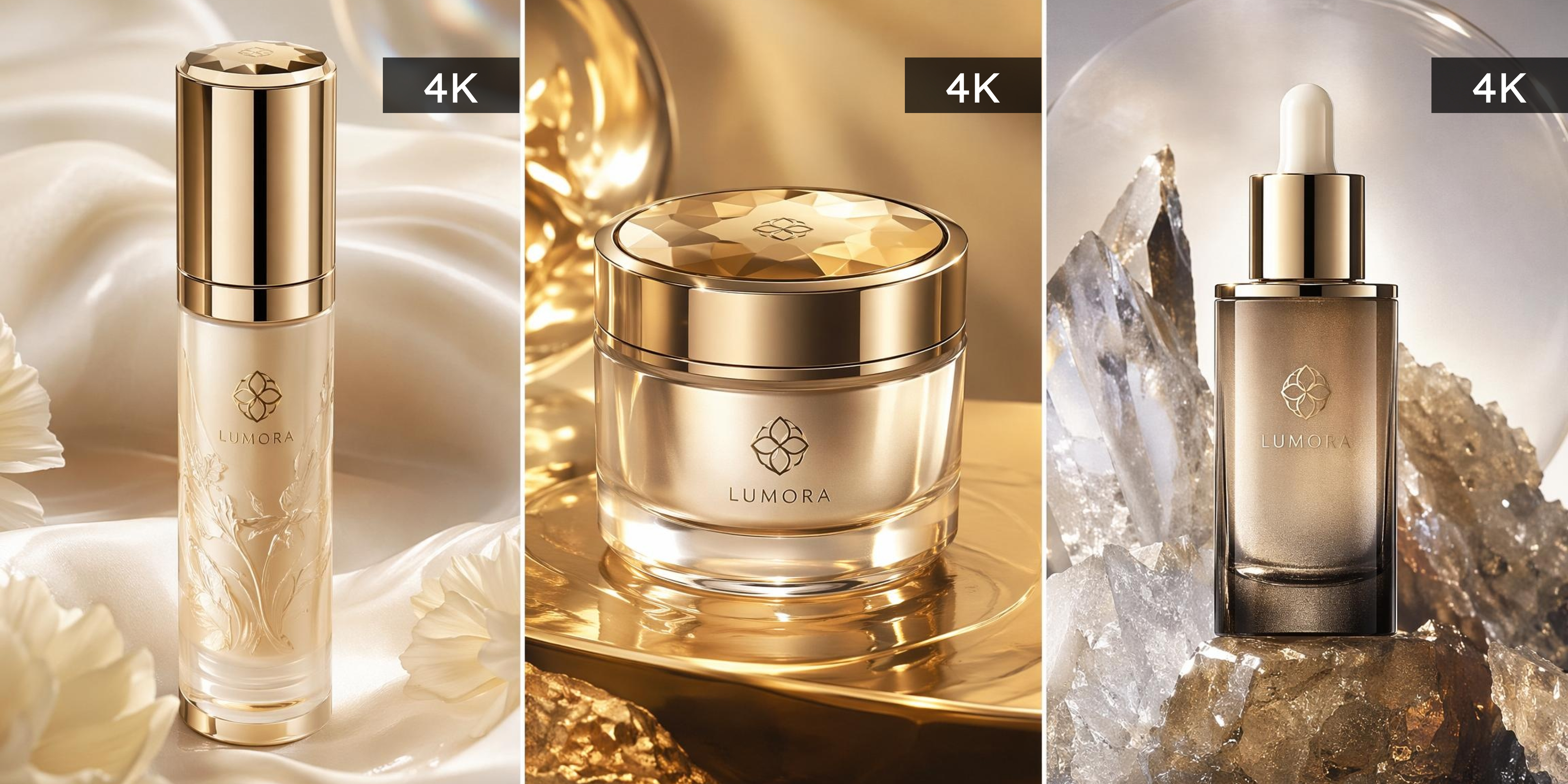

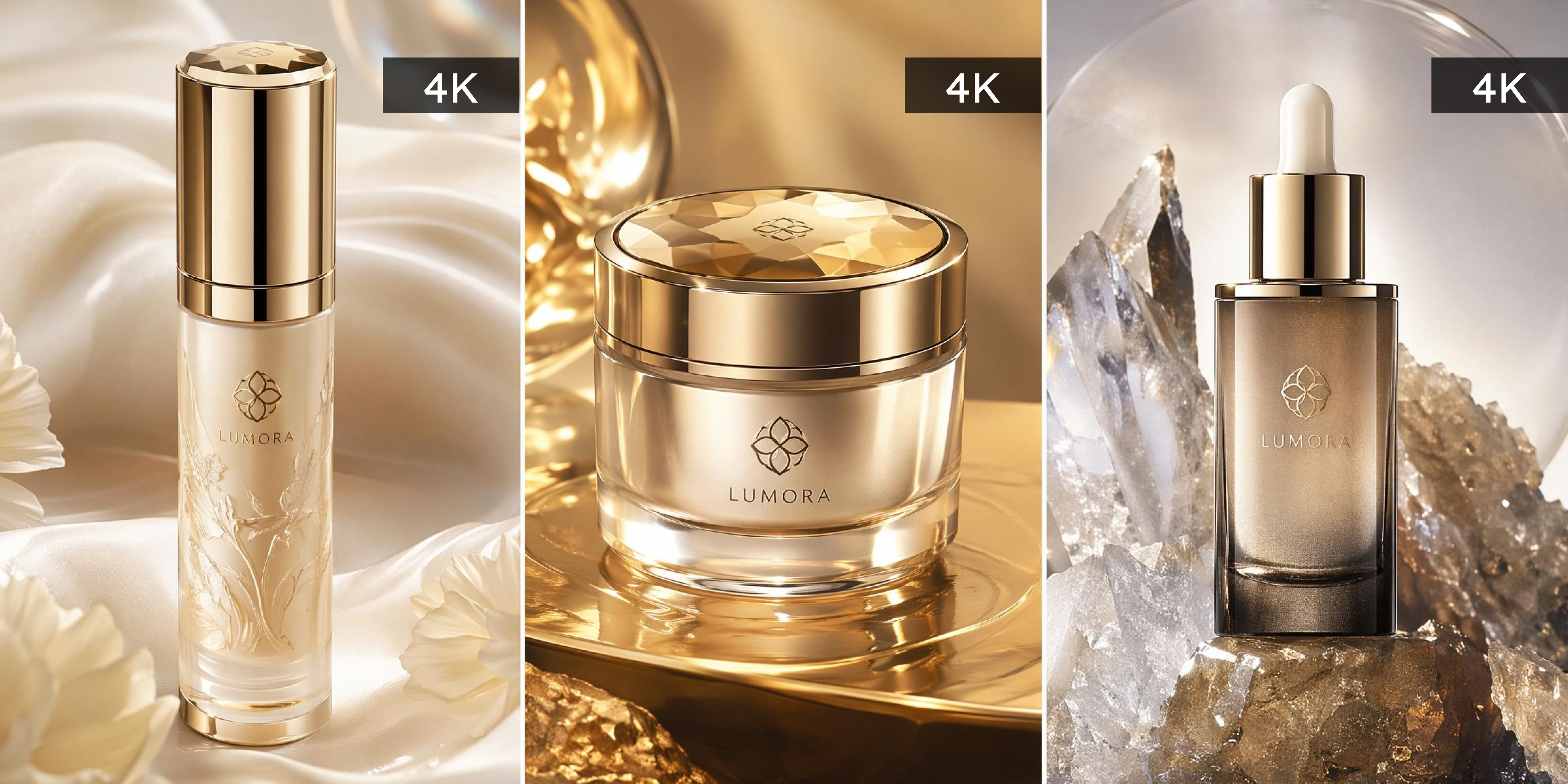
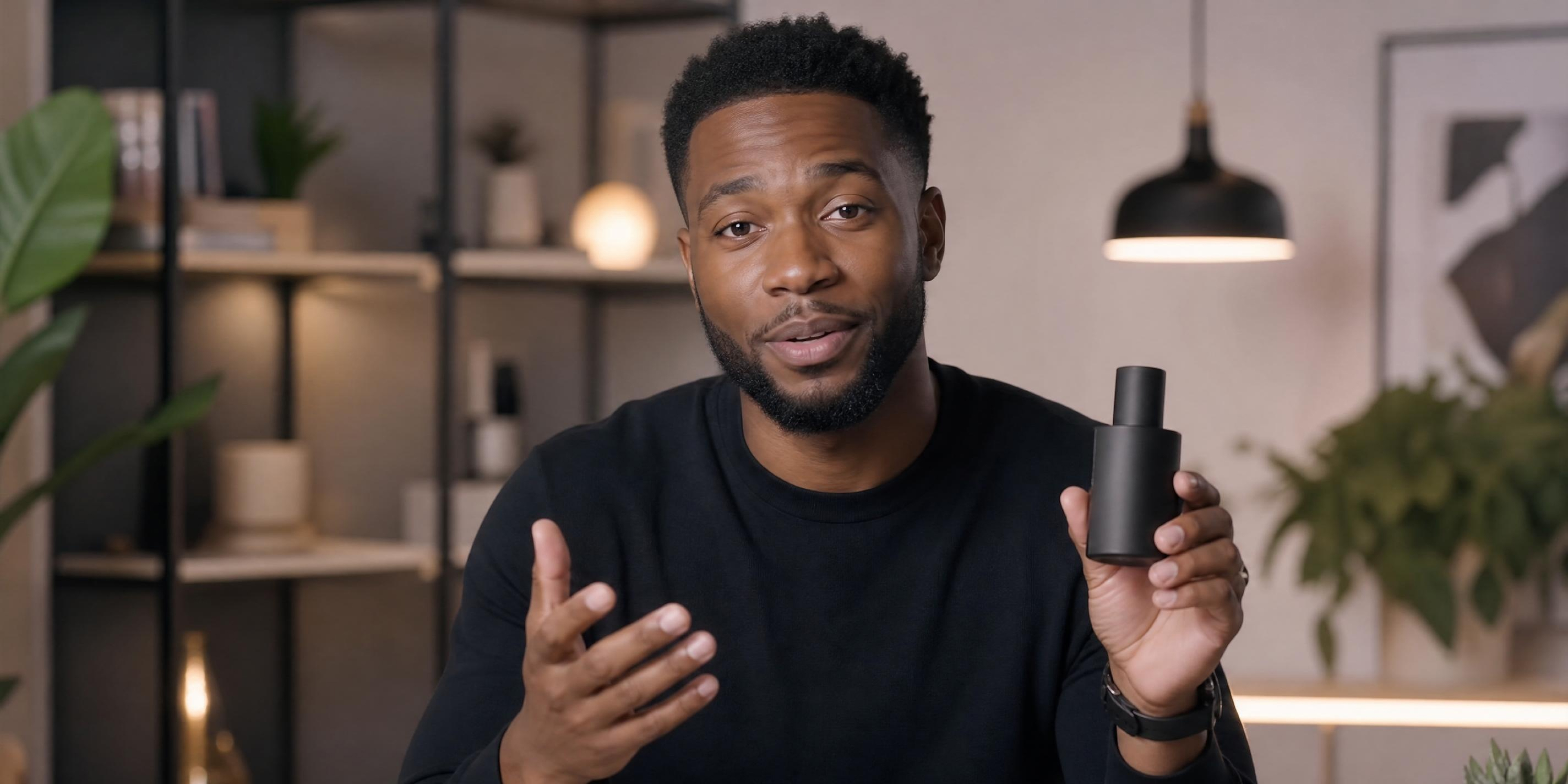
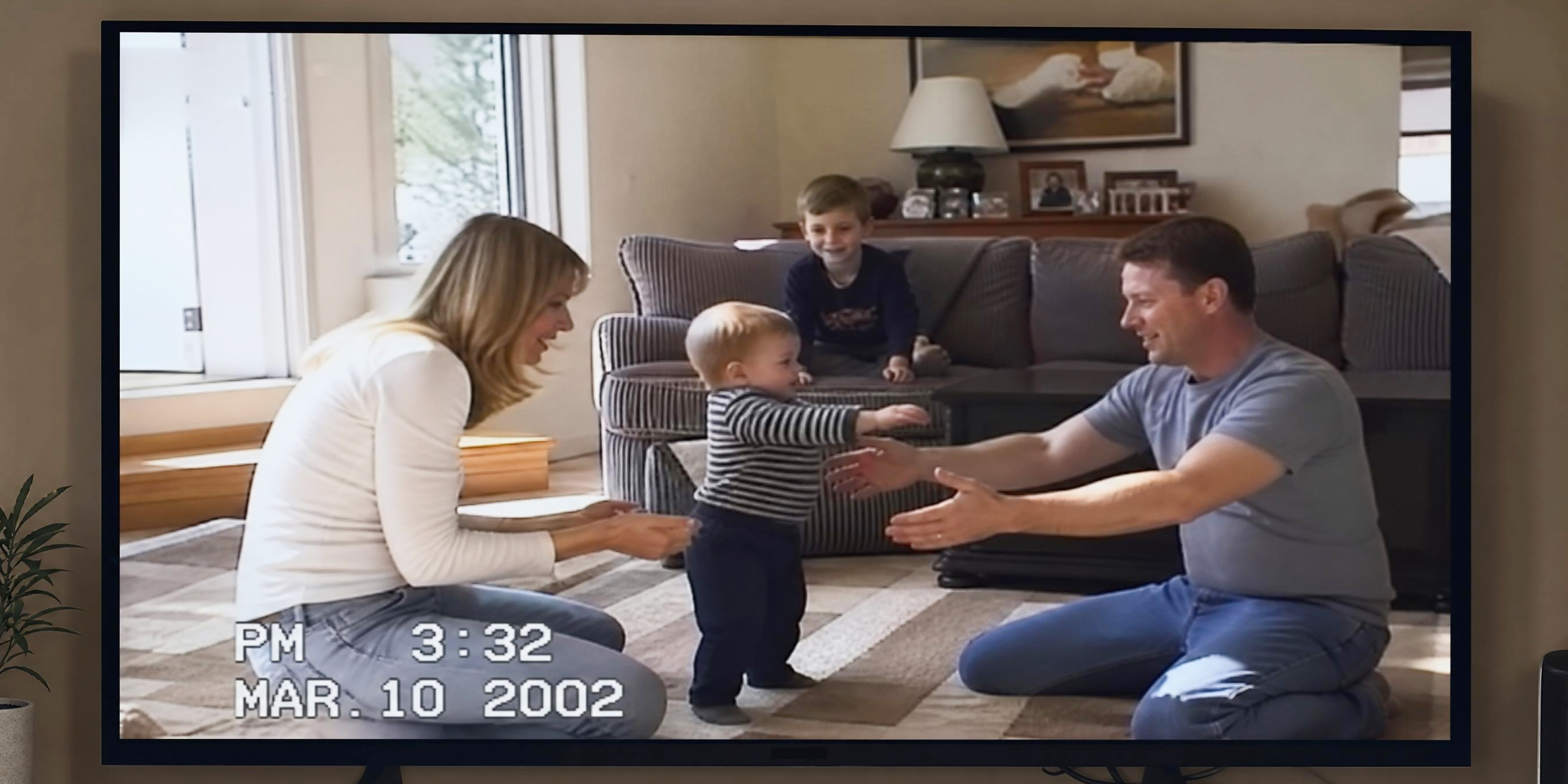
Why converting 1080P to 4K with Vmake Labs works
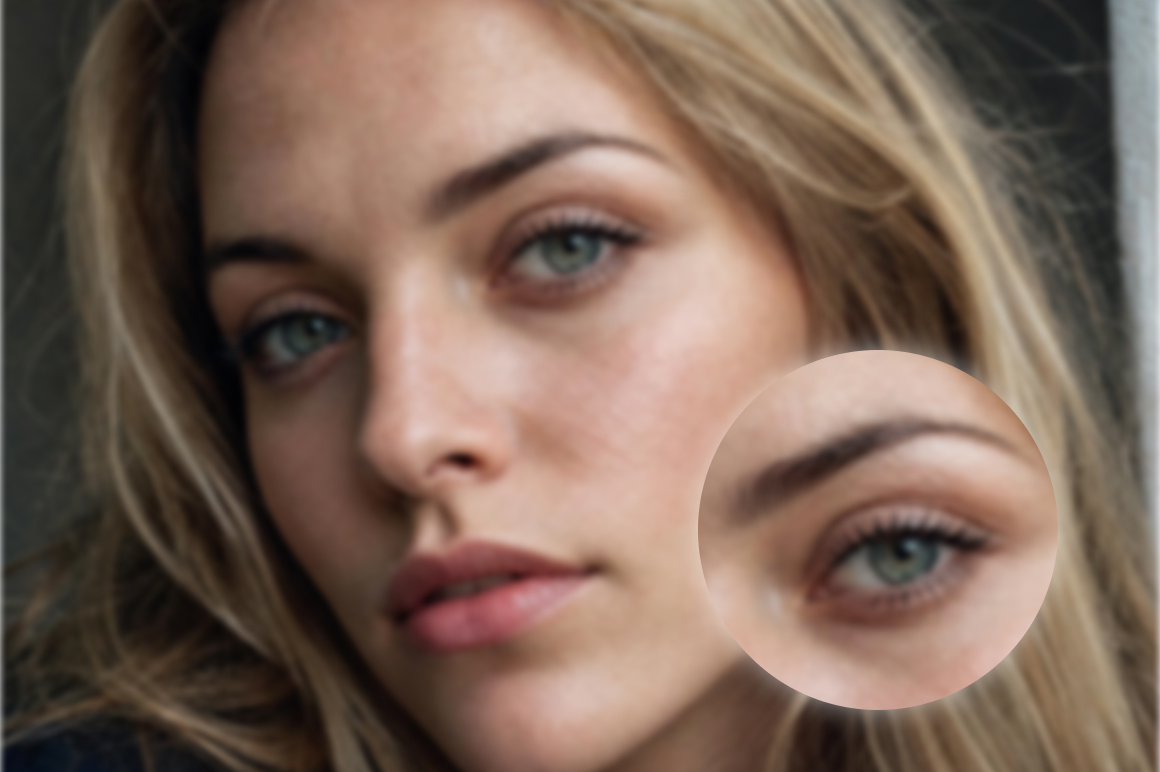
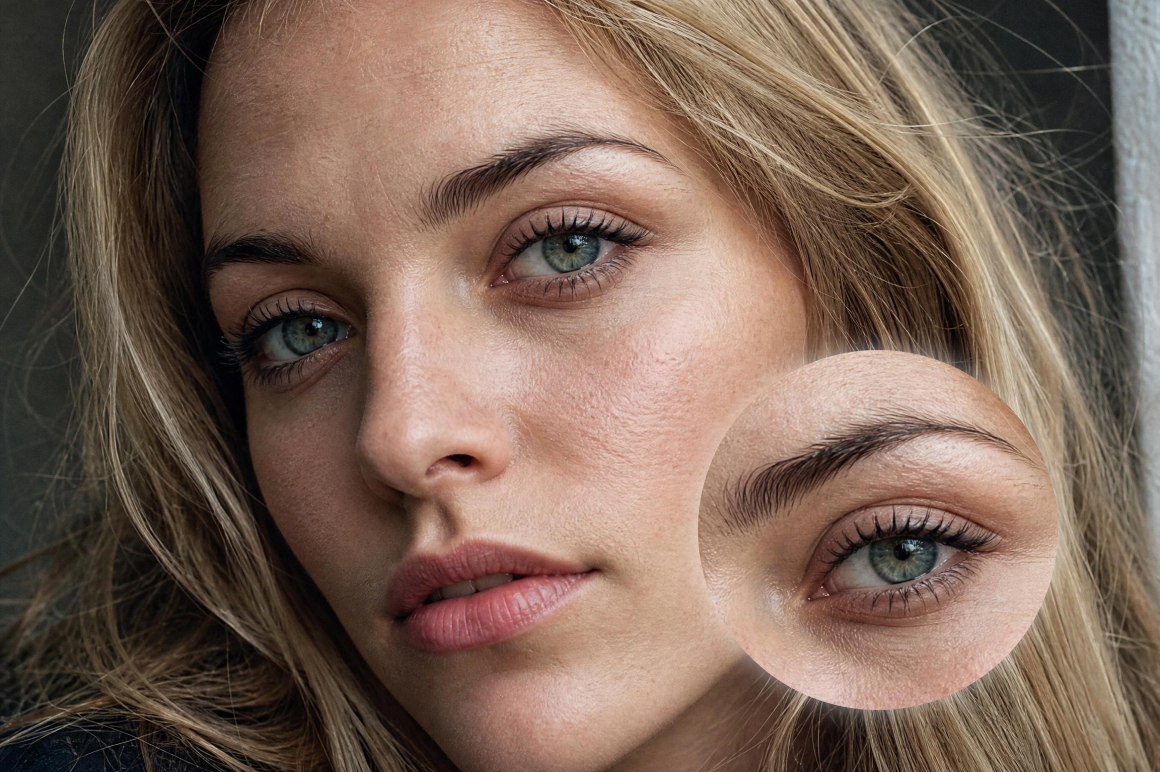
Real pixel reconstruction
Upscaling is not just enlarging the image. Vmake Labs analyzes and rebuilds actual pixel detail during the 1080P to 4K conversion, so edges stay sharp, fine textures are preserved, and the final result looks like it was captured in 4K from the very beginning.

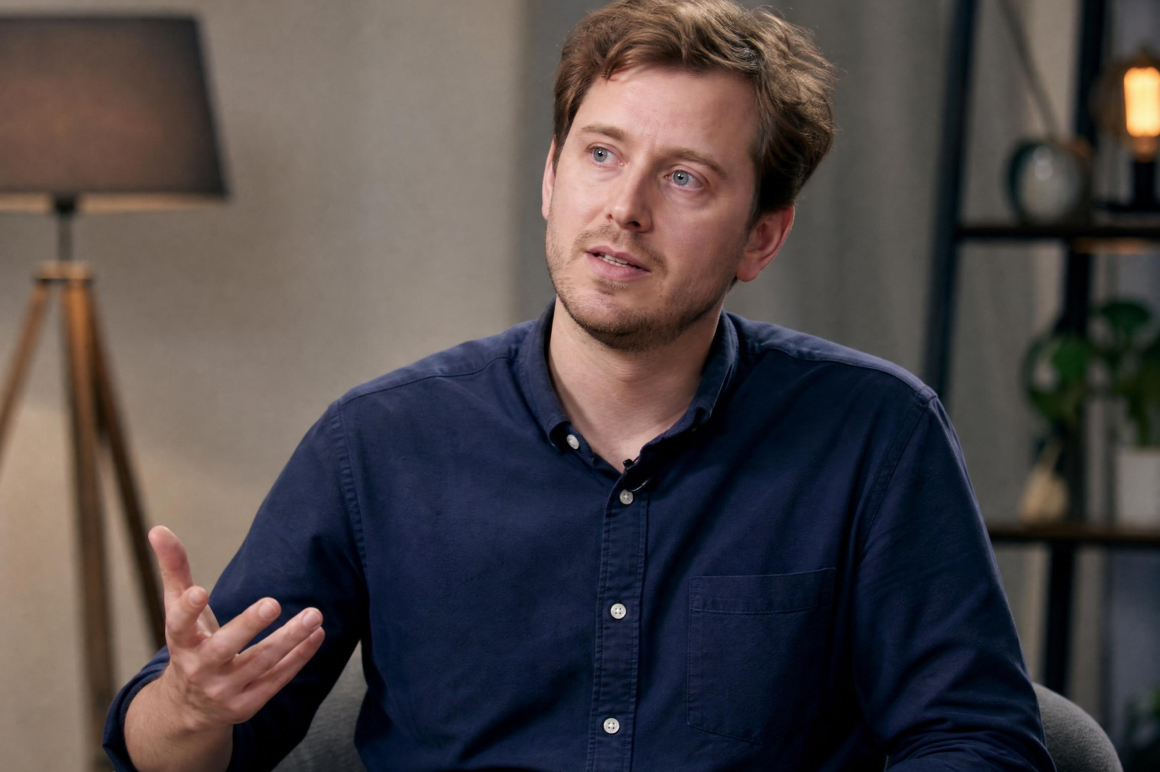
Your composition stays intact
Converting to 4K should enhance your footage, not alter it. Vmake Labs preserves your original framing, aspect ratio, and visual balance throughout the upscaling process, so every creative decision you made when filming comes through exactly as intended in the final export.
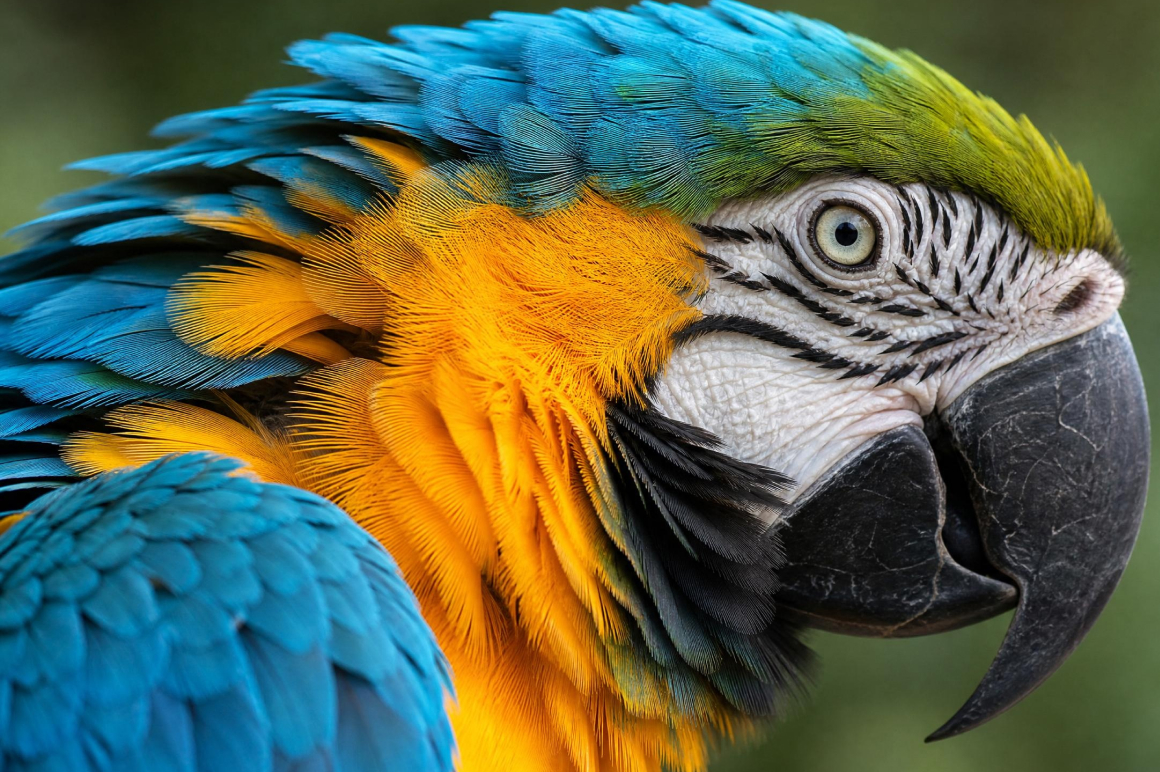
Natural detail recovery
Low-resolution footage loses detail that standard upscaling cannot recover. Vmake Labs uses AI to reconstruct natural textures, fine edges, and subtle gradients during the 1080P to 4K conversion, so the result looks enhanced without appearing over-processed or artificially sharpened.
Who uses Vmake 1080P to 4K converter
Content creators and YouTubers
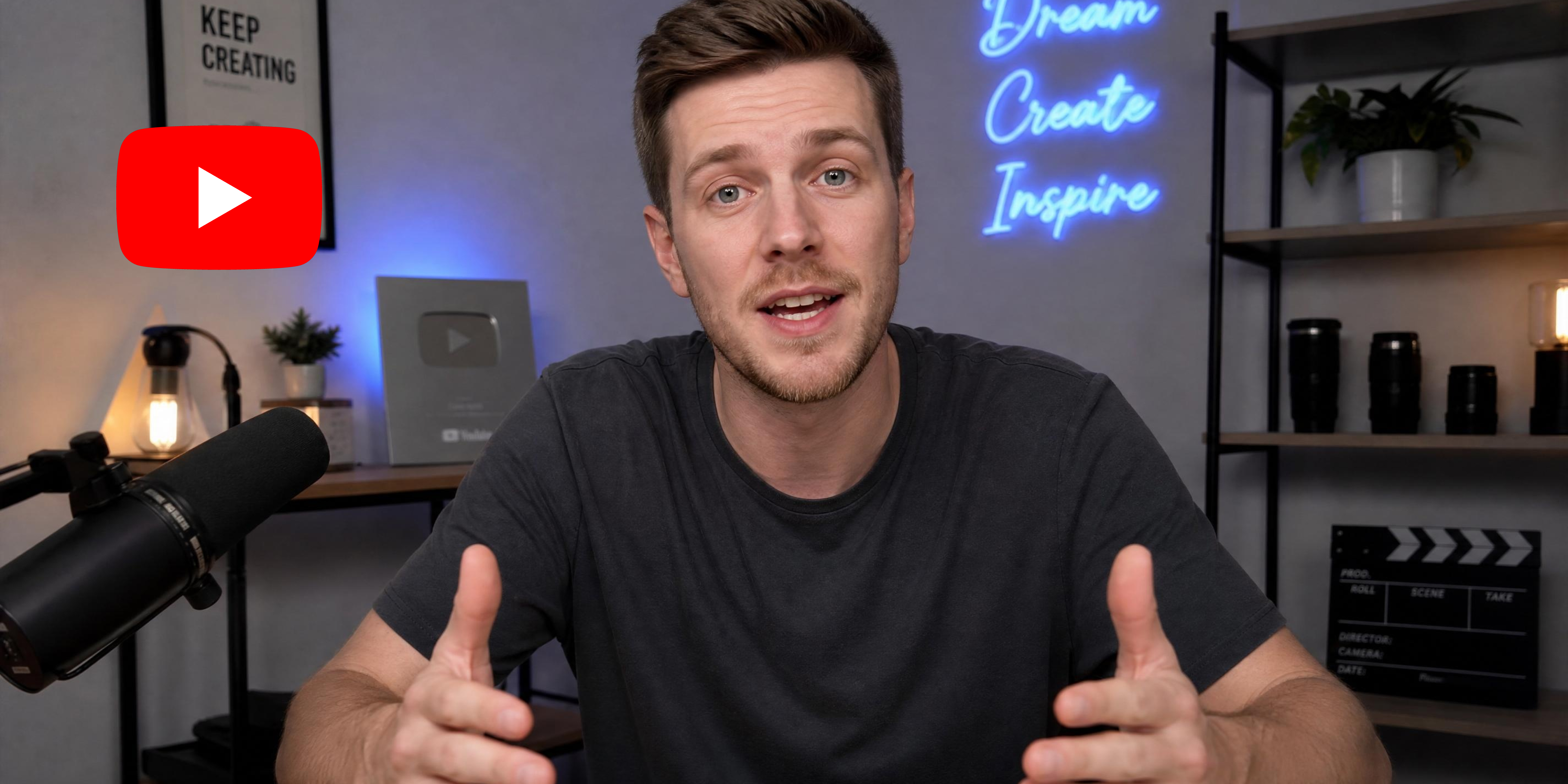
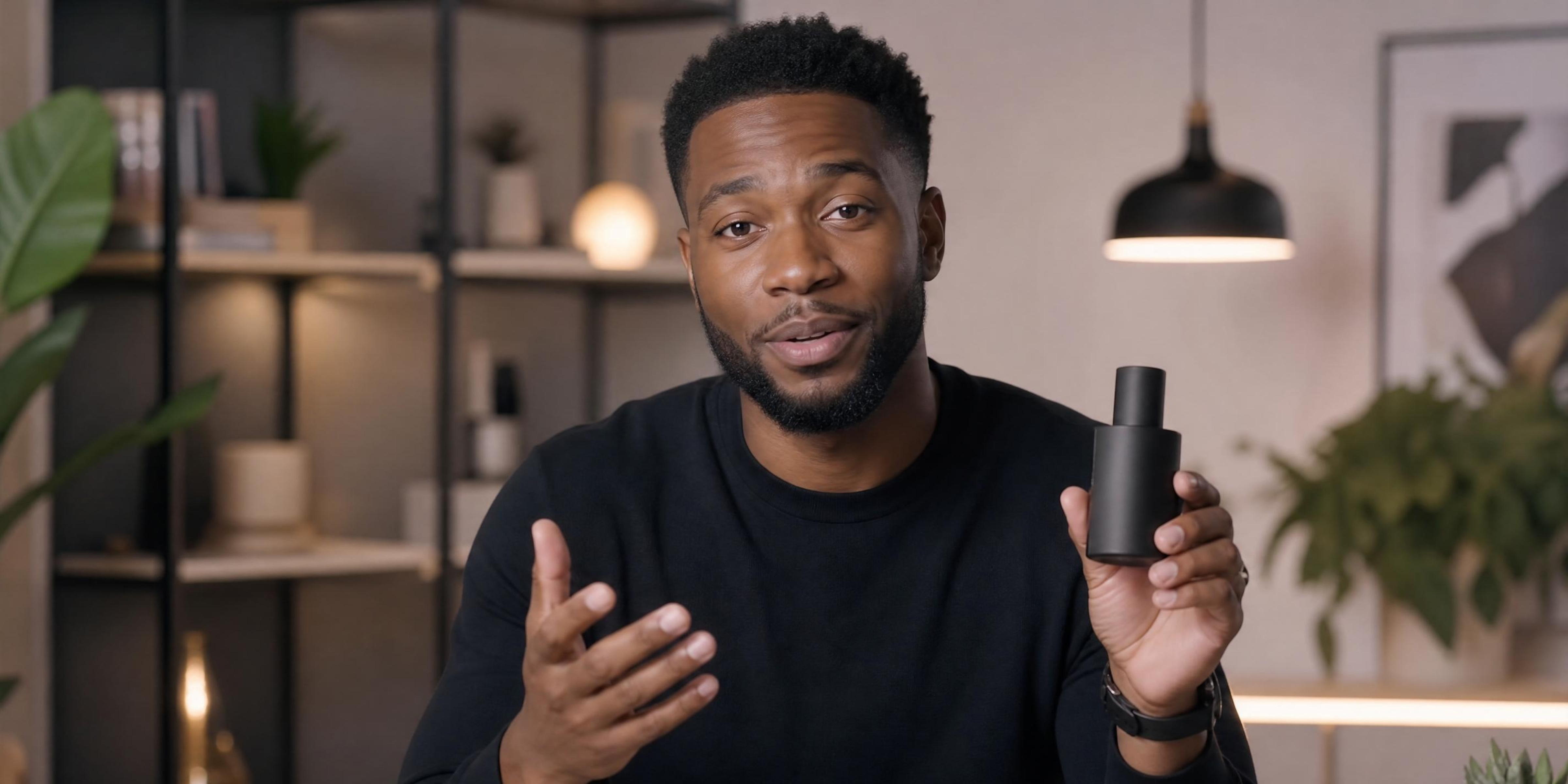
Footage shot on older devices or in non-4K resolution looks outdated on modern screens and loses viewer trust instantly. Vmake Labs upscales 1080P to 4K automatically, recovering natural detail so every upload meets the visual standard audiences expect today.

Video editors and post-production teams
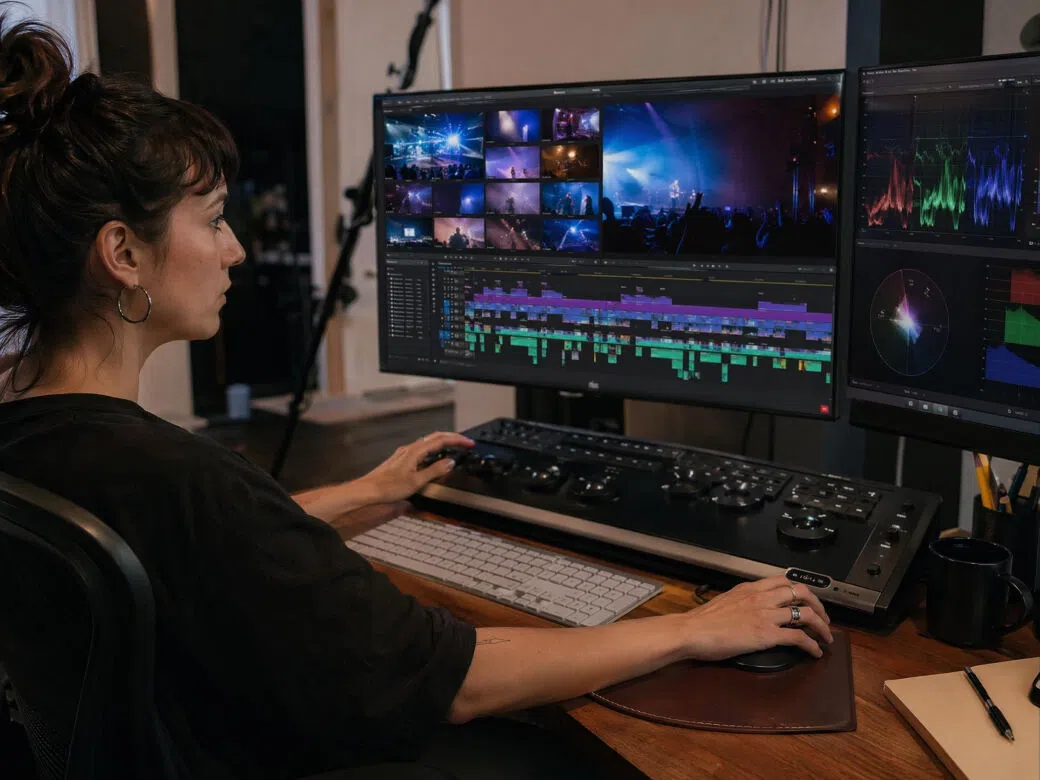
Mixed-resolution footage creates inconsistencies that slow down the editing process and complicate final delivery. Vmake Labs converts 1080P to 4K with natural detail recovery, bringing footage up to a consistent standard so timelines stay clean and exports are client-ready.
Marketing and brand teams
Low-resolution video weakens brand perception and underperforms on high-definition displays and social platforms. Vmake Labs upscales 1080P to 4K automatically, ensuring every campaign asset meets the visual quality that reflects your brand and captures audience attention.

Frequently asked questions
Can I convert 1080P to 4K?
Does Vmake Labs actually improve quality or just change the resolution?
Vmake Labs generates new pixel data based on the scene content in each frame. The output is sharper because the information is genuinely better.
Is the 1080P to 4K converter free?
Yes. Upload, convert, and upscale with AI for free. Full export uses credits. No watermarks on any export.
How long does conversion take?
Most short clips finish in under a minute. Processing runs on Vmake Labs cloud.
Are there watermarks on the 4K output?
No. Every export from Vmake Labs is completely clean at any plan level.
Why choose Vmake Labs 1080P to 4K converter

No software to download or install. Upload your video directly in the browser and Vmake Labs handles the 1080P to 4K conversion.

Export videos in clean 4K quality with sharp details and minimal quality loss. Great for social media, ecommerce, and marketing content.
See the upgrade before you export. Preview the 4K result directly in the browser before committing to the final download.
Discover More Features

Video & Image Enhancer

Watermark & Text Remover

Video Upscaler

AI Video Generator

Video Background Remover

Video & Audio to Text

Video Noise Reducer

AI Video Translator
Ready to convert your video to 4K?
Upload your 1080P video and let the AI reconstruct it at 4K resolution. Free to start!
What Our Users Say about Us
I used the 1080p to 4k video converter on product demo videos shot on older equipment. The sharpness improvement was noticeable and the client couldn't tell the difference between these and footage shot natively at 4K.
I convert all my screen recordings to 4K before uploading to our learning platform. The text and interface elements are clear and sharp on every screen size. No watermarks on the export, which matters when I'm sharing with students.
I was shocked at how fast this converts video. Vmake Labs is the best AI video tool I've tested for upscaling. It enhances video quality and the 4K output looks genuinely sharper, not just bigger.
I do e-commerce and this helps a ton for product videos. Converting 1080p footage to 4K made a visible difference in how our listings look compared to competitor content. Been using it since early 2025 and wouldn't change.
I started using Vmake Labs when it first came out and have loved it ever since. Fantastic tool for upscaling to 4K and the results consistently look sharper than the 1080p source. I've seen they added a bunch of features but I keep coming back to this one.
I generate clips with Kling and the output is always 1080p at best. Converting to 4K in Vmake before publishing adds the detail the model leaves out. It's become a standard step in my production process.