
Free AI HD Video Converter for 1080P, 2K and 4K
Convert low resolution, blurry, or old videos to HD online. Choose 1080P, 2K, or 4K output while Vmake Labs applies AI enhancement to improve clarity, edge definition, and visible detail before you download.



How to convert video to HD in 3 steps
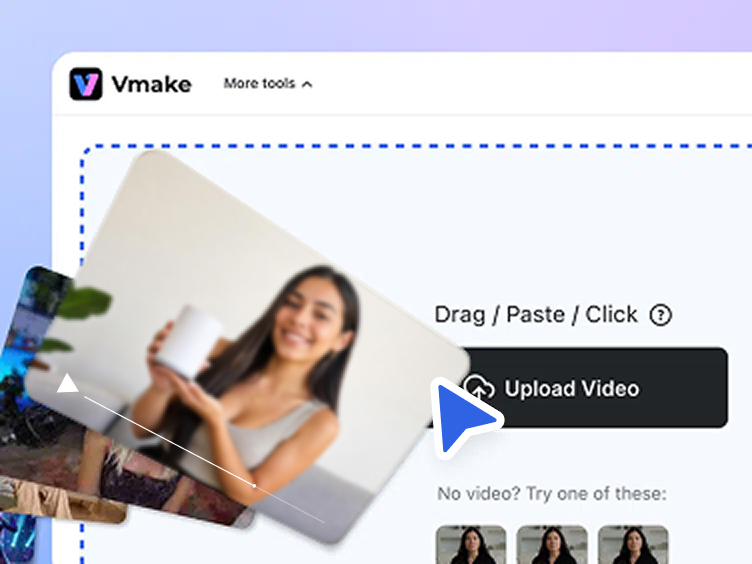
Upload your video
Upload your video Upload the video you want to improve. Vmake Labs prepares the source footage for AI enhanced HD conversion in the browser.
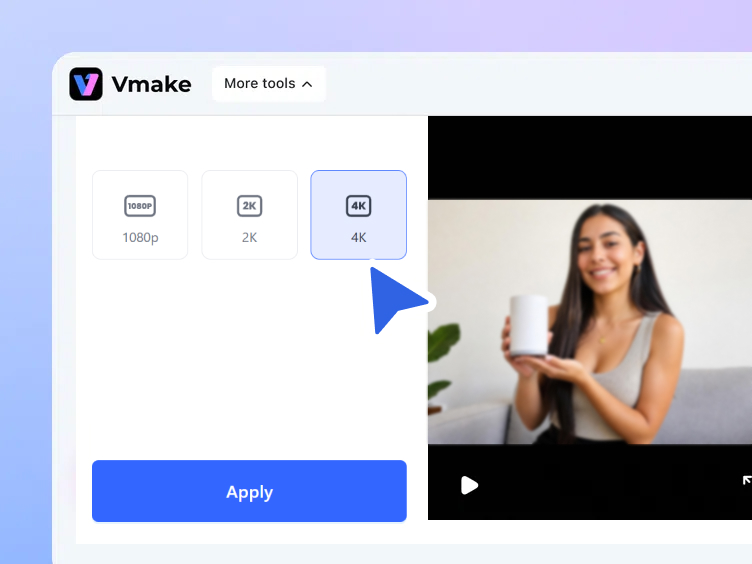
Choose HD target resolution
Choose the right resolution Choose 1080P (Full HD), 2K (QHD), or 4K (UHD) based on where the final video will appear.
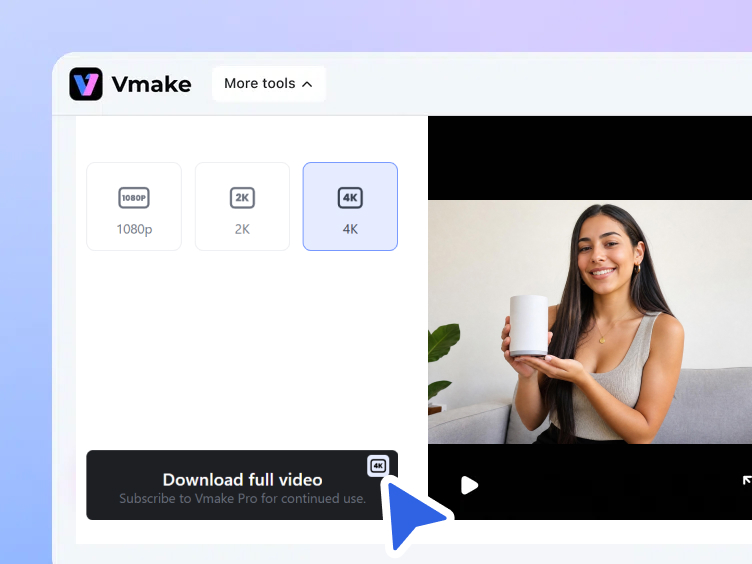
Download your HD video
Preview and download Preview the enhanced result, then download a clearer version for publishing, sharing, or adding back to your project.
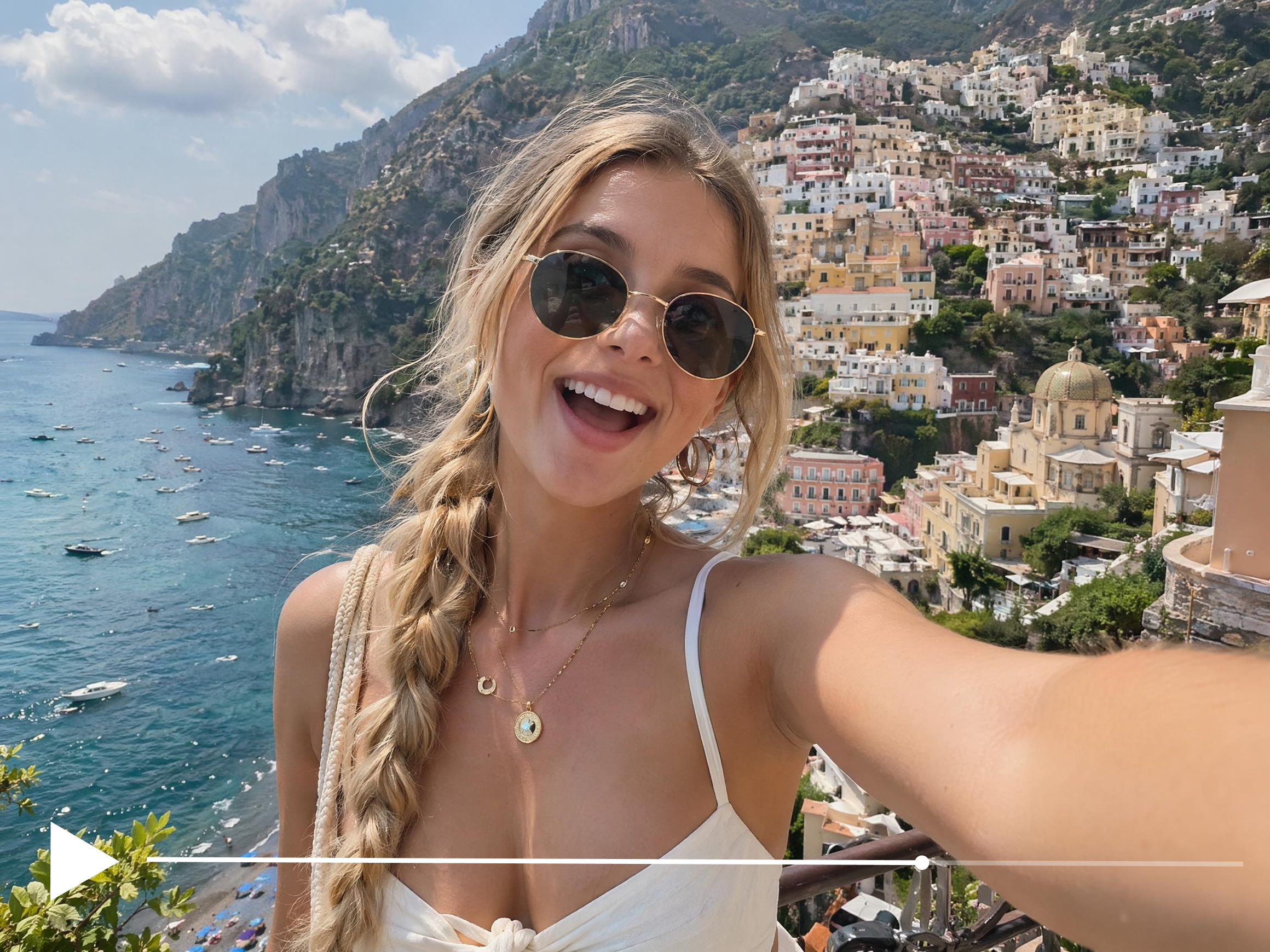
When to convert video to HD

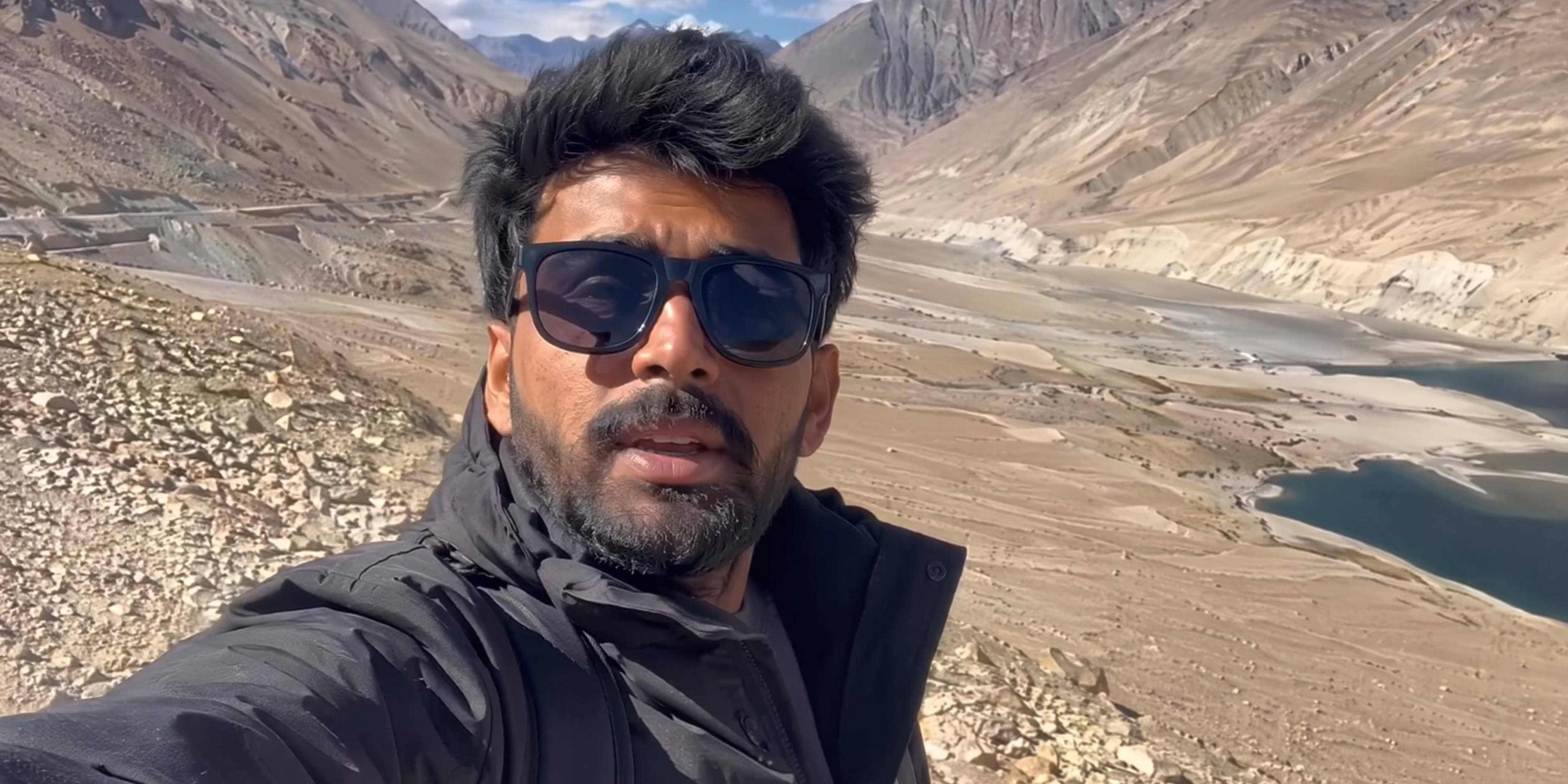
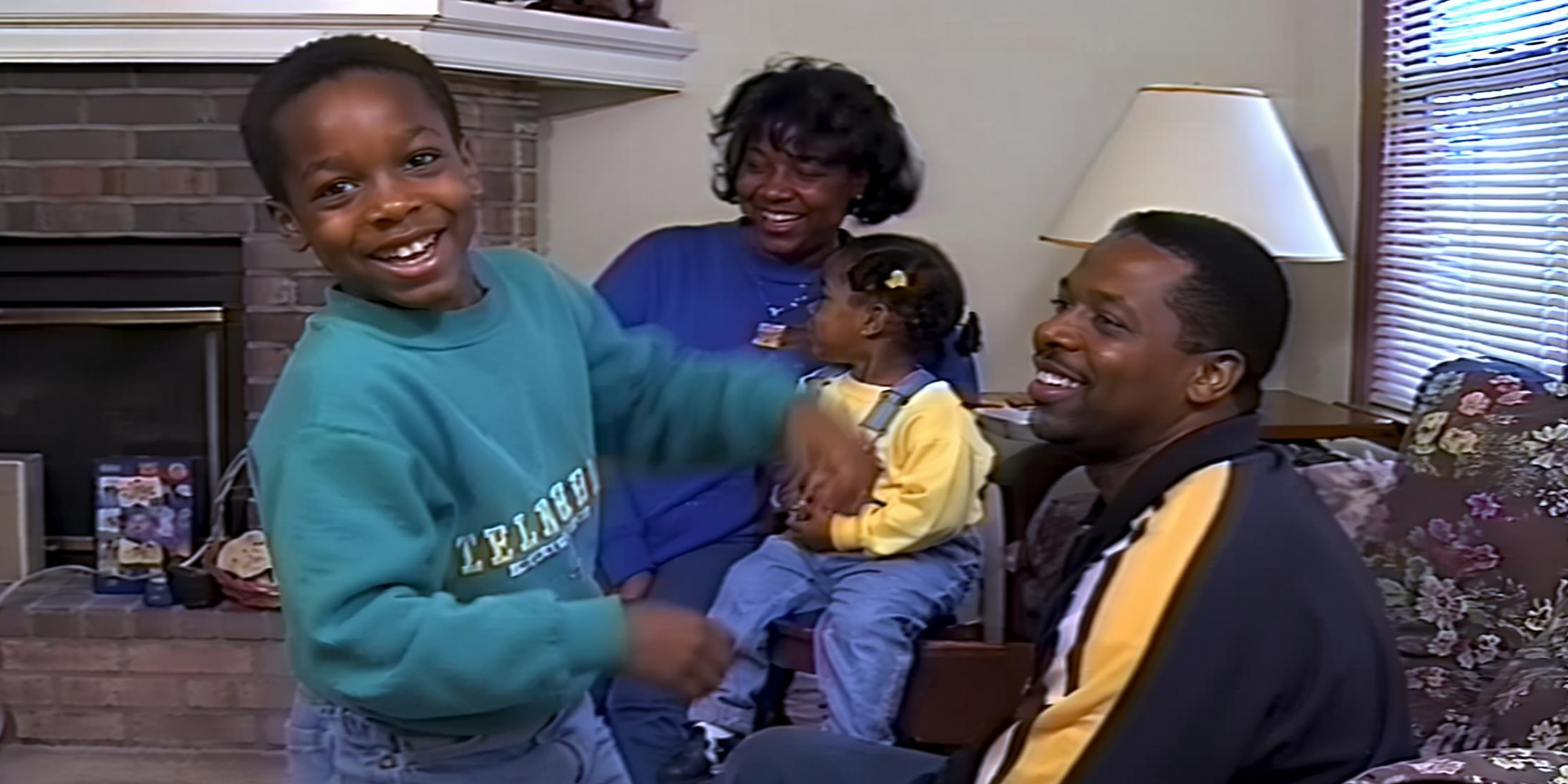
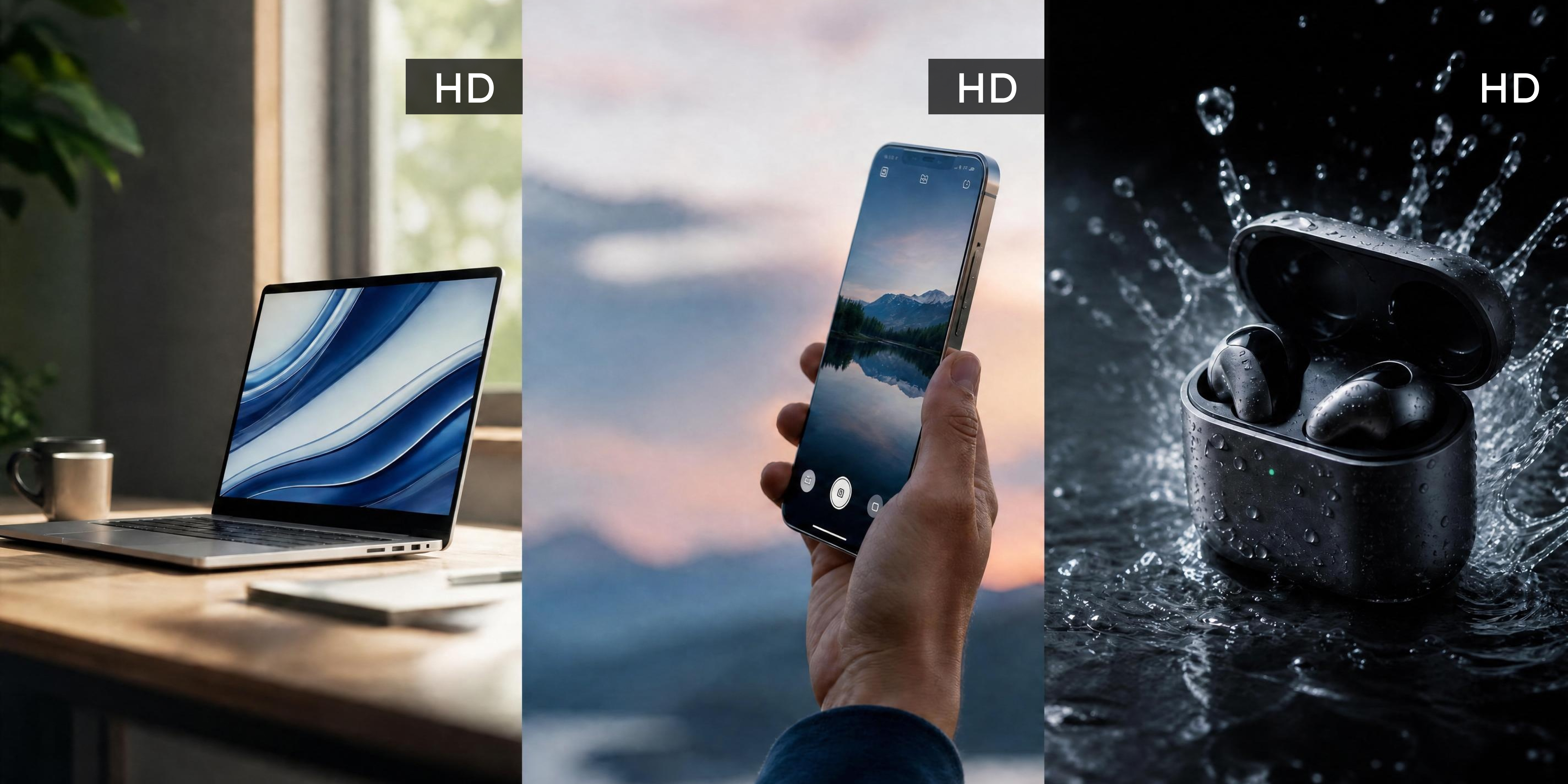
Why Vmake Labs HD video converter works
Enhancement built into conversion
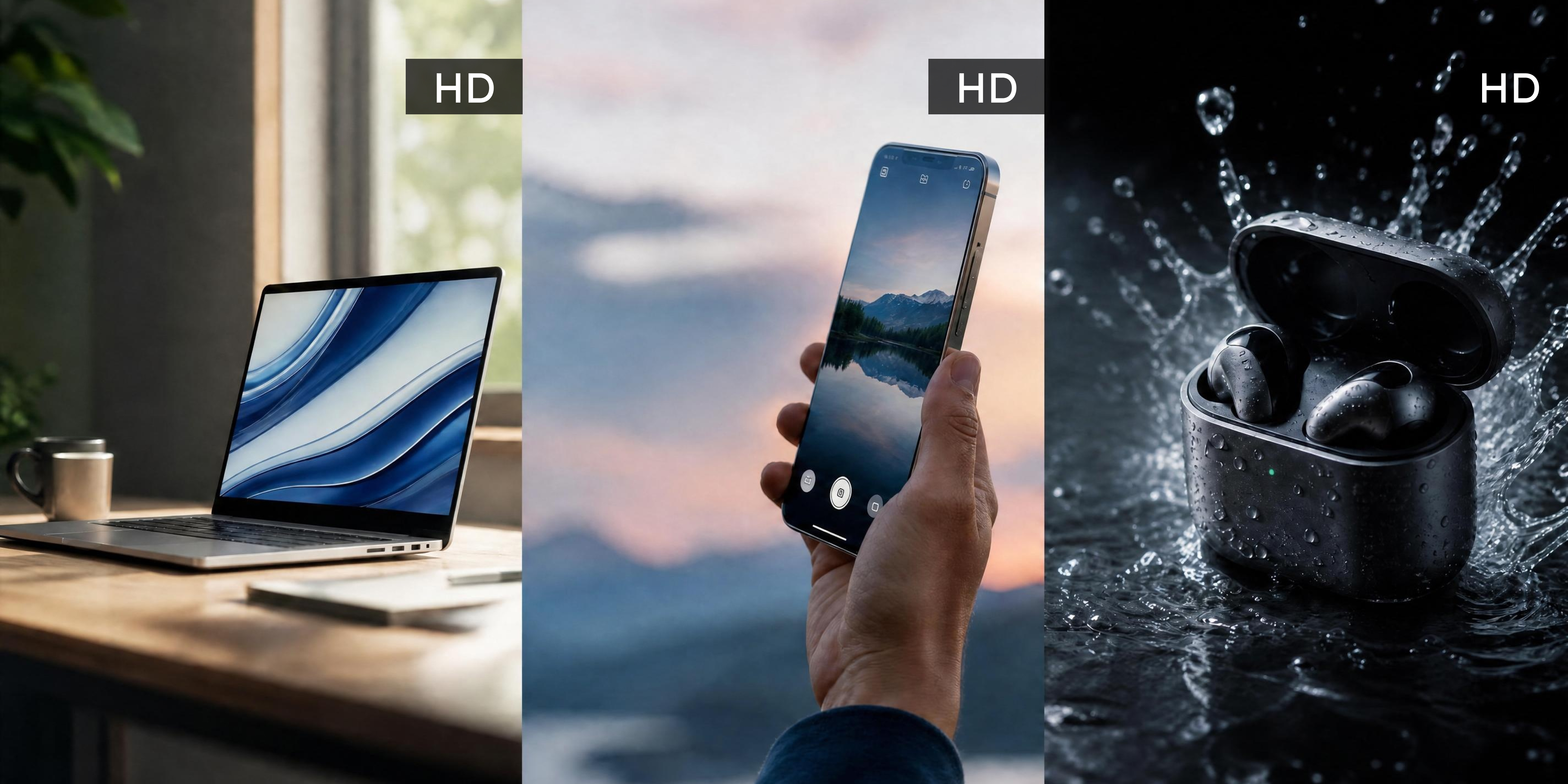
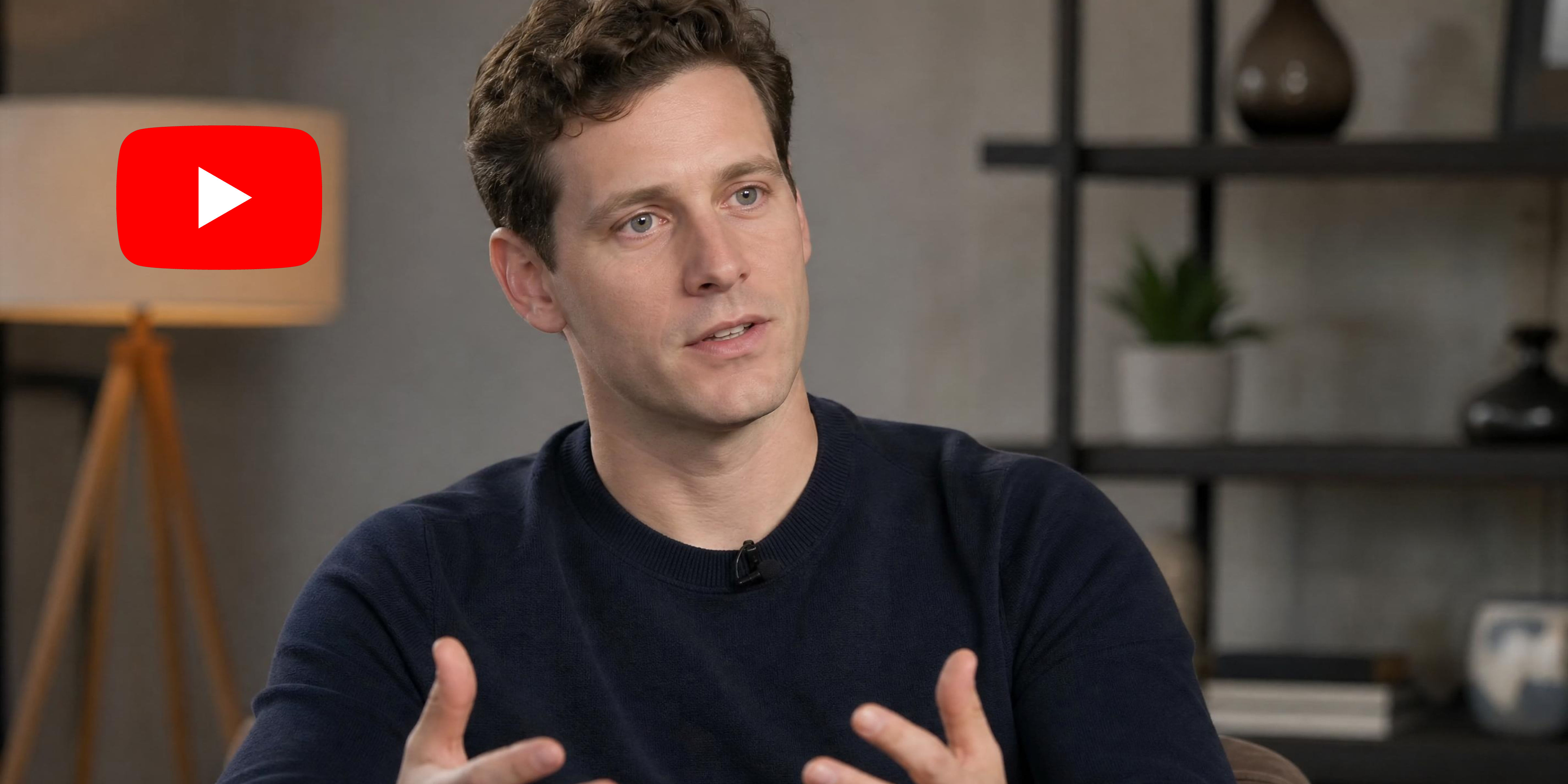
Most HD converters just resize the video and call it done. Vmake Labs enhances while converting, improving sharpness, color accuracy, and pixel detail all within the same processing pass, so the output looks genuinely better than the source, not just scaled up to a larger resolution.

Choose the right resolution
Vmake Labs lets you choose 1080P (Full HD), 2K (QHD), or 4K (UHD) based on where the final video will appear. Use 1080P for standard online publishing, or select 2K/4K when you need a higher-resolution output for larger screens or client delivery.


Smart detail and color recovery
Converting video often means losing the fine detail and color accuracy that made the original footage worth keeping. Vmake Labs uses AI to recover both during conversion, restoring texture, depth, and tonal range so the output looks sharper, richer, and truer to what was originally captured.
Who uses Vmake Labs HD video converter
Content creators and video publishers
Publishing footage in the wrong resolution means losing quality on modern screens and falling short of platform standards. Vmake Labs converts to 1080P, 2K, or 4K with built-in enhancement, so every upload looks sharp, professional, and ready for any platform without extra editing work.

Marketing teams and brand managers
Low-quality video output weakens brand perception and reduces engagement across digital channels. Vmake Labs converts campaign footage to HD with built-in color and detail recovery, so every asset meets the visual standard your brand demands and performs at its best on every screen.

E-commerce sellers and product teams
Poor video quality reduces buyer confidence and increases the likelihood of customers scrolling past your listings. Vmake Labs converts product footage to HD with enhanced sharpness and color accuracy, so every video showcases your product at its best and supports purchase decisions.
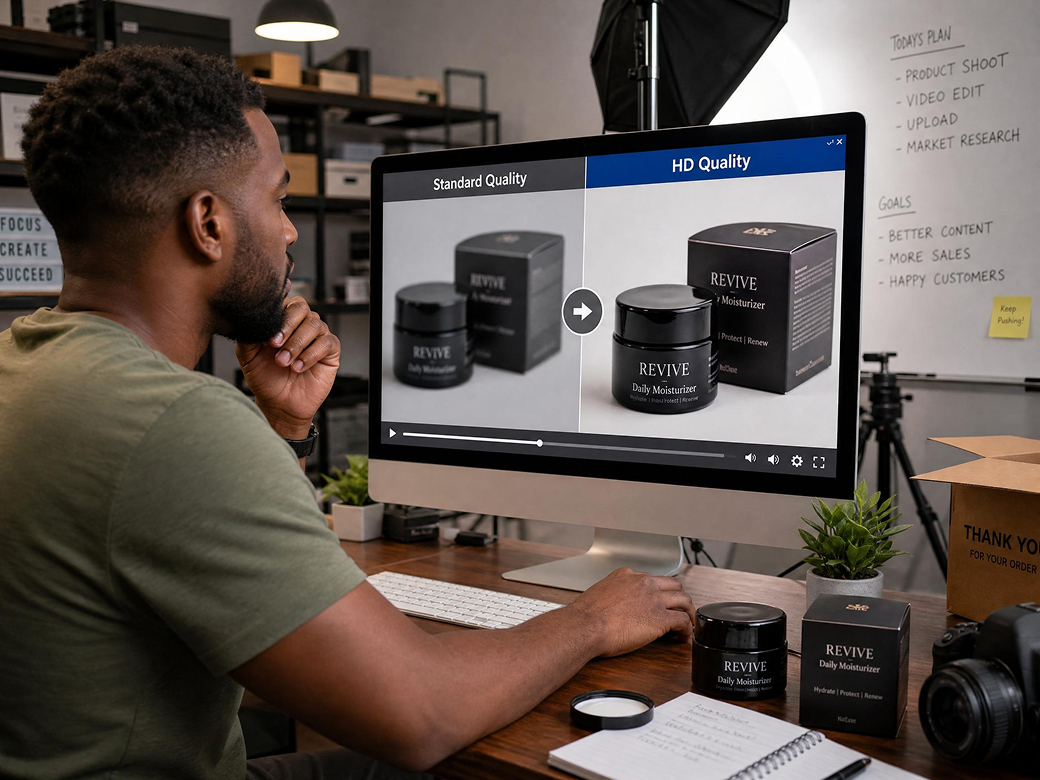
FAQ About Vmake Labs HD Video Converter
How do I convert a video to Full HD 1080P online?
Can I convert an SD or 480P video to HD?
Yes. Vmake Labs can apply AI enhancement while converting low-resolution footage to a higher-resolution output. It can improve clarity and compression artifacts, but it cannot recreate details that are absent from the source.
Can I choose 2K (QHD) or 4K (UHD) instead of 1080P (Full HD)?
Choose the target resolution available in the upload flow: 1080P (Full HD), 2K (QHD), or 4K (UHD).
Which video formats can I upload?
Vmake Labs supports the common video formats listed in the upload panel. Check the uploader for the current list before processing.
Is the HD video converter free?
You can start with free online access without installing software, subject to the current credits or usage limits shown in the upload flow.
What is the difference between HD conversion and AI upscaling?
HD conversion sets a higher target resolution. AI upscaling also analyzes the footage to improve visible clarity and edges, while remaining limited by the detail present in the original video.
Why choose Vmake Labs HD video converter

Sharpness, colour and detail are improved during conversion. Not just a resolution change.

Convert videos directly in your browser. No software installation or complicated setup required

Upload MP4, MOV, AVI and other widely used video formats without conversion.
Discover More Features

Video & Image Enhancer

Watermark & Text Remover

Video Upscaler

AI Video Generator

Video Background Remover

Video & Audio to Text

Video Noise Reducer

AI Video Translator
Ready to convert your video to HD?
Upload your video, choose your HD resolution and download a sharper, cleaner version. Free to start!
What our users say
I had a library of older videos that did not meet the quality standard I now publish at. Vmake Labs converted them to 1080P with enhancement. They are now back in use on my channel.
Product footage shot on an older camera needed to be at 1080P for our listing standards. Vmake Labs converted and enhanced in one step. The detail on product surfaces is noticeably better.
Old brand content that we wanted to reuse. Vmake Labs converted it to HD and the enhanced version fits well alongside our current content. No one can tell it was shot years ago.
Client asks for HD deliverables from footage that is not HD. Vmake Labs handles the conversion and the enhancement means the output holds up at the target resolution without looking stretched.
We standardized our whole video library to 1080P using Vmake Labs. The batch conversion handles multiple clips at once. Consistent output quality across everything in the library.
Converting to HD and getting a quality improvement at the same time is the part that makes Vmake different. Most converters just change the resolution without improving what is actually in the video.