


We don’t always have the time to organize a shoot just to explain one product. Being able to work from a product image and a script made things a lot easier on our side.
Create Viral Social Videos with Seedance 2.5 in Vmake Labs
Turn your products, references, and ideas into realistic, high-quality social videos with more natural motion and richer creative possibilities.
Ads
Camera moves
Viral
Drama
Pet
Try it now
Create your Seedance video now
How to create Seedance 2.5 social videos in 3 steps
Step 1. Upload your product or creative reference
Upload a product image, reference video, script, or simply start with a short idea. Vmake Labs uses your input to understand what you are promoting and the type of content you want to create.
Step 2. Choose the Seedance 2.5 model
Select Seedance 2.5 in agent model options, or use it inside UGC tools like AI avatar, recreate video, and product showcase. The model uses your product assets, references, and instructions to create a social video that fits your creative direction.
Step 3. Generate your product video tailored for social media
Create videos for social posts, product promotions, ad testing, and ecommerce campaigns. Preview the result, try a different direction, and export a more natural and complete product video.
What Seedance 2.5 brings to Vmake Labs video creation
30-second videos for complete storytelling
Bring bigger ideas to life with longer, more complete videos. Build richer product stories, from attention-grabbing openings to product showcases and memorable endings, all in one generation.
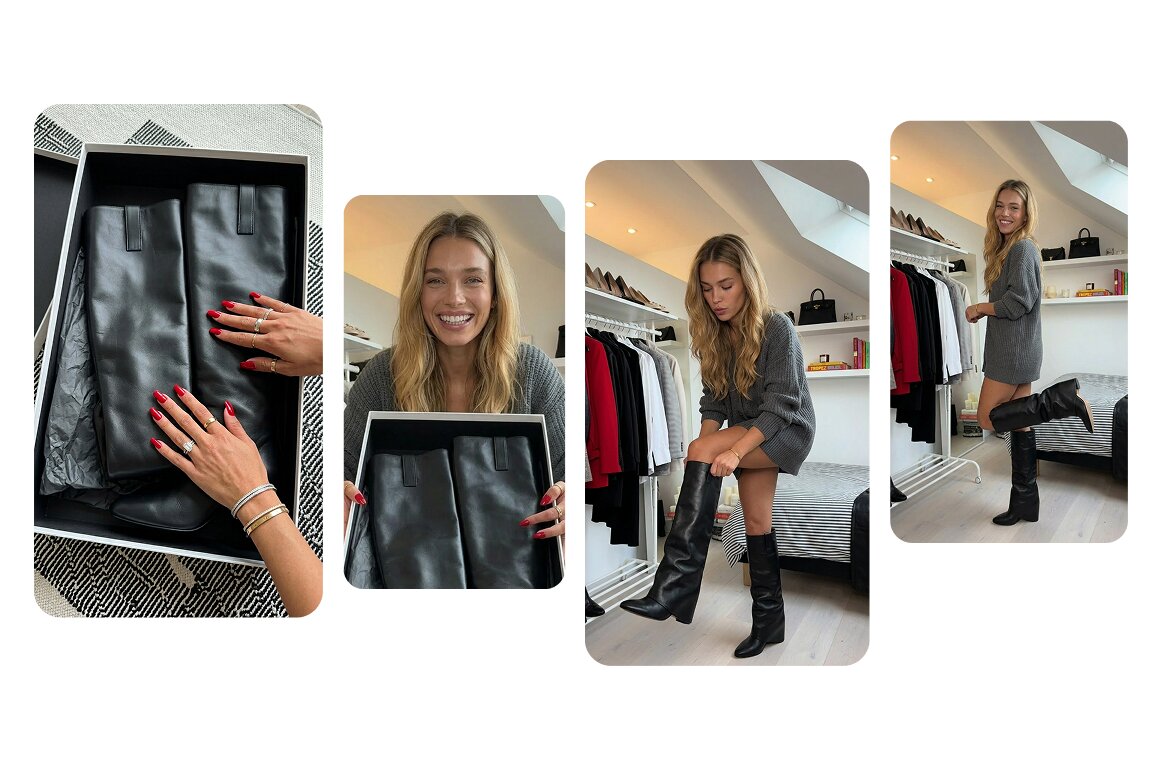
Premium visual quality
Generate videos with cinematic quality, smoother motion, and richer visual details. Products, people, and scenes look more polished and ready for social media, ads, and marketing campaigns.
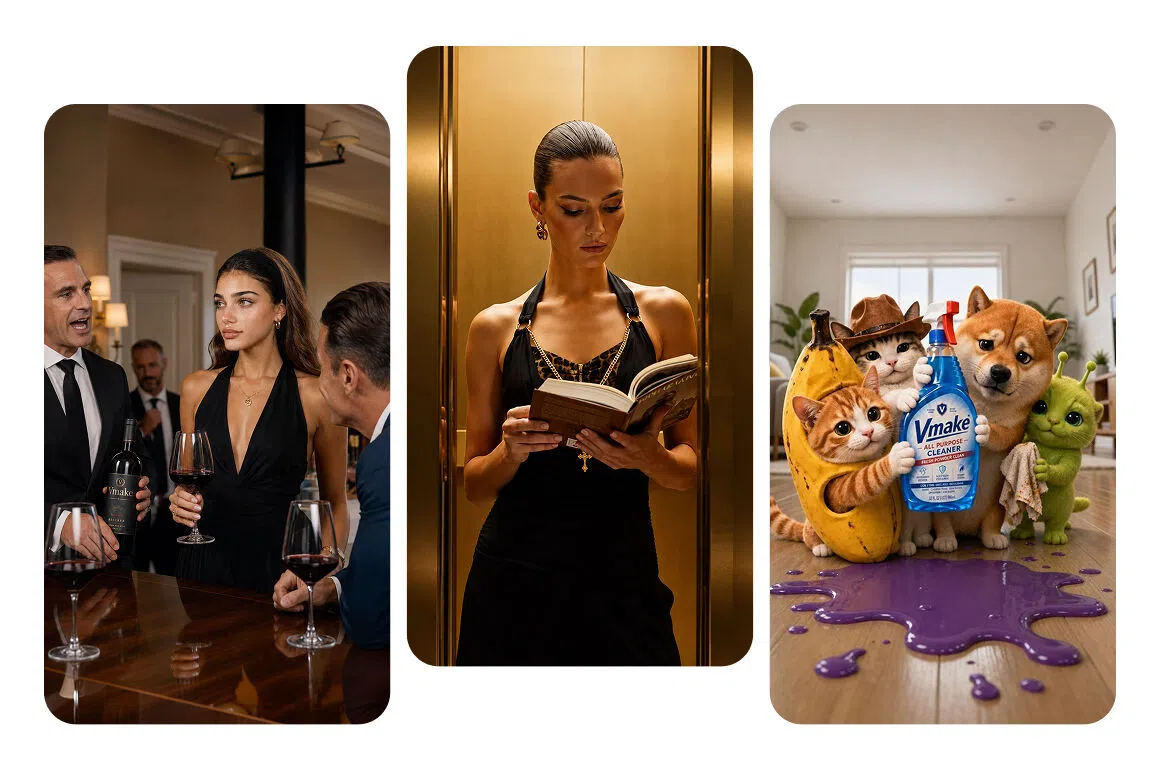
Creative templates and Brainrot videos
Turn products into trending Creative Templates, Brainrot marketing videos, surreal transformations, and playful social effects. Seedance 2.5 gives Vmake Labs more room to create bold, unexpected content made to stand out in the feed.
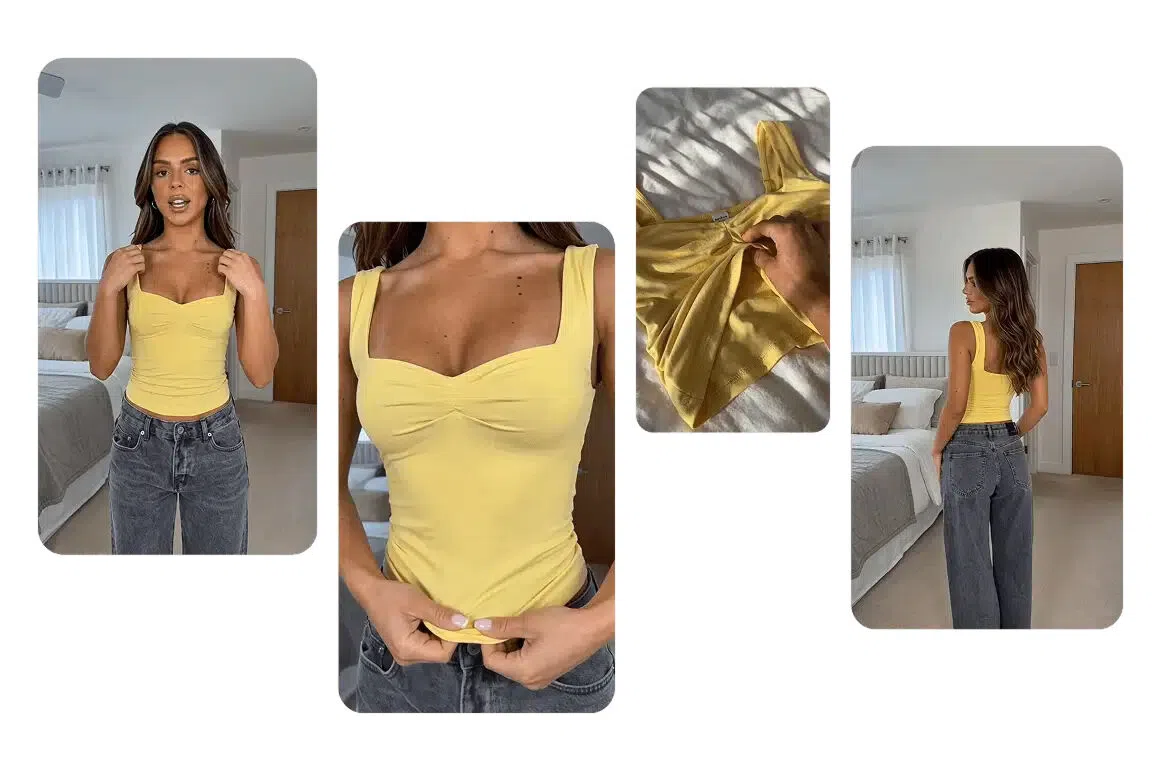
Consistent models and products
Keep your models and products looking consistent throughout the video. Clothing, packaging, materials, and key visual details stay more accurate across different shots and movements.
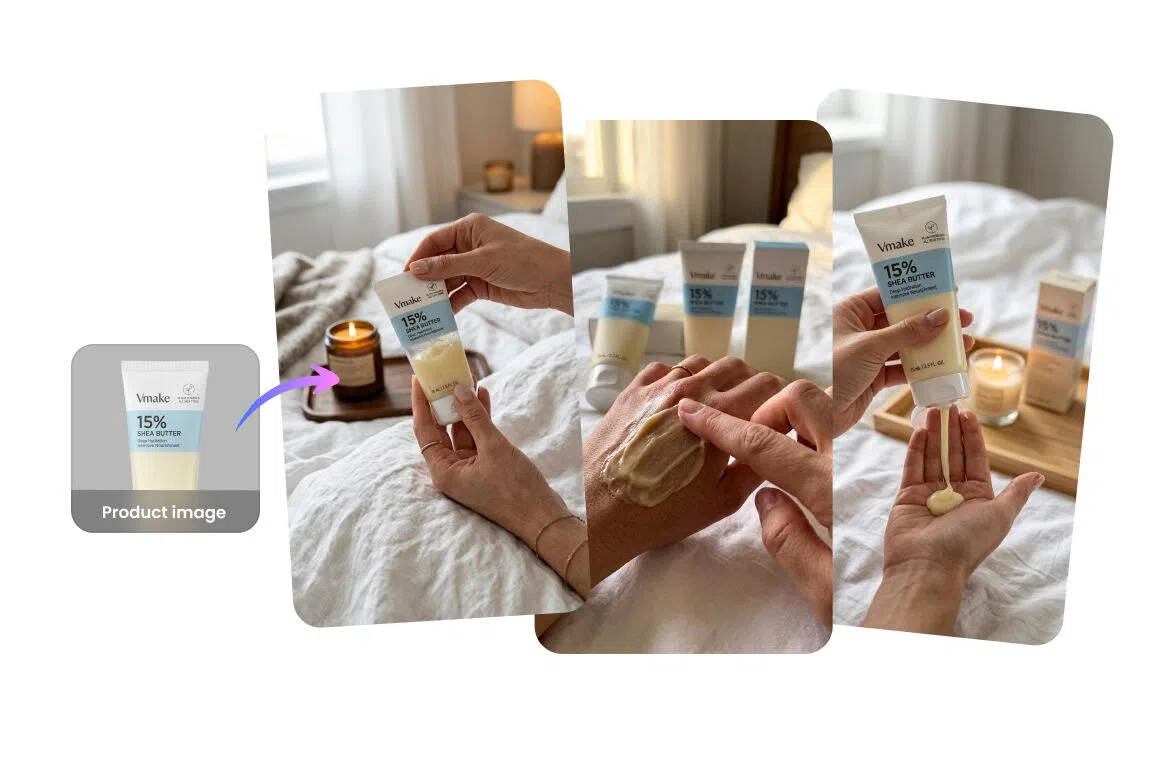
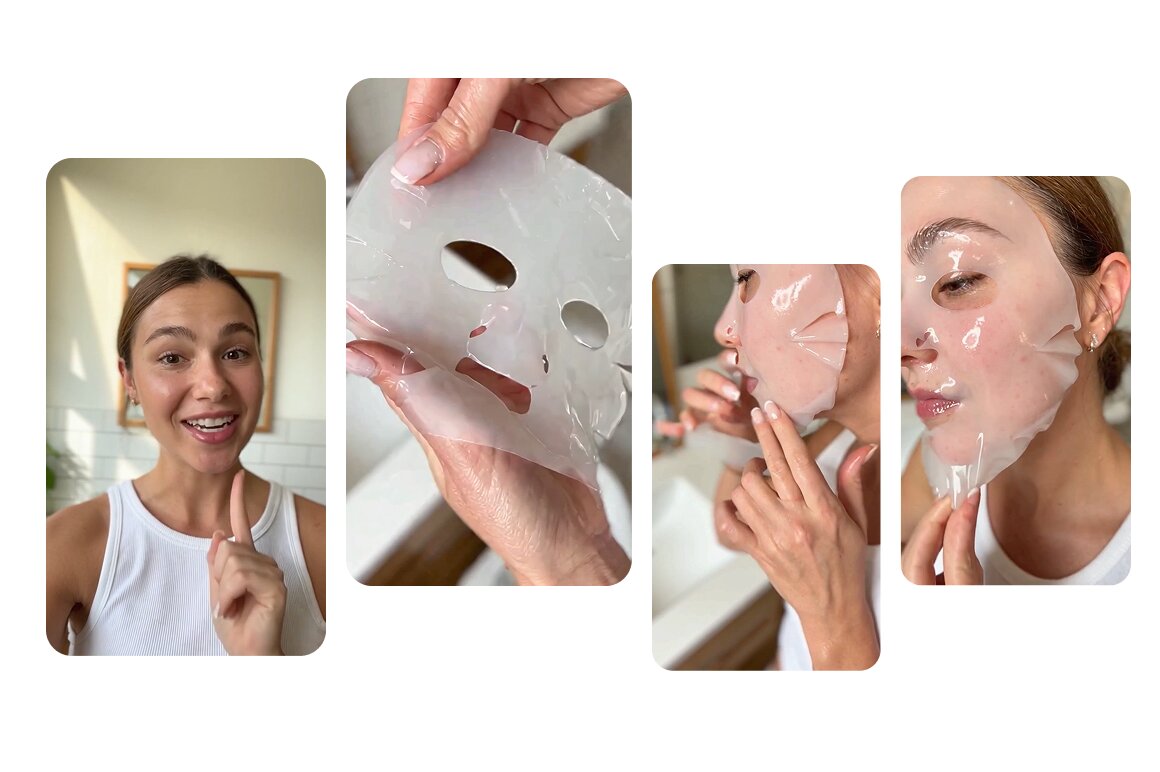
More natural-looking video
Create more believable movement, facial expressions, and interactions between people, products, and their surroundings. The result feels less staged and closer to content made for real social feeds.
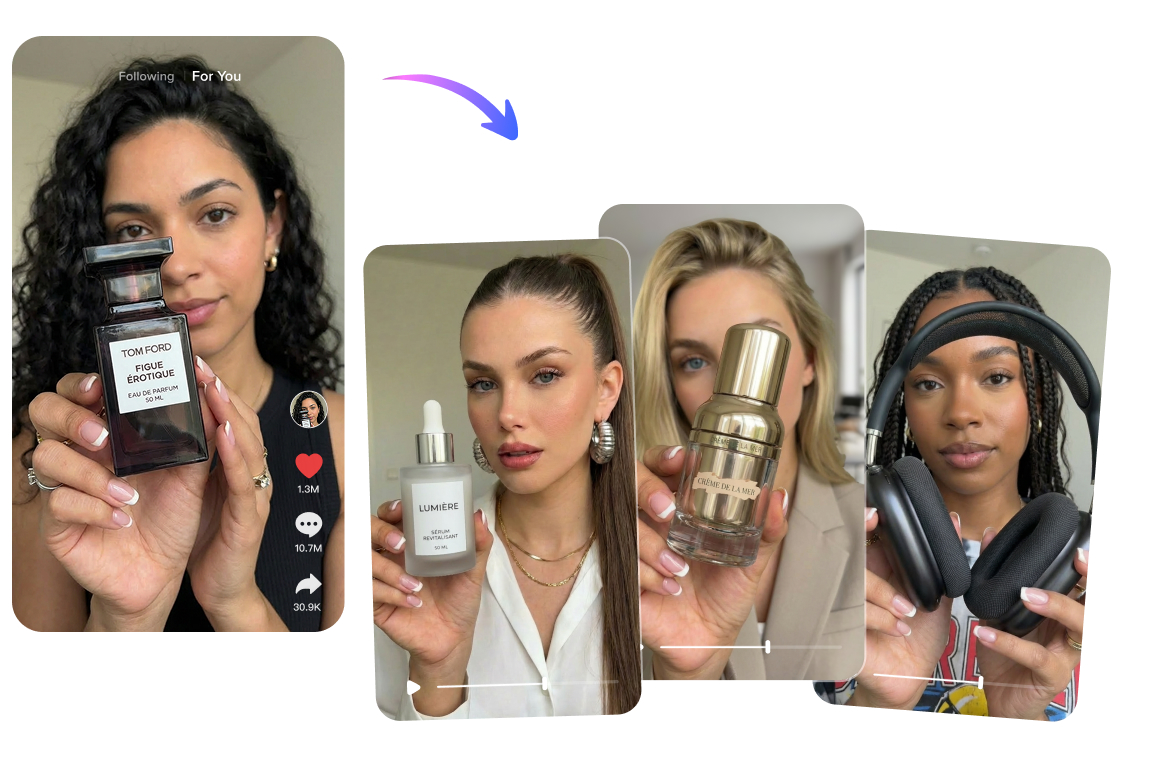
More content with less production
Use the product assets, references, and ideas you already have to make polished videos with Seedance 2.5 in Vmake Labs. Spend less time on reshoots, setup, and manual editing while keeping content production moving.
Who's it for
Online sellers
- Turn product images into social videos, ads, and product showcases without arranging a new shoot
- Create more content from limited product assets for stores, campaigns, and social channels
- Test different video styles and creative directions with less time and production cost
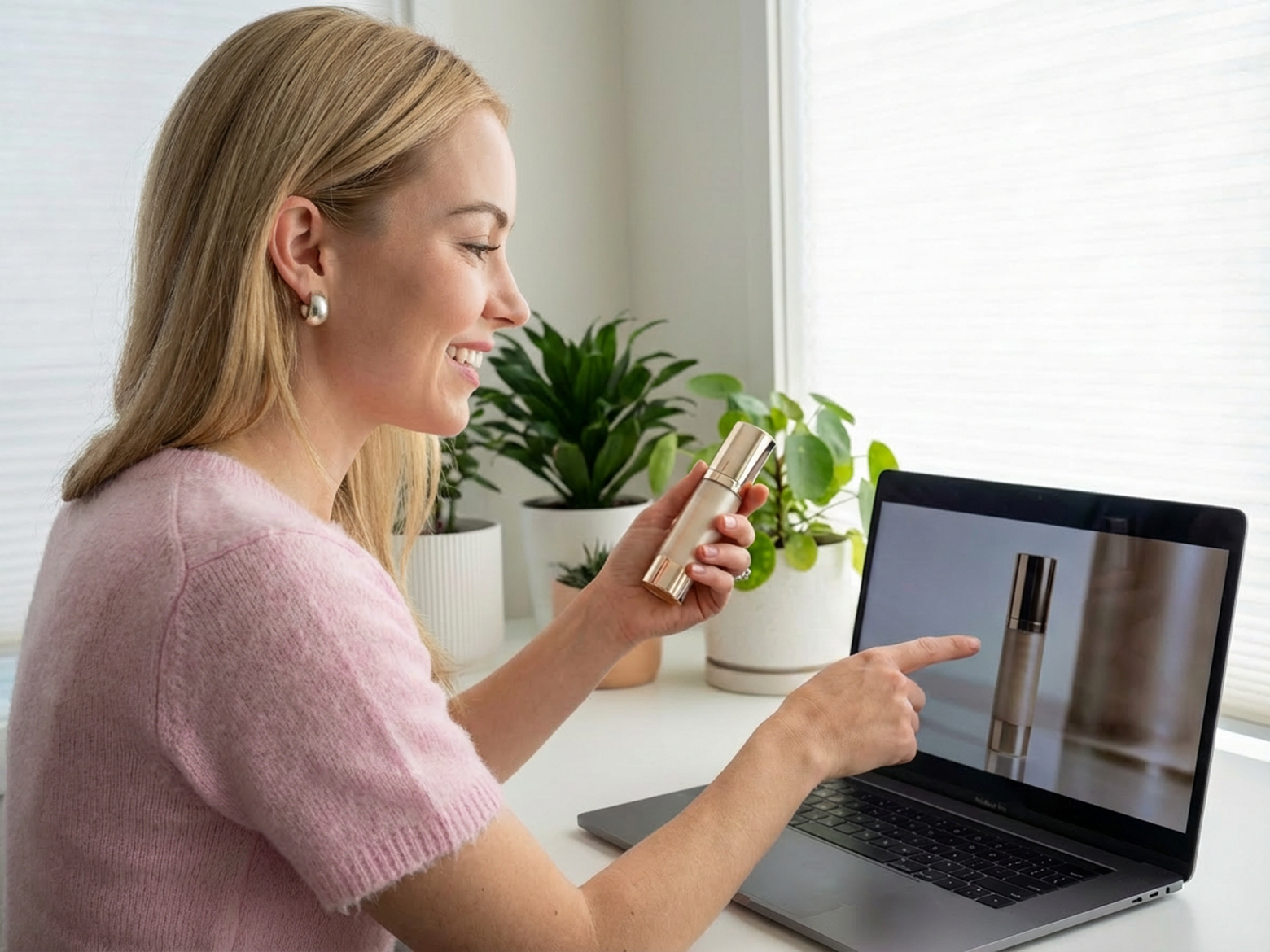
Creators
- Turn products, references, scripts, and ideas into ready-to-post social videos
- Create UGC content, Creative Templates, and new visual formats without starting from scratch
- Keep up with frequent content demands while spending less time on production and editing

Small businesses
- Create polished promotional videos without a large budget or dedicated production team
- Promote products, services, stores, and launches using the assets already available
- Maintain a more consistent social presence with a faster and simpler creation workflow
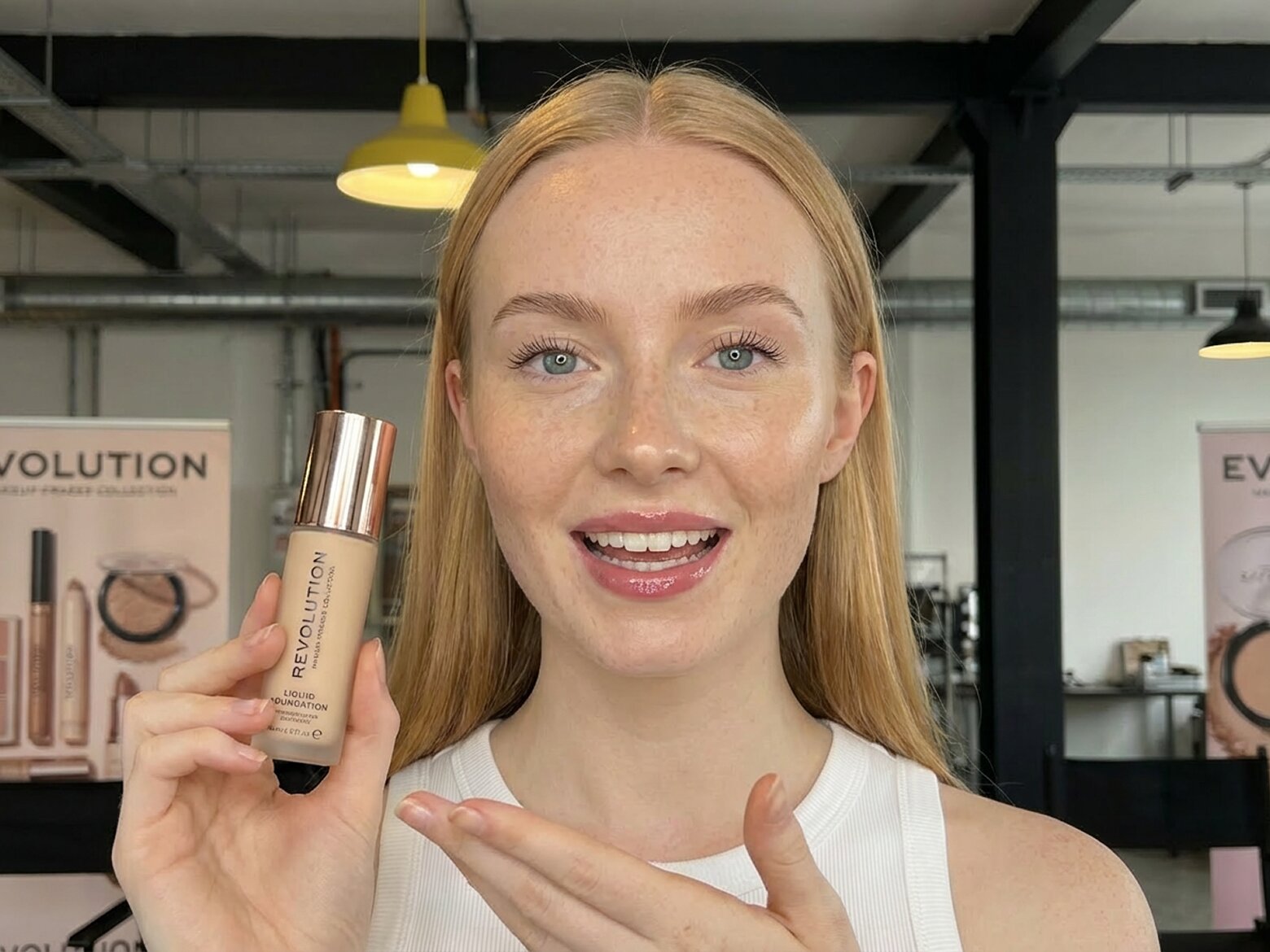
Social media managers
- Create more hooks, formats, and creative versions for different channels and campaigns
- Reuse the same product assets to test UGC videos, Creative Templates, and ad concepts
- Move from campaign idea to publishable content faster with fewer production steps

Why choose Vmake Labs

Easy to start
Create from a product, reference, script, or idea—no complex prompts needed.

Ready-made styles
Use UGC Styles and Creative Templates instead of starting from scratch.

Flexible inputs
Combine products, references, scripts, and ideas in one creation flow.
Real stories, real results: voices of our users
4.5Trustpilot
5MExports
500k+Users
100+Countries


What helped most wasn’t just the language switch. Being able to change the presenter style and scene made the videos feel less generic across markets.

I tried it for a few product promos first, and it was better than I expected. It still saved us a lot of back-and-forth compared with filming every version manually.

I used to treat localized video as a separate production job every time. It feels a lot more manageable to make versions for different markets without starting over with Vmake.

The best AI out of all the recent releases.
FAQ about Seedance 2.5 in Vmake Labs
What is Seedance 2.5?
How can I use Seedance 2.5 in Vmake Labs?
Choose Seedance 2.5 from the model options in Vmake Labs Agent or in a supported video tool. Add your product, reference, script, or idea, select the video direction you need, and start generating.
What social videos can I create?
You can create UGC-style product videos, Creative Templates, product showcases, recreated social formats, product demos, tutorials, short ads, and other content for TikTok, Instagram Reels, YouTube Shorts, ecommerce, and paid campaigns.
Can I use it for UGC videos?
Yes. Seedance 2.5 can be used to create product reviews, unboxings, tutorials, demonstrations, product-in-hand videos, and other creator-style content with more natural movement and product interaction.
Can I use it with Creative Templates?
Yes. Creative Templates give you a ready-made social video idea or visual format. Add your product or image, then use Seedance 2.5 to generate your own version of the template.
Does Seedance 2.5 support audio?
Yes. Seedance 2.5 can generate video with synchronized dialogue, ambient sound, and audio effects. Available audio results may depend on the selected Vmake Labs workflow and generation settings.
Can it keep characters and products consistent?
Seedance 2.5 is designed to improve consistency across connected shots, including faces, clothing, products, and visual style. Clear reference images and source materials can help produce more stable results.
Do I need video editing or prompt-writing skills?
No. You can start with the assets you already have and choose a ready-made UGC Style or Creative Template. Vmake Labs guides the creation flow, while advanced users can still provide more detailed instructions when needed.
Discover More Features

Video & Image Enhancer
Elevate video and image quality in seconds.

Watermark & Text Remover
Remove watermarks and subtitles from videos automatically.

Video Upscaler
Enhances videos to 2K or 4K without quality loss.

Video Translator
AI dubbing, translate, and lip sync videos.
AI Video Generator
Create videos using text, images, or even other videos.

Video Background Remover
Erase video background with accuracy.

Video & Audio to Text
Convert your audio and video files into subtitles and transcripts.

Video Noise Reducer
Remove background noise from the video.
Create your next social video with Seedance 2.5
Use Seedance 2.5 in Vmake Labs to create more realistic, high-quality, and imaginative social videos. From natural UGC content to eye-catching Creative Templates.