
Viral AI effects, now for your product
Drop your image into creative video templates made for trends, promos, launches, and social feeds. See how one product can show up in totally different ways.
How to create your next marketing video in 3 steps
Step 1. Pick a creative template
Choose a creative template from Vmake Labs' workspace, find one that fits your product, campaign, or content goal.
Step 2. Upload product image
Add your own product photo, store image, or brand asset. You do not need to write prompts or build a video idea from scratch.
Step 3. Generate video
Create a marketing video you can use for social posts, ad testing, product launches, promotions, and campaign teasers.
Built for product marketing in the social media era
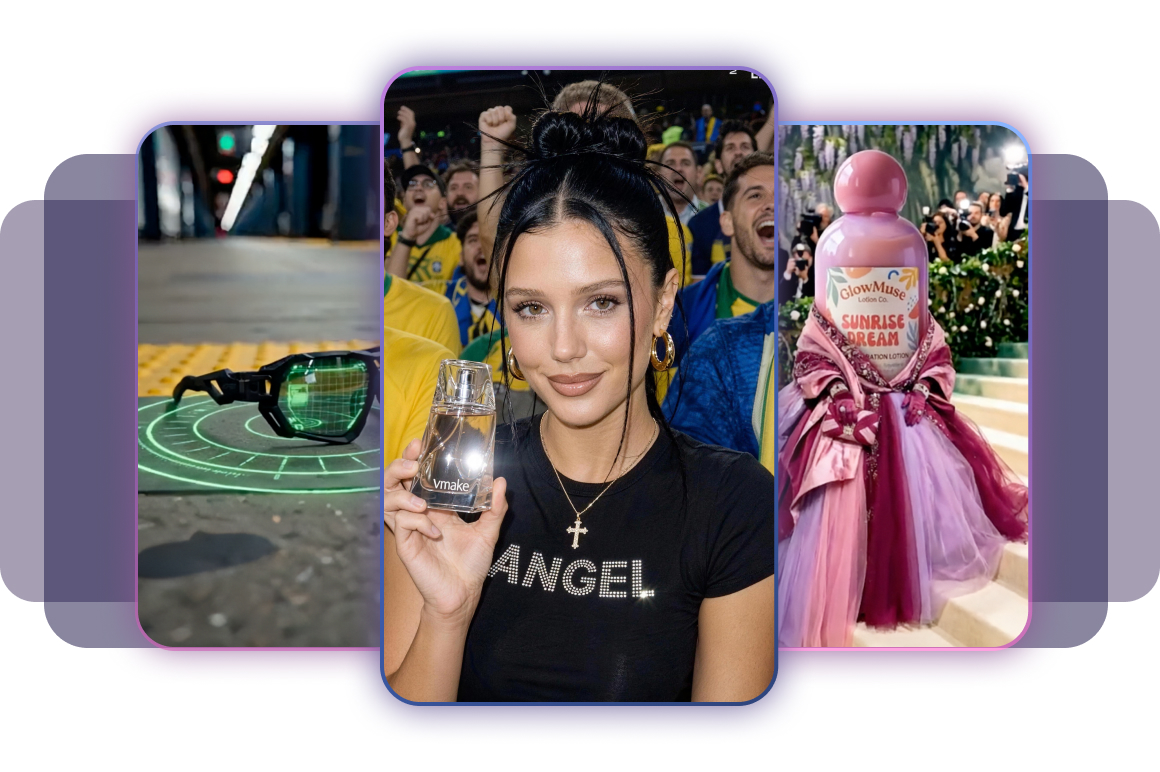
Fresh creative templates, updated often
Get new templates inspired by trends, seasonal moments, and product selling scenarios, so you can keep posting without starting every idea from zero.
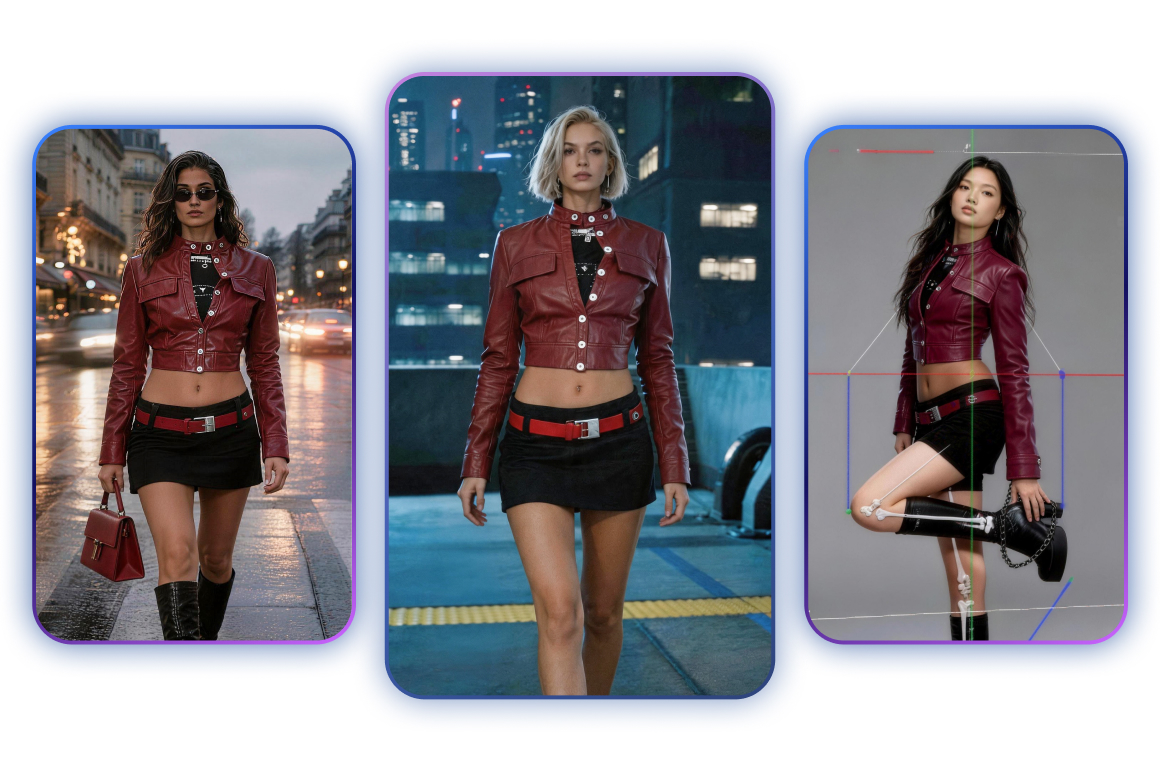
Product ready scenes that feel more natural
Templates are designed around product display, helping your item stay clear, consistent, and better placed across different video styles and creative scenes.
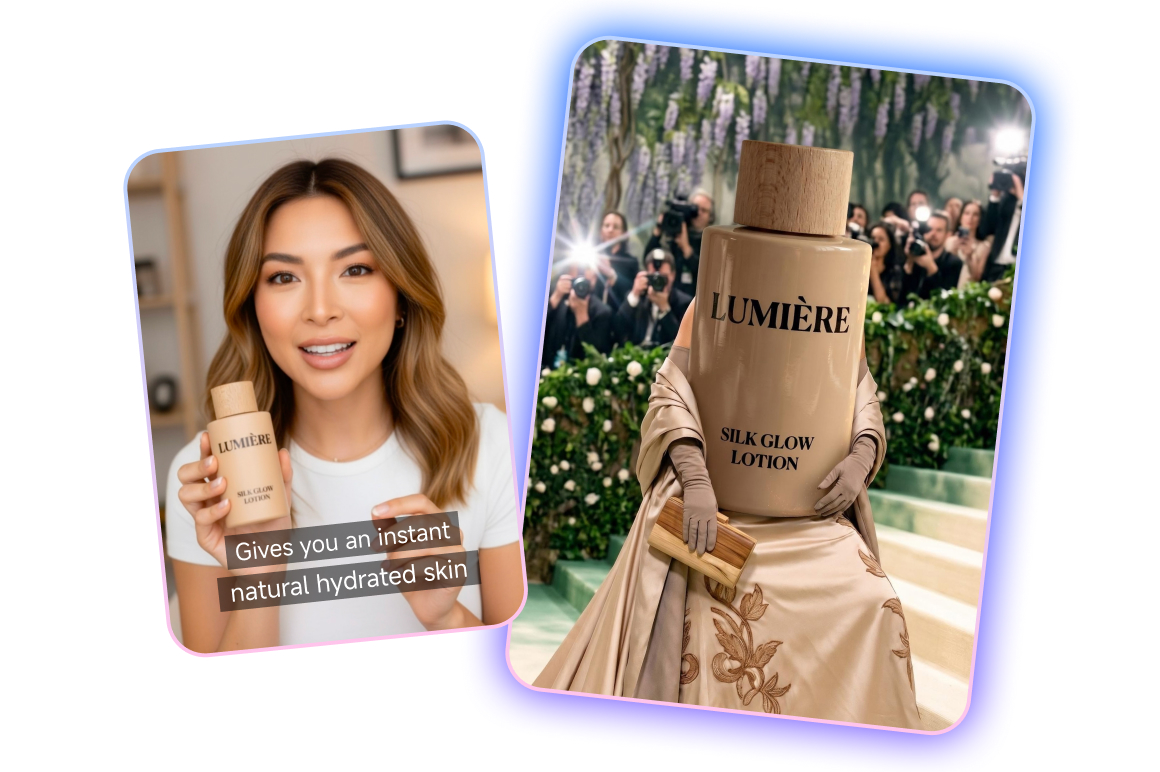
Sell without making it feel like an ad
Turn product highlights into fun, social first videos that feel more like content and less like a hard sell. Great for discovery, product seeding, and conversion testing.
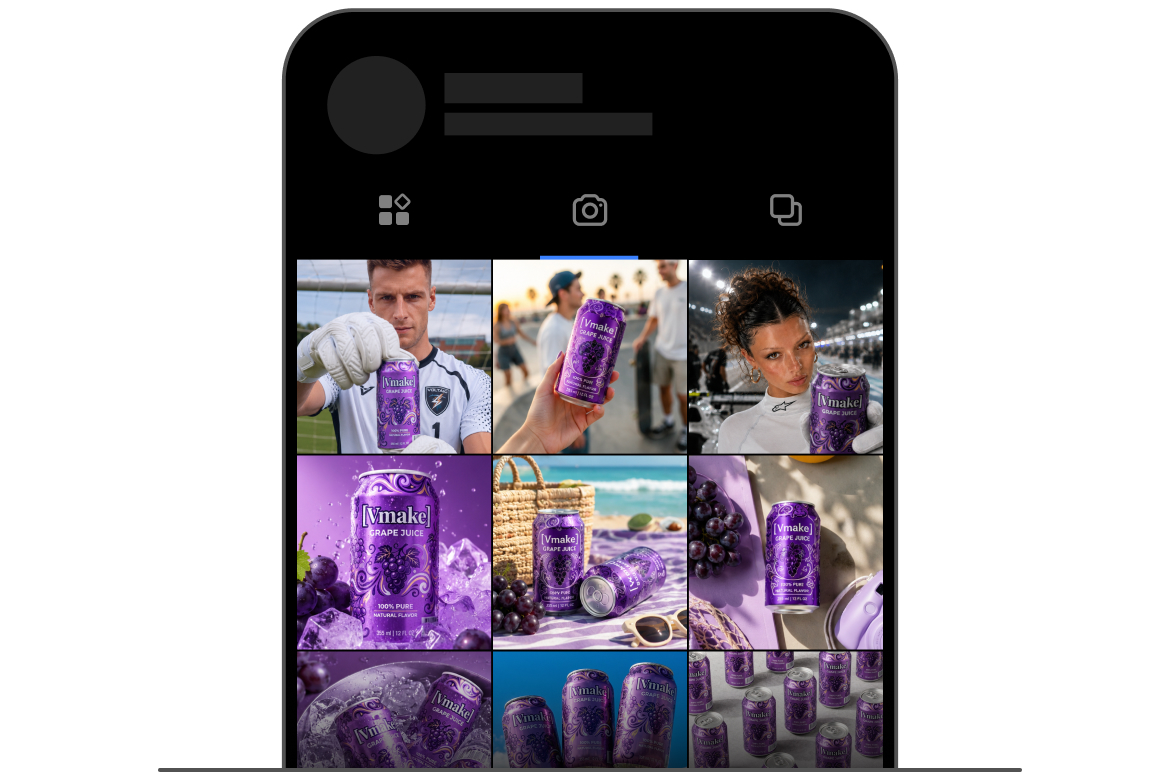
Give your feed more personality
Use different creative templates to refresh your social feed, so your brand does more than post product shots. It can show taste, style, and a stronger point of view.
FAQ about Vmake Labs creative templates
What is creative templates?
Do I need to write prompts?
No. You can choose a ready made creative template and upload your image. The video idea and structure are already built into the template.
What can I use the videos for?
You can use them for social media posts, ad testing, product launches, sales campaigns, holiday promotions, and product focused content.
How is this different from a normal video template tool?
Viral Lab is built around product marketing. The templates are designed to help your product appear naturally in creative video scenes, instead of just placing text and images into a basic layout.
Can I use the same product image in different templates?
Yes. You can test the same product across different creative styles, campaign ideas, and social formats to find what works best.
Do I need filming or editing experience?
No. The workflow is made for quick content production. Choose a template, upload your image, generate the video, and use it in your marketing channels.
Best creative social video right next to you
Upload your product image now and create creative social videos in minutes! See how businesses like yours scale content creation and drive growth with Vmake Labs.