
















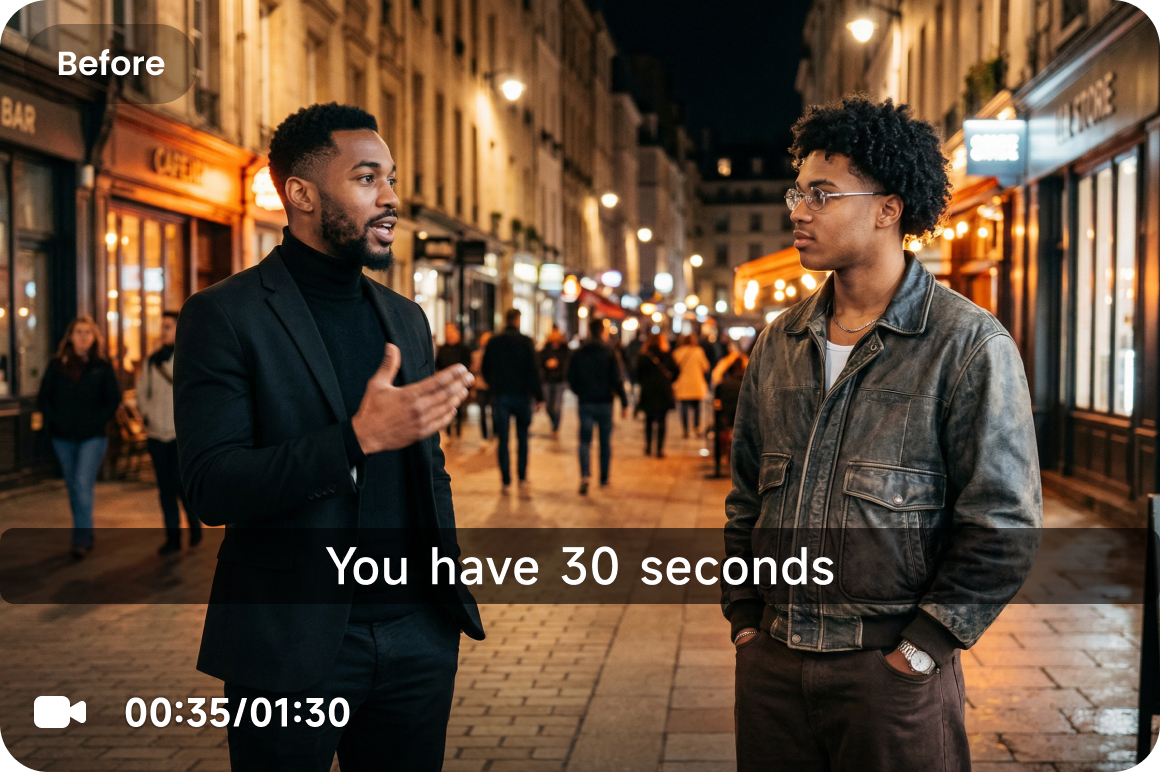
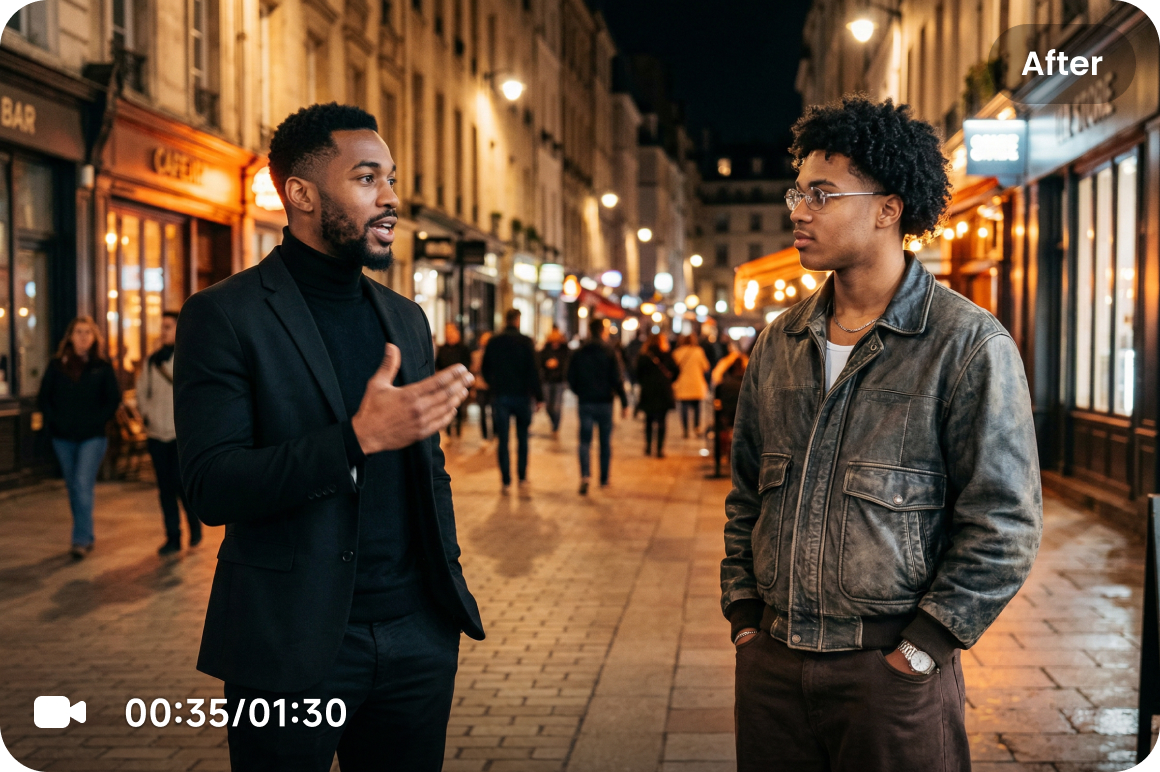
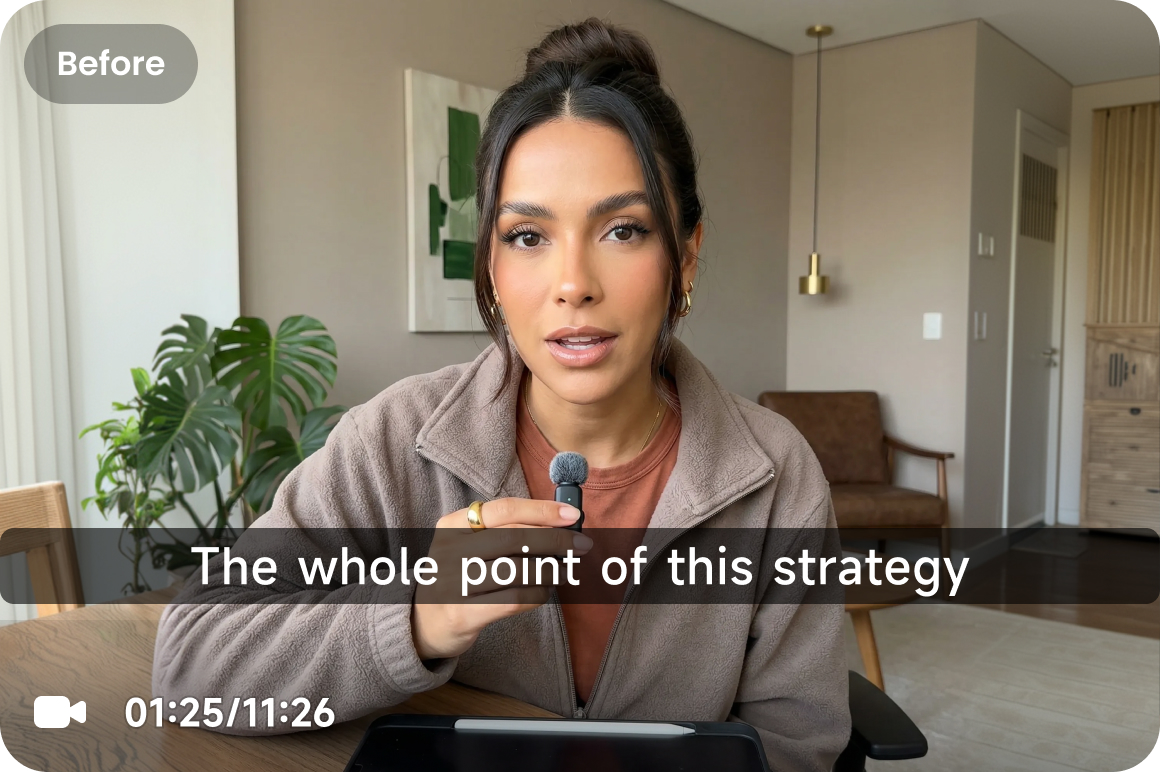
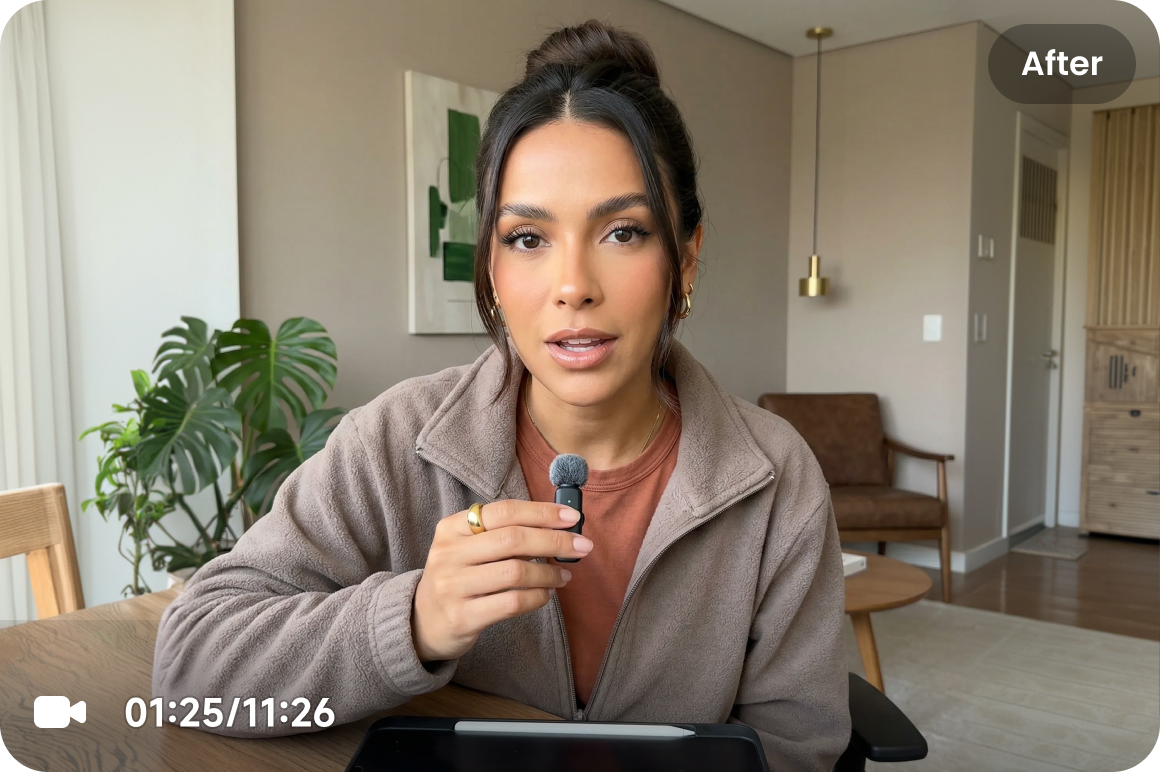



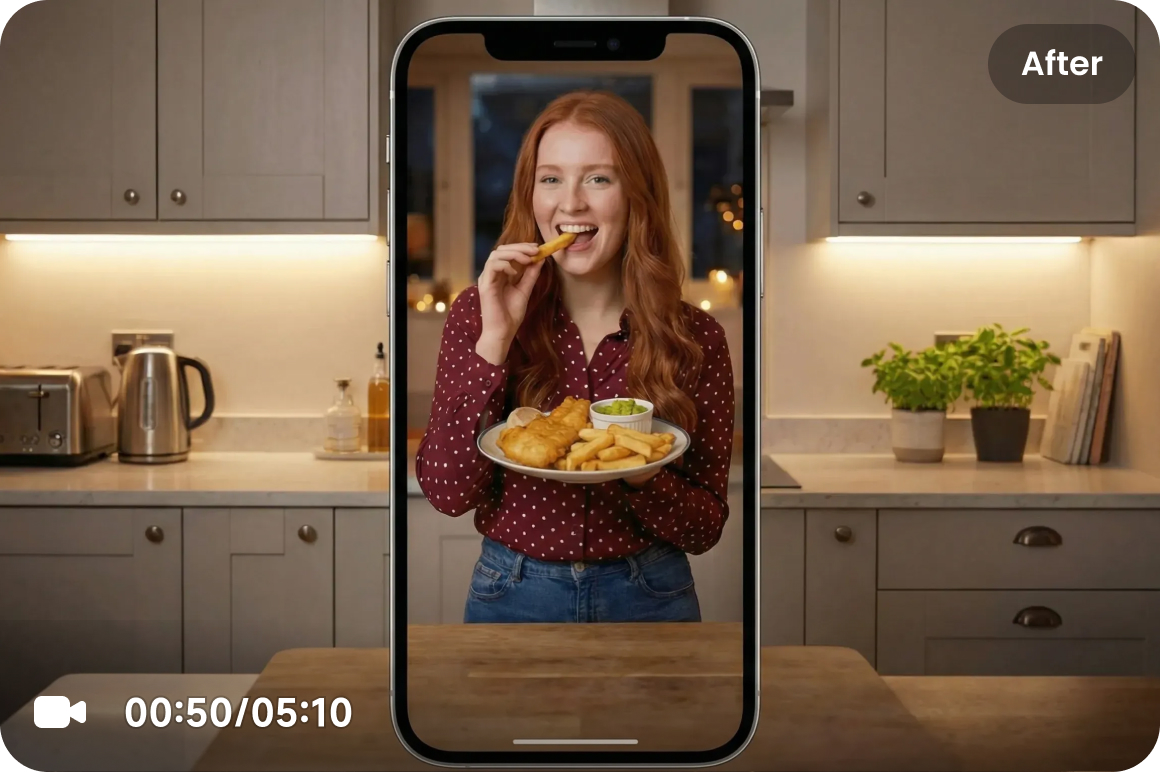
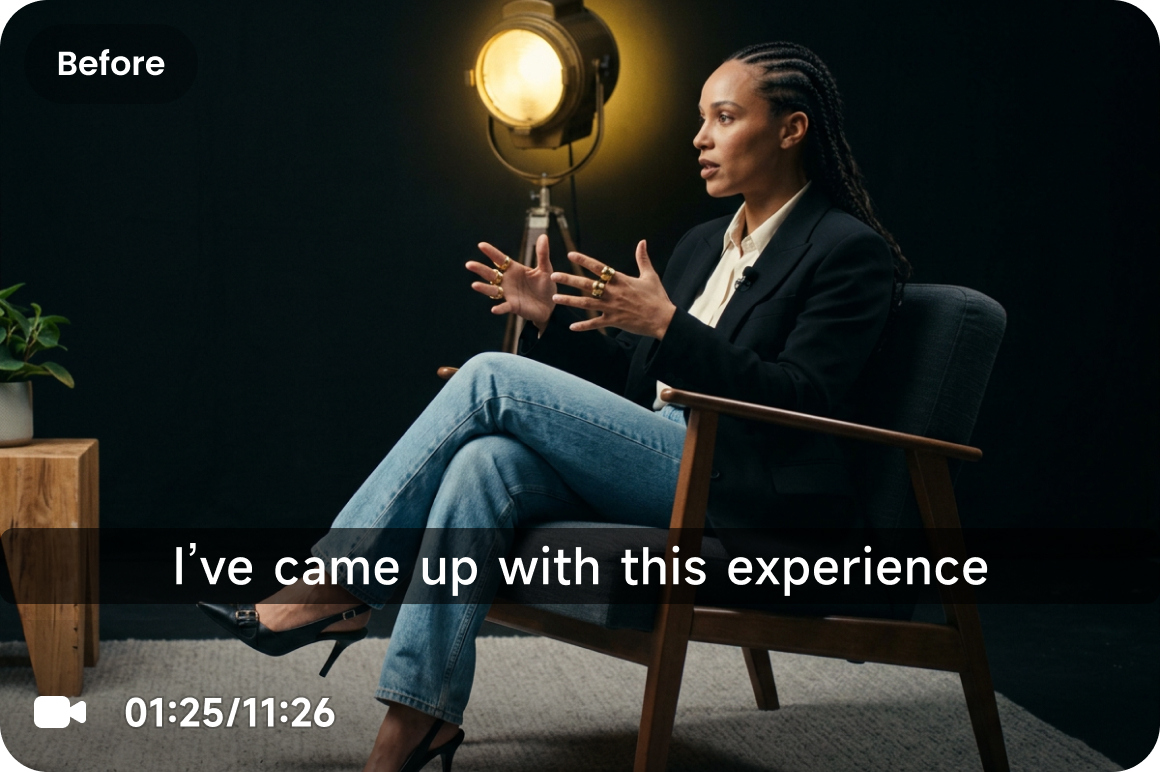
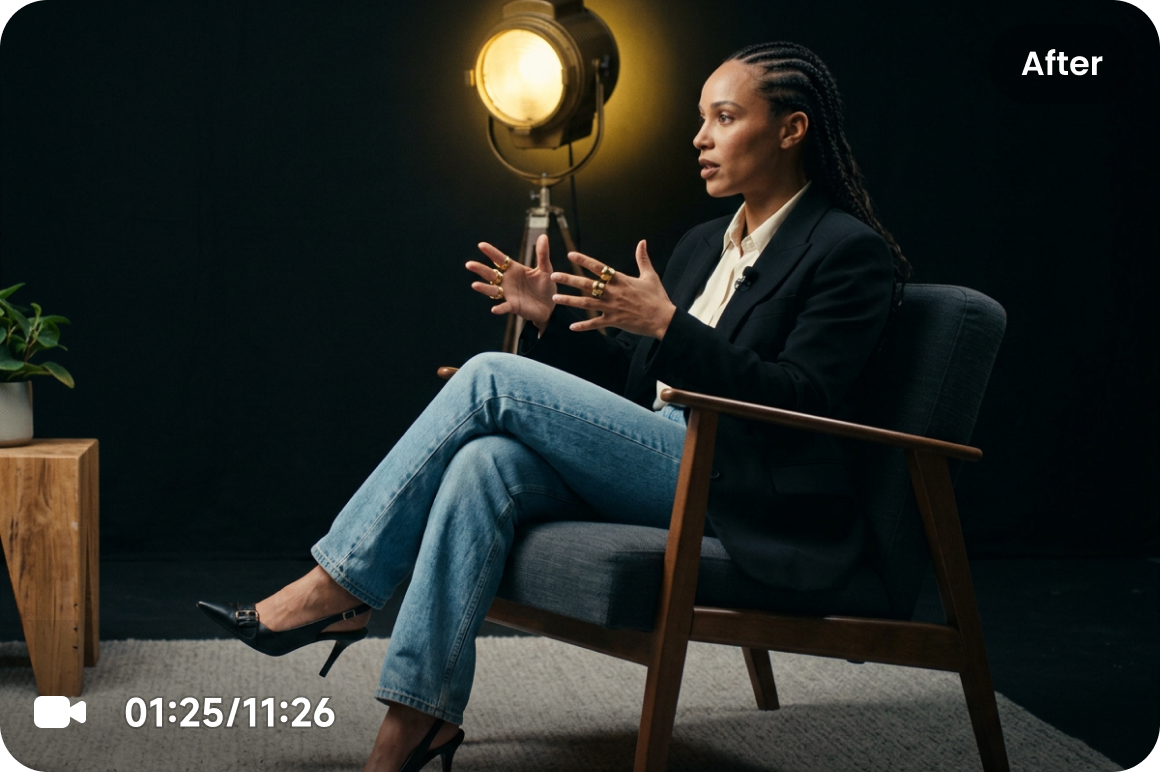
I was struggling to remove subtitle from the video content I created using artificial intelligence. I went thru a multiple ai tools trying to solve my issue but none of them succeeded before I stumbled upon this magnificent baby of a program. It served me a good deal and left me fully satisfied. Vmake Labs is a gem you're not gonna regret it for sure!
Remove Subtitles from Video Easily
Remove text from videos, including embedded subtitles, translated subtitles, and bottom subtitle bars, while keeping the frame natural. No complex editing needed — just upload, process, and get cleaner footage in minutes. Ideal for localization, content refreshes, remix edits, and cross-platform publishing.
Drag / Paste / Click
How to remove text from video
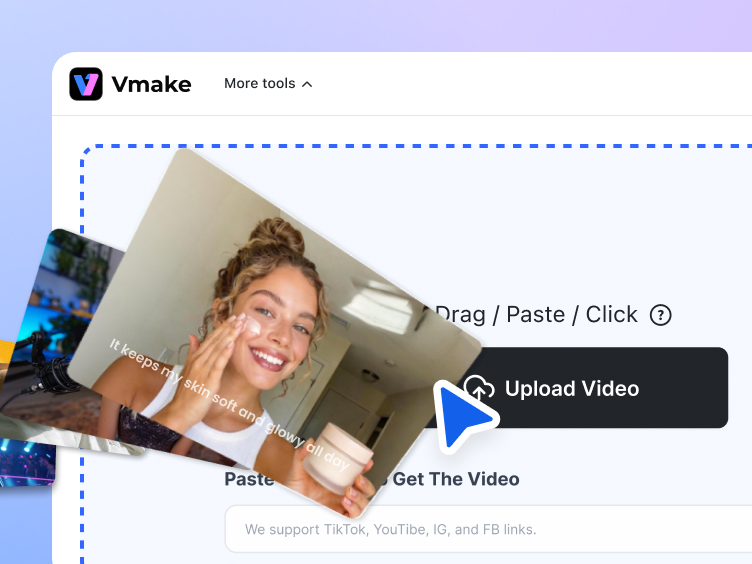
Step 1. Upload video
Upload the video you want to clean up, whether it is a movie clip, interview, short-form video, or tutorial.
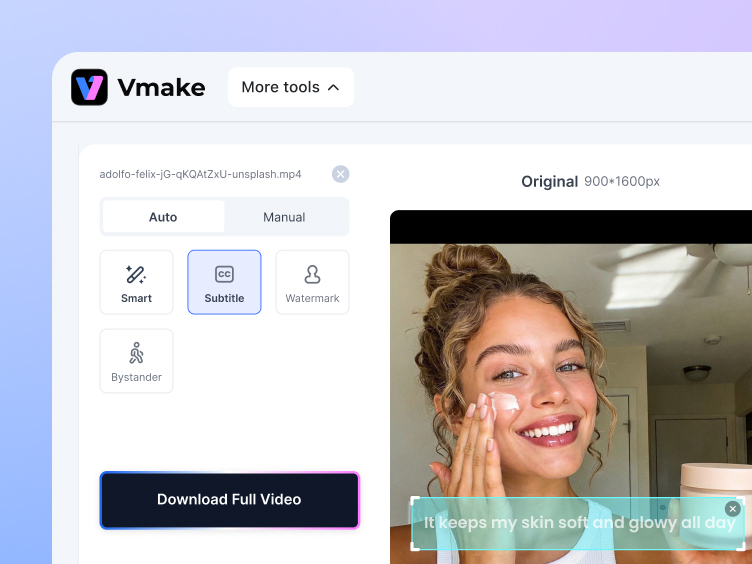
Step 2. Select the subtitle mode
Choose the subtitle mode. The tool will delete text from video automatically while keeping the scene as smooth and natural as possible.
Step 3. Download and keep editing
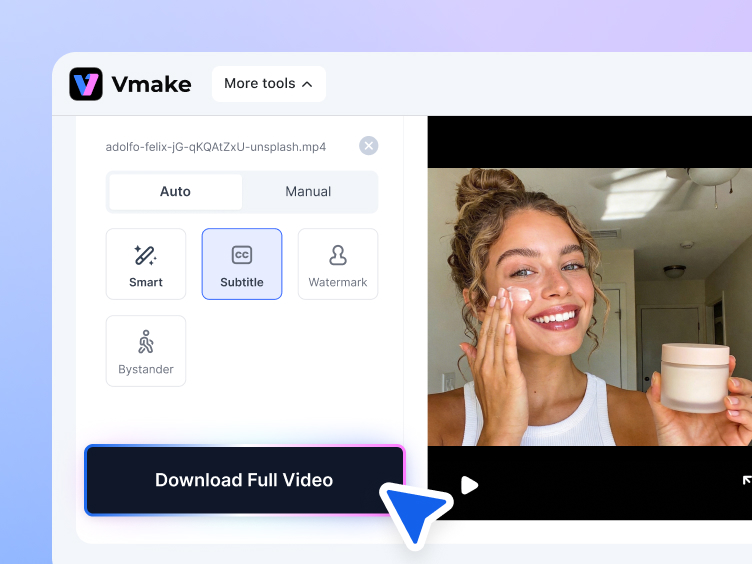
Export the clean version and continue with new subtitles, localization, repackaging, or platform-specific edits.
Remove any subtitle from video for all your needs
Standout features of our video subtitle remover
Smoother subtitle cleanup across frames
Vmake Labs keeps subtitle cleanup steady across footage, reducing leftover marks, shifting, or inconsistent frame-by-frame results. This makes it easier to remove text from video while keeping the output visually consistent.
Cleaner fill in subtitle areas
After subtitles are removed, this area is rebuilt to better match the surrounding background. This helps the frame look complete and reduces the obvious patched look that rougher text removal methods can leave behind.
More dependable in busy scenes
Subtitle cleanup gets harder when subjects move near the bottom, backgrounds are detailed, or cuts happen often. Vmake Labs stays reliable, helping teams edit, repurpose, and publish footage with a dependable text remover.
Manual control when precision matters
Some subtitle areas need careful handling, especially when text overlaps with the subject or key details. You can manually define removal and protected areas, making it easier to erase text when automatic cleanup is not enough.

Faster processing for larger workloads
Whether you are updating old assets or preparing versions, Vmake Labs helps reduce repetitive cleanup work. With batch support for up to 30 videos, it is easier to remove text from video at scale and keep production moving.
Easier follow-up editing after subtitle removal
After removal, the video is easier to adapt. You can add subtitles, replace translations, update messaging, or prepare platform-specific versions. Vmake Labs fits into localization, re-editing, and repackaging workflows.
Who's it for
Content creators
- Remove old subtitles, outdated translations, and expired messaging to quickly create fresh versions of existing videos.
- Great for short-form remixes, trend-based content reuse, multilingual distribution, and content refreshes.
- Get more reach from the same video while reducing repetitive production work.
Operation teams
- Clear the original subtitle layer first, then replace it with target-language subtitles and localized messaging.
- Ideal for global campaigns, regional versions, international social content, and cross-border operations.
- No need to rebuild the same video repeatedly just to adapt it for another market.

Video editors
- Remove subtitle layers that no longer fit the project, then move into recuts, revisions, dubbing, or repackaging.
- Useful for client revisions, remix edits, interview recuts, ad versioning, and visual cleanup.
- Reduce manual patching and repeated rework to keep delivery faster and smoother.

Why choose Vmake Labs subtitle remover

API integration
Vmake Labs also supports API integration for Agent platforms and automated workflows, making subtitle removal easier to plug into content pipelines and bulk processing.

Privacy matters
Your footage may include internal assets, unreleased content, or sensitive material. Vmake Labs is designed with privacy in mind, so you can delete text from video with more confidence.

Browser based
No installation required. Vmake Labs works directly in the browser, so you can start faster, work across devices, and fit subtitle cleanup into your workflow with less friction.
Real Stories, Real Results: Voices of Our Users
4.5Trustpilot
5M+Downloads
500k+Users
100+Countries


Vmake Labs has been very helpful for quickly creating clean, professional-looking videos without a steep learning curve. I especially appreciate how easy it is to remove subtitle, enhance visuals, and format content for social media platforms. The interface is intuitive, which makes editing fast even when working on multiple projects. Overall, it’s a solid tool for saving time while maintaining quality.

Well for one they upgraded my membership for free which ive never personally seen another company do. and also the subtitle remover works much better than majority of others one to the point it doesn't look like you removed subtitle no blurriness

I searched for and tried SO many products to remove subtitle with AI and they ranged from didn't work at all to sort of worked but not really. I was willing to pay to get something that worked properly. I found Vmake Labs as a recommendation on a reddit forum and I'm so glad I did. My main use is to remove the hardcoded subtitles from my older videos from before. I don't want to regenerate them, so this is fantastic. It removes them perfectly without distorting the video. Best $ ever spent, it saves me SO much time and means I don't have to trash videos I spent so much time and energy making.

Great tool. I mostly use the subtitle remover but for my job is a life saver. And from what i see it improves really fast and gets rid of ugly and big captions with ease. if you don't know where to look they look clean af. Recommend it !
FAQ about how to remove text from video using Vmake Labs
Can I remove text from a video?
How do I remove a caption from a video?
Upload your clip to Vmake Labs, select the subtitle mode, and start processing. It is a simple way to delete text from video footage and prepare it for new subtitles, translations, or updated messaging.
What formats are supported?
Vmake Labs supports common video formats used in everyday workflows, making it easier to use it as a text remover from video without adding extra conversion steps.
How can I remove text from a video for free?
You can start with Vmake Labs to explore how to remove text from video online without getting into a complicated editing workflow. It is useful for quick cleanup, content reuse, and faster version testing.
Is my data secure?
Yes. Vmake Labs is designed to handle uploaded files securely, so you can remove text from video content with more confidence, whether you are editing ad creatives, product videos, or internal assets.
Discover more features
UGC video
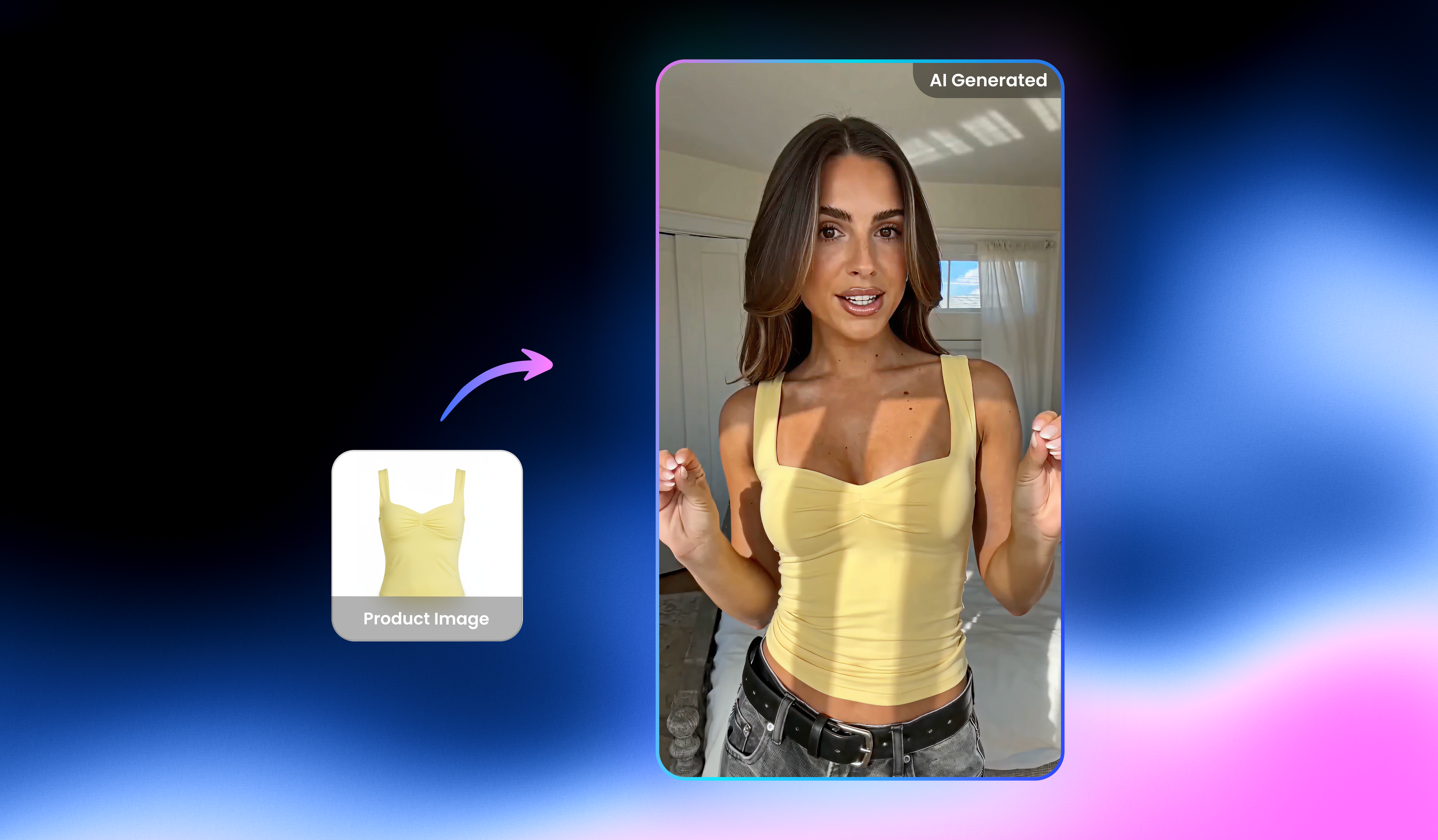
Create UGC video that sells, in one place.

Video & Image Enhancer
Elevate video and image quality in seconds.

Video Upscaler
Enhances videos to 2K or 4K without quality loss.

Video Translator
AI dubbing, translate, and lip sync videos.

AI Video Generator
Create videos using text, images, or even other videos.

Video Background Remover
Erase video background with accuracy.

Video & Audio to Text
Convert your audio and video files into subtitles and transcripts.

Video Noise Reducer
Remove background noise from the video.
Best AI video subtitle remover right next to you
Upload your video now and remove subtitles, text, captions or any other unwanted objects in minutes—so your footage looks clean, reusable, and ready to post with Vmake Labs!