
AI Movie Generator Free Online
Make your movie without a film crew. Vmake Labs AI movie generatorturns your script, concept or prompt into a fully rendered ai generated movie with scenes, characters and cinematic motion. From idea to AI short film in minutes. Free to start.
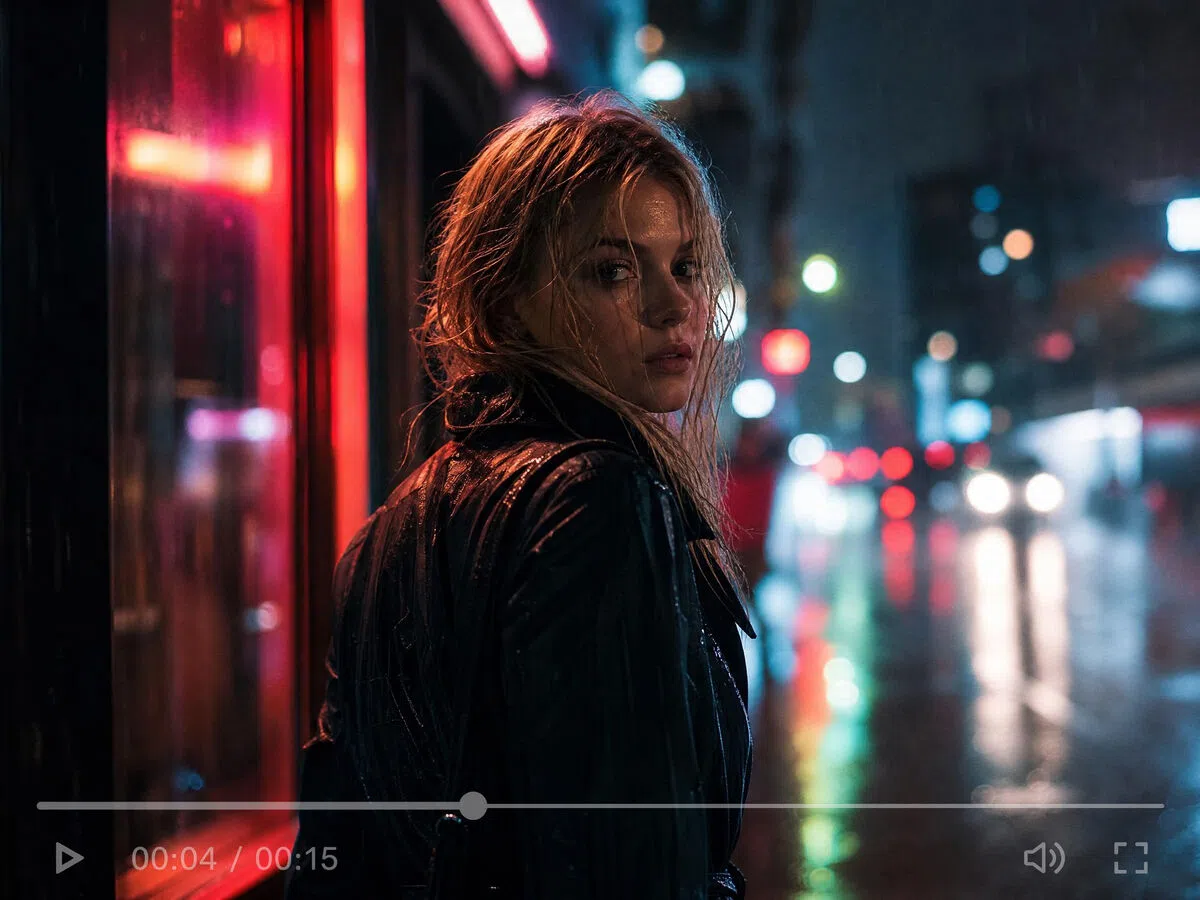


How to generate an AI movie in 3 steps
Step 1. Select your input method
Choose between Text-to-Video to describe your scene, Image-to-Video to upload storyboard frames, or Video-to-Video to restyle existing footage with a completely new cinematic treatment.
Step 2. Configure model and output settings
Select a top-tier AI model like Seedance 2.0, Kling 3.0, or Veo 3.1, then adjust the Duration and Aspect Ratio dropdowns to match your project specifications.
Step 3. Render, preview, and export
Click generate to render your scene. Preview the final asset in the media player, switch models if you need a different aesthetic, and download the high-resolution output.
How to generate an AI movie in 3 steps
Select your input method
Choose between Text-to-Video to describe your scene, Image-to-Video to upload storyboard frames, or Video-to-Video to restyle existing footage with a completely new cinematic treatment.
Configure model and output settings
Select a top-tier AI model like Seedance 2.0, Kling 3.0, or Veo 3.1, then adjust the Duration and Aspect Ratio dropdowns to match your project specifications.
Render, preview, and export
Click generate to render your scene. Preview the final asset in the media player, switch models if you need a different aesthetic, and download the high-resolution output.
What you can create with Vmake Labs AI movie generator
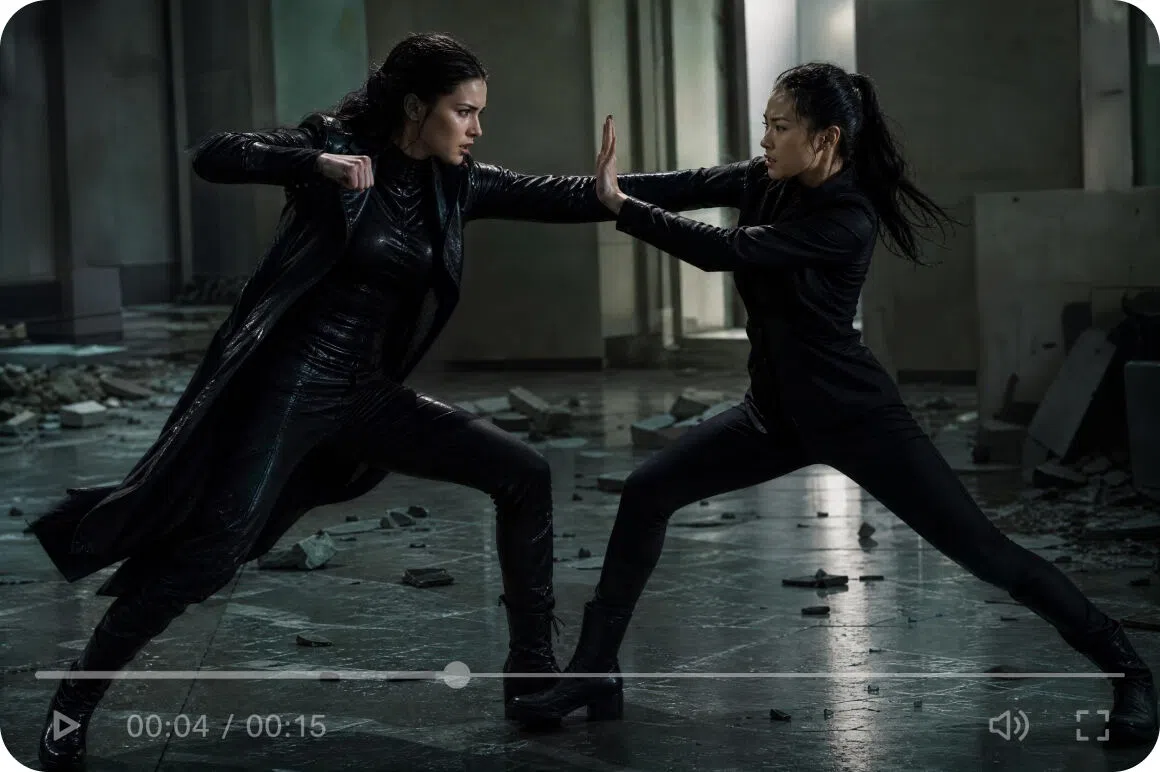
Produce AI short films and prototypes
Independent filmmakers use Vmake Labs AI film generator to prototype film concepts before going into production. Generate visual representations of scenes from a script to use in pitch decks or investor presentations without a full pre-production budget.
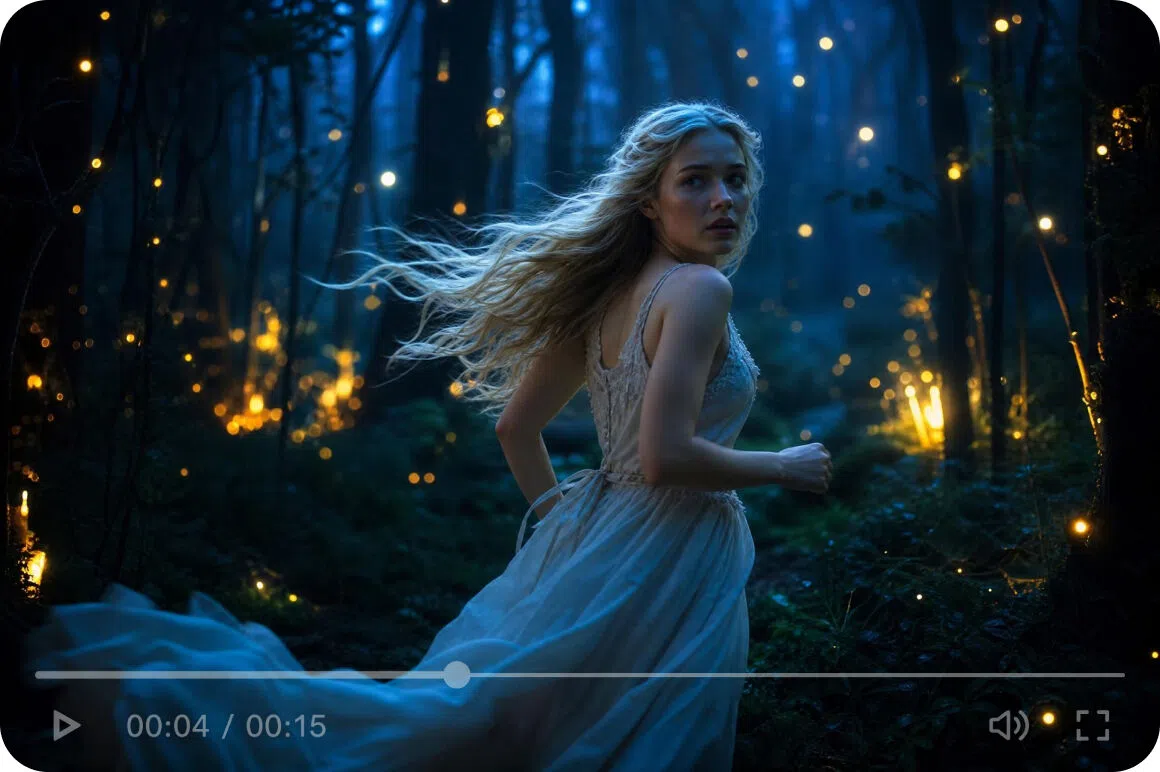
Turn stories and scripts into AI films
Writers and storytellers can transform scripts into cinematic AI-generated films with Vmake Labs. Scenes become visual sequences instantly, while the AI music video generator supports creative, music-driven storytelling and artistic video production.
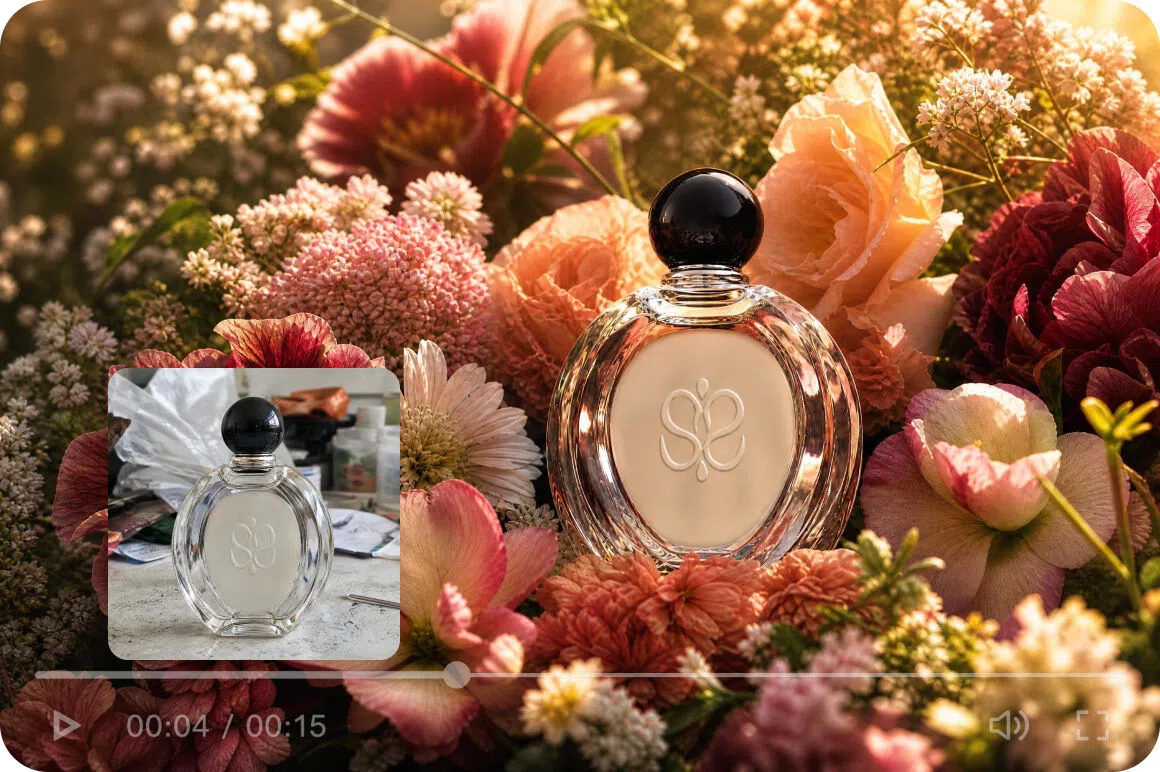
Create cinematic brand films
Marketing teams use Vmake Labs AI short film generator free output to produce cinematic brand narratives for campaigns and social content. AI-generated cinematic video delivers the visual impact of a film production at a fraction of the cost.
Why Vmake Labs is the best AI movie generator
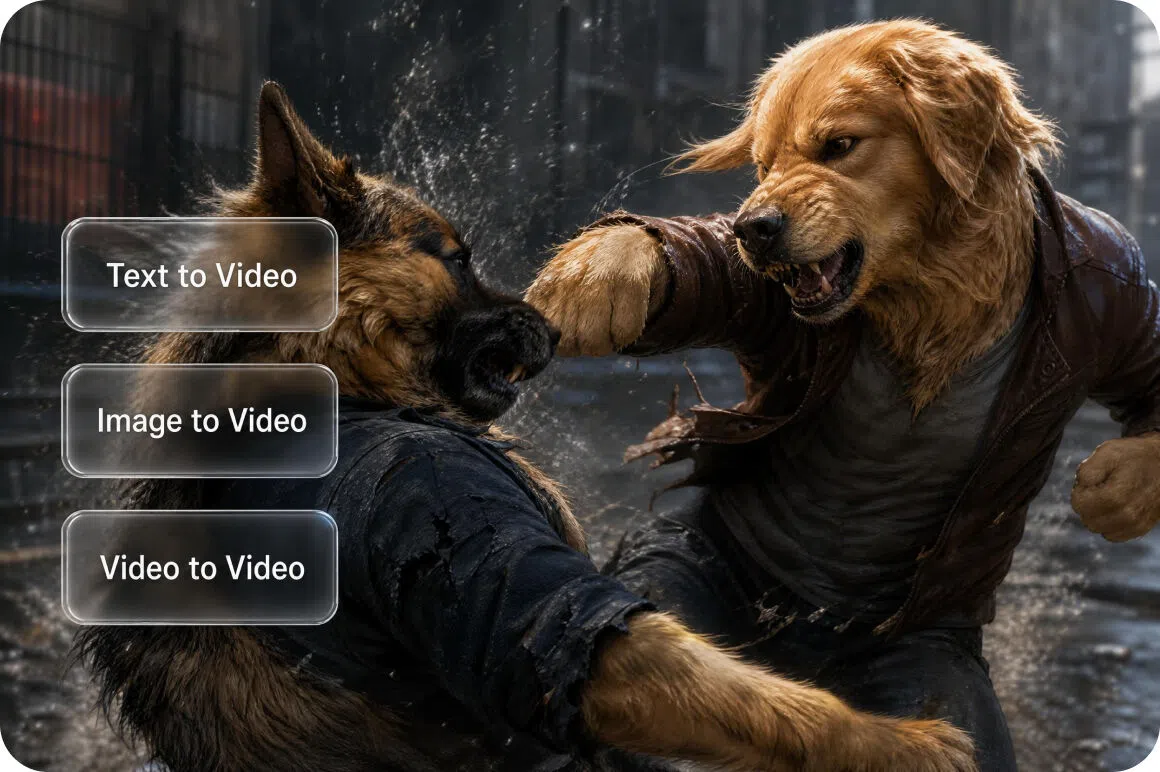
Multi-mode versatility
Vmake Labs acts as an all-in-one toolkit offering Text-to-Video, Video-to-Video style transfers, and advanced Image-to-Video modes. Users can guide generations using text prompts, multi-image references, first/last frame continuity, or built-in special effects.
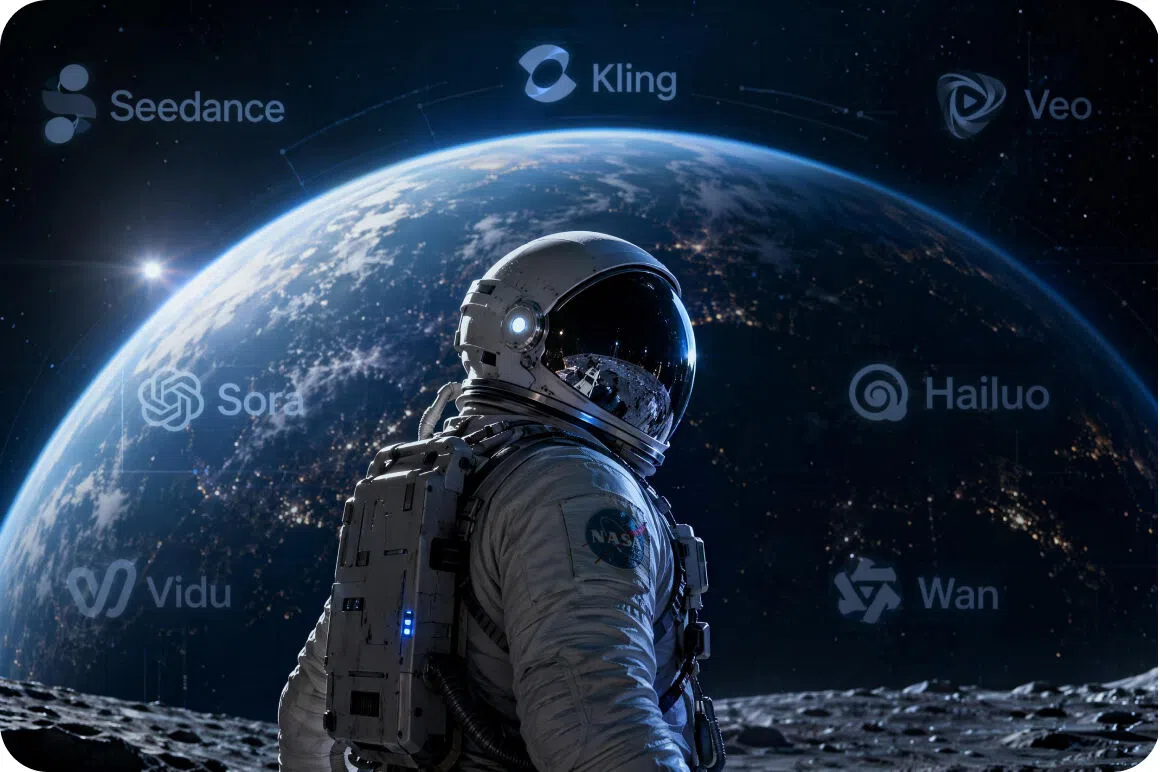
Multi-model flexibility
The platform hosts an expansive library of leading AI models, including Seedance 2.0, Kling 3.0, Veo 3.1, Sora 2, and Wan 2.2. Creators can seamlessly switch between these top-tier engines to find the exact cinematic aesthetic they need.
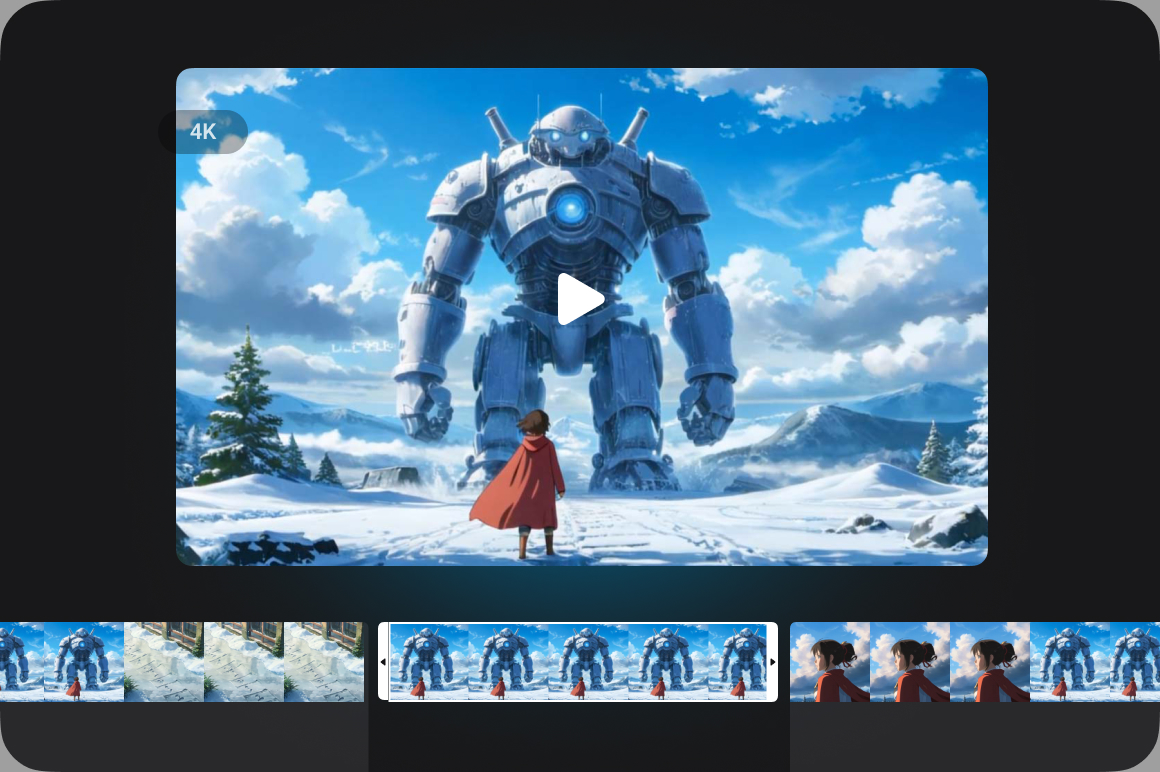
Granular configuration controls
Vmake Labs provides precise production customization by supporting flexible durations ranging from 2 to 15 seconds. It also accommodates various resolutions, allowing creators to seamlessly export high-quality cinematic assets in full 2K and 4K quality.
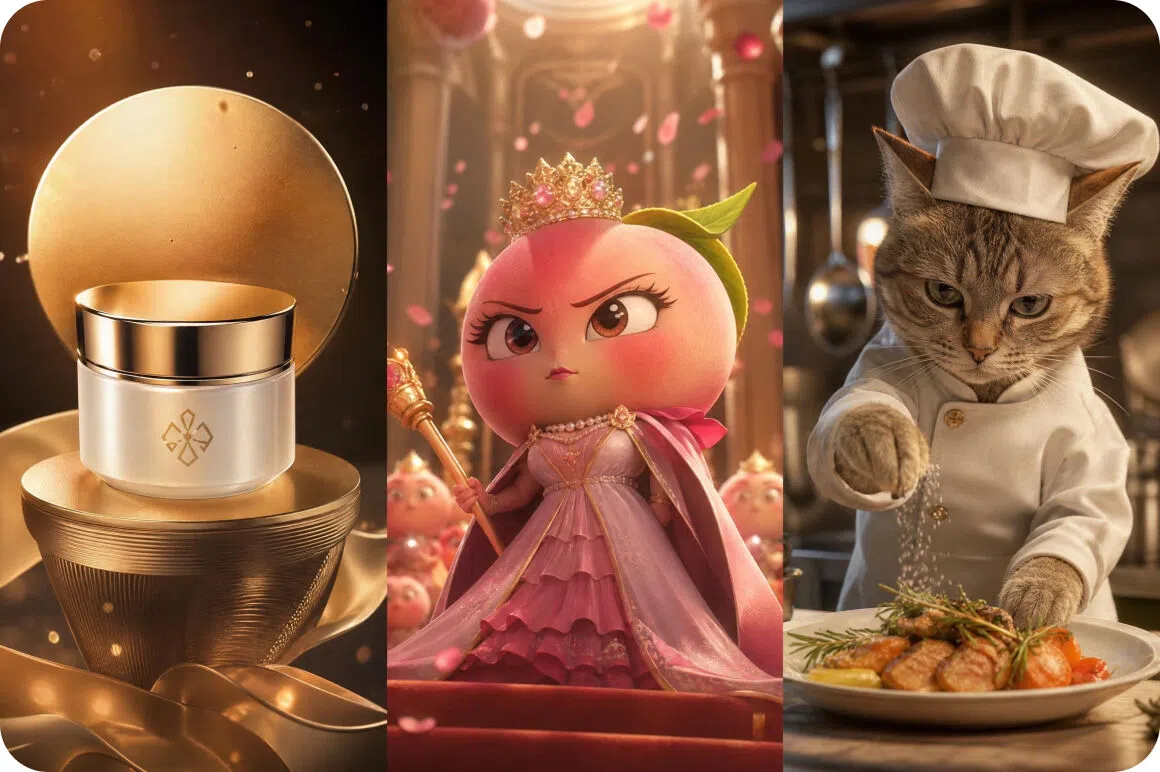
Diverse creative scenarios
Engineered for ultimate versatility, Vmake Labs AI video generator effortlessly handles diverse user workflows. It serves as a zero-learning-cost solution for e-commerce promotions, viral social media content, entertainment creation, and highly detailed feature film sequences.
Who uses Vmake Labs AI movie generator
Independent filmmakers without production budgets
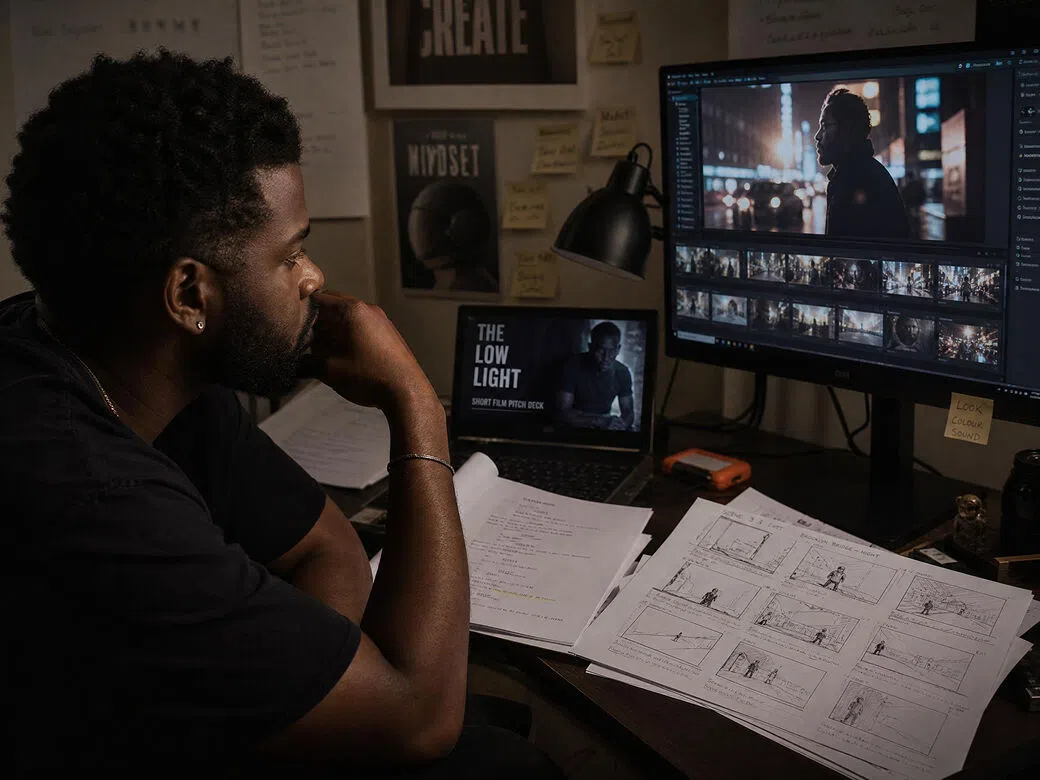
Filmmakers developing projects outside the studio system who need to demonstrate their concept visually before they can attract funding or crew. They can write and direct but lack the budget for pre-production visualization. The AI film generator gives them visual proof of concept from a script without a single day of shooting.
Screenwriters and narrative writers seeking visual output
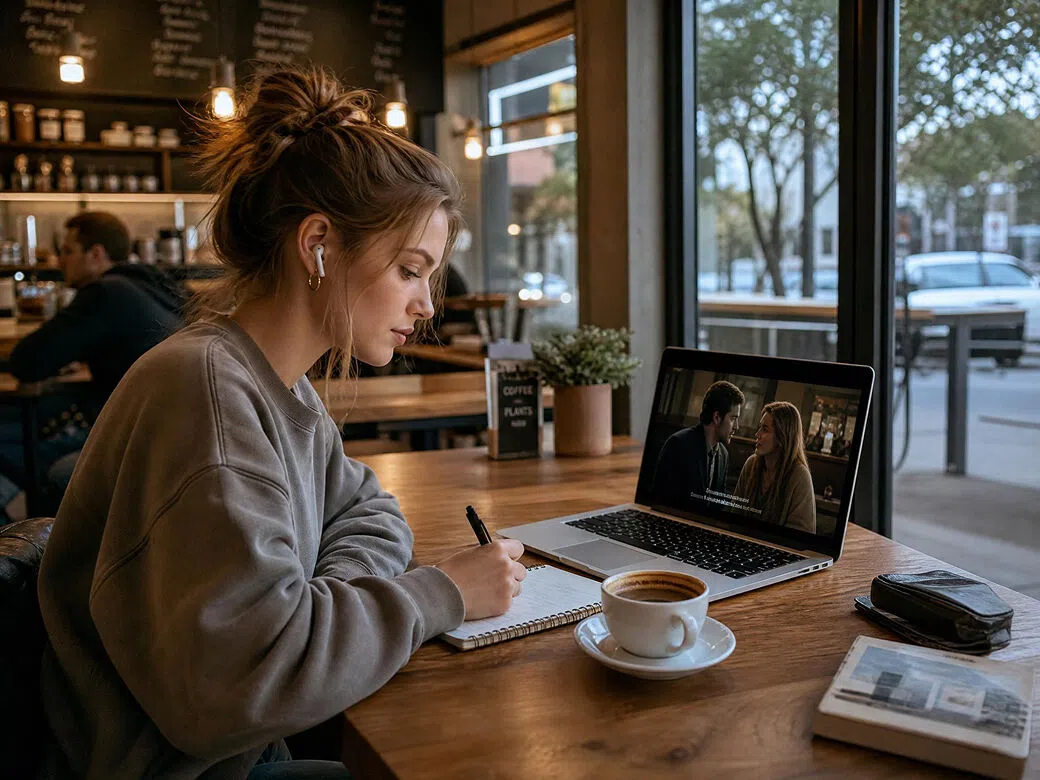
Writers who work exclusively in text but want to see how their script plays visually before committing to production or pitching. They have no film production background. The AI short film generator free converts their written scenes into moving images so they can evaluate pacing, tone and visual direction from the page.
Social media content creator
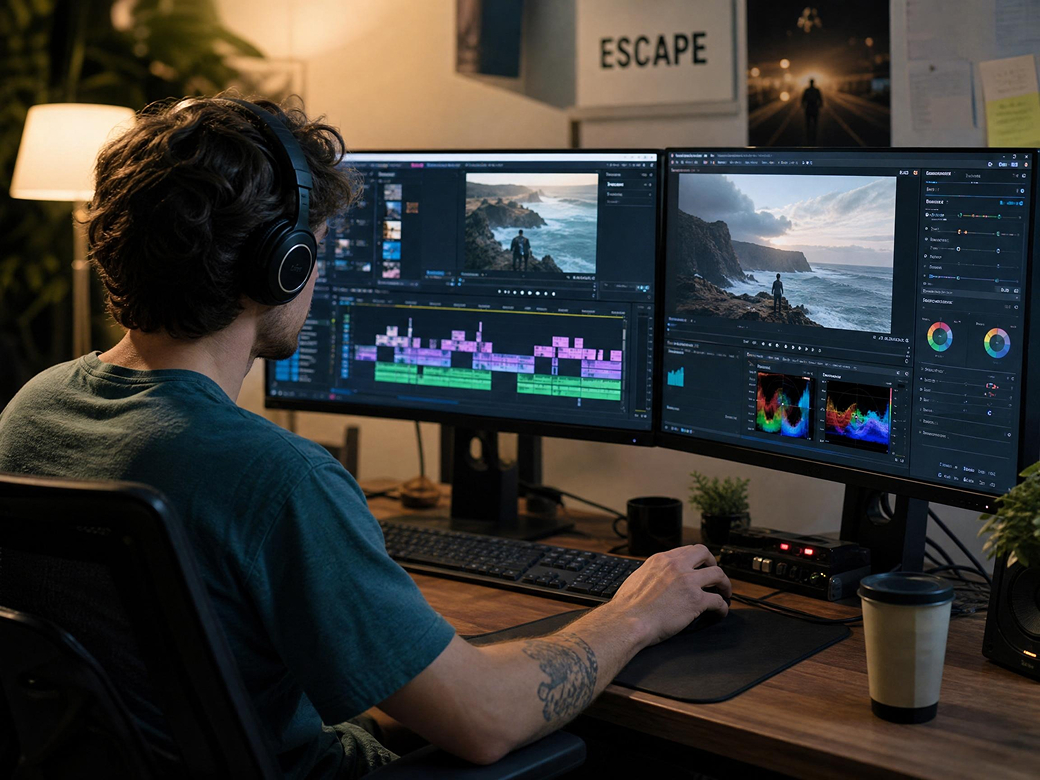
Content creators on TikTok, YouTube Shorts, Instagram Reels, and other platforms who want to turn creative ideas into engaging movie-style videos without filming. They need a fast way to generate unique visual stories, trailers, and short-form content that stands out in crowded feeds. The AI movie generator transforms simple prompts into cinematic videos, helping creators publish more content, experiment with new concepts, and grow their audience without expensive production resources.
Frequently asked questions
What is the best AI short film generator free option?
Can it generate a complete short film?
Yes. Vmake Labs AI short film generator produces complete short films from script input including scenes, characters, environments and transitions assembled into a coherent narrative.
What styles does the AI film generator support?
The AI movie generator supports cinematic, documentary, animation and genre-specific styles. Each style is applied consistently across every generated scene in the film.
How long does it take to generate an AI movie?
Most short film scenes render in minutes on Vmake Labs cloud infrastructure. Full AI generated films can be assembled and downloaded without any local hardware requirements.
Can I use AI generated films commercially?
Yes. AI-generated clips created by Vmake Labs can be used in commercial projects including brand films, ad content and client deliverables.
Why choose Vmake Labs as your AI movie generator

Traditional filmmaking requires expensive gear and crews, but Vmake Labs removes these physical barriers by instantly rendering text scripts and story concepts into fully realized visual sequences, characters, and cinematic motion with zero production setup.

While standard AI video tools suffer from jarring visual shifts across shots, Vmake Labs enforces strict character and style consistency rules across generations to ensure your film holds together as a coherent, connected narrative.

Most free generators produce low-resolution, amateur results, but Vmake Labs delivers professional, cinematic-grade visual outputs that are polished enough for high-stakes investor pitches, international film festival submissions, and major brand campaigns.
Discover More Features

Video & Image Enhancer

Watermark & Text Remover

Video Upscaler

AI Video Generator

Video Background Remover

Video & Audio to Text

Video Noise Reducer

AI Video Translator
Ready to generate your AI movie?
Enter your concept, choose your cinematic style and let Vmake Labs generate your AI short film in minutes.
What our users say
Vmake Labs ai film generator produced a visual prototype of my feature concept that I used in my investor pitch. The cinematic style output looks genuinely like a film treatment, not a generic AI animation.
I used the ai movie generator free to visualise a short story I wrote. Seeing the scenes rendered as ai generated films completely changed how I thought about the narrative structure. An incredible creative tool.
The AI short film generator free output is strong enough for my coursework submissions. The best ai short film generator free option I have found for student production quality.
We produced cinematic brand film content using Vmake Labs ai short film generator free output. The production quality is impressive for AI generated material and the turnaround is a fraction of traditional film production.
The AI short film generator understands narrative structure and applies it to the visual output. My ai generated films have scene transitions, tonal consistency and character continuity that other AI tools cannot match.
For this price you will not find a better ai movie generator. I use the ai film generator in my filmmaking classes to demonstrate production concepts with live examples. Students engage with it immediately.