
AI Voice Enhancer for Clearer Video Speech
Vmake Labs AI voice enhancer helps reduce background noise from video audio automatically in one click. Upload your video and download cleaner audio without manual settings now!
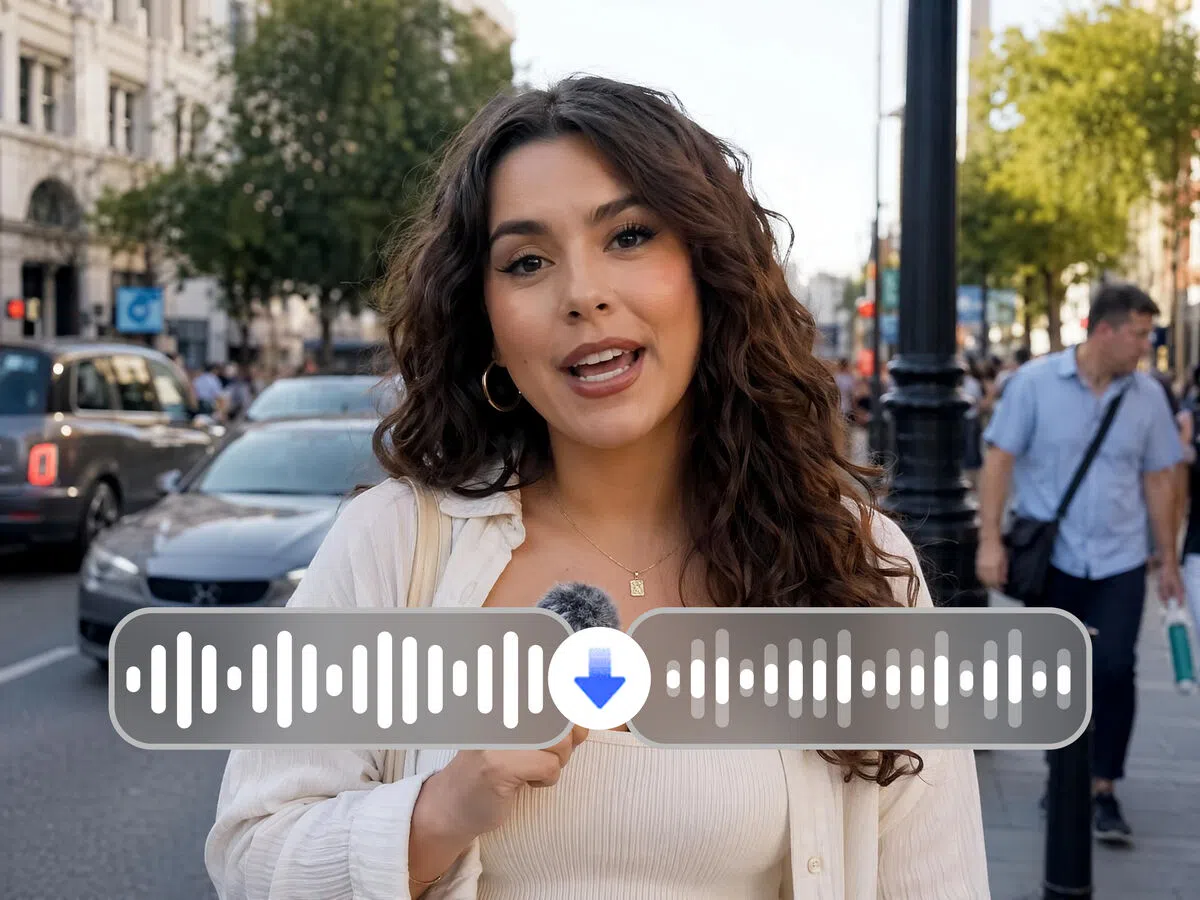


How to enhance your voice in your video
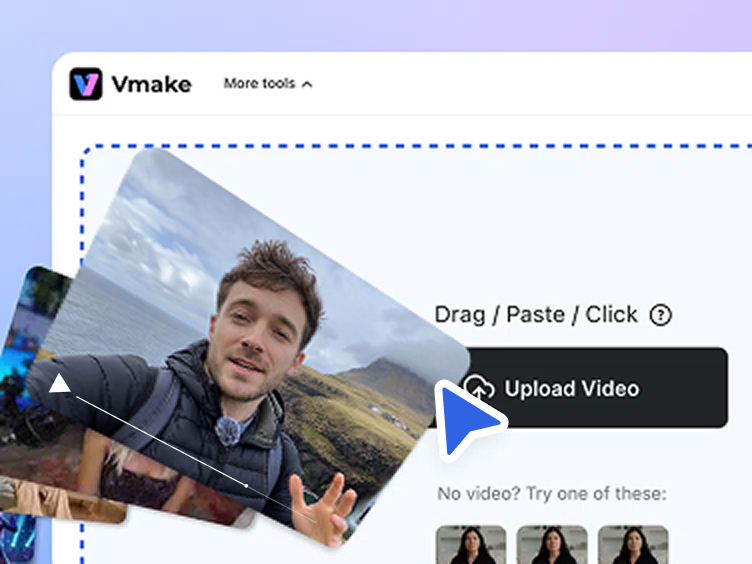
Upload
Click , drag or paste to add your video to the workspace.
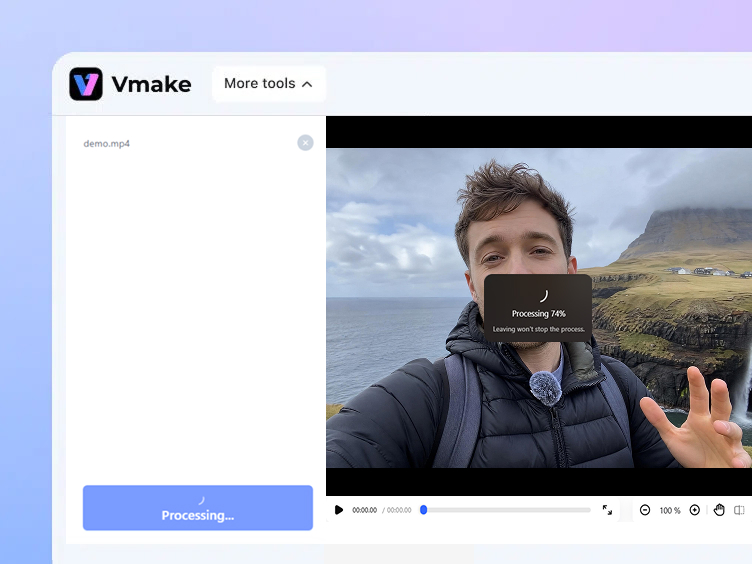
Enhance
AI automatically detects and helps reduce background noise from the video audio. Background noise is reduced so speech is easier to hear throughout.
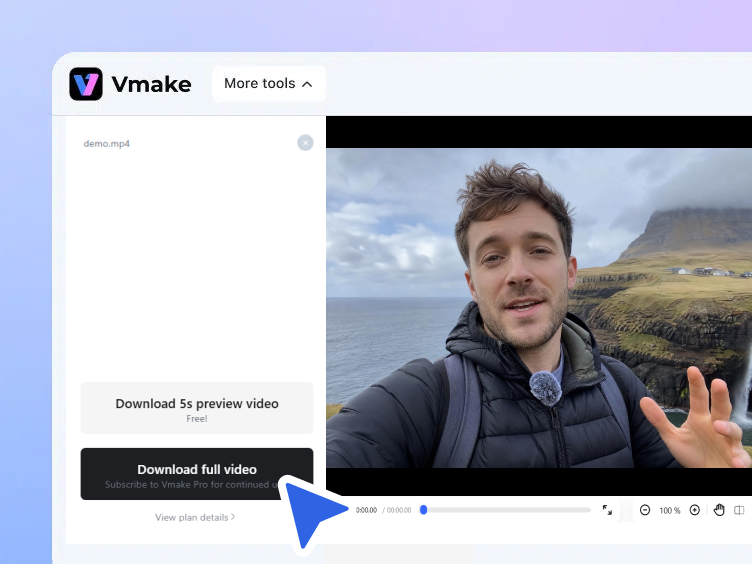
Download
Click to save the finished video with reduced background noise. Ready to review or continue editing.
When your voice needs to come through more clearly


What Vmake AI voice enhancer does to your recordings
AI background noise reduction for clearer speech
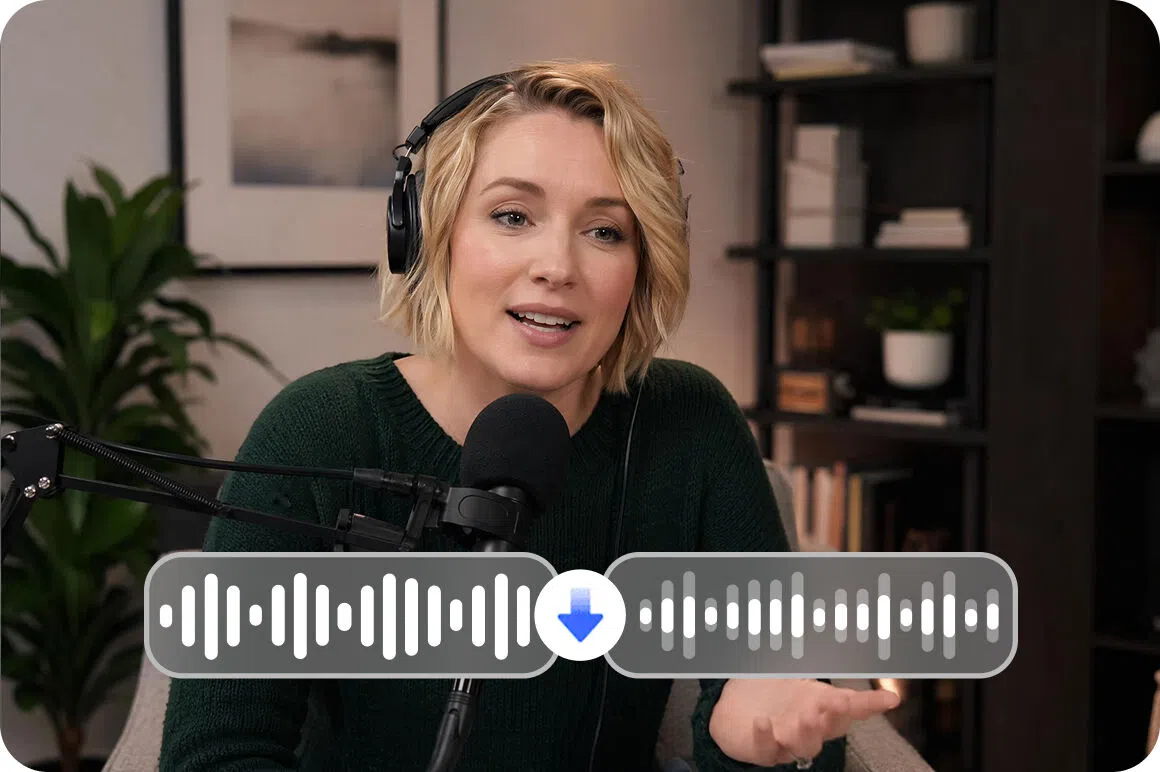
AI helps identify and reduce the background noise that competes with speech in video audio. Handles common noise types including wind, traffic, crowd sounds, fan hum, air conditioning and room echo without manual frequency selection or audio editing knowledge required.
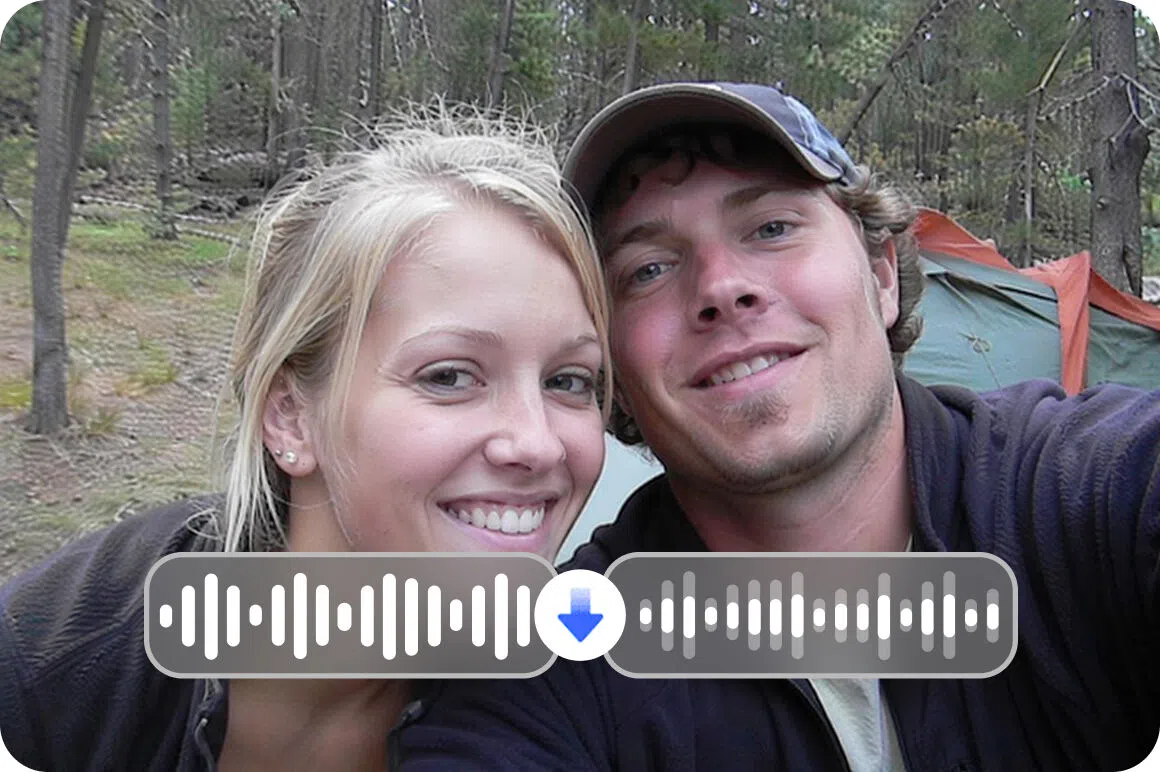
Works across common recording environments
Confirmed use cases include outdoor locations with wind and traffic, indoor spaces with fan or HVAC noise, online meeting environments with room echo, and archival footage with electrical noise or popping sounds. For visual quality improvement on the same footage, the video blur remover handles that as a separate step.
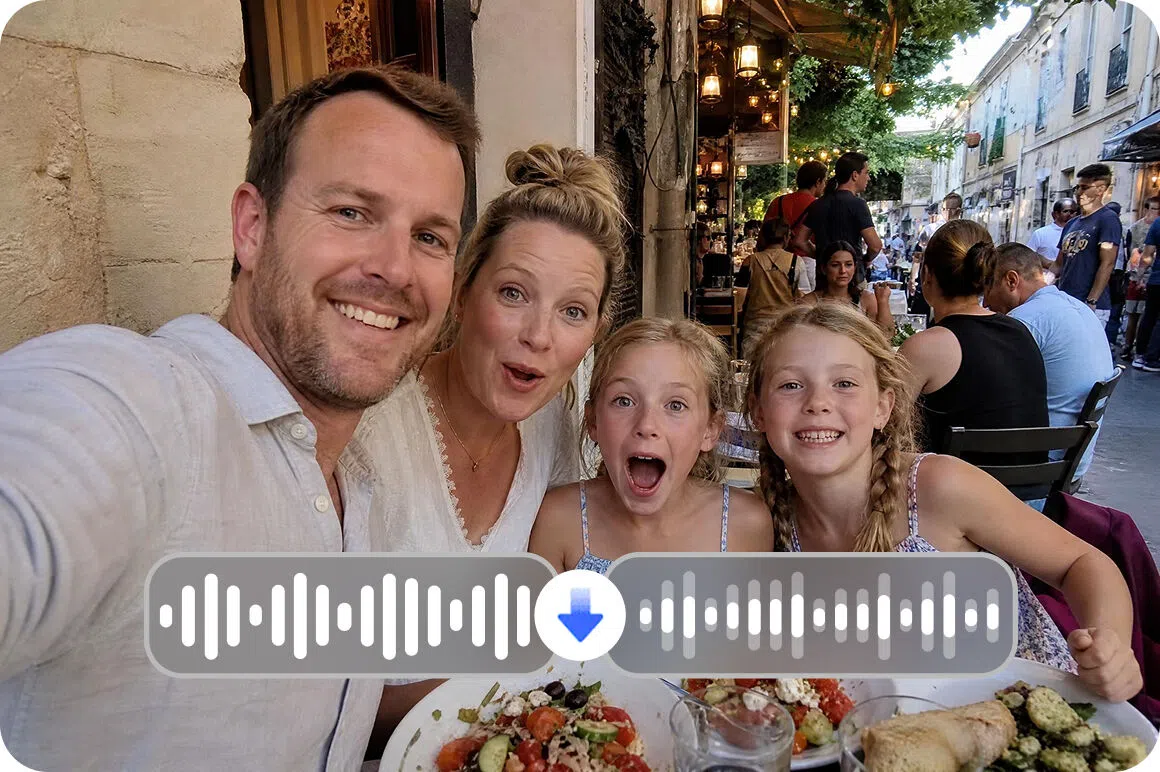
Audio noise only, visuals untouched
The tool targets video background audio noise specifically. Image quality, resolution and visual content are not affected during processing. The video output looks as uploaded with only the audio processed.
Who uses Vmake AI voice enhancer most
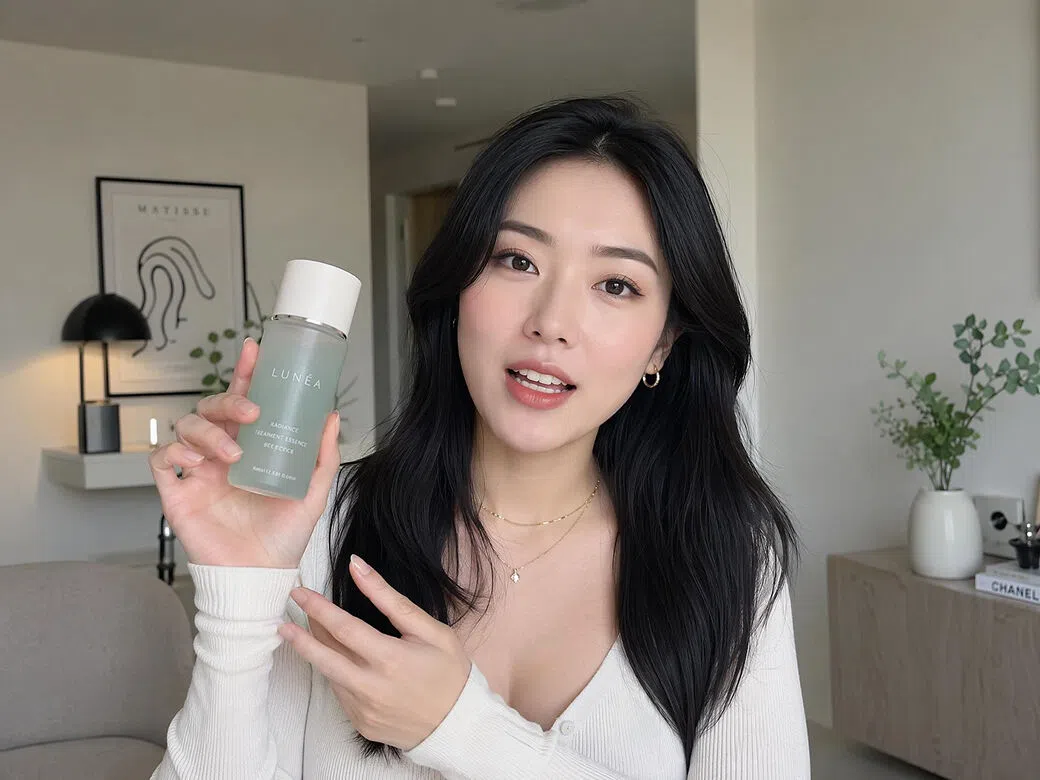
Live sellers and e-commerce video creators
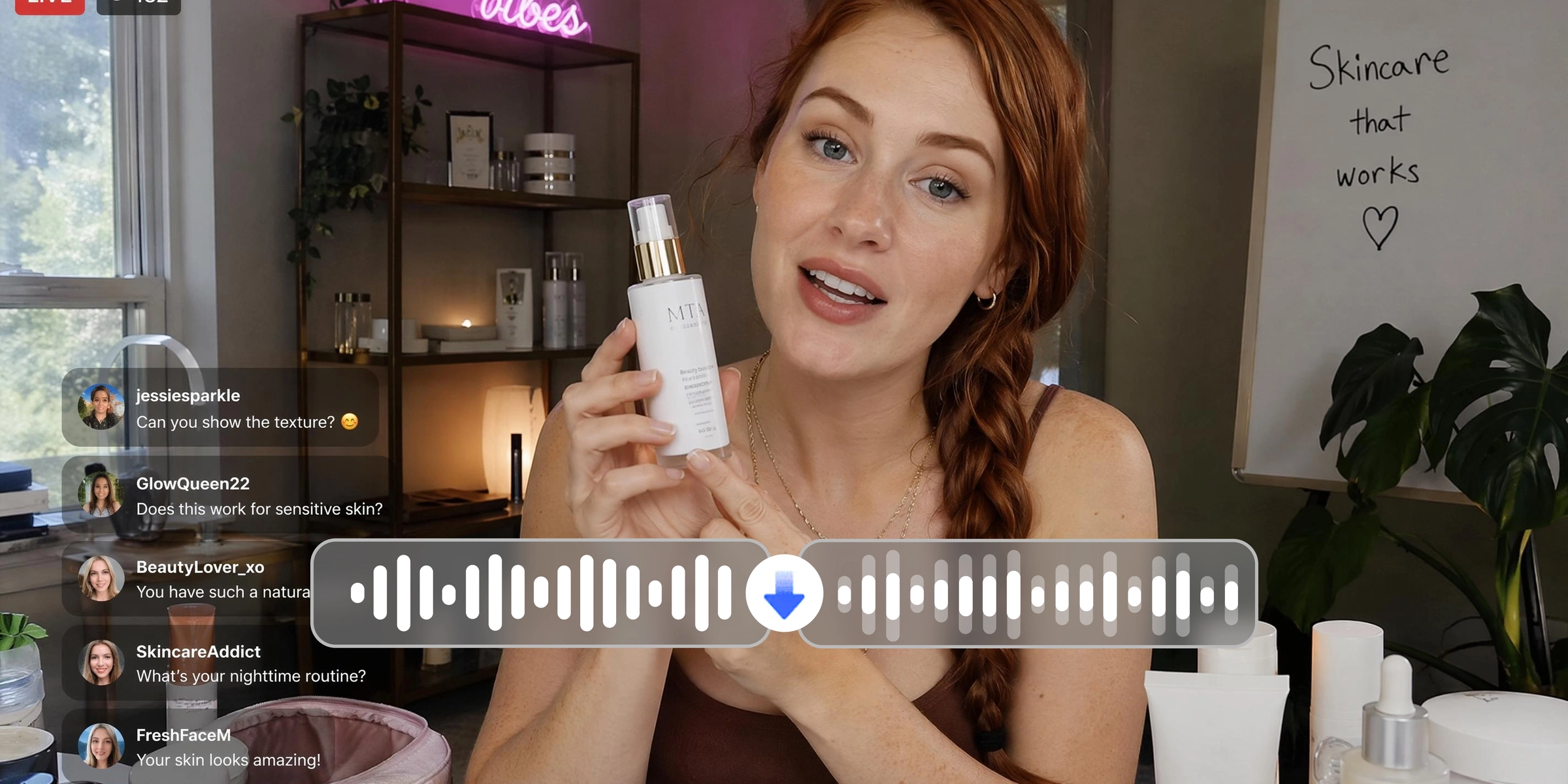
Background noise in product endorsement videos competes with the seller's voice and dilutes the message before it reaches the viewer. Vmake helps reduce background noise from e-commerce and LIVE creator video content automatically. Product narration is clearer and easier to follow without re-recording the original footage or post-production audio work.
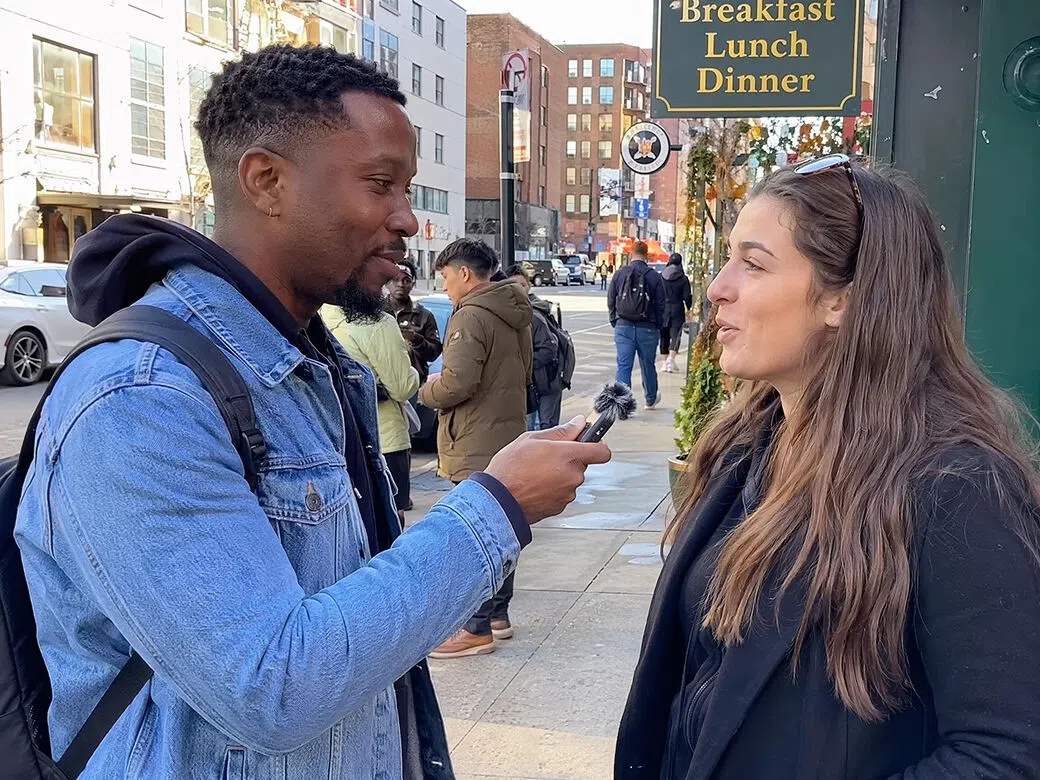
Outdoor vloggers and interview hosts
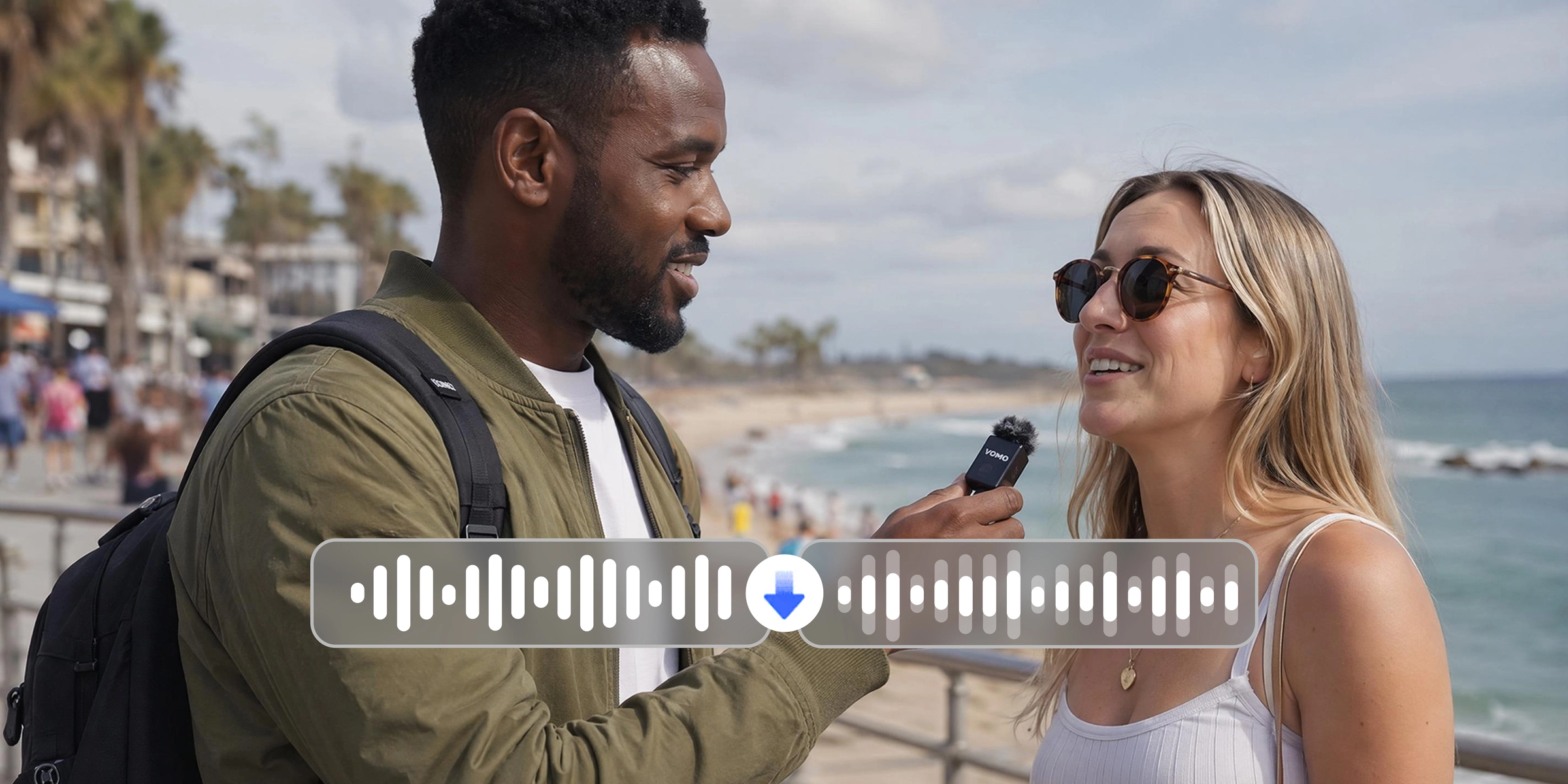
Outdoor recordings capture unavoidable wind, traffic and ambient crowd noise alongside the speaker's voice. Vmake helps detect and reduce outdoor background noise in one automated processing pass. Speaker audio is easier to hear across outdoor footage and the need to reshoot in a controlled environment is reduced.
Online educators and corporate trainers
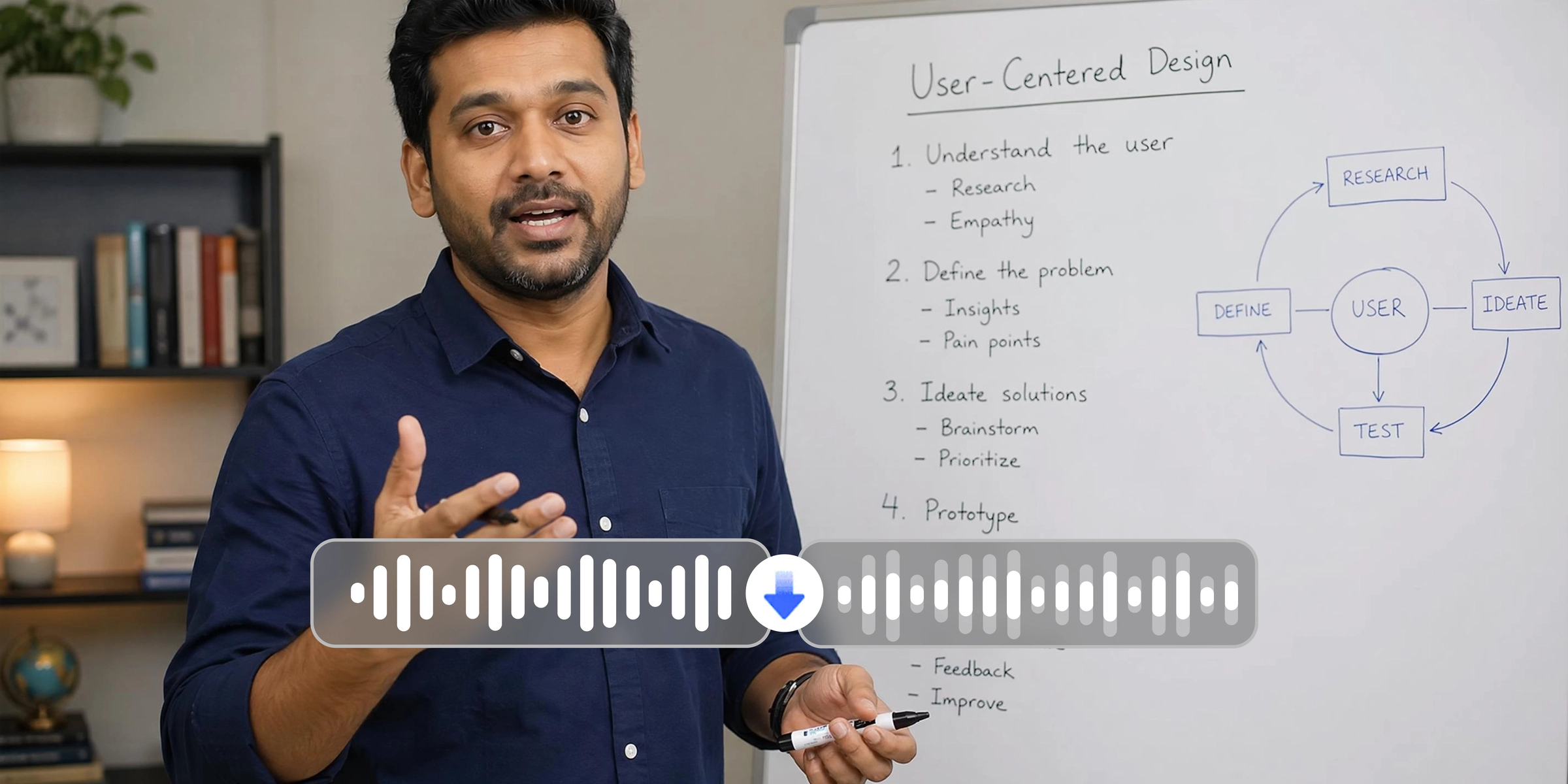
Course and training recordings made in office or home environments often contain persistent ambient noise that makes content harder to follow. Vmake helps reduce fan hum, air conditioning and room echo from video audio automatically. Recordings are cleaner and easier for viewers to follow without acoustic treatment or audio editing skills.

Frequently asked questions
Does the voice enhancer target speech specifically?
Will it work on outdoor footage where the noise could not be controlled?
My recording has room echo. Can this help?
Does processing voice audio change the video quality?
What video formats does the AI voice enhancer support?
Why choose Vmake as your AI voice enhancer

Upload, process and download in three steps. No audio engineering knowledge, manual settings or frequency controls needed at any point. The noise reduction process runs automatically from start to finish.

Covers the recording environments where speech clarity matters most including e-commerce LIVE videos, outdoor interviews, home and office course recordings, and archival footage. Built around creator video content rather than studio audio production.

Anyone can reduce background noise in a video without audio editing experience. Upload the video, let AI handle the processing and download the cleaner result without touching a single audio setting.
Discover More Features

Video & Image Enhancer

Watermark & Text Remover

Video Upscaler

AI Video Generator

Video Background Remover

Video & Audio to Text

Video Noise Reducer

AI Video Translator
Make your voice the clearest part of every video
Every video with noisy audio is harder to watch than it needs to be. Upload your video and Vmake helps reduce background noise automatically.
What users say about Vmake AI voice enhancer
I tried Vmake and the audio came out noticeably cleaner on the first upload. I stopped re-recording takes just to get usable audio. The process is simple enough that it fits into my upload routine without adding extra time.
Outdoor interview footage is always unpredictable. Wind and traffic made some clips hard to work with in the edit. Vmake reduced the background noise enough that I could use footage I would have otherwise left out. Not every clip is perfect but the hit rate improved meaningfully compared to before I started using it.
I recorded an entire module with the air conditioning running in the background the whole time. wasn't sure it would be salvageable. ran it through vmake and the hum is much less noticeable in the output. the content is easier to follow now and i didn't have to redo the session from scratch.
Vmake helped clean it up enough to be usable without a separate audio editing step. It is simple enough that anyone on the team can process recordings without any technical background.
Home recording setup picks up more room echo than i'd like. vmake reduced it noticeably without me having to change anything about how i record. episodes sound more focused now. the difference is subtle but consistent across every episode i've processed so far
Working with old client footage that had electrical noise throughout. Vmake reduced it enough on most files that the footage became usable. Not completely gone on every clip but the outcome was good enough to avoid asking the client to reshoot content that would have been difficult to recreate.