
AI English to Russian Video Translator (Coming Soon)
Translate English videos into natural Russian with AI generated subtitles, realistic dubbing and accurate lip sync. Vmake Labs enables creators, businesses, educators to localize videos faster and reach Russian-speaking audiences worldwide.


How to translate English videos to Russian in 3 steps
Step 1. Upload Your Video
Post your English video on Vmake Labs. The platform automatically recognizes spoken dialogue, transcribes the audio, and gets your video ready for accurate English to Russian translation.
Step 2. Personalize Your Translation
After deciding on Russian as your target language, select the localization features appropriate for your project. Create Russian subtitles, AI dubbing, voice options, and lip sync in a simple workflow.
Step 3. Export Your Localized Video
Preview your translated video, do any last edits and export the finished version with Russian subtitles, AI voiceovers, lip sync and optional 4K enhancement for publishing anywhere.
Popular use cases for English to Russian video translation
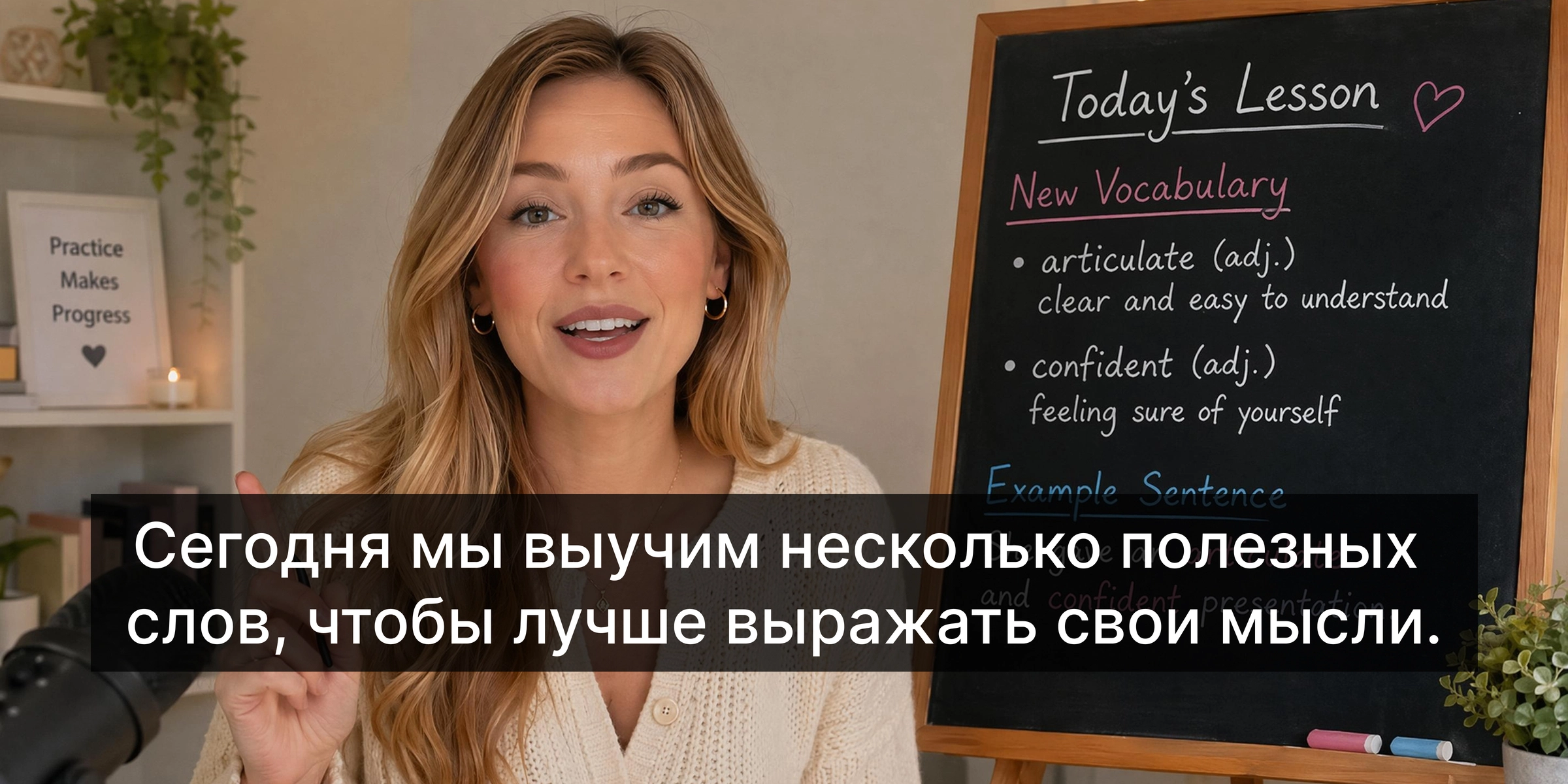
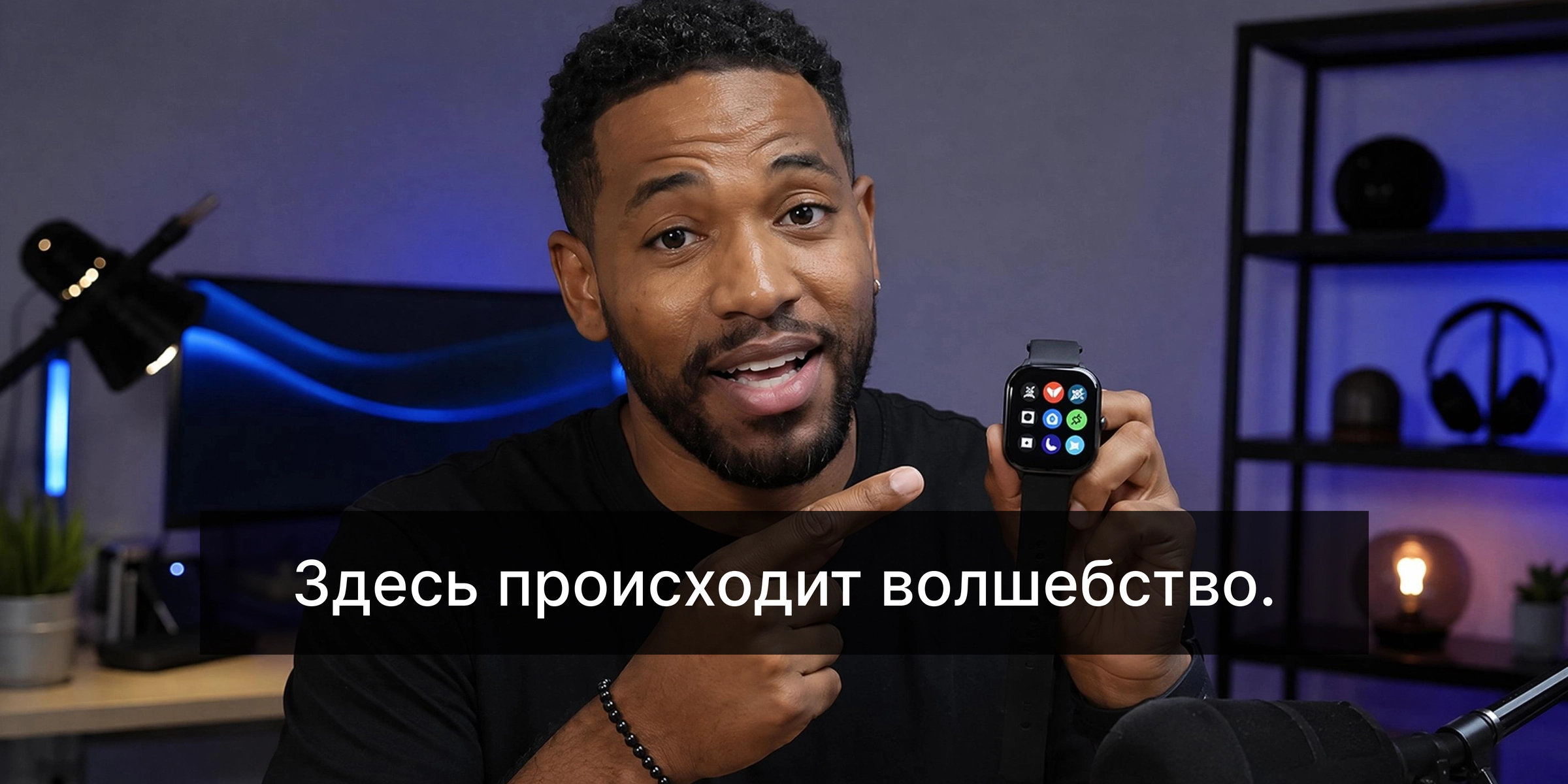

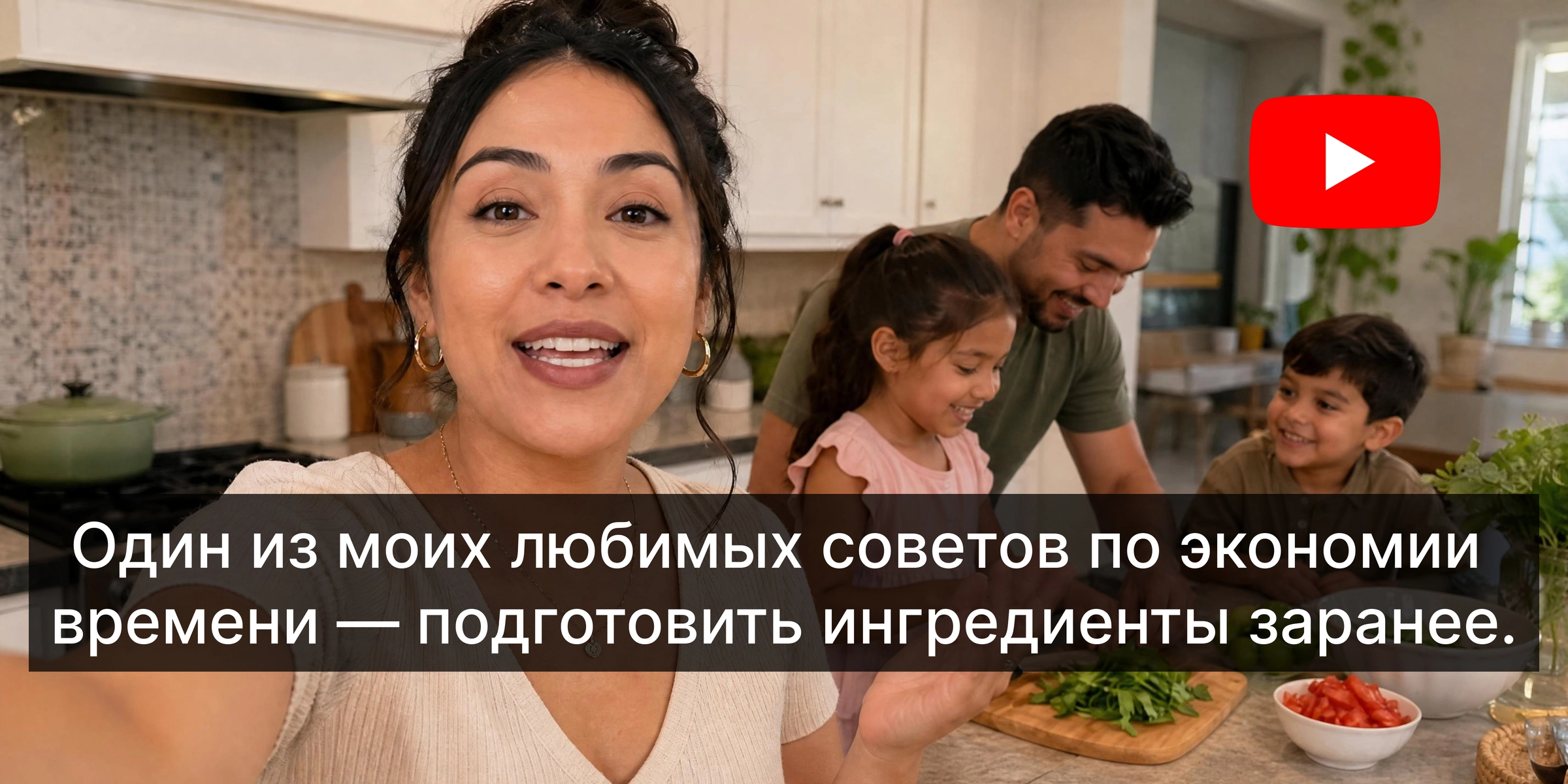
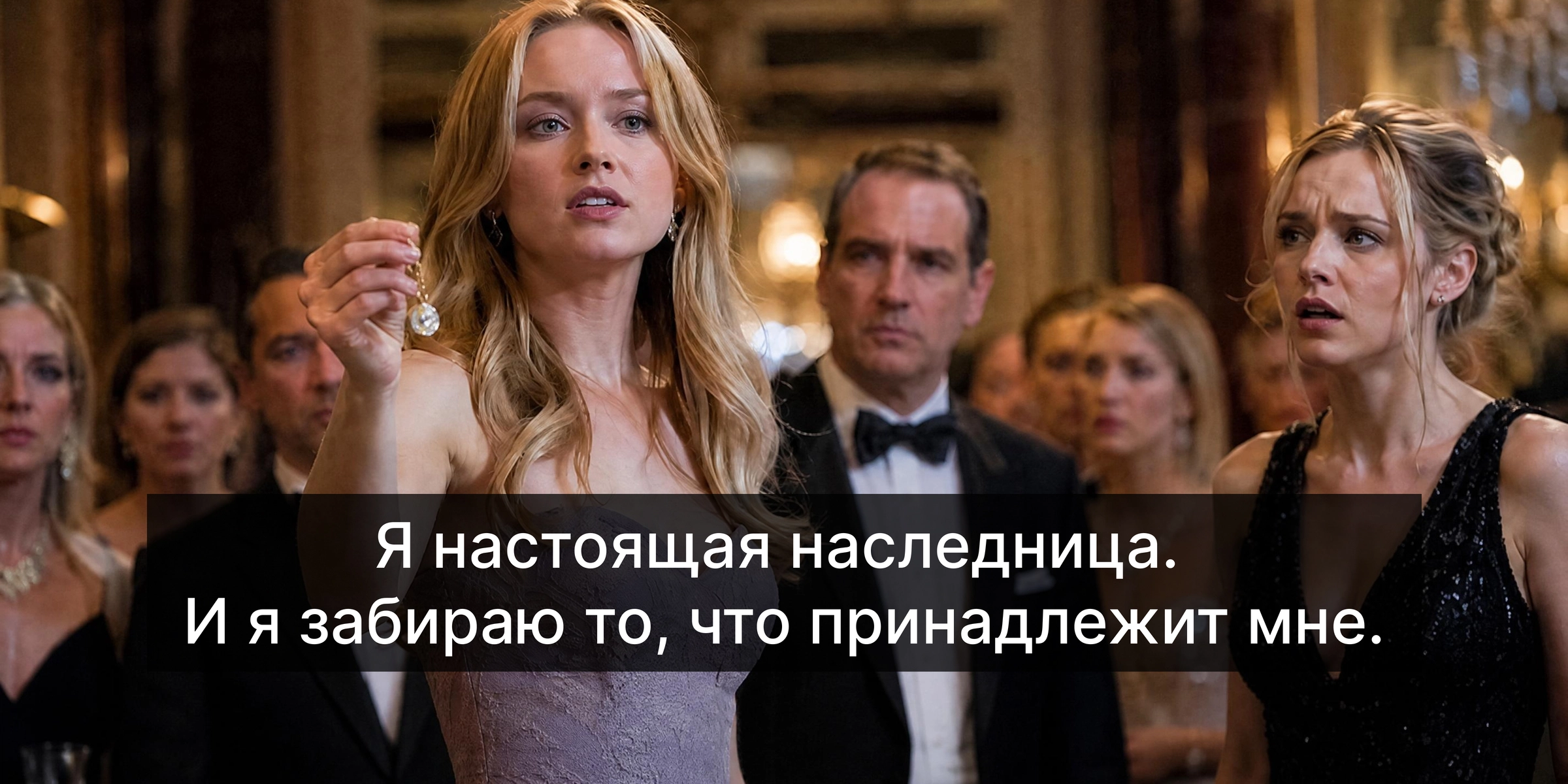


Why Vmake Labs is the best English to Russian video translator
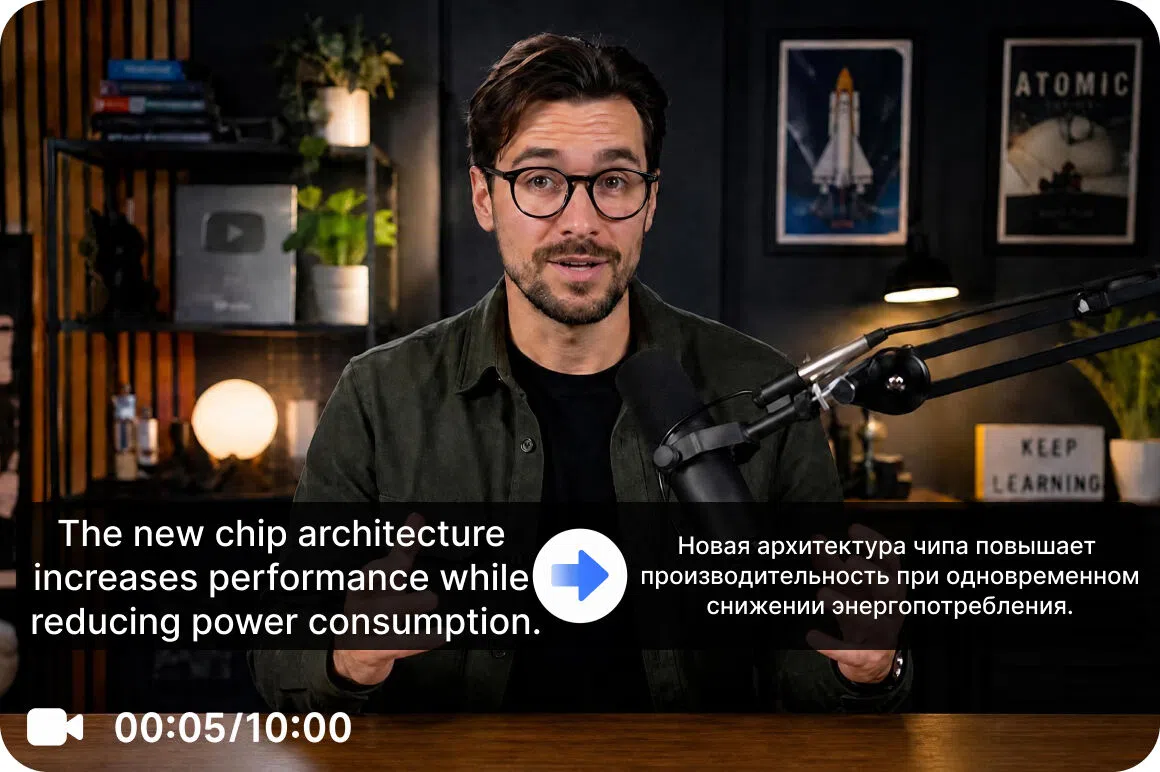
Generate natural Russian AI dubbing
Traditional dubbing often includes costly recording sessions and extensive editing. Vmake Labs creates natural sounding Russian AI voiceovers for marketing videos, tutorials, interviews and creator content. With Vmake Labs, multilingual videos sound authentic and reduce production time.
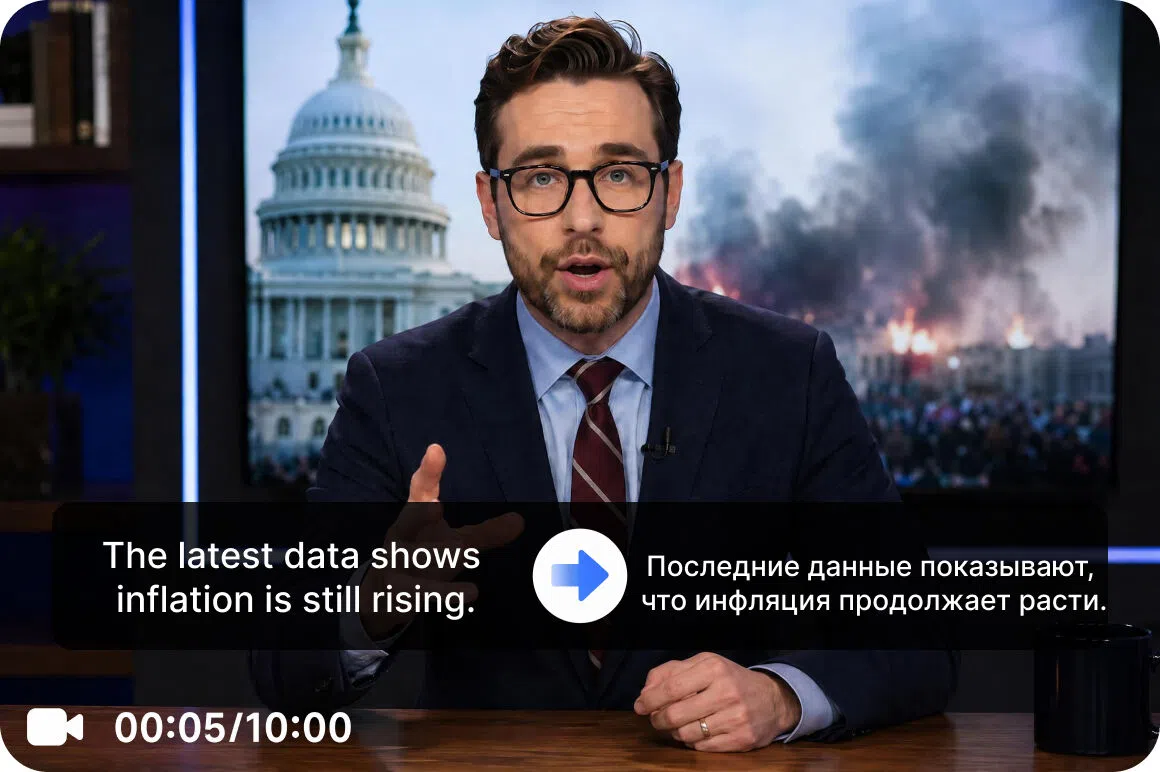
Match the speech with smart lip sync
Audio translation can often get out of sync with the on-screen speakers. Smart lip sync automatically synchronizes mouth movements to Russian speech for smoother conversations and a better viewing experience for localized videos.
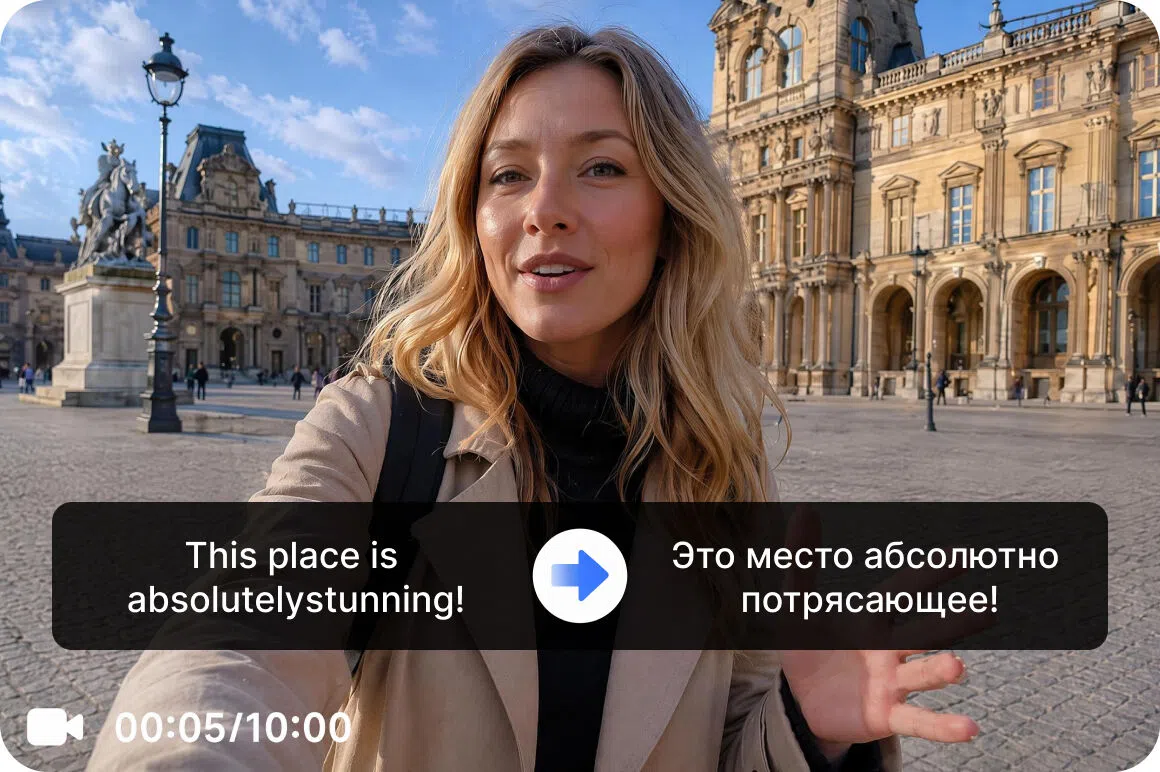
Auto-generated subtitles that are accurate
Create automatic Russian subtitles with precise timing and clear Cyrillic text. Review and edit translations before export to ensure every subtitle matches your message, terminology and brand style.
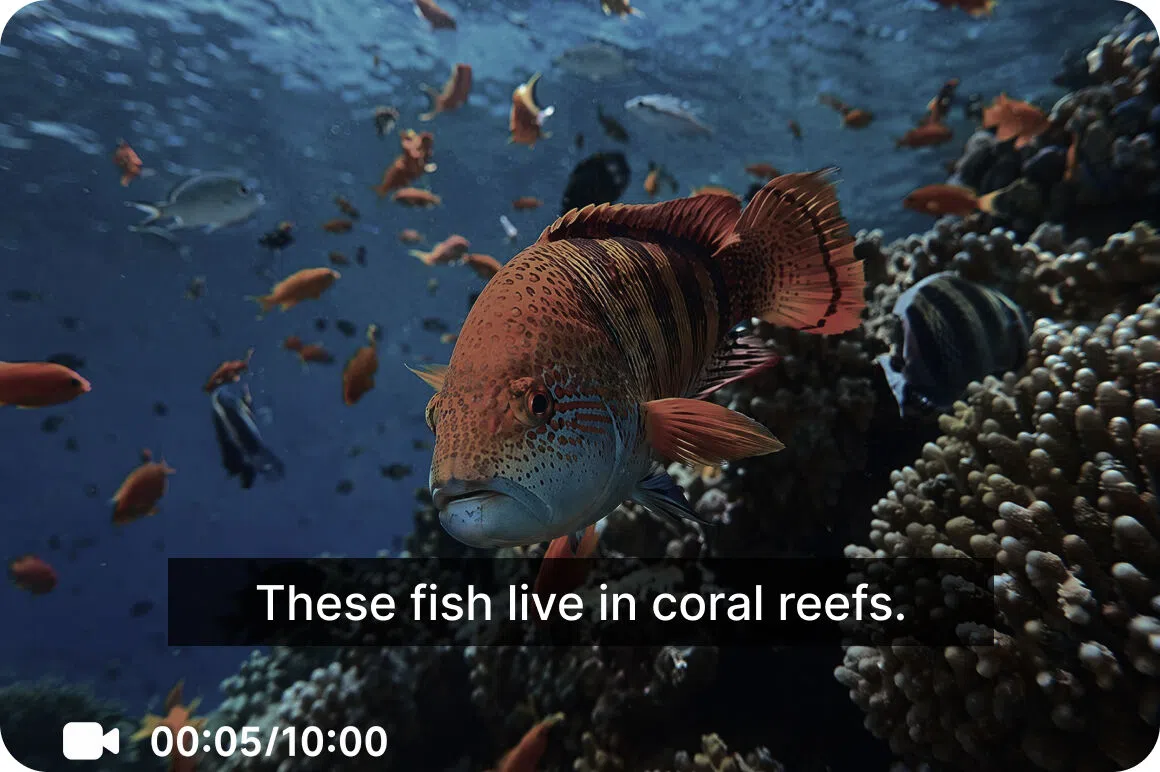
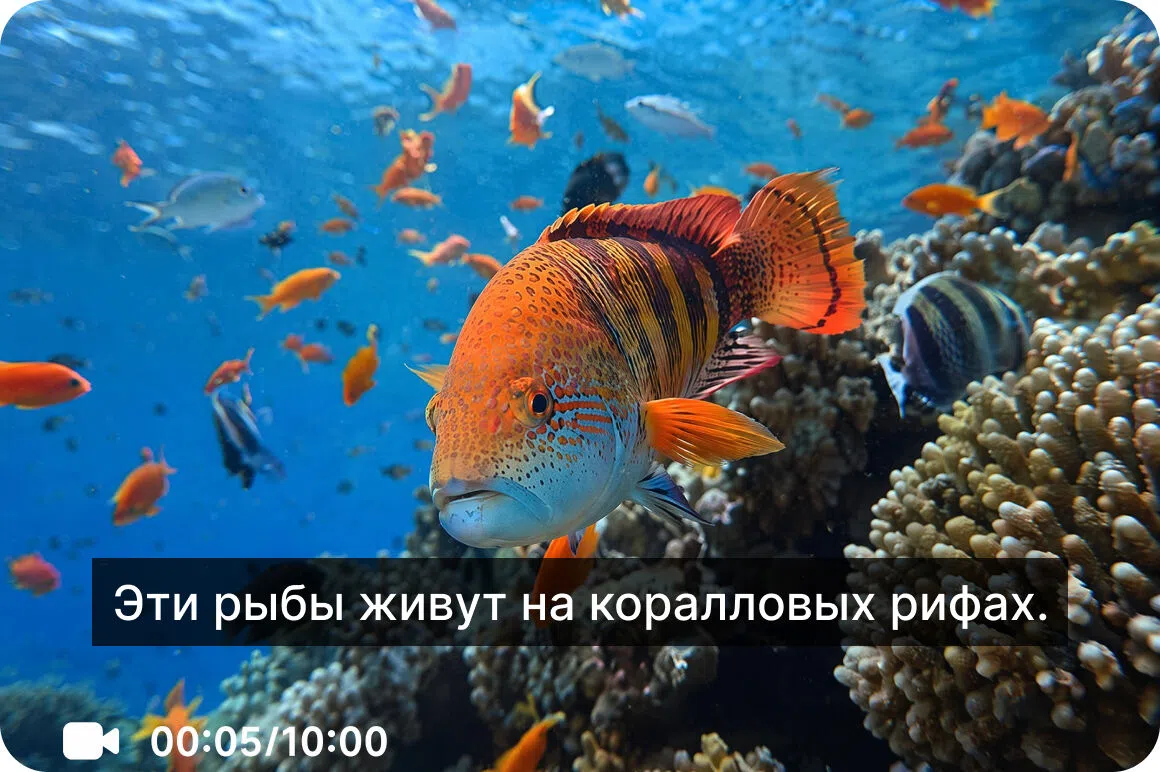
Export 4K videos with high quality
Localizability should not sacrifice video quality. Vmake Labs improves the translated videos and exports them up to 4K resolution, ready for use on YouTube, social media, websites, presentations and business communications.
Who uses Vmake Labs English to Russian translator?
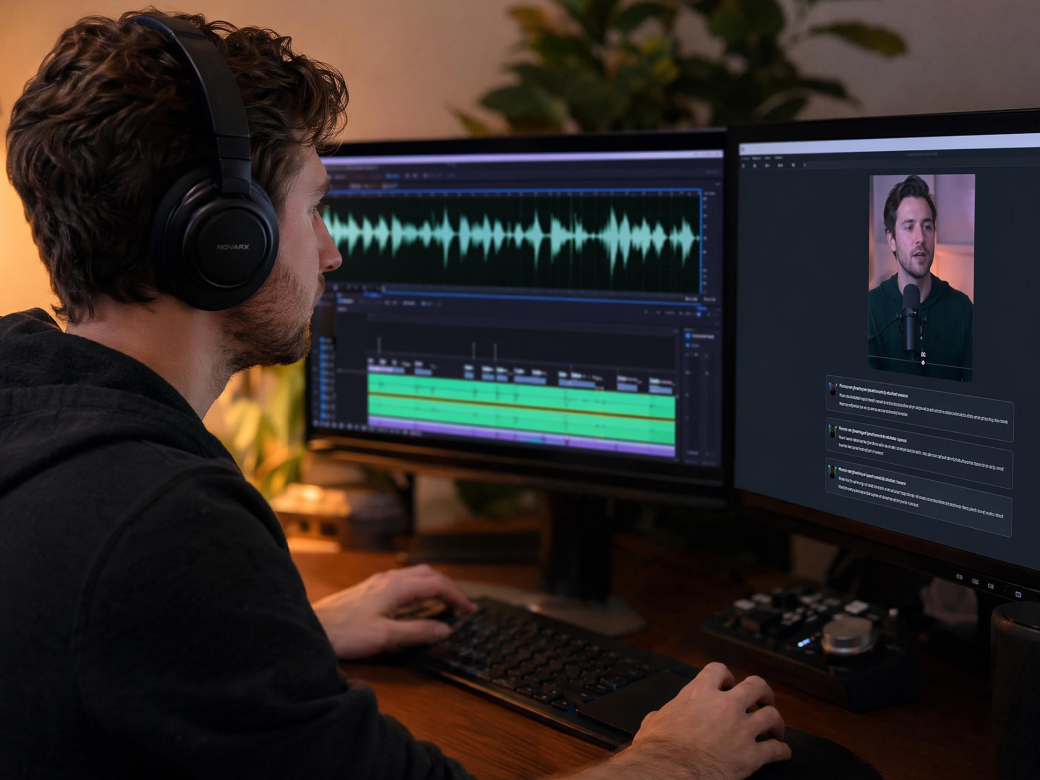
Content creators
To reach a larger global audience, translate YouTube videos, podcasts, Shorts, TikTok content, and livestream recordings into Russian using lip sync, AI dubbing, and subtitles.
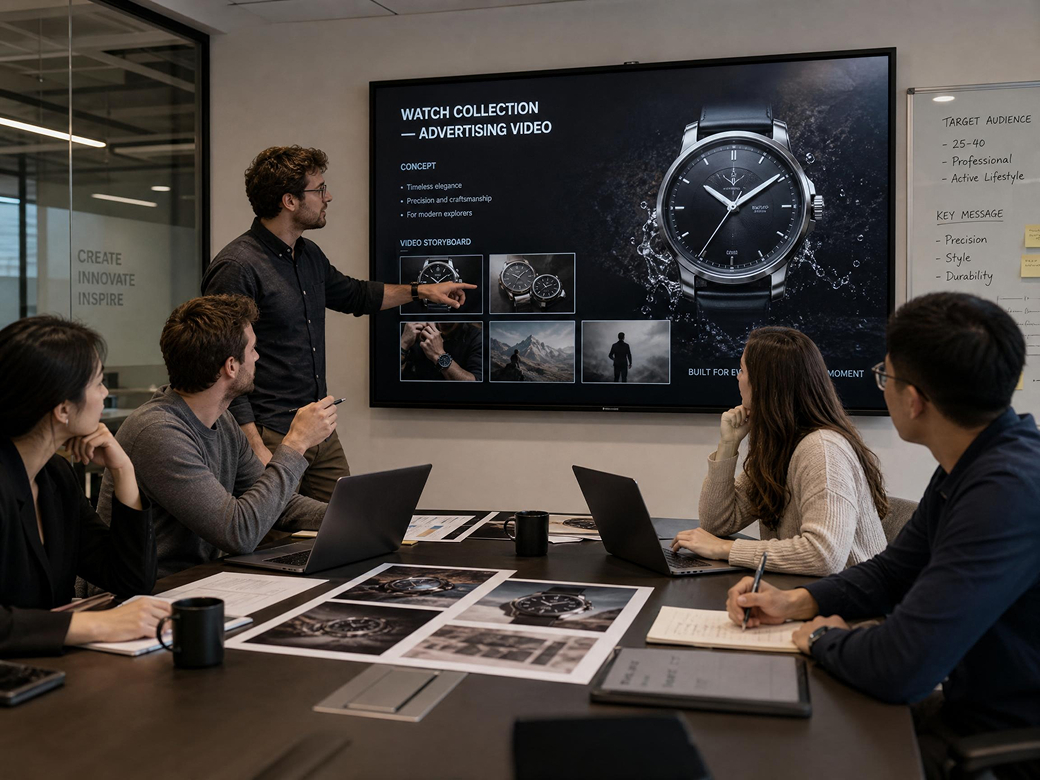
Marketing Teams
Localize marketing campaigns, product launches, promotional videos and customer stories for natural communication with Russian speaking audiences and support global marketing campaigns.
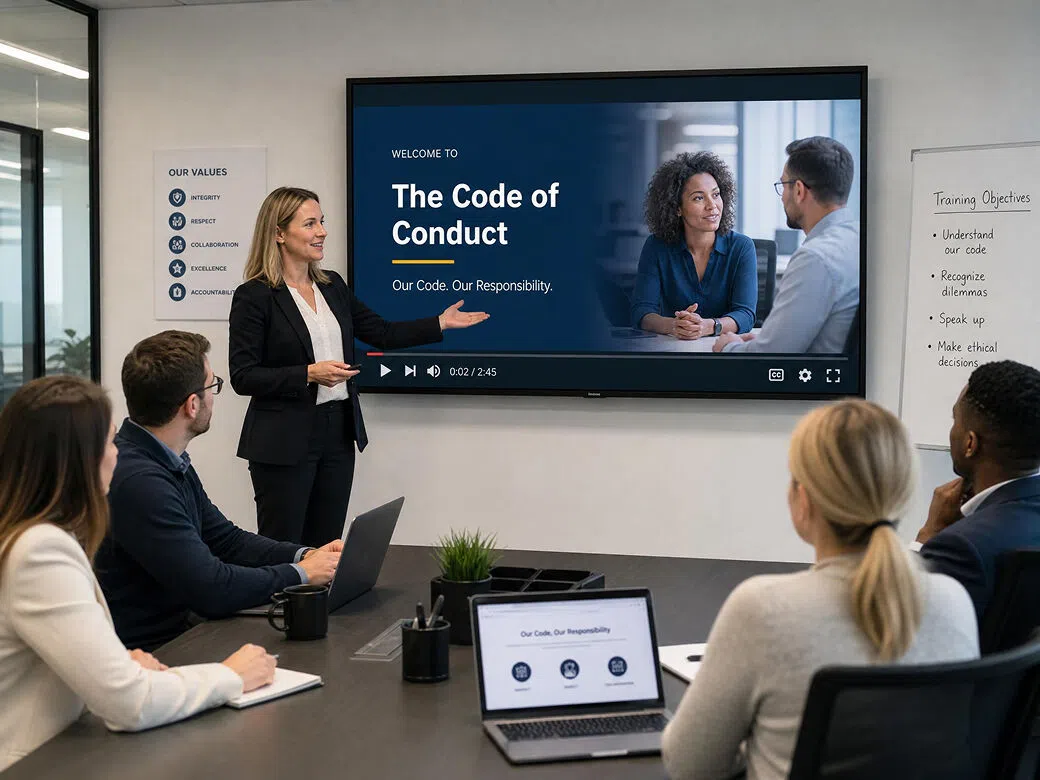
Teams for Corporate Training
Translate onboarding documents, compliance training, internal communication, and training videos into Russian to unlock company knowledge across multilingual teams.
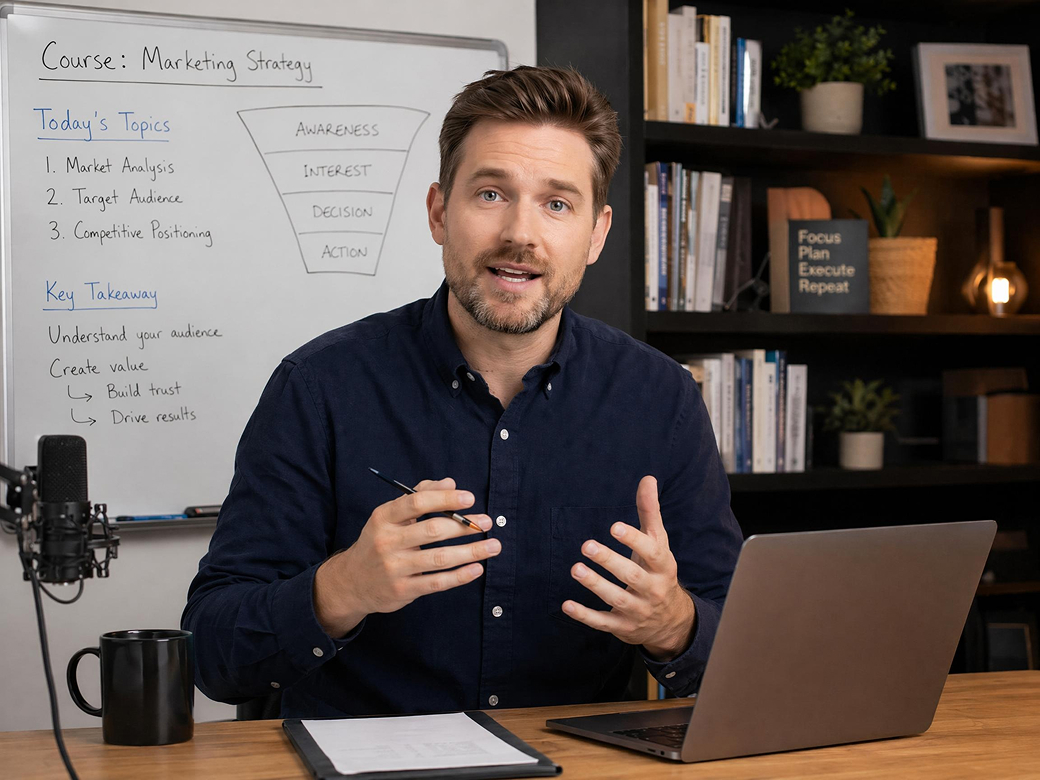
Educators and Course Designers
Create Russian versions of online courses, educational videos, webinars, and tutorials with natural subtitles and AI-generated voiceovers to improve learning experience for international students.
Why choose Vmake Labs for English to Russian video translation?

Translate English videos into Russian with a simple workflow. Upload your video, generate Russian subtitles, AI dubbing, and lip sync, then review and export everything in just a few clicks.

Work entirely in your browser without installing software.Vmake Labs lets you upload, translate, edit, and export videos from virtually any device with an internet connection.

Traditional localization takes time and multiple tools. Vmake Labs automates speech recognition, translation, subtitle generation, AI dubbing, and lip sync to help you publish multilingual videos much faster.

Reduce the cost of multilingual video production with one integrated platform. Vmake Labs combines translation, dubbing, subtitles, and video enhancement, eliminating the need for multiple services and tools.

Choose the features that fit your workflow, including subtitle translation, AI dubbing, voice selection, lip sync, and video enhancement for marketing, education, entertainment, and business content.

Handle every step of video localization in one place.Vmake Labs combines speech recognition, English to Russian translation, subtitle editing, AI dubbing, lip sync, and high-quality exports in a streamlined workflow.
Frequently asked questions
Can I translate English videos to Russian online?
Does Vmake Labs support English to Russian AI dubbing?
Can I edit Russian subtitles before exporting?
What types of videos can I translate into Russian?
Can I translate English speech into Russian automatically?
Why use a video translator instead of a text translator?
Explore more Al tools
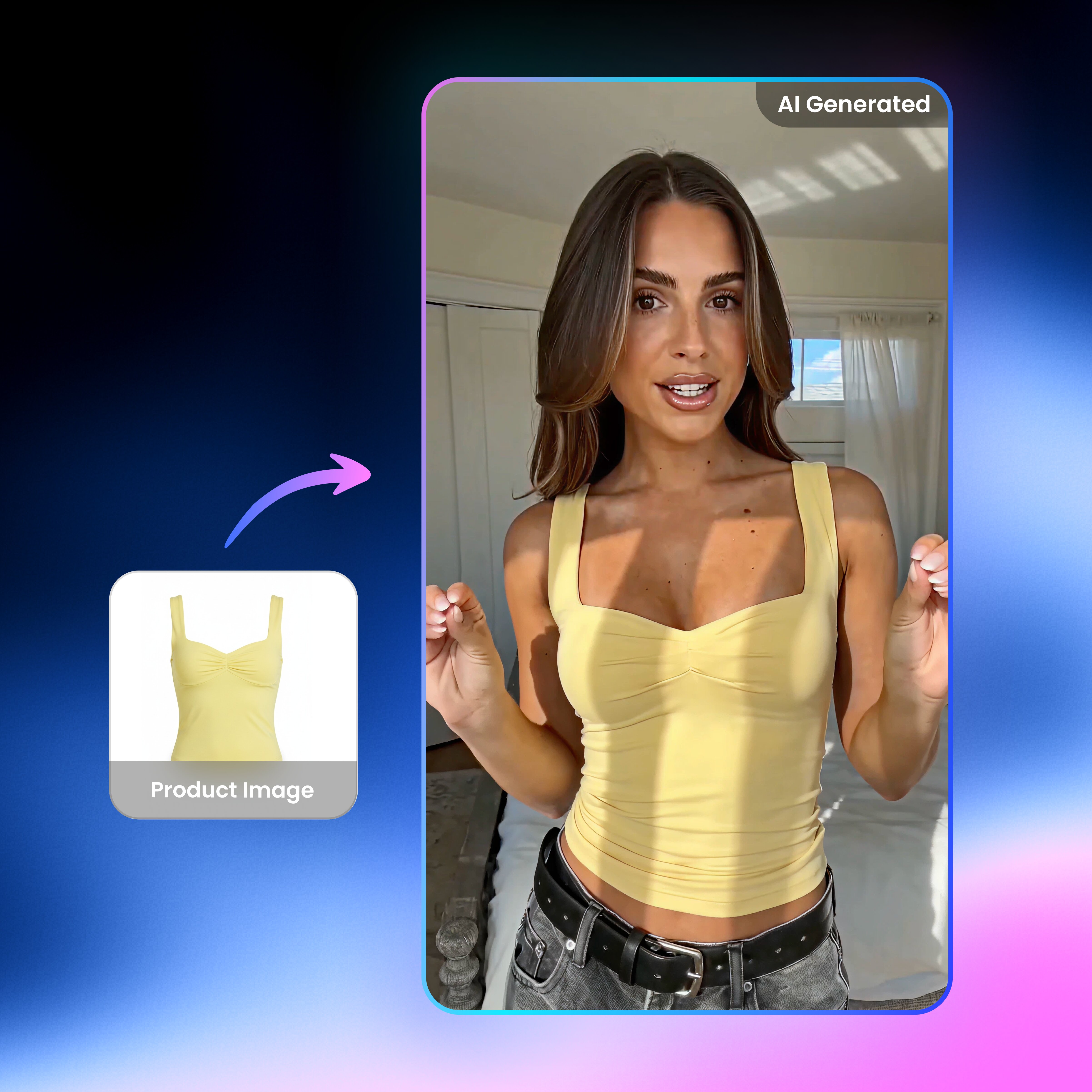
UGC video

Video & Image Enhancer

Video upscaler

Watermark & Text Remover

Video & Audio to Text

Video Background Remover
AI Video Generator

Video Noise Reducer
Ready to translate English videos into Russian?
Translate English videos into natural Russian with AI subtitles, dubbing, and lip sync. Vmake Labs helps you localize videos faster and connect with Russian-speaking audiences worldwide.
What users say about Vmake Labs
We localized a series of product videos for Russian-speaking customers, and Vmake Labs made the process much faster than our previous workflow. The subtitles were accurate, the AI dubbing sounded natural, and the lip sync added a professional touch.
I translate YouTube tutorials regularly, and having subtitles, dubbing, and export tools in one platform saves a lot of editing time. The Russian voiceovers were clear, and the subtitle timing needed very little adjustment.
Our training department needed Russian versions of onboarding videos for international employees. Vmake Labs handled transcription and translation quickly, and we only made a few terminology edits before publishing.
We've tested several AI video translation tools, but Vmake Labs offered one of the simplest workflows. Uploading a video, generating Russian subtitles, and exporting the final version only took a few minutes.
The Cyrillic subtitles were formatted well, and the AI dubbing sounded surprisingly natural for tutorial videos. It helped us localize educational content without recording new voiceovers.
Instead of using separate tools for subtitles, translation, and dubbing, we completed everything in one place. That made our localization process much more efficient, especially when publishing multilingual marketing videos.