
Translate English Videos to Arabic with AI
Translate English videos into Arabic with Vmake Labs Video Translator. Generate Arabic subtitles, translated audio, voice tone synchronization, and optional lip sync from a single upload to create localized videos for business, education, marketing, and social media audiences worldwide with minimal effort.


How to translate English to Arabic
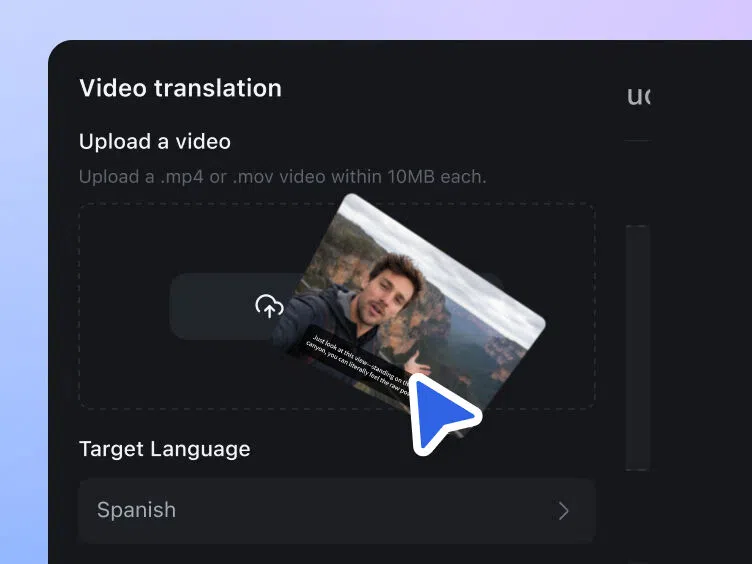
Step 1. Upload your English video
Upload your English video to Vmake Labs Video Translator to begin. Once the upload is complete, your video is ready for language selection and translation features, allowing you to customize the localization process in the next step.
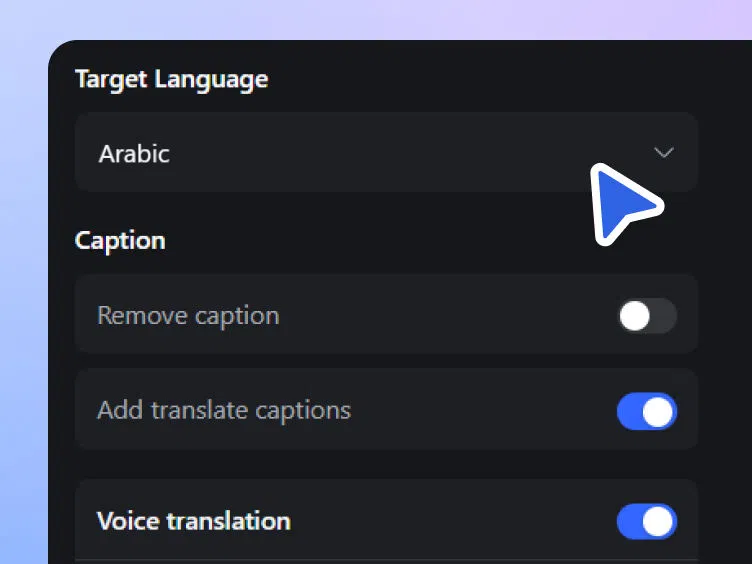
Step 2. Choose Arabic and translation features
Select Arabic as the target language, then choose the translation features you want to apply. You can translate subtitles, generate translated audio, replace existing subtitles, or enable lip sync based on your localization needs before processing the video.
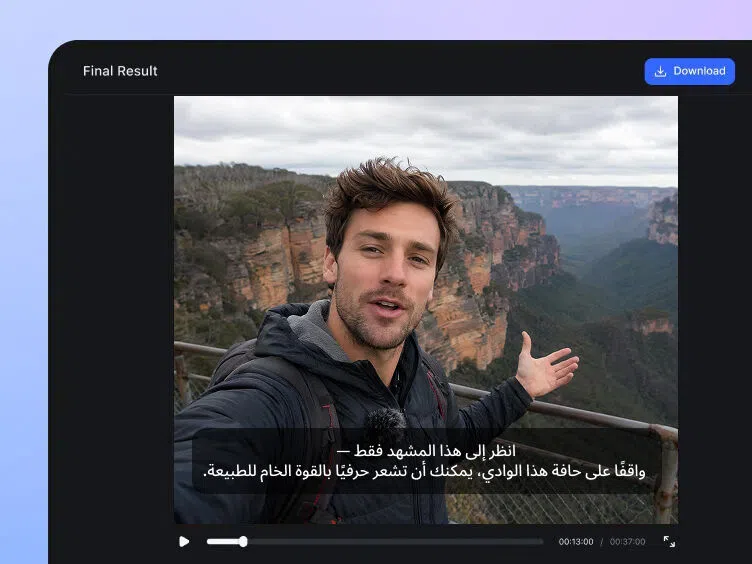
Step 3. Download your Arabic version
After the translation is complete, review the Arabic subtitles, translated audio, and any selected features to ensure everything looks correct. When you're satisfied with the results, download the finished Arabic video for your intended use.
Where English to Arabic translation creates more opportunities

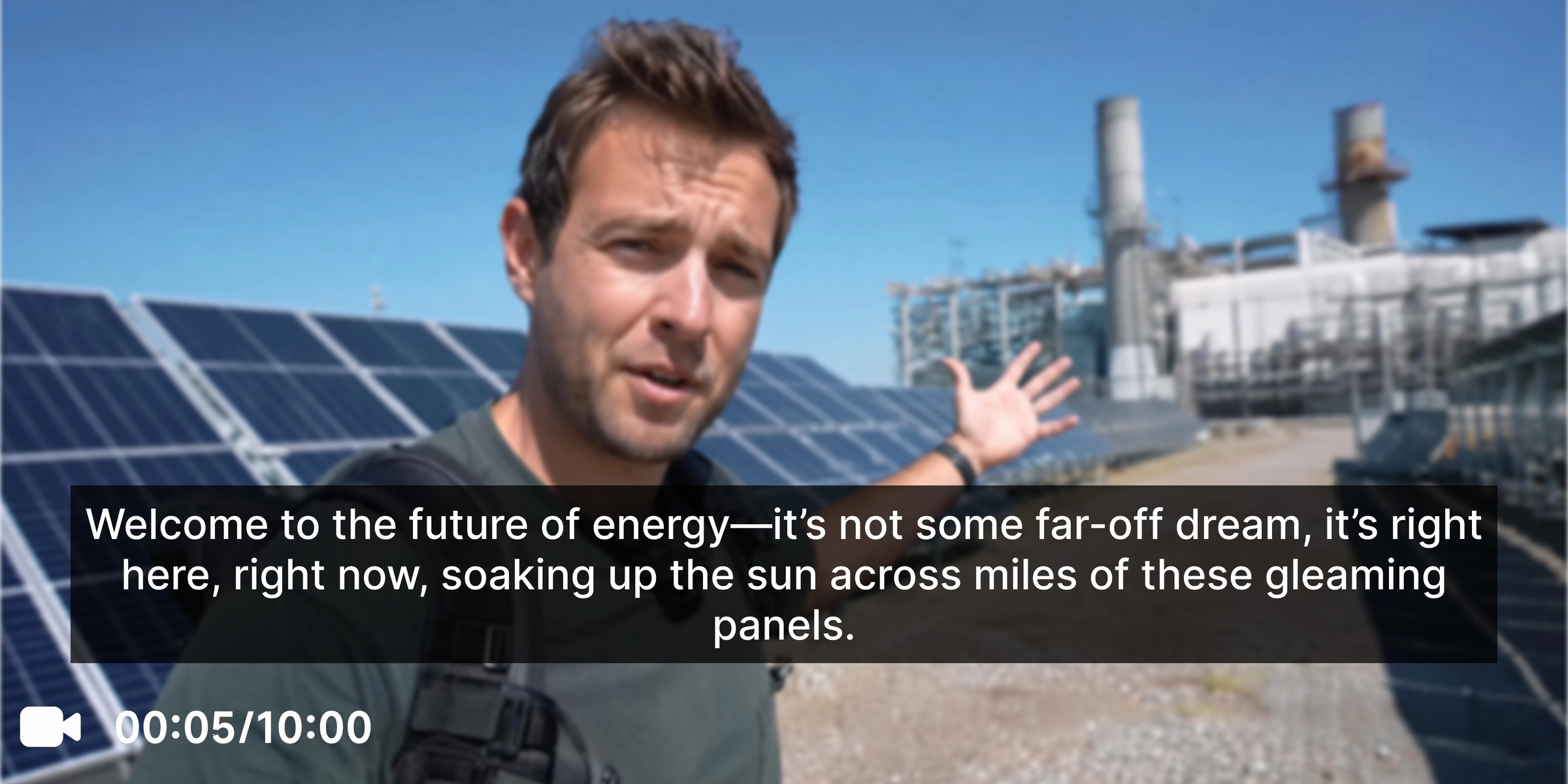
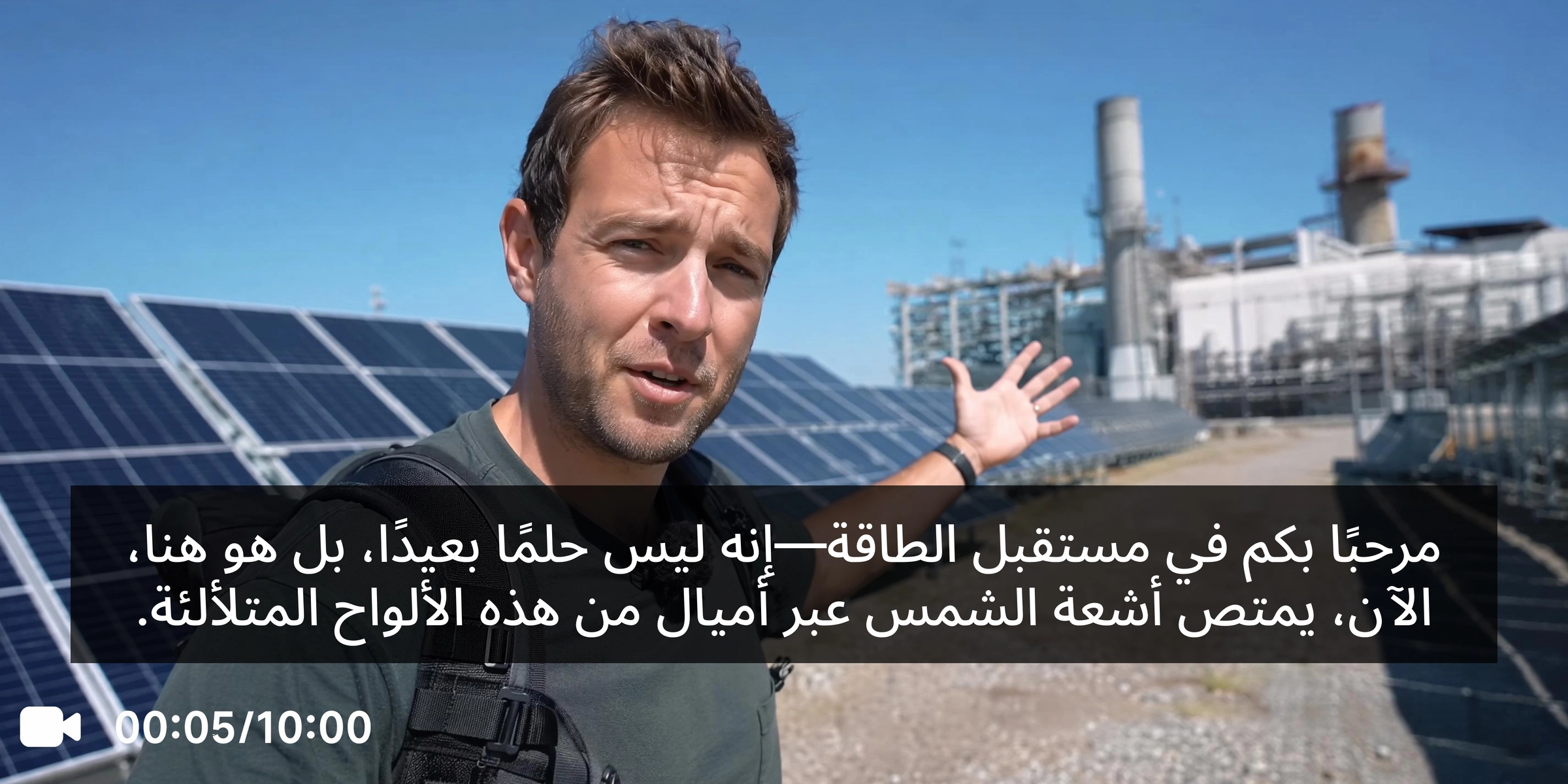
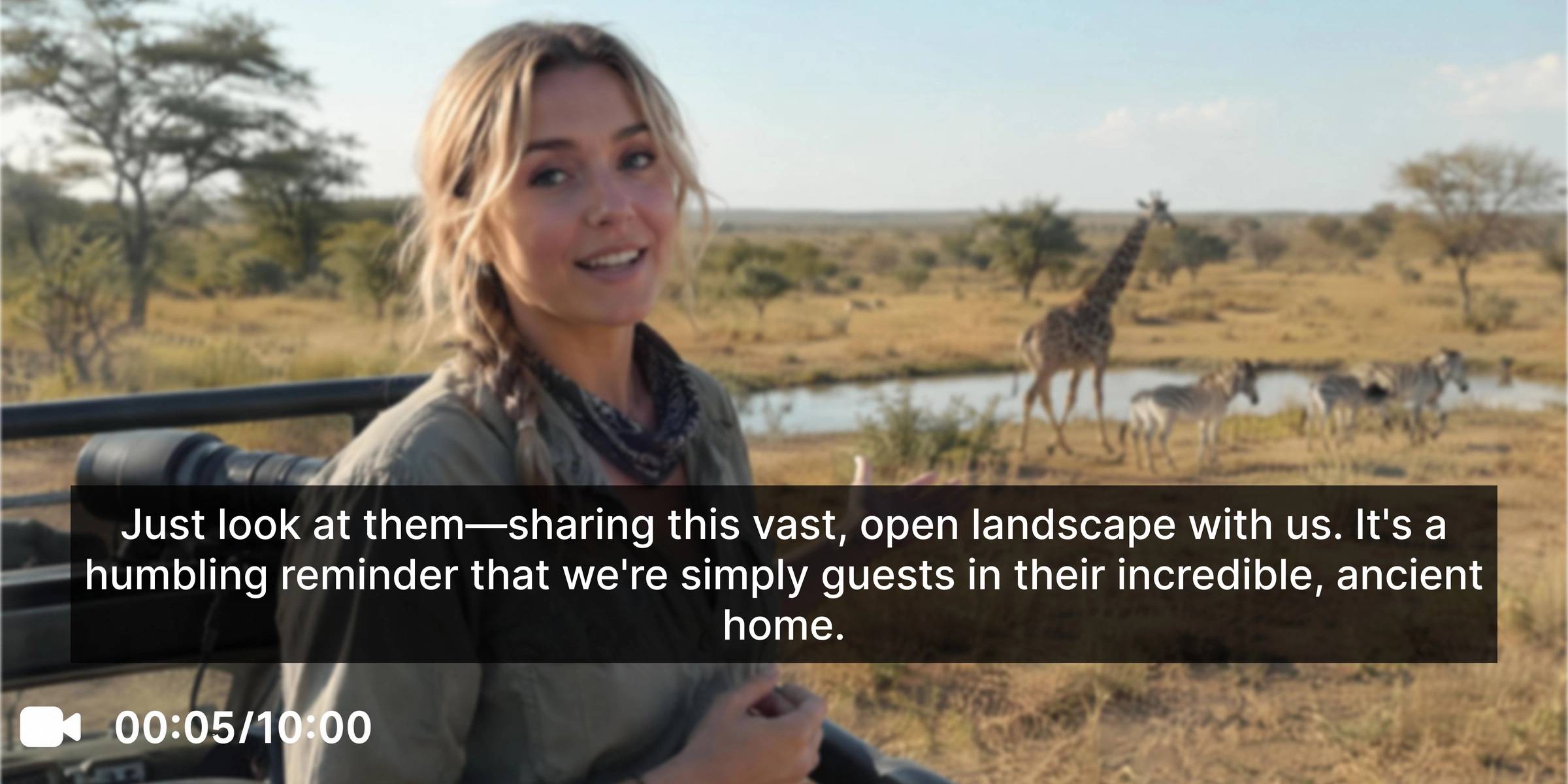
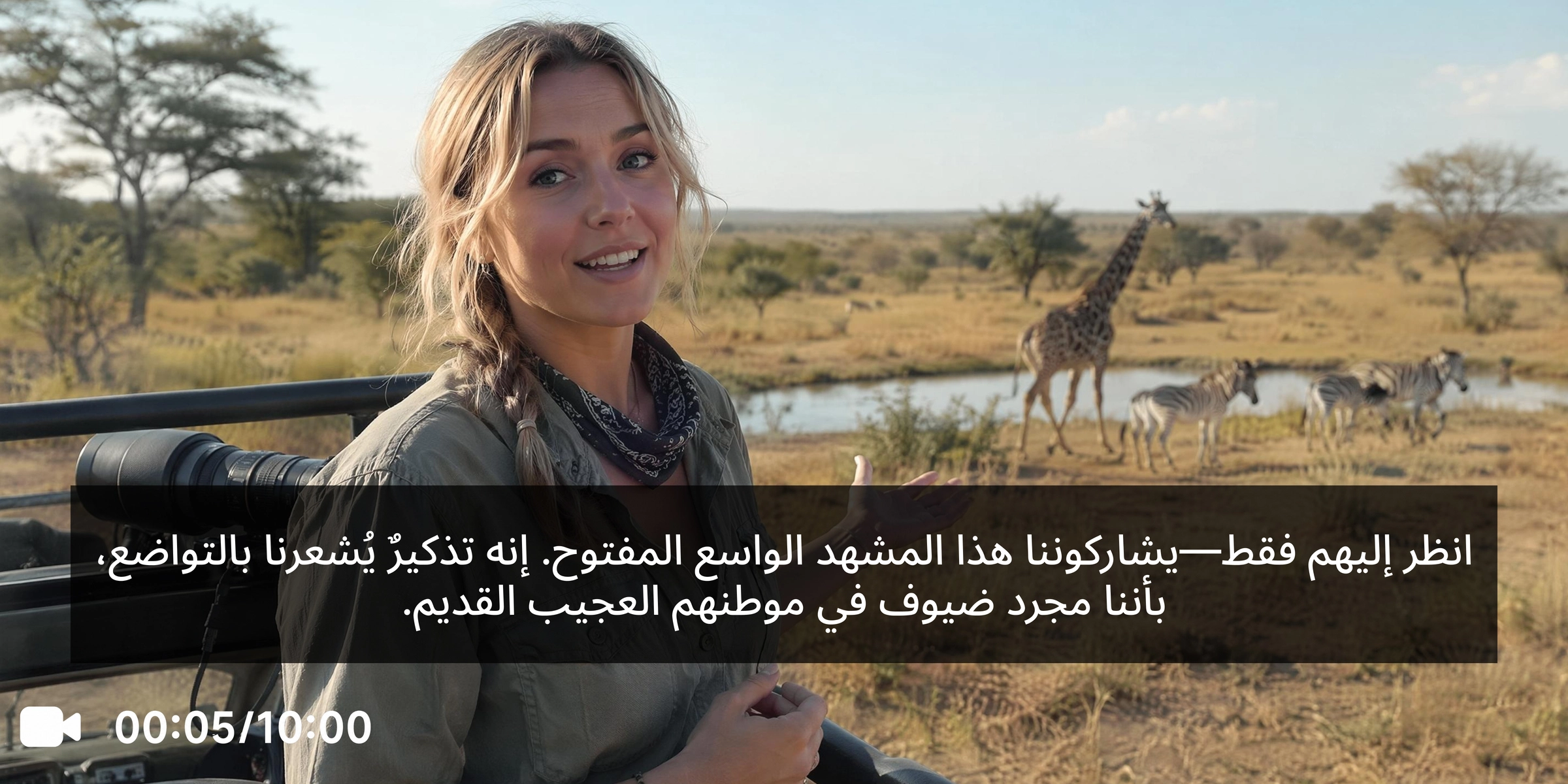


Everything you need to translate English to Arabic
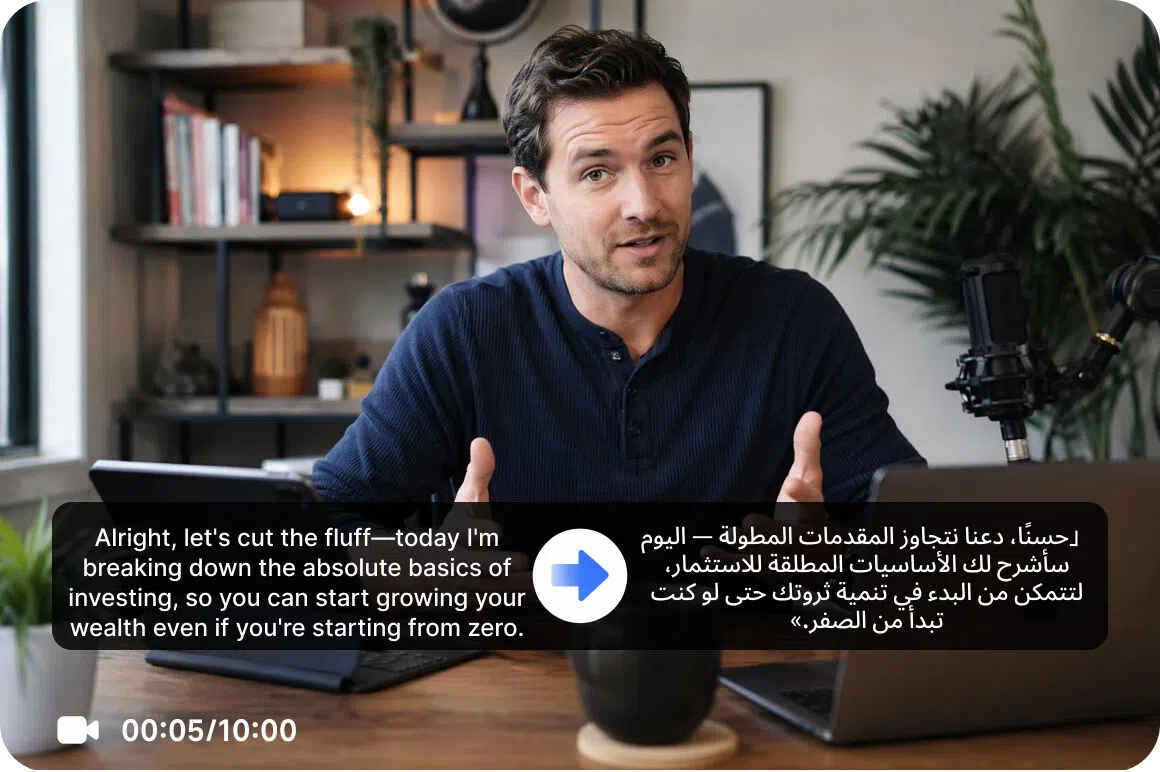
Generate Arabic subtitles with AI assistance
Generate translated Arabic subtitles or replace existing English captions during processing without exporting your video to separate subtitle editing software. Manage subtitle translation and replacement in the same workflow, reducing extra editing steps while creating localized videos that are ready for business, educational, marketing, or social media audiences.

Produce Arabic dubbed audio
Convert spoken English into Arabic with translated audio. Create natural-sounding localized videos for tutorials, presentations, interviews, promotional content, and business communications without recording new voiceovers, helping your message remain consistent across different Arabic-speaking audiences.
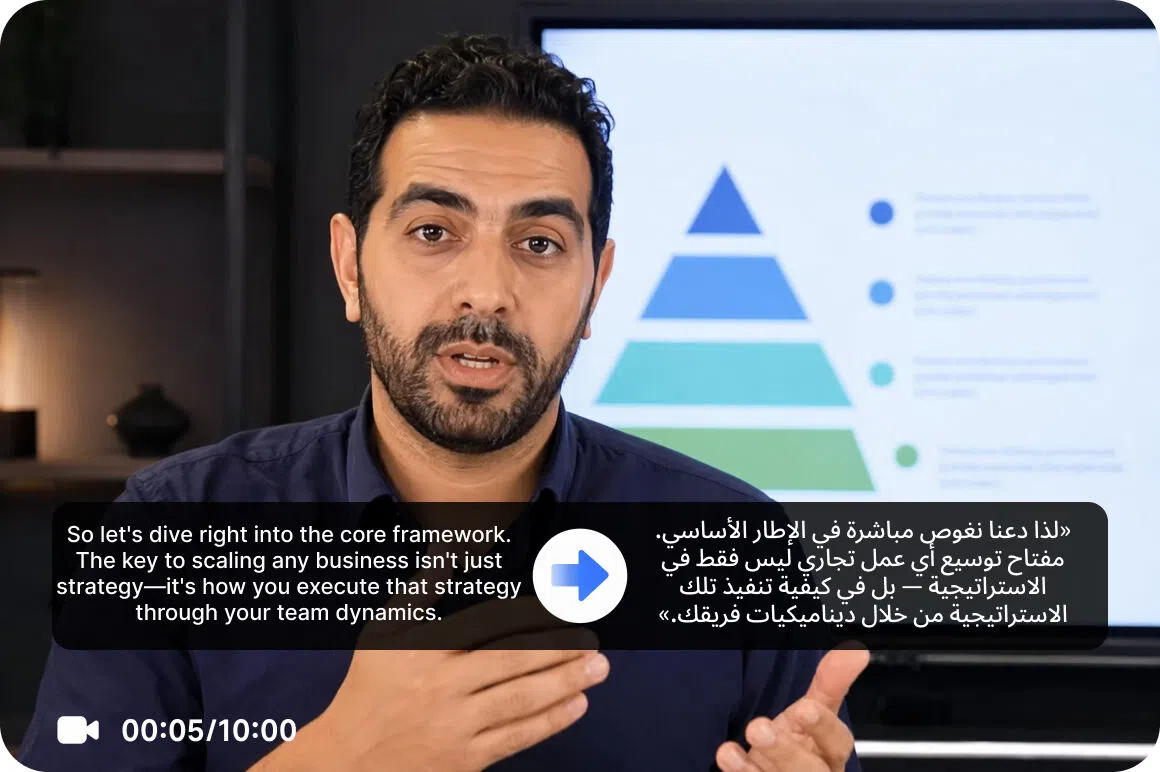
Enable optional lip synchronization
Turn on lip synchronization whenever your project requires it to align translated Arabic dialogue with on-screen speech for a more natural viewing experience. This helps presentations, interviews, tutorials, and marketing videos feel more authentic, improving viewer engagement while creating polished localized content from a single workflow.
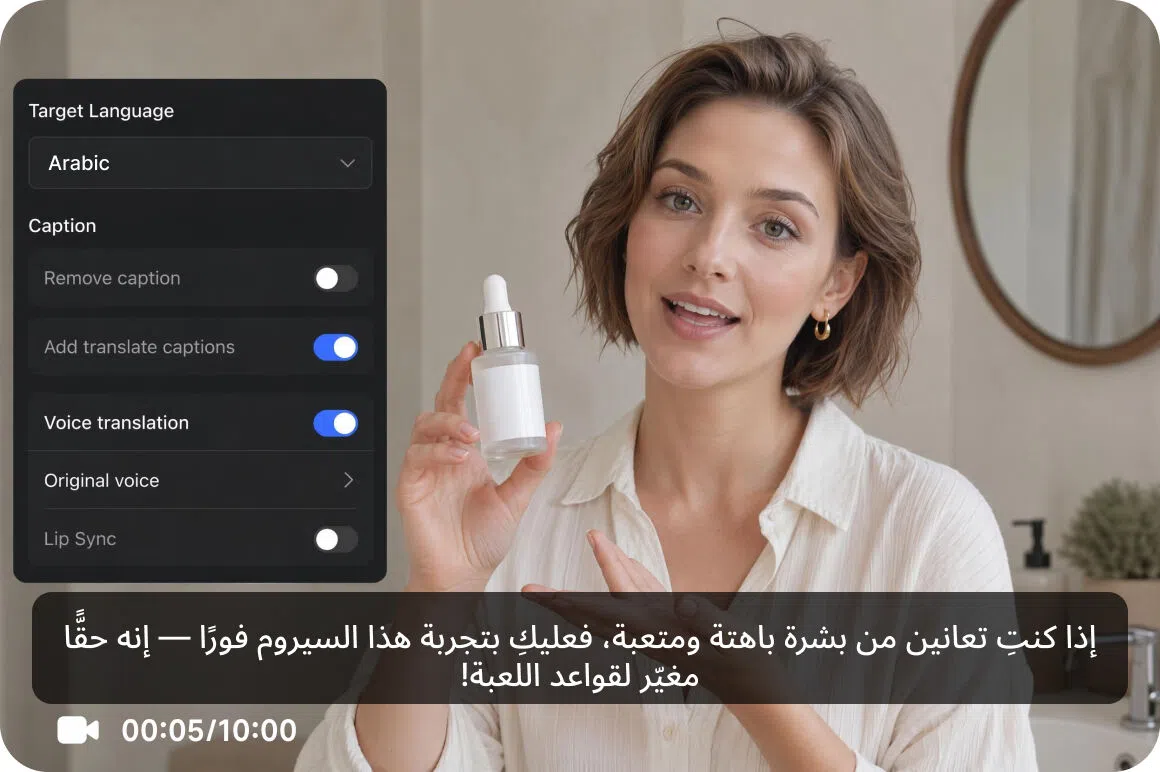
Adjust every localization project
Choose subtitle translation, translated audio, voice tone synchronization, optional lip sync, and the video enhancer individually so every project uses only the features it needs. Customize your localization workflow based on your content, audience, and quality requirements while avoiding unnecessary processing, saving both time and translation credits.
Who uses Vmake Labs English to Arabic translator
Export businesses
Export businesses often prepare promotional videos for Arabic-speaking markets. Vmake Labs simplifies multilingual video localization by combining subtitle translation, translated audio, voice tone synchronization, and optional lip sync in one platform. Create localized marketing videos efficiently without managing separate tools or complex post-production workflows.

Media publishers
Media publishers frequently create content for audiences across multiple regions. Vmake Labs translates English videos into Arabic with AI-generated subtitles, translated audio, voice tone synchronization, and optional lip sync, reducing manual localization work while helping publishers deliver content faster to Arabic-speaking audiences.

Training providers
Training providers regularly localize learning materials for multilingual teams. Vmake Labs generates translated Arabic subtitles, translated audio, voice tone synchronization, and optional lip sync, making instructional videos easier for Arabic-speaking audiences to understand while reducing the time and effort required for localization.

Frequently asked questions about translating English to Arabic
Can I translate English to Arabic online?
Can I translate English videos into Arabic?
Can I replace English subtitles with Arabic?
Does Vmake Labs support Arabic AI dubbing?
What videos work best for English to Arabic translation?
Can I customize my translation workflow?
Why users choose Vmake Labs for English to Arabic translation

Translate English videos into Arabic with a workflow that combines subtitle translation, translated audio, voice tone synchronization, and optional lip sync in one process. Manage localization from translation through the final download while reducing the need to switch between separate editing tasks.

Create Arabic versions of your English videos for audiences across Arabic-speaking regions. Whether you're localizing tutorials, product demonstrations, business presentations, or marketing content, choose the translation features that best fit your content, communication goals, and localization needs before downloading the completed Arabic version.

Extend the value of your English video library by adapting existing content for Arabic-speaking viewers instead of producing separate videos from scratch. Translate training materials, customer support videos, webinars, and social media content while preserving your original visuals and adapting the spoken content for Arabic-speaking audiences.
Explore more AI tools
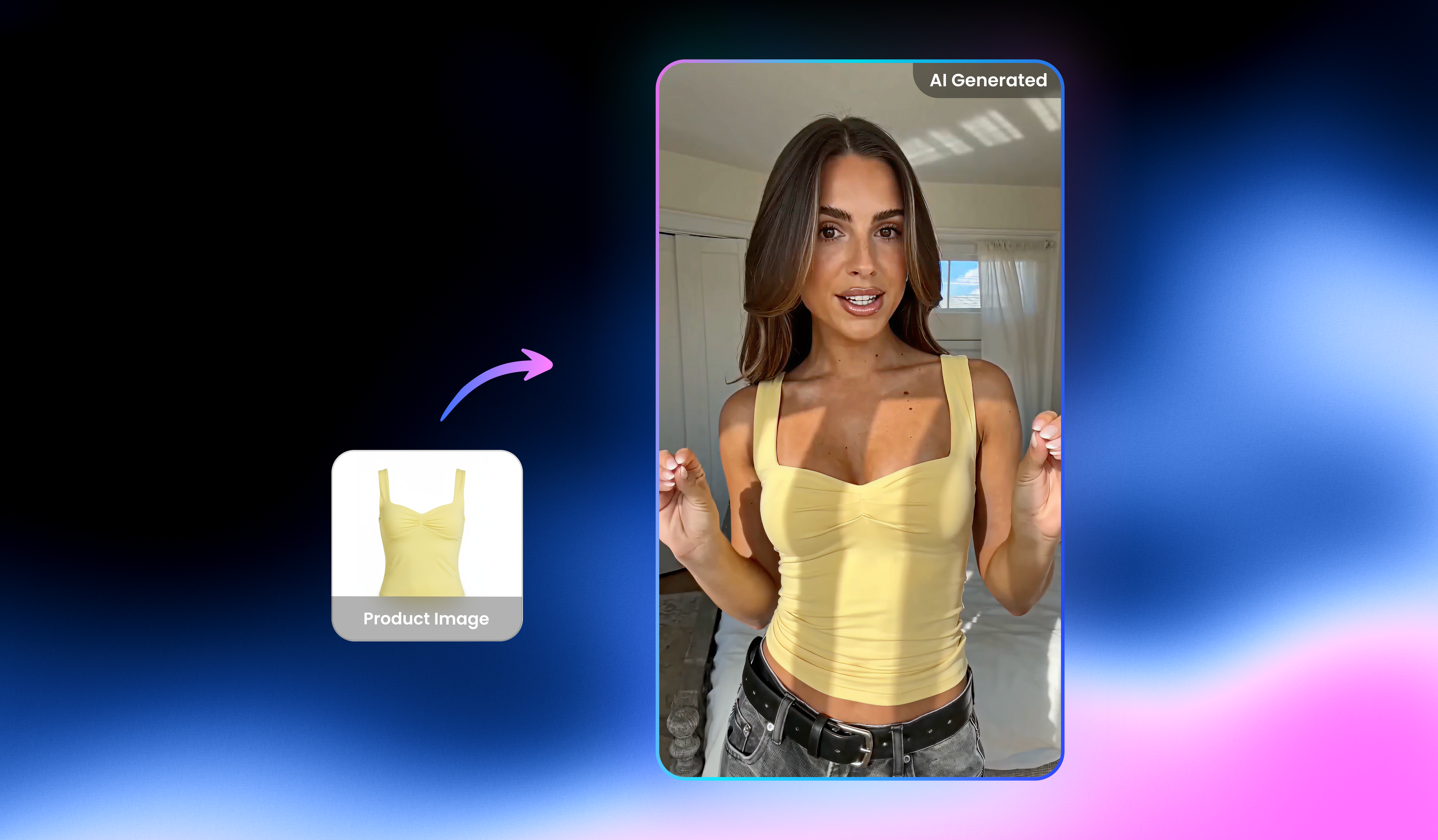
UGC video

Video & Image Enhancer

Watermark & Text Remover

Video Upscaler
AI Video Generator

Video Background Remover

Video & Audio to Text

Video Noise Reducer
Translate English to Arabic today
Turn English videos into Arabic with translated subtitles, translated audio, voice tone synchronization, and optional lip sync using Vmake Labs Video Translator.
What users say about Vmake Labs English to Arabic translator
We translated English promotional videos into Arabic with subtitles, translated audio, and voice tone synchronization while keeping our original projects unchanged. Managing everything from one workflow simplified regional localization, reduced manual editing, and helped us prepare marketing content for Arabic-speaking audiences much faster than our previous process.
Creating Arabic versions of our training videos became much easier with translated subtitles, audio, and optional lip sync. The workflow reduced manual editing, improved consistency across multilingual learning materials, and helped us deliver localized instructional content to Arabic-speaking employees more efficiently while saving valuable production time.
Managing campaign localization from one workspace saved us significant time when preparing Arabic videos for regional clients. Subtitle translation, translated audio, voice tone synchronization, and optional lip sync worked together smoothly, making it easier to produce polished marketing videos without switching between multiple localization tools.
We localized onboarding videos for Arabic-speaking customers using translated subtitles, audio, and voice tone synchronization. Everything was managed from one platform, making updates much easier whenever product information changed. The streamlined workflow reduced editing time and helped us deliver consistent customer education across regional markets.
Handling subtitle translation, translated audio, voice tone synchronization, and optional lip sync in one platform simplified our localization workflow for every project. We spent less time coordinating different tools and more time reviewing final videos, making multilingual production faster and easier for our entire creative team.
Republishing English videos in Arabic became much more efficient with subtitle translation, translated audio, voice tone synchronization, and optional lip sync managed together. The unified workflow reduced repetitive editing, improved production consistency, and helped us deliver localized content to Arabic-speaking audiences on tighter publishing schedules.