
Video Stabilizer: Stabilize Shaky Video Online Free
Ditch the camera shakes. Keep the cinematic flow today. Vmake Labs video stabilizer smooths footage frame by frame, reduces camera jitter and creates stable, natural-looking video without heavy cropping, distortion or complicated editing tools.
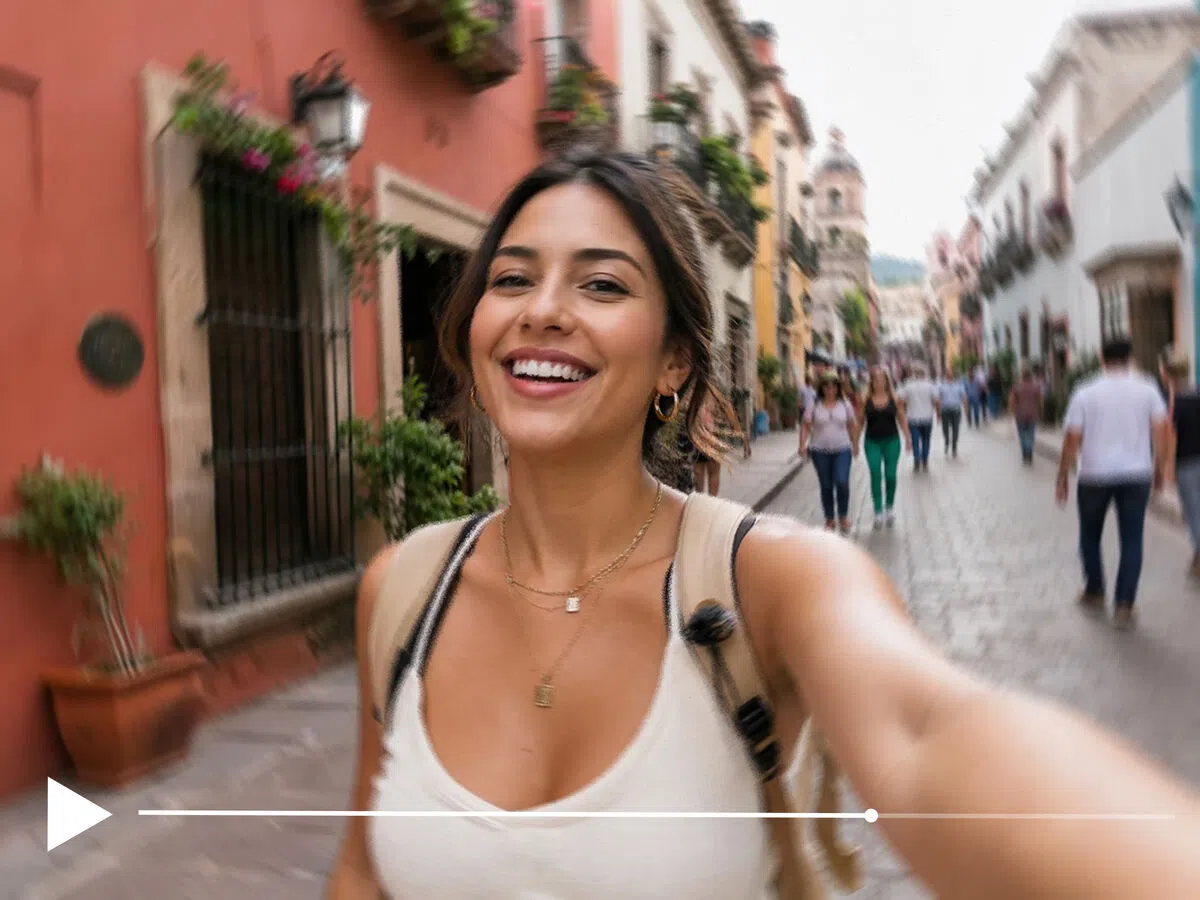
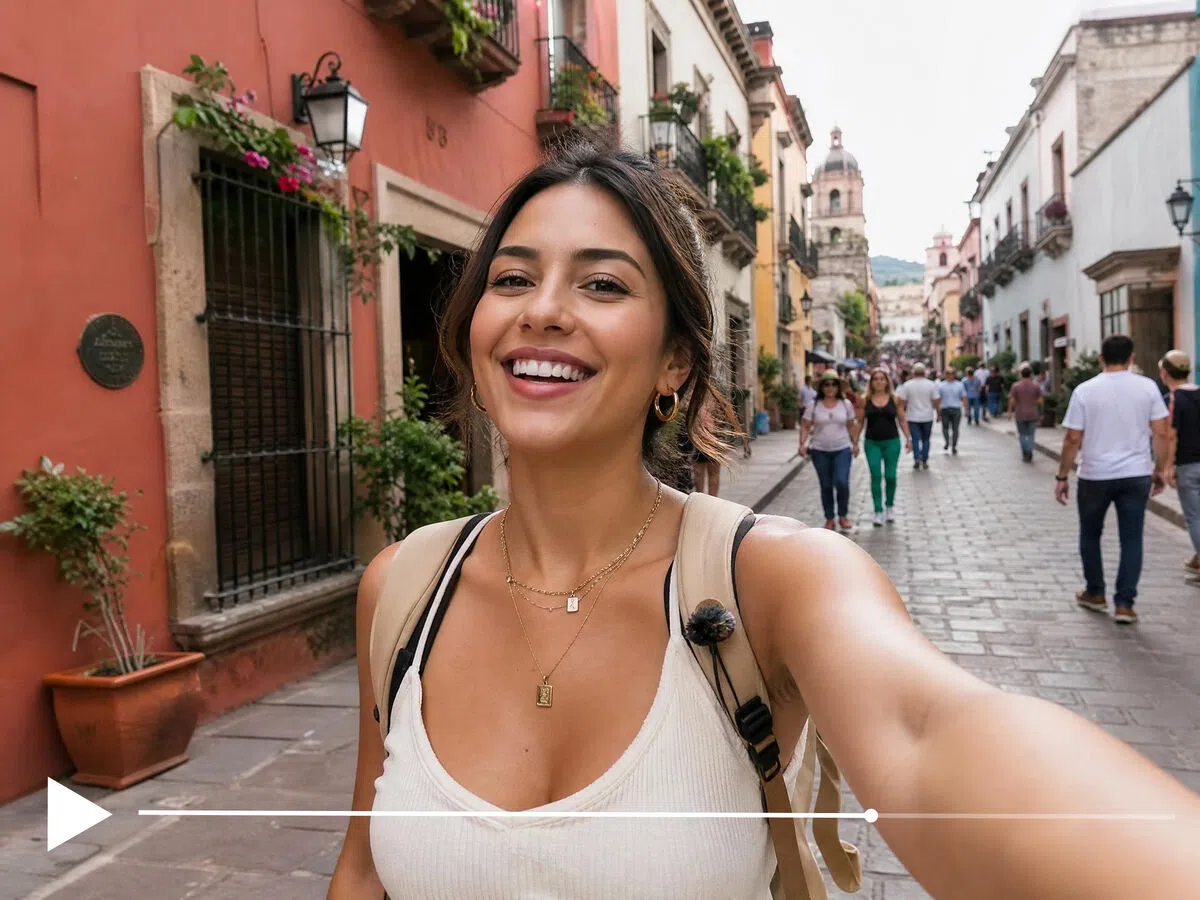


How to stabilize a video with Vmake Labs
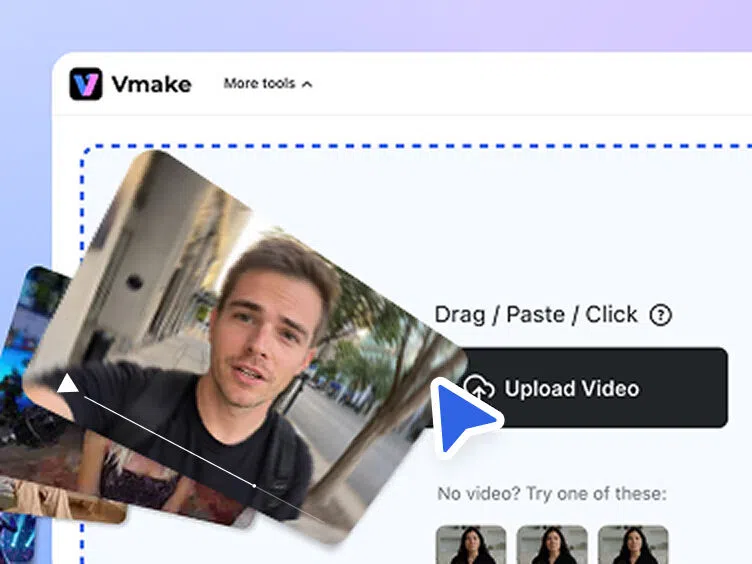
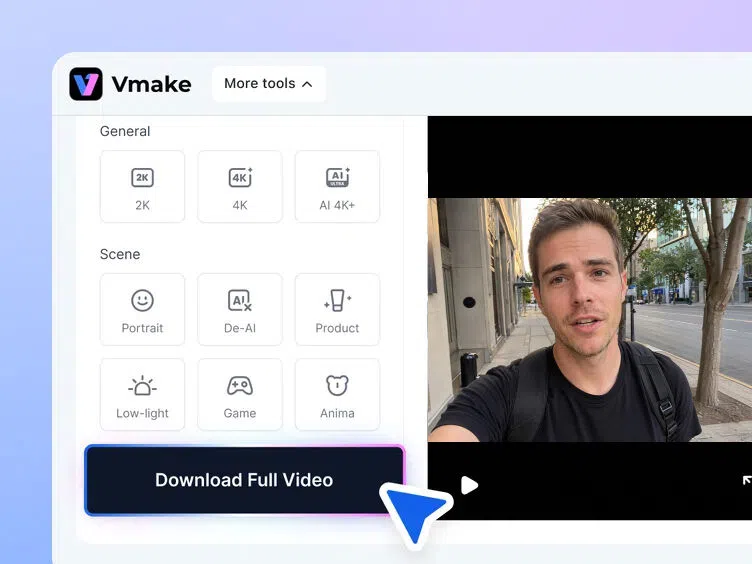
Upload your shaky video
Upload your shaky footage by dragging it into the editor or selecting it from your device. The video is prepared automatically for processing.
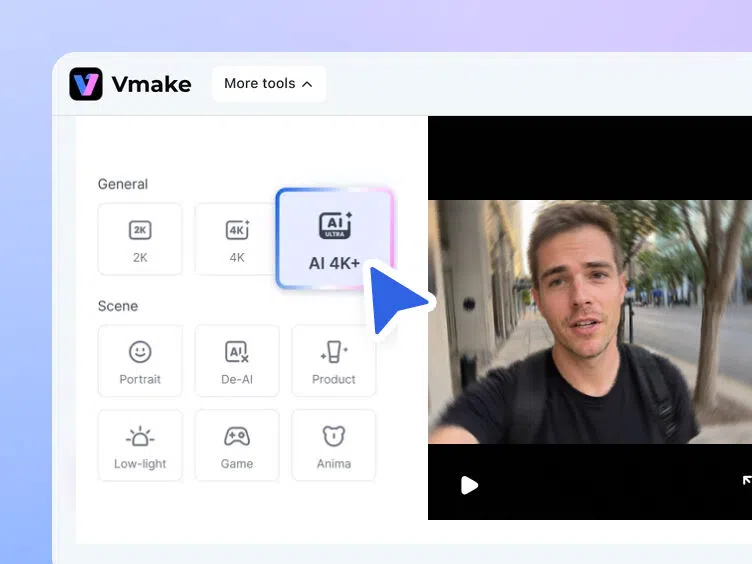
AI analyzes and stabilizes
Vmake Labs tracks motion across frames, removes unwanted jitter and balances camera movement to create smoother, more stable-looking footage automatically.
Preview and download
Preview the stabilized result to check the motion quality before exporting. Your processed video downloads cleanly without added Vmake Labs watermarks.
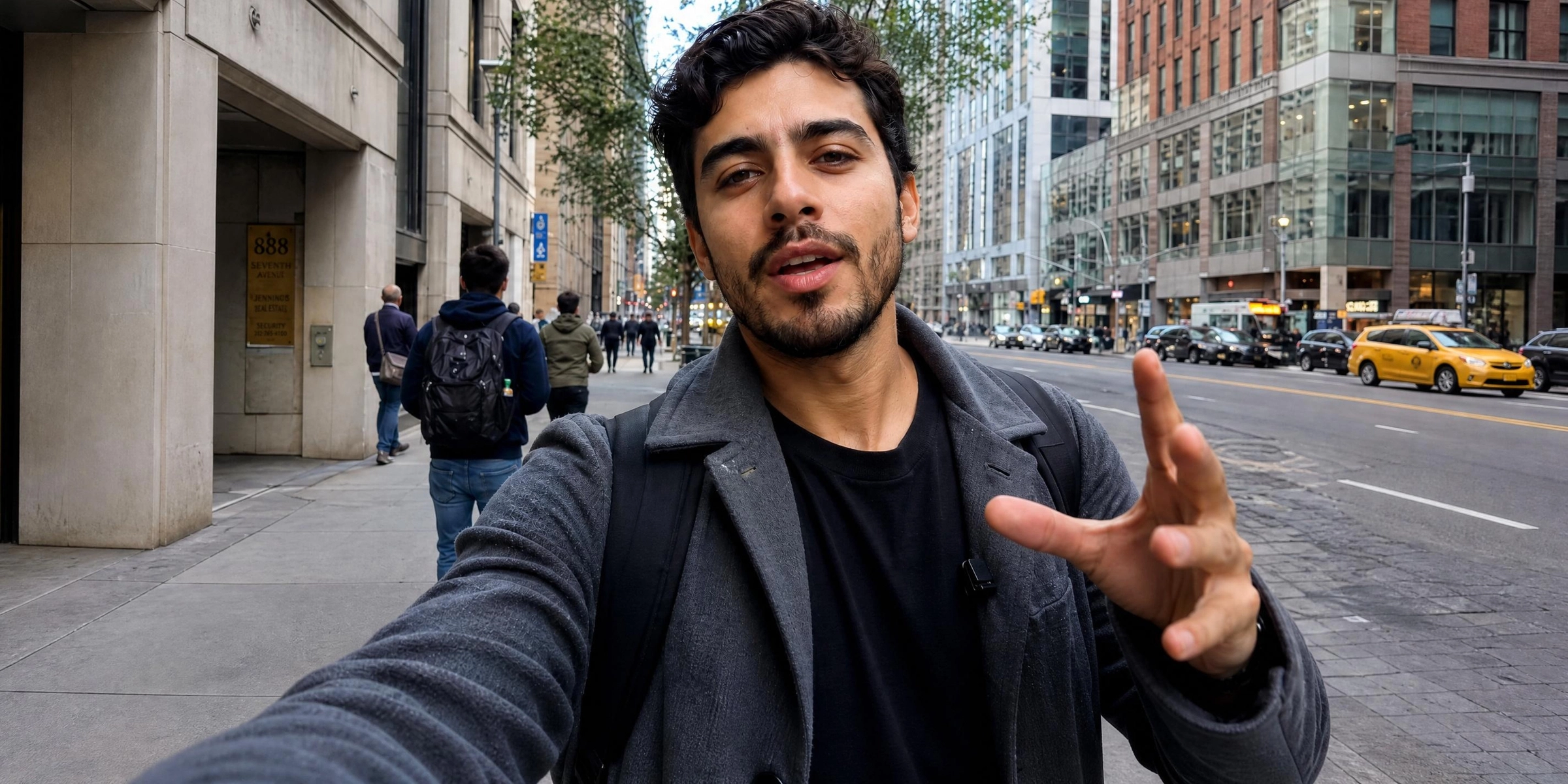
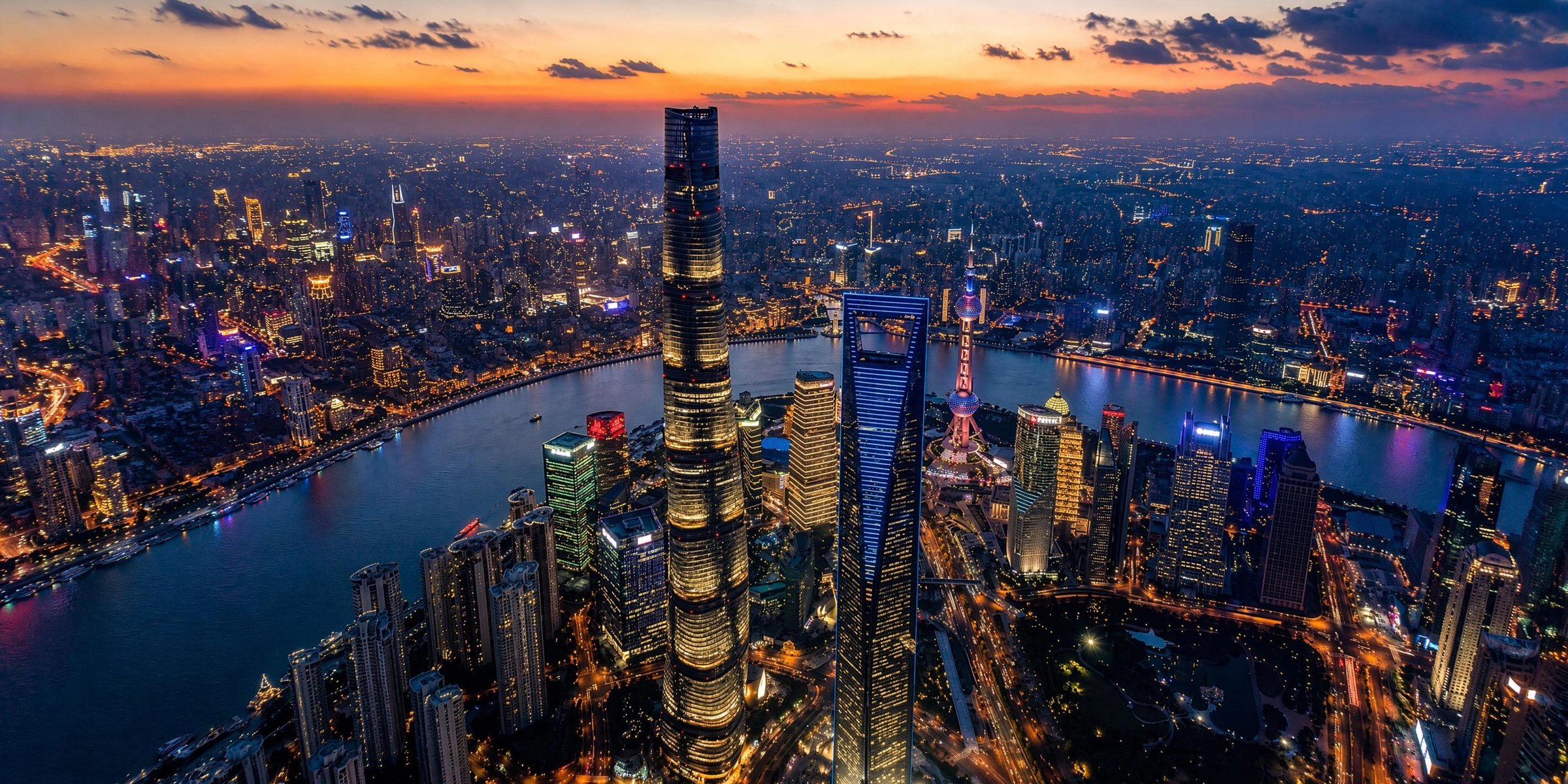
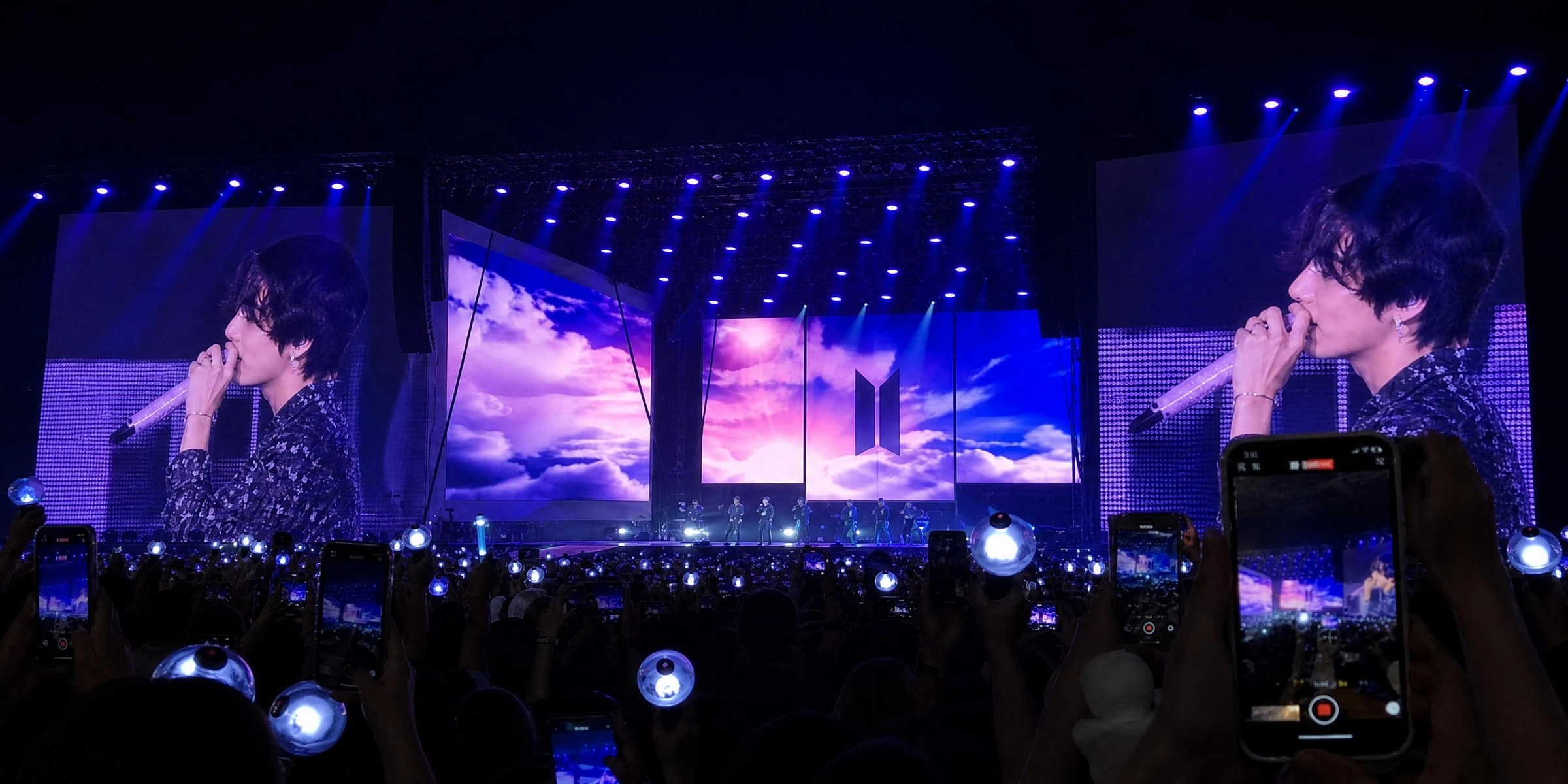
What kinds of shaky footage can Vmake Labs stabilize


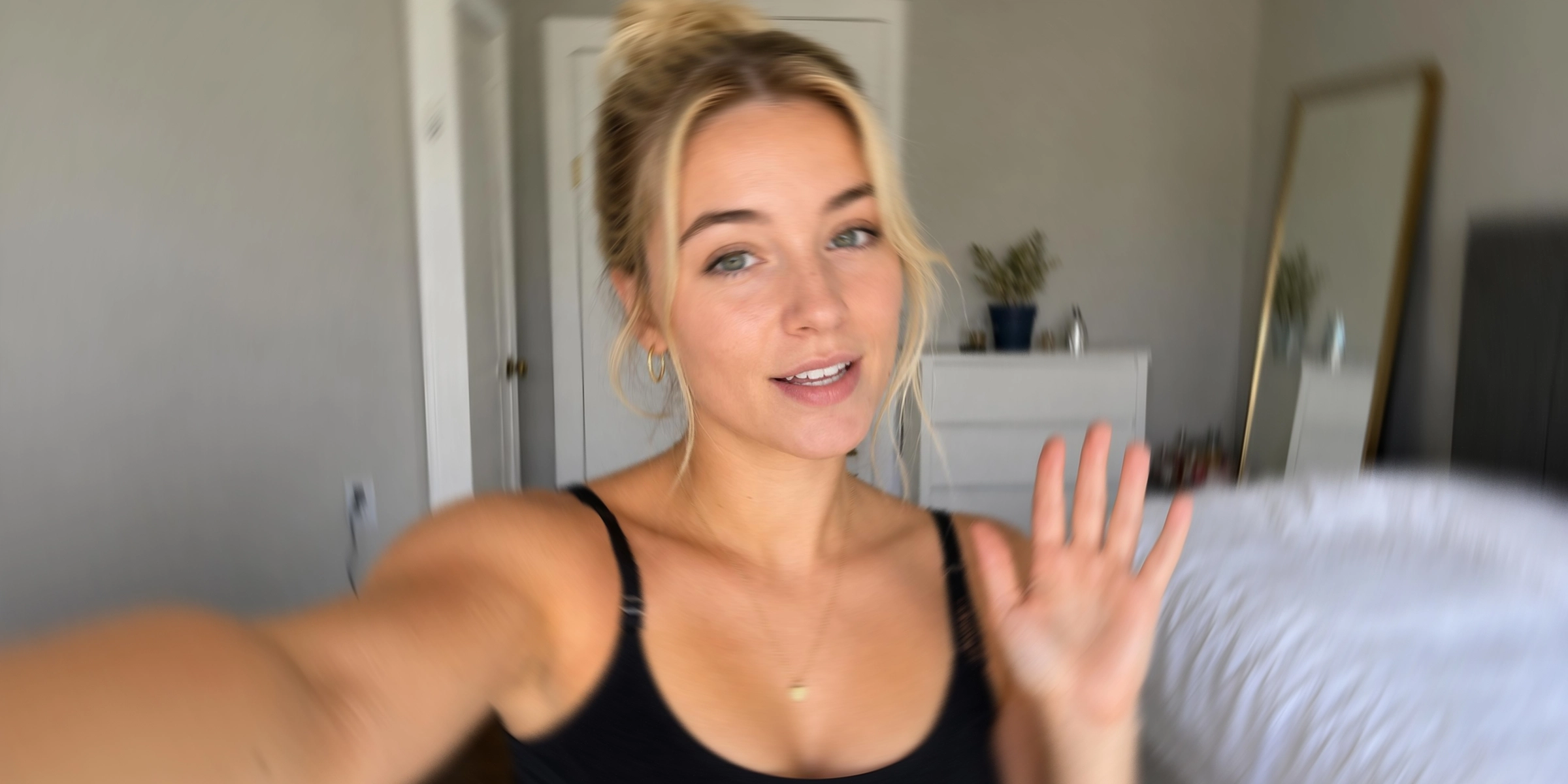
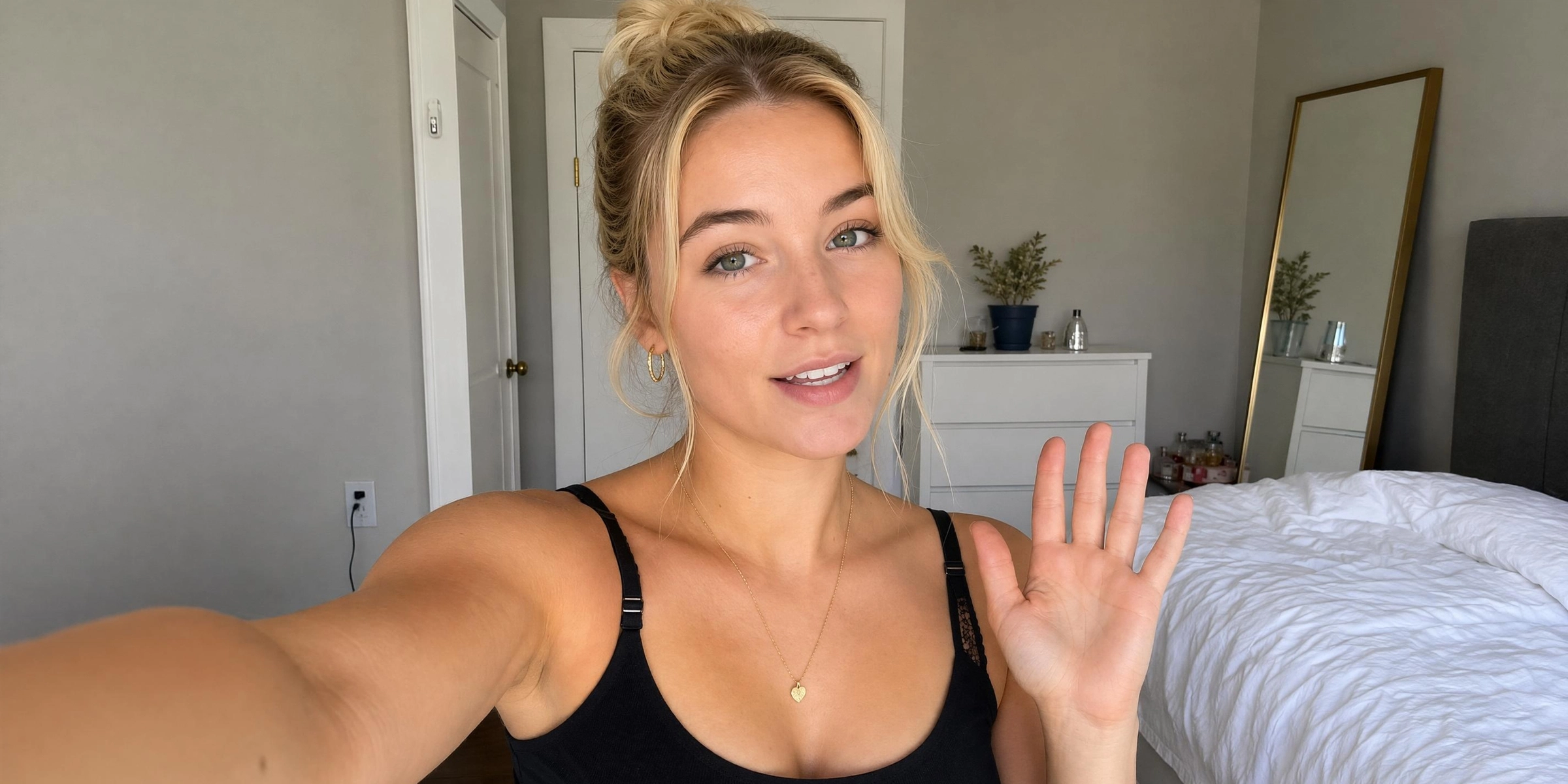
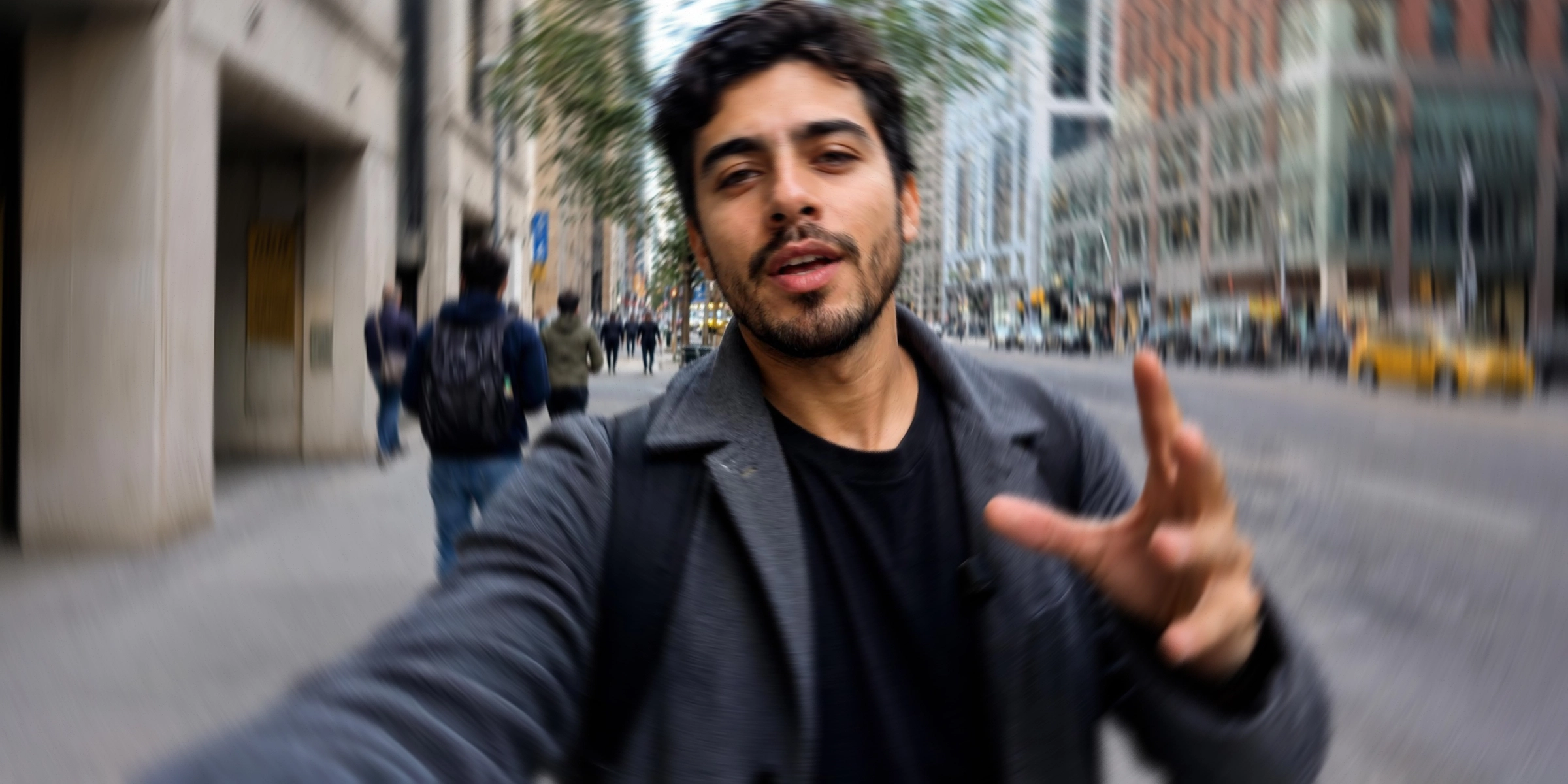








Why use Vmake Labs as your online video stabilizer
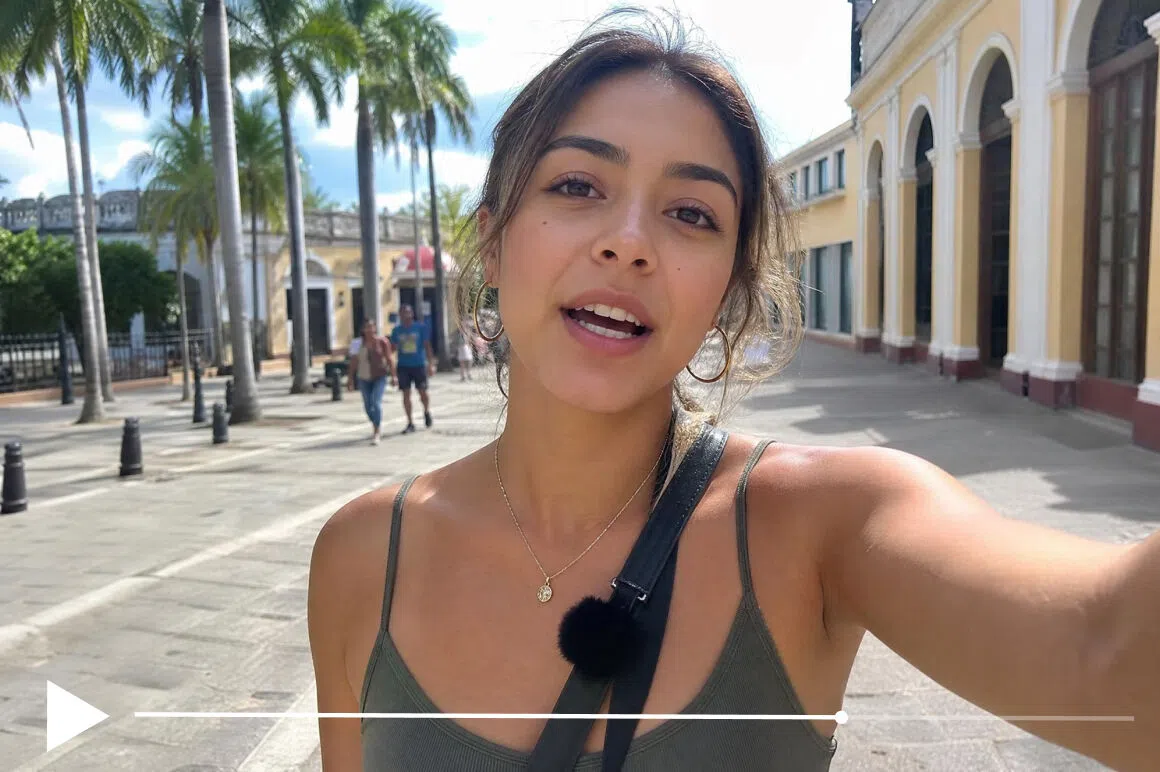
AI motion analysis, Not a simple filter
Basic stabilizers apply a fixed crop or smoothing formula uniformly. Vmake Labs AI distinguishes intentional camera movement from unwanted shake and applies correction that matches the specific motion in each section of the video.
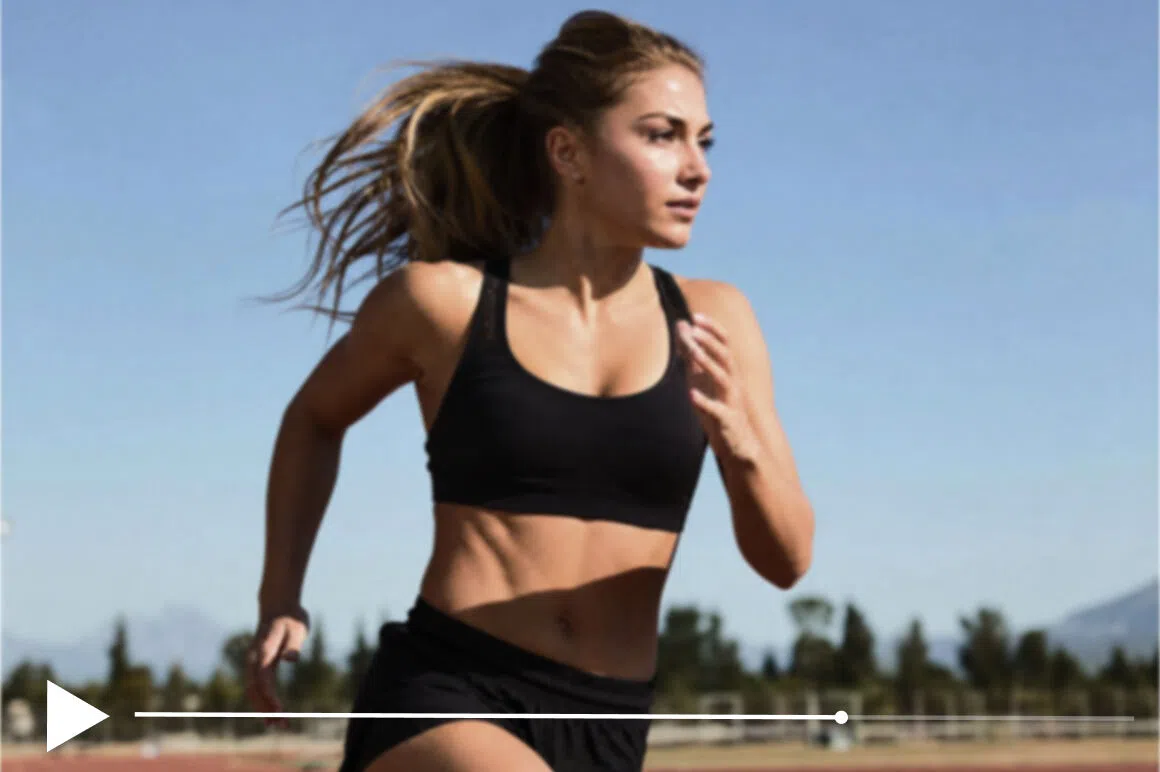
Smooths shake without overcropping
A common problem with online video stabilizer tools is heavy cropping to compensate for movement. This cuts off the edges of the frame and changes the composition. Vmake Labs minimizes unnecessary cropping so the shot stays close to the original framing.
No jelly or warp artifacts
Cheaper stabilization algorithms produce rolling shutter distortion where straight lines appear to wobble. Vmake Labs AI handles motion compensation without introducing these artifacts.

Paired with enhancement and upscaling
After stabilizing, you can run the video through Vmake Labs video enhancement tools to sharpen, color correct and upscale to 4K. Stabilization and quality improvement in one platform, no re-uploading.
Who Uses Vmake Labs video stabilizer
Content creators and vloggers
Creators filming travel, lifestyle and tutorial content on smartphones use Vmake Labs to clean up handheld footage before publishing. The jitter that makes casually filmed content look unprofessional disappears without the floaty result that overcorrecting stabilizers produce.

Event videographers and sports ceators
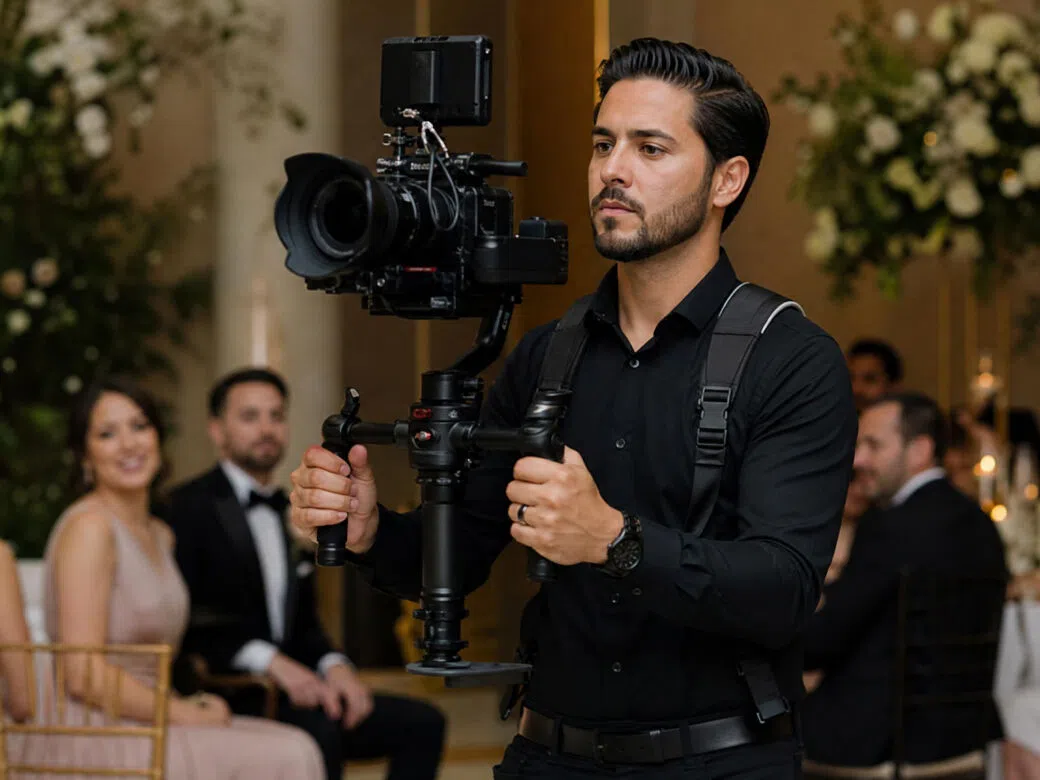
Videographers covering weddings, concerts and conferences use Vmake Labs to stabilize handheld footage from situations where stable equipment wasn't practical. Sports creators filming cycling, surfing and outdoor action use it on GoPro clips that have complex, multi-directional shake basic tools can't handle cleanly.
Social media managers and marketing teams
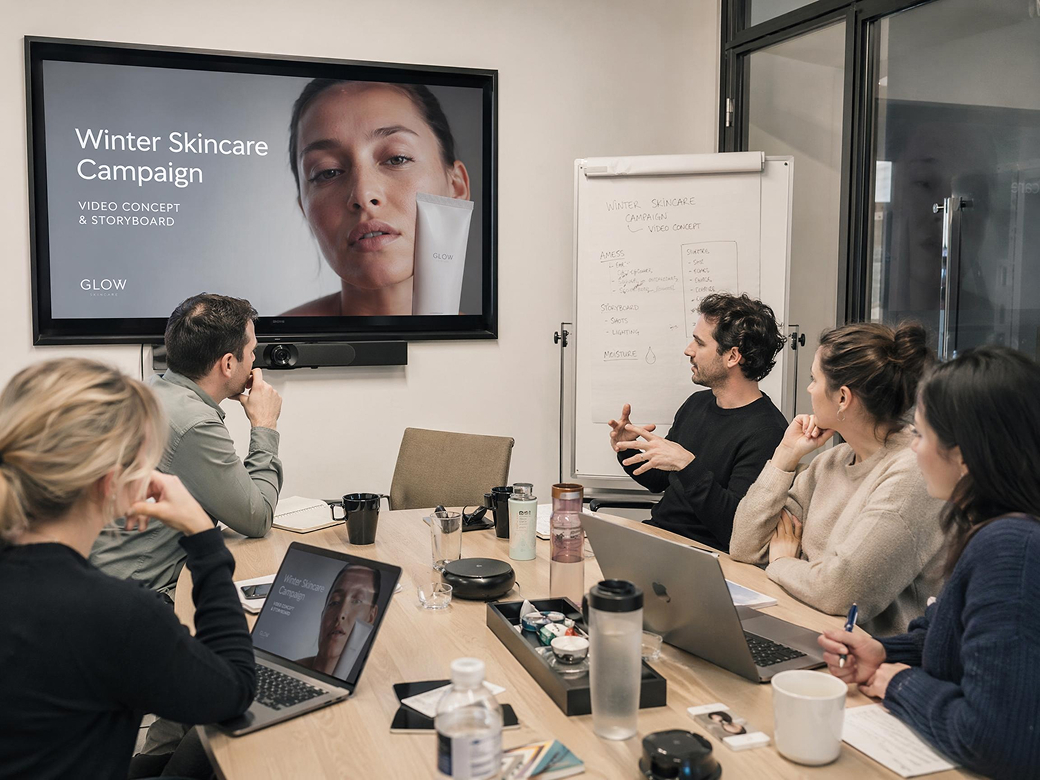
Teams using video in ads, landing pages and campaigns use Vmake Labs to stabilize customer testimonials, product demos and on-location footage shot without professional stabilization equipment. Stable footage holds viewer attention longer and performs better across placements.
Frequently asked questions
What does a video stabilizer do?
Can I stabilize video online for free?
Yes. All you need to do is upload your video, and AI will stablize your shaky video automatically.
How long does it take to stabilize a video?
Most short clips in seconds to under a minute. Longer videos take more time. Cloud processing means your device speed doesn't matter.
Will stabilizing crop the edges of my footage?
Some cropping is unavoidable because stabilization shifts frames to compensate for movement. Vmake Labs minimizes unnecessary cropping so the original composition is preserved as much as possible.
What causes shaky video?
Handheld recording, walking while filming, wind, telephoto zoom magnifying hand tremor and vibration from vehicles or equipment. All of these are correctable with a stabilizer.
Does stabilization reduce video quality?
No. The image quality is maintained. Only motion is corrected. If you want to improve video to higher resolutions, Vmake HD 4K maker can come to help.
Why choose Vmake Labs as your free video stabilizer

Vmake Labs analyzes real camera movement frame by frame instead of applying generic smoothing. Your footage looks naturally stabilized without heavy cropping, warped edges or floating motion artifacts.

Stabilization works alongside sharpening, color correction and upscaling in one workflow. You can turn shaky, low-quality footage into smoother, cleaner and higher-resolution video without switching tools.

Preview the stabilized result before exporting your final video. You can test the quality, review the motion and download clean footage without visible Vmake Labs watermarks.
Discover More Features
Video & Image Enhancer

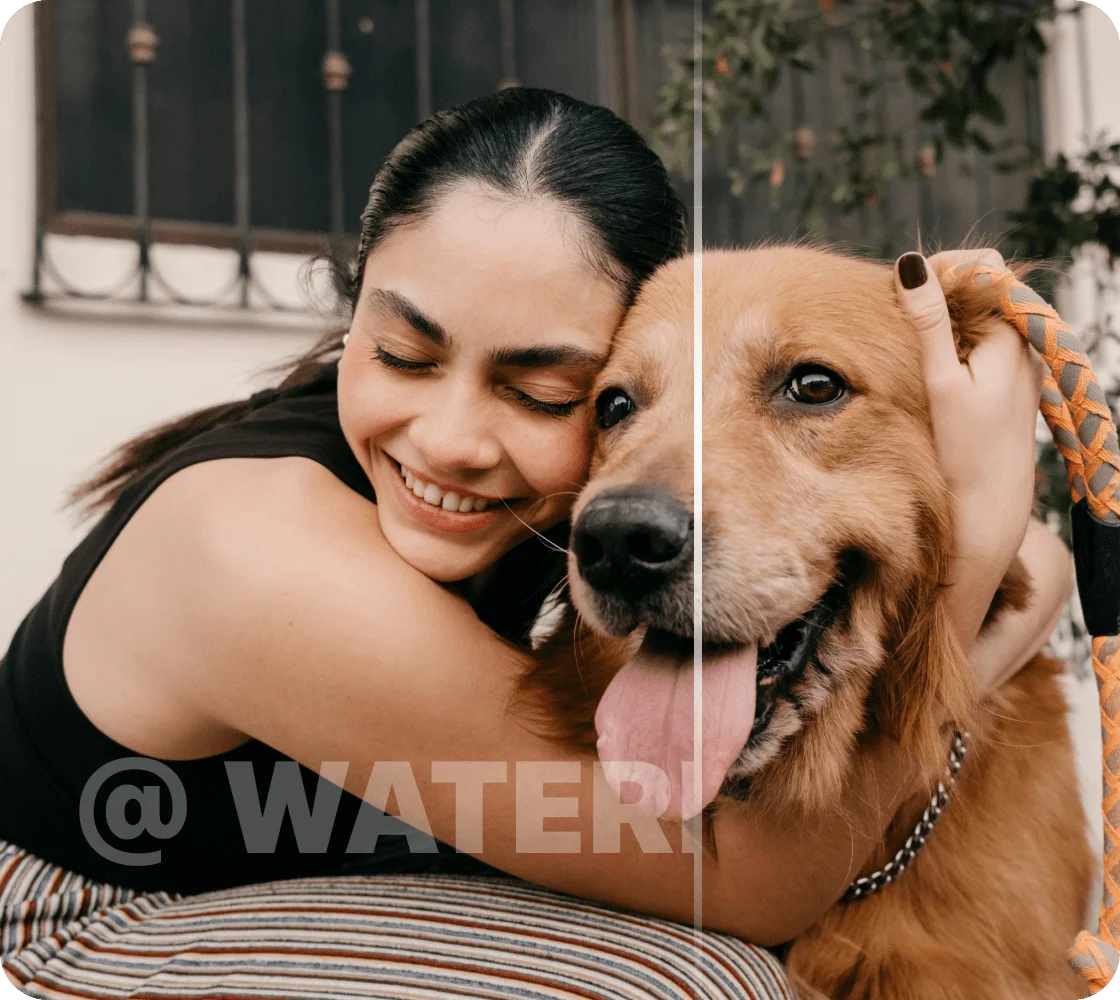
Watermark & Text Remover

Video Upscaler
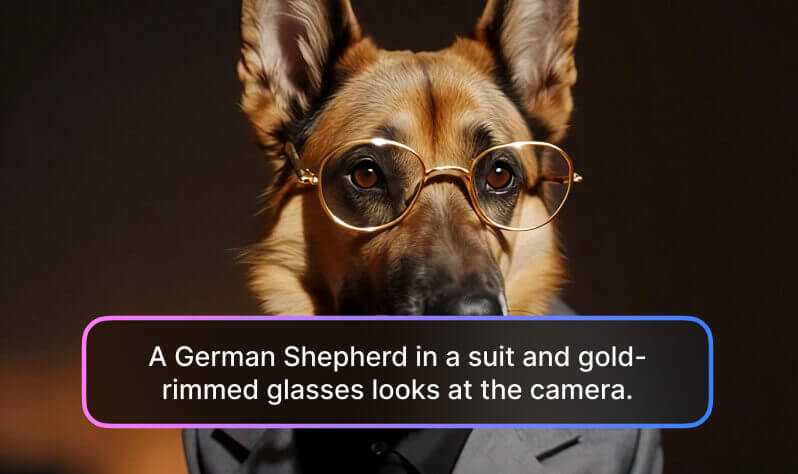
AI Video Generator

Video Background Remover

Video & Audio to Text

Video Noise Reducer

AI Video Translator
Ready to stabilize your video?
Upload your shaky footage, let the AI smooth out the camera shake, and download a steady, professional-looking result. Free to preview. 5-second download free. No account required. No watermarks.
What our users say
I shot b-roll on my phone without a gimbal and the footage was too shaky to use. Vmake Labs smoothed it out and it looks like I had proper equipment. Standard step before any handheld footage goes into an edit now.
I stabilize video for client accounts regularly. What I like about Vmake Labs is that it doesn't overcrop the frame to compensate for movement. Other tools I've used cut off so much of the shot that the composition changes. Vmake Labs keeps the framing intact.
I had handheld ceremony footage that was too important to discard but too shaky to include. Vmake Labs stabilized it well enough to use and the couple couldn't tell. For event footage where you can't reshoot, this is the right tool.
My walking shots always had that foot-bounce wobble that looked amateurish. Vmake Labs smooths it out without making the footage look floaty or unnatural. The motion still feels real, just not distracting.
I film cycling and surfing on a GoPro. The footage can be rough. Vmake Labs handles multi-directional shake from action cameras better than any other free stabilizer I've tested. No jelly effect, no distortion.
We use customer-filmed testimonials in our campaigns. Authentic but often shaky because they're recorded on phones at home. Vmake stabilizes them quickly enough that it fits in our content workflow without adding significant production time.