
Video Sharpener: AI Video Sharpening Online Free
Forget those glowing "halos" from cheap filters. Vmake Labs Video sharpener goes through each frame, finds where edge detail has softened, and rebuild authentic detail. Try our tool today and achieve a finish that remains faithful to the original footage.
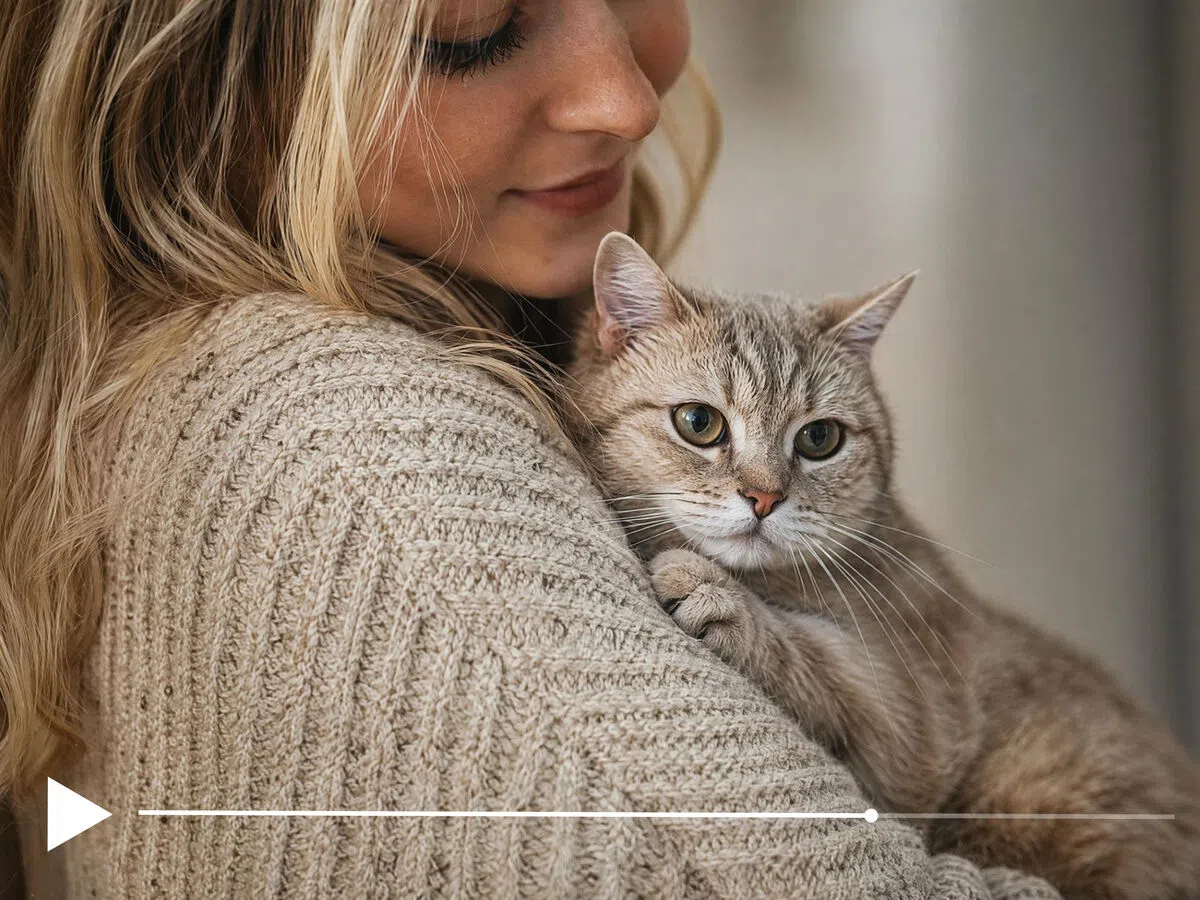


How to sharpen a video with Vmake Labs
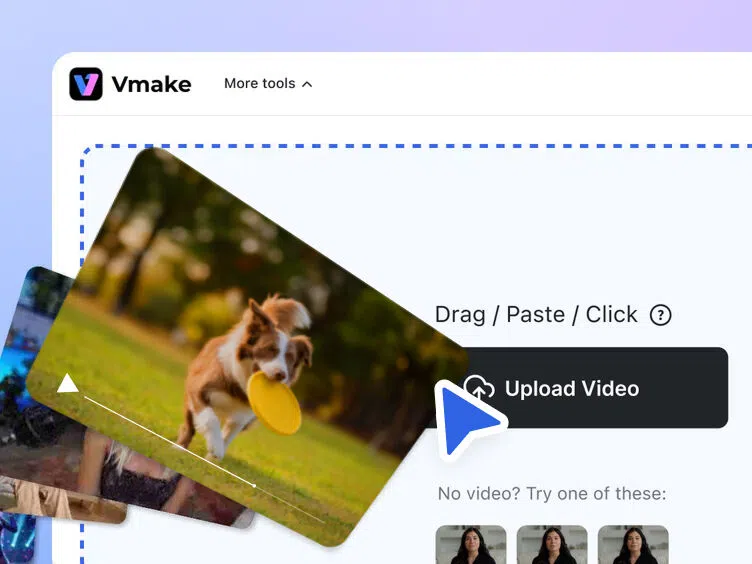
Upload your video
Drag your video into Vmake Labs or click to browse from your device. Most common formats upload directly without extra preparation steps.
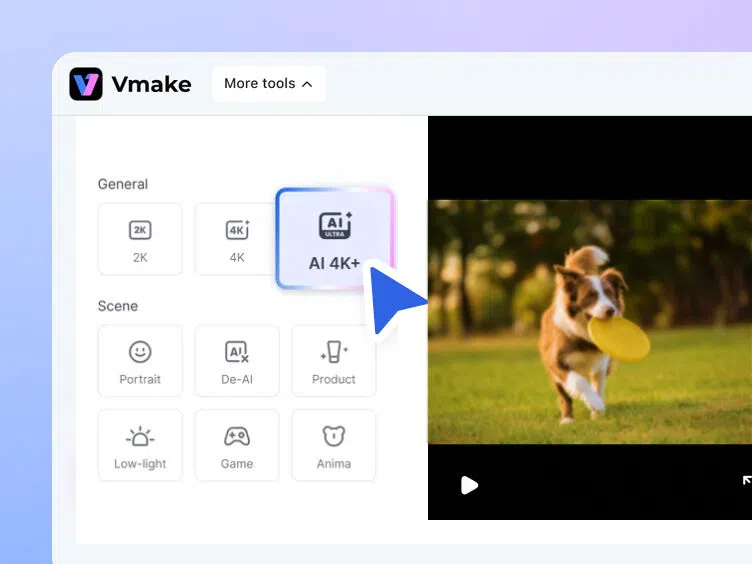
AI sharpens each frame
Vmake Labs analyzes each frame, restores lost edge detail and improves overall clarity while reducing blur, softness and visible video noise.
Preview and download
Watch the sharpened video before downloading the completed file. Every export stays clean, high-quality and free from Vmake Labs branding.
What types of video does AI video sharpening fix


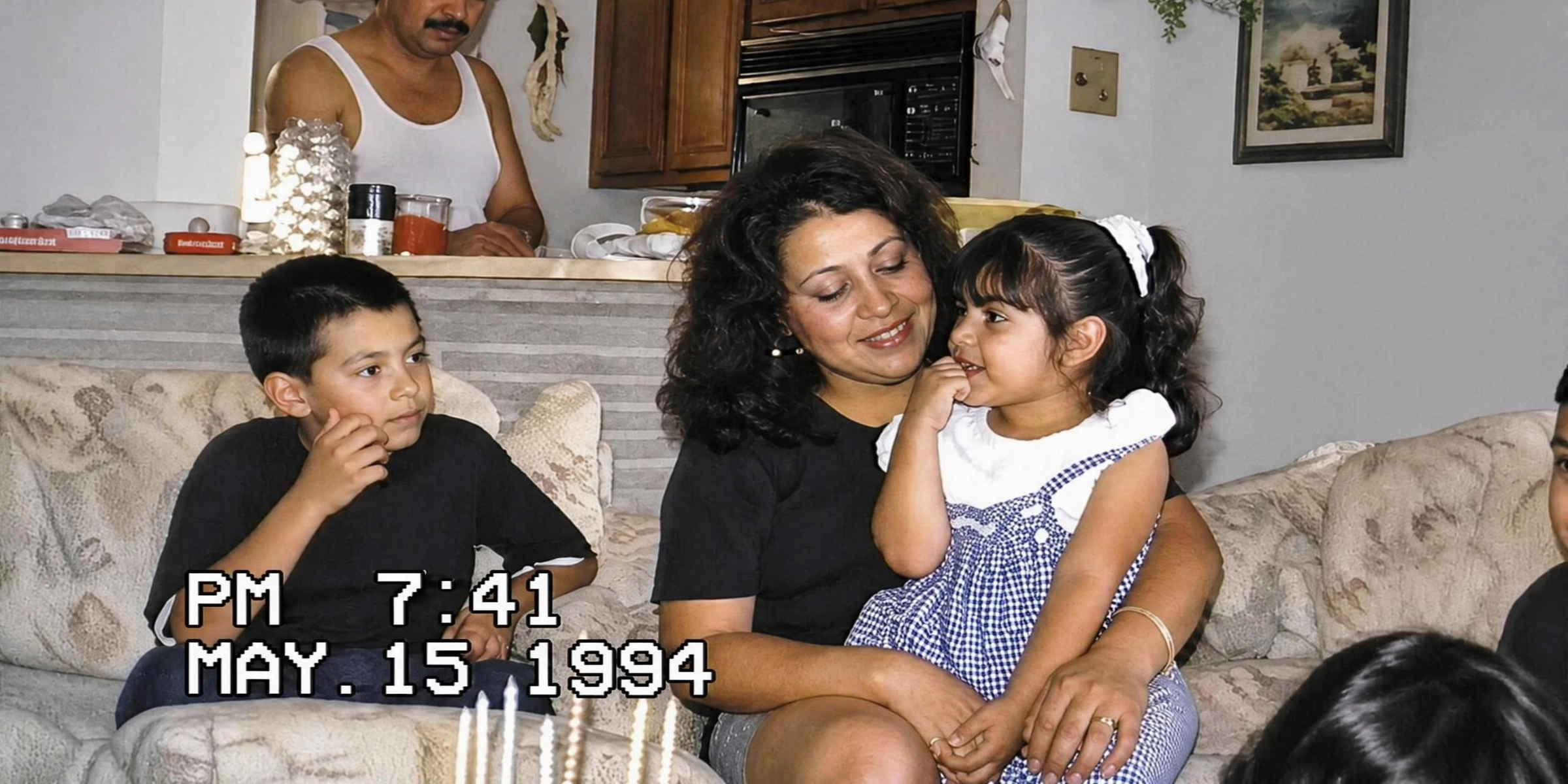

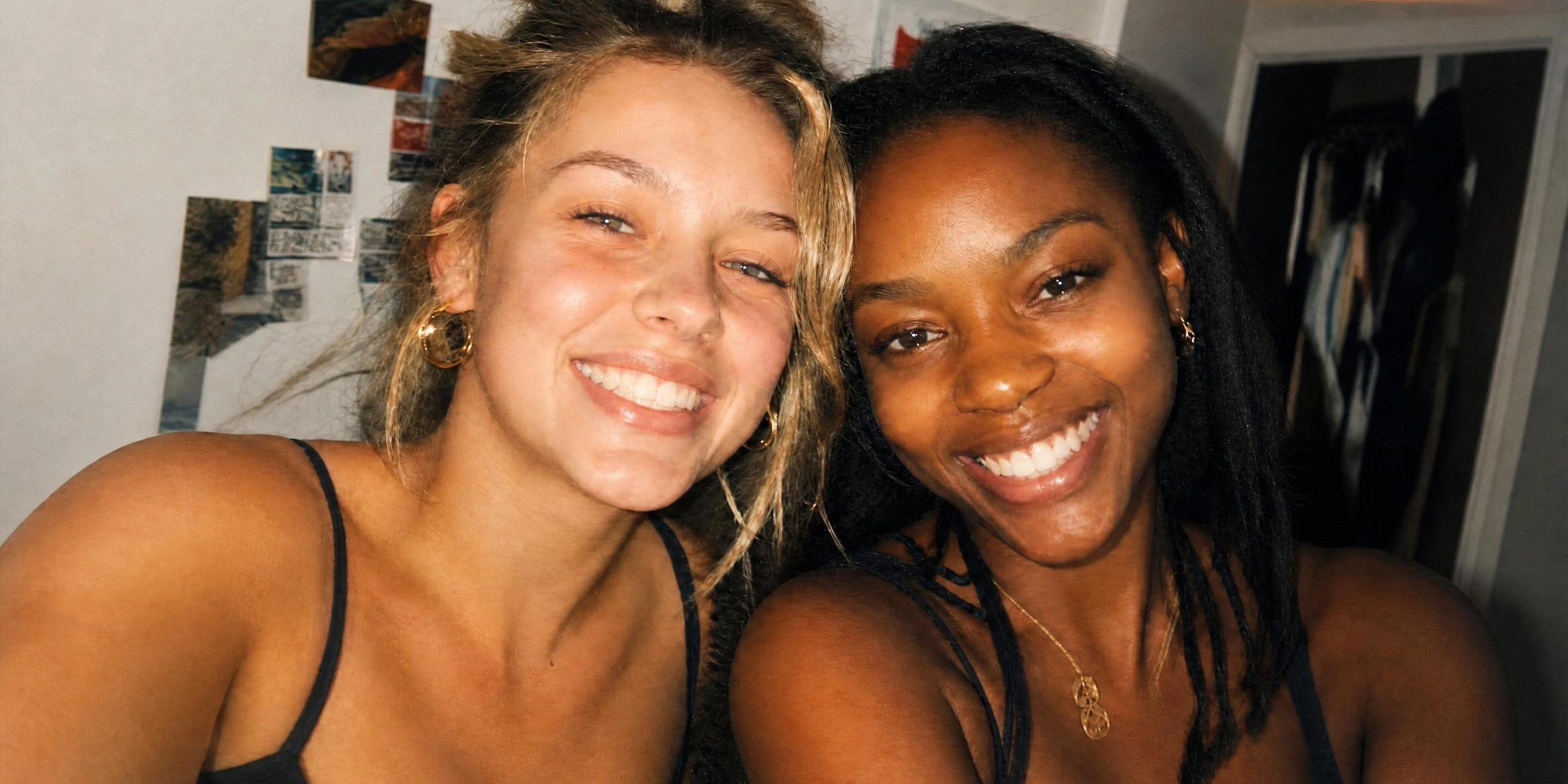
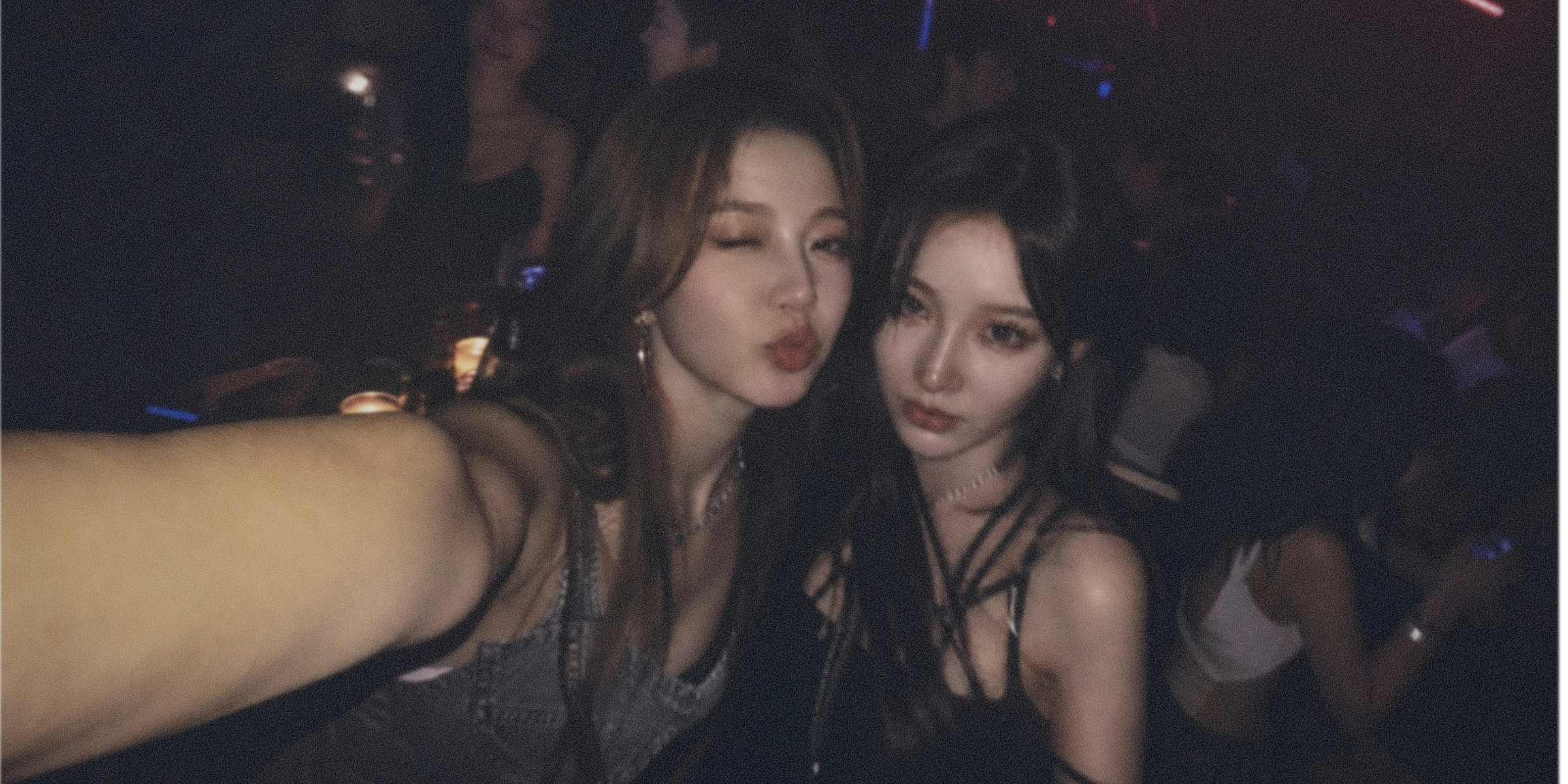
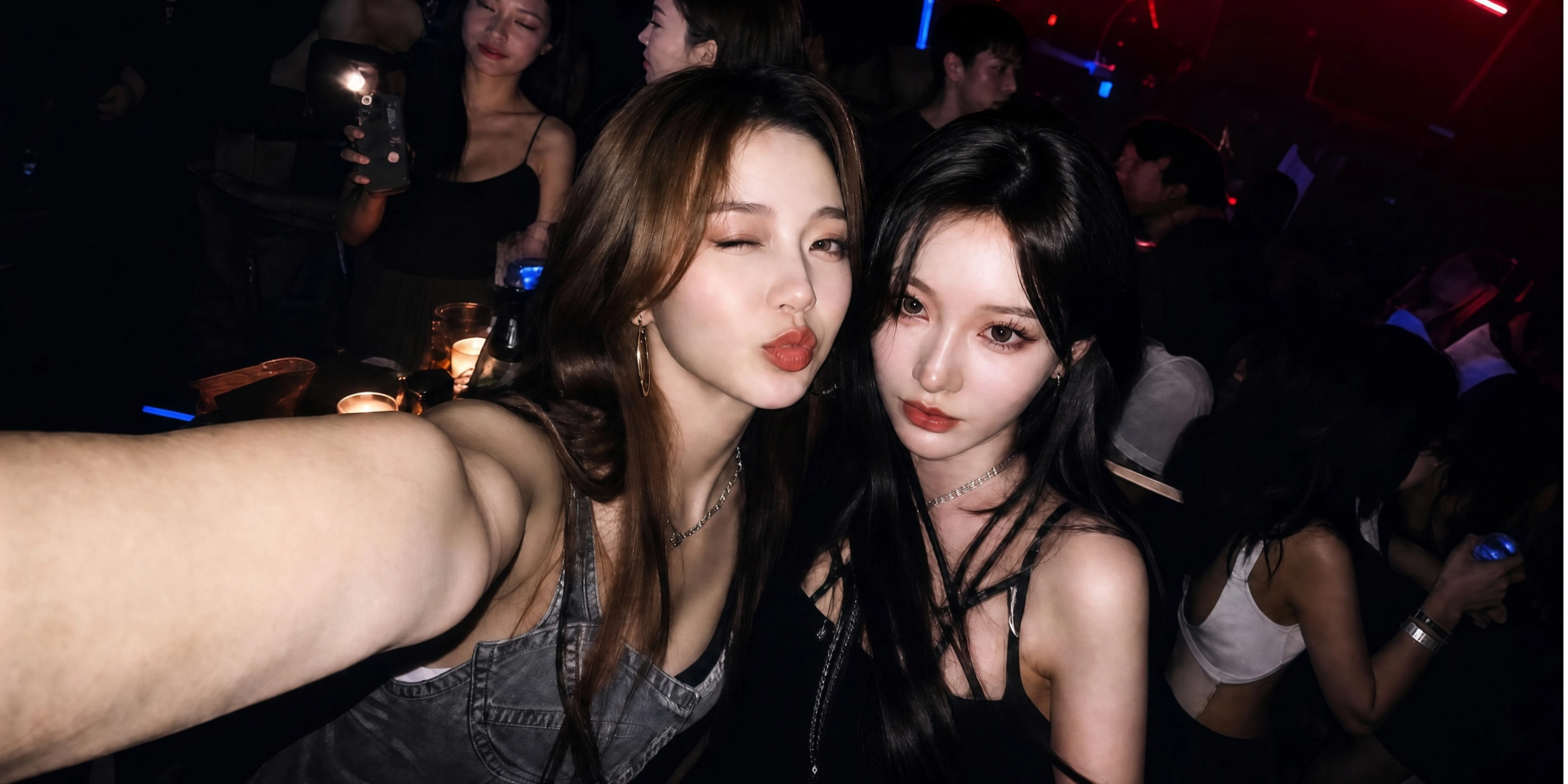
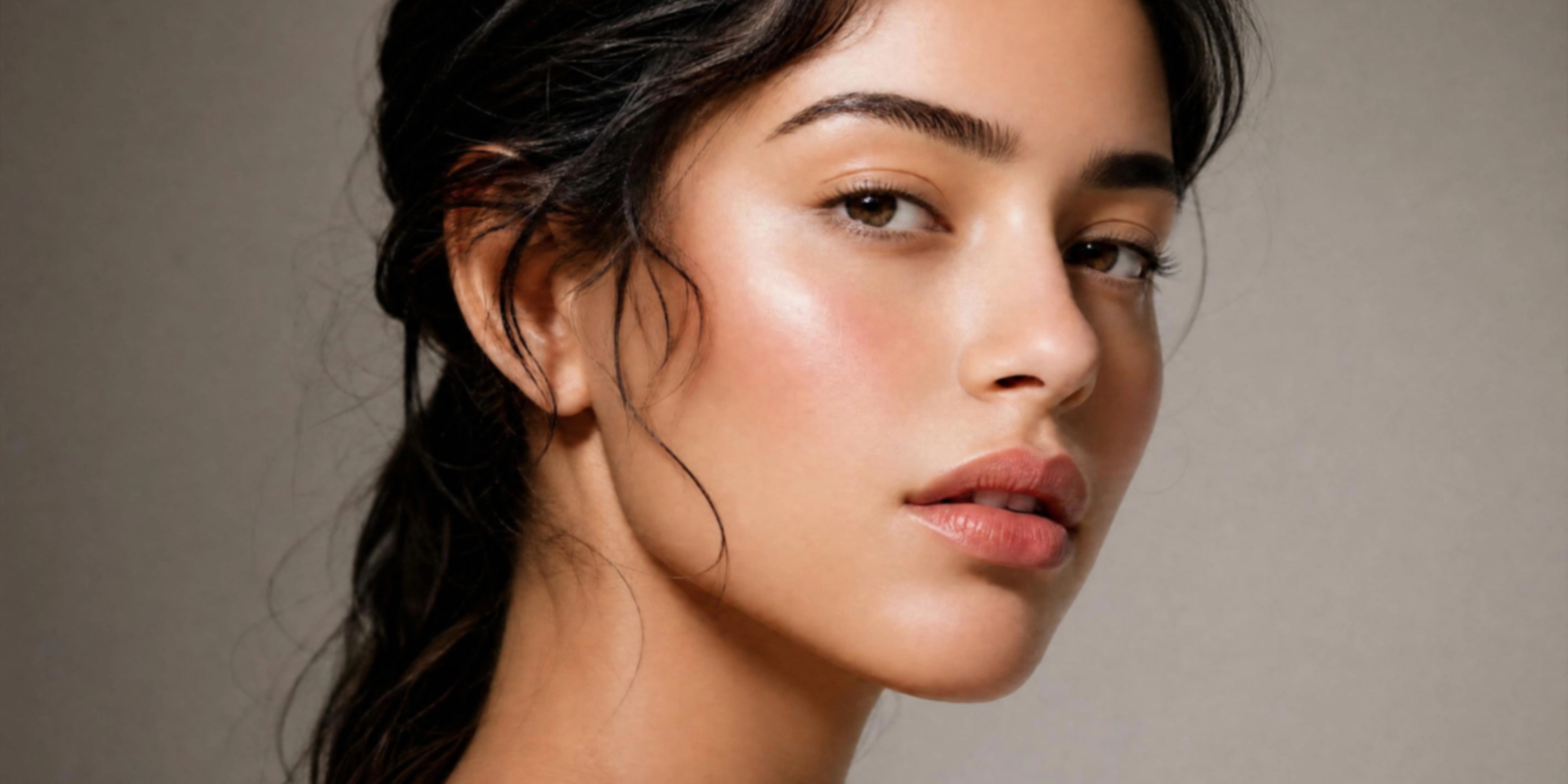
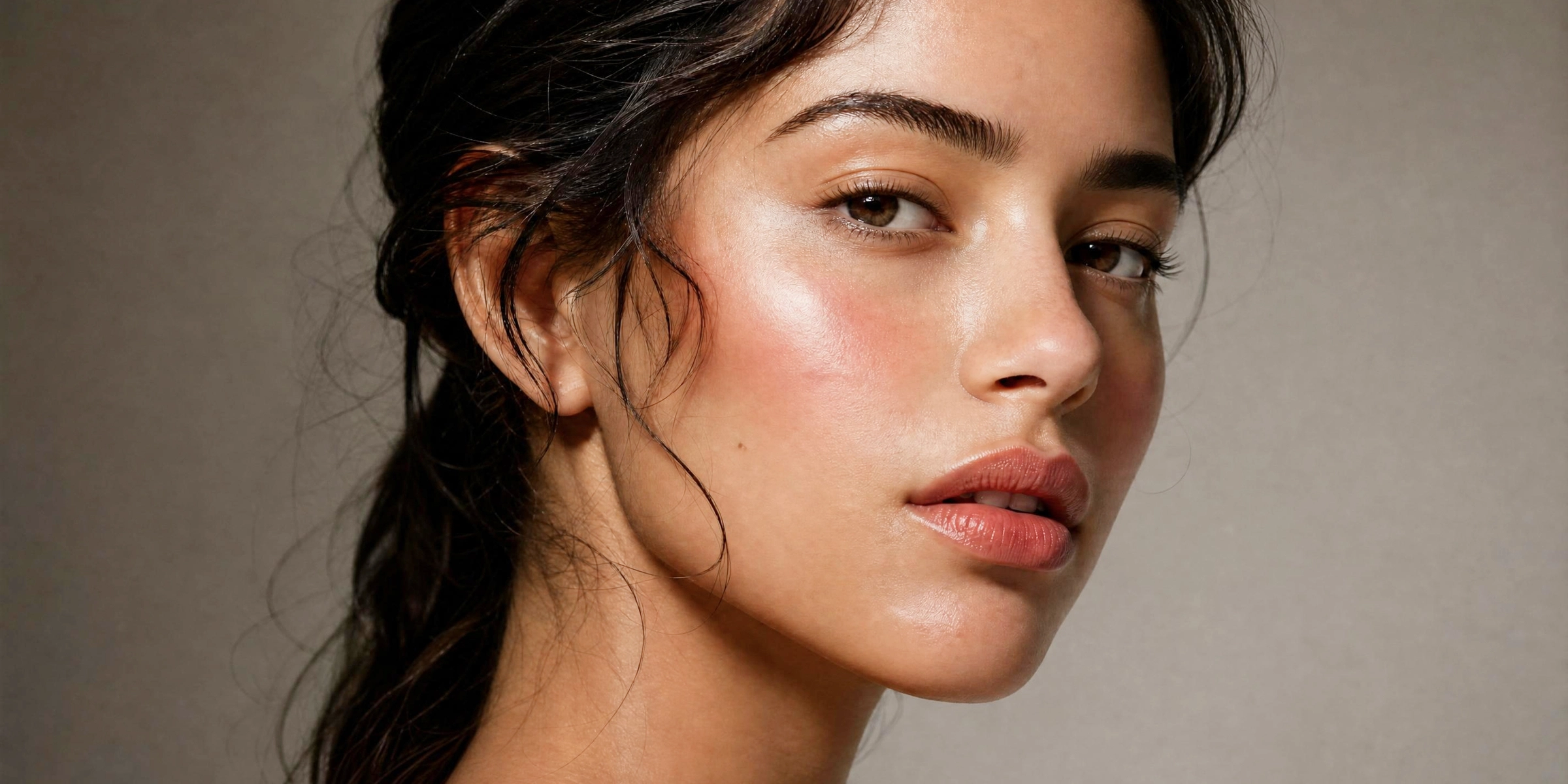






What makes Vmake Labs AI video sharpener different
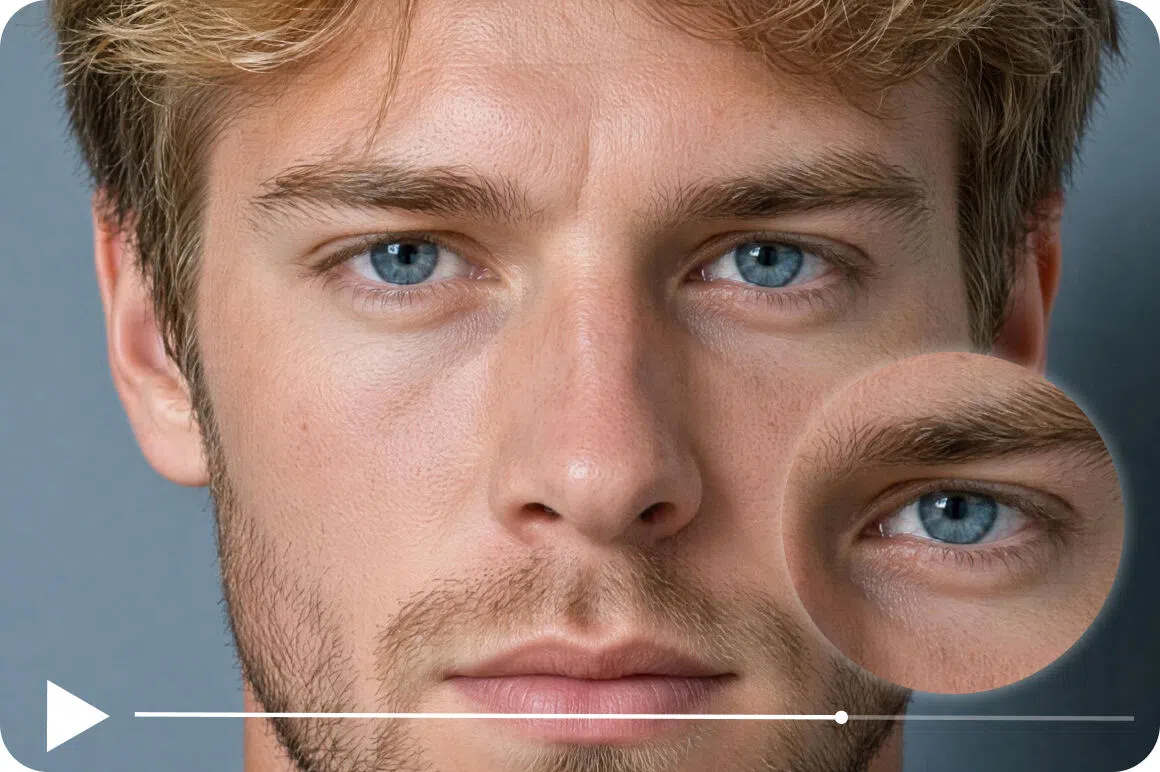
Frame-by-frame AI analysis
Traditional sharpening applies the same filter to every frame uniformly. Vmake Labs analyzes each frame individually, identifies where blur is concentrated, and applies targeted sharpening that fits the specific content in that frame.
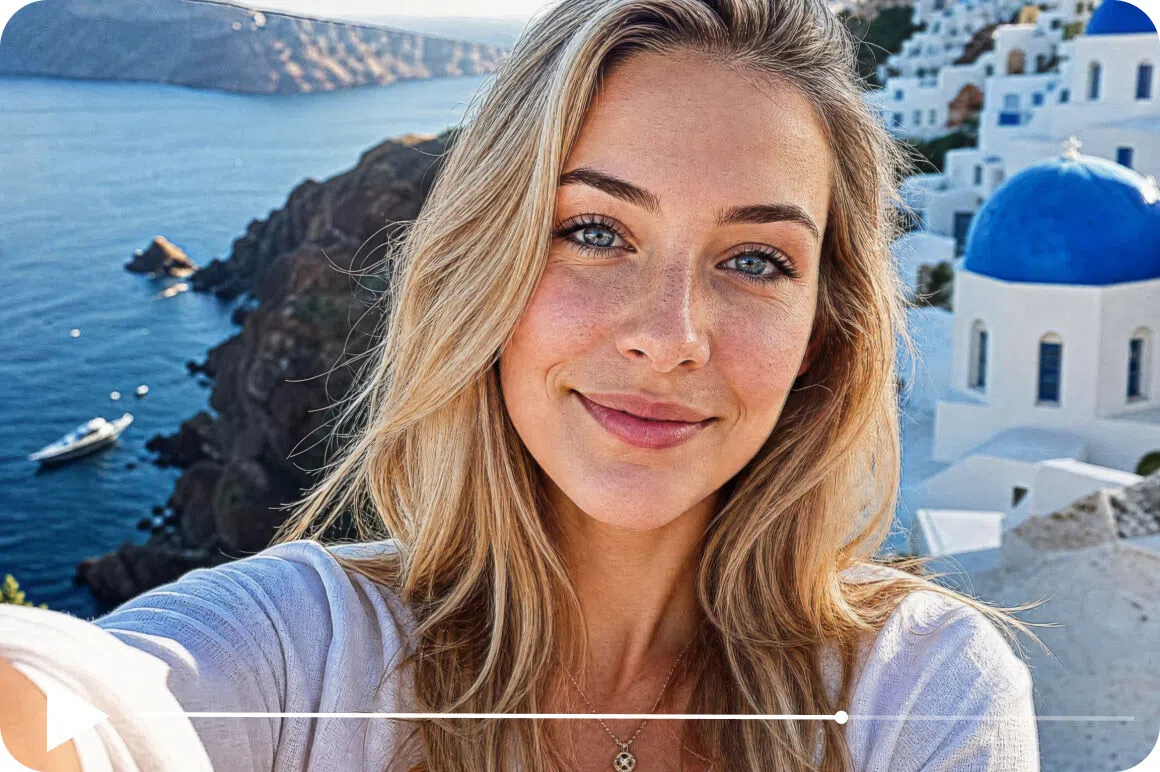
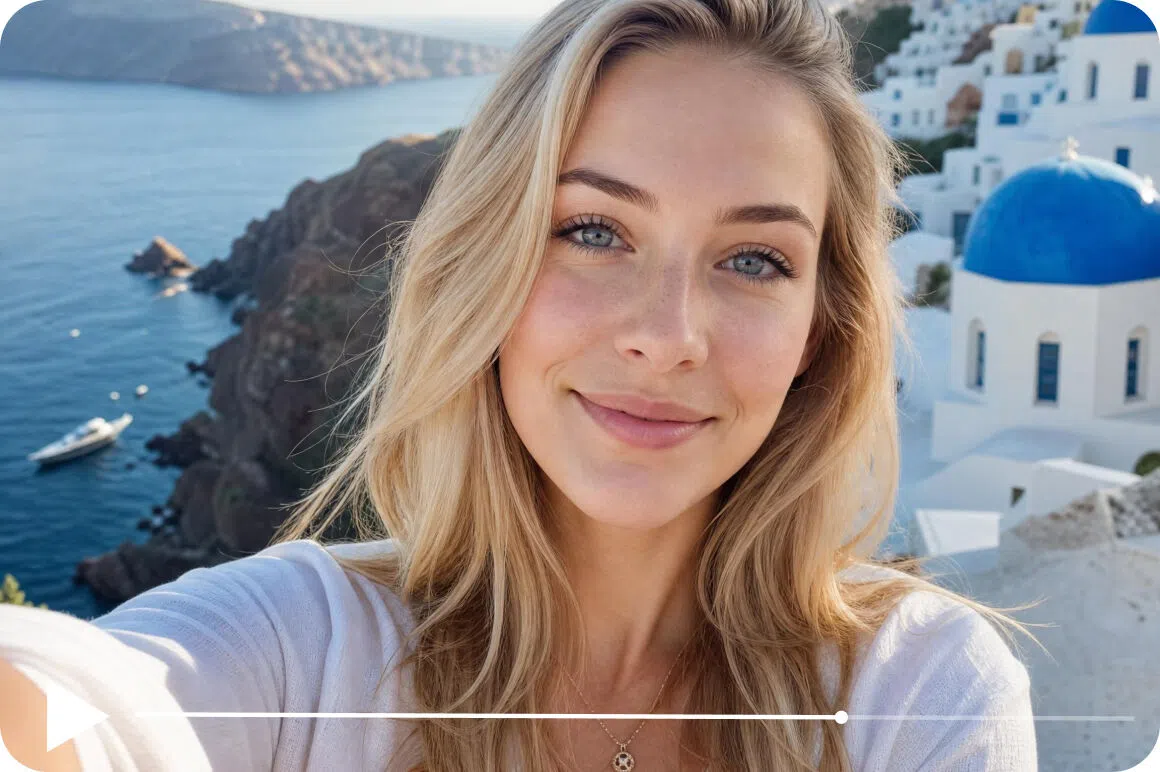
No over-sharpening or halos
The most common complaint about sharpening tools is the unnatural result. Edges go hard and halos appear around objects. Vmake Labs is trained to improve sharpness within the natural range of the footage.

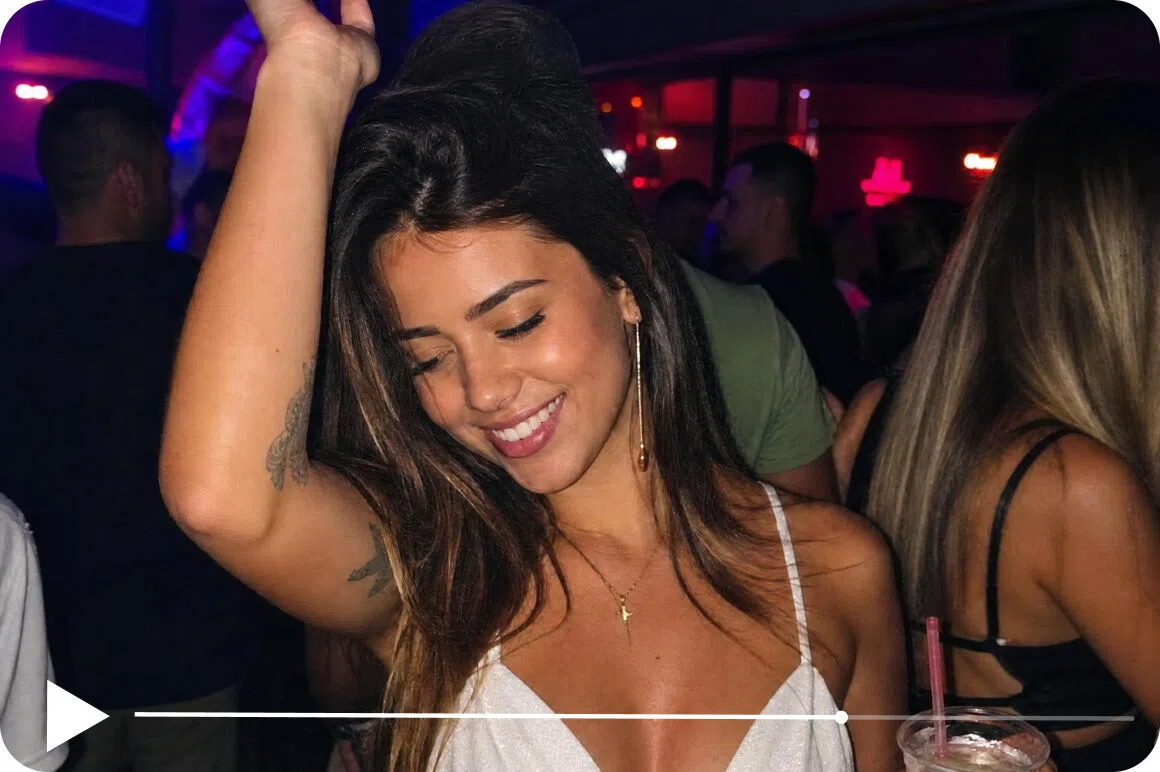
Specialized enhancement models
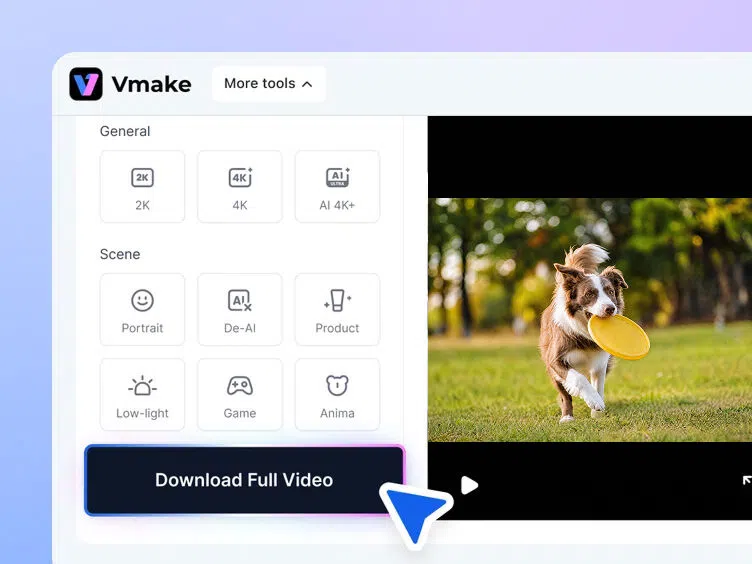
Portrait, product, Low-light, general and gaming modes. Each is trained for its content type. Choosing the right model for your footage produces better results than a one-size-fits-all filter.

Sharpening combined with noise reduction
Blur and noise usually appear together in compressed, low-light or older footage. Vmake Labs addresses both in the same pass. You don't need a separate tool for each problem.
Who uses Vmake Labs video sharpener
Content creators and editors
Creators filming on phones and cameras in variable conditions use Vmake Labs as a pre-publish sharpening step. Editors working with footage from multiple sources use it to bring soft or compressed clips up to a publishable standard.

E-commerce and marketing teams
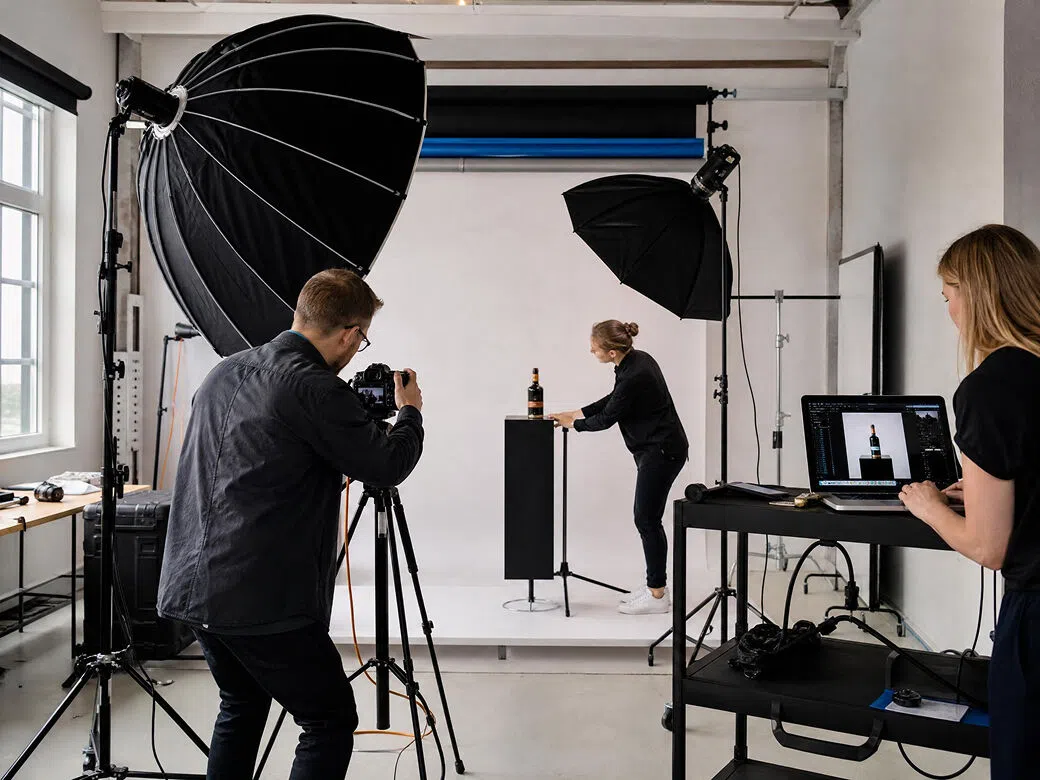
Product video needs sharp detail. Material, texture and label copy suffer from compression. Teams use Vmake Labs to sharpen product footage before uploading to Amazon, Shopify or ad platforms, recovering the visual specificity that drives buyer decisions.
Family archivists and educators
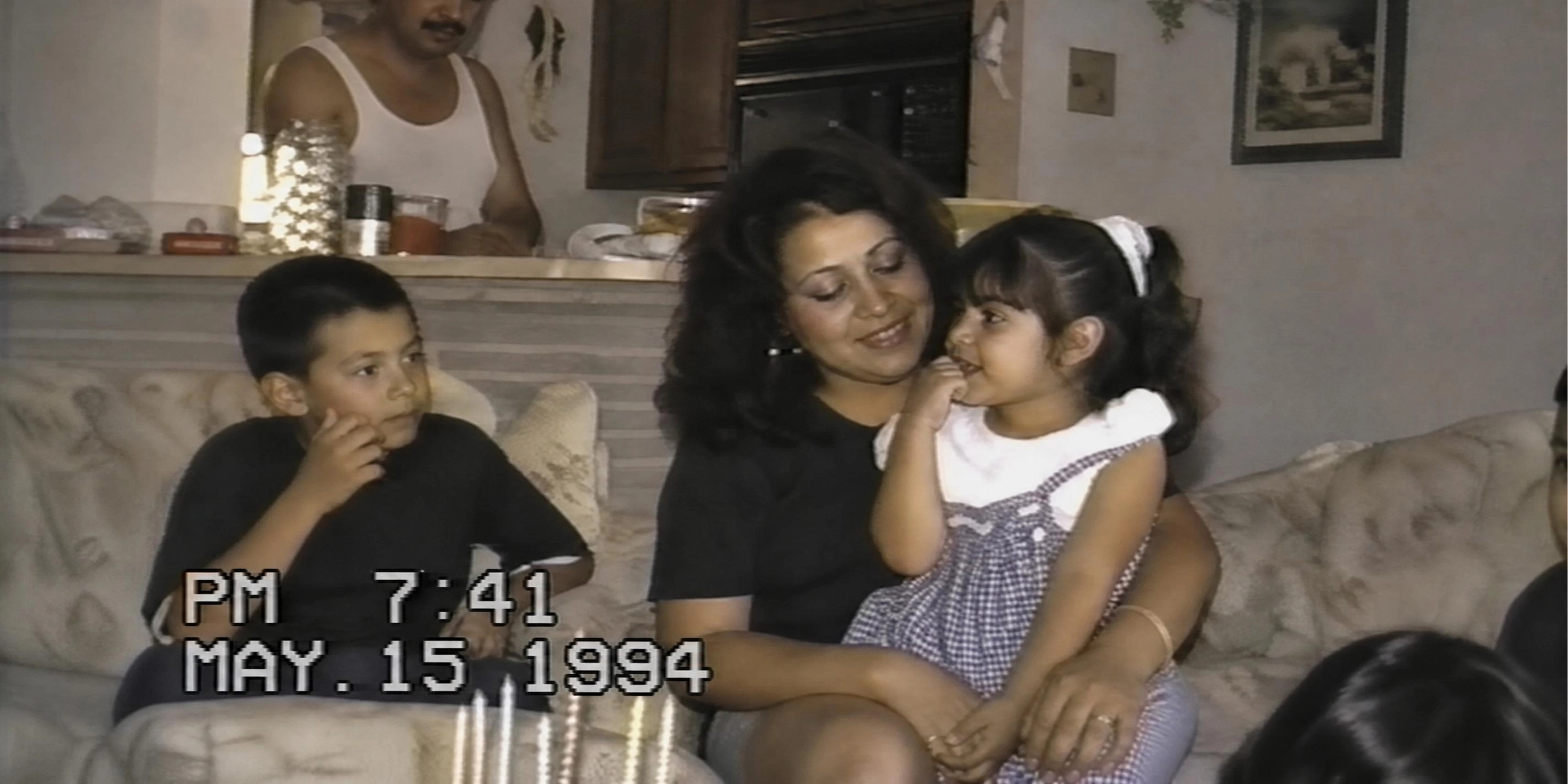
People working with old home video and VHS footage use Vmake Labs to sharpen material that is soft by modern standards. Educators with older tutorial recordings use it to bring content up to a standard that's watchable next to newer material.

Frequently asked questions
What is a video sharpener and how does it work?
Can AI really sharpen a blurry video?
Yes, depending on the cause. Compression blur, soft focus and light motion blur all respond well to AI sharpening. Very severe blur or badly out-of-focus footage has limits. The AI reconstructs what's there but degraded. It can't create detail that was never captured.
Is Vmake Labs video sharpener online free?
Upload and preview are free, no account needed. First 5 seconds export free. Full video needs credits.
Will sharpening make my video look over-processed?
Not with Vmake Labs. The AI sharpens within the natural range of the footage. Traditional filters boost edge contrast uniformly and create halos. Vmake Labs result looks like better source footage, not like something that was filtered.
What is the difference between sharpening and upscaling?
Sharpening improves edge clarity at the existing resolution. Upscaling increases the resolution and reconstructs the missing pixel detail needed at a higher resolution. Vmake Labs can combine both in the same session.
What formats does Vmake support?
MP4, MOV and AVI up to 200MB.
How long does AI video sharpening take?
Most short clips finish in under a minute on cloud processing.
Why choose Vmake Labs as your AI video sharpener

Vmake Labs identifies where detail has been lost, how much to recover, and what adjacent frames suggest should be there. The sharpening is targeted, consistent, and doesn't look processed.

Vmake Labs applies sharpening alongside noise reduction and color improvement in one pass. You get fully improved video, not just sharper edges on top of existing grain.

Vmake Labs processes short clips in seconds on cloud infrastructure. No hardware, no install, free to preview before downloading.
Discover more features

Video & Image Enhancer

Watermark & Text Remover

Video Upscaler

AI Video Translator

Video Background Remover

Video & Audio to Text

Video Noise Reducer
AI Video Generator
Ready to sharpen your video?
Upload your footage, let the AI recover the edge detail, and download a cleaner, sharper version when the preview looks right. No account required. No watermarks.
What our users say
Their video sharpener promises to sharpen blurry footage automatically. I was skeptical. The grain was reduced by roughly 60 to 70 percent on my test clip and the edges were noticeably sharper. It didn't over-smooth into that dreamy fake-looking blur that cheaper tools produce.
The sharpened videos look clean and detailed with no artifacts or weird blur. Convenient, inexpensive and underrated. No watermarks, which matters when I'm delivering to clients.
The AI enhancer made one of my blurry AI-generated clips look like it was shot on a real camera. The texture on faces and background came through more naturally than I expected from an online sharpener.
I use this as a standard step on older footage before it goes into an edit. The improvement in sharpness is real and visible. It makes archival clips from 10 or 15 years ago usable alongside modern footage.
Product video sharpening was why I tried it. The detail on packaging labels and material texture came through much more clearly. Clients couldn't tell we hadn't reshoot the footage.
Fast and accurate. Shocked at how quickly it processed my clips. AI video sharpening adds genuine clarity without making the footage look processed. Best online sharpener I've used.