
Free TikTok Caption Generator Online
Most TikToks are watched without sound. Captions keep the algorithm happy and viewers watching. Vmake Labs auto generate captions TikTok tool generates styled captions instantly in TikTok-native 9:16 format. Built around how TikTok actually works.
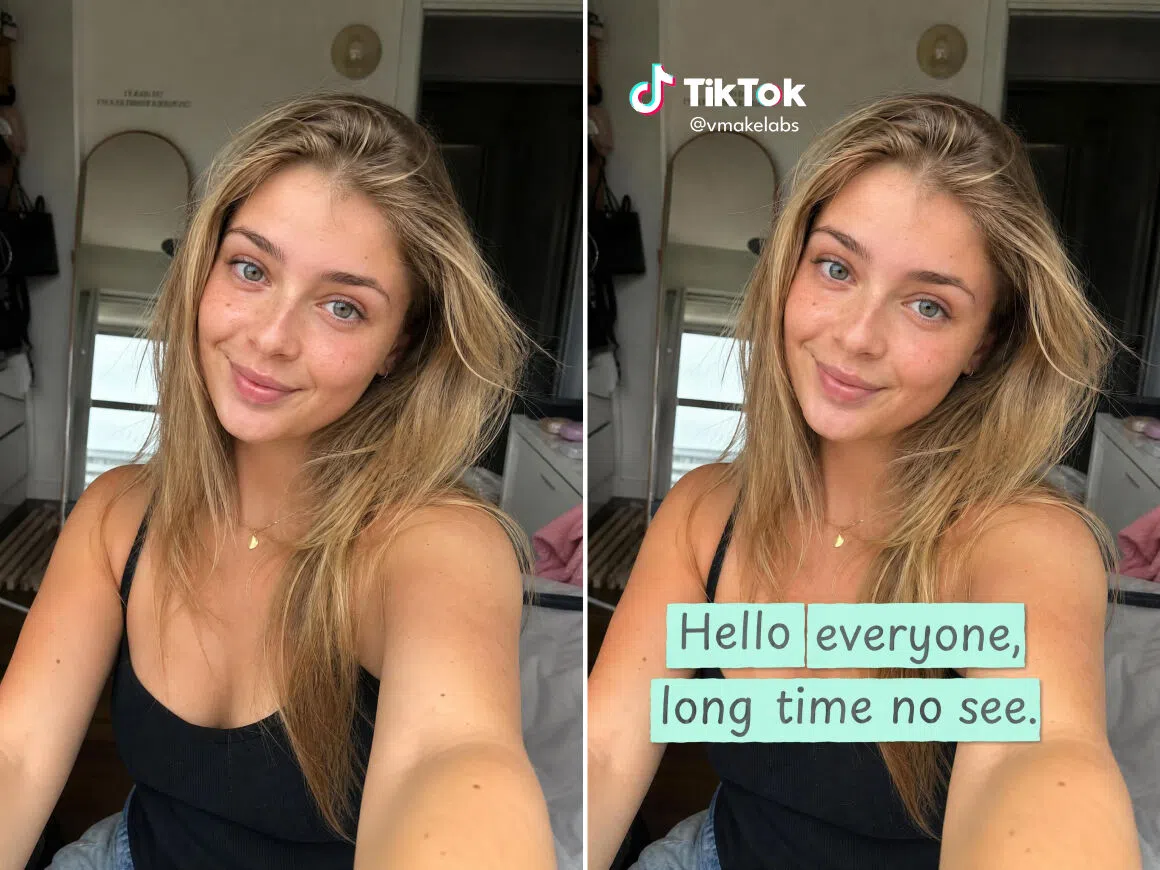


How to add captions to your TikTok videos
Step 1. Upload
Select the Auto Caption feature and upload your TikTok video. AI starts transcribing in the original spoken language immediately. No manual input or language selection needed.
Step 2. Style your captions
Choose a caption style, font and colors from the template library. Edit individual lines and adjust timing before export. Every caption is editable before the final version is locked in.
Step 1. Export
Now you can export your video with hardcoded captions in 9:16 format optimized for TikTok!
Where TikTok captions make the biggest difference for your content
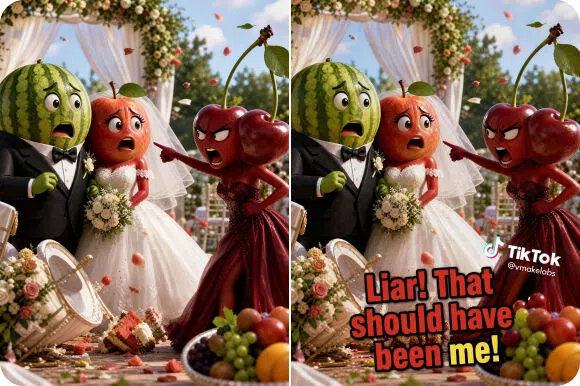
Keep viewers watching past the first second
TikTok autoplay means the first second with sound off decides if anyone stays. Styled captions give on-mute viewers a reason to stay. The message is readable from the first frame without the viewer tapping for sound. Pair captions with an AI avatar for a full on-screen presence.
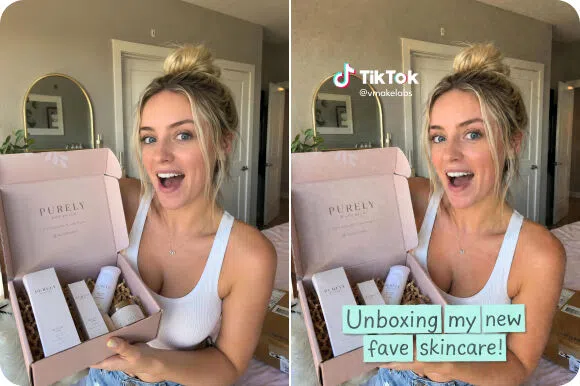
Match captions to your TikTok aesthetic
Plain auto-generated text boxes undercut the visual quality of polished brand or creator content. Styled caption generator for TikTok templates keep every post looking intentional and on-brand without manual design work between uploads.
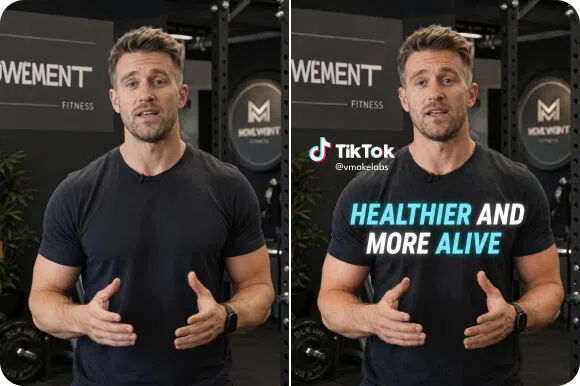
Make information land without sound
Tutorial and explainer content is hard to follow without audio. Viewers drop off when they miss a step. Auto-generated captions carry every instruction clearly so viewers can follow along in public or with headphones not connected.
What makes Vmake Labs the right AI TikTok caption generator
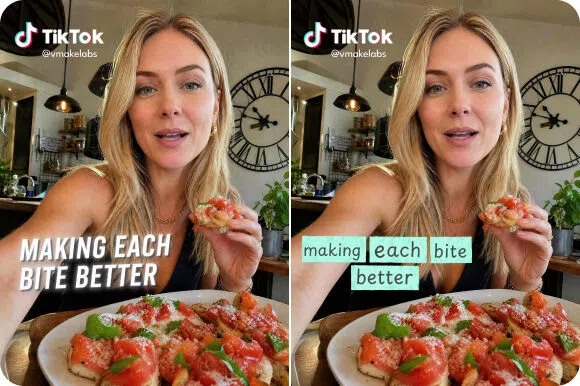
Rich caption template library with full customization
Choose from a library of built-in caption styles and customize font, color and size to match your brand tone. Save your customized style as a personal template and apply it to every future video in one click. No restyling needed between uploads.
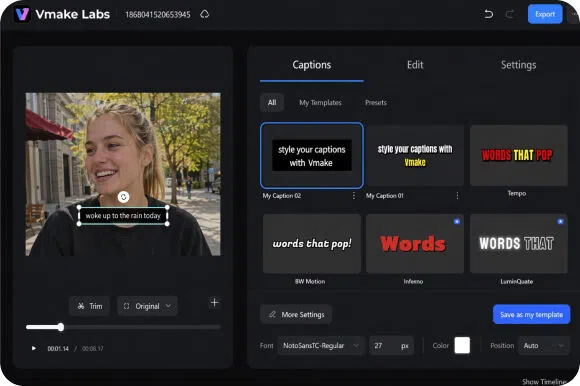
Full caption editing before export
The Edit tab shows every caption segment with exact start and end timestamps. Fix individual words or lines, adjust timing and change style without regenerating the full transcription. Every caption is editable and reviewable before the final export is committed.
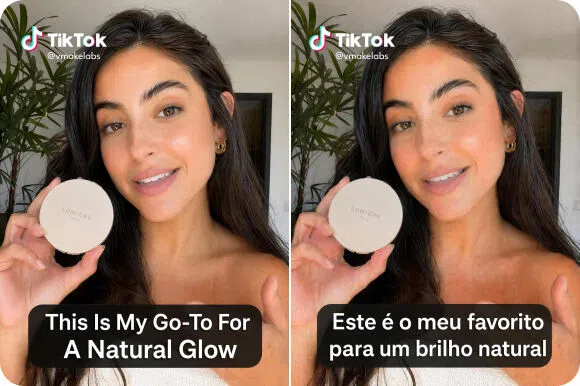
Supports multiple languages
Upload videos in English, Spanish, Portuguese, Indonesian, Japanese, Korean or Chinese and Vmake Labs generates captions in the corresponding language automatically. No manual transcription or language selection needed after upload. Captions are generated in the original spoken language.
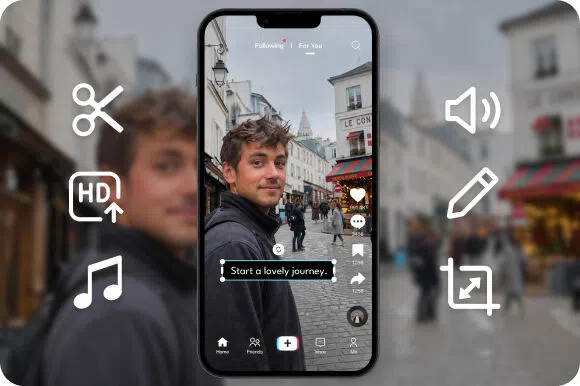
Extended production workflow in one place
Beyond caption generation, the editor supports video cropping, audio noise reduction, sound effect processing and background volume adjustment. For outdoor TikTok footage with wind noise, the tool handles that as a dedicated step before captioning.
Who uses Vmake Labs TikTok captions generator most
Daily TikTok creators
Creators publishing at high frequency find manually captioning every video unsustainable. Vmake Labs auto-generation keeps up with the publishing schedule without adding editing time per upload. Output volume scales and every video goes out with styled captions that match the creator's visual brand consistently.
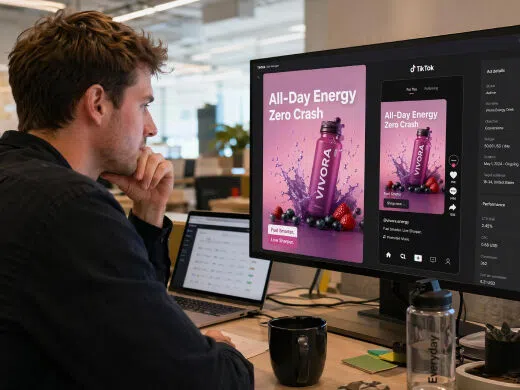
Brands running TikTok ads
Paid TikTok content must perform without sound for viewers who scroll past audio. Vmake Labs styled caption templates keep the ad message readable across all placements. Brand visuals stay consistent and the captioned content communicates the full message even when audio is never played by the viewer.
Social media managers
Editors handling caption work across multiple client accounts face constant correction and restyling overhead. Vmake Labs timestamp-level editing fixes transcription errors quickly and the personal template reuse eliminates restyling per account. Caption correction and delivery time drops significantly across every account managed in the same session.
FAQ
Can I edit captions after they are generated?
How to get subtitles from TikTok videos?
Use Vmake Labs to extract subtitles by uploading the TikTok videos to our AI-powered Auto Captions tool. The tool transcribes the audio and allows export of clean, time-coded subtitles in SRT format.
Does TikTok have an auto caption feature built in?
Yes. TikTok has a native auto-caption toggle but it offers limited style control. Vmake Labs gives full styling, font, color and position customization before export so captions match the visual identity of the content.
Will captions help my TikTok videos get more views?
Captions make content accessible to on-mute viewers and improve watch time. Both are signals TikTok's algorithm uses to determine reach and distribution across the platform.
Can I download the subtitle file instead of exporting the full video?
Export options including subtitle file download are available subject to the plan selected. Check the export settings after generating captions to see the options available.
How do I get started with Vmake TikTok caption generator?
Sign up to access the tool and start captioning your TikTok videos right away. Credits are available on registration so you can begin without committing to a paid plan immediately.
Why TikTok creators use Vmake Labs for captions

Captions are styled and positioned for how TikTok content is actually consumed. Every template is built for the vertical format and fast-scroll viewing conditions that define TikTok's feed.

Upload, transcribe, style, edit and export all happen in one continuous session without switching tools. The complete captioning workflow from raw video to published TikTok is handled in one place

Whether posting once a week or multiple times a day, the personal template and auto-transcription handle the captioning workload. Output volume increases without adding manual caption time to the schedule.
Discover More Features

Video & Image Enhancer

Watermark & Text Remover

Video Upscaler

AI Video Generator

Video Background Remover

Video & Audio to Text

Video Noise Reducer

What TikTok creators say about Vmake Labs
My captions used to be all over the place timing-wise because i was doing them manually in tiktok's editor. switched to vmake Labs and the sync is just better. also the galaxy pop template on comedy clips looks way more intentional than the default tiktok style. small upgrade but my comment section actually started mentioning the captions which never happened before
We run TikTok for a consumer brand and consistency across posts was a real problem before this. Different contractors were styling captions differently and it showed. Vmake Labs template system solved that overnight basically. Everyone uses the same saved style now. The accuracy on product terminology is decent — we do a quick check before exporting but corrections are minimal.
Finance TikTok is a weird niche because you're competing with dance videos for attention. Captions help people follow along with dense information without rewinding. The timestamp editor is what i actually use most — fixing the two or three errors that come up on technical terms takes about a minute. Total time per video is way down from what i used to spend.
Handling caption production across 20+ client accounts every week used to be the most time consuming part of our operation. The per-client template setup took about ten minutes per brand and now the actual captioning is almost automated. Turnaround went from same-day to same-hour on most videos. That kind of time saving at our volume is genuinely significant.
I run a small restaurant and started doing tiktok properly about six months ago. don't have a team, just me filming on my phone. vmake labs made captions something i could actually do consistently without spending an hour on each video. the denoise helped a lot with kitchen background noise too which i wasn't expecting. does more than i thought it would.
Reposted an old TikTok with proper styled captions after leaving it uncaptioned for months. The captioned version outperformed the original in the first 48 hours by a significant margin. Obviously the algorithm treats newer posts differently but the watch time difference was too big to ignore. Captioning everything going forward, no exceptions. Should have started sooner.