
Remove Wind Noise from Video Online with AI
Remove wind noise from video online in seconds. Upload your clip and let AI reduce strong wind sounds while keeping speech clear. No editing skills or software required. Fast, free, no sign-up needed.


How to remove wind noise from video in 3 steps
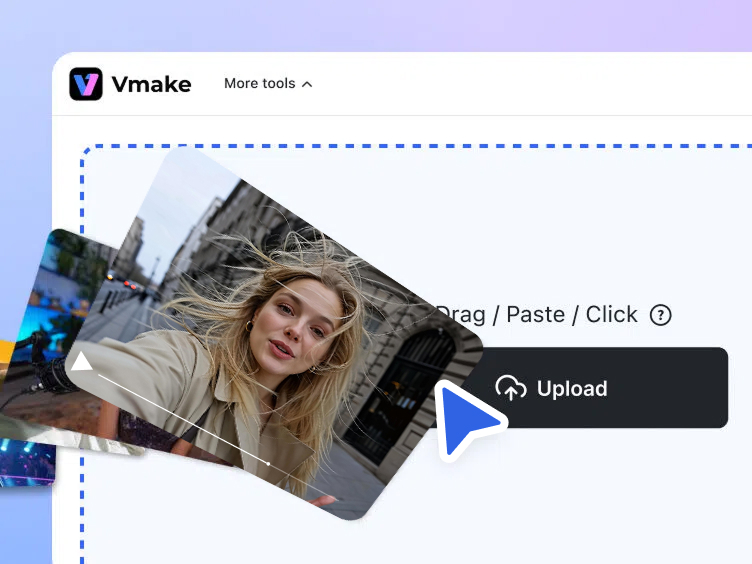
Upload your video
Upload a video file from your device to Vmake Labs wind noise remover. Supports common formats used for vlogs, product demos, and social media clips.
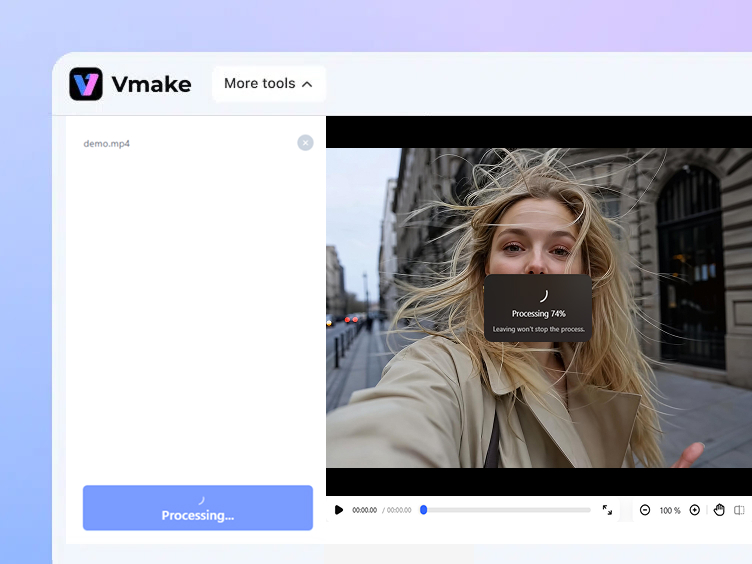
Remove wind noise automatically
AI detects wind noise in your audio track and removes wind sound from the video automatically, while preserving speech and natural ambient sound.
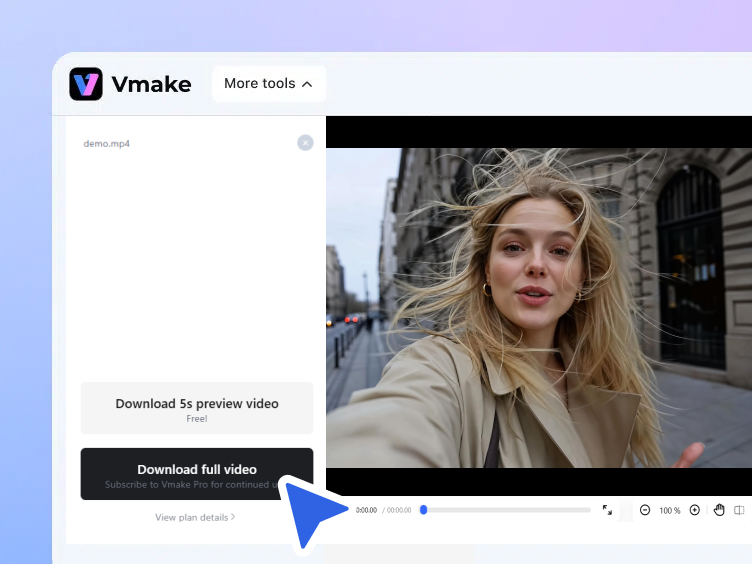
Preview and download
Preview the improved audio directly in your browser. Download your clean video for free, ready to publish on any platform.
When to use a wind noise remover for video
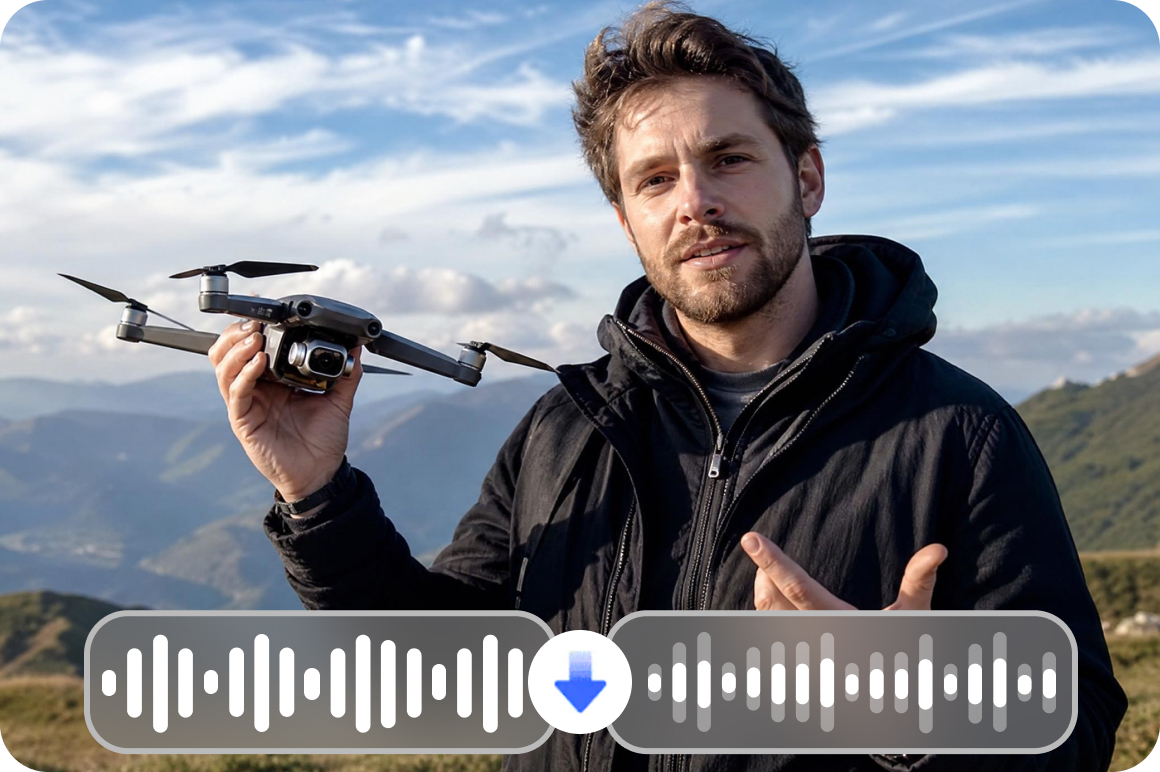
Outdoor product demonstrations
Small ecommerce teams filming product demos outdoors can remove wind noise from video so product explanations stay clear and easy to hear. Clean audio makes your listings more professional and helps customers understand exactly what you're selling.
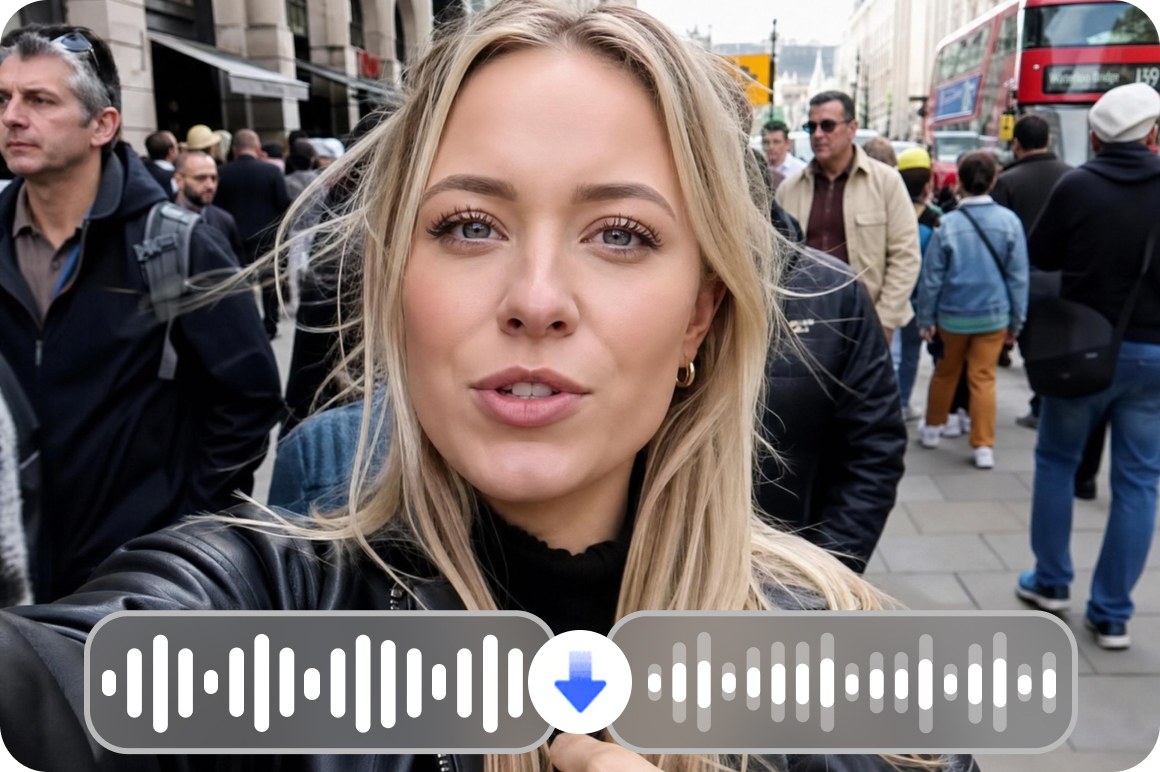
Outdoor social media videos
Creators filming vlogs, lifestyle clips, or street content can remove wind sound from video before publishing to short-form platforms. Better audio means higher watch time and fewer viewers dropping off in the first few seconds.
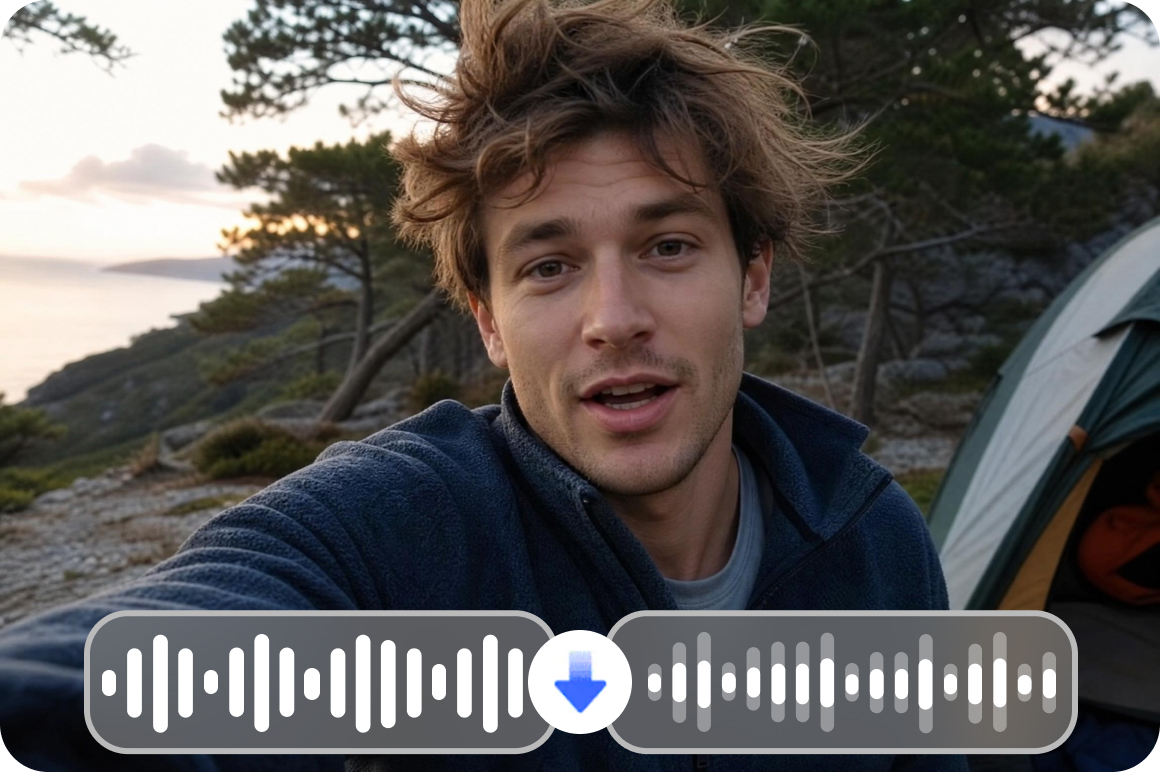
Travel and vlog footage
Travel footage recorded in windy environments often needs wind noise removal before publishing. Clean up your narration and conversations so the story comes through — and save footage you'd otherwise scrap.
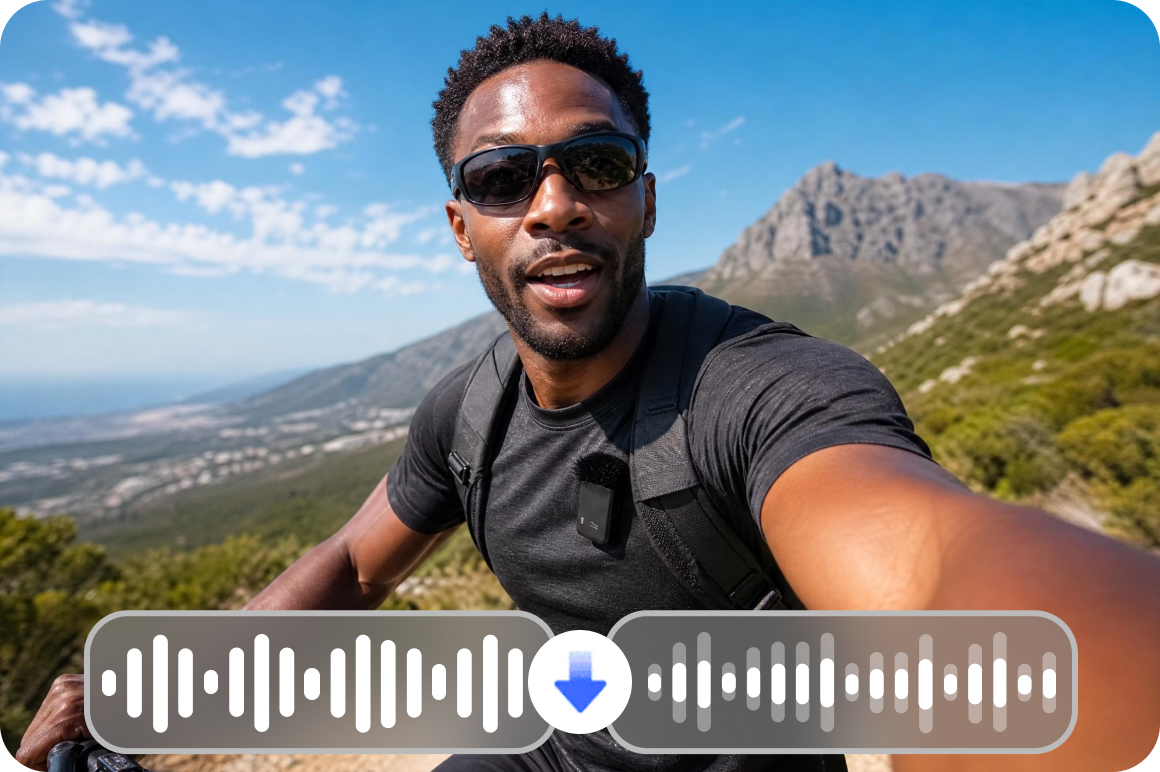
Mobile and Action Camera Footage
Videos recorded on a phone or action camera often pick up wind noise that needs to be reduced before sharing. Vmake Labs works as a wind noise remover for Android and iOS recordings — just upload the file and the AI does the rest.
Remove wind noise from videos with Vmake Labs
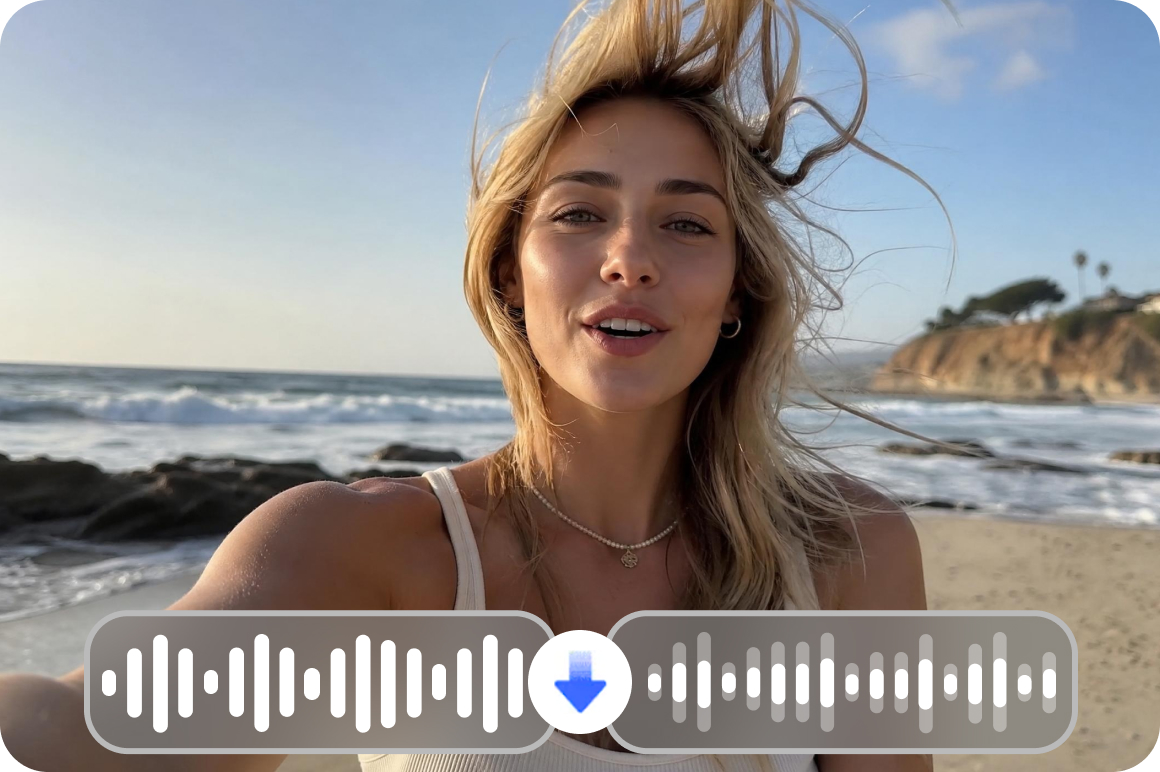
AI wind noise detection
Automatically detect and remove wind noise from video audio without manual editing. The AI identifies the low-frequency patterns that wind creates and filters them precisely, leaving speech and natural sounds untouched.
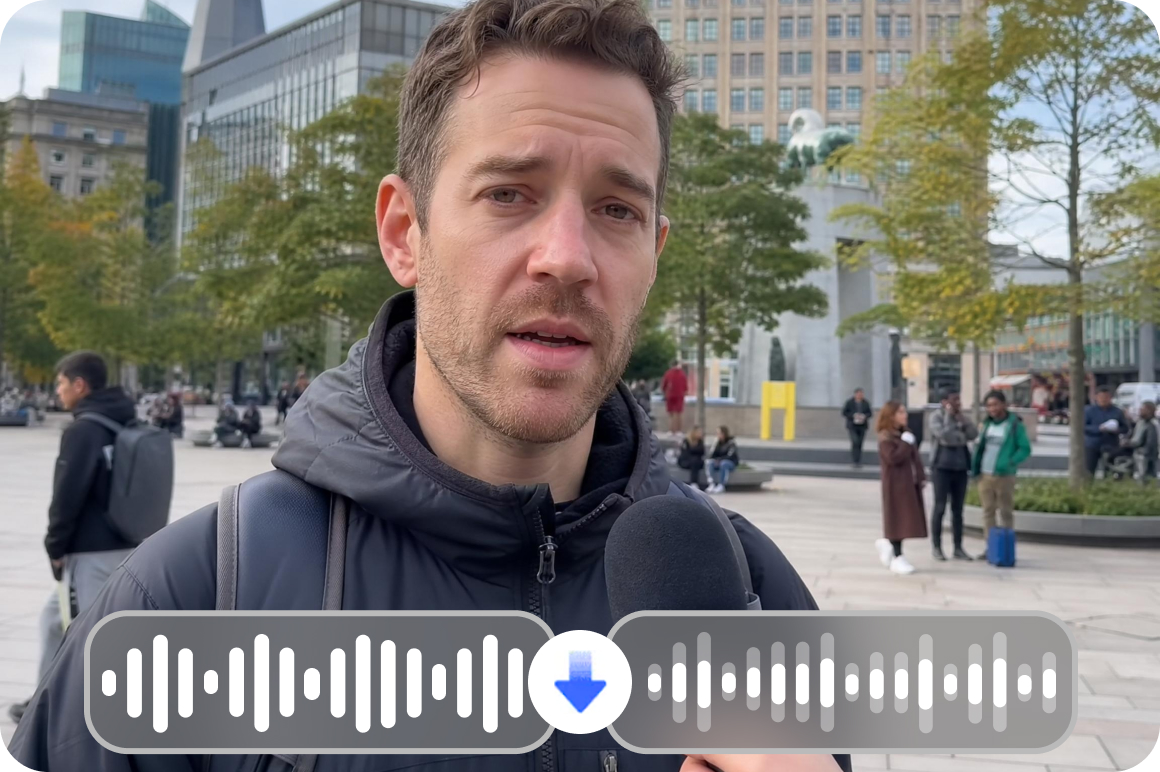
Preserve speech clarity
Vmake Labs minimizes harsh wind sounds while keeping voices, dialogue, and narration natural and clear. Whether you're removing wind noise from a product demo, travel vlog, or outdoor interview, your message comes through the way you intended.
Who uses Vmake Labs wind noise remover for video
Ecommerce creators
Ecommerce sellers recording product demos outdoors can remove wind noise from video to keep explanations clear and professional for product pages and ads. When customers can hear you clearly, they're more likely to buy.
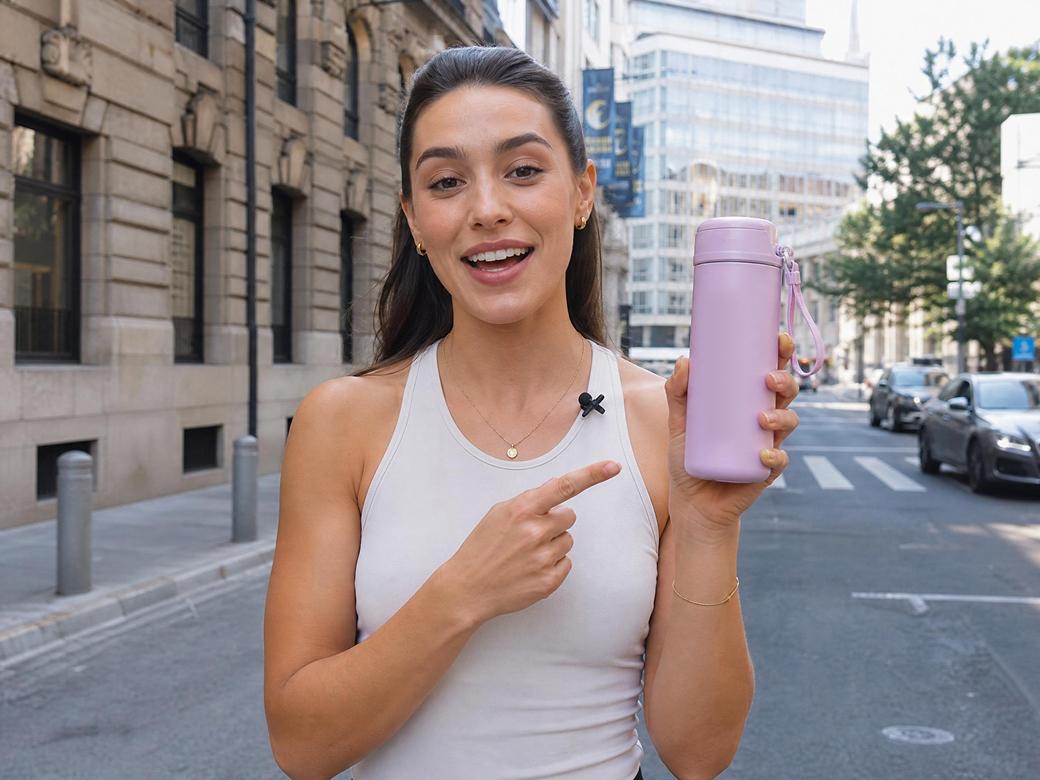
Content creators and influencers
Creators making vlogs, tutorials, or short-form content for TikTok, Instagram, or YouTube can remove wind sound from video before publishing to improve audio clarit.

Marketing teams and agencies
Marketing teams producing outdoor campaign videos, ads, or promotional clips can use Vmake Labs as a fast online wind noise remover — no complex audio tools, no specialist needed. More time publishing, less time editing.

FAQ
How to remove wind noise from video?
Can you remove wind noise from a video without affecting voice quality?
Yes — you can remove wind noise from a video while keeping voice clarity intact. Vmake Labs AI isolates the low-frequency patterns that wind creates and filters them out separately from speech. Most users notice a clear improvement with no robotic-sounding artifacts in the audio.
Is there a way to remove wind sound from video recorded on a phone?
Yes. Phones and action cameras are especially prone to picking up wind noise because their microphones are exposed. Vmake Labs works as a wind noise remover for Android and other mobile recordings — just upload the file from your phone and the AI handles the rest, directly in your browser.
How to remove wind sound from video online for free?
To remove wind sound from video online for free, open Vmake Labs in your browser, upload your video file, and let the AI process the audio automatically. No software download, no sign-up, and no payment required to get started. Download your cleaned video once it's ready.
How do I remove wind noise from a video recorded outdoors?
Removing wind noise from video recorded outdoors is straightforward with Vmake Labs. Upload your file — whether it's from a vlog shoot, product demo, interview, or travel clip — and the AI detects wind interference in the audio track and reduces it automatically. No manual EQ or audio editing needed.
Is there a free app to remove wind noise from video?
Vmake's wind noise remover works directly in your browser on any device — no app download required. It's free to use online, making it a practical alternative to a dedicated app to remove wind noise from video.
Why choose Vmake Labs wind noise remover

Vmake Labs automatically reduces echo and reverberation in recorded videos, helping speech sound clearer and more natural — without manual audio editing.

Designed for ecommerce sellers, content creators, and marketing teams who need to clean video audio quickly before publishing — no technical skills required.

Start removing wind noise from video online for free without installing any tools or learning complicated software. Works on any browser, any device.
Discover More Features

Video & Image Enhancer

Watermark & Text Remover

Video Upscaler

AI Video Generator

Video Background Remover

Video & Audio to Text

Video Noise Reducer

AI Video Translator
Ready to remove wind noise from your videos?
Upload your video and let AI handle wind noise removal instantly. Cleaner audio helps your product demos, vlogs, and outdoor recordings sound more professional. Free to start. No account required. Files deleted after 7 days.
What our uses say
I filmed a product walkthrough outside and the wind basically ruined the audio. Uploaded it to Vmake Labs and the difference was immediate — you could finally hear me clearly. Took less than a minute.
I've tried a few noise removal tools and most of them make the voice sound robotic. Vmake Labs actually kept my voice sounding natural while getting rid of the wind. Really impressed.
Our team shoots a lot of outdoor content for social media and wind is always a problem. Vmake Labs has become part of our workflow — fast, simple, and it works every time.
Was about to scrap a travel vlog because the wind noise was so bad. Ran it through Vmake Labs and salvaged the whole thing. This tool is a lifesaver for travel creators.
No sign-up, no download, just upload and done. Exactly what I needed before posting to Instagram. The audio came out way cleaner than I expected for a free online tool.
I record a lot of clips on my phone outdoors and wind is always an issue. Vmake handles it automatically — I don't have to touch any settings. Great for Android users.