
Remove Glare from Photo Online
Erase unwanted light reflections and glass glare from any image with advanced AI. Achieve flawless results without professional editing skills or complex software. The fastest online solution to fix glare damaged photos instantly.
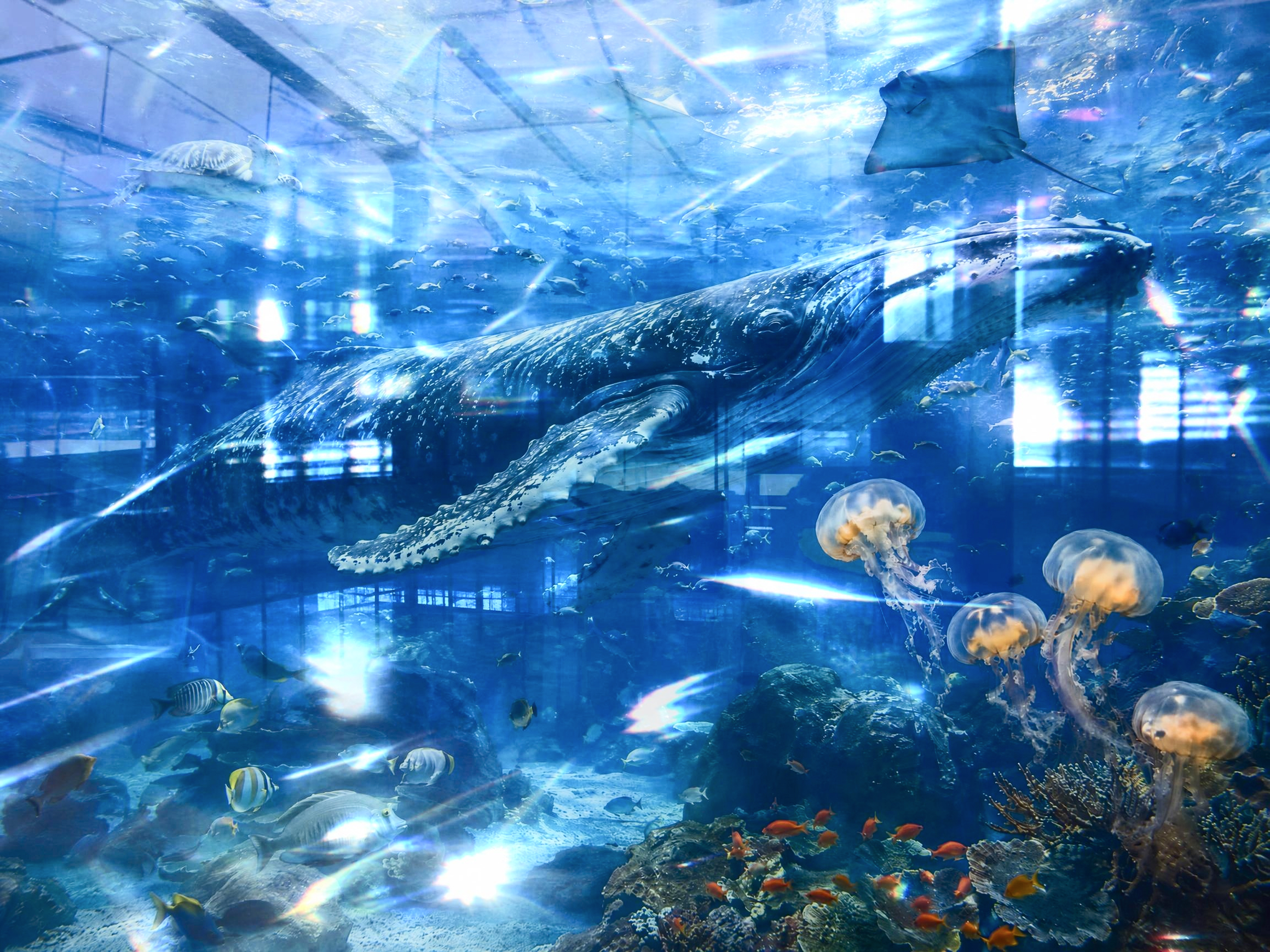
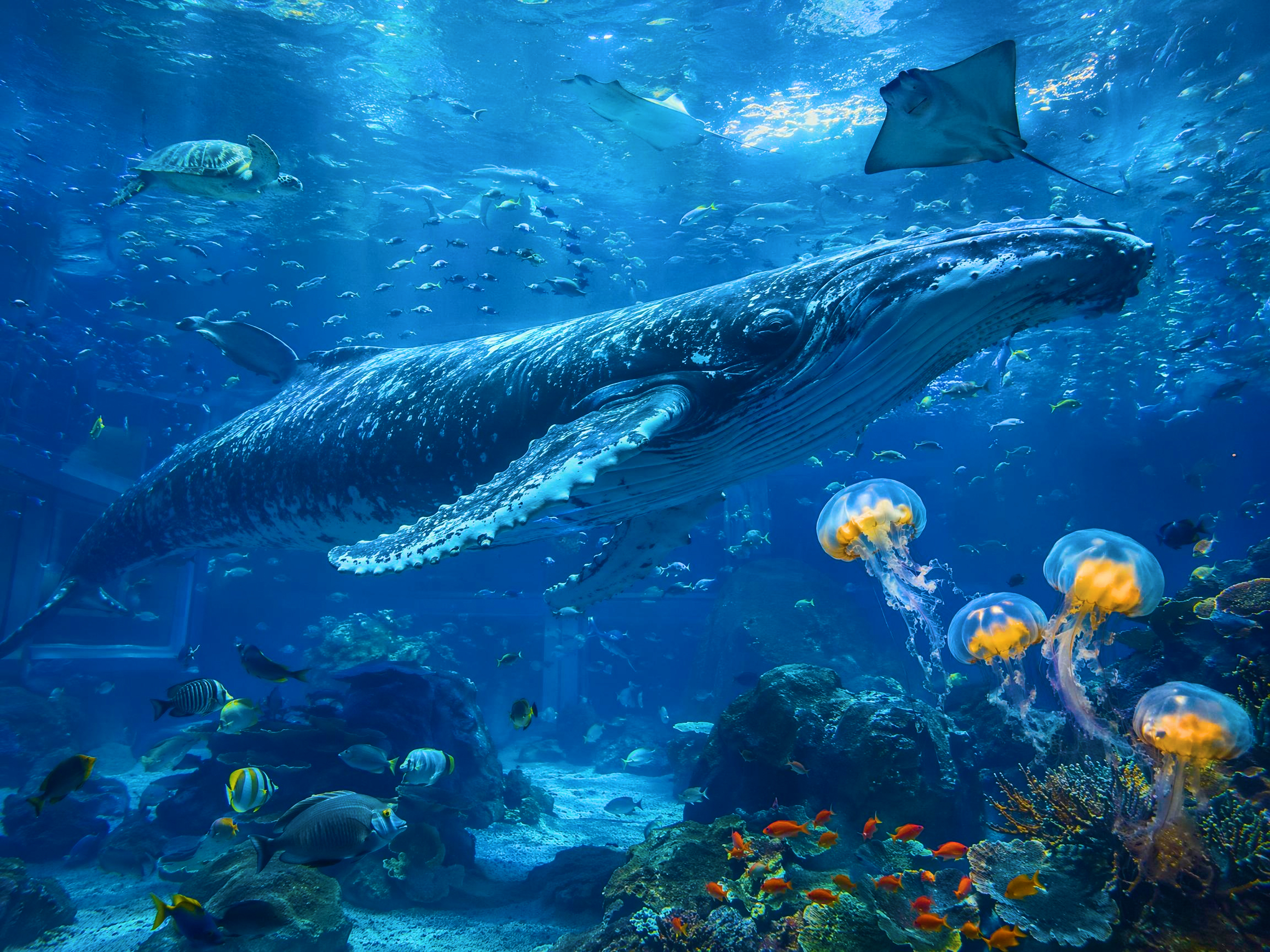


How to remove glare from photo in 3 steps
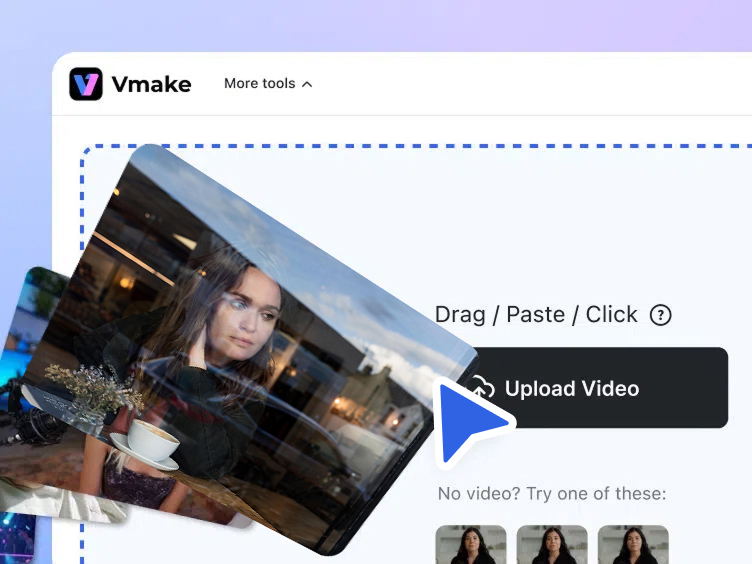
Step 1. Upload
Drag, paste or click to upload your photo. Supports up to 10 images at a time.
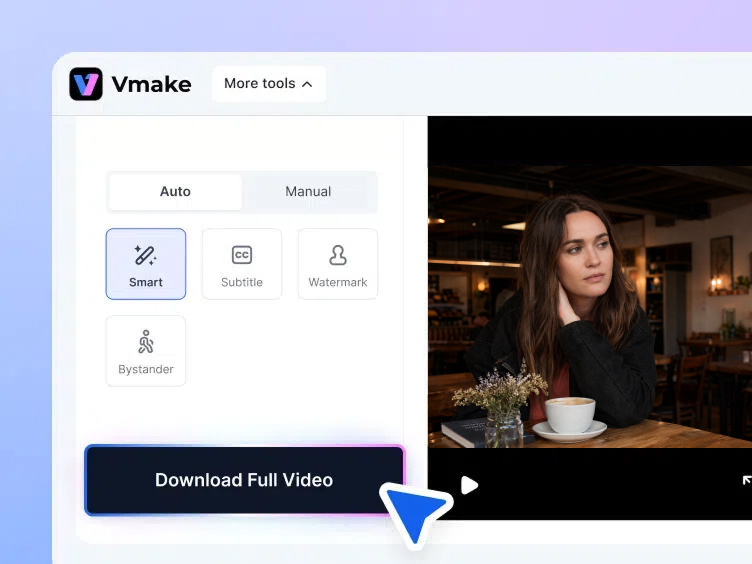
Step 2. Remove the glare
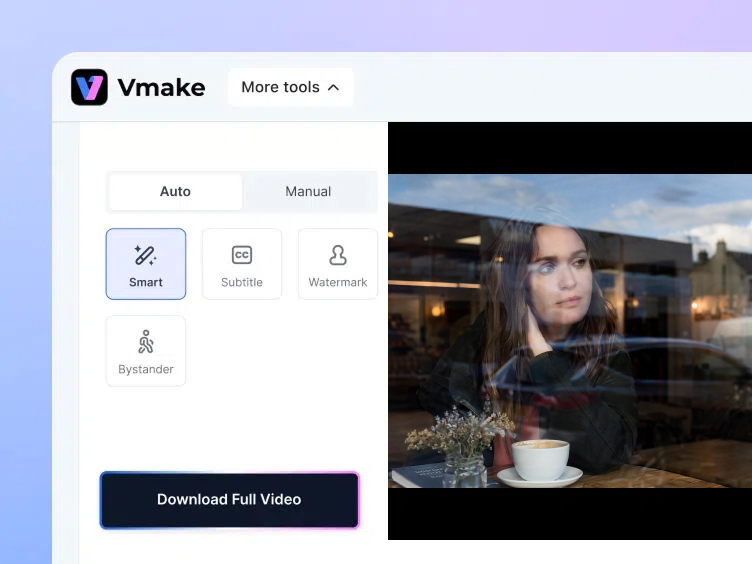
Choose Auto or Manual mode. Auto mode removes glare automatically, while Manual mode uses the Smart, Brush or Box tool for precise control. Click Apply.
Step 3. Download
Choose between thumbnail size or HD download. Thumbnail download is available right away.
Top use cases to remove glare from photo


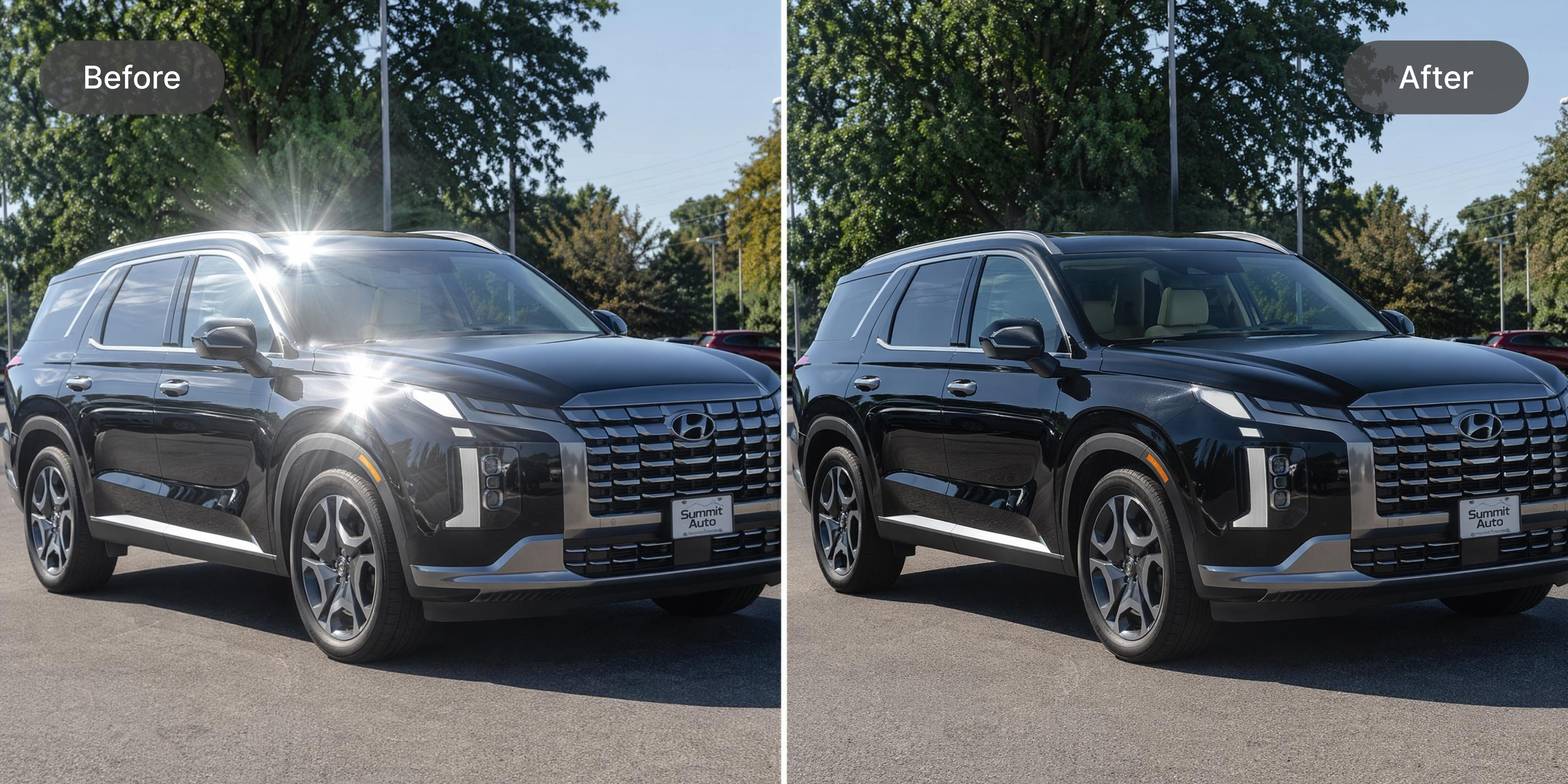
Key features to remove glare from photo
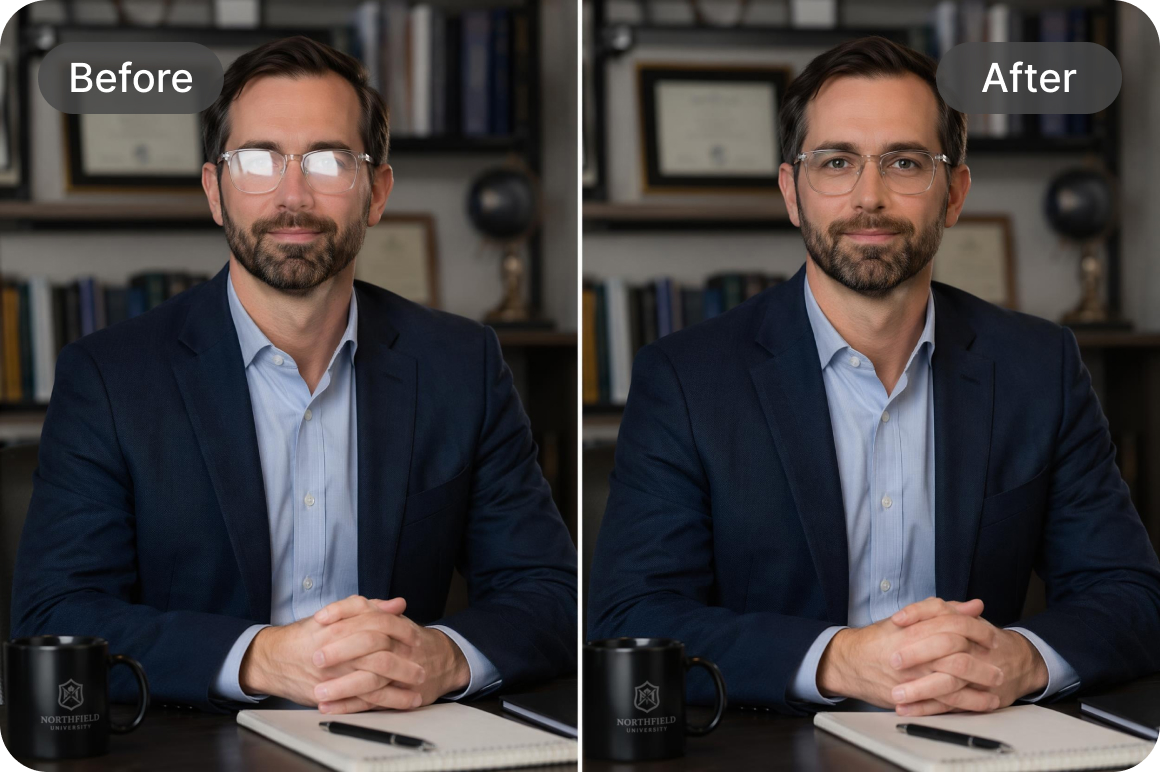
Advanced glasses reflection removal
Targets specific reflections on eyewear without distorting the underlying eyes or facial features. AI recognizes the difference between the glare overlay and the facial structure beneath it. Eyeglass reflections are removed cleanly while the subject's eyes remain sharp and naturally positioned in the corrected image.
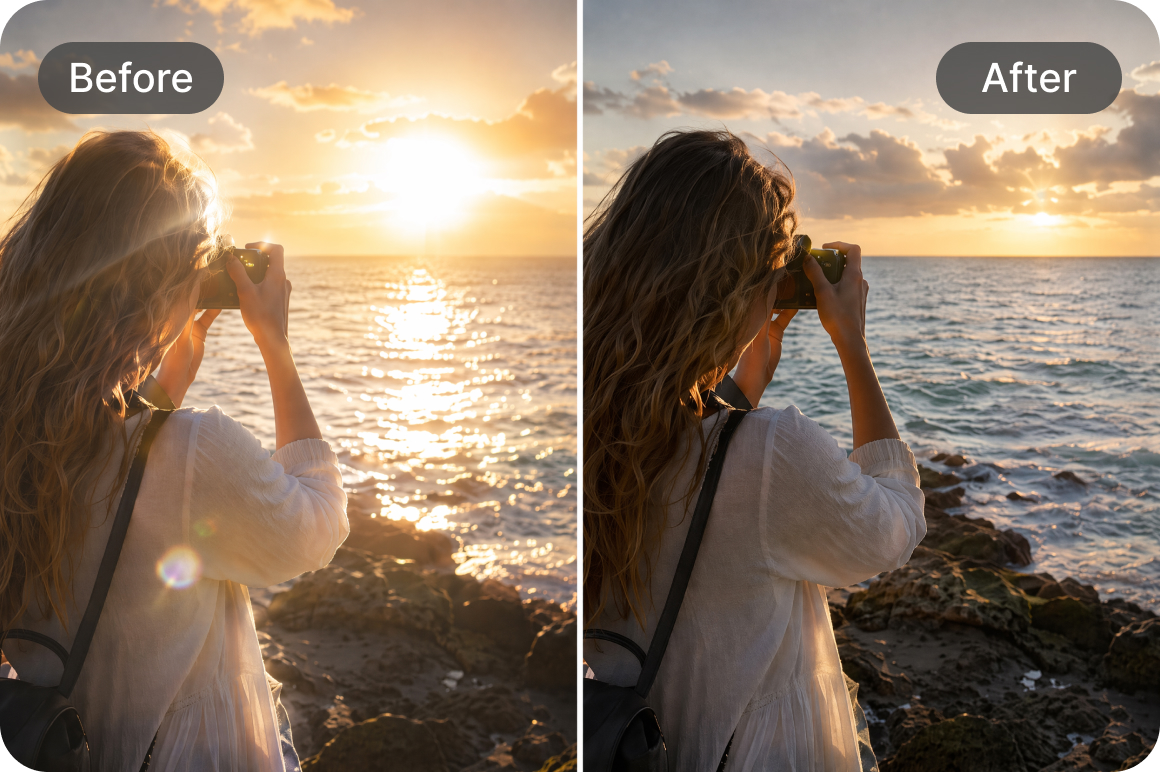
Automatic light spot detection
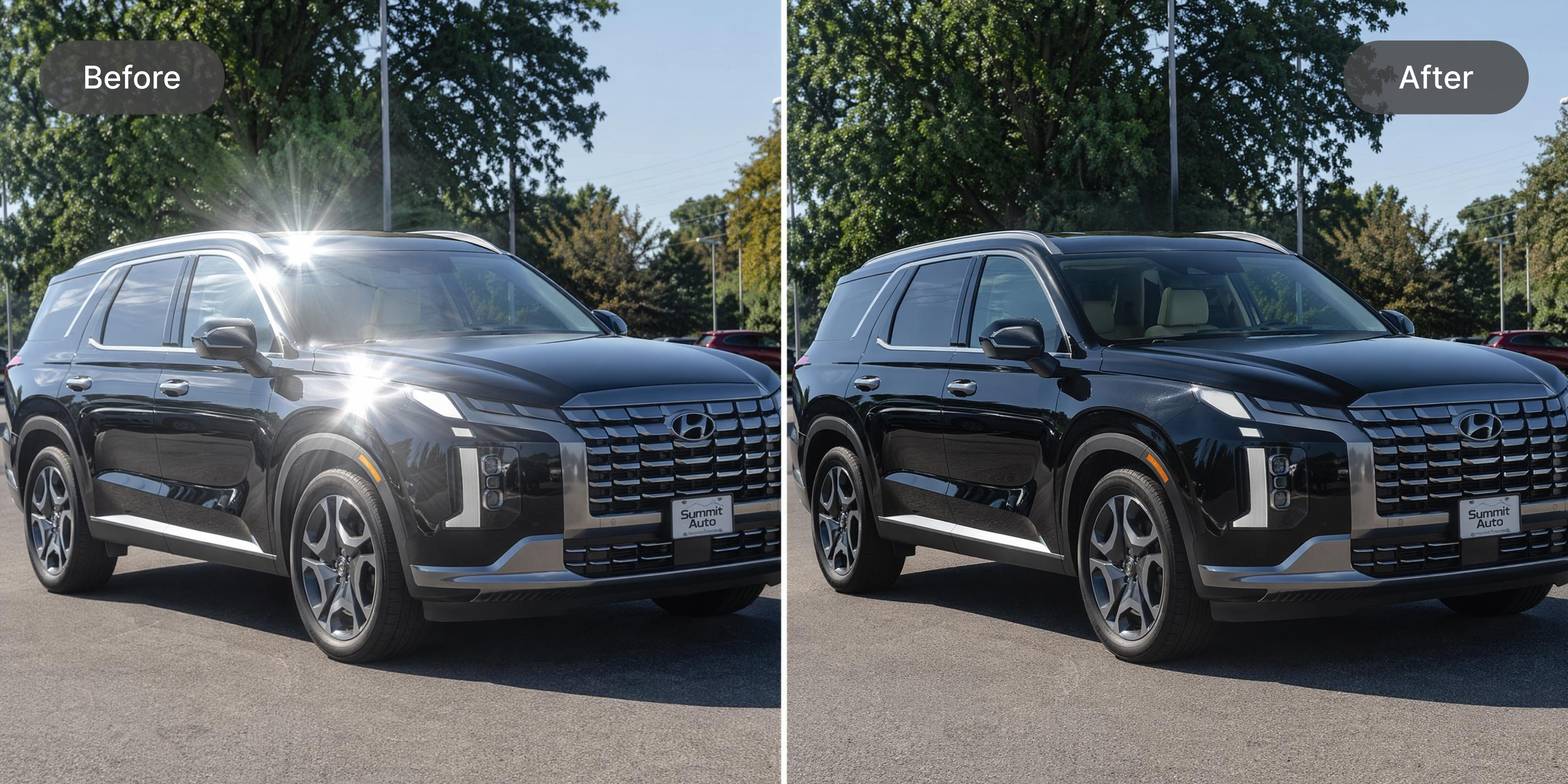
Intelligent Auto mode automatically identifies unnatural light bursts and flash reflections across the entire image area. No manual selection or brushing required for standard glare positions. Detection works consistently across product photography, portraits and outdoor images regardless of the original lighting setup or camera used.
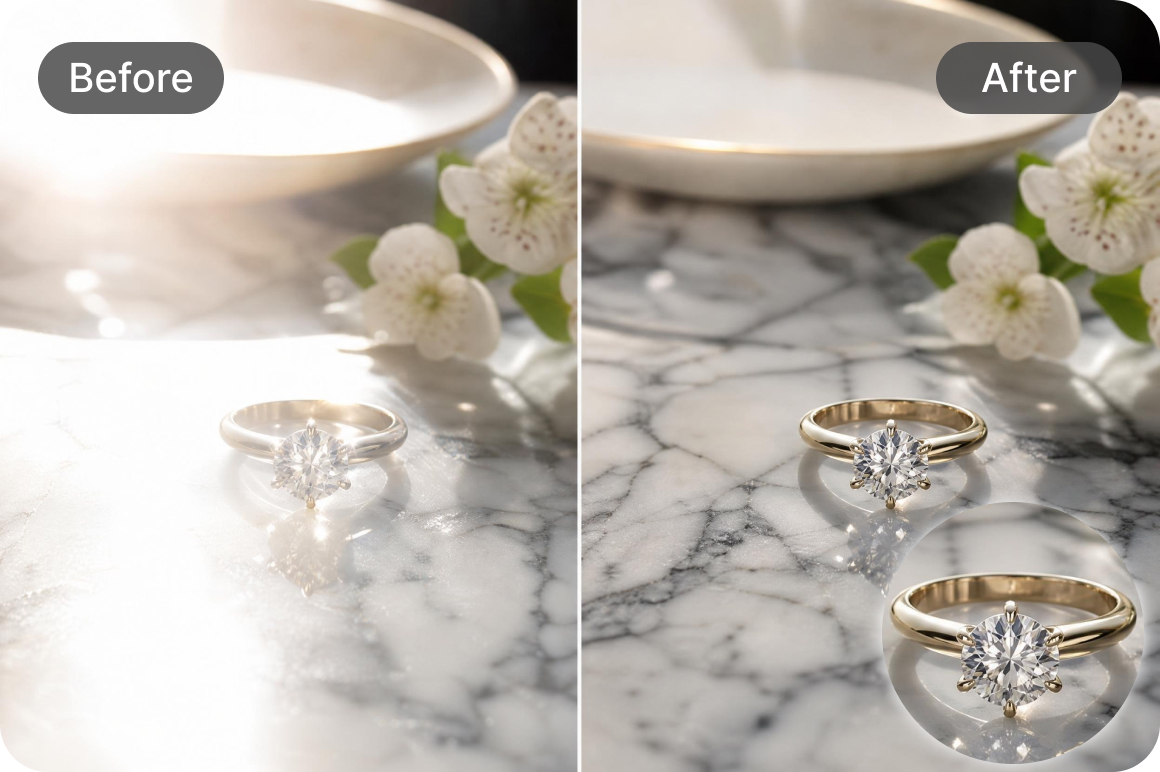
Background texture preservation
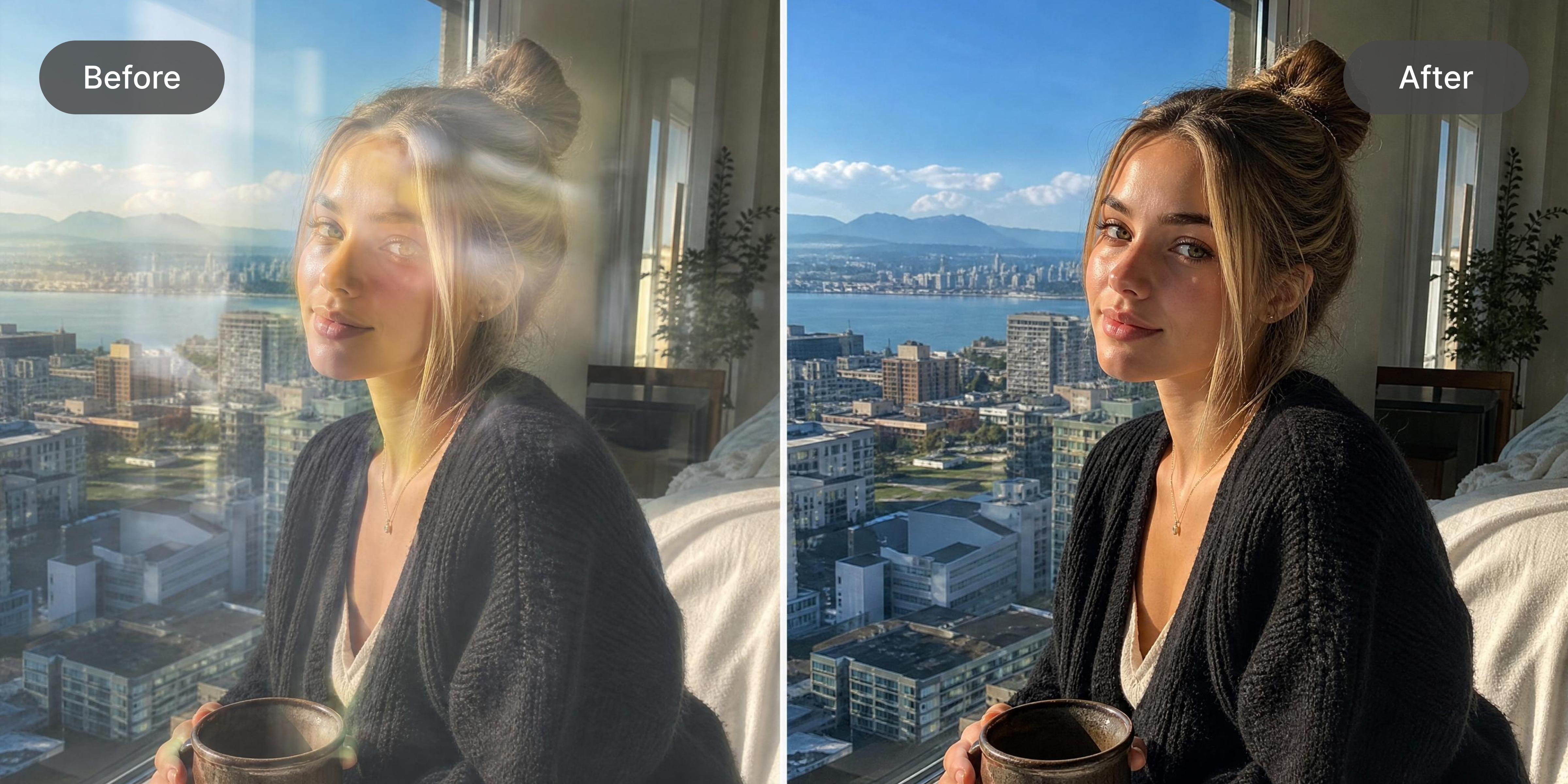
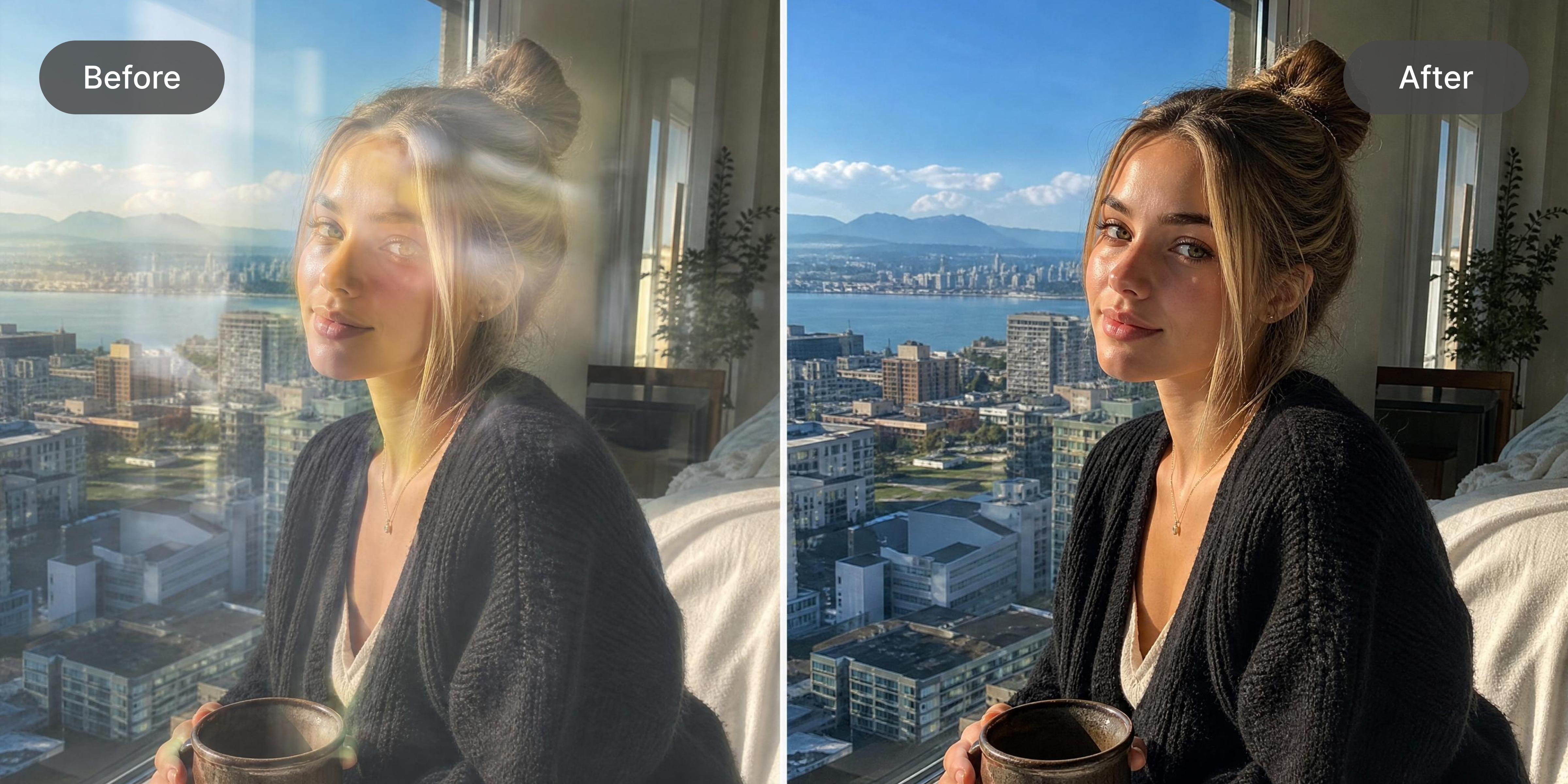
Seamlessly reconstructs the hidden areas beneath the glare so images look completely natural and untouched. The algorithm fills the corrected area with texture that matches the surrounding surface. For sharper final results after glare removal, the unblur image tool refines any soft areas in the photo.
Who needs a tool to remove glare from photo
Social media managers
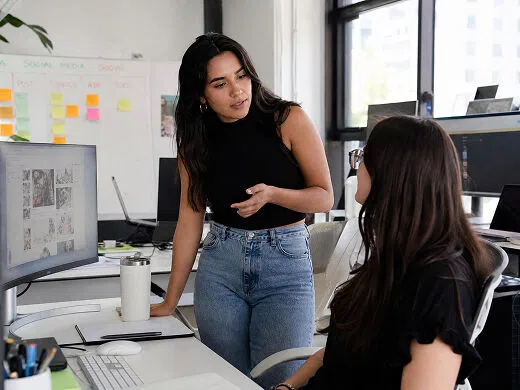
Harsh lighting in portrait and lifestyle photography creates glare that makes content look unpolished before publishing. Vmake Labs detects and removes light reflections automatically without distorting facial features or skin tone. Every image reaches a consistent professional standard without manual editing work on each individual post.
Ecommerce store owners
Product photography taken under warehouse lighting or against glossy surfaces develops reflections that reduce buyer trust on store pages. Vmake Labs removes hotspots and glare automatically and preserves the original product colors and surface detail. Listings look clean and accurate without hiring a photographer or retoucher for each SKU.

Digital content creators
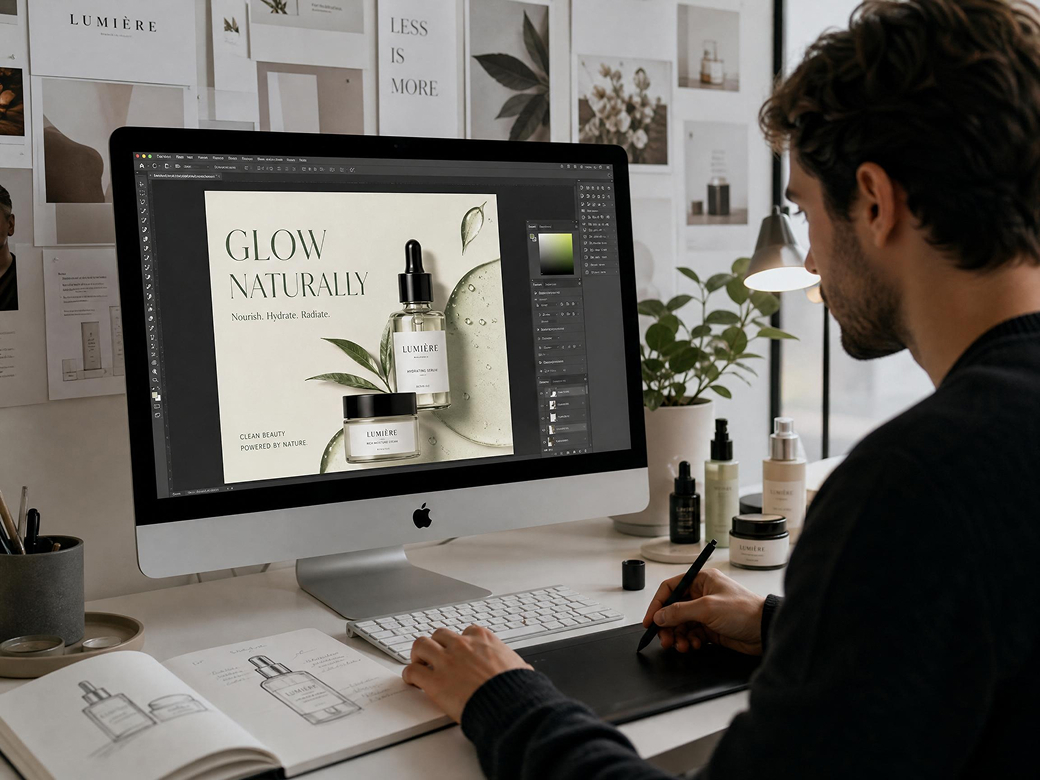
Selfies, outfit photos and YouTube thumbnails captured with ring lights frequently have lens reflections on eyeglasses that undercut the professional look. Vmake Labs cleans up eyeglass glare precisely without altering the surrounding facial features. Every published image looks polished and on-brand without additional editing software or design skills.
Frequently asked questions
Can this tool remove glare from photo online free?
How to remove glare from glasses in photo without losing details?
AI is specifically trained to recognize facial features so it removes only the light reflection while preserving the eyes, skin tone and facial structure beneath the glasses frame.
Will the quality of my original image decrease?
Not at all. The tool maintains the original resolution throughout the correction process. After removing the glare, use the image sharpener to further crisp up any soft areas in the corrected image.
Does it work on mobile devices?
Yes. The web platform is accessible from any smartphone or tablet browser without downloading an application. Upload, remove glare and download from any device.
How do I get started with the glare remover?
Upload your photo, select the removal mode and let AI handle the rest. Start removing glare right away without any commitment or subscription required before seeing the result.
How to remove light glare from photo backgrounds?
AI automatically detects unnatural light bursts in the background and reconstructs the area with texture that matches the surrounding environment so the correction is invisible in the final image.
Why choose us to remove glare from photo

Get your fixed images in seconds instead of spending hours on manual editing. Results are ready to download immediately after AI processes the correction across the full image.

Intuitive design means anyone can achieve professional results without tutorials, design skills or previous photo editing experience. Upload, click and download is the complete workflow from start to finish.

All uploaded files are processed securely and deleted automatically after processing. Images stay private throughout the entire correction and download workflow without being shared or stored.

Crisp details and original image resolution are retained after correction. The exported image matches the source quality with only the glare removed and nothing else changed or compressed.

Access the tool from any browser without installing heavy software on your computer or device. The full glare removal workflow runs entirely online from upload to download.

Fills missing details seamlessly beneath the corrected area so the final image looks completely natural and untouched. The surrounding texture is matched precisely so no correction artifacts are visible.
Discover More Features

Video & Image Enhancer

Watermark & Text Remover

Video Upscaler

AI Video Generator

Video Background Remover

Video & Audio to Text

Video Noise Reducer

AI video translator
Ready to remove glare from photo?
Stop letting harsh lighting ruin your perfect shots. Fix your images instantly and impress your audience today.
User feedback on how to remove glare from photo
Product photography under studio lights always left hotspots on anything glossy or reflective. Was reshooting or cropping around the glare which wasted so much time. Vmake Labs finds the glare and removes it without me selecting anything. The product colours stay accurate which was my main concern. Listings look significantly cleaner now across the board.
I shoot a lot through windows and the reflections were ruining half my shots. tried vmake Labs on a whim and the results were better than i expected. not every image comes out perfec,really heavy reflections sometimes leave a slight softness, but for 90 percent of my shots it works first try without any manual adjustment needed
The difference on interior property photos is night and day honestly. Window glare makes rooms look smaller and less appealing and buyers notice even if they can't articulate why. Fixed about thirty listing photos in one session. The manual brush mode helped on a couple of tricky window shots where auto didn't fully catch everything. Happy with it overall.
Glasses glare is something clients always ask me to fix in post and it used to take a while to do properly in lightroom without distorting the eyes underneath. vmake Labs handles it in seconds and the facial features stay intact. not completely replacing my post processing workflow but for quick turnaround client edits its genuinely useful
Was preparing visuals for a product launch and half the images had light bounce on the packaging. Running them through vmake Labs took maybe twenty minutes total for the whole set. Clean results, no quality loss that I could see, and we hit our publish deadline without having to bring in a retoucher. Exactly what I needed it to do.
sunlight on car paint is basically impossible to avoid when shooting outdoors. always had blown out patches on the bonnets and doors that made the cars look worse than they are in person. vmake fixed most of them cleanly. the colour accuracy after removal is good, the paint looks true to life rather than patched. using it on every exterior shoot now