
AI Audio Enhancer for Cleaner Video Sound
Vmake Labs AI audio enhancer helps reduce background noise from any video automatically without any hassle. Upload your video and download cleaner audio now!
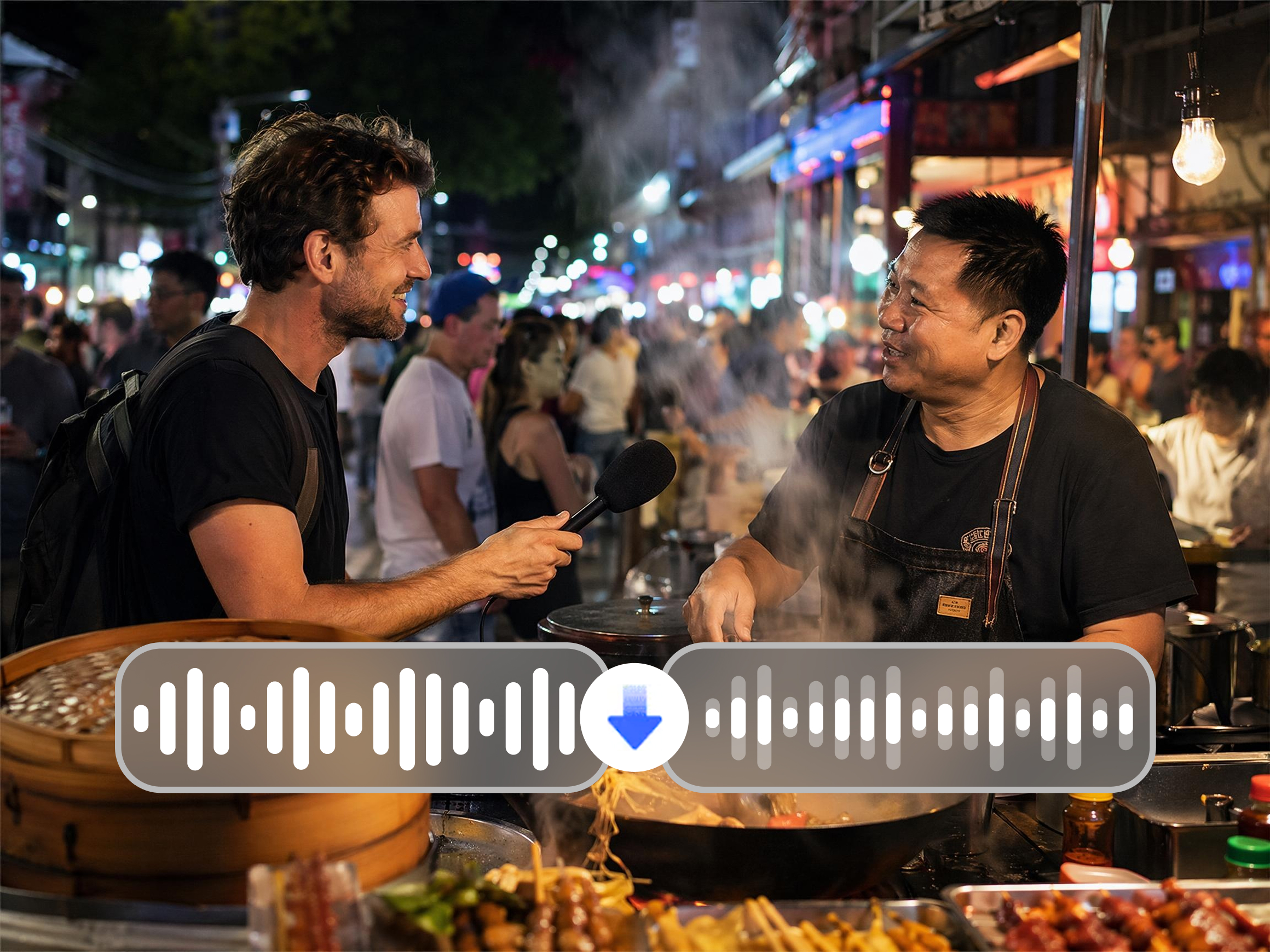


How to enhance your video audio with Vmake Labs
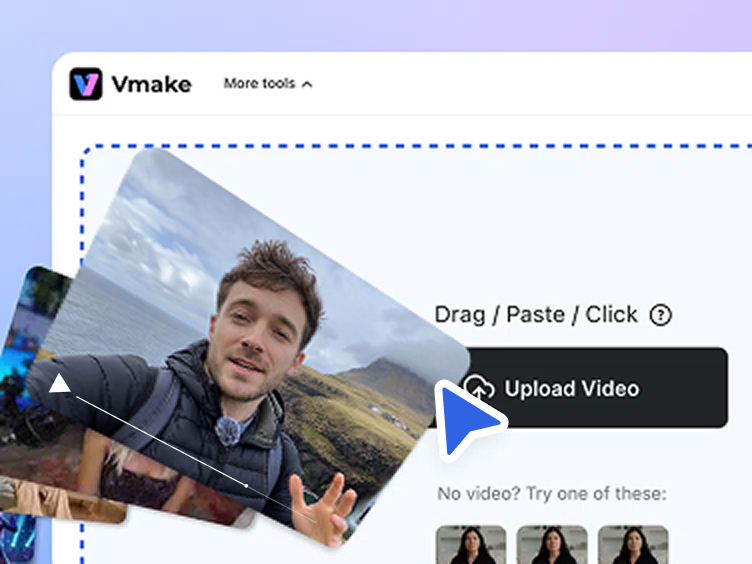
Upload
Click , drag or paste to add your video to the workspace.
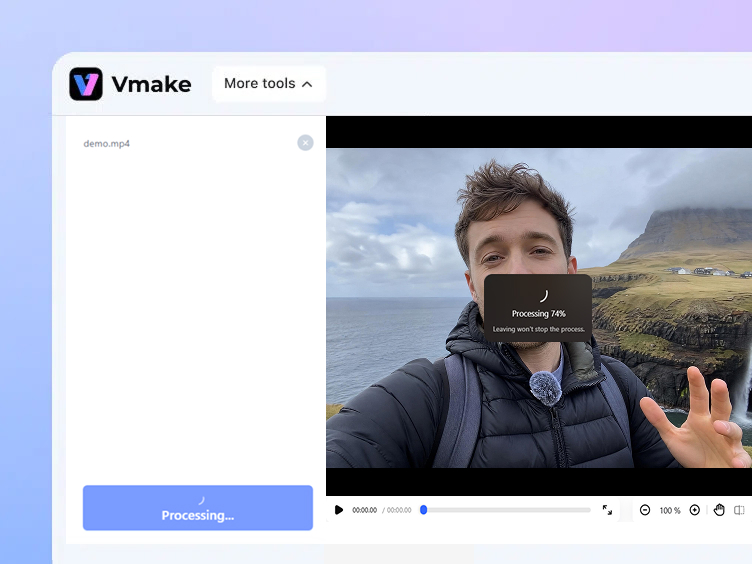
Enhance
AI automatically detects and removes background noise from the video audio track. No manual settings or controls needed.
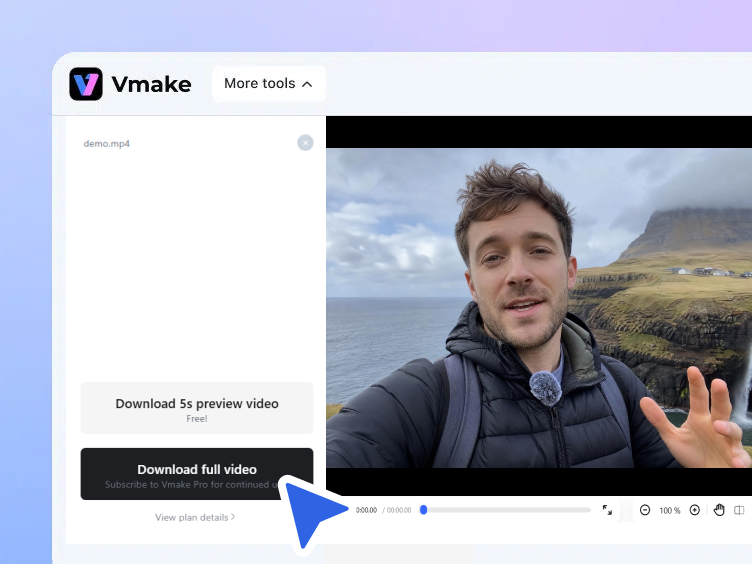
Download
Click to save the finished video with background noise reduced. Ready to review or continue editing.
When AI audio enhancement makes the biggest difference
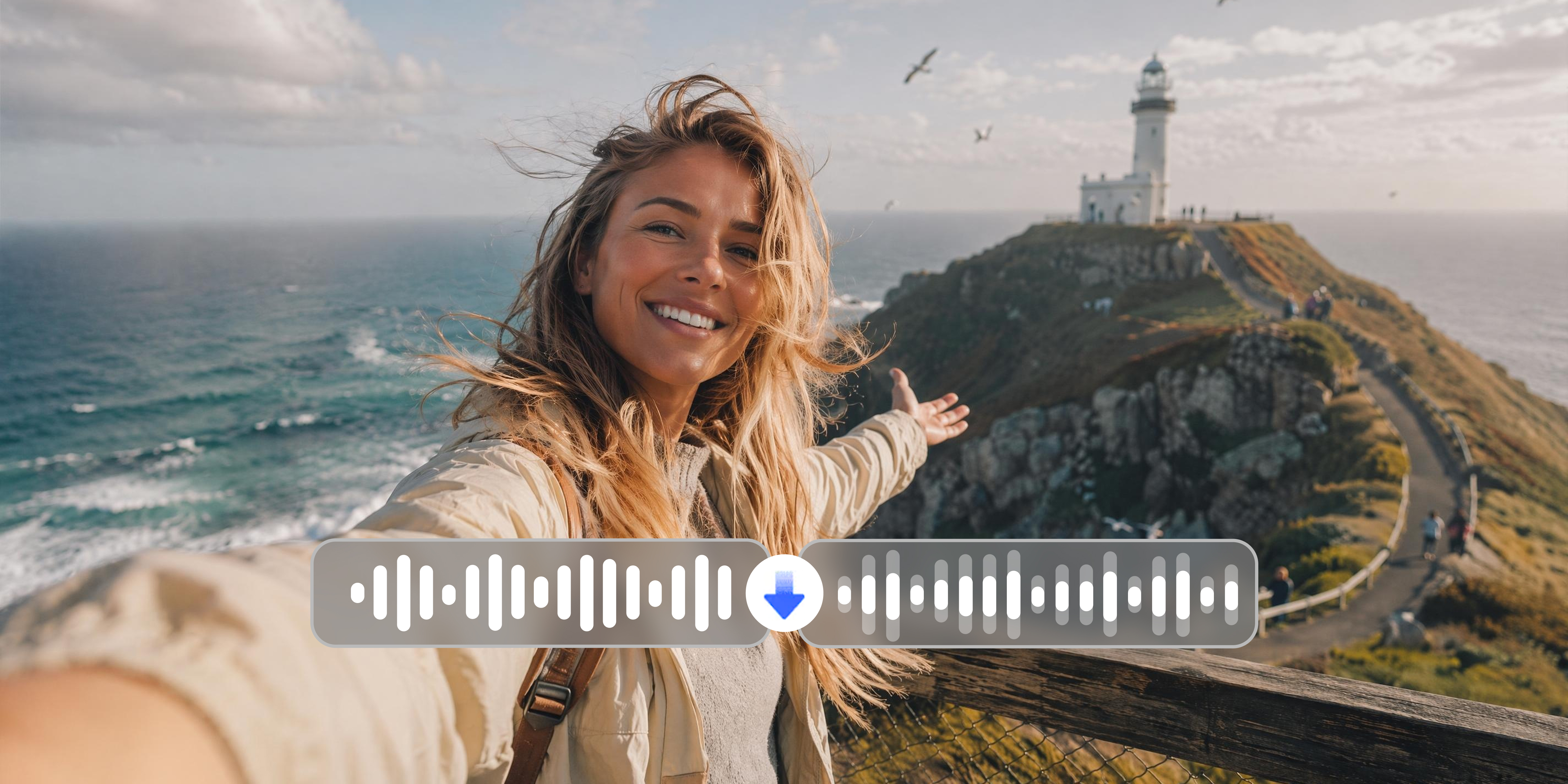
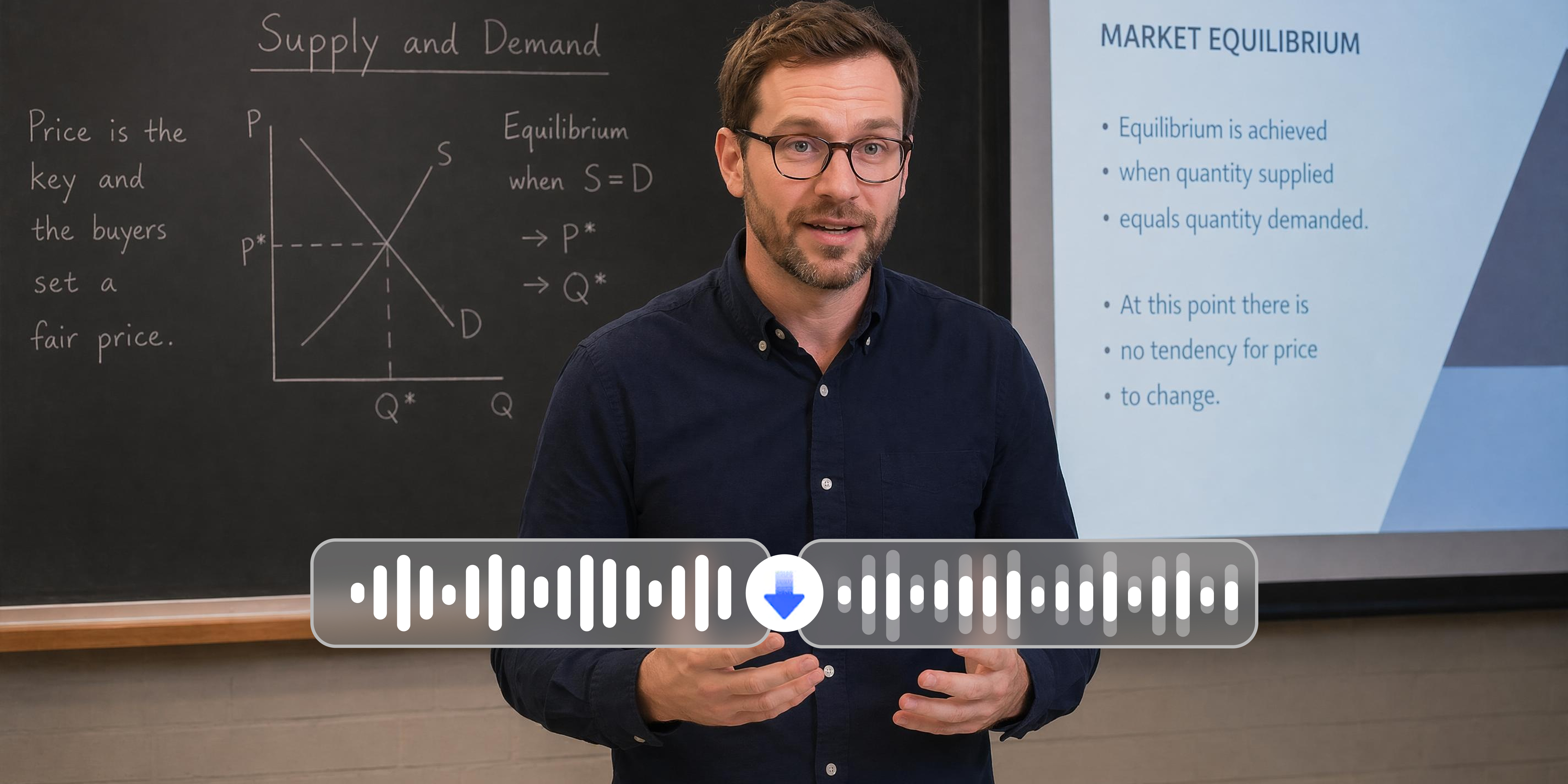
What Vmake AI audio enhancer does to your video
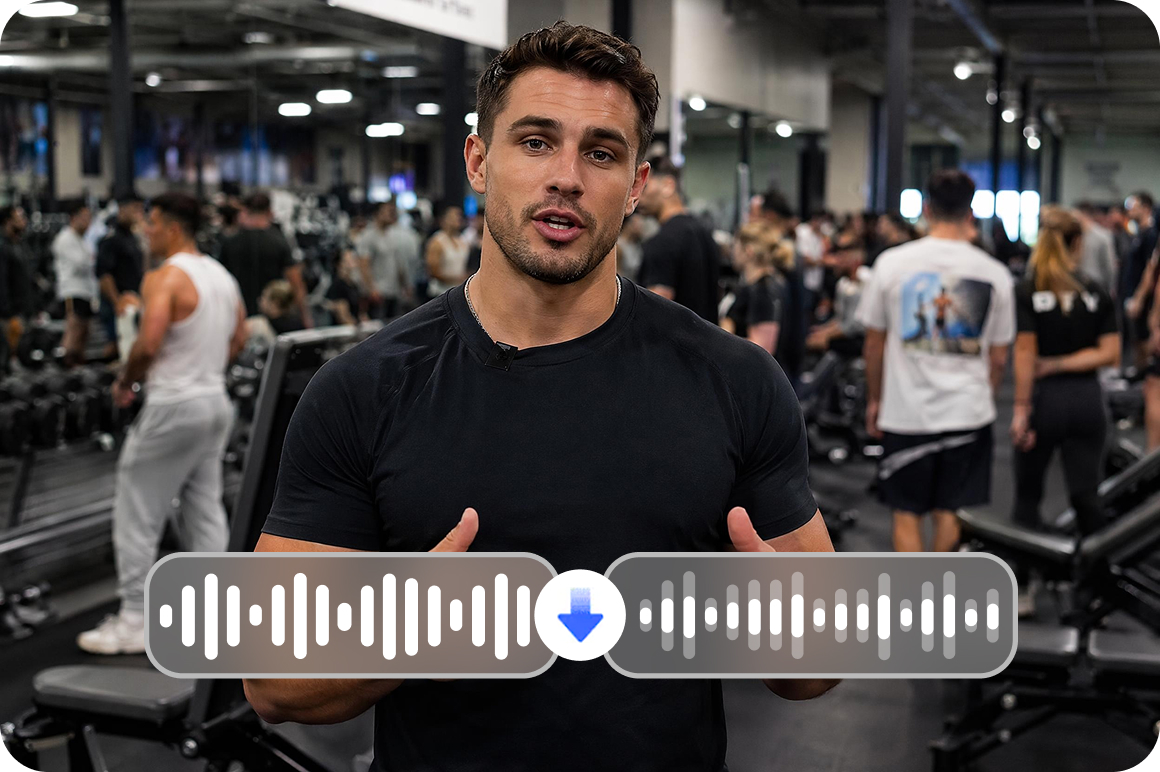
One click AI background noise removal
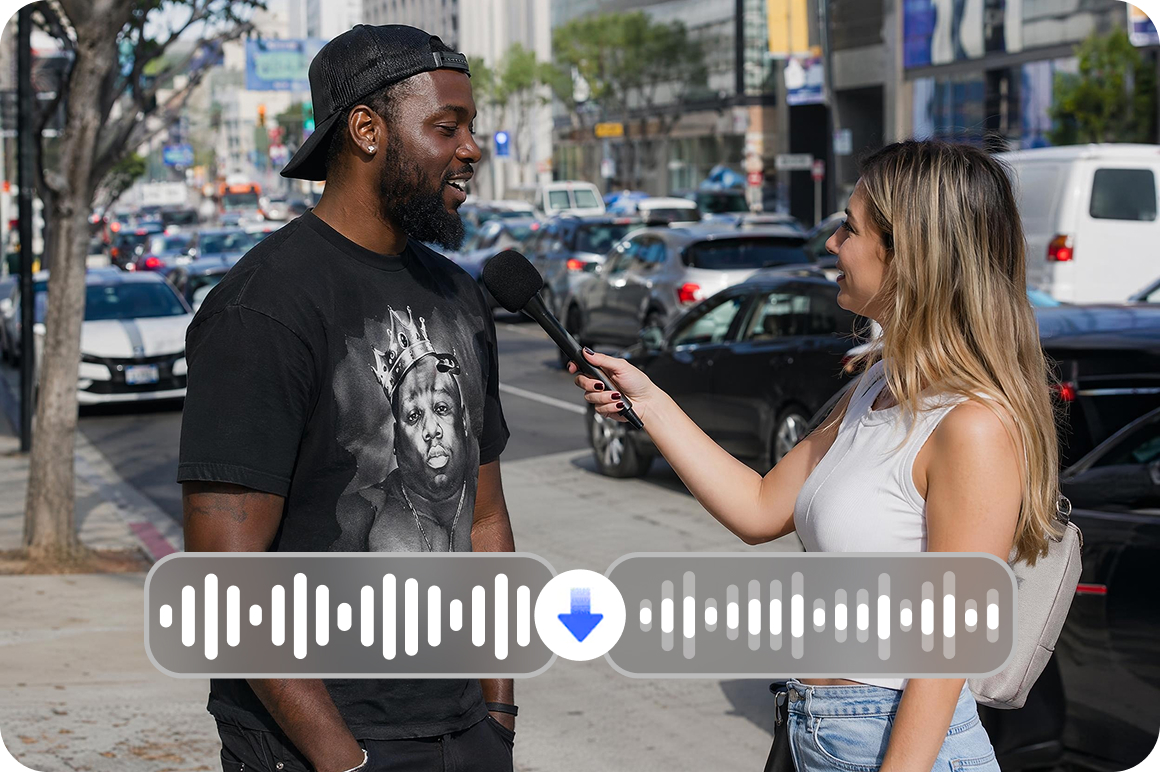
AI automatically detects and helps eliminate background audio noise from the video in one pass. No manual frequency adjustments, noise floor settings or audio editing knowledge required. Upload and AI handles the detection and reduction process from start to finish.
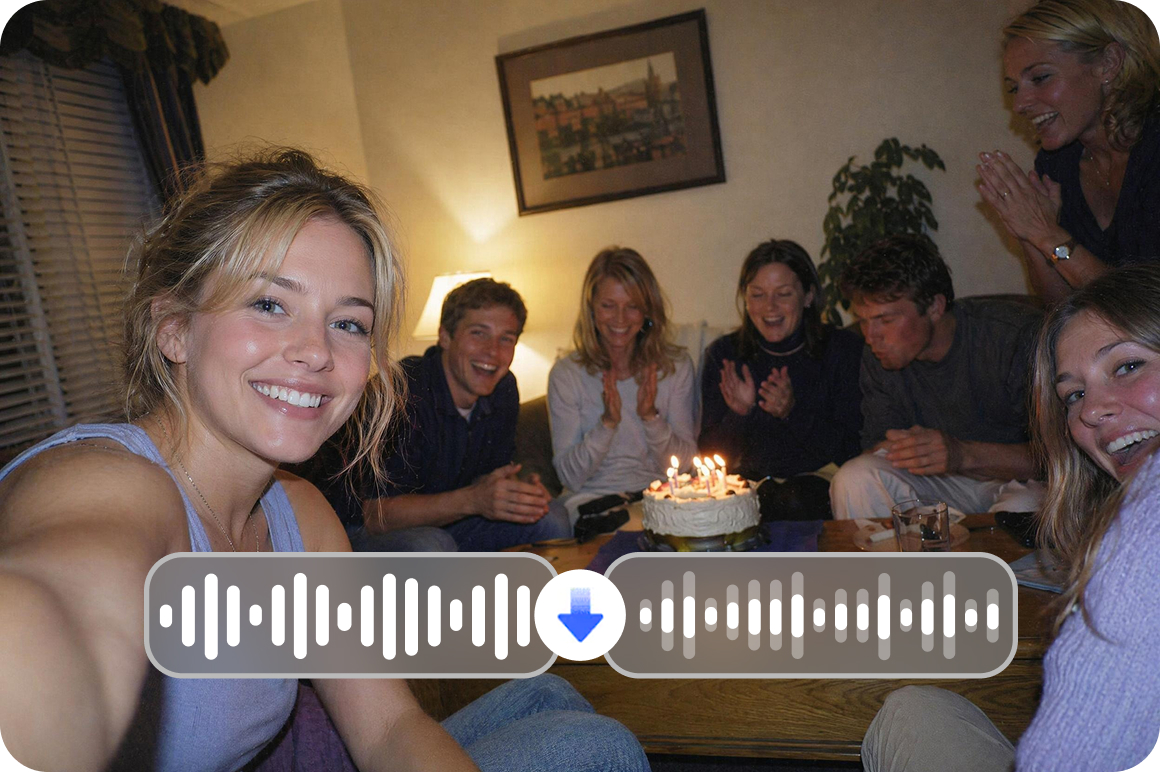
Works across common recording environments
Handles noise from outdoor locations including wind, traffic and crowd sounds, indoor environments including fan hum, air conditioning and echo, and old recordings including electrical noise and popping sounds. The same process applies across these noise types without switching modes.
Improve audio while keeping visuals intact
This tool specifically targets video background audio noise. It does not affect any visual content quality. The video resolution and visual output remain as uploaded while the audio is processed.
Who uses Vmake AI audio enhancer most
E-commerce content creators and live sellers
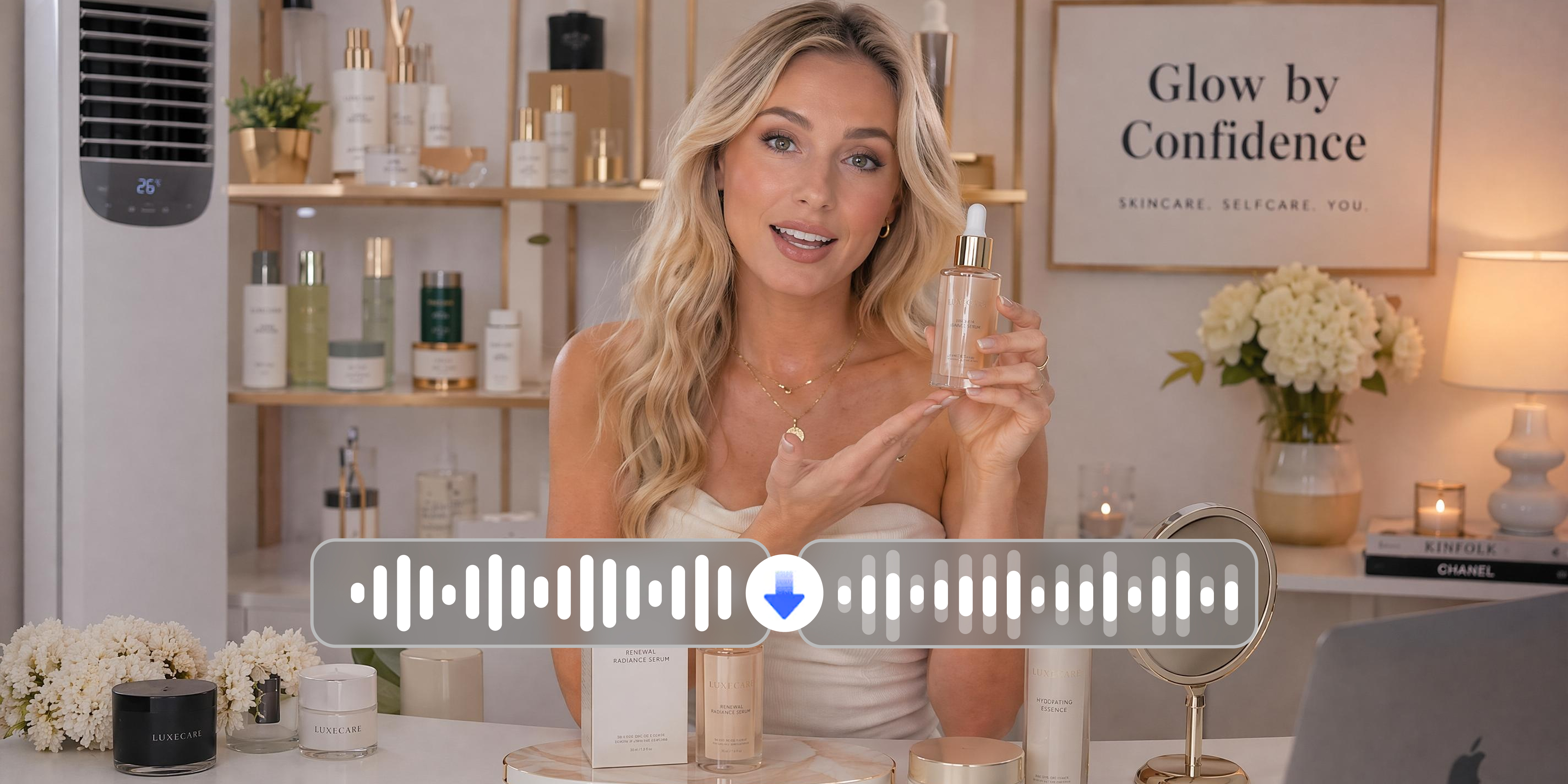
Product introduction videos with background noise lose viewer attention before the message lands. Vmake Labs helps reduce background noise automatically from e-commerce and LIVE creator video content. Narration is clearer and product messaging is easier for viewers to follow without re-recording the original footage.

Vloggers and outdoor content creators
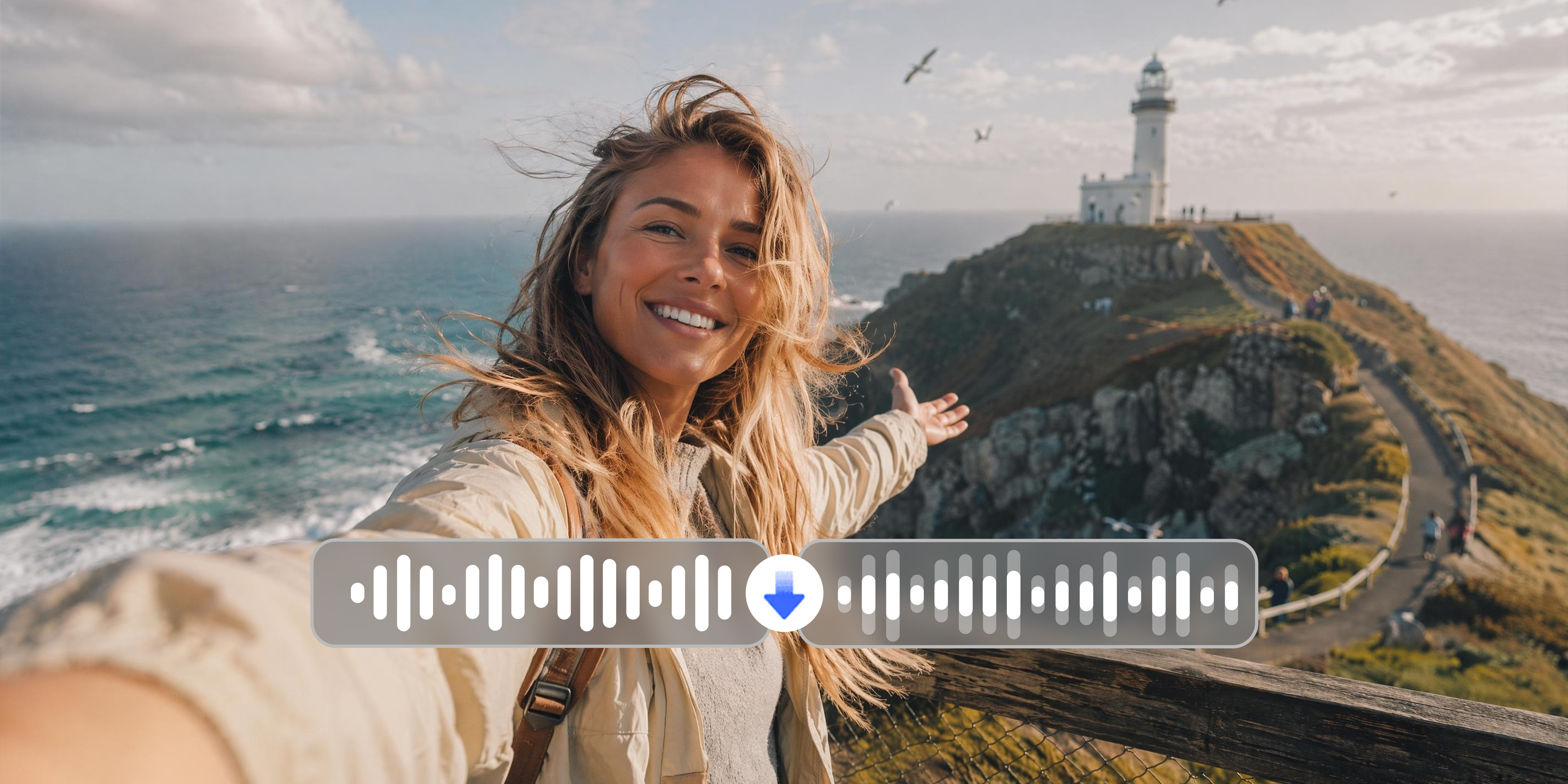
Outdoor recordings capture unavoidable wind noise, traffic and ambient crowd sounds that compete with the speaker's voice. Vmake Labs helps detect and reduce outdoor background noise automatically in one processing pass. Speaker audio is easier to hear across outdoor footage without reshooting in controlled conditions.

Educators and remote meeting producers
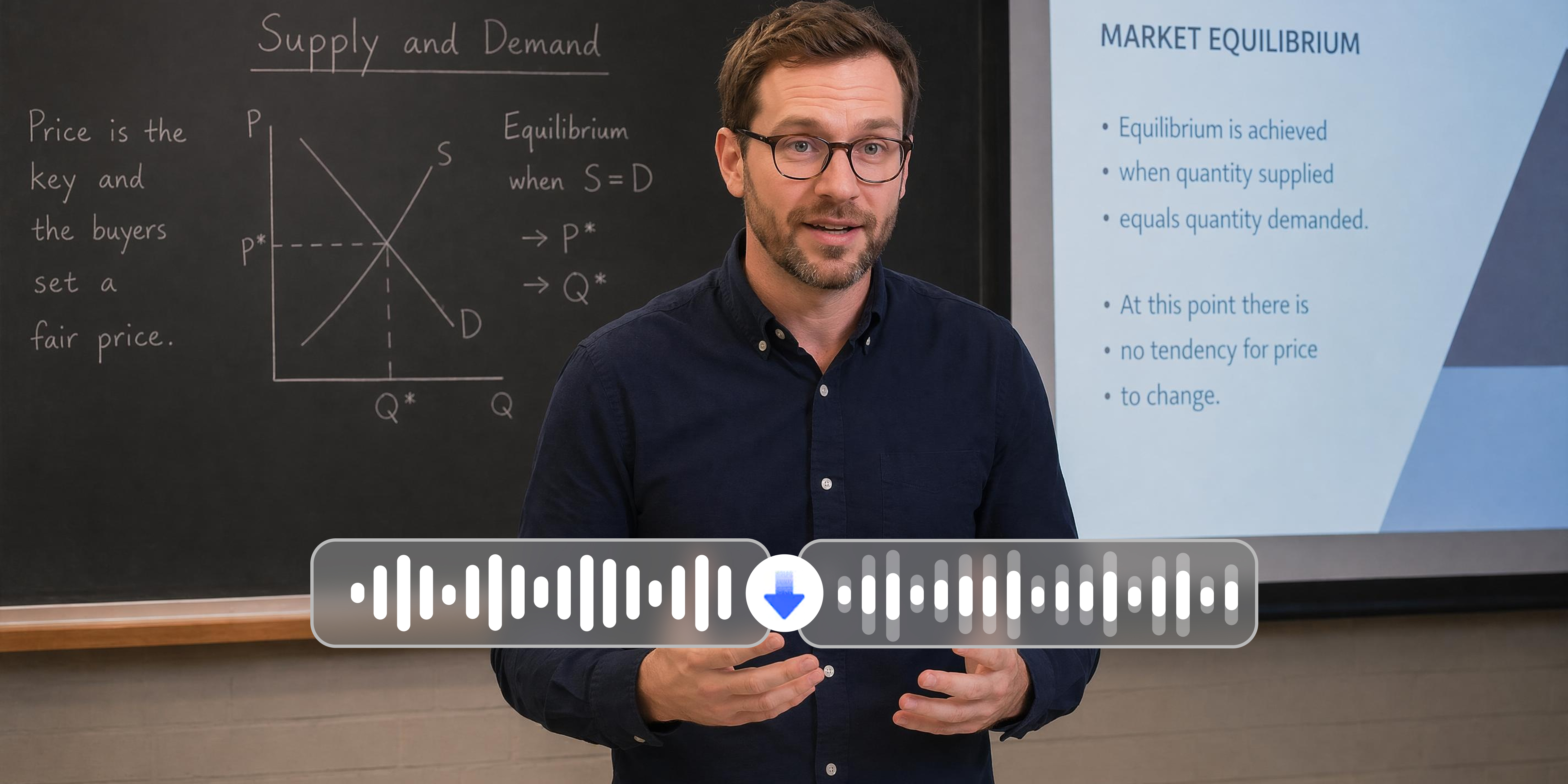
Online course recordings and meeting videos often contain persistent indoor noise that reduces audio clarity for viewers. Vmake Labs helps reduce computer fan noise, air conditioning hum and room echo from video audio automatically. Course and meeting content is cleaner and easier to follow without acoustic treatment or audio editing expertise.
Frequently asked questions
Does it work on videos with music playing in the background?
Does enhancing the audio change the video's original volume level?
Does the tool work on short clips as well as long videos?
Does it help with echo and reverb from indoor recordings?
Why creators choose Vmake Labs to enhance video audio

Built specifically for video background audio noise reduction. It is not a general audio editor or EQ tool. Processing focuses on the background noise types most commonly found in creator video content.

Upload, process and download in three steps. No audio engineering knowledge, manual settings or frequency controls are required.

Designed for the recording environments creators work in most often, including outdoor shoots, home studios, meeting recordings and archival footage.
Discover More Features

Video & Image Enhancer

Watermark & Text Remover

Video Upscaler
AI Video Generator

Video Background Remover

Video & Audio to Text

Video Noise Reducer

AI Video Translator
Remove background noise from your video now
Upload your video and Vmake Labs AI audio enhancer helps reduce background noise automatically. Download with cleaner audio.
What users say about Vmake Labs AI audio enhancer
I've been making product videos for about two years, and background noise from my studio setup has always been a problem. I tried Vmake, and I could hear the difference after the first upload. My voice is much clearer now, and I don't have to keep re-recording takes just to get cleaner audio. It's been saving me a lot of time every week.
Outdoor interview footage has always been the hardest to work with. Wind and traffic in the background made some clips unusable. Vmake reduced the outdoor noise enough that I could use footage I would have otherwise cut entirely. Not every clip comes out perfect but the hit rate is significantly better than before.
I recorded a full module in a room with a loud air conditioning unit and assumed i'd have to redo it. ran it through vmake and the hum is much less noticeable. students can follow the content without the background sound competing. would have taken half a day to fix manually if i even knew how
Processing a backlog of episode recordings in one session instead of one at a time was the main value for me. The batch option handled the volume without any issues. Audio quality across the set was more consistent coming out than going in.
I had some old video files with that classic electrical hiss that makes everything sound dated. vmake reduced it significantly. not completely gone on every file but good enough that the client accepted the footage without asking for a reshoot. that was the outcome i needed.
We repurpose meeting recordings into brand content and the ambient office noise was always a problem. Vmake helped clean it up enough to be usable. The workflow is simple enough that anyone on the team can run it without audio editing knowledge.