
Free HD Photo Converter Online
Turn your grainy, low-quality shots into flawless, HD assets in seconds. Our free online AI enhancer does all the heavy lifting directly in your browser. Get crystal-clear, professional-grade images instantly and elevate your digital content effortlessly.


How to convert photo into HD resolution in 3 steps?
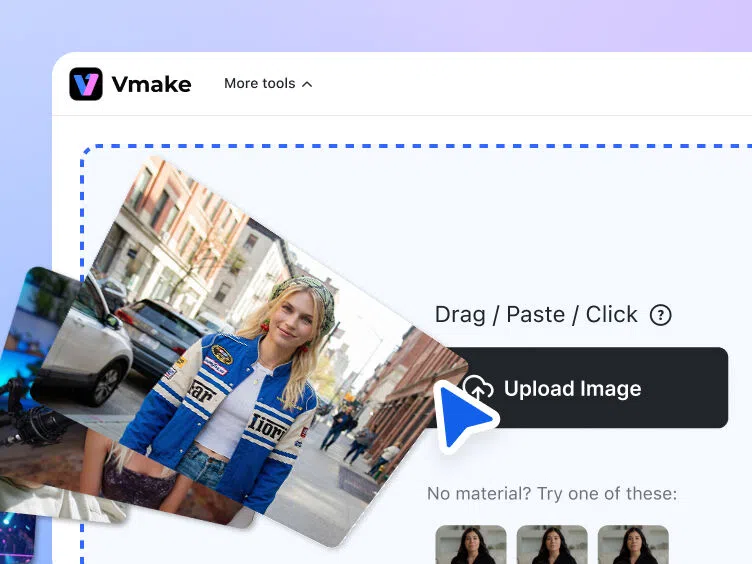
Upload your photo
Begin by dragging and dropping your low-resolution image into the Vmake Labs HD photo converter. The AI instantly analyzes it for upscaling and enhancement.
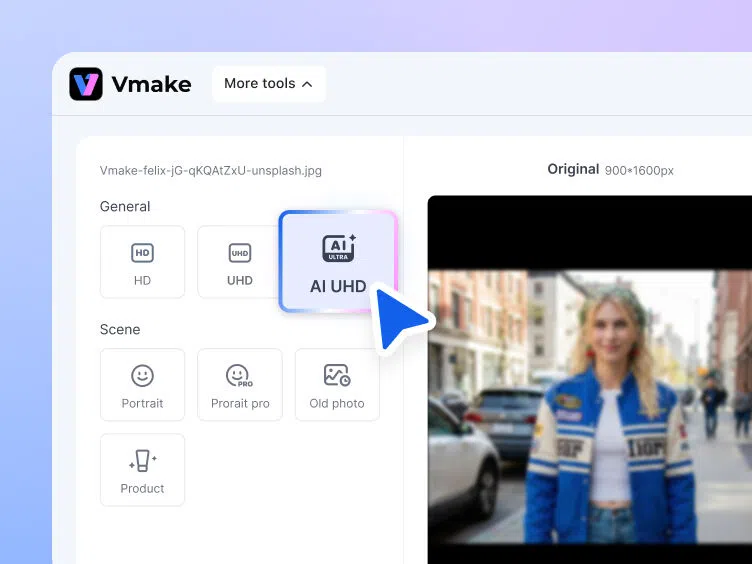
Enhance your photo
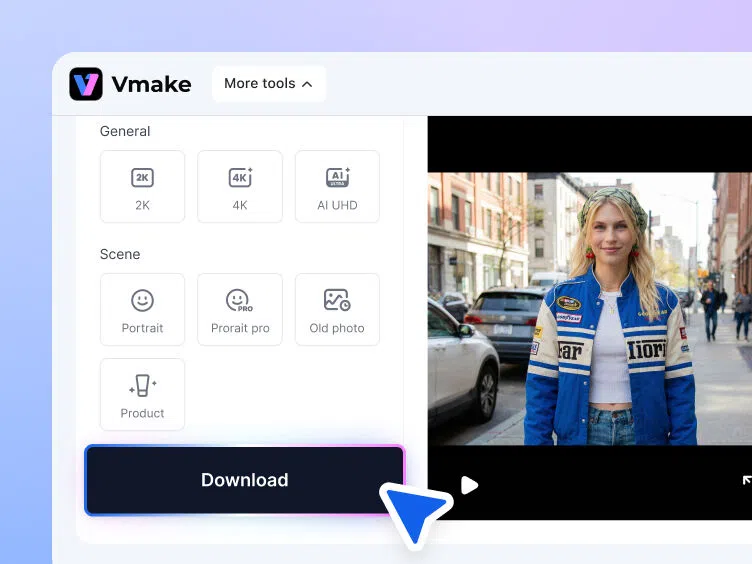
Vmake Labs automatically upscales and sharpens your image. You can also adjust the "General" settings for resolution and the "Scene" settings for image effects.
Download your upscaled high-res image
Preview the enhanced HD result to ensure it meets your expectations. Once satisfied, download the upscaled image and use it across any platform.
When should you use Vmake Labs HD photo converter?
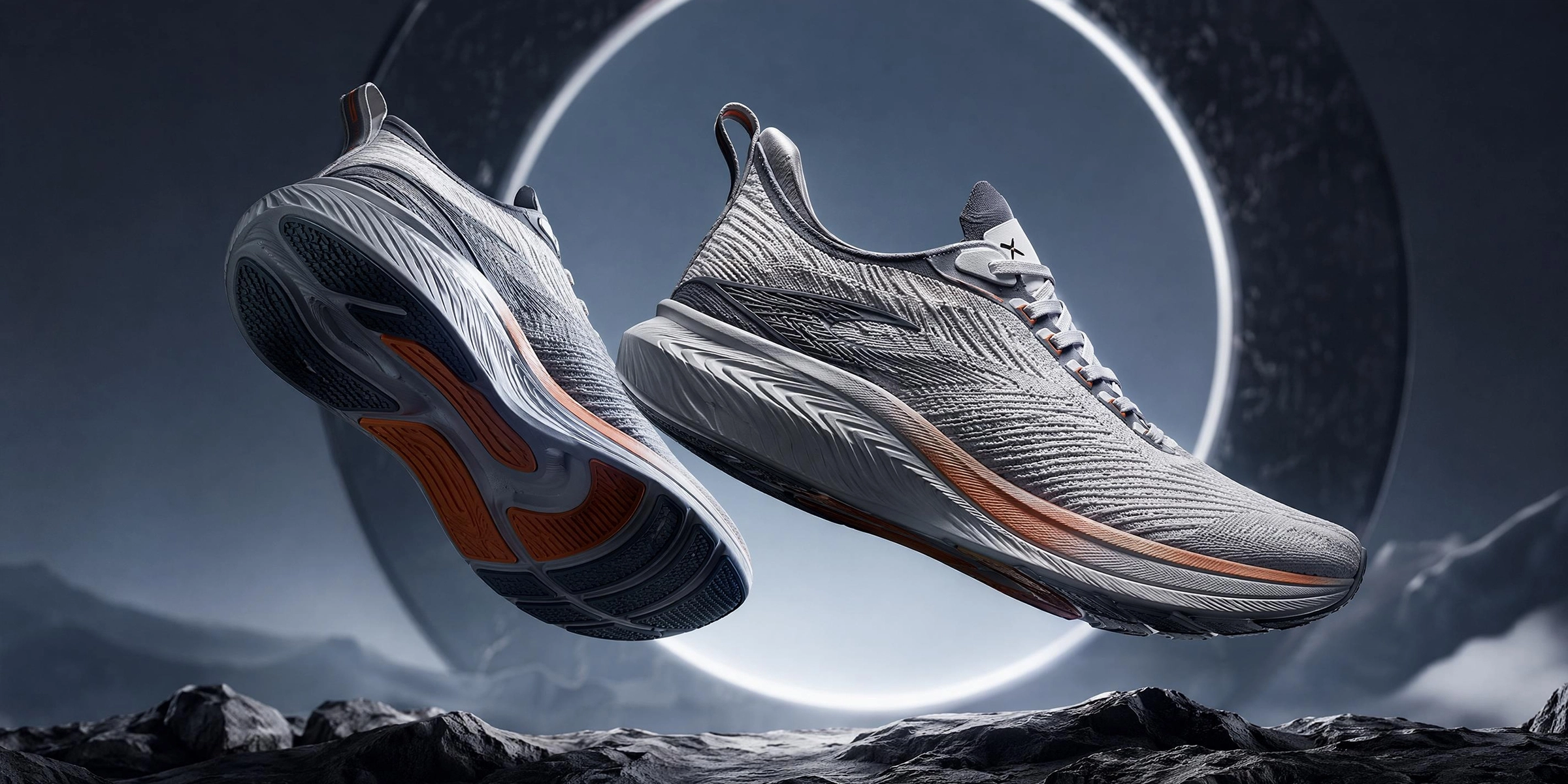
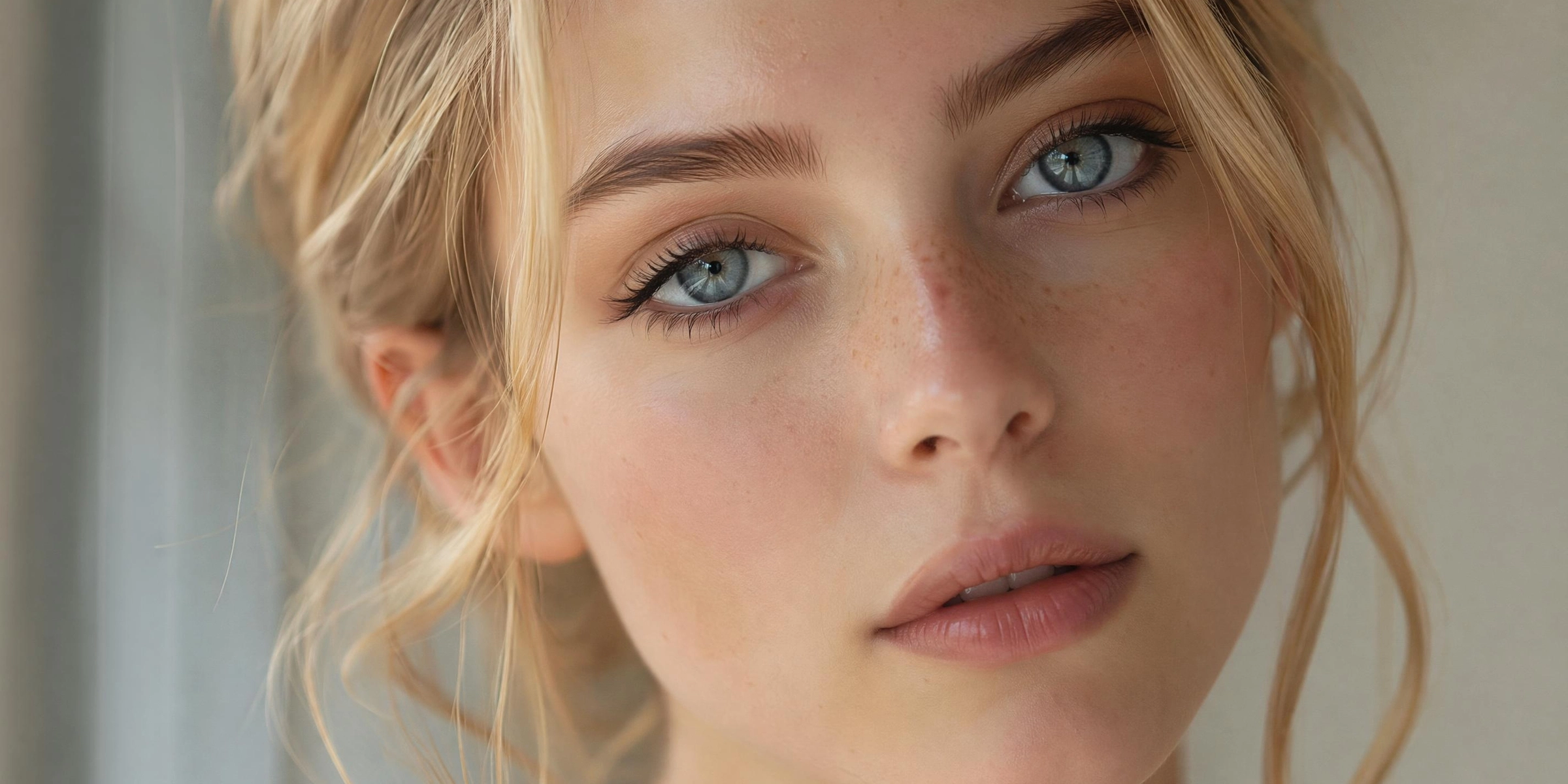


Powerful features of Vmake Labs HD photo converter
One-click AI resolution upscaling
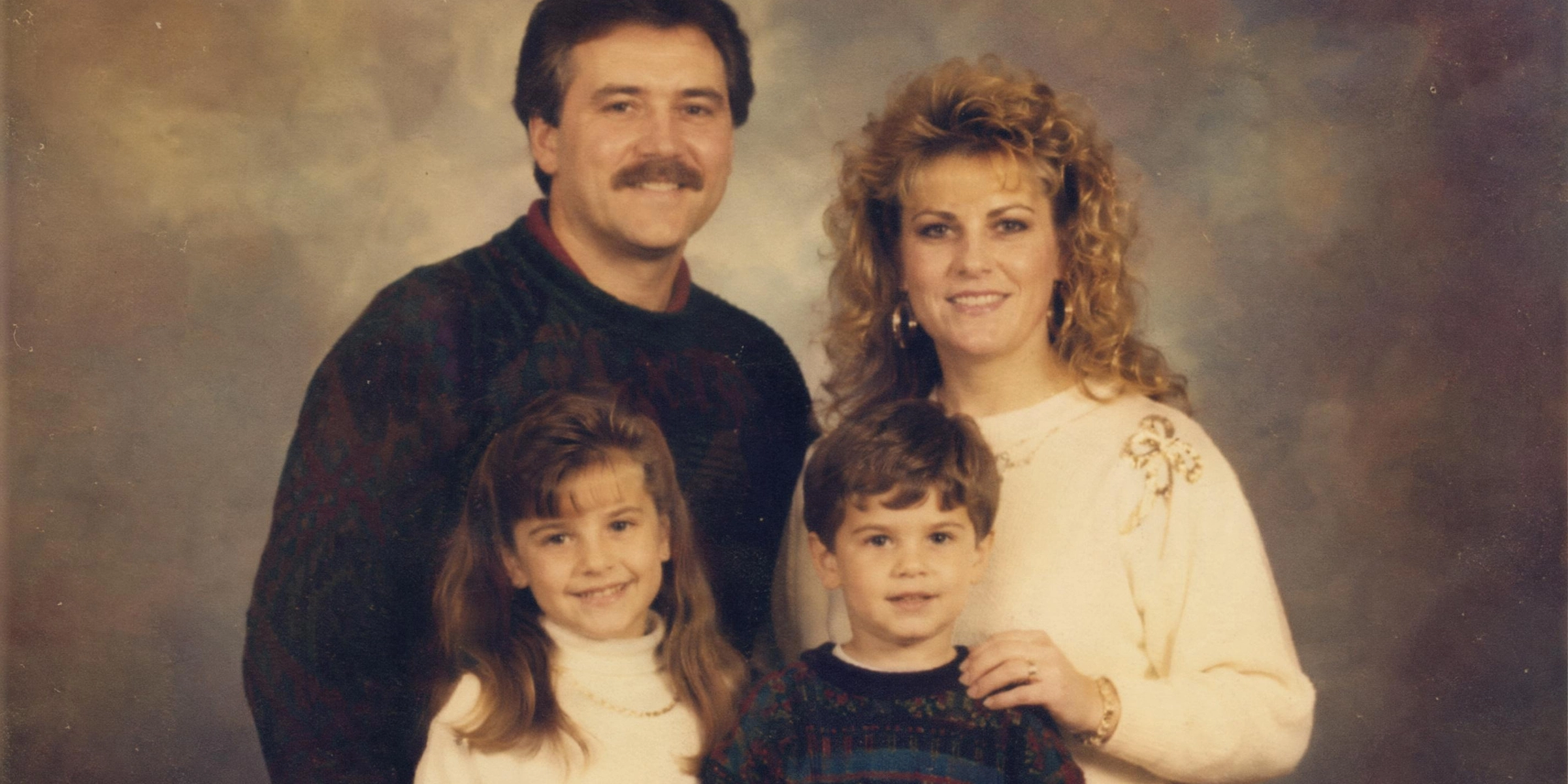
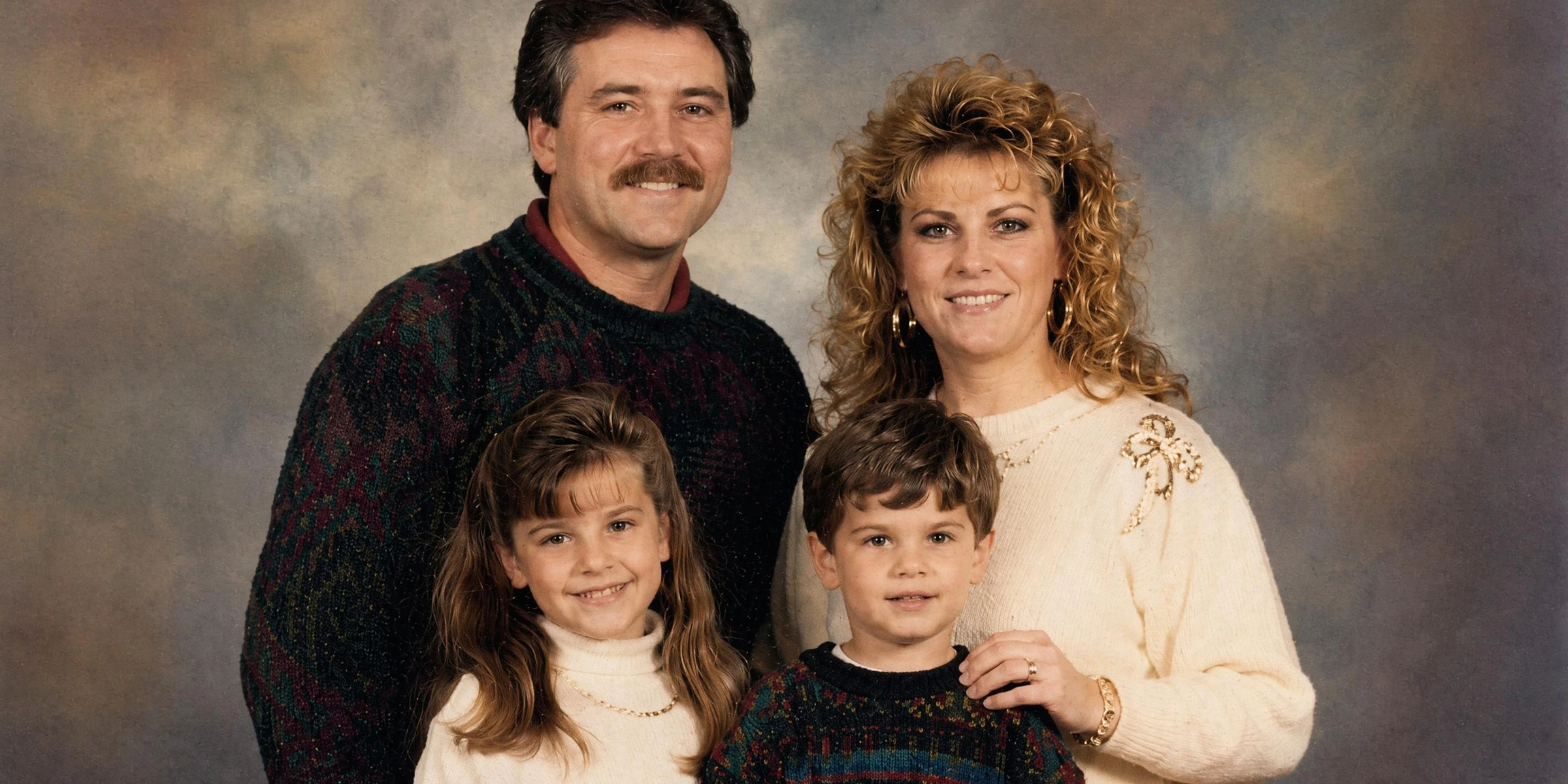
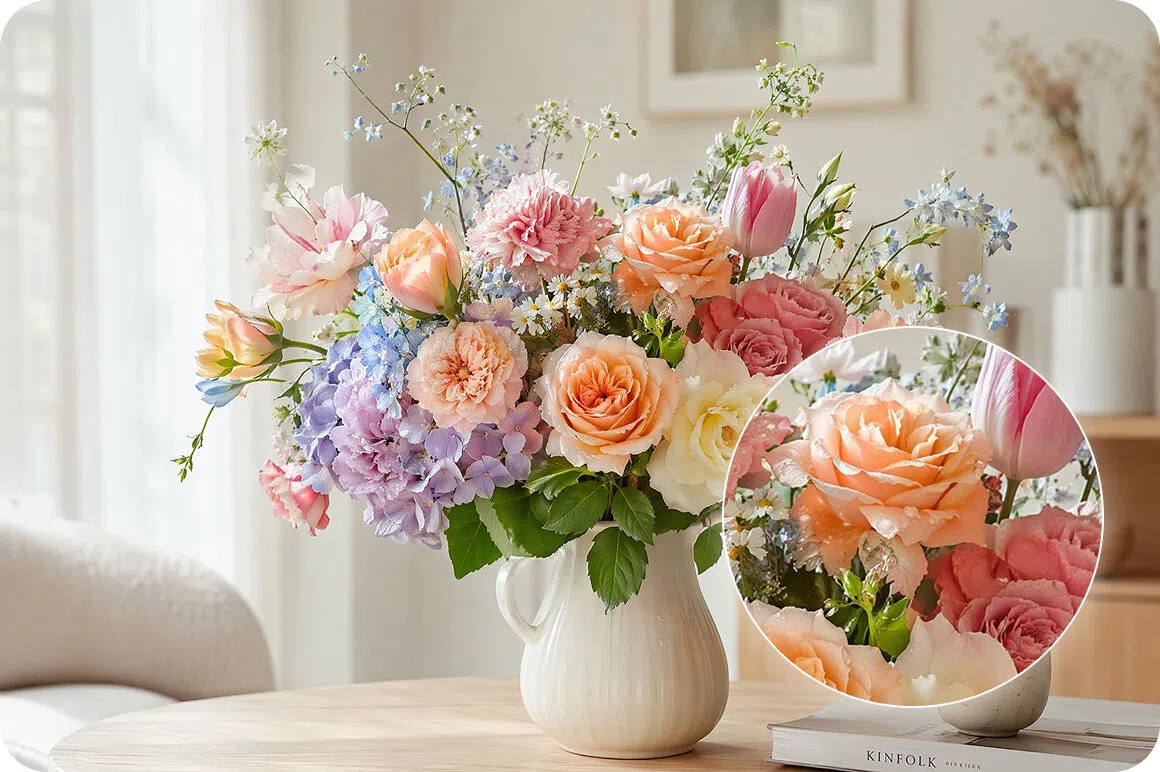
Transform low-quality images into crisp 4K masterpieces instantly. Vmake Labs advanced AI engine automatically reconstructs missing pixels and fine textures with a single click. You completely eliminate the need for complex manual editing, saving massive amounts of time while achieving stunning, high-definition visual perfection effortlessly.
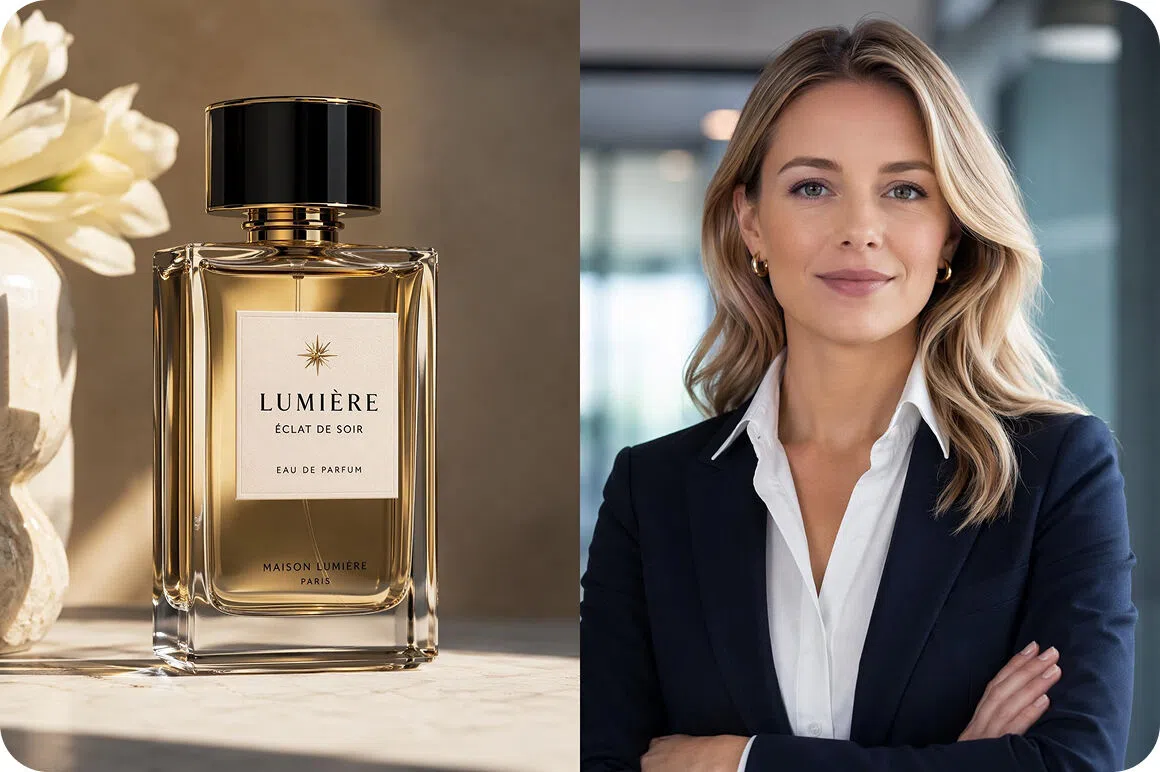
Optimized for portraits & products
Get gorgeous, studio-quality results uniquely tailored to your specific subject. Our intelligent AI is specially trained to preserve natural skin tones in portraits, while simultaneously sharpening intricate materials and fine details for highly converting product photography that instantly demands your customers' full attention and trust.
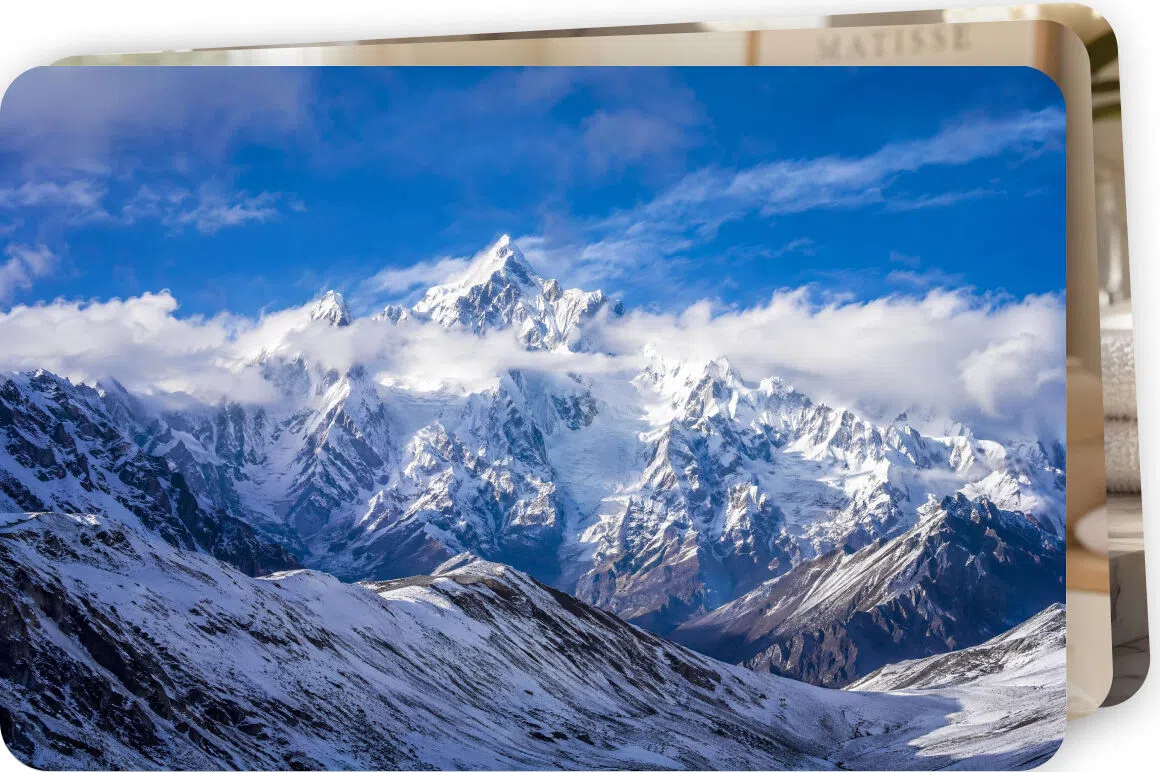
Lightning-fast batch conversion
Enhance entire marketing campaigns or massive photo albums simultaneously. Save countless hours of tedious workflow by uploading dozens of files at once, seamlessly allowing Vmake Labs to automatically convert your entire batch to flawless high-definition quality in mere seconds, boosting your overall design productivity and daily output immensely.
Vmake Labs HD photo converter is made for everyone
Photographers & designers
Working with varied client assets means you often receive low-quality files. Save valuable time rescuing out-of-focus shots or drastically upscaling client graphics. You can consistently deliver flawless, high-resolution final projects without spending hours meticulously adjusting pixels in complex software.
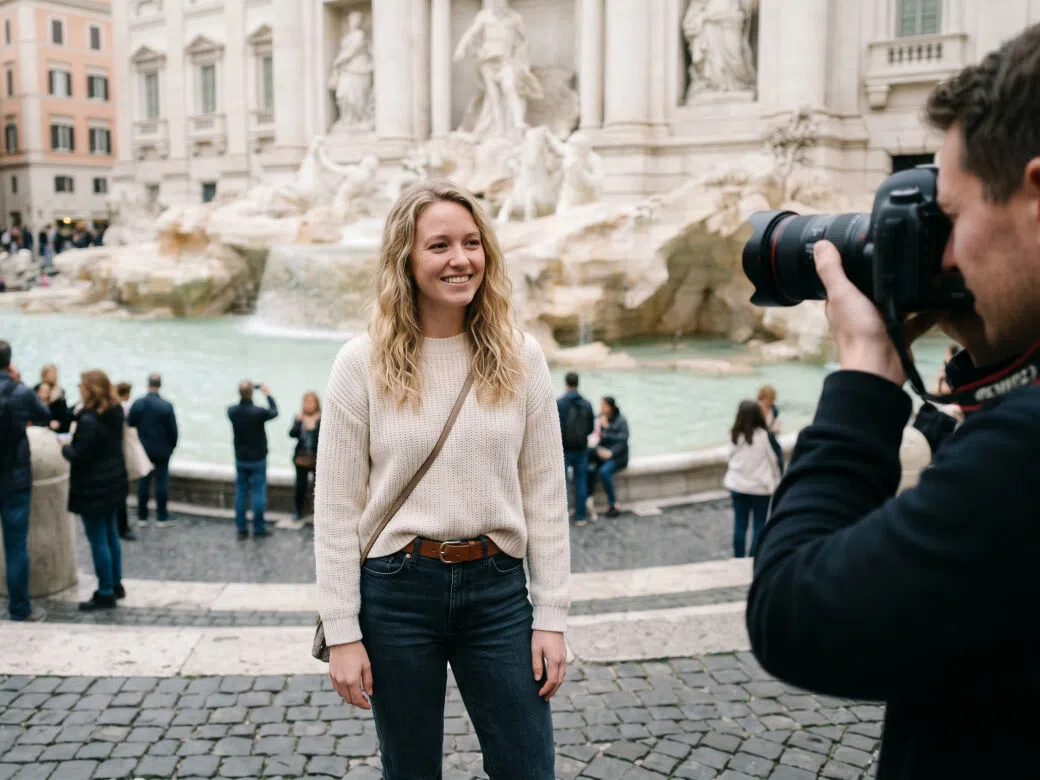
Small business owners
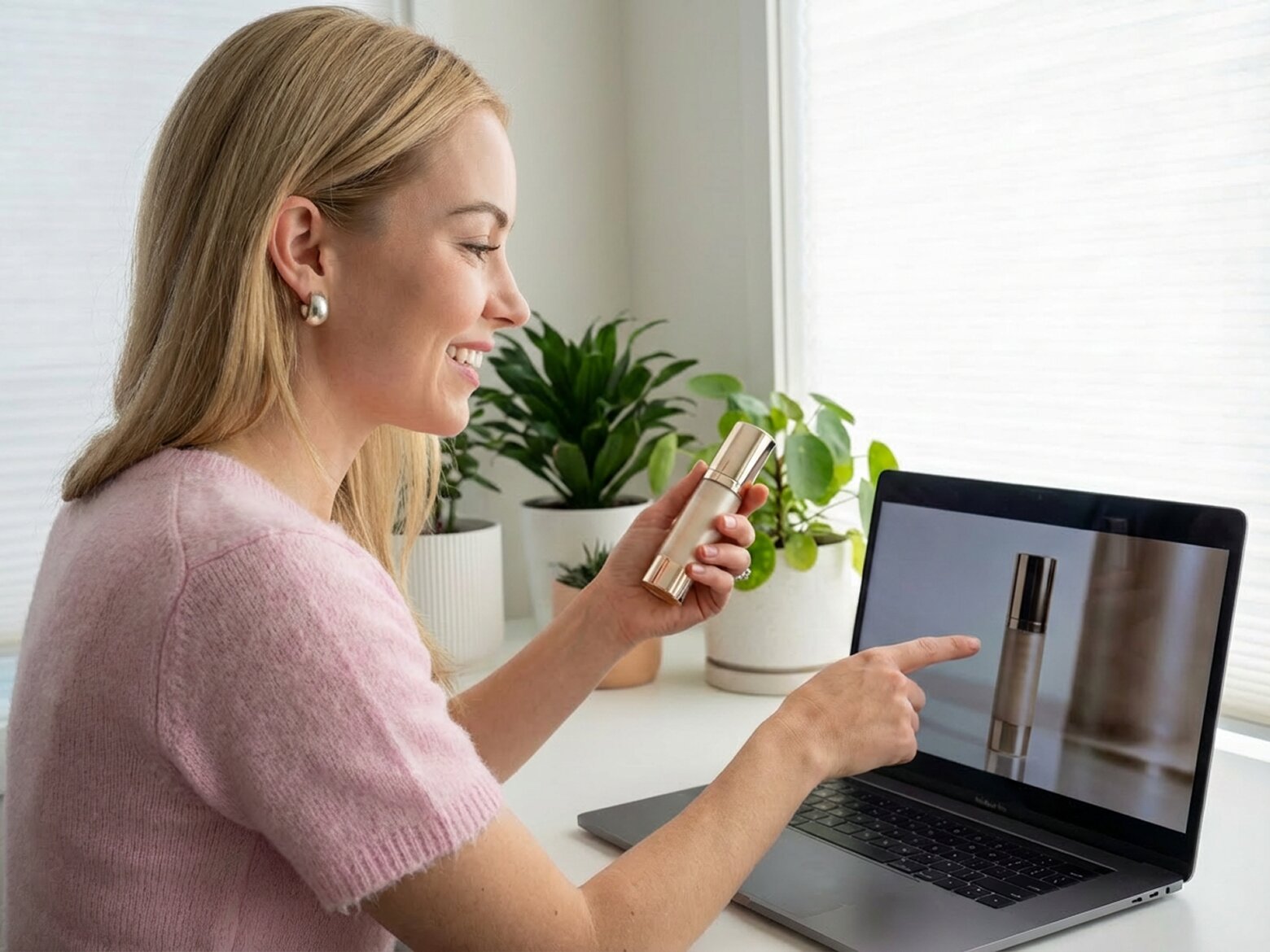
Your online storefront needs to look incredibly sharp to build immediate trust. Easily improve your website's visual appeal with professional-grade imagery. You can upgrade product shots and promotional banners instantly, completely bypassing the expensive need to hire a dedicated photo retoucher.
Casual users
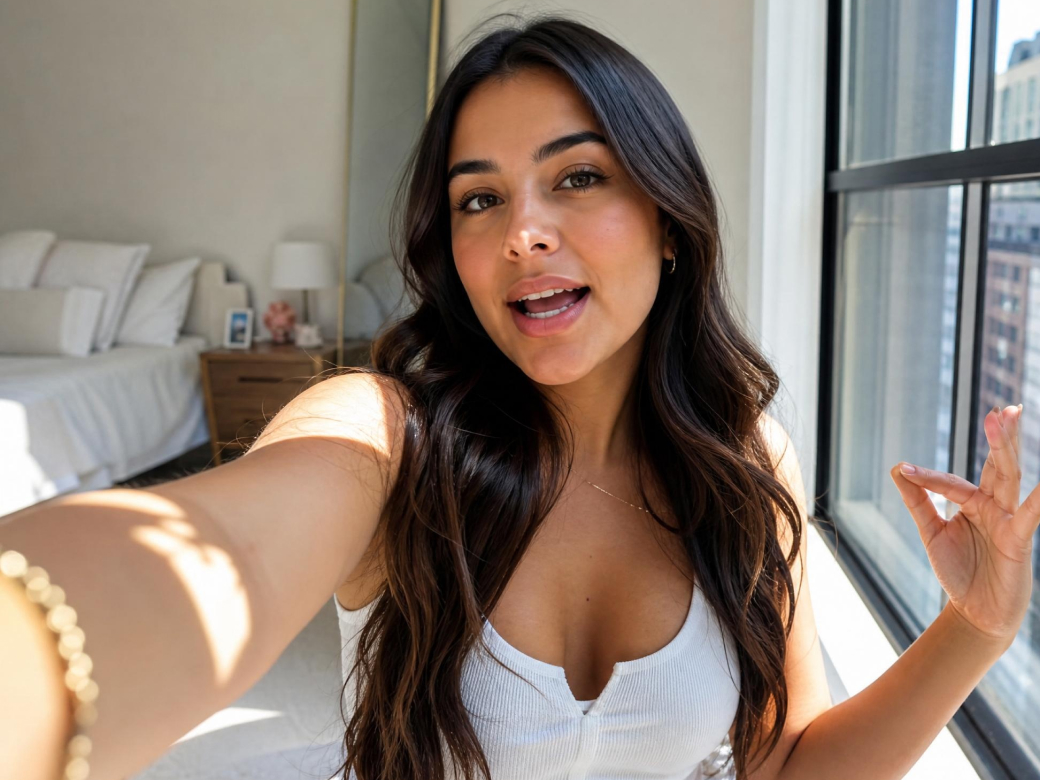
You don't need a photography degree to have beautiful pictures. Easily fix blurry family vacation photos, sharpen fuzzy selfies, or upgrade low-quality internet downloads for your personal projects. Enjoy perfectly clear, shareable memories effortlessly, right from the convenience of your browser.
Frequently asked questions
How does the Vmake Labs HD photo converter work?
What image formats are supported?
Our versatile platform currently supports the most popular digital formats, including standard JPG, transparent PNG, and highly optimized JPEG files. Simply upload your preferred format, and our system will process it seamlessly and fast for you.
Will my data and photos be kept private?
Yes, absolutely. We prioritize your privacy and digital security above all else. Your uploaded files are securely processed using advanced encryption, and they are automatically deleted from our dedicated servers shortly after enhancement is complete.
Can I convert multiple photos at once?
Yes, Vmake Labs fully supports rapid AI batch processing functionality. You can easily upload dozens of images simultaneously, saving you significant time by upgrading an entire album to pristine high-definition in one smooth, effortless go.
What is the maximum file size I can upload?
Users can upload individual images up to 20MB in size. If you regularly work with massive, raw photography files, then Vmake HD photo converter tool is the ideal option you need for your workflow.
Why users continue using Vmake Labs HD photo converter?

Stop waiting around for slow, clunky software. Our powerful cloud-based processing guarantees you get incredibly crisp, professional-grade results delivered straight to your screen in mere seconds, not hours.

Enjoy a remarkably simple, highly intuitive interface explicitly designed for everyone. You can achieve breathtaking, professional photographic enhancements instantly, regardless of your previous technical software skill level.

We continuously utilize the absolute latest machine learning models available. This ensures your final images boast completely natural-looking, brilliantly sharp, and flawlessly artifact-free enhancements every single time you upload.
Discover More Features

Video & Image Enhancer

Watermark & Text Remover

Video Upscaler
AI Video Generator

Video Background Remover

Video & Audio to Text

Video Noise Reducer

AI video translator
Are you ready to enhance your image resolution?
Ready to see your photos in stunning high definition? Join thousands of smart users transforming their blurry images today.
Vmake Labs HD photo converter is loved users worldwide
I was panicking before a major launch because our supplier sent terrible, low-res product photos. This HD photo converter literally saved the entire shoot! It upscaled the images perfectly for our catalog without looking fake. Highly recommended for businesses!
As a designer, I get crappy client logos all the time. I use this tool daily for my workflow. The AI sharpening is simply incredible and it saves me hours of tedious manual editing in Photoshop. It's an absolute lifesaver.
I’ve tried so many apps to fix my grandparents' wedding pictures, but they always looked artificial. Finally, a tool that actually works naturally! It turned my grainy, old family photos into beautiful, clear, printable pictures I framed. I am absolutely thrilled.
I constantly need to prep thumbnails for YouTube and Instagram, and this is my go-to. It's incredibly fast, super easy, and there are absolutely no annoying software downloads required. Definitely the best online image enhancer I've ever used. I love it completely.
I take most of my blog photos on my phone, and indoor lighting is tough. The noise reduction feature here is pure magic. It cleans up my low-light smartphone shots beautifully, making them look like they were taken with a DSLR camera.
I was totally skeptical about AI upscaling, but the interactive before and after slider proved me wrong immediately. The quality retention is absolutely amazing, even when I am literally doubling the original image size for our massive large convention print banners.