
Green Screen Video Editor Online
Key green screen footage automatically and export transparent or solid green video. AI handles subject isolation with clean edges. Browser-based with no software install. No chroma keying knowledge or physical green screen needed.
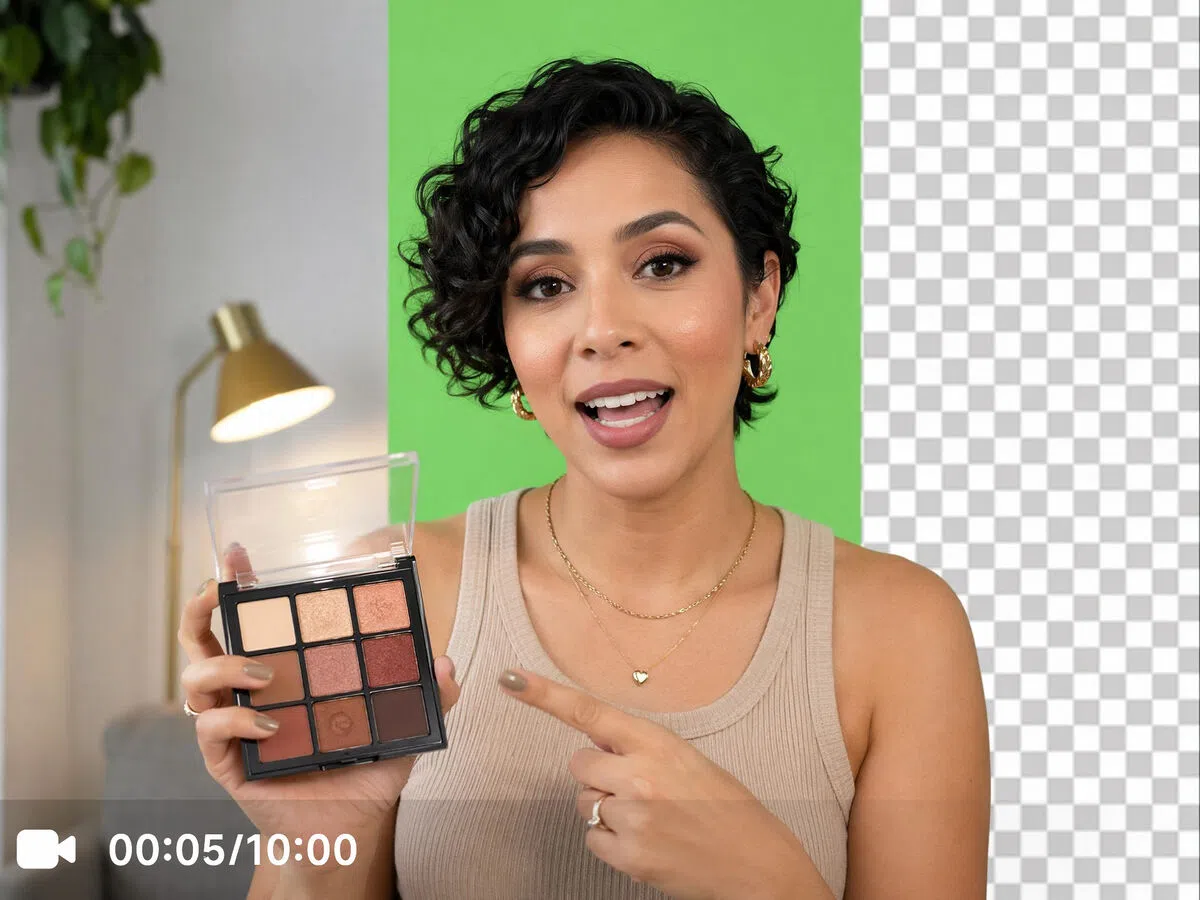


How to edit your green screen video
Step 1. Upload
Click Upload, drag your file in, or paste directly into the workspace to add your green screen video.
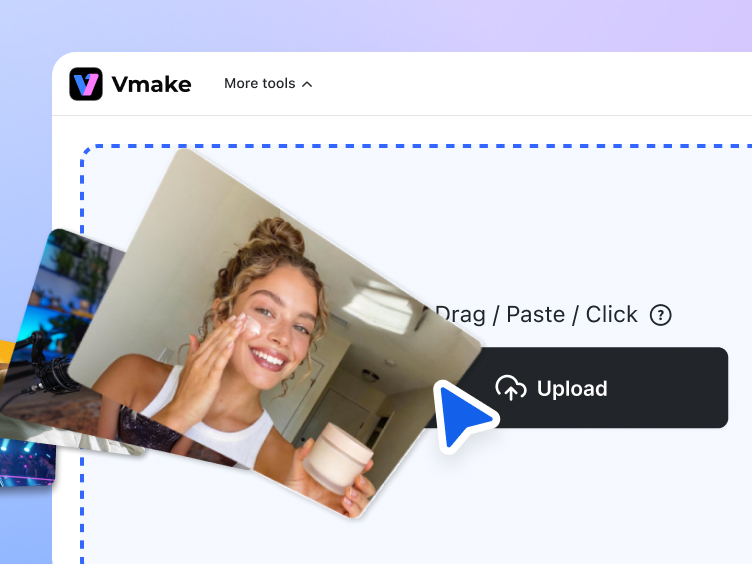
Step 2. Key and select output
AI keys the background automatically. Click or to select your output type. Click the 5s preview button to check the keyed result before committing.
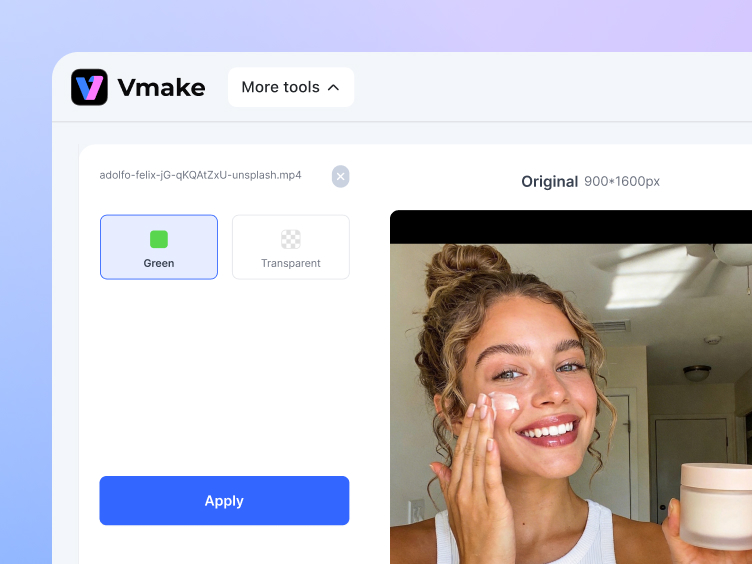
Step 3. Download
Click Download to save the finished file ready for compositing or further editing.
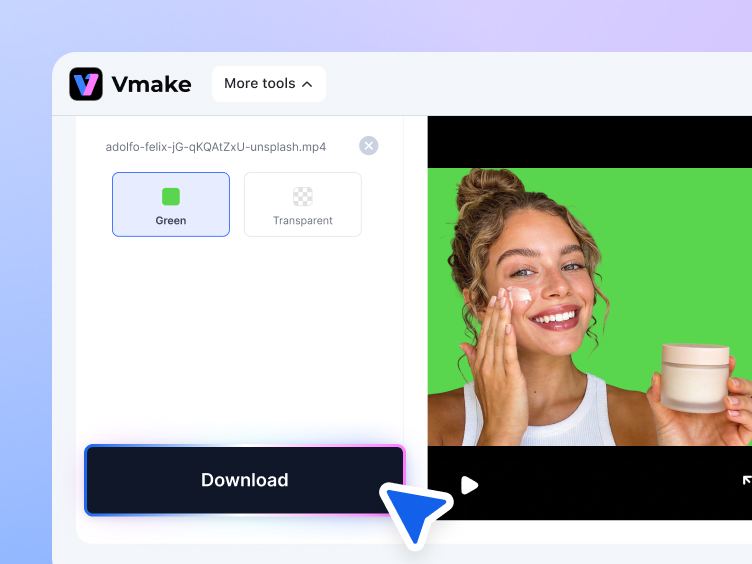
What you can do with a green screen video editor
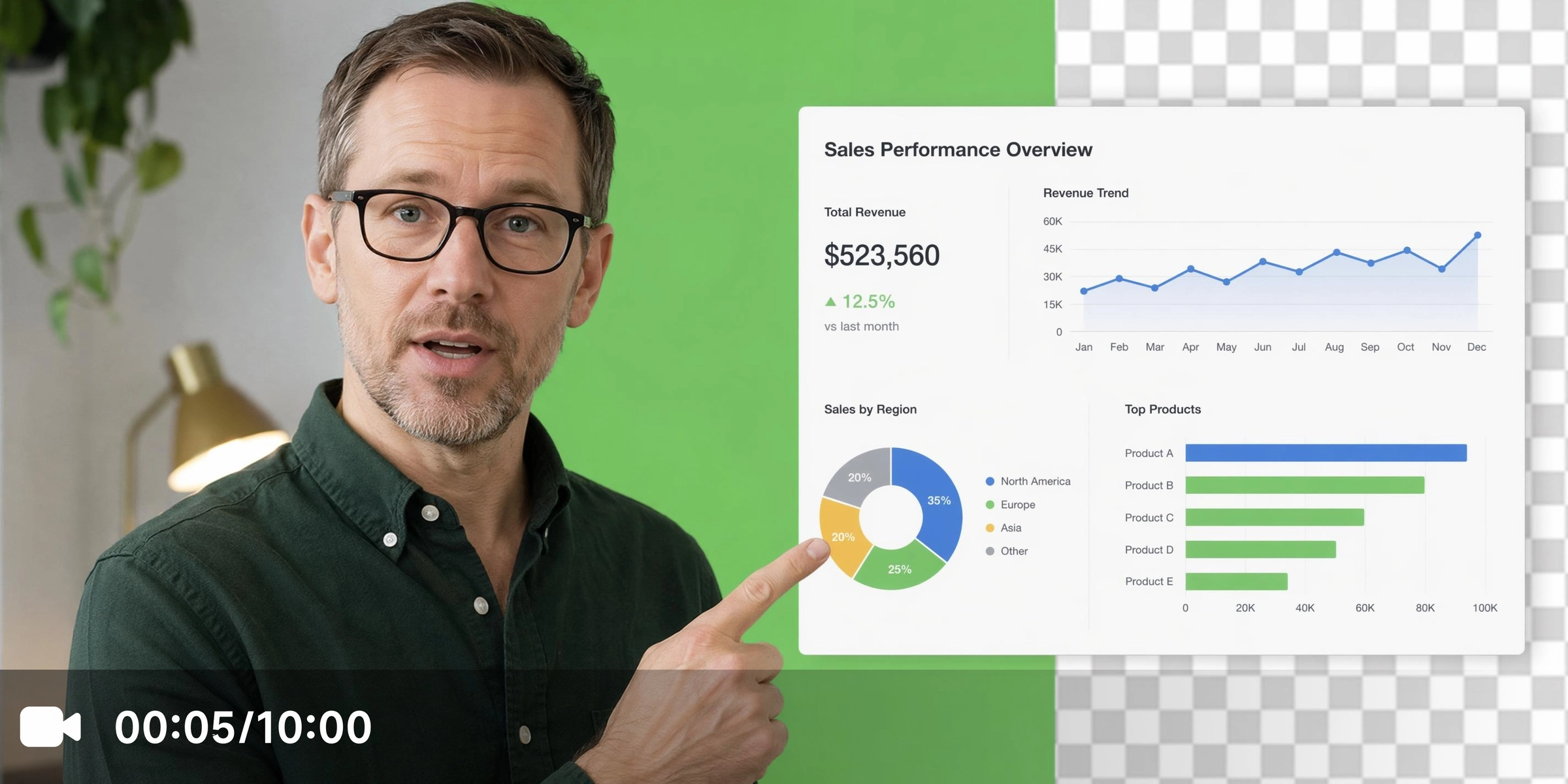
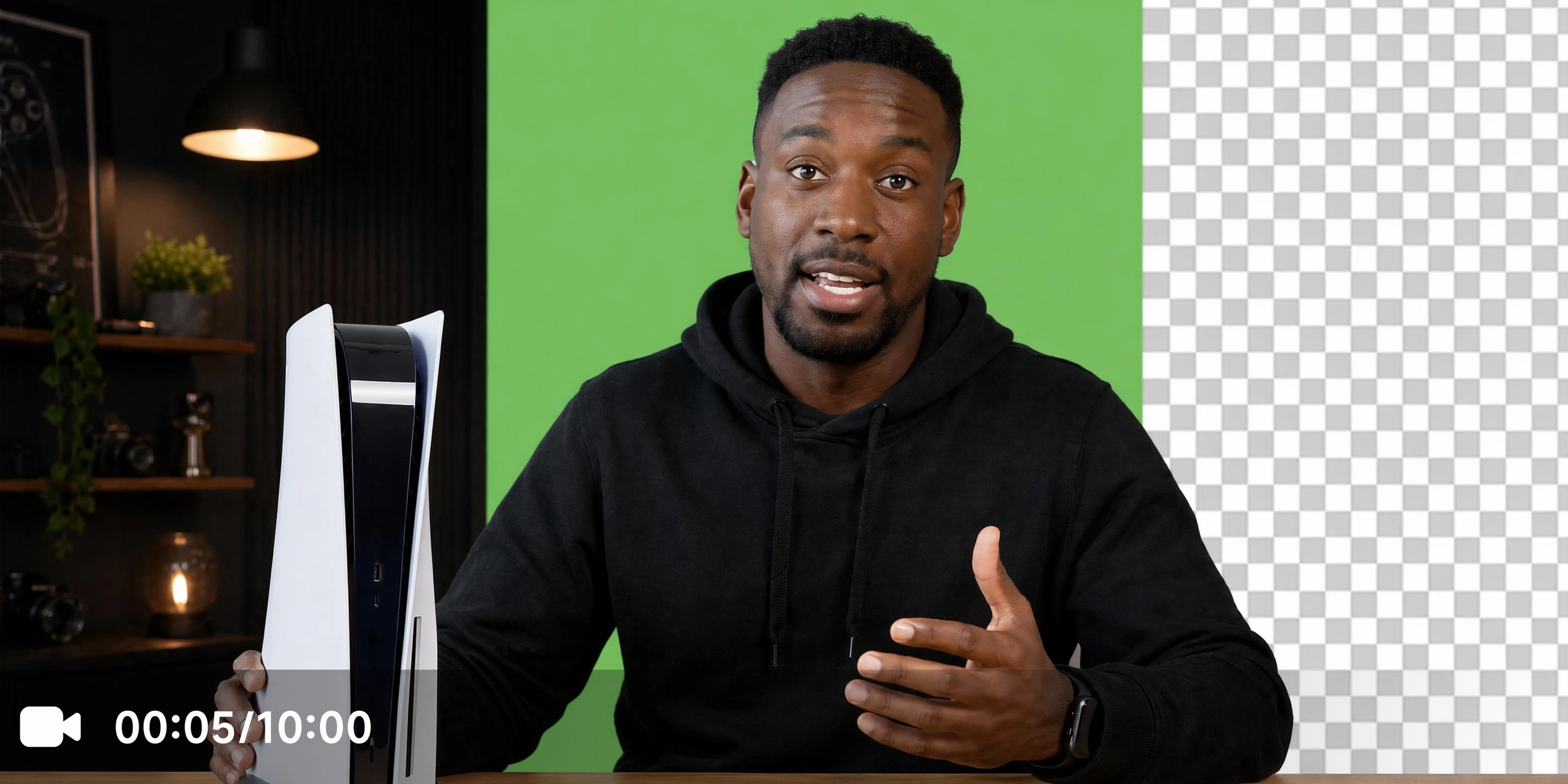
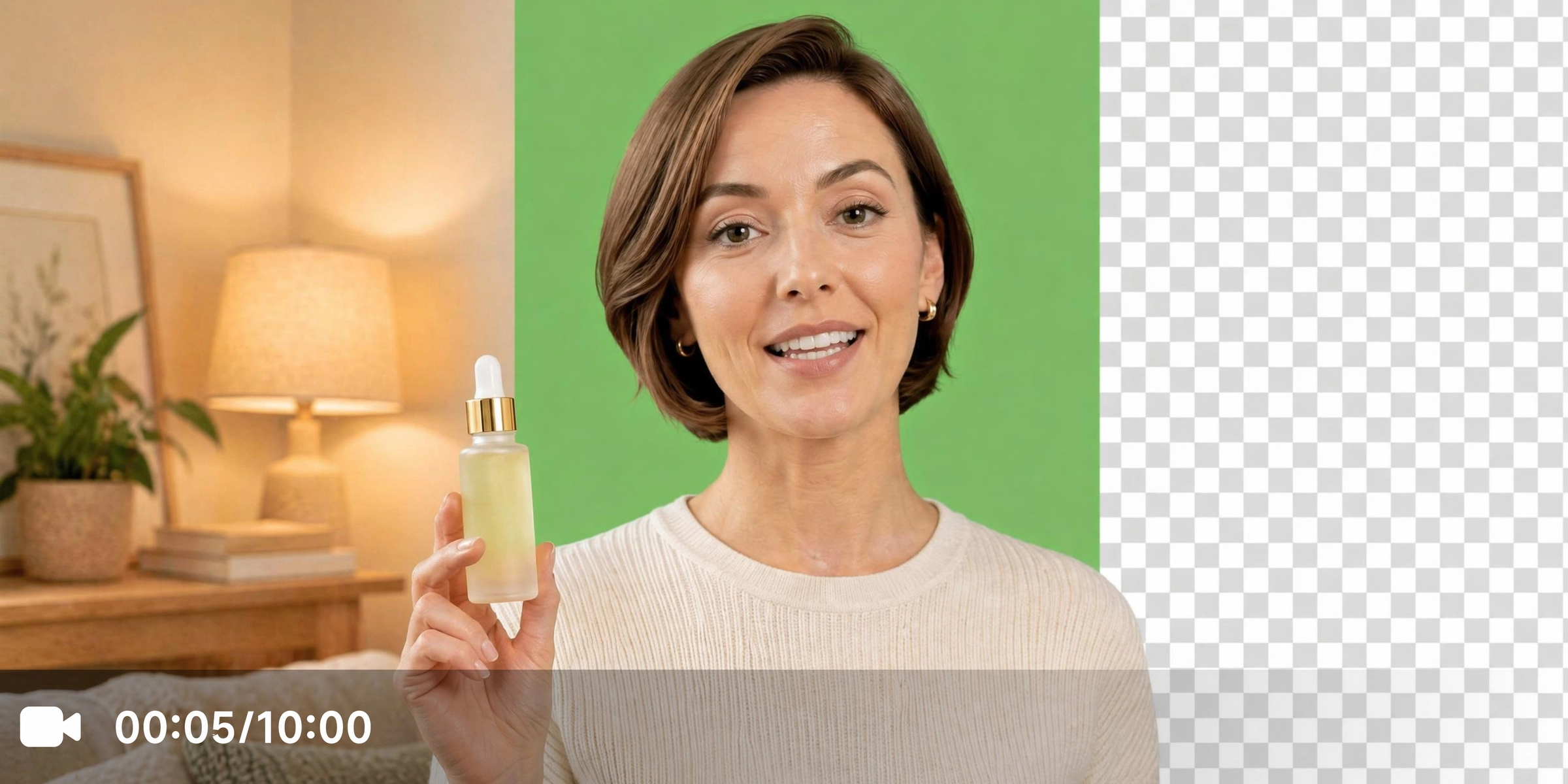


What the free green screen video editor delivers

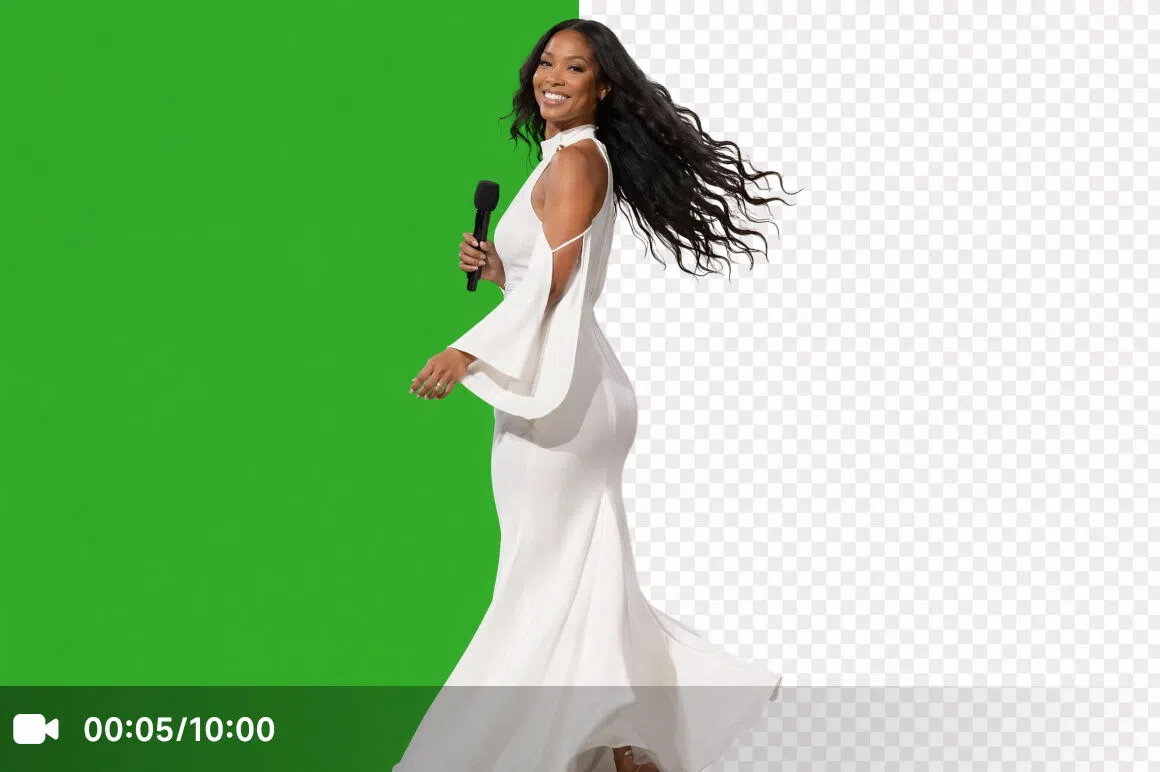
AI subject isolation with clean edges
AI precisely isolates the subject from the green screen background. Handles hair, clothing edges and fine details consistently frame-to-frame throughout the full clip without manual brush work or tolerance adjustments. Subjects remain clean without visible green fringing or jagged outlines.


Transparent background output
Export transparent background videos ready for Premiere Pro, DaVinci Resolve, After Effects, or other editing software. No additional cleanup is needed after export. You can further improve visual quality with the video enhancer before compositing.


Solid green background output
Exports a clean solid green background for workflows that require a consistent chroma key layer for downstream processing. Consistent color value across every frame makes the downstream keying step faster and more accurate in any compositing software that accepts chroma key input.
Who uses Vmake AI green screen video editor most
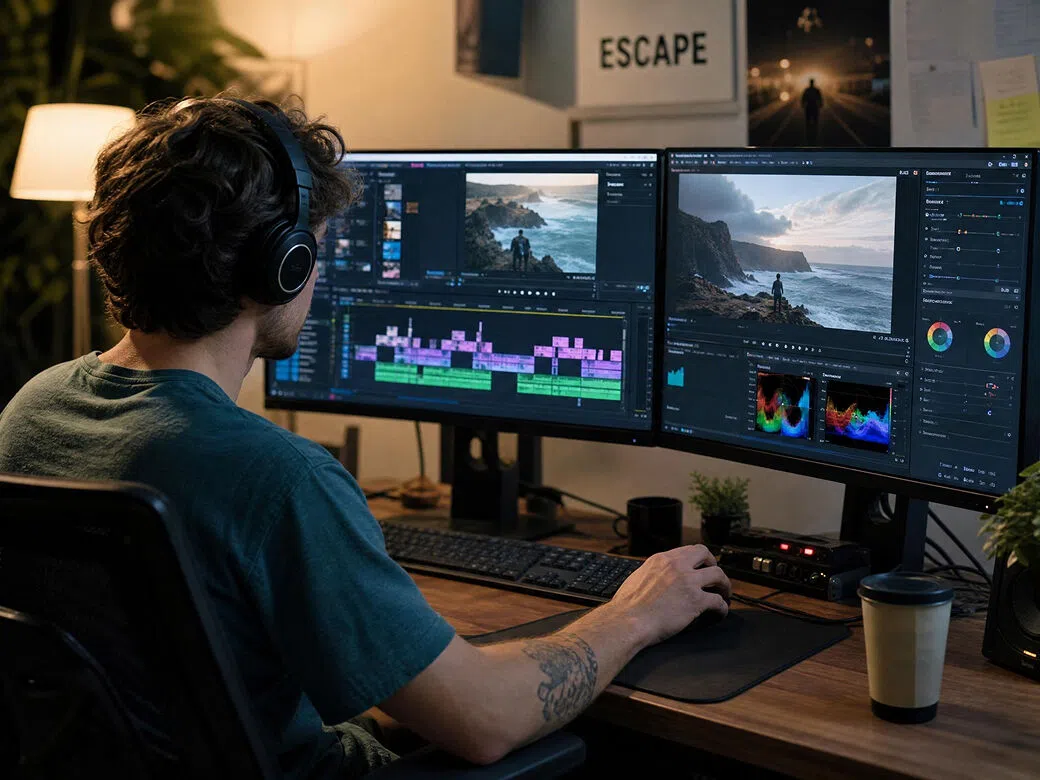
YouTube creators and video producers
Raw green screen footage cannot enter the editing workflow until the background is cleanly keyed. Vmake automatically processes footage and delivers transparent or solid green output, reducing manual editing work before the next production step.
Brand content creators and marketing teams
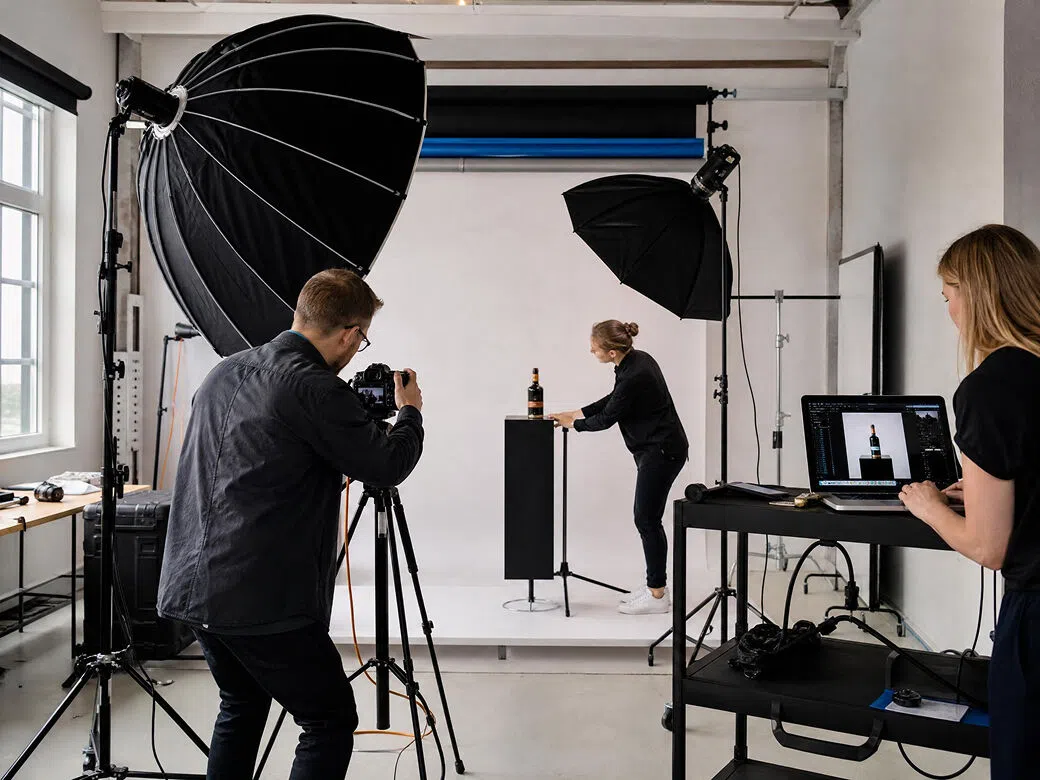
Presenter footage filmed on green screen needs reliable subject isolation before entering production. Vmake delivers compositing-ready assets without specialist software or lengthy post-production.
Online course developers
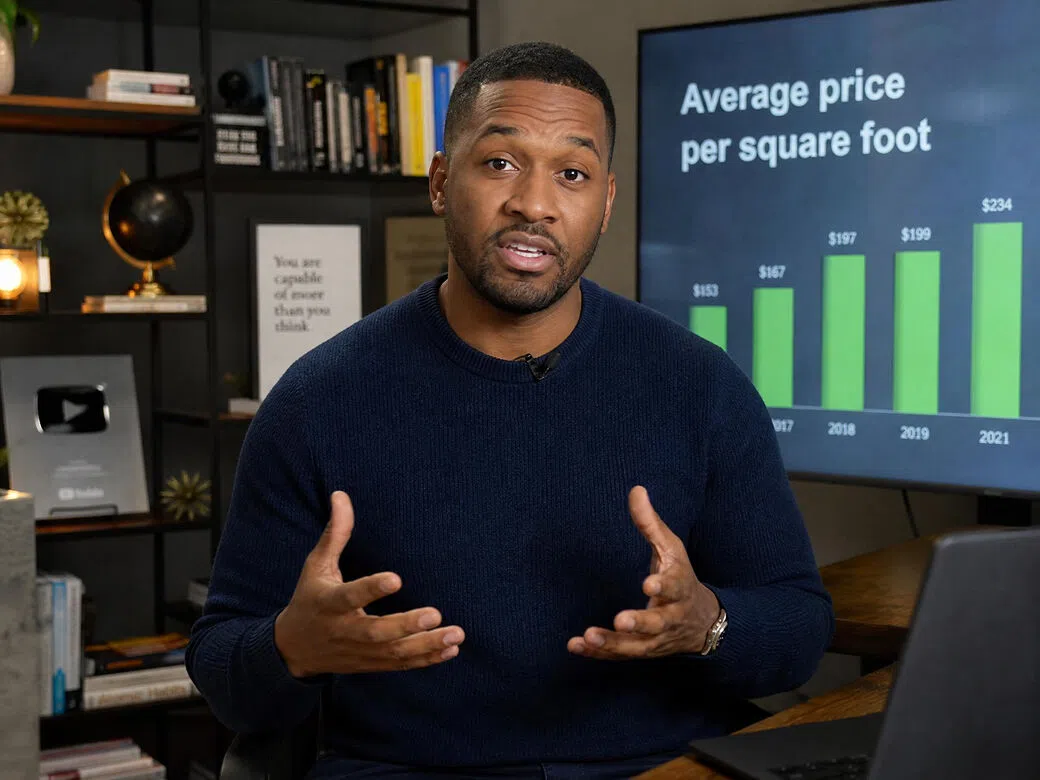
Course recordings filmed on green screen require clean background removal before publishing. Vmake automatically keys every lesson and delivers consistent output across the entire course without manual corrections.
Frequently Asked Questions
Can I use the green screen editor without compositing software?
What output formats does Vmake Labs support after green screen editing?
You can export either transparent background or solid green background output from the same processing session without re-uploading your video.
Does the editor work on footage filmed without a real green screen?
Yes. AI automatically detects and removes backgrounds even if the footage was not recorded using a physical green screen.
Can I preview the edited result before downloading?
Yes. A preview clip lets you verify edge quality and output format before downloading the processed video.
What video formats does Vmake accept for green screen editing?
Supported formats are .mp4, .mov, .m4v, .3gp and .avi. Upload via click, drag or paste into the workspace. For removing unwanted elements such as watermarks or text from the keyed footage, explore the video watermark remover tool.
Why choose Vmake Labs as your video editor for green screen

Export transparent output for compositing or solid green output for downstream chroma key workflows.

No layers, masks, sliders, or chroma key adjustments required. Upload your video and let AI handle the entire keying process.

Create keyed footage that's easier to use in later editing stages, whether you're producing presenter videos, product content, or social media assets.

Everything runs online in your browser without software installation or plugins.

Check the first few seconds of the processed result to verify subject isolation before exporting the full video.

Designed for creators, marketers, educators, and businesses who need professional-looking keyed videos without learning advanced editing software.
Discover More Features

Video & Image Enhancer

Watermark & Text Remover

Video Upscaler

AI Video Generator

Video Background Remover

Video & Audio to Text

Video Noise Reducer

Video translator
Edit your green screen video now
Upload your footage and Vmake Labs keys the background automatically. Choose your output format, preview the result, and download your video ready for compositing or direct use.
What users say about Vmake Labs green screen video editor
Been filming in my spare room on a green screen for about a year. The keying was always the step I dreaded most. Vmake made it almost boring in the best way—upload, AI does the work, transparent output ready for my editing timeline. My setup is far from professional and the results are clean enough that nobody watching has ever mentioned it.
I produce a lot of lesson content and the green screen step used to break my flow every single time. Switching to Vmake meant I could stay in my production rhythm instead of stopping to fight with keying settings. The output is consistent across lessons, which matters more than getting a perfect result on one video.
The transparent output fits smoothly into our editing workflow. It gives us clean presenter footage that needs much less manual cleanup than before, helping our team move faster on video projects.
I tried it on a talking-head clip that was not filmed in perfect conditions, and the result was still usable. It saved me time compared with adjusting keying settings manually, especially for quick creator videos.
Our team produces presenter-led content for internal communications and needed a keying solution that non-editors could use. Vmake fit that requirement exactly. Anyone can upload, select transparent output, and download without training.
What sold me was the solid green output option alongside transparent. I work with a colourist who prefers to handle keying downstream, and the clean green layer from Vmake is much more consistent than what we used before.