
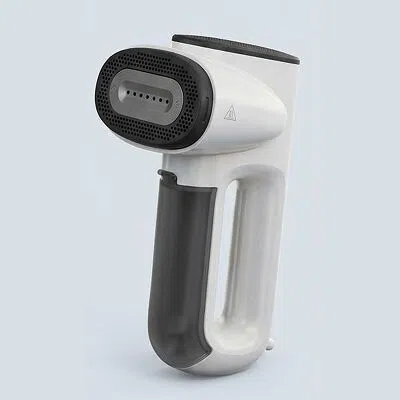


We don’t always have the time to organize a shoot just to explain one product. Being able to work from a product image and a script made things a lot easier on our side.
Gemini Omni Video Generator Now Available In Vmake Labs
Gemini Omni is now available in Vmake Labs Agent and UGC video tools, helping you create better social videos for social media, ads, and product pages.
How to use Gemini Omni in Vmake Labs?
Step 1. Upload your product or creative reference
Upload a product image, reference video, script, or simply start with a short idea. Vmake Labs understands your product and content goal, helping you move faster from input to video creation.
Step 2. Choose the Gemini Omni model
Select Gemini Omni in agent model options, or use it inside UGC tools like AI avatar, recreate video, and product showcase. Gemini Omni helps Vmake Labs better understand your product, visual structure, reference content, and generation needs.
Step 3. Generate ready-to-use video content
Create videos for social posts, ad testing, product showcases, and marketing campaigns. Preview the result, adjust the direction, and export a more natural, complete social video.
What Gemini Omni video generator brings to Vmake Labs
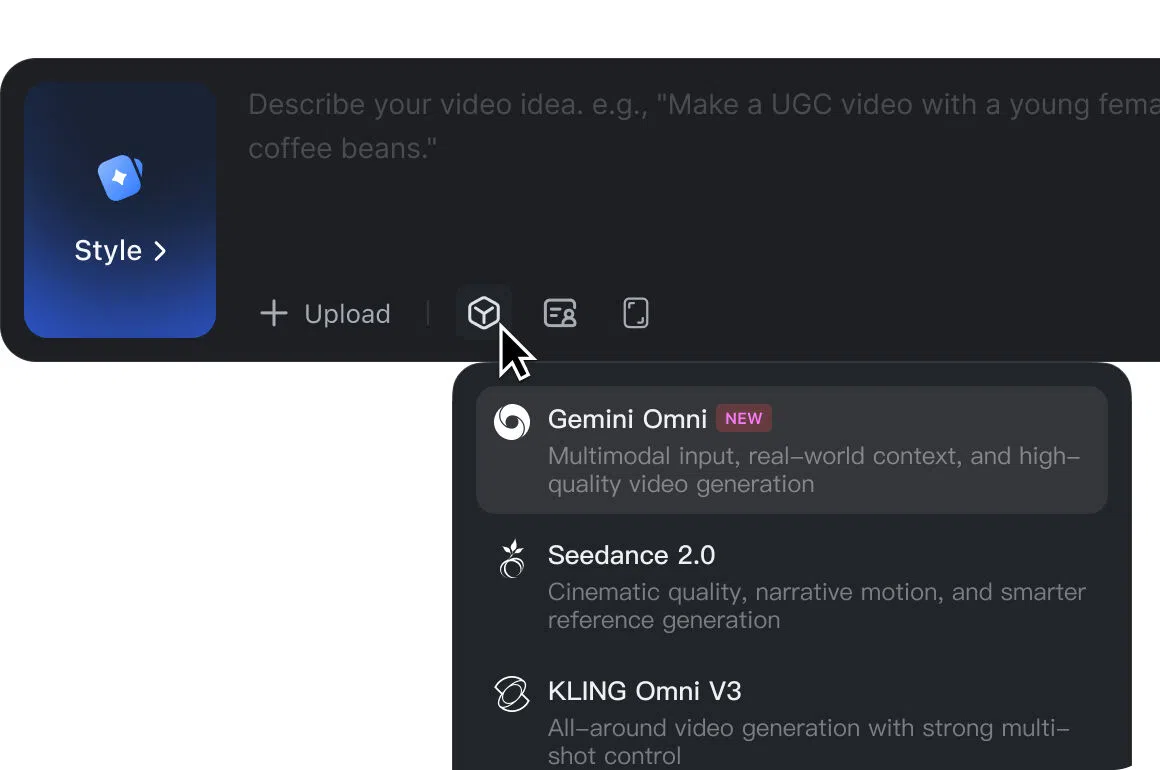
Gemini Omni in Vmake Labs agent
Start with a product image, reference video, script, or simple idea, and let Vmake Labs help turn it into a clear video direction. Omni helps the workflow better understand your product, content goal, and creative input, so you can move faster from “I need a video” to a usable video concept.
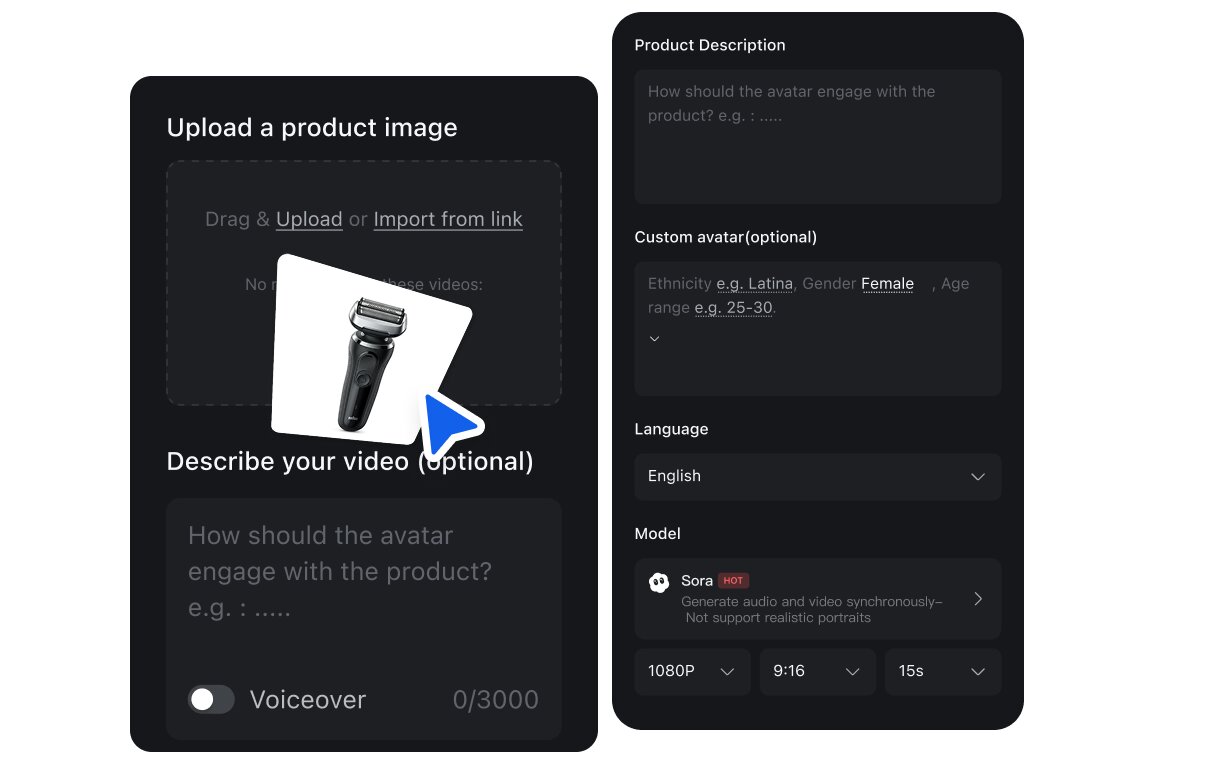
Omni in 3 UGC video tools
Omni is available in AI avatar, recreate video, and product showcase, giving you more ways to create social videos with the same model upgrade. Whether you need a talking product video, a viral-style recreation, or a clean product showcase, you can choose Gemini Omni inside the tool that fits your content need.
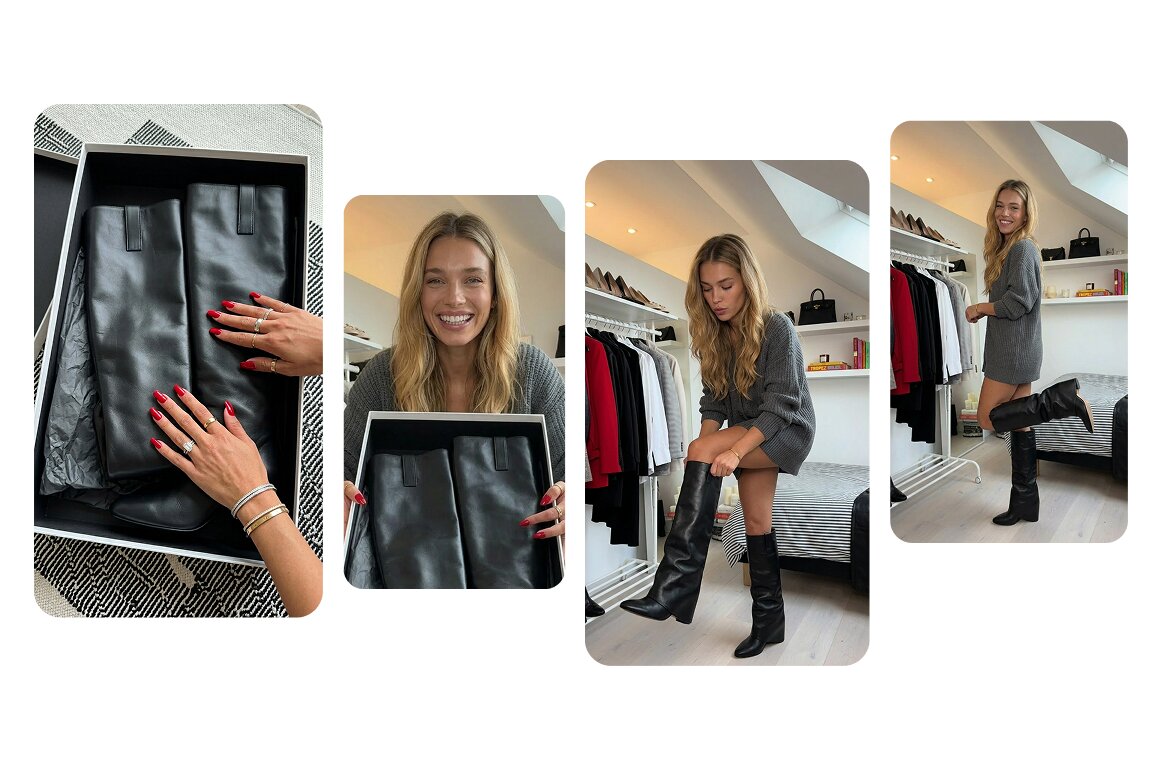
Better product consistency
Gemini Omni helps Vmake Labs better understand product details, visual context, and how the product should appear in the final video. This makes it easier to create videos where the product feels more connected to the scene, the script, and the overall content direction.
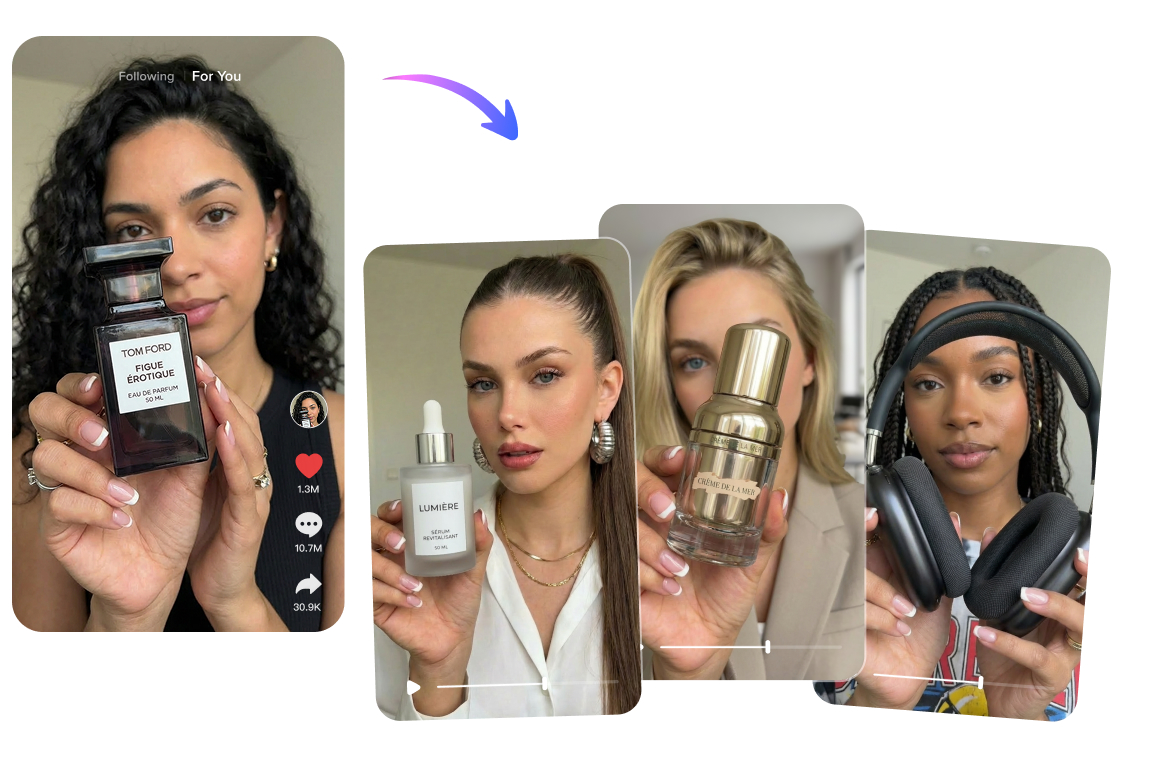
Stronger reference matching
When you upload a reference video, Gemini Omni helps capture the key structure, pacing, and visual idea behind it. This is especially useful when you want to recreate a proven social video format while adapting it to your own product.
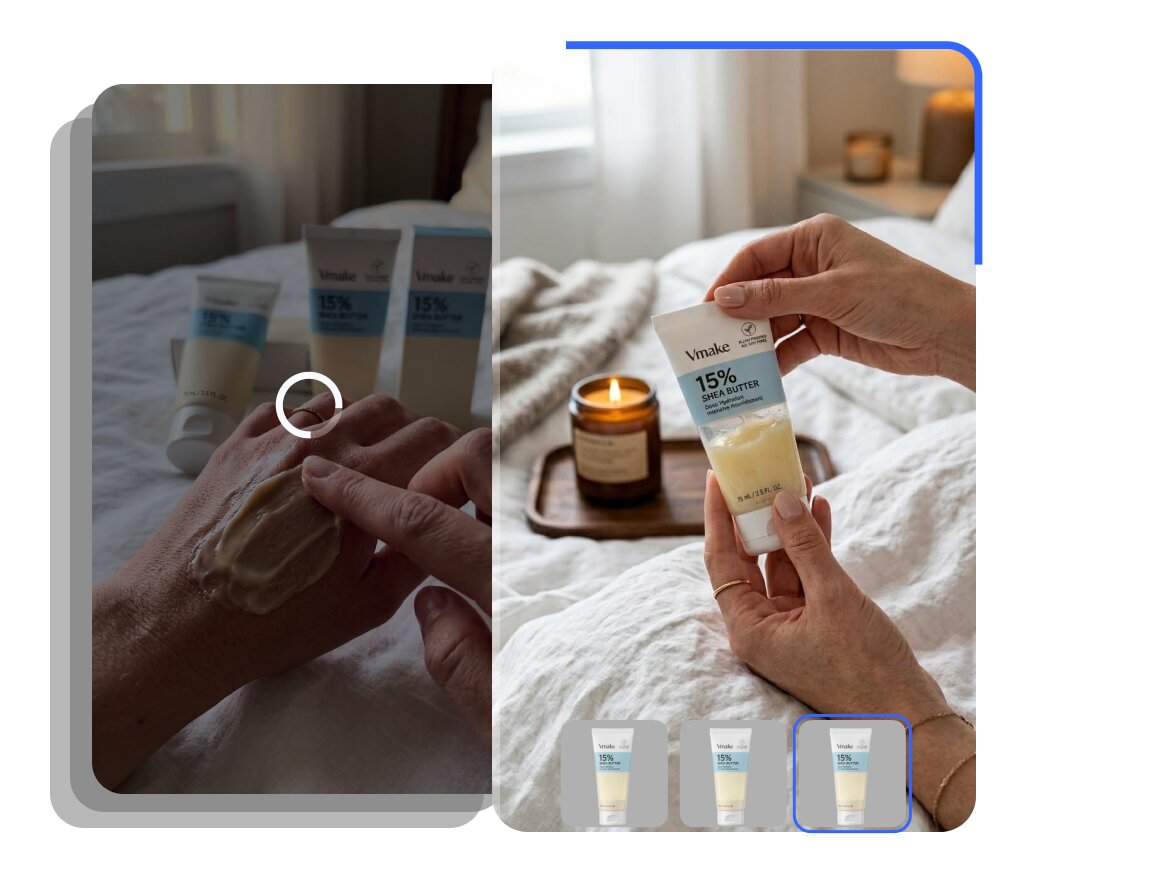
Built for social content testing
Create more than one video direction from the same product. Gemini Omni helps support faster content testing across TikTok, Instagram Reels, YouTube Shorts, ads, and ecommerce use cases, so teams can compare different hooks, formats, and product presentations more easily.
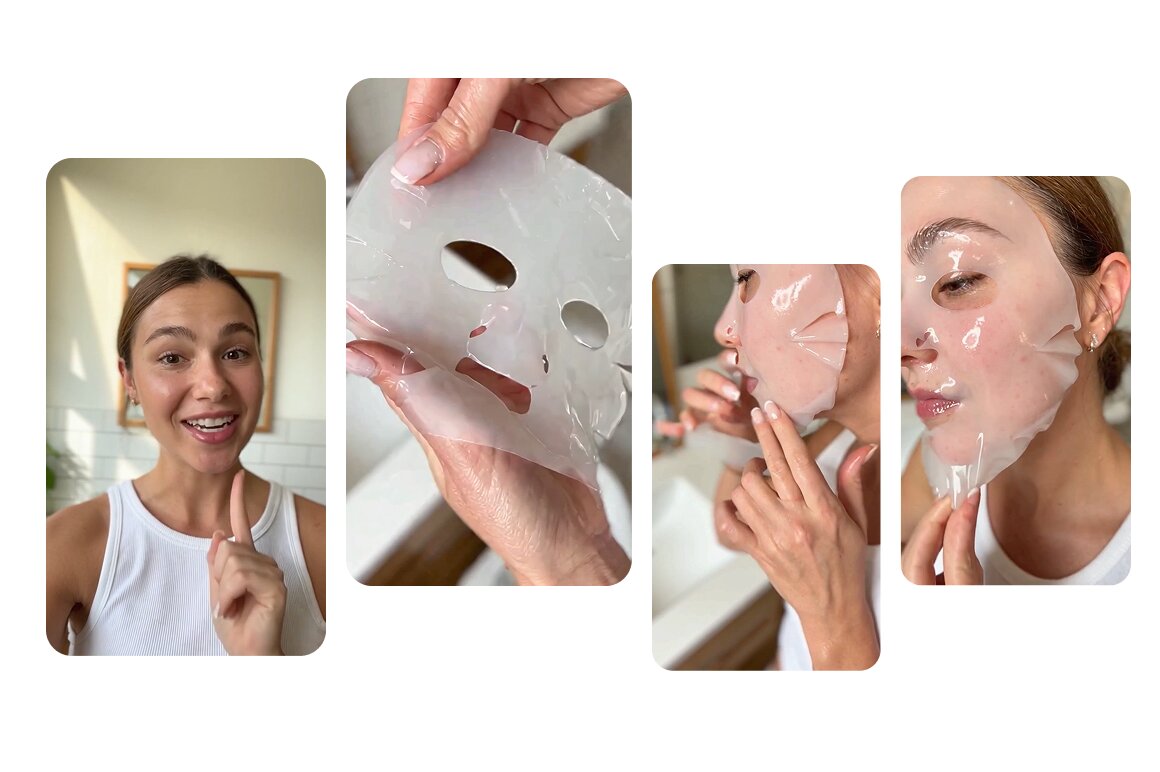
Lower production effort
Reduce the need for repeated shooting, editing, scripting, and setup. With Omni in Vmake Labs, you can turn existing product assets, scripts, and references into usable video content faster, making it easier for small teams to produce content consistently.
Who's it for
Online sellers
- Need product videos for stores, ads, and social channels, but do not have time for repeated shoots.
- Want to turn existing product photos into more engaging video content.
- Need more video variations to test which product angle, hook, or format converts better.
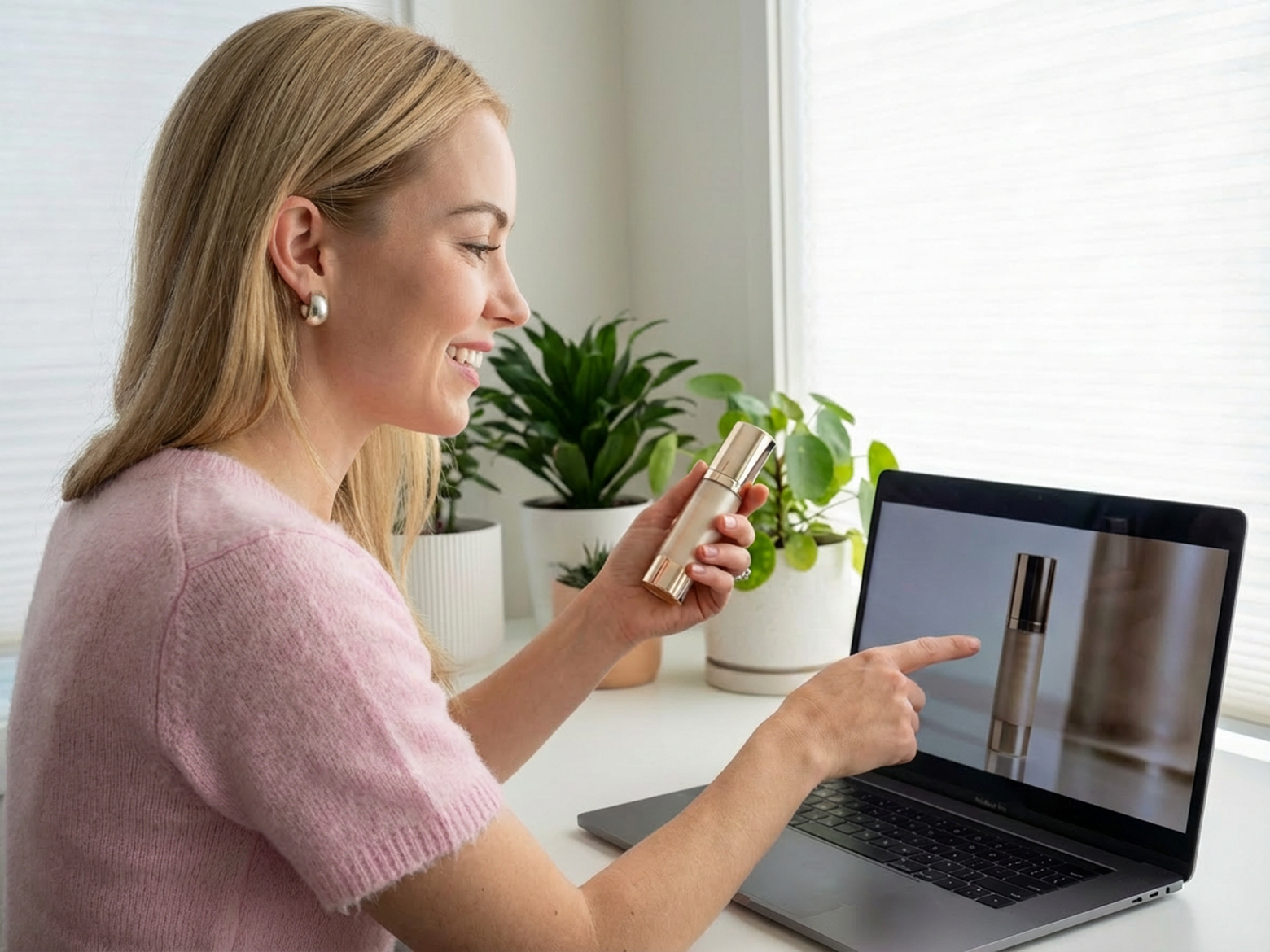
Creators
- Need fresh UGC-style content ideas without starting from a blank prompt.
- Want to turn scripts, products, or viral references into videos faster.
- Need product content that feels easier to post on TikTok, Reels, and Shorts.

Social media managers
- Need to create more content directions from the same product or campaign.
- Want to test different social video formats without waiting on full production.
- Need a faster workflow for producing product videos across multiple platforms.

Why choose Vmake Labs

Privacy & security
Your uploads are processed securely and kept private. Vmake Labs does not use your content to train public models, so your product images, scripts, reference videos, and generated results stay under your control.

Faster testing
Create more video directions from the same product for social posts, ad creatives, product pages, and campaign testing. It is easier to compare different hooks, styles, and formats without setting up a new shoot every time.

Easy to start
Start with whatever you already have, whether it is a product image, reference video, script, or just a simple idea. Vmake Labs helps turn your input into a clear video creation flow, so you do not need to write a complex prompt or plan every detail from scratch.
Real stories, real results: voices of our users
Trustpilot4.5
Exports5M
Users500K+
Countries100+


What helped most wasn’t just the language switch. Being able to change the presenter style and scene made the videos feel less generic across markets.

I tried it for a few product promos first, and it was better than I expected. It still saved us a lot of back-and-forth compared with filming every version manually.

I used to treat localized video as a separate production job every time. It feels a lot more manageable to make versions for different markets without starting over with Vmake.

The best AI out of all the recent releases.
FAQ about Gemini Omni in Vmake Labs
What is Gemini Omni in Vmake Labs?
Where can I use Gemini Omni?
You can choose Gemini Omni in Vmake Labs Agent model selection and in supported UGC tools: AI Avatar, Recreate Video, and Product Showcase.
Is Gemini Omni better for UGC video creation?
Google Omni is especially useful when your video needs to understand multiple inputs, such as product images, scripts, reference videos, and creative instructions. That makes it a strong fit for UGC-style product videos and social content workflows.
Do I need prompt-writing skills?
No. Vmake Labs is designed to keep the workflow simple. You can upload your product, reference, or script, then let Agent help organize the video task before generation.
What kind of videos can I make with Gemini Omni?
You can create AI avatar videos, product showcase videos, recreated viral formats, product demos, short ads, tutorials, and social-ready UGC videos.
What is Gemini Omni Video Generator?
Gemini Omni Video Generator is Google’s latest multimodal video generation model, introduced in 2026. It can work with text, images, audio, and video inputs to generate high-quality videos, and it also supports conversational video editing. In Vmake Labs, Gemini Omni Video Generator helps users create sharper, more realistic, and more social-ready product videos from simple inputs like product images, scripts, or reference videos.
When was Gemini Omni released?
Google introduced Gemini Omni in May 2026 as a new model where Gemini’s reasoning ability is combined with video creation. It is designed for multimodal video generation and editing, starting with video creation from text, images, audio, and video inputs.
How is Gemini Omni Video Generator different from other Gemini video models?
Gemini Omni Video Generator is built for more flexible, multimodal video creation. Compared with earlier Gemini video models that focused mainly on text-to-video or image-to-video generation, Omni supports more input types and stronger editing workflows, including video-to-video editing and multi-turn edits. That makes it better for social video creation where users may start with a product image, a reference video, a script, or a rough idea.
Discover More Features

Video & Image Enhancer
Elevate video and image quality in seconds.

Watermark & Text Remover
Remove watermarks and subtitles from videos automatically.

Video Upscaler
Enhances videos to 2K or 4K without quality loss.

Video Translator
AI dubbing, translate, and lip sync videos.

AI Video Generator
Create videos using text, images, or even other videos.

Video Background Remover
Erase video background with accuracy.

Video & Audio to Text
Convert your audio and video files into subtitles and transcripts.

Video Noise Reducer
Remove background noise from the video.
Create your next social video with Gemini Omni in Vmake Labs
Choose Gemini Omni in Vmake Agent, AI Avatar, Recreate Video, or Product Showcase. Start with a product image, reference video, or script, and quickly generate product videos made for social media and marketing use.