
Gemini Image Enhancer: Improve Gemini AI Image Quality Online
Enhance images generated by Google Gemini in seconds. Upload your image, choose HD or UHD enhancement, and let AI improve clarity, details, and overall quality directly in your browser. Fast, free, no sign-up needed.
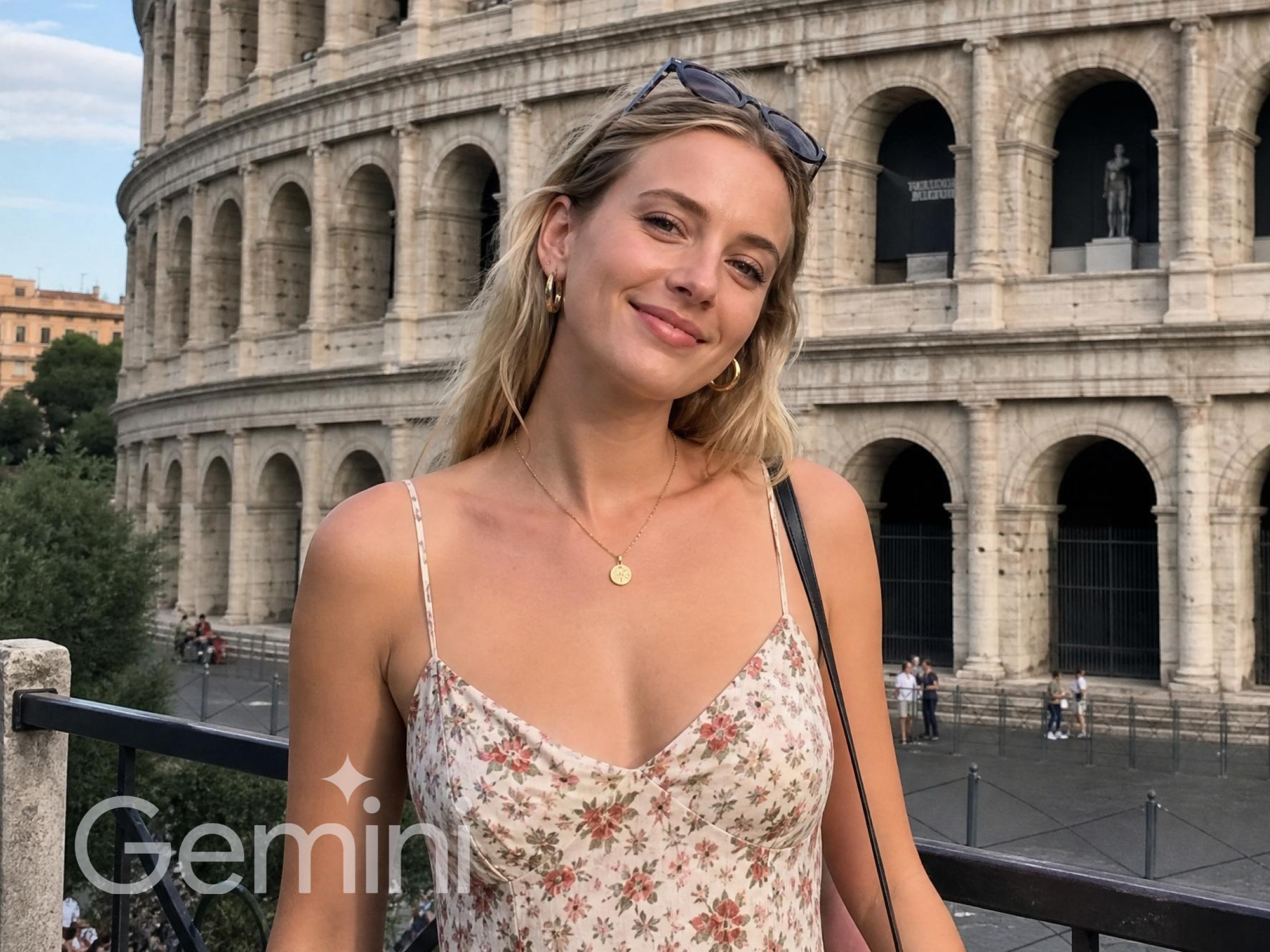


How to enhance Gemini images in 3 steps
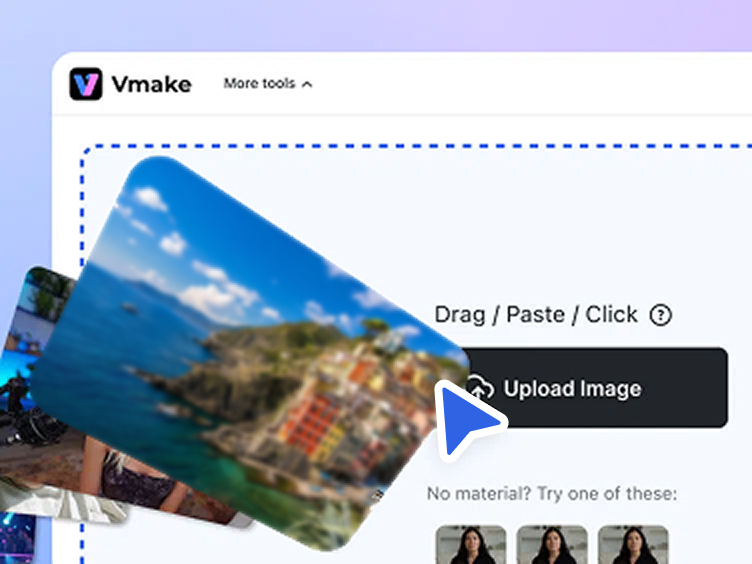
Upload your Gemini-generated image
Upload an image created with Google Gemini directly into Vmake Labs AI image enhancer. No account or software download required.
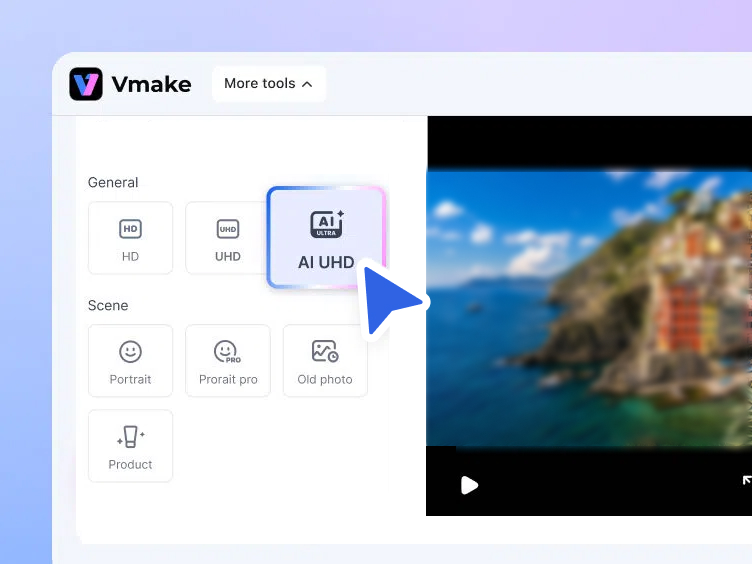
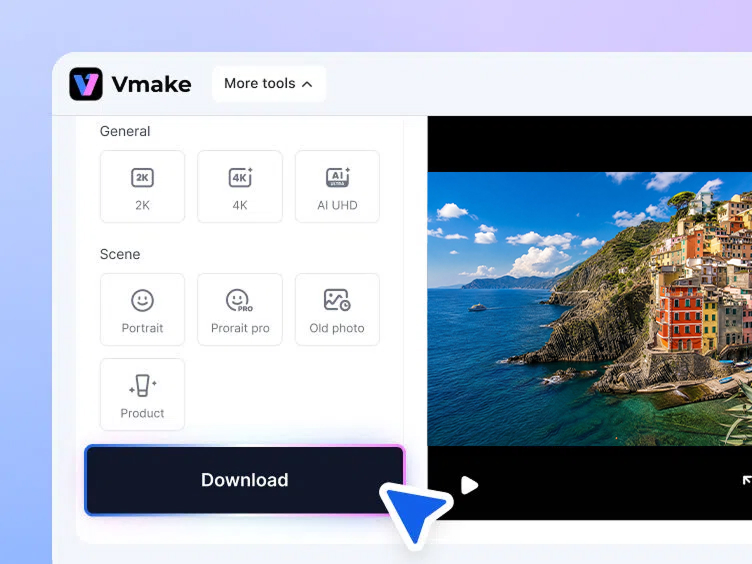
Choose enhancement resolution and scene
Select the output quality and choose an optimization mode based on your image type, such as AI art, illustration, or photo.
Preview and download the enhanced image
Preview the improved image with sharper details, better clarity, and higher resolution, then download the enhanced version free for design, social media, or content creation.
When to Use a Gemini Image Enhancer
Make Gemini images ready for social media
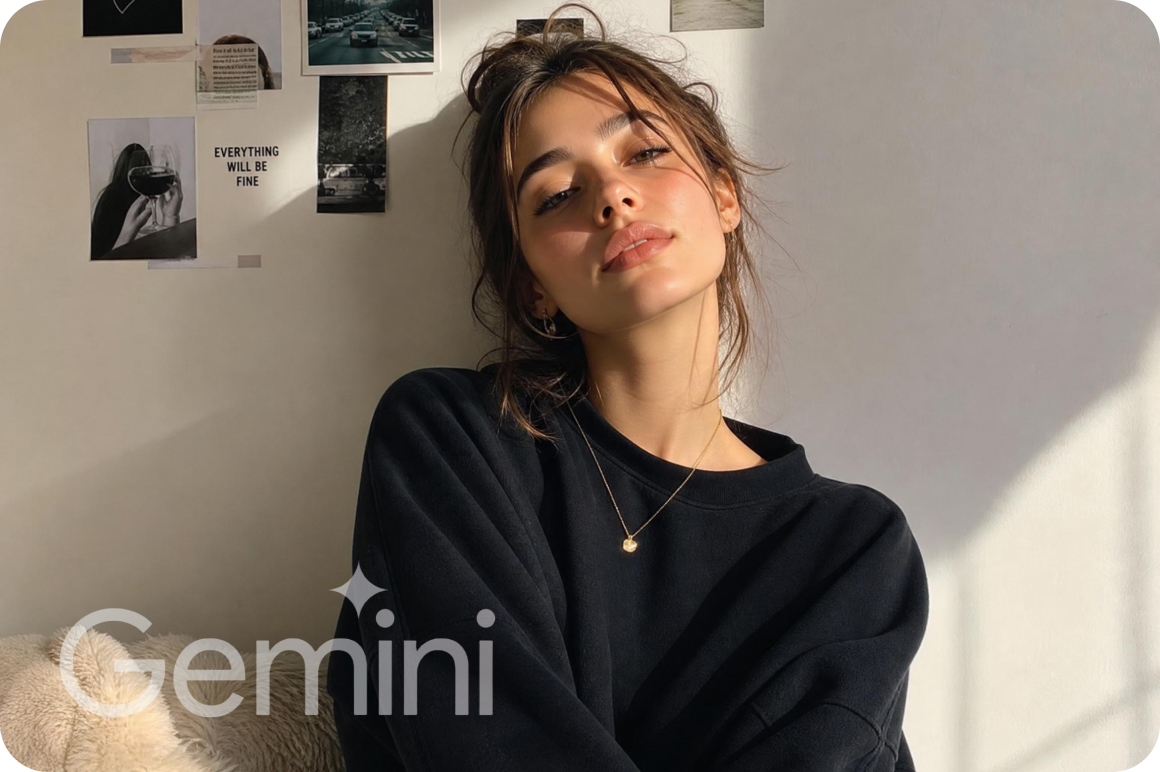
Enhance Gemini-generated images to improve clarity and sharpness before posting on TikTok, Instagram, Pinterest, or LinkedIn. A sharper, higher-resolution image performs better visually in feeds and avoids the soft or compressed look that can come with AI-generated outputs at standard resolution.


Prepare Gemini images for marketing
Before using Gemini-generated visuals in social media ads, blog headers, or website banners, run them through an AI image enhancer to improve overall quality and clarity. Higher-resolution images look more professional in marketing materials and reduce the risk of images appearing pixelated on large screens or print formats.
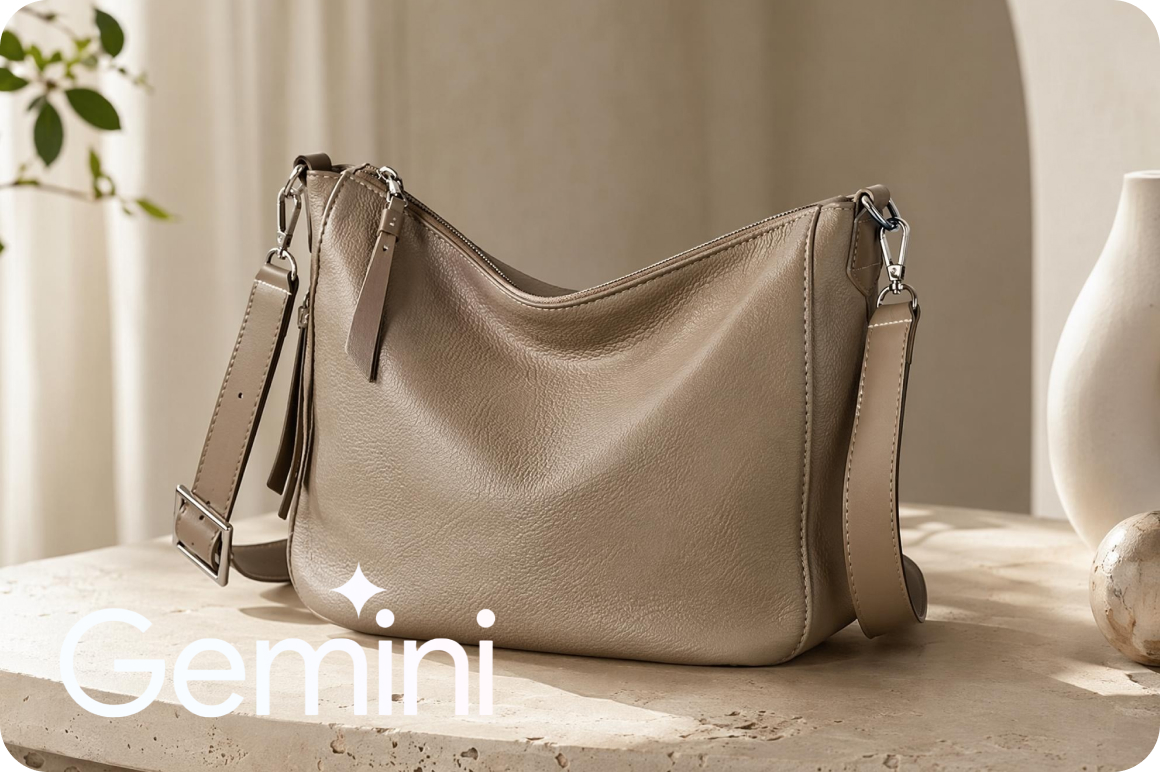
Enhance Gemini images for ecommerce
Improve the clarity and resolution of Gemini-generated product visuals so they look sharp in online store listings, product pages, and marketing ads. Cleaner, more detailed images help products appear more professional and appealing, which directly supports purchasing decisions.
Enhance Gemini images with AI quality optimization
Restore details in Gemini-generated images
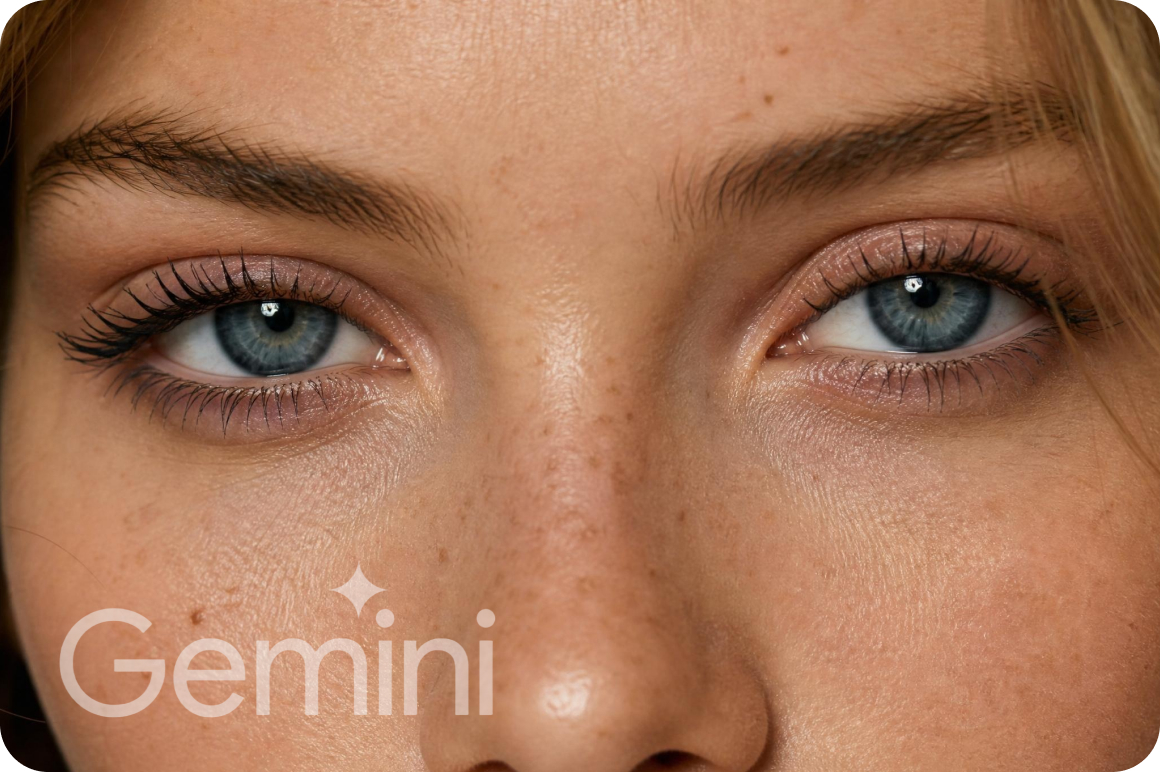
Use Vmake Labs AI image enhancer to restore fine details, improve textures, and reduce blur in Gemini-generated images while preserving the original composition. Particularly useful for AI artwork and illustrations where fine edges and color transitions matter most.
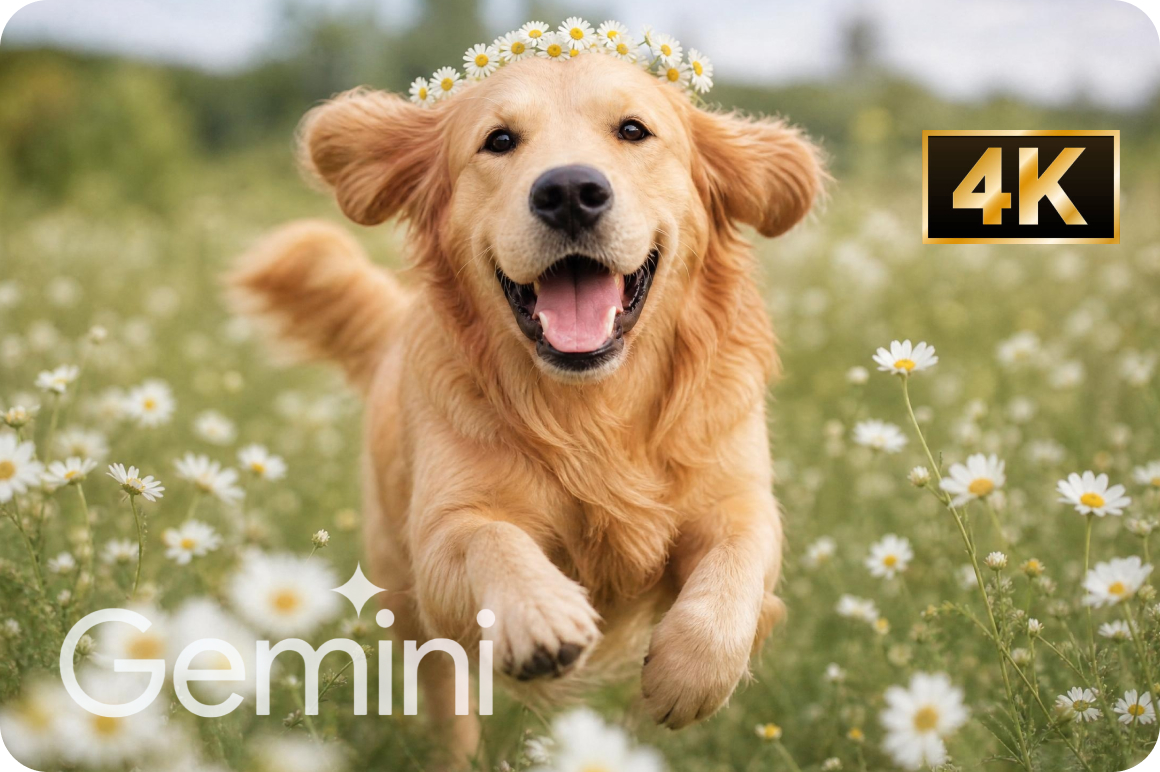
Upscale Gemini images to HD and 4K
Increase the resolution of Gemini-generated images to HD or UHD (4K), creating sharper visuals suitable for social media, design projects, and high-quality downloads. Vmake Labs AI reconstructs missing pixel detail rather than just stretching the image — preserving quality at larger sizes.

AI optimization for different Gemini image scenes
Apply scene-based AI enhancement to optimize Gemini-generated portraits, illustrations, and AI artwork for better clarity and detail. Different image types benefit from different processing modes — scene selection of Vmake Labs ensures the right enhancement is applied to each image style.
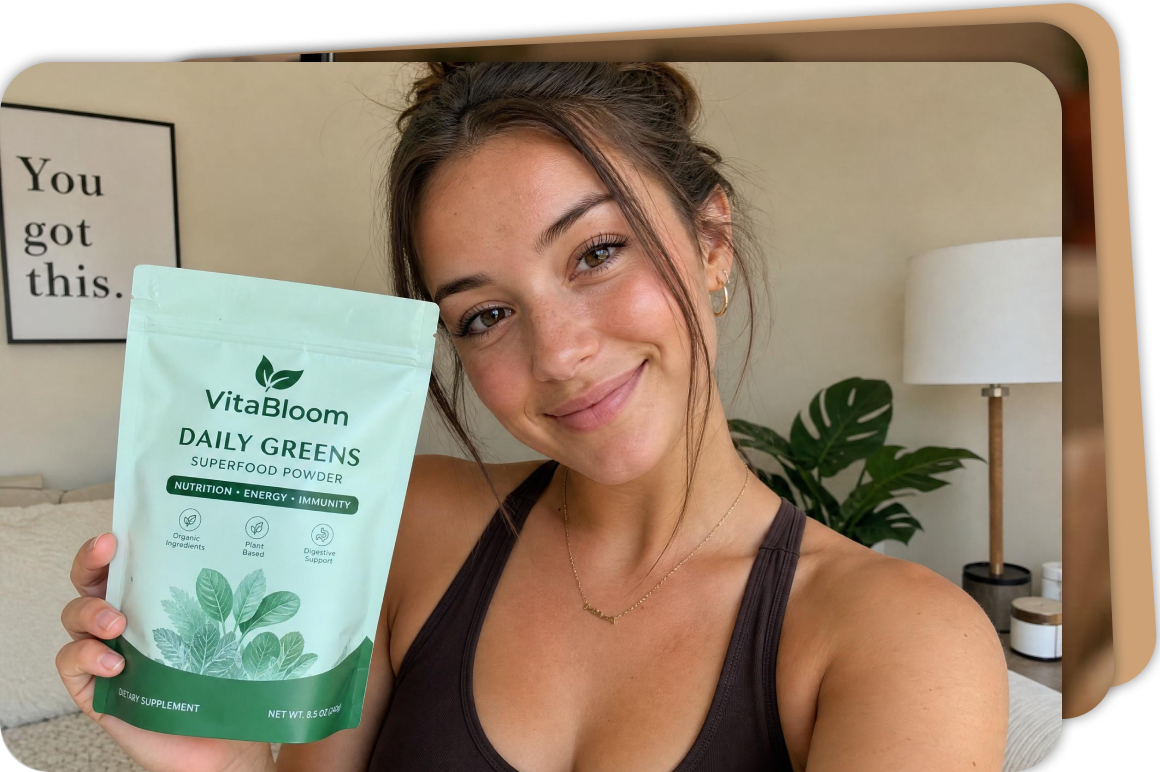
Batch enhance multiple Gemini images at once
Enhance up to 30 Gemini-generated images simultaneously with AI batch processing, saving time when working with large sets of visuals for campaigns, content calendars, or product catalogues.
AI artists and creators
AI artists who generate illustrations, concept art, or digital artwork with Gemini often enhance their images to improve clarity and restore fine details. Vmake Labs gemini image enhancer helps refine textures and edges so the final artwork looks sharper while preserving the original creative style.
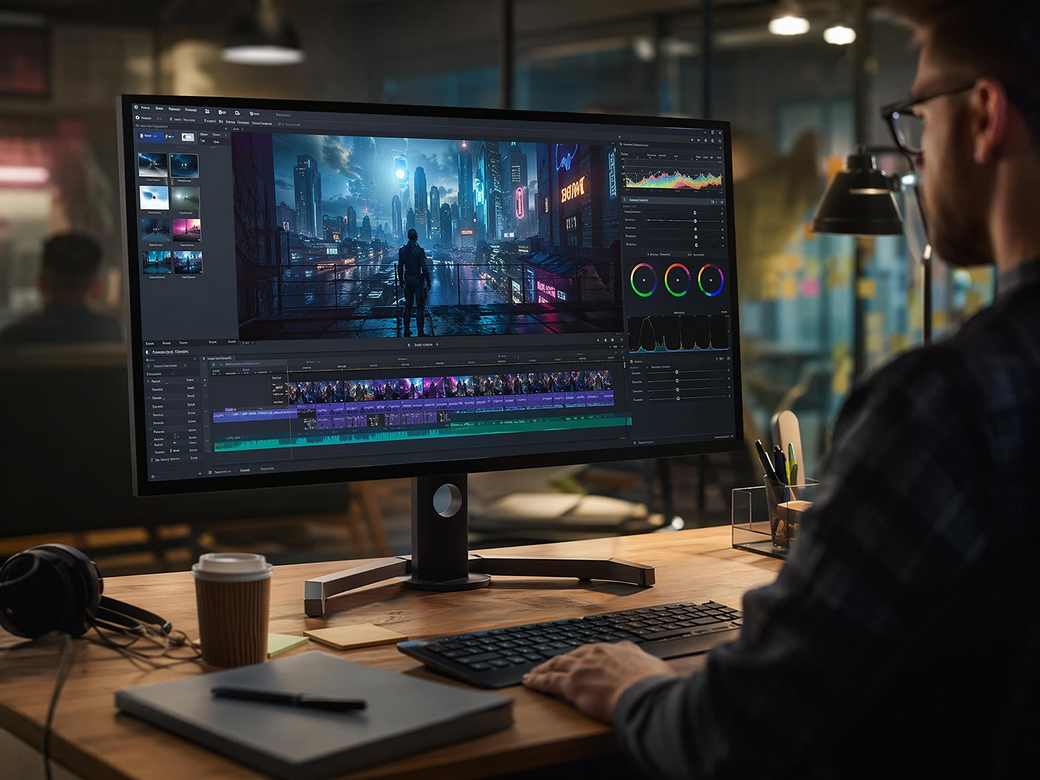
Social media creators
Content creators who share AI-generated visuals on social platforms use image enhancement to make their posts look more polished. Sharper images with improved colors and clarity help content stand out in social feeds and create a more professional visual presence.

Marketing and design teams
Marketing teams and designers often use Gemini-generated visuals in campaigns, presentations, and promotional materials. Enhancing these images helps ensure they look crisp and high-quality across websites, ads, and marketing assets.

Why do Gemini-generated images look low resolution or soft, and can I fix them?
What should I do to enhance image quality of a Gemini AI output without losing detail?
To enhance the image quality of a Gemini-generated image without losing detail, use a scene-aware AI enhancer rather than a basic sharpening filter. Vmake Labs lets you select an optimization mode — AI art, illustration, or photo — so the enhancement is matched to the content type.
What's the difference between HD and UHD enhancement, and which should I choose?
HD enhancement increases resolution to standard high-definition which is suitable for social media posts, blog headers, and website visuals where screen display is the end use. UHD (4K) enhancement produces a significantly larger output with more recovered detail, making it better suited for print materials, large-format design projects, or ecommerce product images where zoom and close-up clarity matter. If you're unsure, start with HD which processes faster and is sufficient for most digital content use cases.
Is there a free AI image enhancer for Gemini images with no sign-up required?
Yes. Vmake Labs Gemini image enhancer is free to use directly in your browser — no account, no subscription, and no software installation required. Upload your Gemini-generated image, select your enhancement settings, and download the result. It's a practical free online image enhancer for creators and small teams who want to improve image quality without committing to a paid tool.
Can I enhance multiple Gemini images at once?
Vmake Labs supports batch enhancement of up to 30 images at once, so you don't need to upload and process Gemini images individually. This is particularly useful for marketing teams and ecommerce sellers who generate multiple Gemini visuals for a campaign or product catalogue and need to enhance them all before use.
Will upscaling a Gemini image affect its SynthID watermark?
This is a question raised by creators working with Gemini's commercial outputs on the Google AI Developers Forum. External AI upscaling tools including Vmake process the visual layer of the image and do not modify embedded metadata like SynthID. However, Google has not published an official position on whether third-party upscaling constitutes a terms of service violation.
Why choose Vmake Labs Gemini image enhancer

Your Gemini-generated images are processed securely with automatic deletion after processing, helping keep private or unpublished visuals protected. No images are stored or used for model training.

Upload a Gemini-generated image and let AI automatically enhance clarity, textures, and resolution in just a few seconds — no manual editing, sliders, or layer adjustments required.

Enhance Gemini images directly in your browser as a free online image enhancer — no app download, plugin, or sign-up required. Simply upload, process, and download the improved image from any device.
Discover More Features

Video & Image Enhancer

Watermark & Text Remover

Video Upscaler

AI Video Generator

Video Background Remover

Video & Audio to Text

Video Noise Reducer

AI Video Translator
Ready to improve your Gemini AI images?
Upload your Gemini-generated image and enhance clarity, resolution, and detail instantly with AI. Free, in your browser, no account needed.
What Users Say About Vmake Labs Gemini Image Enhancer
This tool is incredibly easy to use. I uploaded several AI-generated images from Gemini and the enhancer immediately made them sharper and clearer. The whole process only took a few seconds and the results looked much more polished.
I use Gemini to generate concept art, but sometimes the images look a little soft. Vmake gemini image enhancer helped restore details and textures without changing the original style. It’s now part of my regular workflow.
We tested several AI image upscalers for marketing visuals, and Vmake labs worked surprisingly well. The images looked sharper after enhancement and were good enough to use in campaign graphics.
I like how fast the tool is. Uploading an image and downloading the enhanced version was smooth and straightforward. It’s perfect when you need quick improvements before posting visuals online.
The batch enhancement feature is very useful. I generated a set of AI images for a project and enhanced all of them at once. It saved a lot of time compared with editing each image manually.
I run an online store and sometimes generate product visuals with AI tools. Enhancing them with Vmake made the images look much clearer and more professional for product pages.