
AI Face Swap for Photos and Videos
Create a natural AI face swap on photos and videos while keeping the original scene intact. Match expressions fast and ship content ready for social posts, UGC ads, and creative tests.


How to swap face with AI in 3 steps
Step 1. Select the way you need
Choose the photo face swap model or the video face swap model first, so the workflow matches the media you plan to process.
Step 2. Upload to start
Upload the photo or video that needs a face swap, then add a clear frontal face photo as the target face. For video, best results come from clips with only one face.
Step 3. Review and download
Check expressions, edges, and overall stability, then download the finished face swap for posts, ads, or creative edits.
AI face swap ideas for real content goals
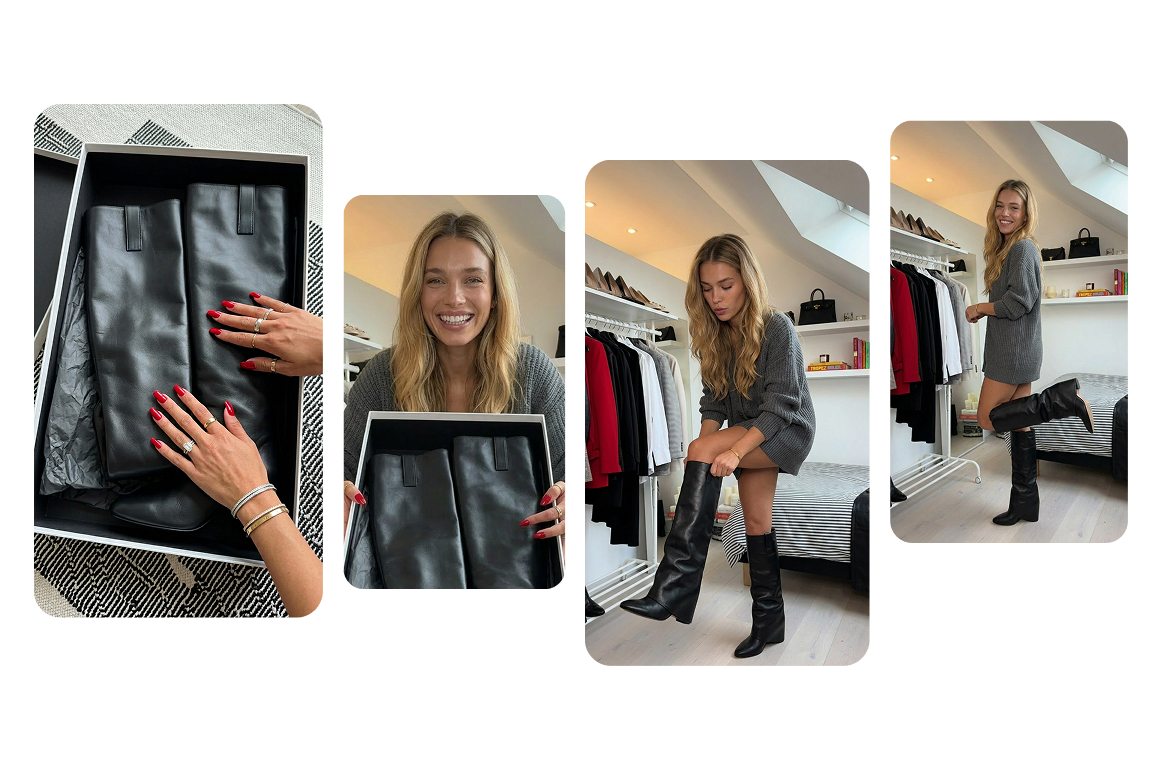
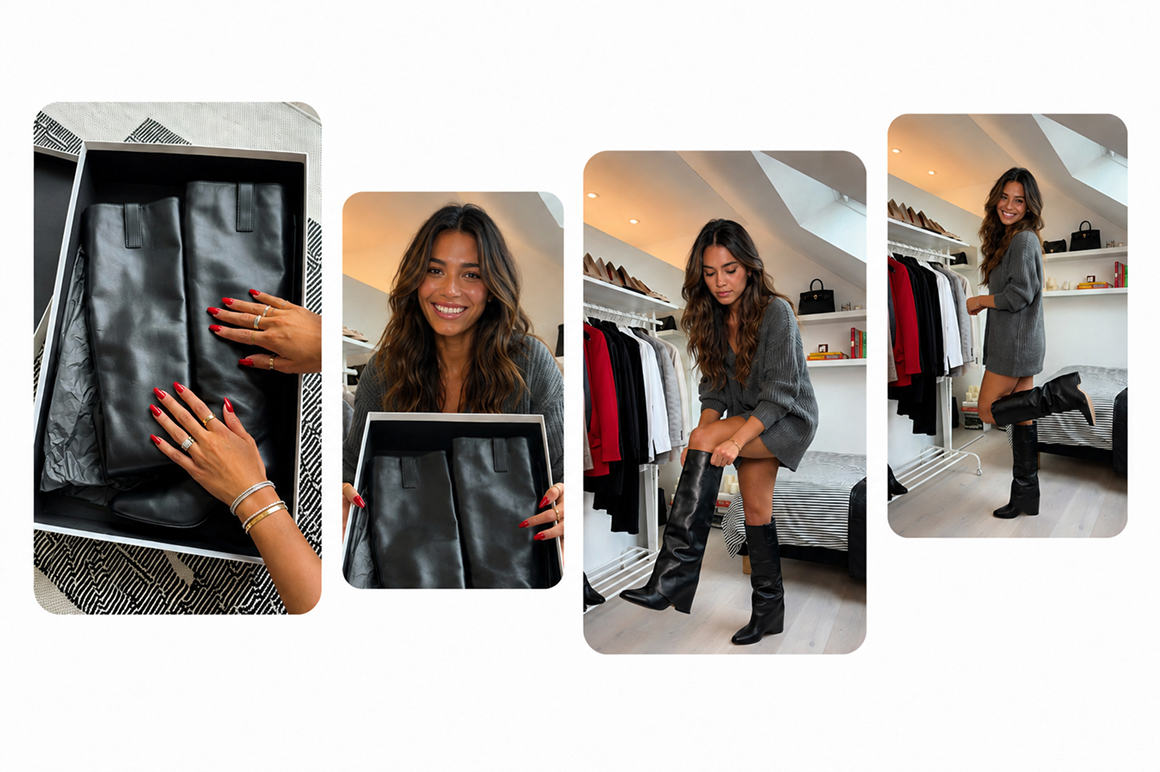
Create scroll stopping social content
You can turn a selfie, product photo, or short clip into a photo or video face swap for trends, reactions, and branded entertainment. Keep the original pacing and visual style while shipping fresh looks fast. This helps you stay on trend without rebuilding the whole edit from scratch.
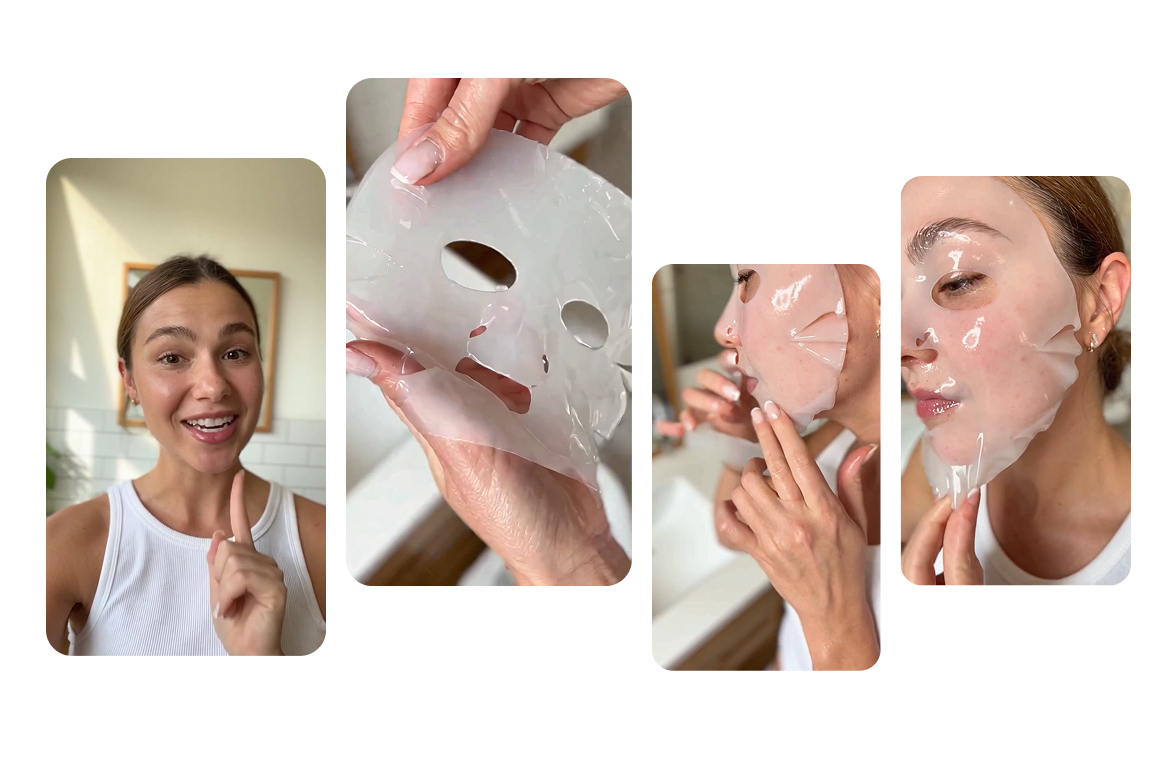
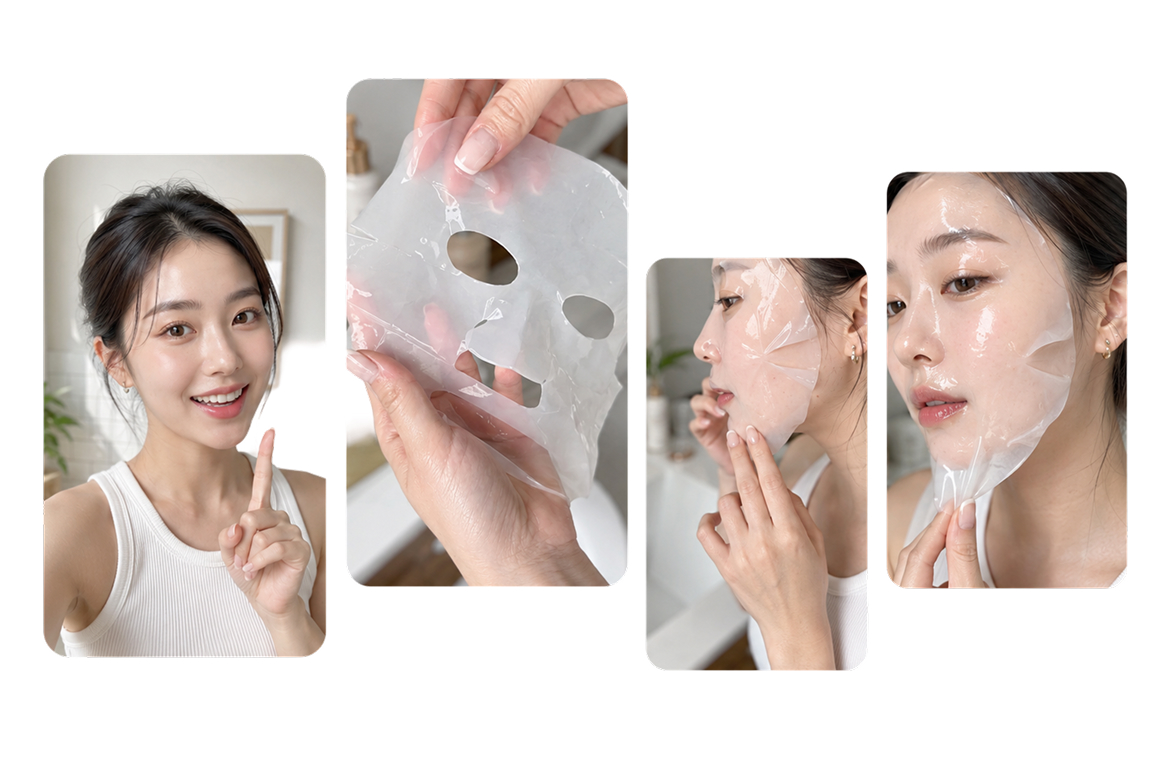
Localize UGC ads without reshoots
You can reuse one winning script and swap the on screen talent for each market while keeping timing, framing, and camera language intact. Create more face variants from the same approved clip, compare ad performance faster, and cut down repeated shoots across regions.
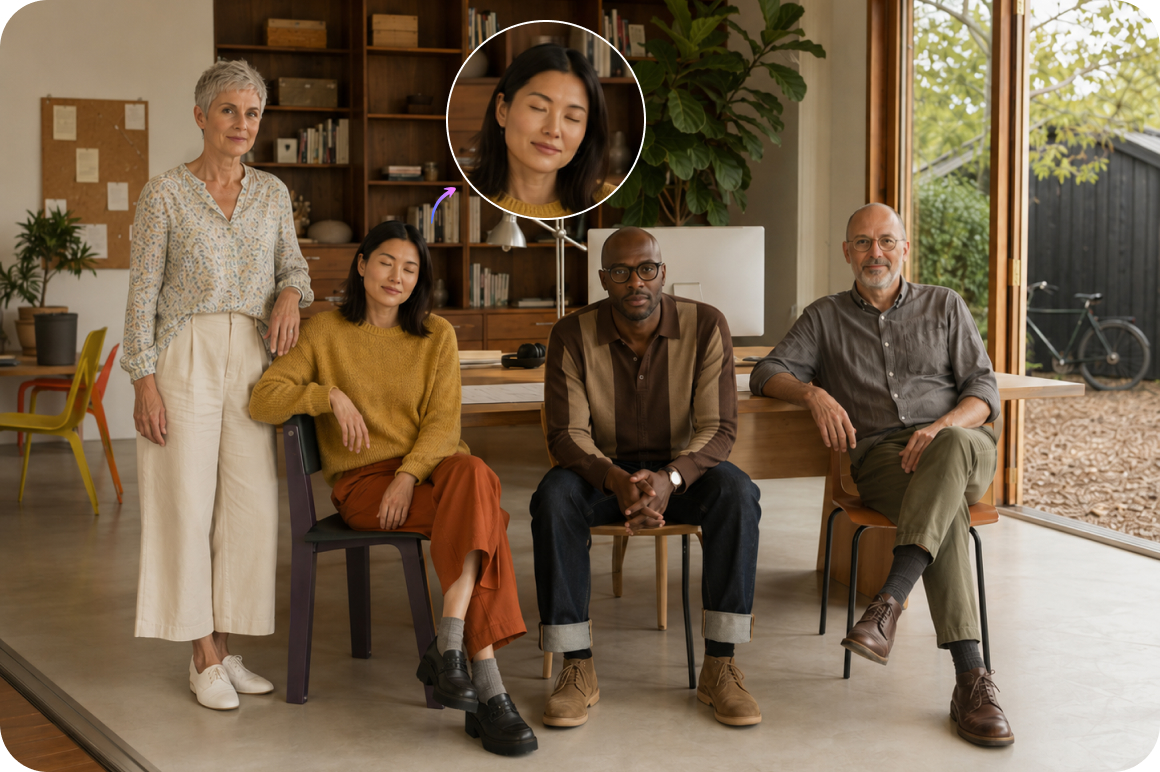
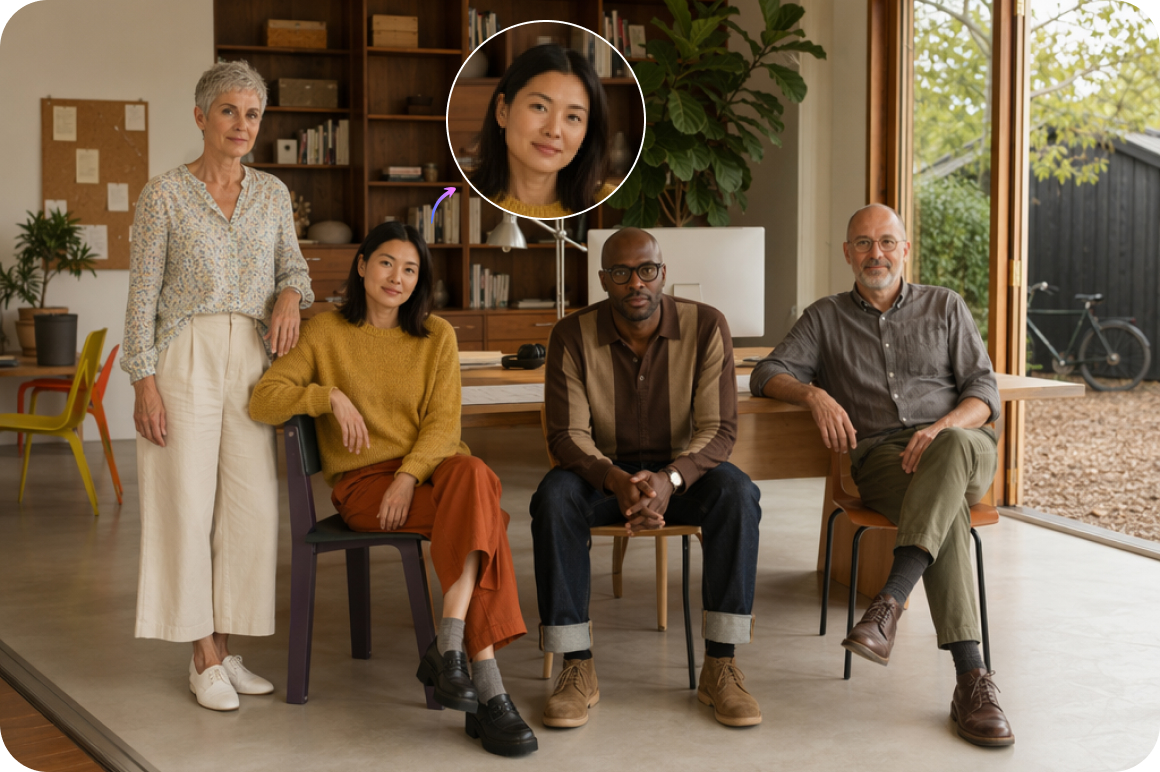
Fix group photos and clips fast
You can rescue a group shot when someone blinked, looked away, or delivered a weak expression. Swap in a better face and keep the same lighting, pose, and background for a natural result. Team photos, event clips, and brand assets become usable without organizing another shoot.
Why creators choose this AI face swap
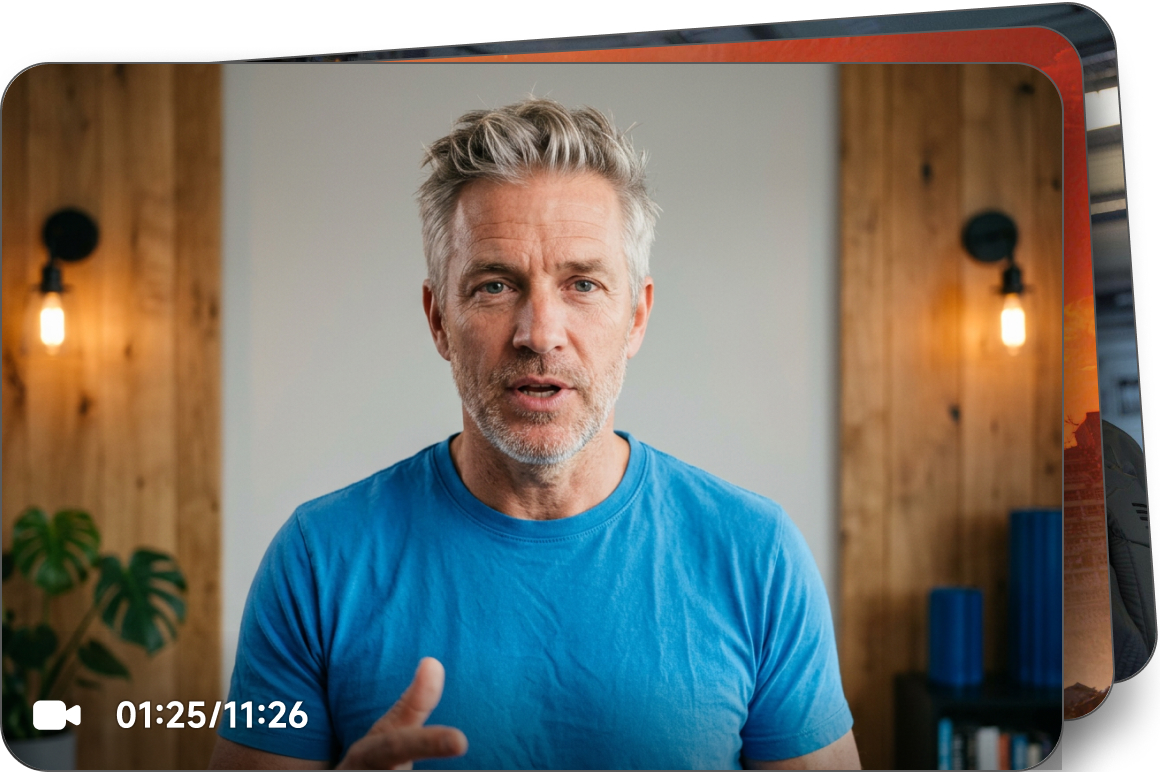
Photo and video in one workflow
Swap faces in still images and video clips through one online workflow. Select the model, upload your media, run the face swap, and review the result before download. Social posts, UGC ads, and quick creative tests can stay in the same tool, so your production flow stays simple and connected.
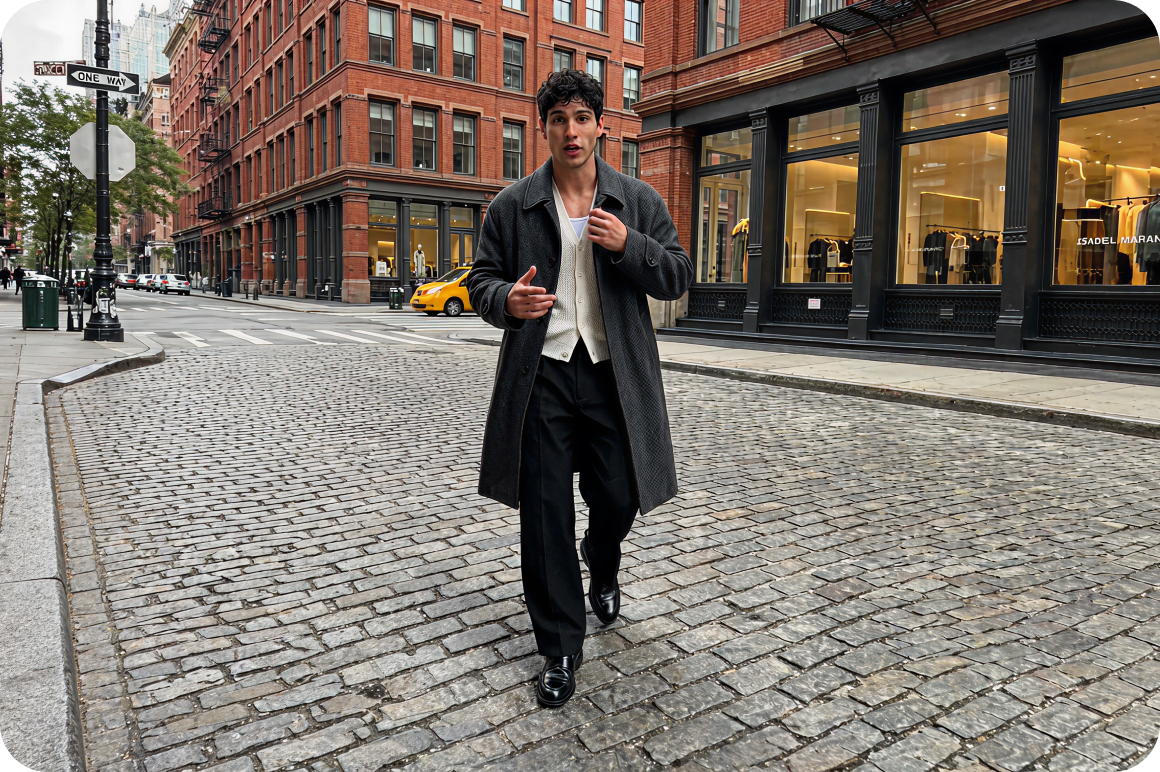
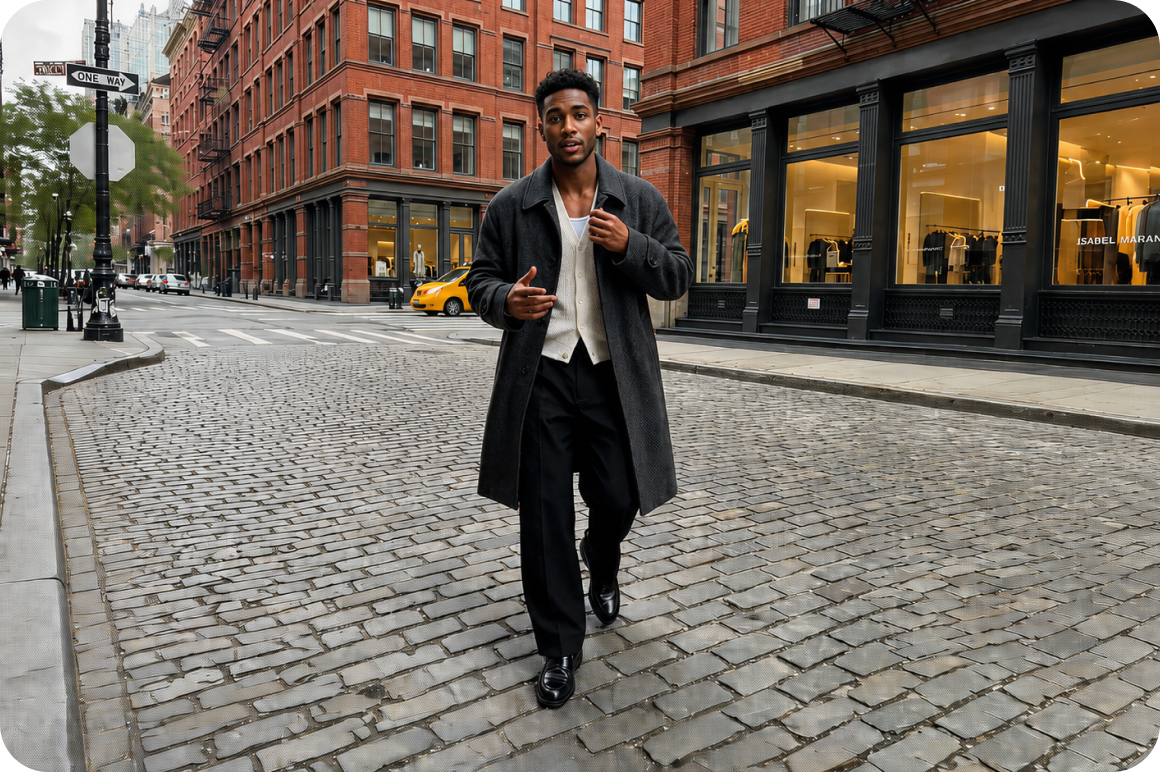
Keep scenes and motion intact
This AI face swap focuses on replacing the face while preserving framing, scene context, and video motion. You get a result that still feels like the original media, not a regenerated scene. That makes it practical for ads, UGC, and edits where continuity matters to the final cut.
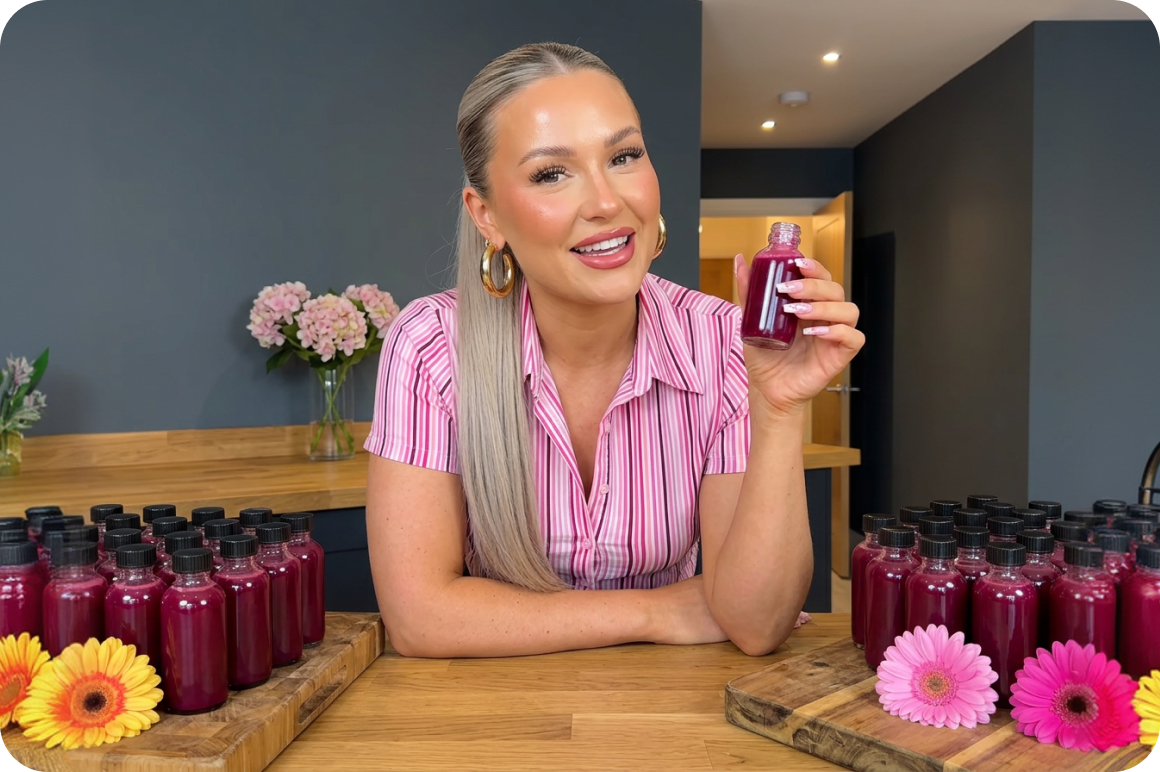
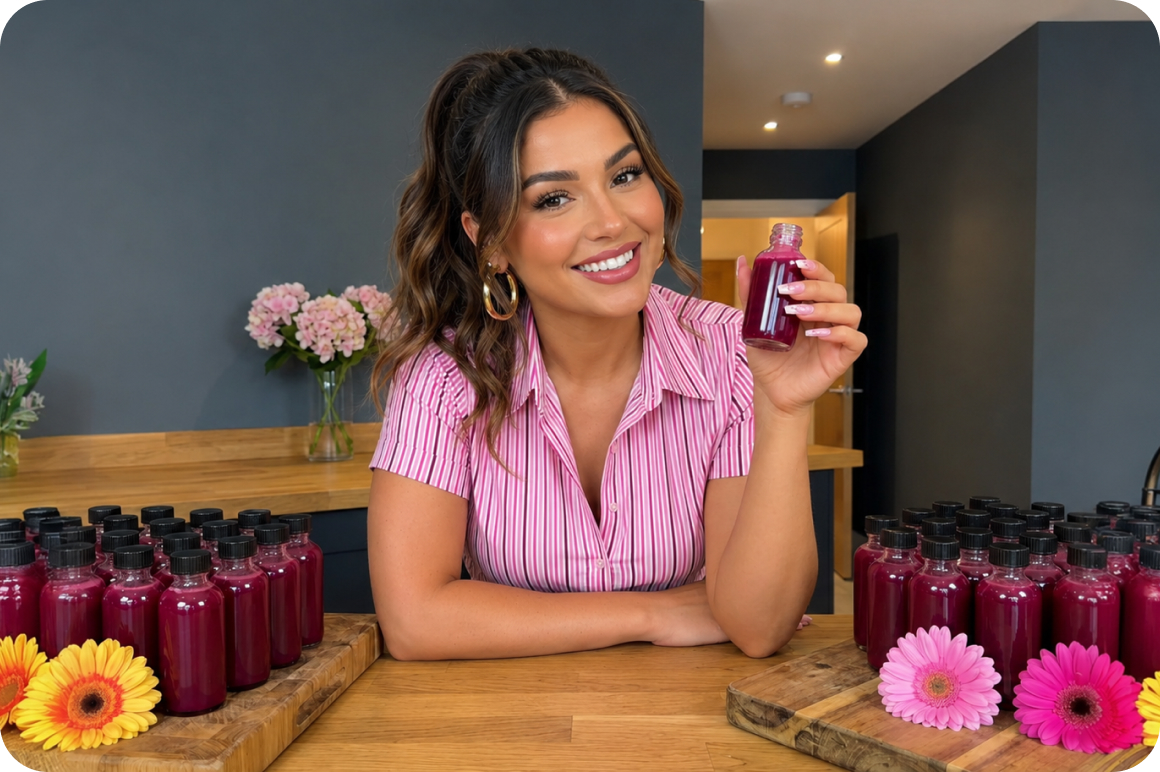
Match expressions with stable results
Map a new face onto the original expression, angle, and lighting conditions. For video, the tool tracks changes across the clip so the swap stays more stable from start to finish. Fewer flicker and edge issues means less cleanup before you publish or hand work to a client.
Who gets results from AI face swap
Social content creators
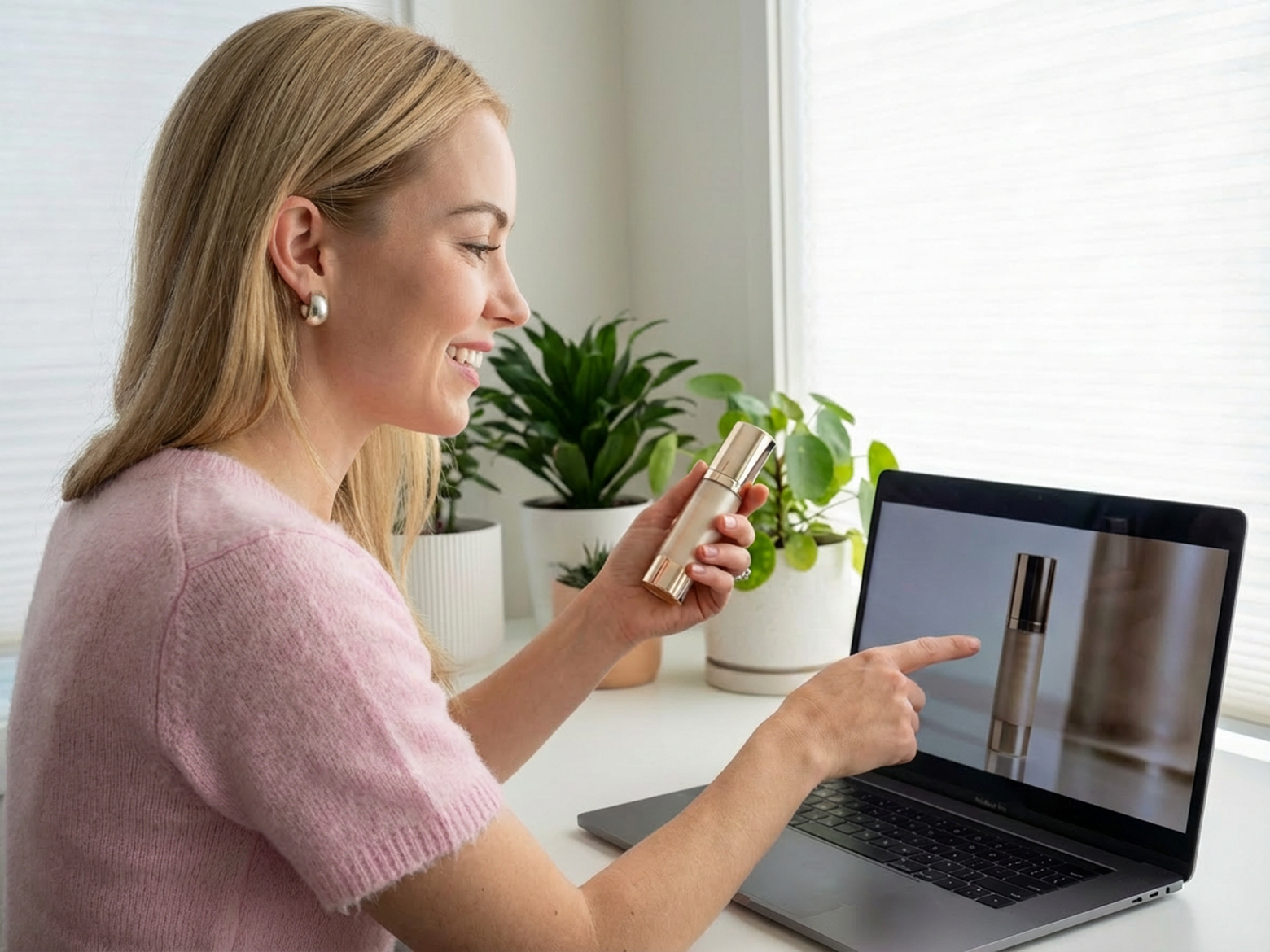
Ecommerce brand teams

UGC marketers
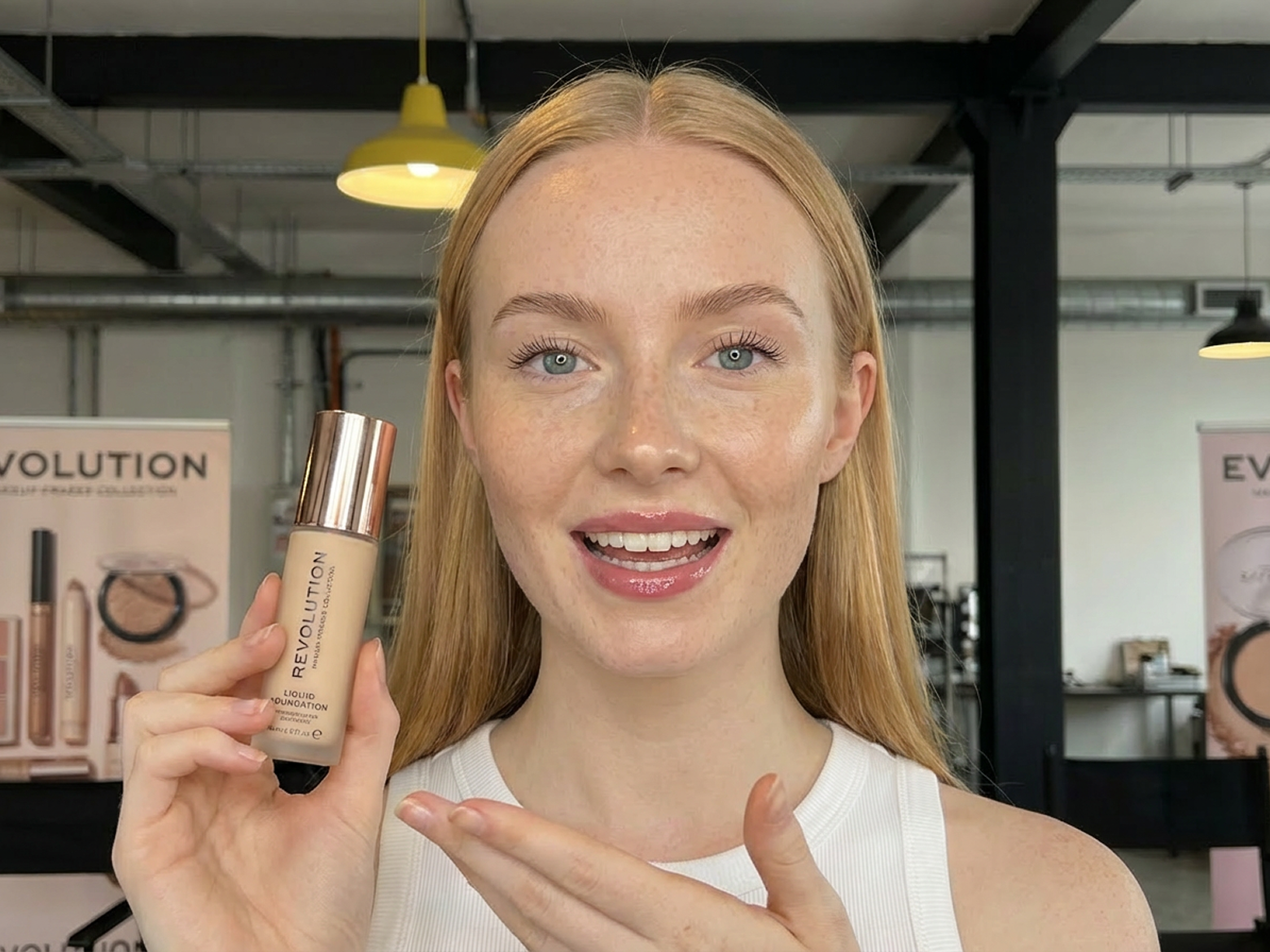
Why this AI face swap stands out

Upload, process, and review online without installing heavy local software or learning complex nodes.

Export results that fit social posts, UGC ads, and quick creative experiments.

Generate more face variants from the same base photo or clip to test hooks, talent, and market fit.
Frequently Asked Questions
What is AI face swap?
Can I face swap both photos and videos?
What kind of face photo should I upload?
What should I know before uploading a video?
Will the original scene stay the same?
Does AI face swap use credits?
Do I need editing skills to use it?
Discover more features

Watermark & Text Remover

Video & Image Enhancer

Video Upscaler

Video Translator
AI Video Generator

Video Background Remover

Video & Audio to Text

Video Noise Reducer
Best face swap online tool you cannot miss
Swap faces in photos and videos with AI, keep the original scene, and turn ideas into content you can publish faster.