
Remove Image Background
Remove or change backgrounds from photos quickly and precisely with Vmake Labs AI-powered background remover online for free.
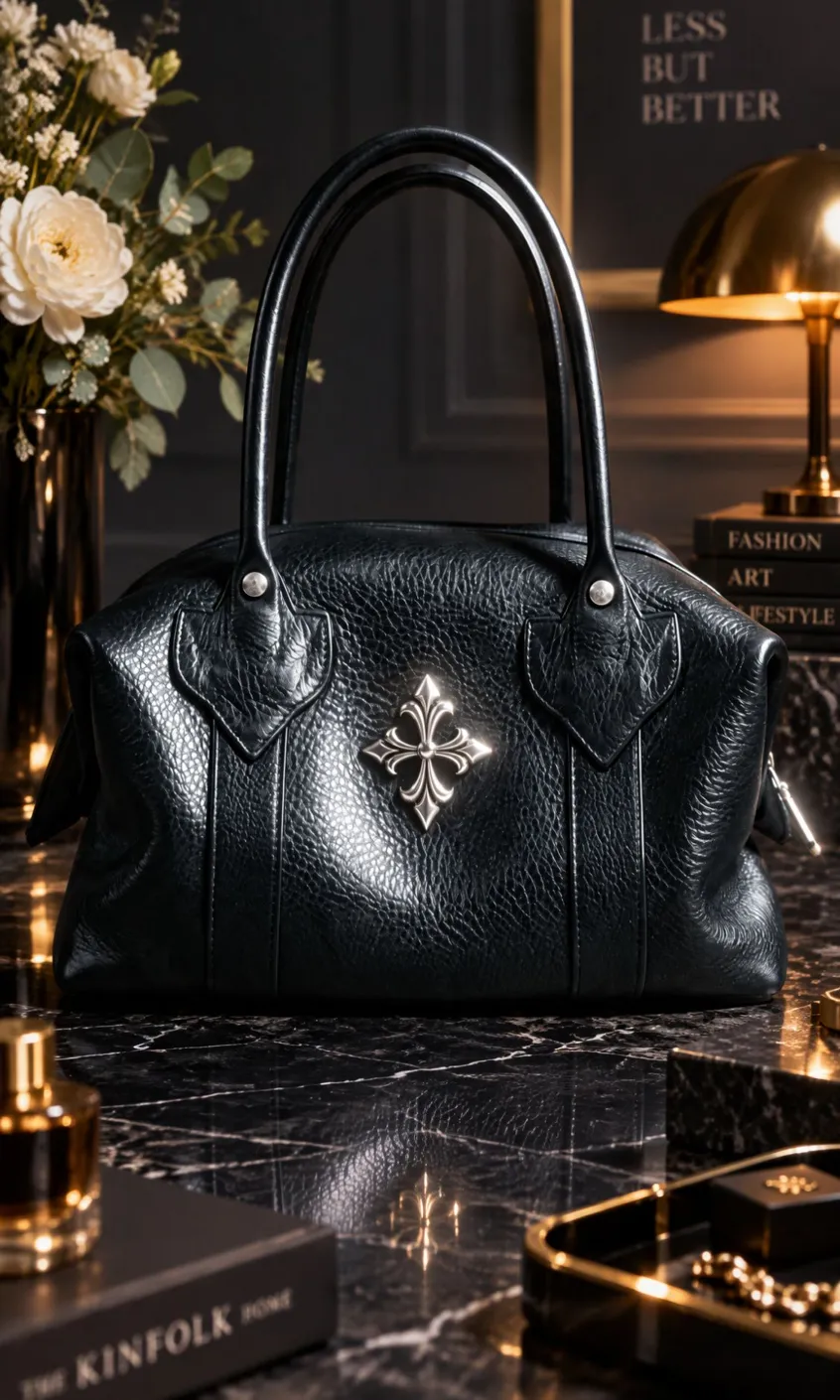
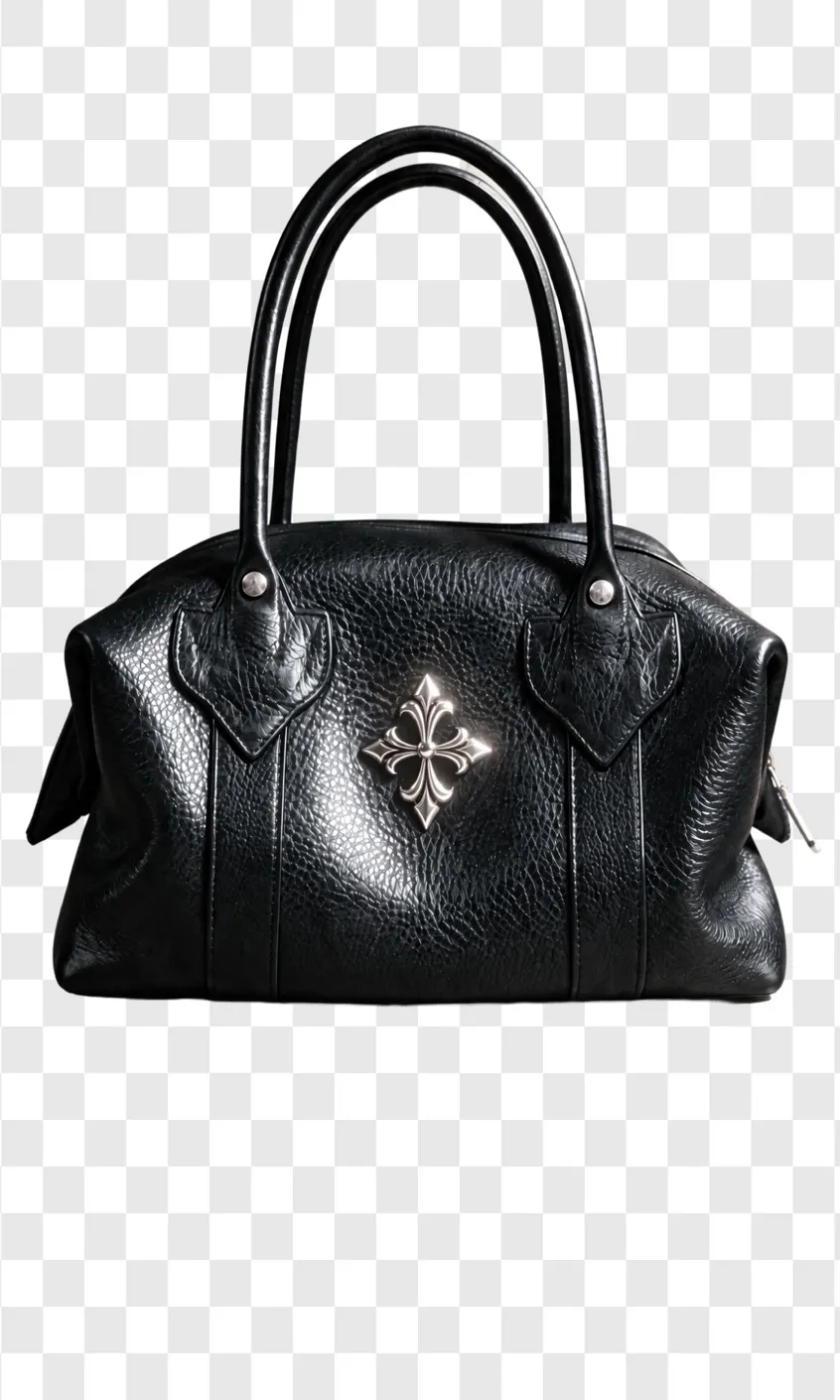
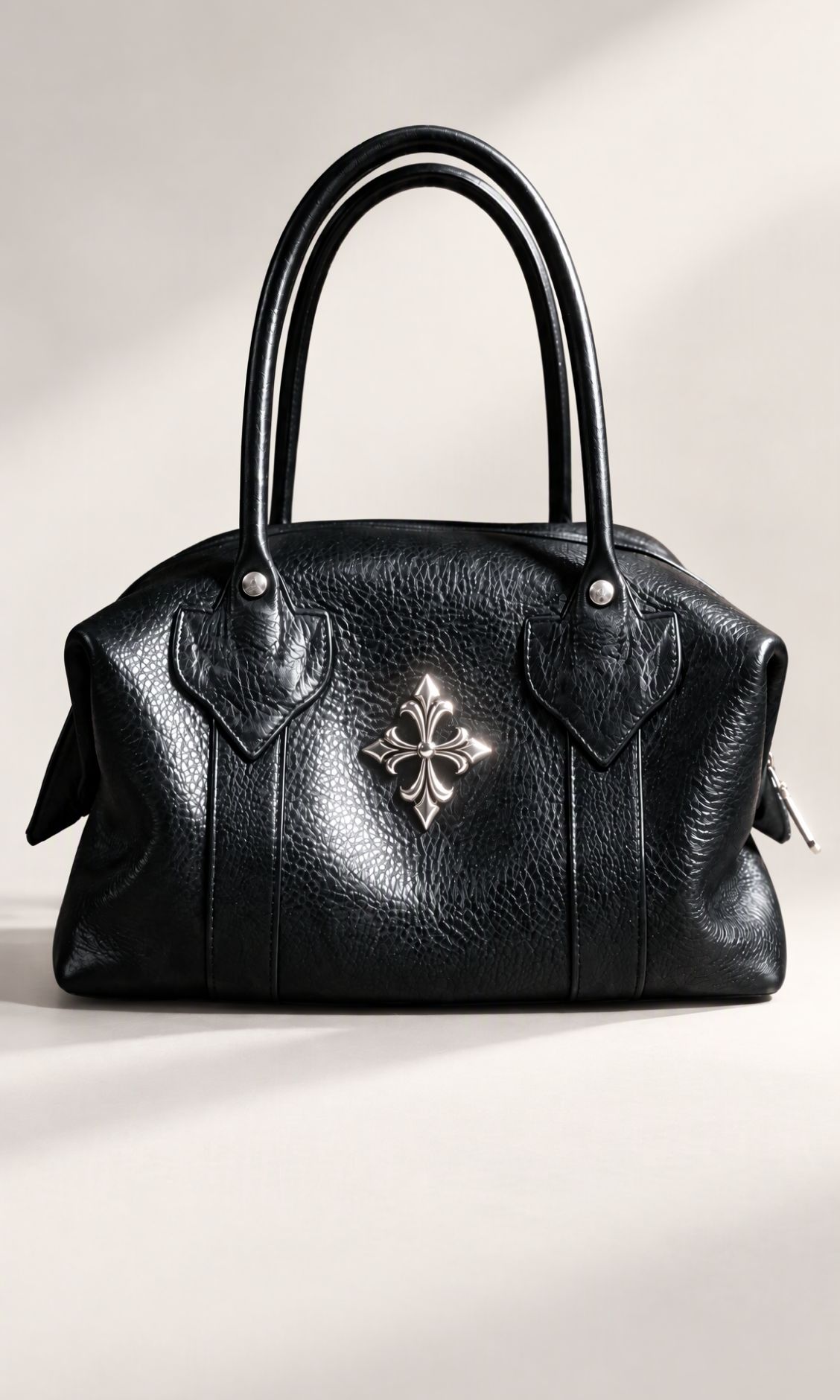

How to remove a background from images
Step 1. Upload images
Upload the photos you want to remove or change backgrounds, from product shots to portraits.
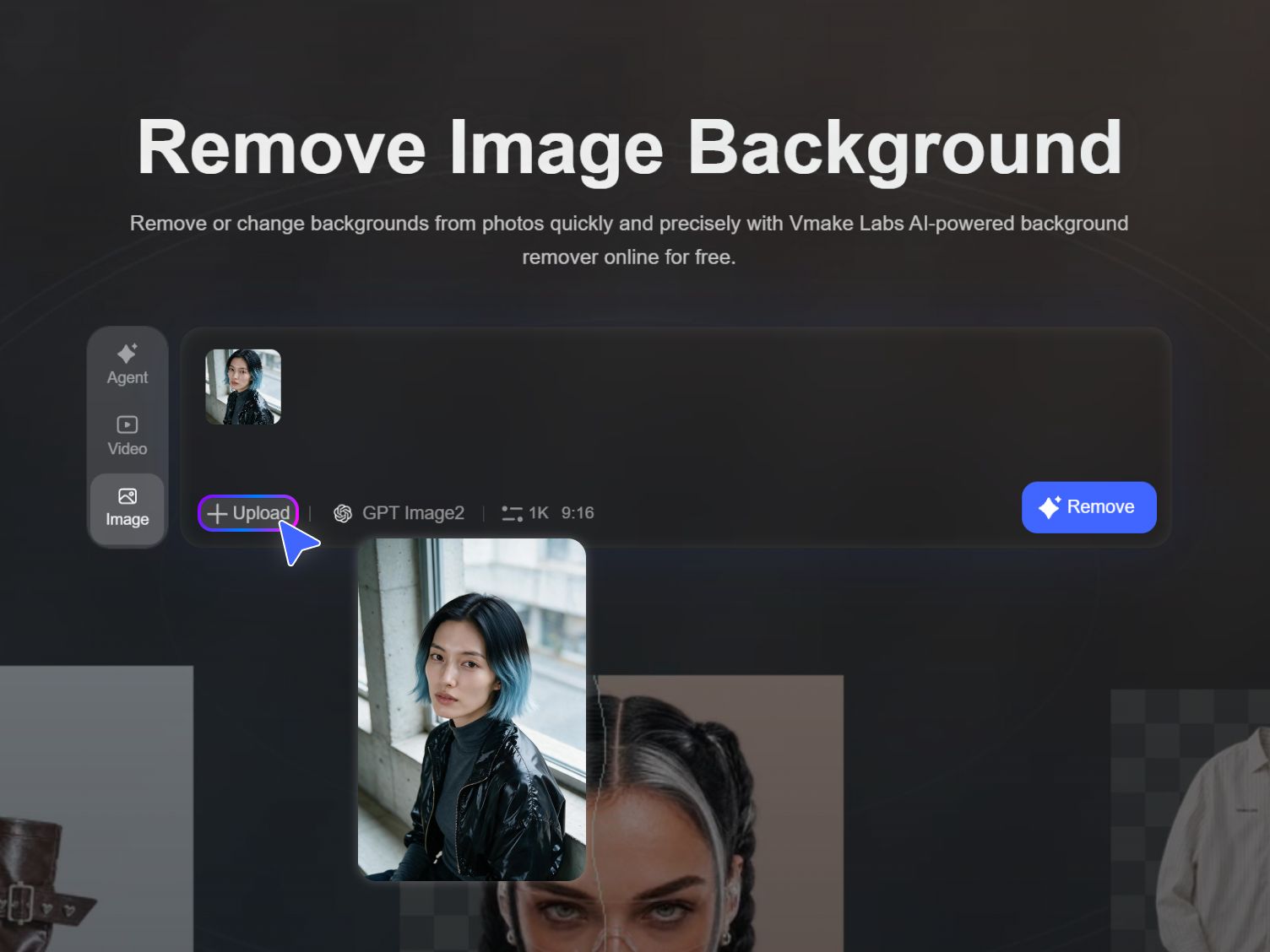
Step 2. Describe and apply
Use the default prompt or write a short description of the background change you want.
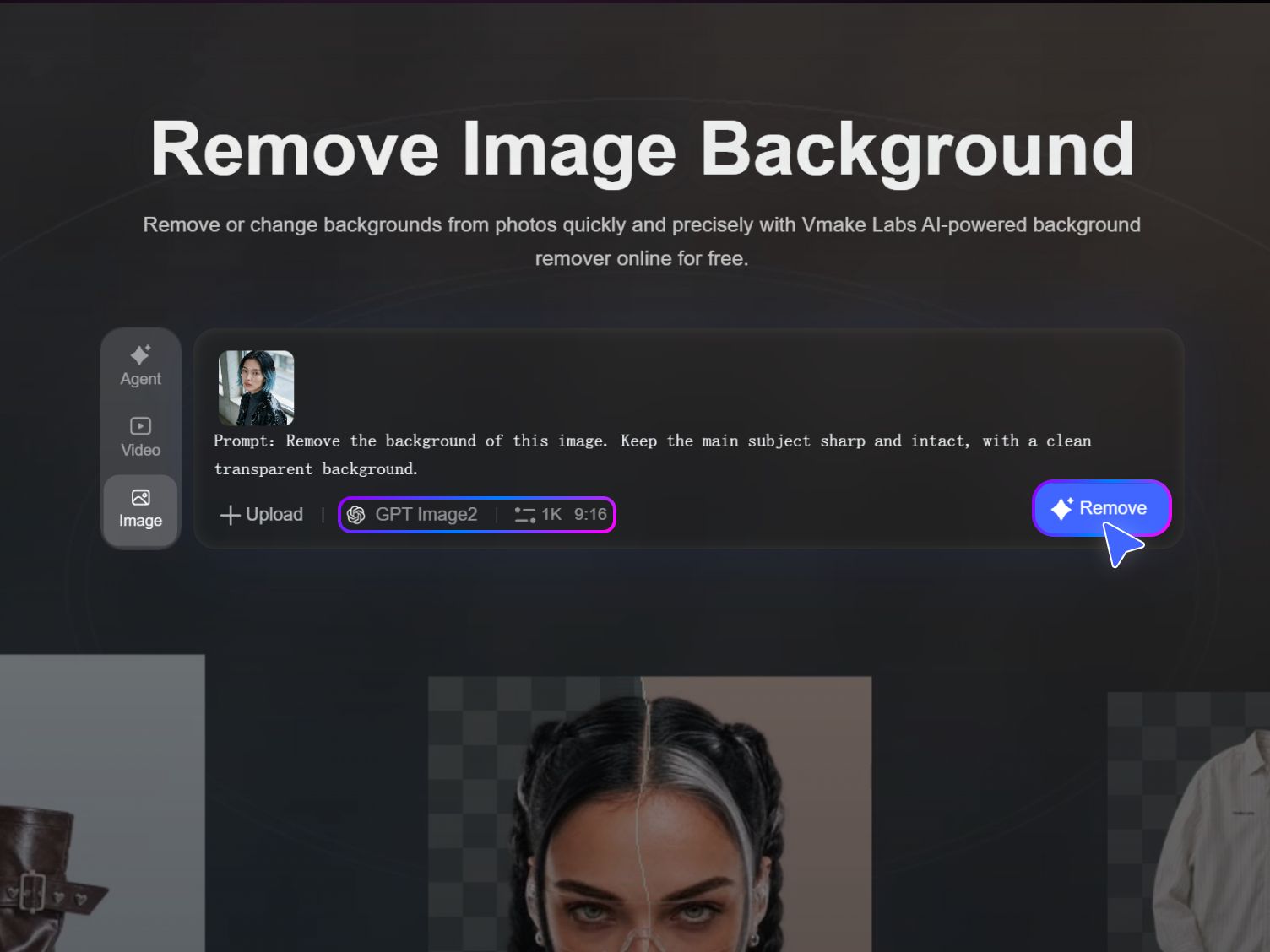
Step 3. Preview and review
Start processing, preview the result, and now download a clean image! You can alter the image the way you like as well.
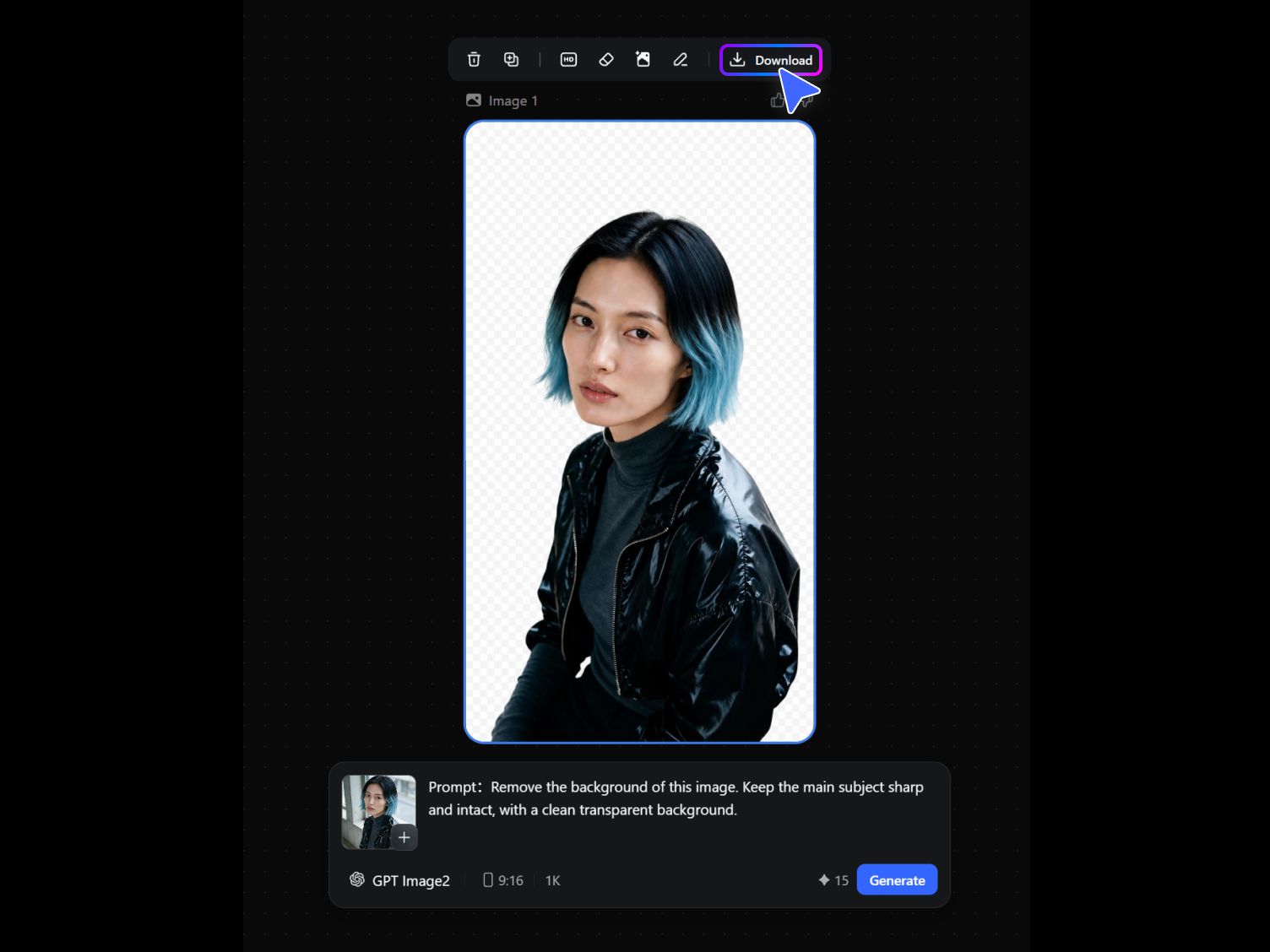
Built to be the only background remover you need
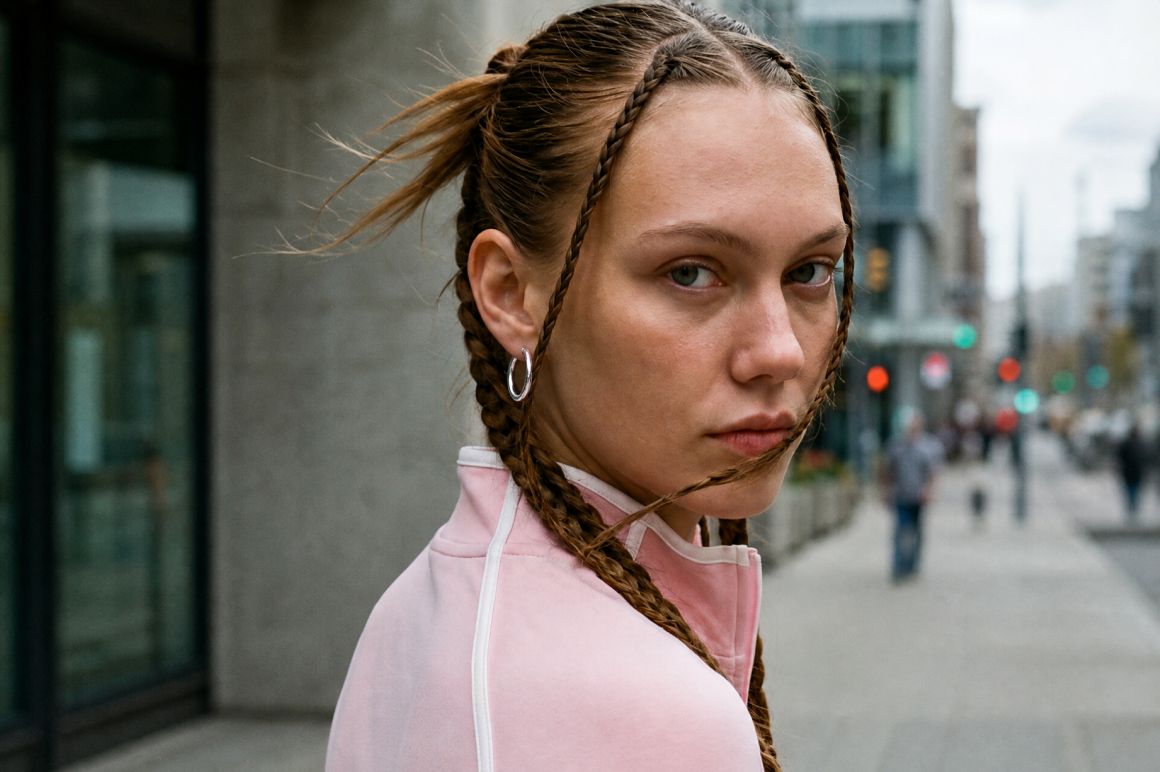
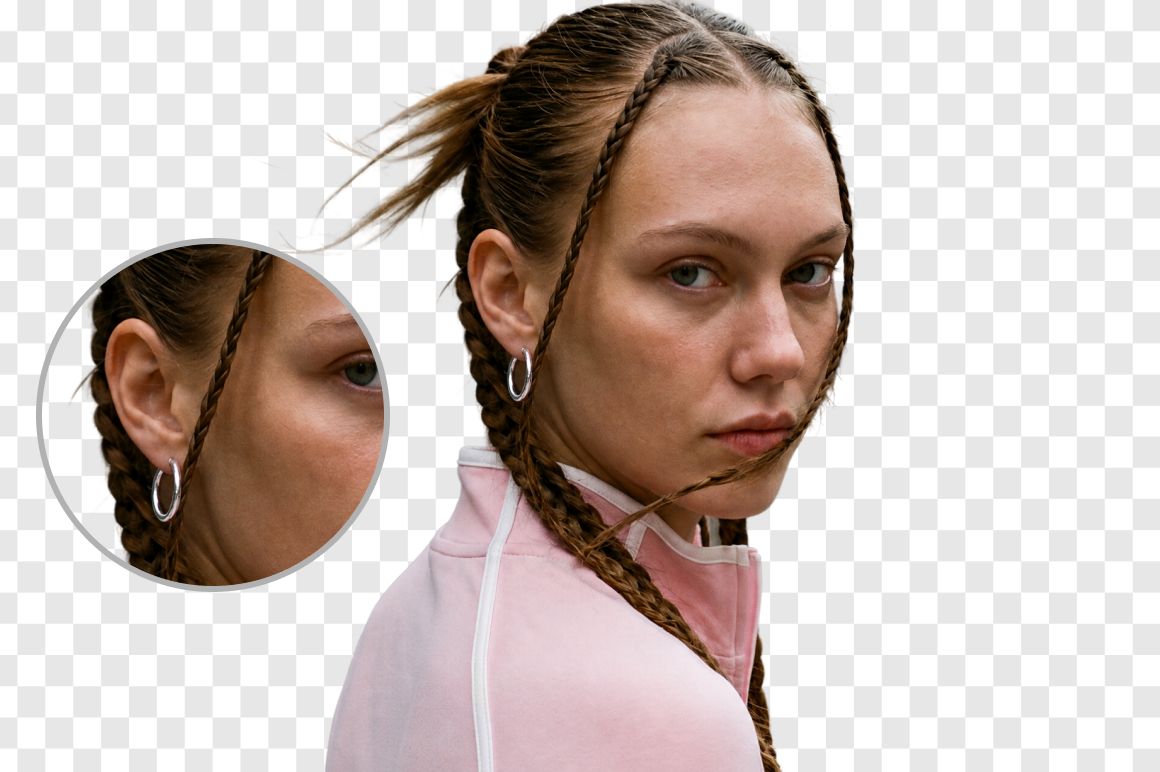
Cutout like a pro
Professional cutouts, every time
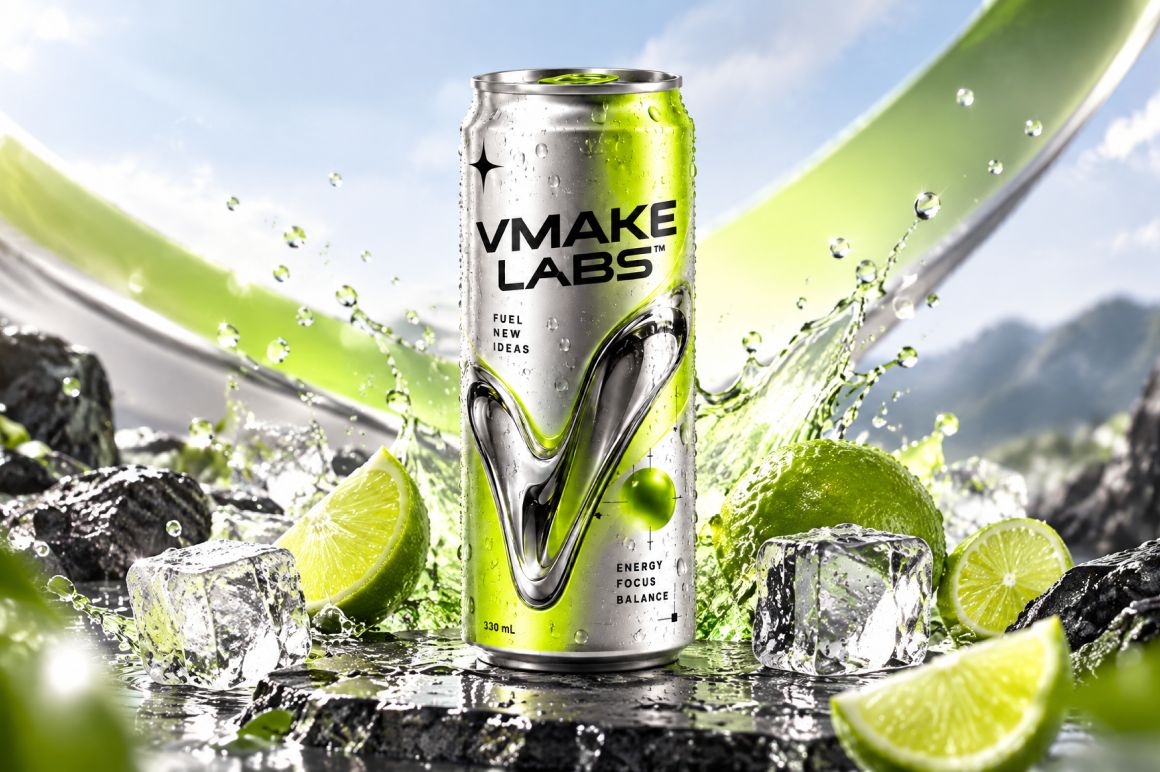
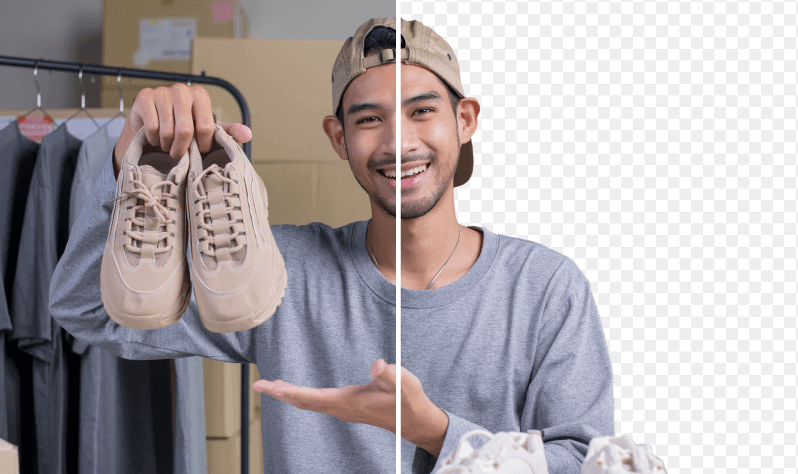
Our AI carefully detects the subject and keeps hair and complex edges looking natural, so every cutout feels clean and ready for listings. Soft edges, thin straps, and busy product shapes stay clear instead of fraying into the backdrop. You get product shots that look polished without a long cleanup pass, and you can move from a raw photo to a usable image with more confidence across catalogs and campaigns.
Save every detail
Every detail, fully preserved
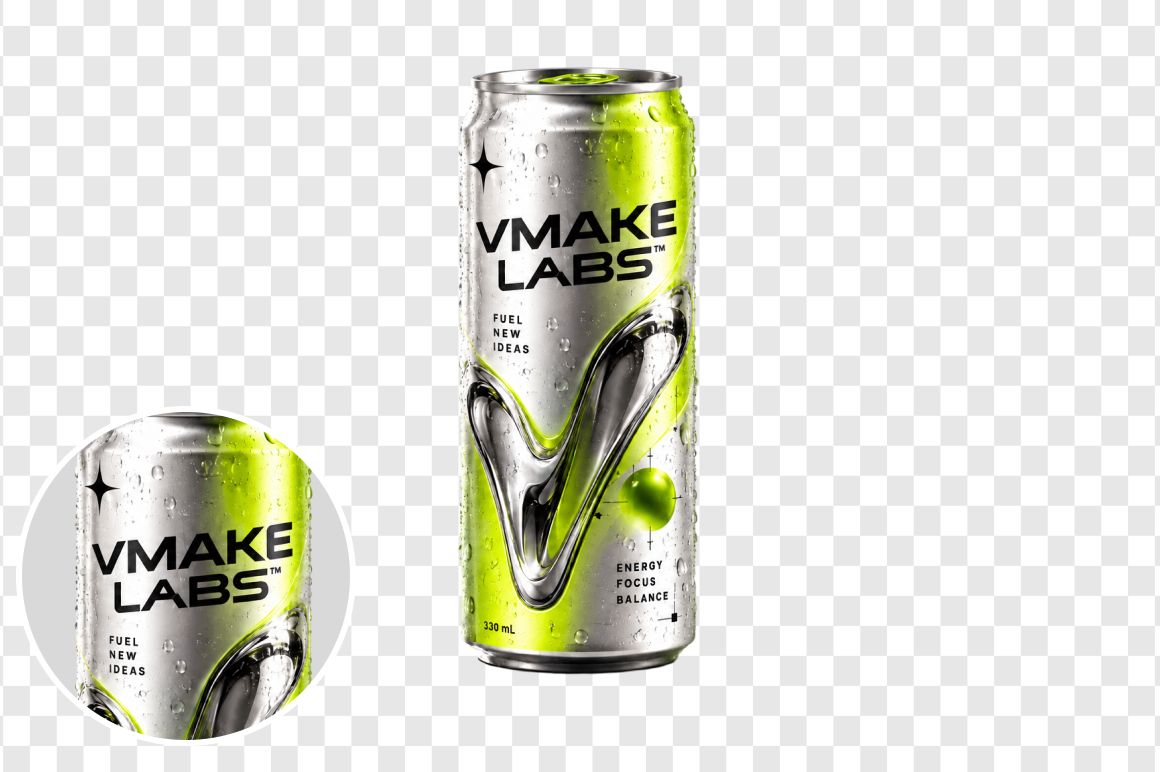
Export at full resolution so fine textures and edges stay intact, then sharpen details in one tap when you want extra clarity for close up views. Fabric weave, label type, and surface shine remain readable after the background is gone. Your images stay crisp for store pages, ads, and social posts, helping your brand look consistent wherever shoppers first discover the product online or in paid placements.
Intuitive background removal
Open. Process. Done.
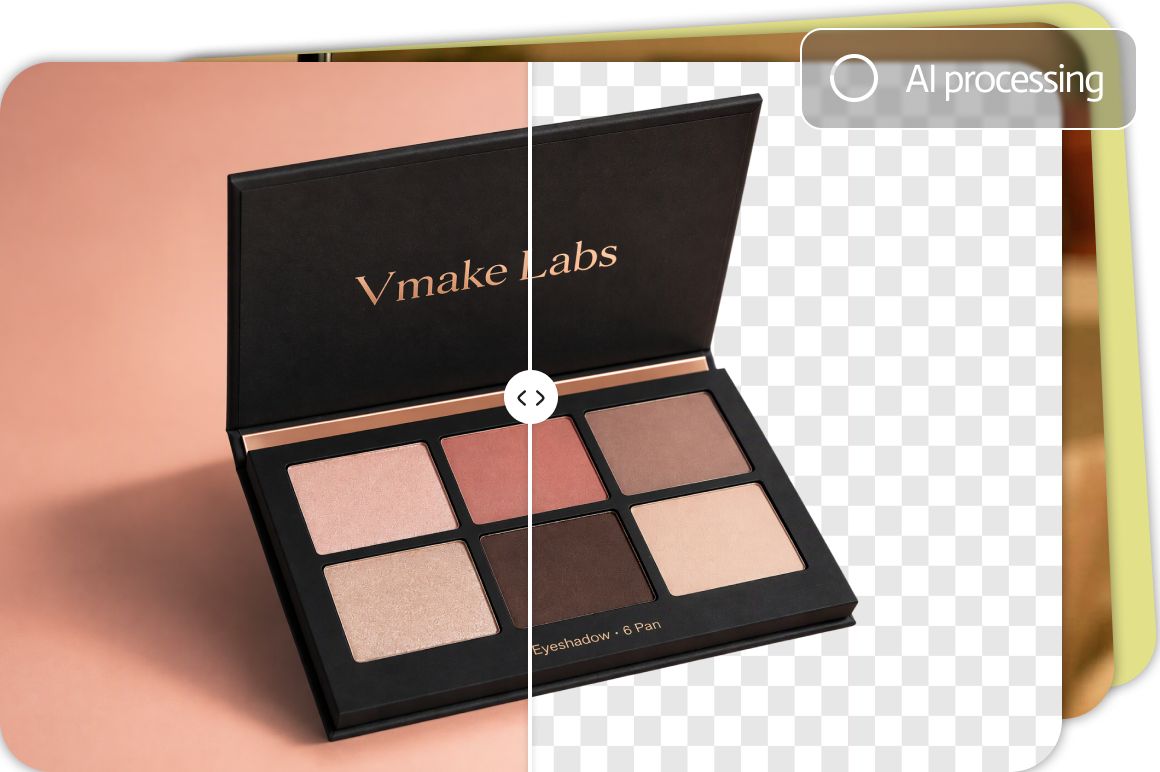
Open the tool in your browser and start removing backgrounds right away, with no install needed and no extra setup between shots. When you have many product photos to finish, batch processing helps you clear the queue faster so catalog updates and campaign launches stay on schedule for your whole team. Keep momentum during weekly drops instead of waiting on a separate editing handoff for every SKU.
Way beyond just removal
From cutout to campaign ready
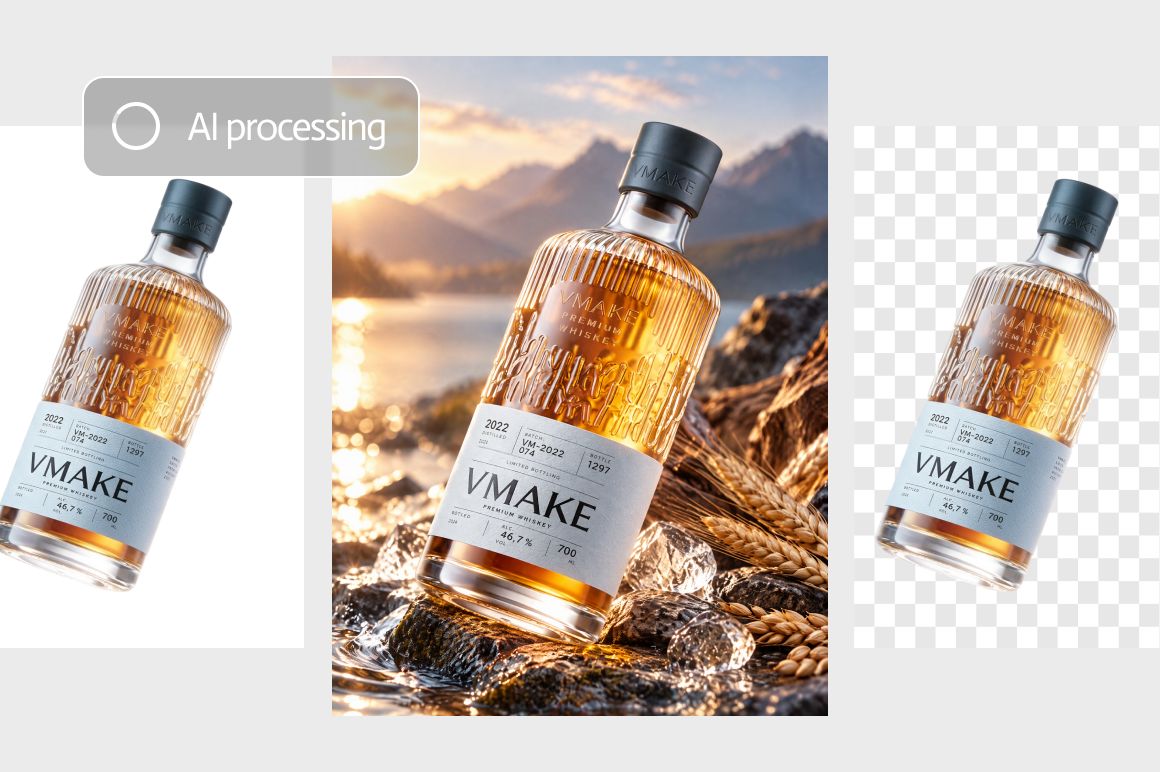
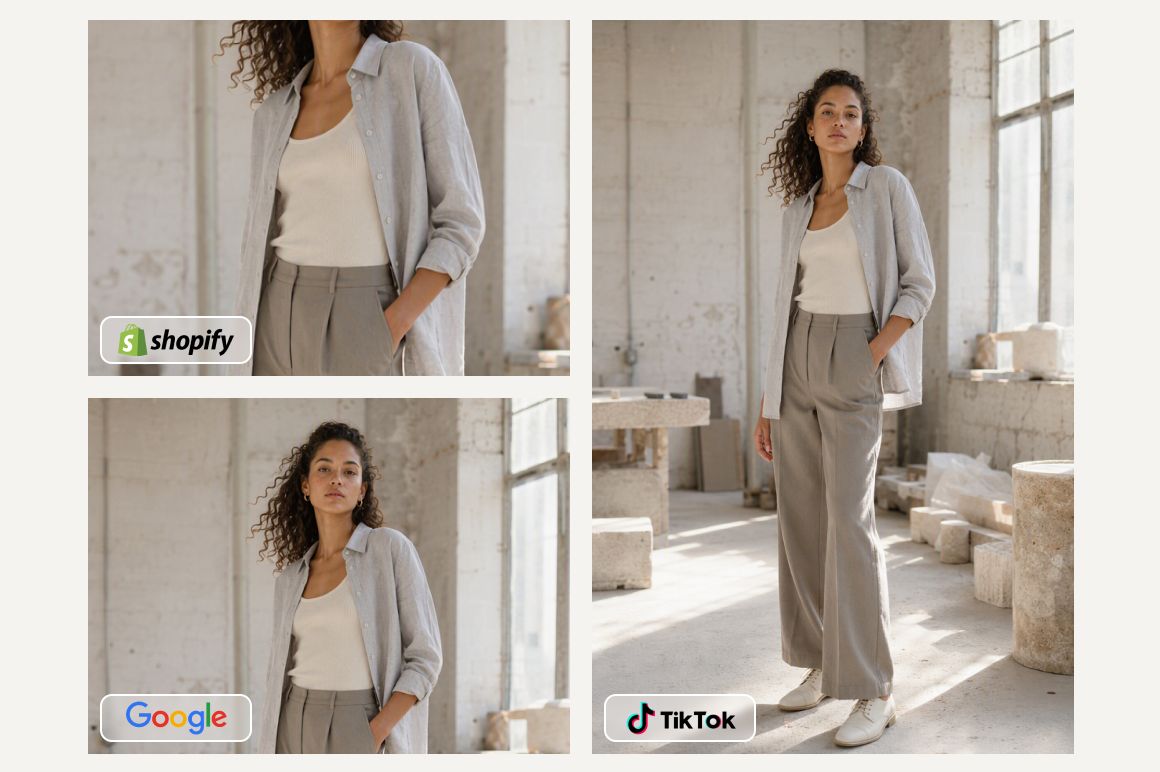
Go beyond a transparent background when you need finished creatives for selling. Add a green screen, a white backdrop, a new scene, or a different ratio in the same flow, so one upload can become listing art, social covers, and promo visuals without restarting elsewhere. Sellers and creators can restage the same subject for marketplace rules and social formats in minutes, not another full reshoot.
Expand branding kit
One shot. A full visual set.
Reuse the same product across scenes to build main images, covers, and promo creatives quickly from a single strong source photo. One subject becomes a full visual set for ecommerce and social channels, which helps small teams ship more campaign assets from fewer source photos each busy week. Stretch every shoot further without booking another session for every placement you need to fill.
FAQs about Vmake Labs background remover
Is this background remover best for product photos?
How does the Vmake Labs background remover work?
Upload your image, use the default prompt or write a short description, then start processing. AI detects the subject and removes or replaces the background in the browser. Preview the result, then download or keep editing in your workspace.
Will image quality stay intact after background removal?
Exports keep full resolution so textures and edges stay clear. You can enhance fine details in one tap when you need extra sharpness for store pages or ads. Or check our image enhancer for further image enhancement. The goal is listing-ready files, not soft or muddy cutouts.
Can I replace the background, not only remove it?
Yes. Go beyond a transparent cutout and add a green screen, white backdrop, new scene, or a different ratio in the same flow. One upload can become main images, covers, and promo creatives without restarting elsewhere.
Can I remove backgrounds from many images at once?
Batch processing helps when you have a full product drop or catalog refresh. Queue multiple photos, process them together, and clear the backlog faster. Credits apply based on the model and task you choose.
Is there a free way to try background removal online?
You can use the tool in your browser with no install. Credits depend on the model and task, and daily login rewards help you keep testing soft limits without a hard fee list on the page. Start with a few product shots and see the quality yourself.
Can sellers keep editing after removing background?
Yes. After you remove or change a background, continue in the Vmake Labs workspace for image or video follow-ups. That helps teams move from a clean subject to listing art and social creatives without jumping tools.
Discover More Features
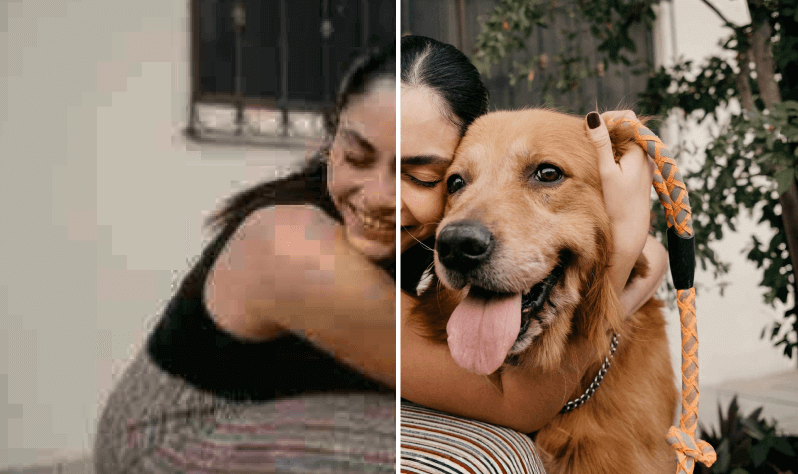
Video & Image Enhancer
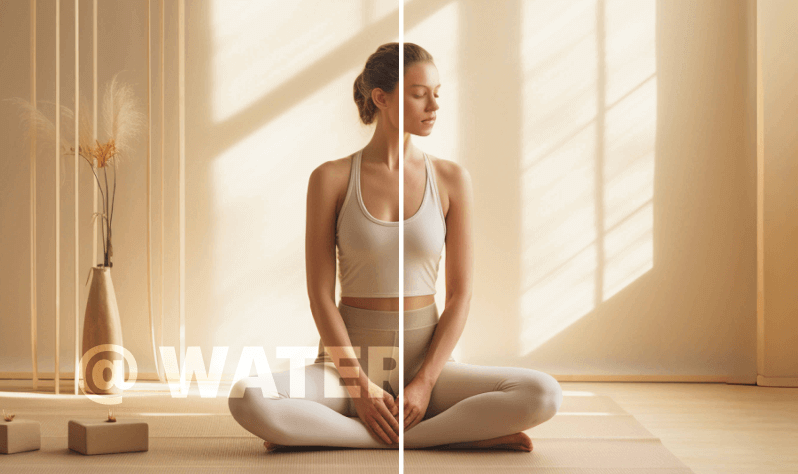
Watermark & Text Remover
Video Upscaler

Video Translator
AI Video Generator
Video Background Remover

Video & Audio to Text
Video Noise Reducer
Remove background with Vmake Labs Today!
Upload your photos and remove or change the background in a few simple steps, then download clean creatives ready for listings and social without any hassle!
Hear the voice of our customers
I sell handmade earrings on Etsy and used to crop products by hand for hours. This tool cleans edges around thin chains and stones way better than I expected. I export transparent PNGs for my listings and shoppers notice the cleaner photos. Saved me so much weekend editing time overall.
We shoot new drops every week and backgrounds were always the bottleneck. Batch mode lets me knock out a whole rack of hoodies before lunch. Hair details on models look natural enough for our store pages. Switching to white or lifestyle scenes in the same flow is a big win for us.
I make UGC for beauty brands and need clean cutouts fast between shoots. Upload, tweak the prompt, and I get a usable asset without opening desktop software. Full resolution export keeps skin texture looking real on Reels covers. Honestly surprised how little cleanup I still need after each run.
Amazon main images need white backgrounds and I was outsourcing that work. Now I upload packs of SKUs and get listing ready files the same afternoon. Edges on bottles and labels stay sharp enough for zoom views. Credits feel fair for what it saves me versus hiring freelancers every month.
Our team posts daily and product shots arrive with messy desks behind them. This remover gets me a clean subject so I can drop in brand colors or a new scene. Works in the browser so I do it between Slack pings. Campaign creatives go out faster every single week now.
Clients send me product photos that need transparent backgrounds for decks and ads. I used to mask everything in design software and bill the hours. Now I process a batch, enhance if needed, and keep moving on the layout work. Quality is solid for client reviews and final deliverables too.