
Text to Video AI Generator Online
Turn simple text prompts into AI generated videos with Vmake. Create marketing videos, social media content, product showcases, and creative visuals without filming. Choose from leading AI video models and generate videos for business, social, and creative projects with ease.
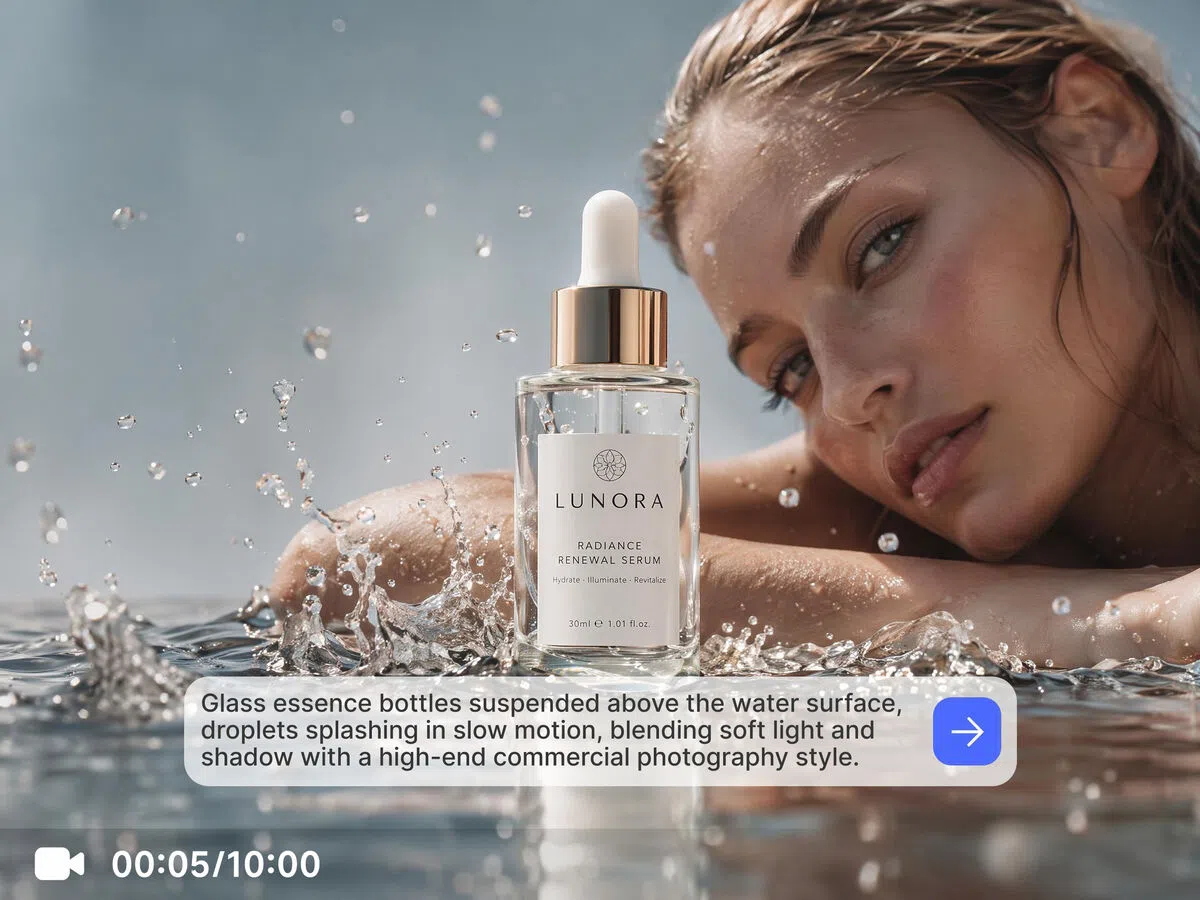


How to create videos with Vmake text to video AI
Step 1. Enter your text prompt
Open Text to Video and describe your scene, characters, actions, camera movements, or visual style in the Descriptionfield. Add as much detail as needed to guide the generated video.
Step 2. Select an AI model and settings
Choose your preferred AI video model, then adjust the video duration and aspect ratio to match your creative goals. When you're ready, click Generate.
Step 3. Generate and download
Preview your generated video in the workspace and review previous creations in Generation History. Once you're satisfied with the result, download the completed video for publishing or social sharing.
Popular ways to use text to video AI
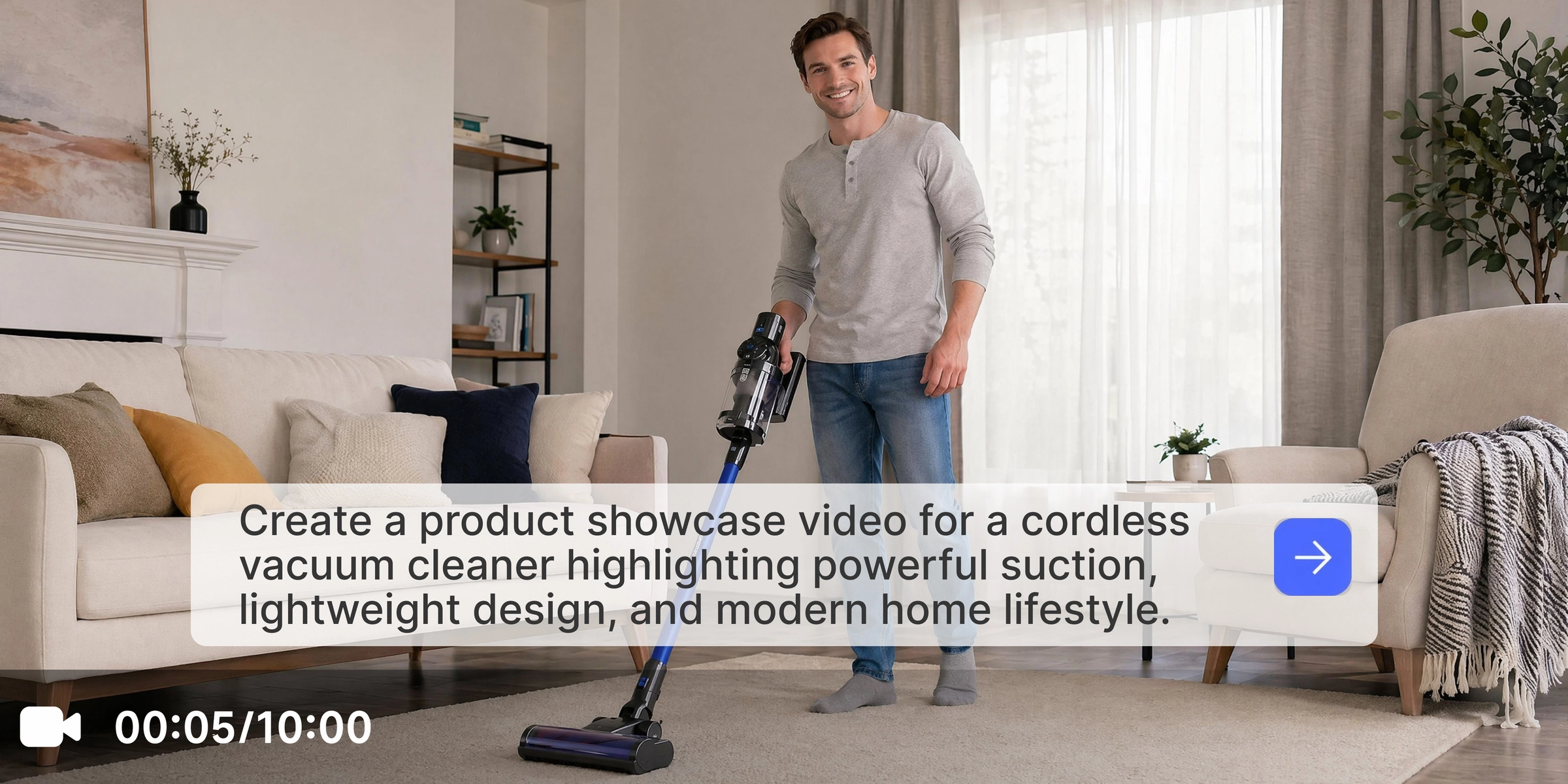
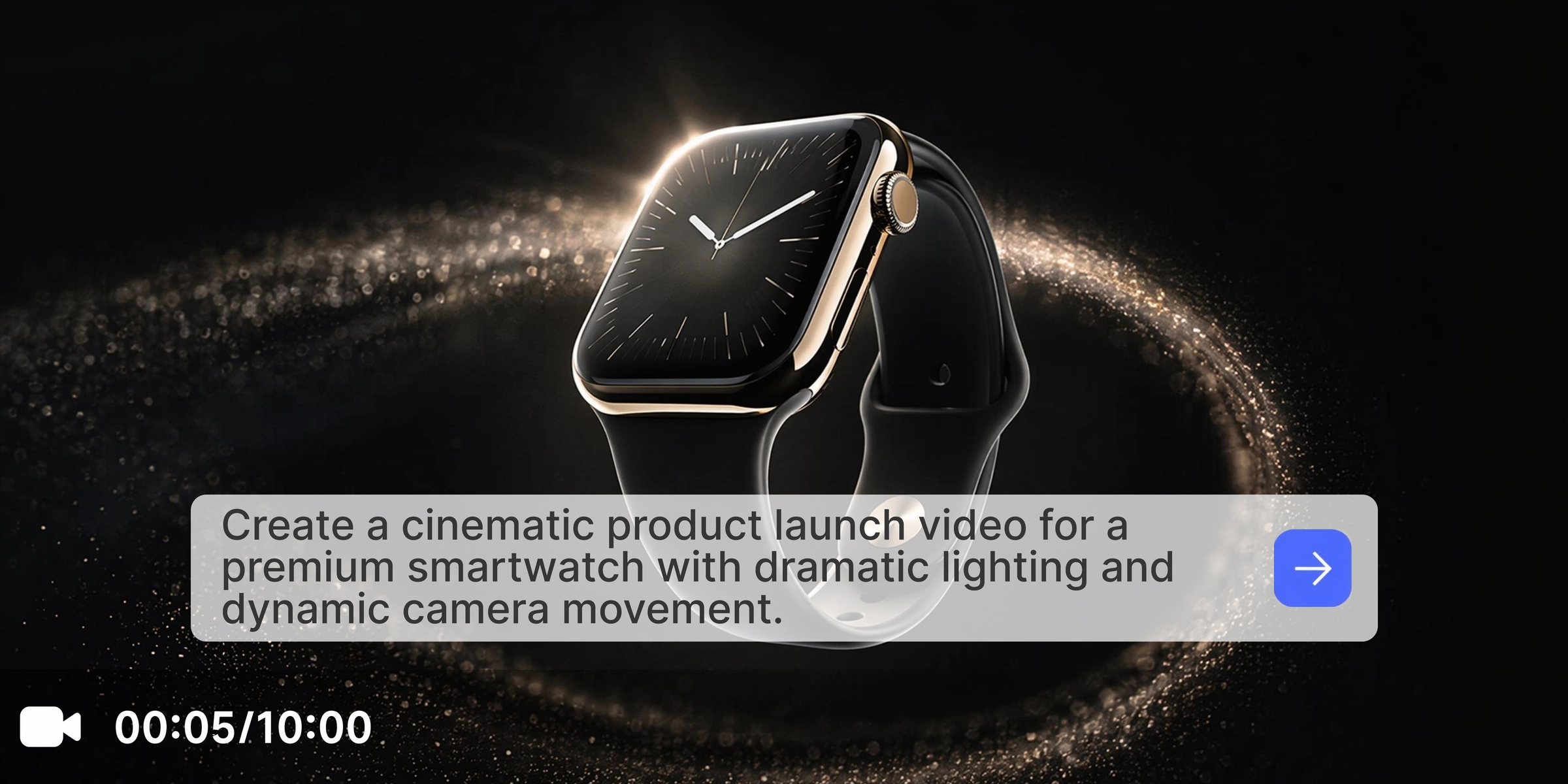
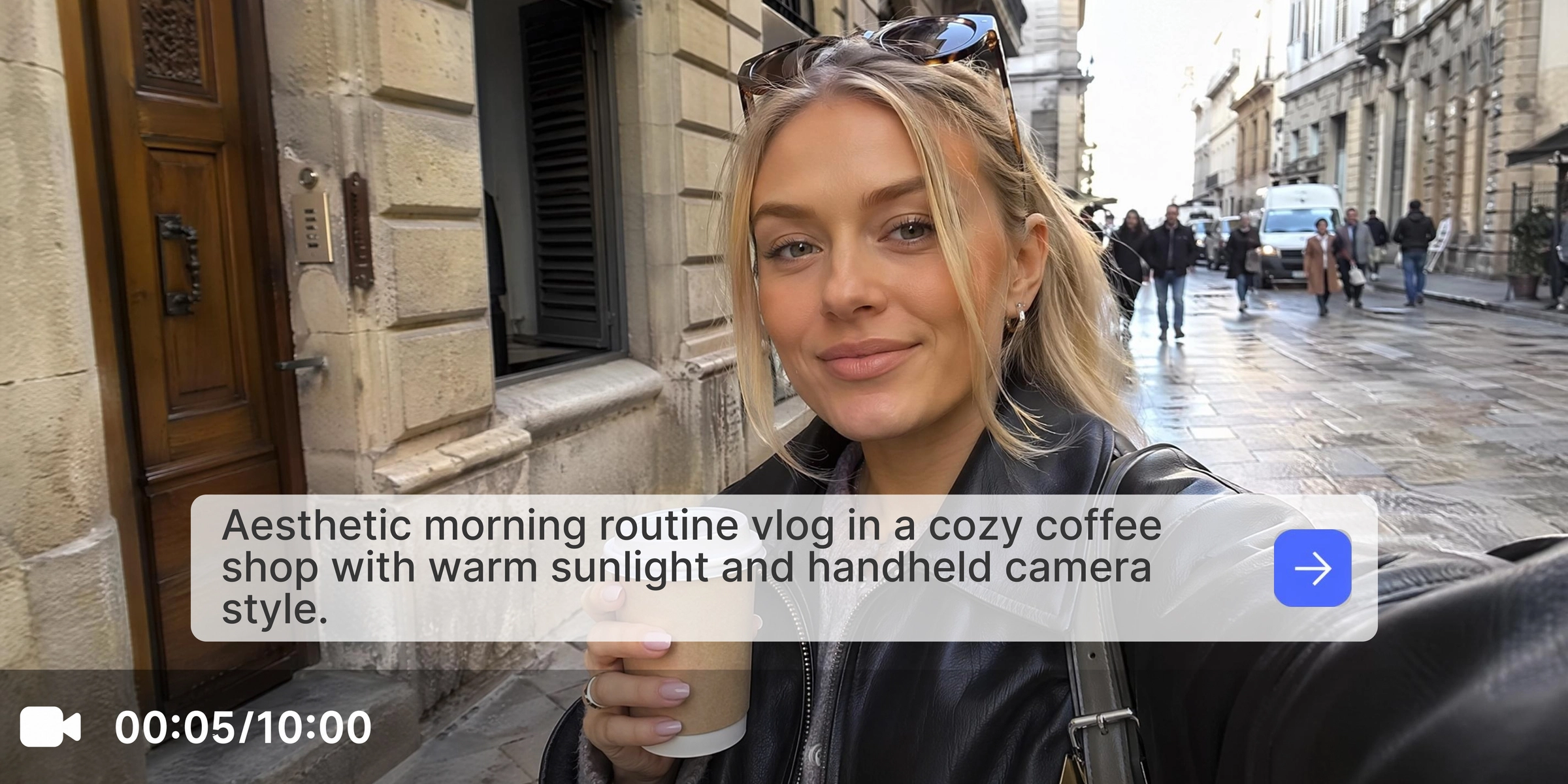



Explore powerful features of Vmake text to video AI generator
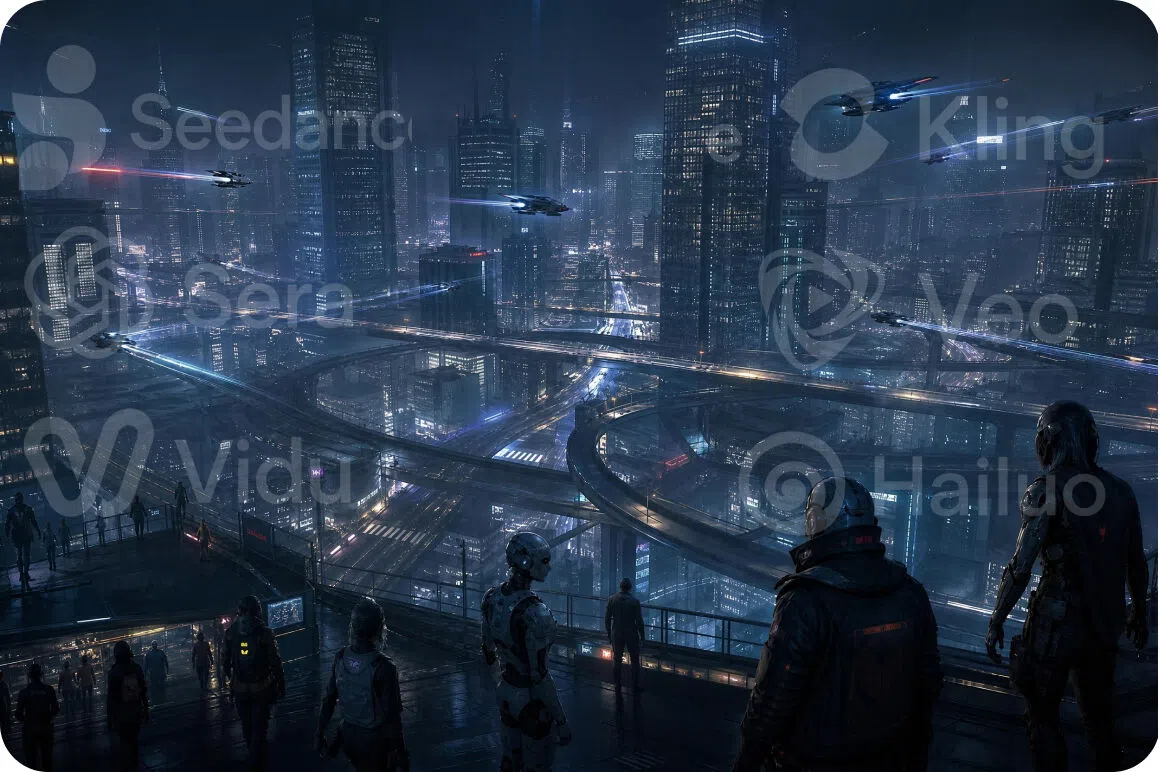
Multiple AI video models in one workspace
Generate videos using leading engines including Seedance 2.0, Kling 3.0, Google Veo 3.1, Google Veo 3, and Sora 2 from a single platform. Compare different models to achieve the exact visual style that matches your project.
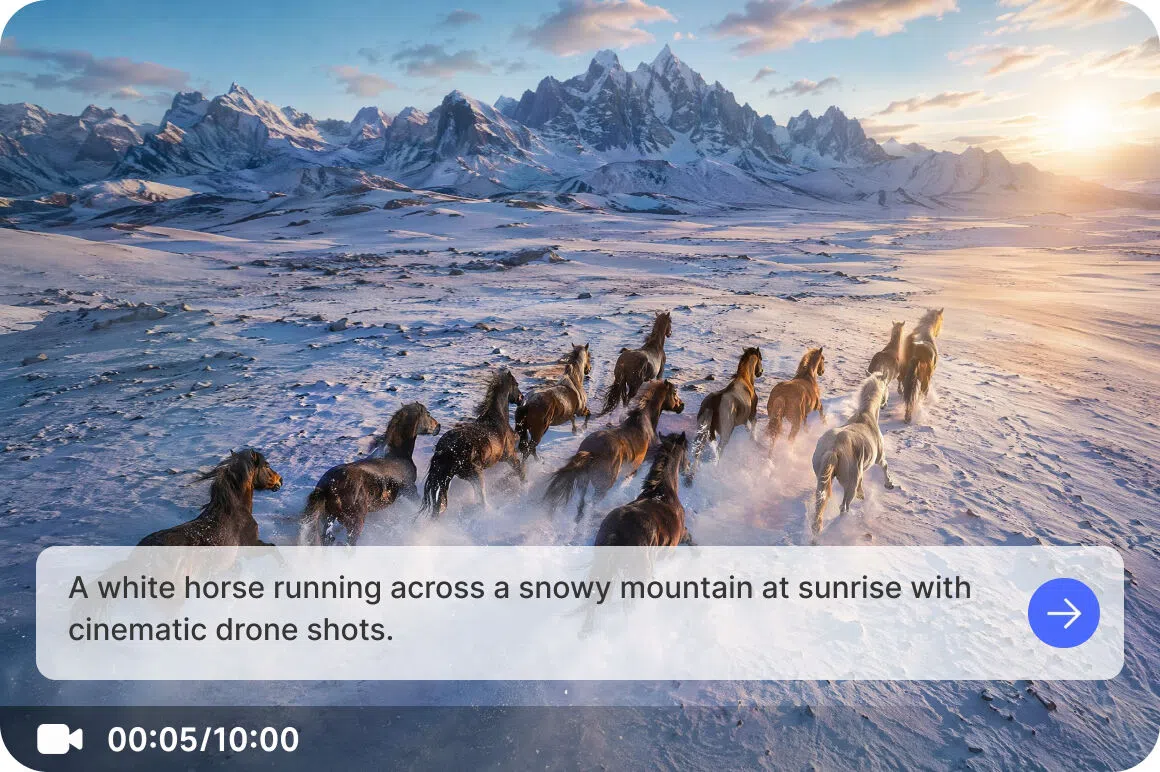
Prompt driven video generation
Describe scenes, actions, camera movements, visual styles, and environments with text prompts. Whether you are creating short social content or using Vmake Labs as an AI clip maker, detailed prompts help shape every generated scene.
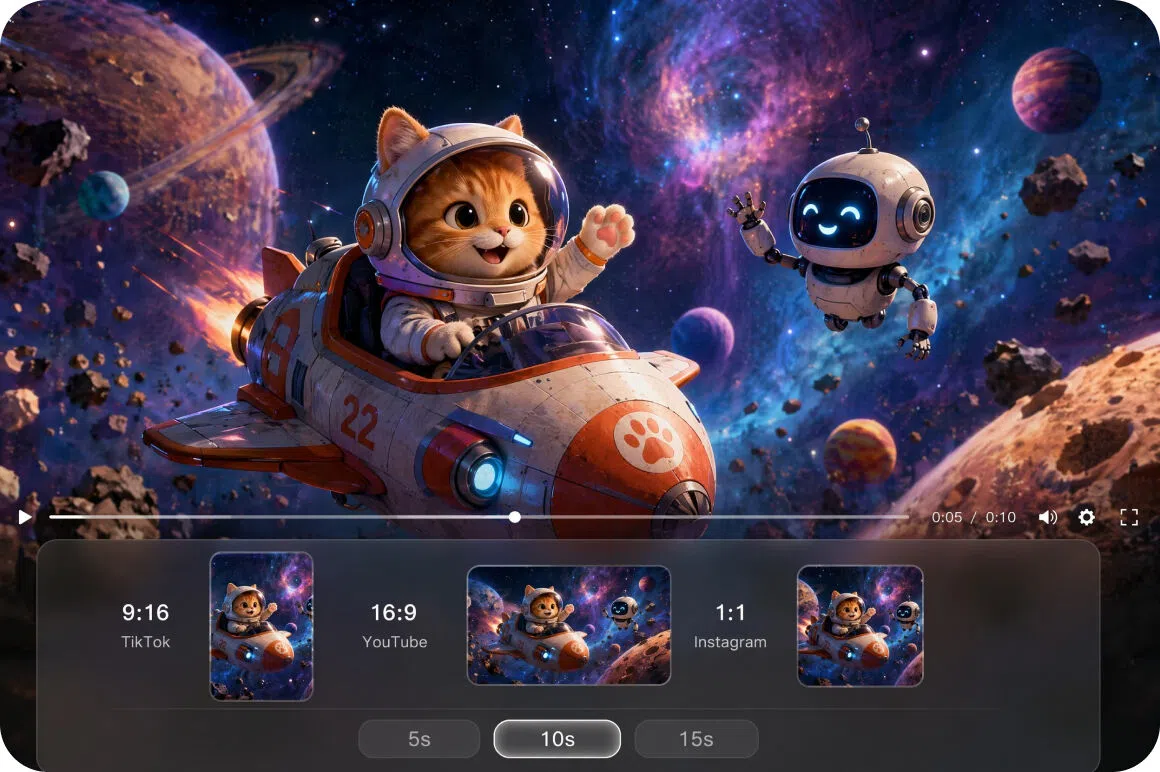
Adjustable video duration and aspect ratios
Set your preferred video length and select multiple aspect ratios prior to generation, making it easy to create content optimized for various social platforms and campaign goals.
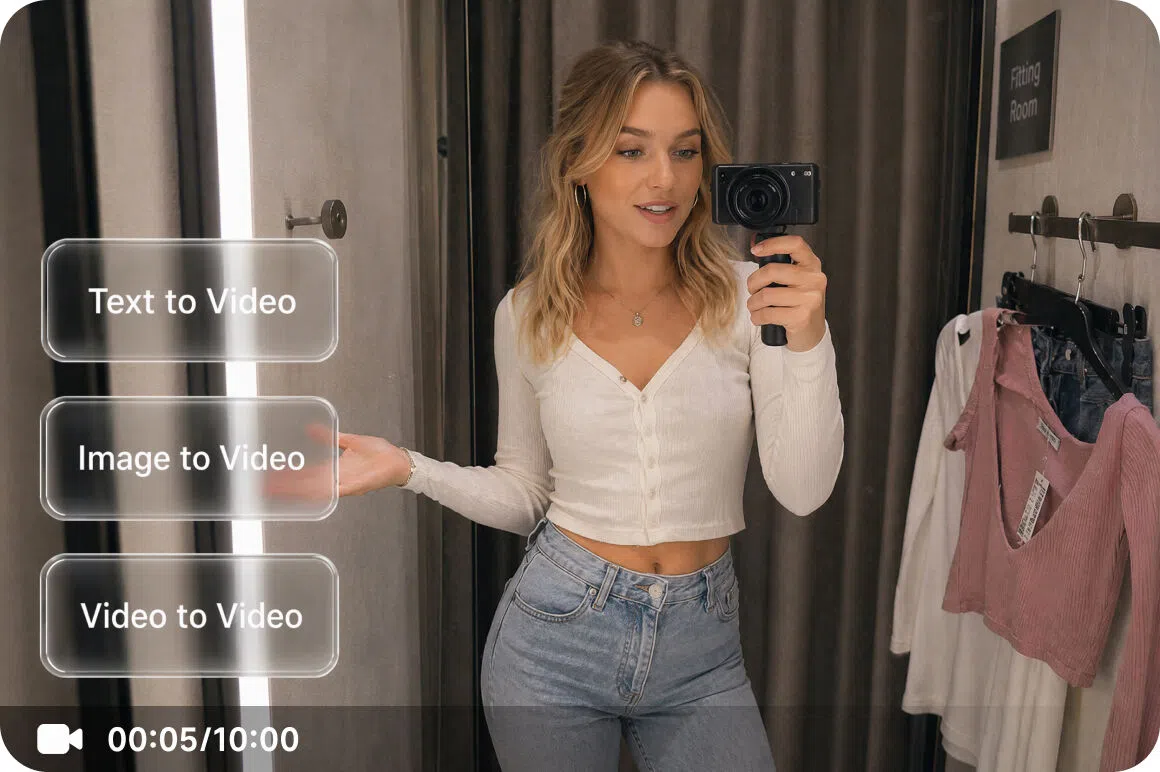
Multiple video generation workflows
Go beyond text prompts with flexible generation options. Create videos from reference images, first and last frame inputs, built in effects, or reference videos to support a wider range of creative projects.
Who uses Vmake text to video AI generator most
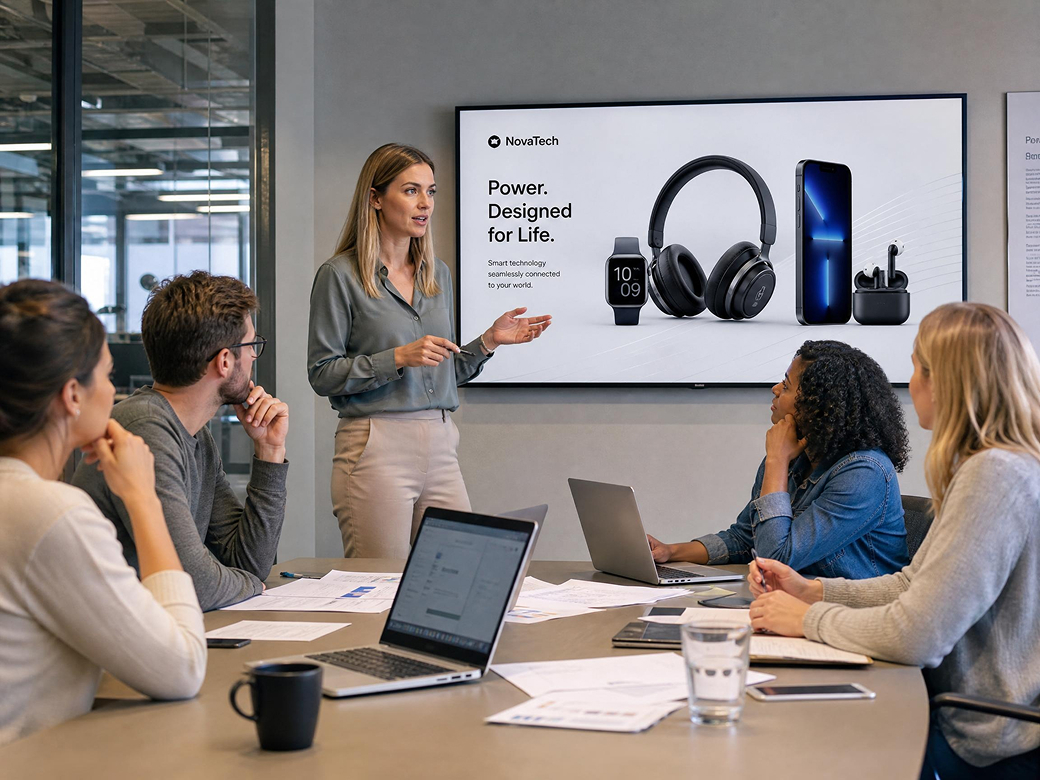
Marketing teams
Marketing teams often need to produce promotional clips quickly to keep up with fast campaign timelines. Vmake Labs transforms text prompts into promotional videos, helping teams test multiple creative directions without heavy manual overhead.
Content creators
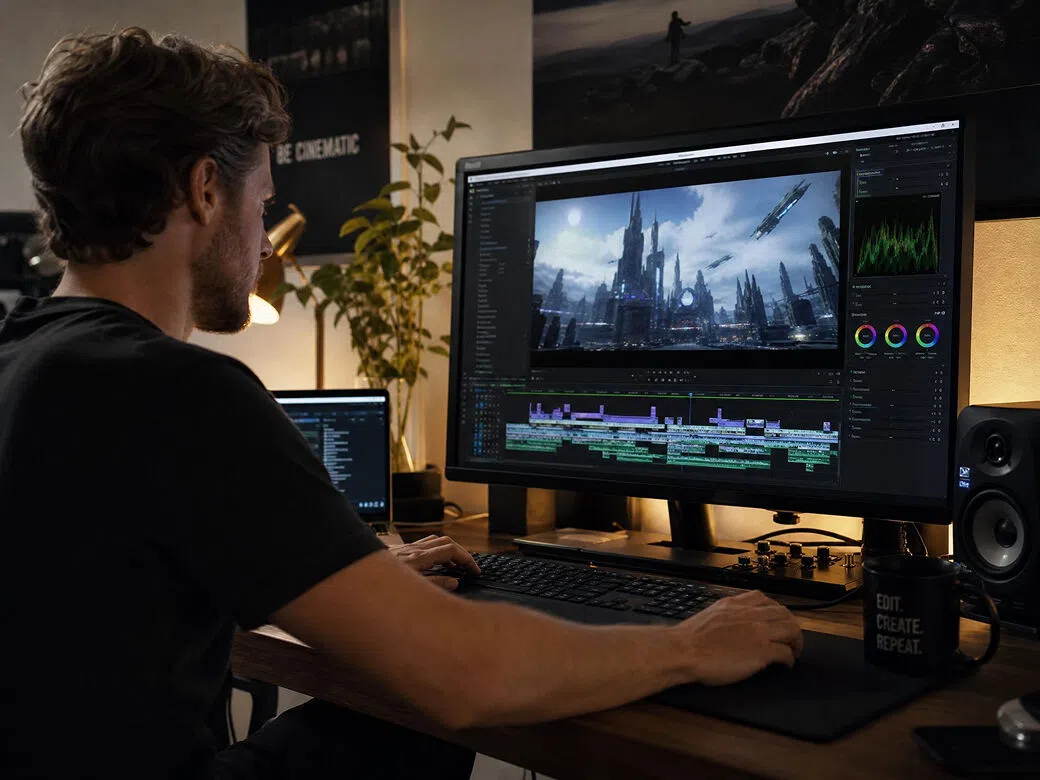
Social media creators frequently look for fresh ways to build video assets without spending hours on traditional editing software. Vmake Labs offers flexible text to video tools, making it simple to generate short clips that support your unique storytelling themes.
Small business owners
Limited budgets can make traditional video production difficult for growing brands. Vmake Labs provides a streamlined workspace to build professional looking marketing videos from text descriptions, helping small businesses scale their visual output.

Frequently asked questions about text to video AI
What is text to video AI?
How does text to video AI work?
Enter a text prompt, choose an AI video model, adjust your preferred settings, and generate a video based on your creative description.
What can I create with text to video AI?
You can create marketing videos, product showcases, educational content, social media videos, creative storytelling projects, promotional content, and even concepts for an AI music video generator workflow.
Which AI models are available?
Vmake Labs supports leading AI video models including Seedance 2.0, Kling 3.0, Google Veo 3.1, Google Veo 3, Sora 2, Hailuo 2.3, Vidu Q2, and Wan 2.2.
Can I customize generated videos?
Yes. You can adjust prompts, video duration, aspect ratio, and other generation settings before creating your video.
Can I create videos for marketing and social media?
Yes. Text to video AI can generate videos suitable for marketing campaigns, social media publishing, product promotion, presentations, and creative projects.
Why users choose Vmake Labs for text to video AI

Turn written ideas into video concepts without planning a traditional shoot. Create marketing content, product showcases, and social media videos more efficiently.

Experiment with different concepts, visual styles, and campaign ideas from the same prompt, helping teams and creators explore multiple directions before deciding on a final version.
Support everyday content creation for ecommerce, marketing, education, and storytelling with a streamlined workflow designed to keep video production simple and efficient.
Explore more Al tools
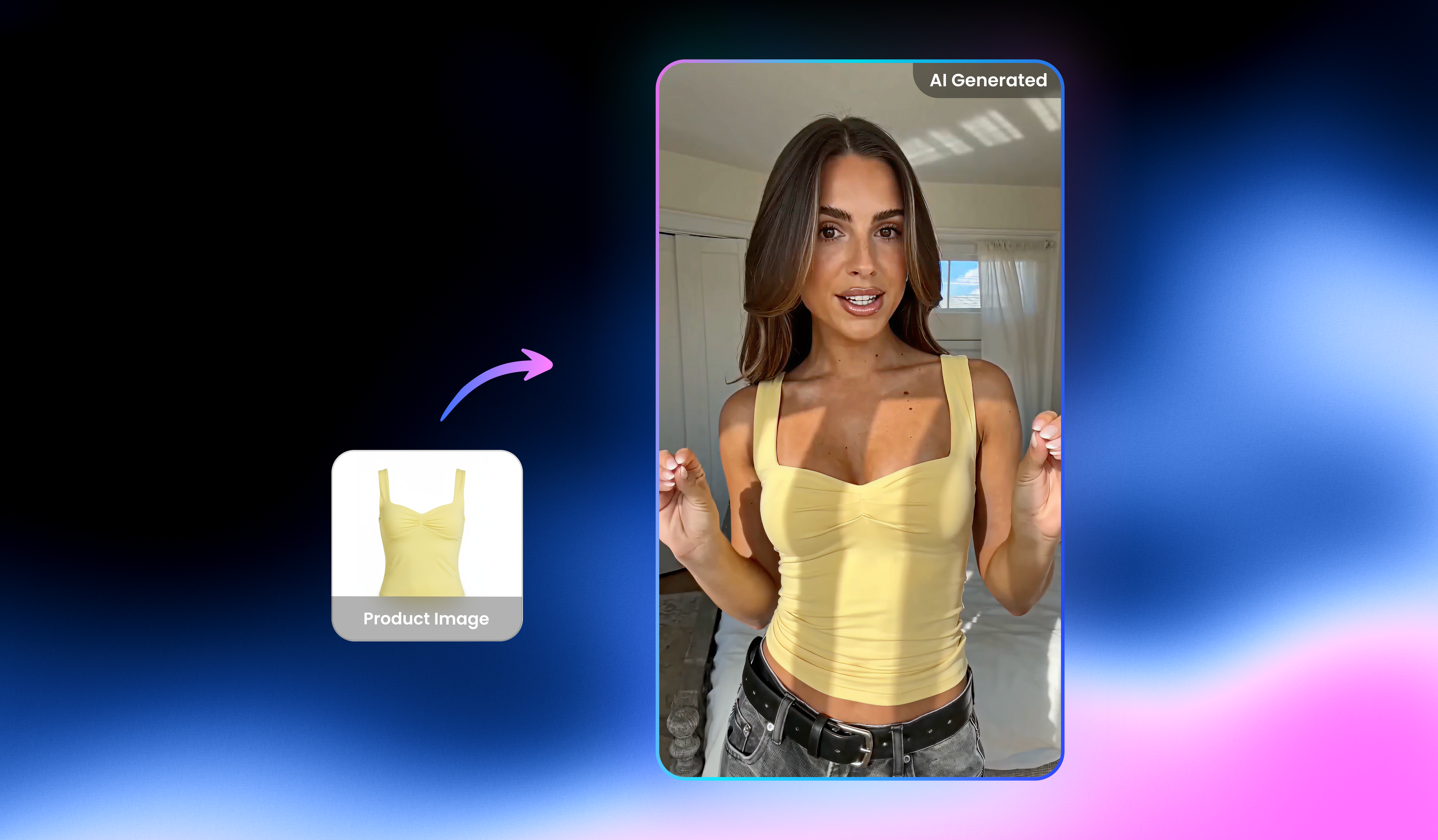
UGC Video

Video Translator

Video & audio to text

Video background remover

Video noise reducer

Video & image enhancer

Video upscaler

Watermark & text remover
Turn your ideas into videos with text to video AI
Transform text prompts into engaging videos for marketing, social media, education, and creative projects. Start creating AI generated videos with Vmake Labs today.
What users say about Vmake's text to video AI generator
I wanted a quicker way to visualize product ideas before investing in production. After describing each concept with a text prompt, I generated several video drafts that helped my team discuss different creative directions much more efficiently.
I regularly create campaign concepts for different clients. Being able to compare the same prompt across several AI video models helped me experiment with different visual styles before deciding which direction best matched each campaign.
Instead of searching through stock footage for every project, I start with a written scene description and generate a video concept. It gives me a useful starting point that I can build into my storytelling workflow.
Creating multiple versions of the same campaign idea is much easier with text prompts. I can adjust the wording, generate another variation, and compare different creative concepts without starting the entire process again.
Our team needed marketing visuals but had limited production resources. Using text prompts to generate video concepts allowed us to explore ideas quickly before deciding which campaigns were worth developing further.
The workflow is easy to follow, even when testing new ideas. I like being able to refine prompts and compare different results until the overall style matches the concept I have in mind.