
Script to Video AI Generator Online
Turn script prompts, scene descriptions, and story ideas into AI generated video scenes with Vmake Labs. Use the Text to Video workflow to create marketing content, product showcases, educational visuals, and storytelling clips. You can also explore Image to Video and Video to Video workflows for additional creative possibilities.
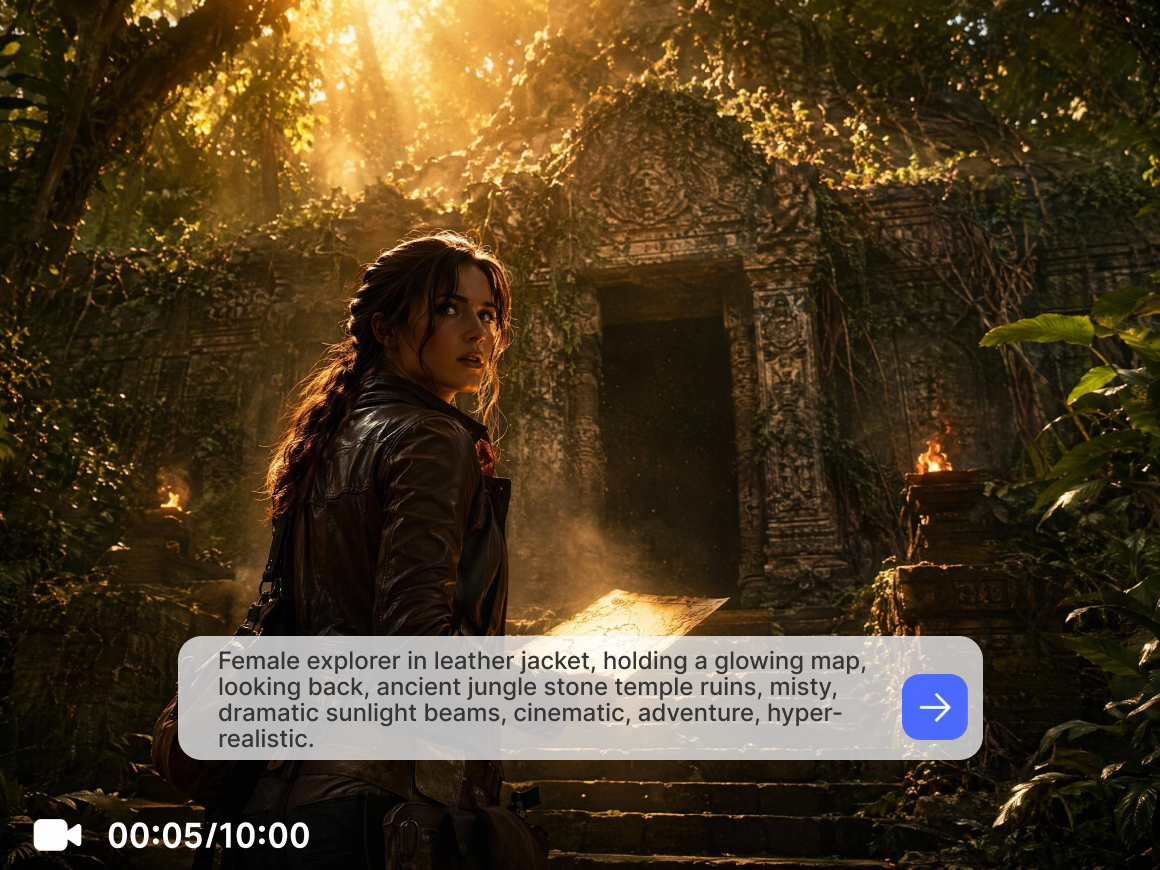


How to create videos from scripts with Vmake Labs
Step 1. Choose a video generation workflow
Open Vmake Labs AI Video Generator and select Text to Video, Image to Video, or Video to Video based on how you want to create your project. Use Text to Video to generate AI video scenes from script style prompts.
Step 2. Enter your script style prompt
Describe your scene, dialogue, actions, environment, or story concept in the description field. Select your preferred AI model, then choose the video duration and aspect ratio that best match your project.
Step 3. Generate and download
Click Generate to create your video. Preview the generated result in your workspace, review previous creations in Generation History, then download the finished video when you're satisfied.
Popular ways to use script to video AI
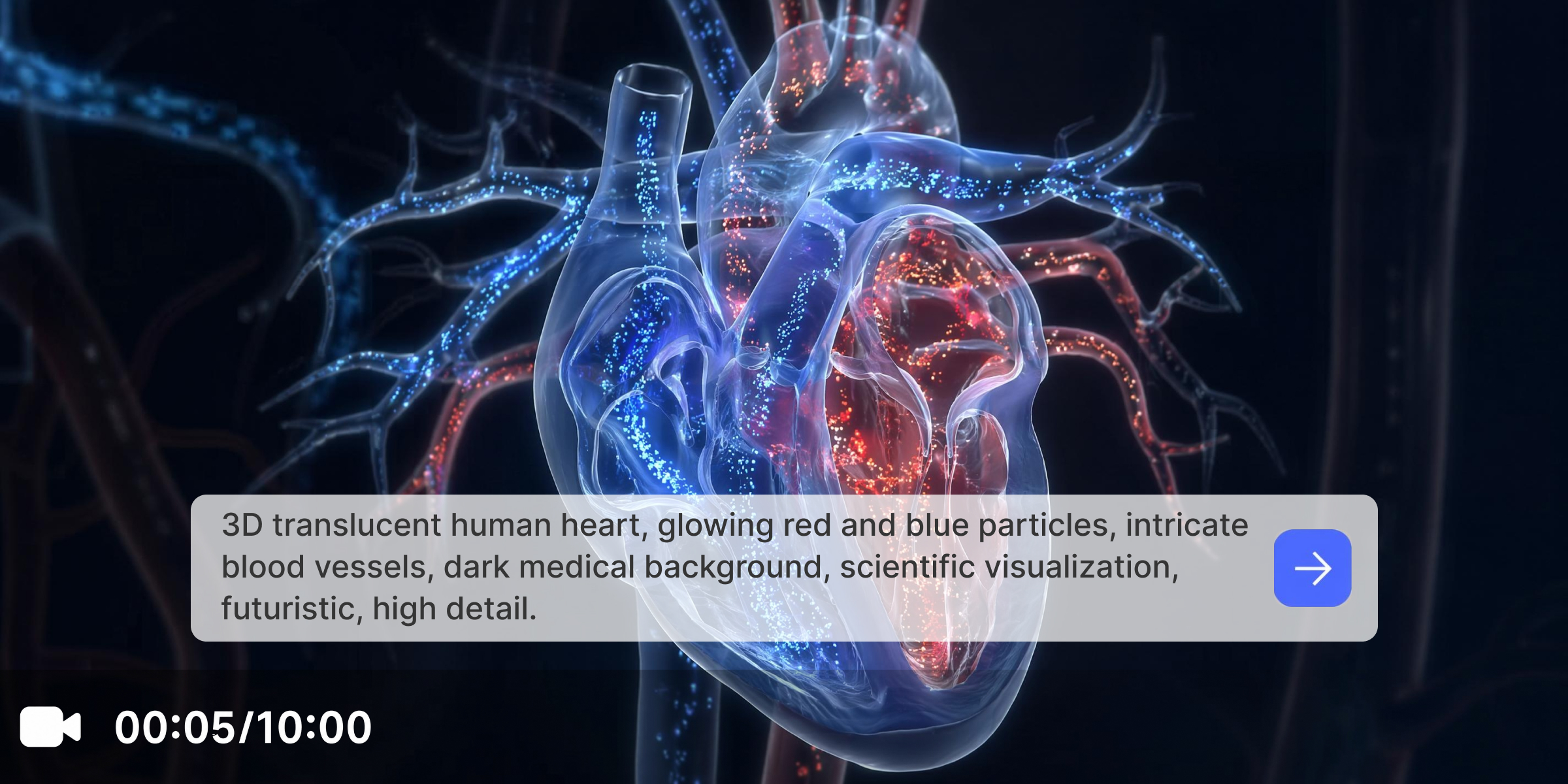
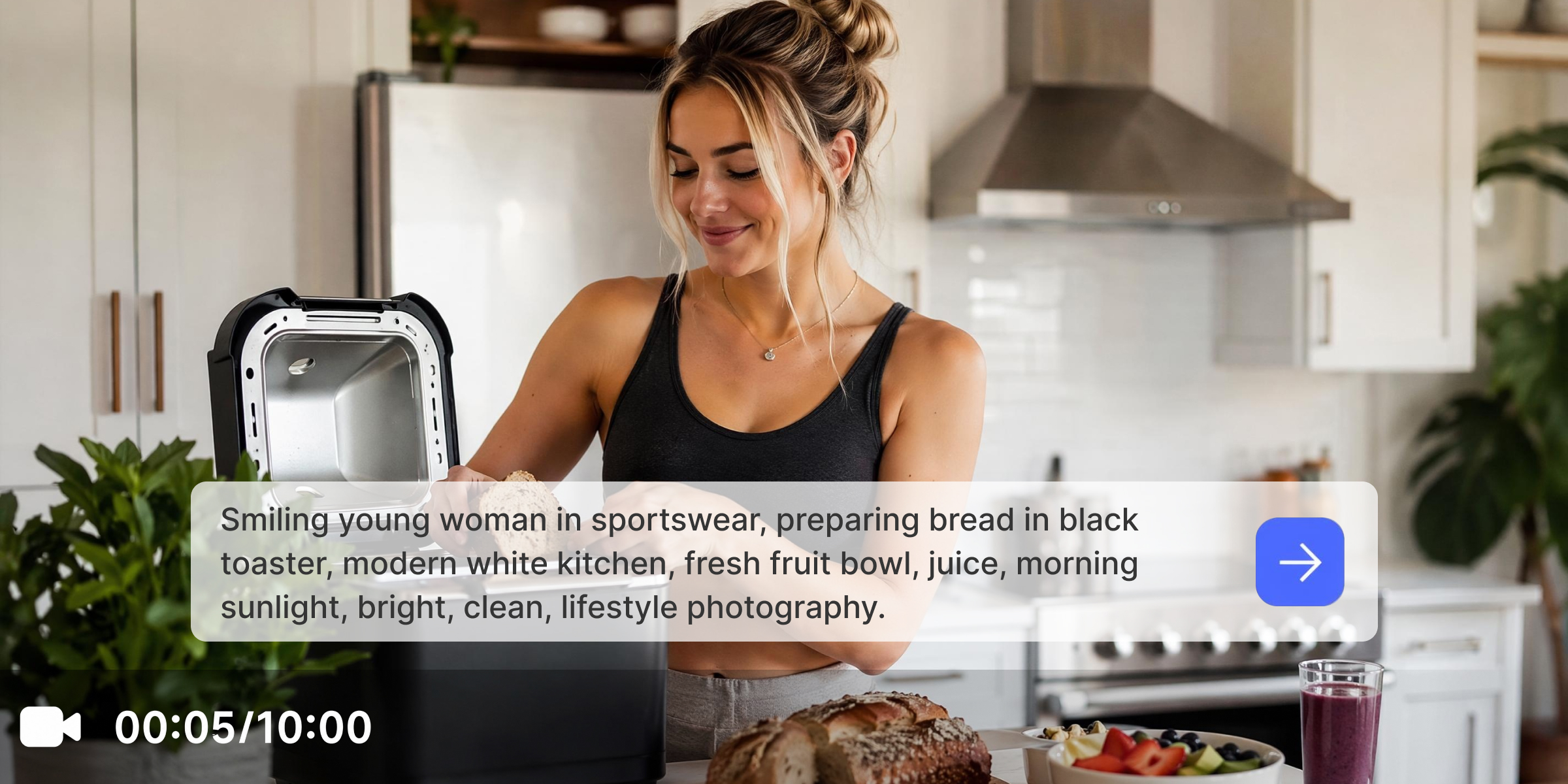
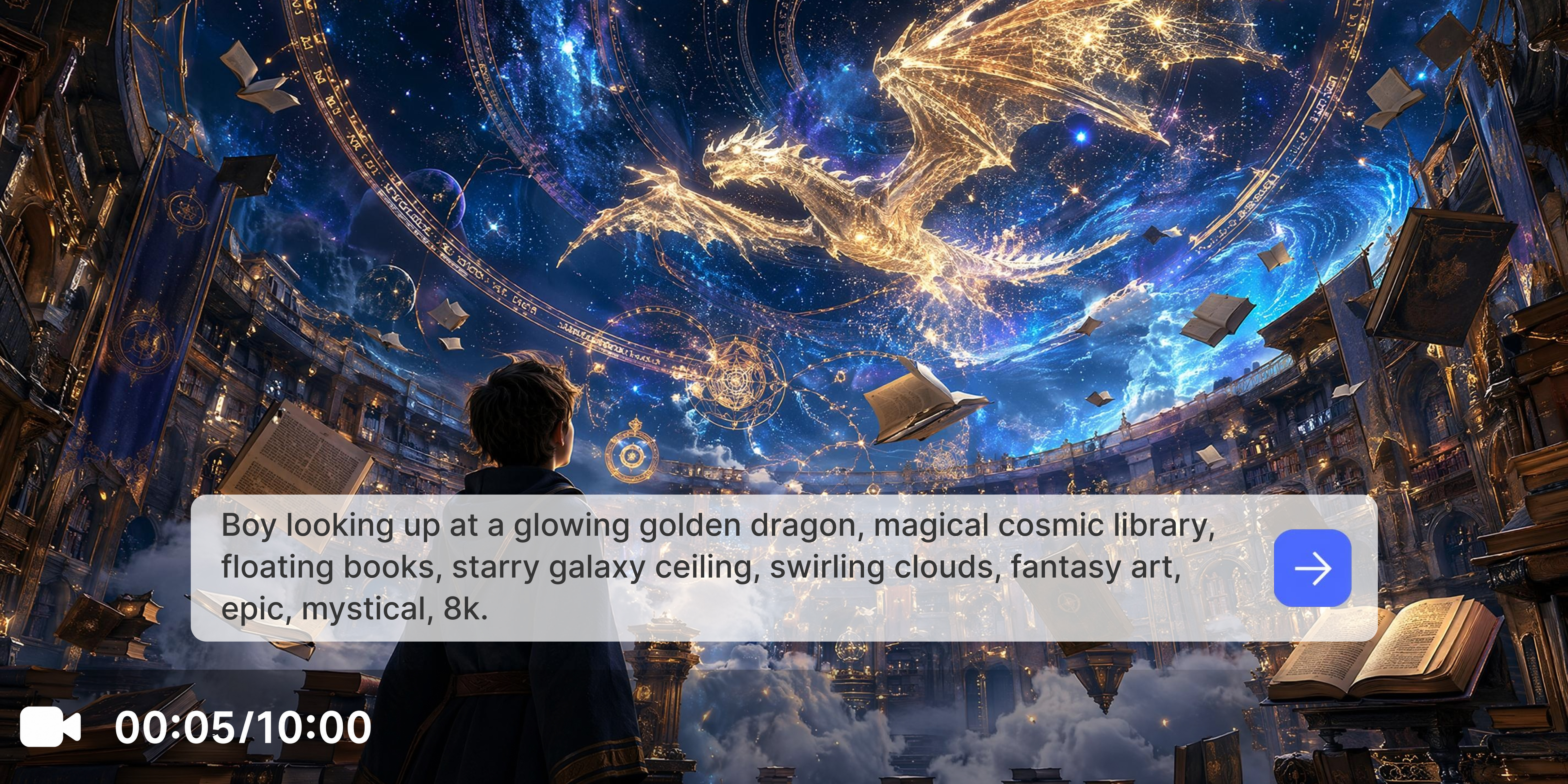
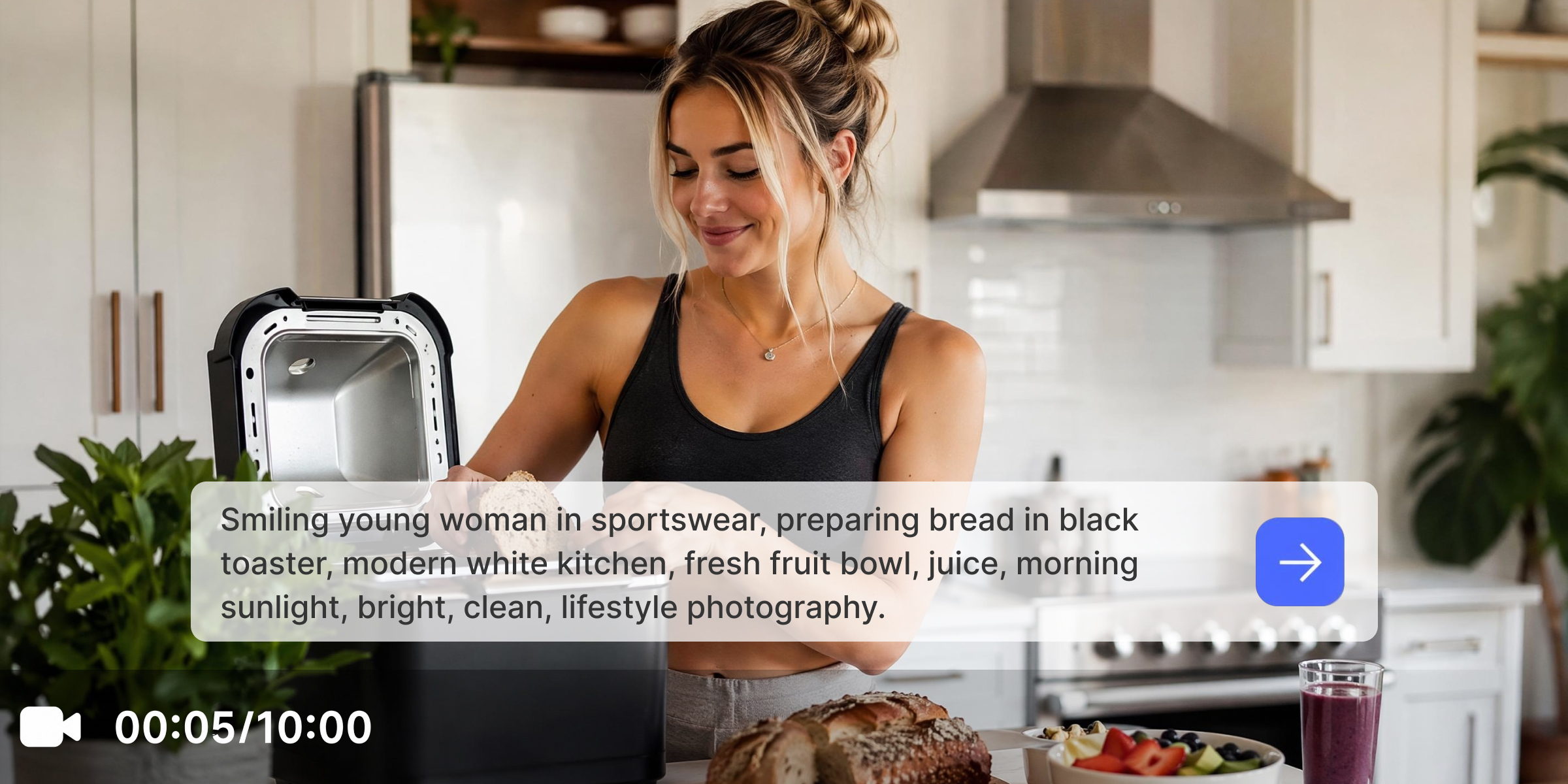
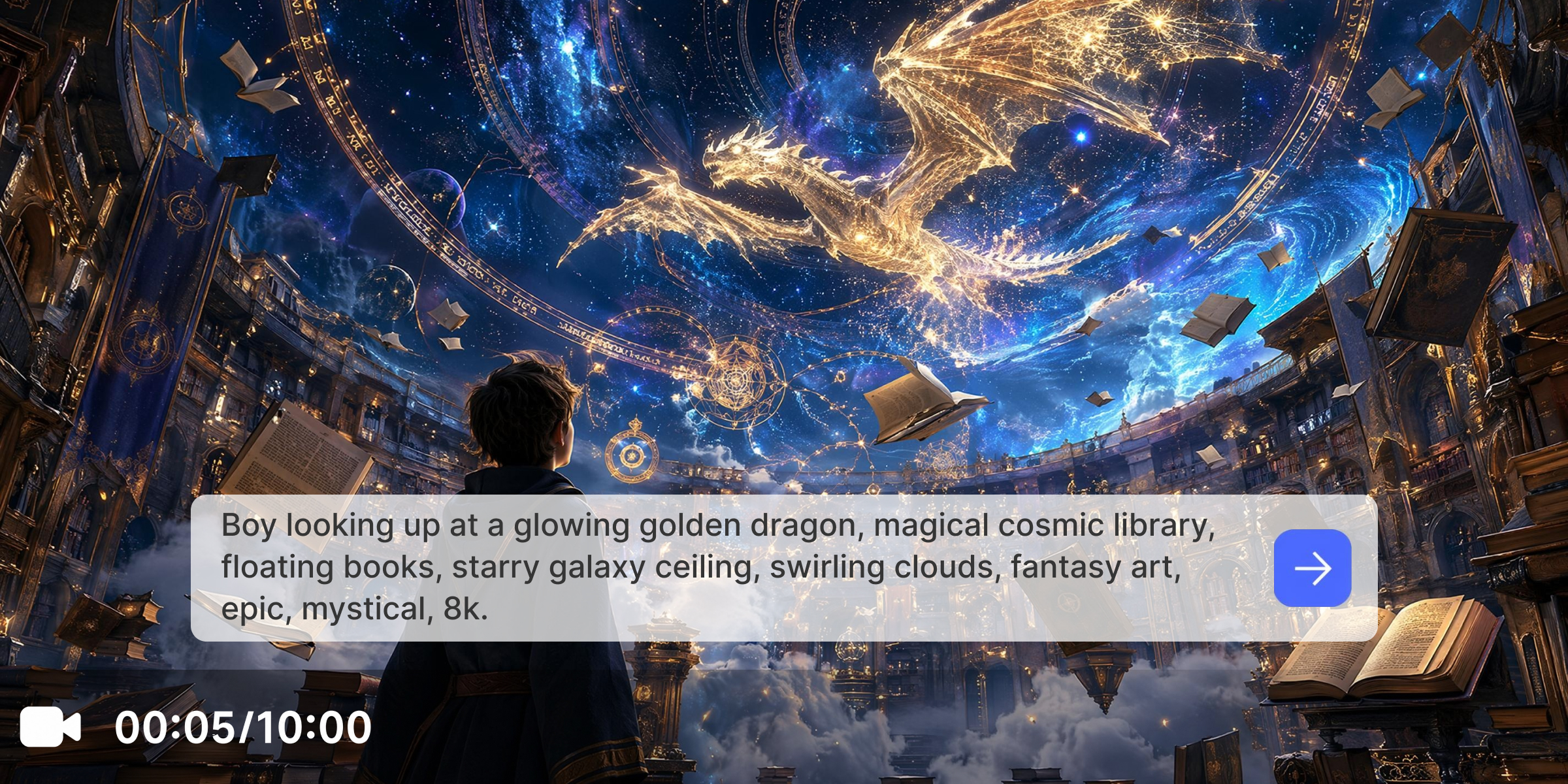
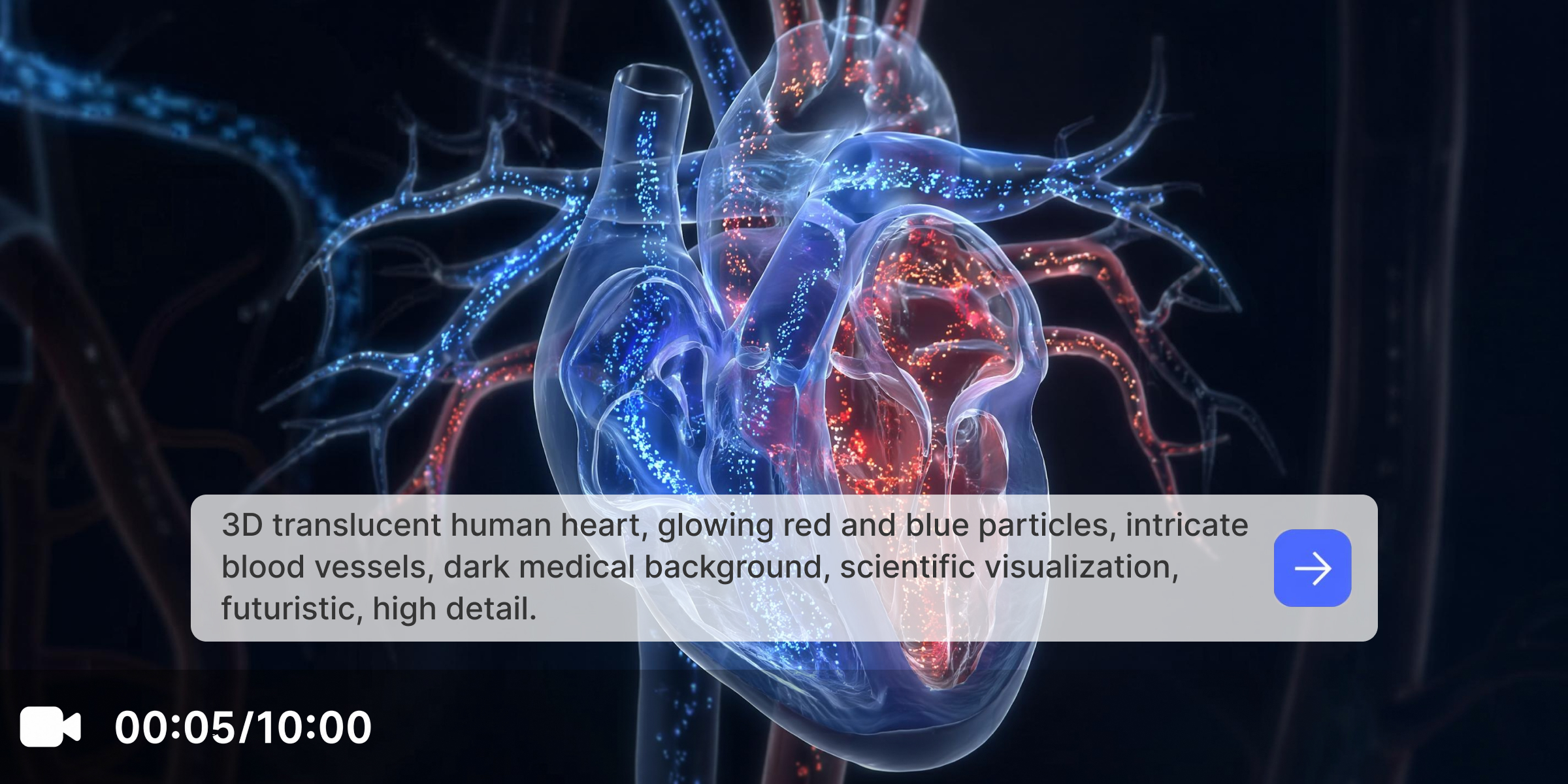
Explore powerful features of Vmake Labs script to video AI
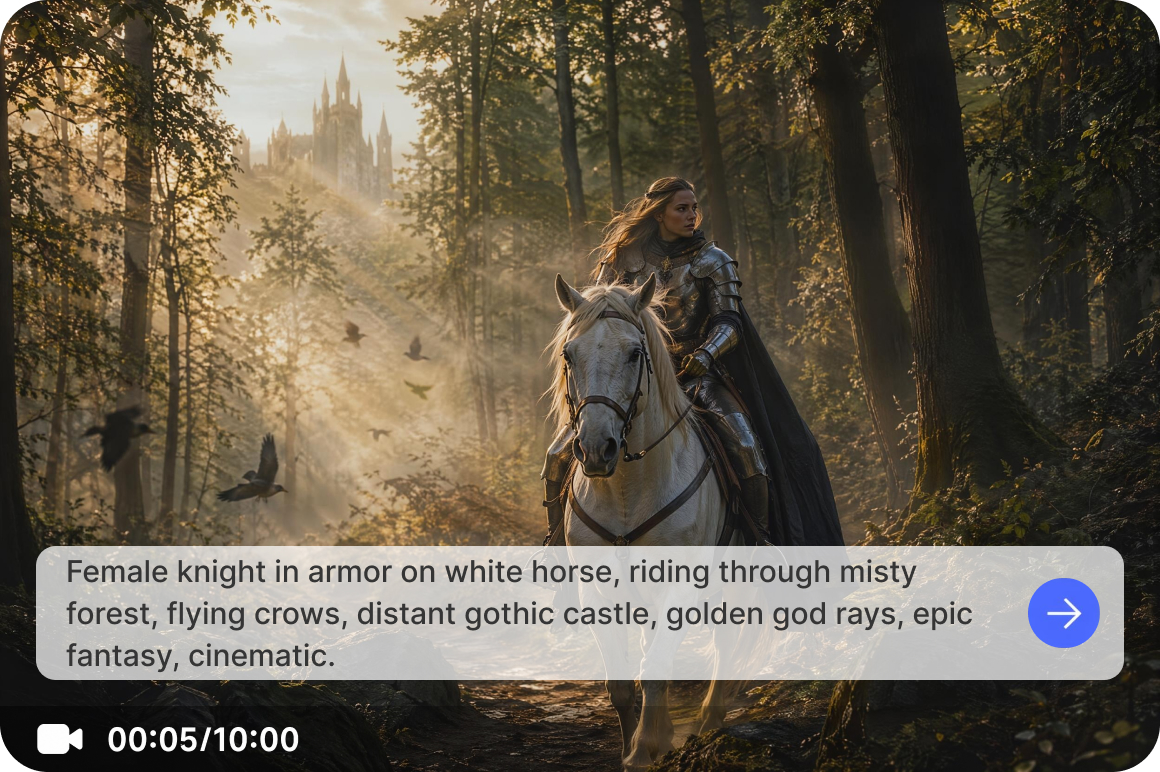
Convert scripts into video scenes
Use Vmake Labs Text to Video workflow to transform dialogue, scene descriptions, story concepts, and content outlines into AI generated video scenes. Detailed prompts help shape the actions, atmosphere, and visual direction of every generation.
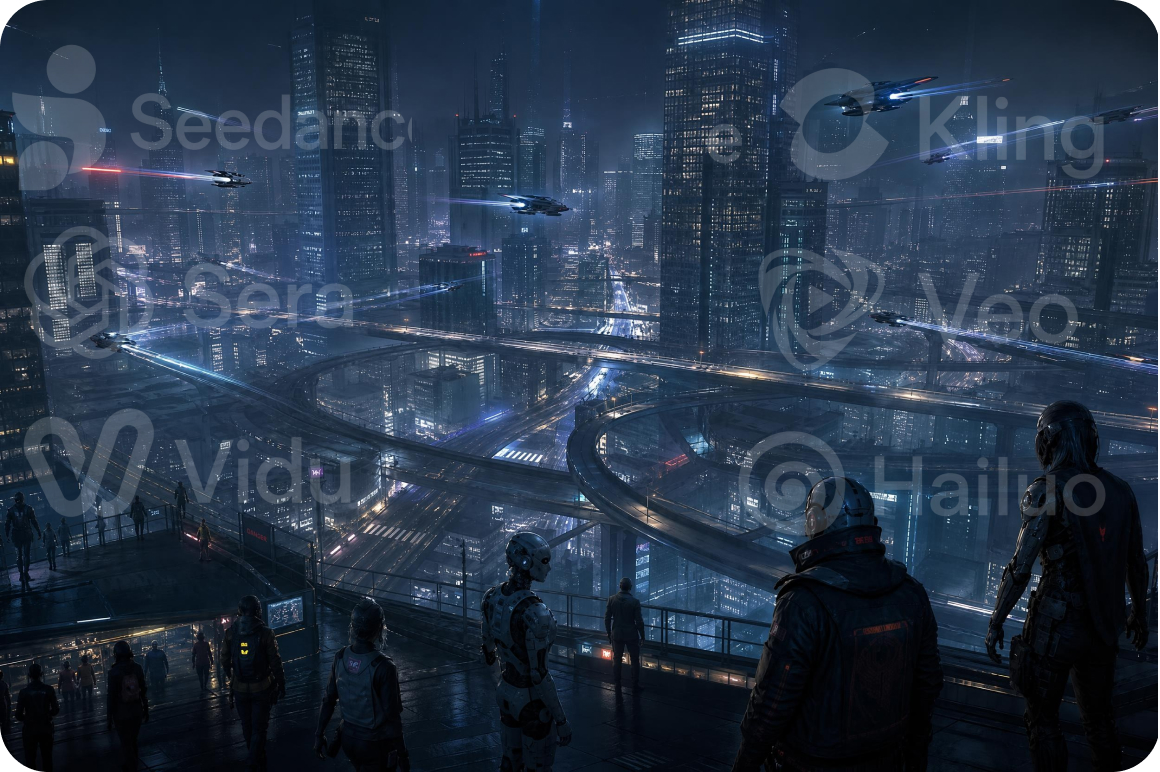
Access multiple AI video models
Generate videos with popular models including Seedance 2.0, Kling 3.0, Google Veo 3.1, Google Veo 3, Sora 2 and more popular video models from one platform. Vmake AI video generator lets you compare different visual styles from one workspace.
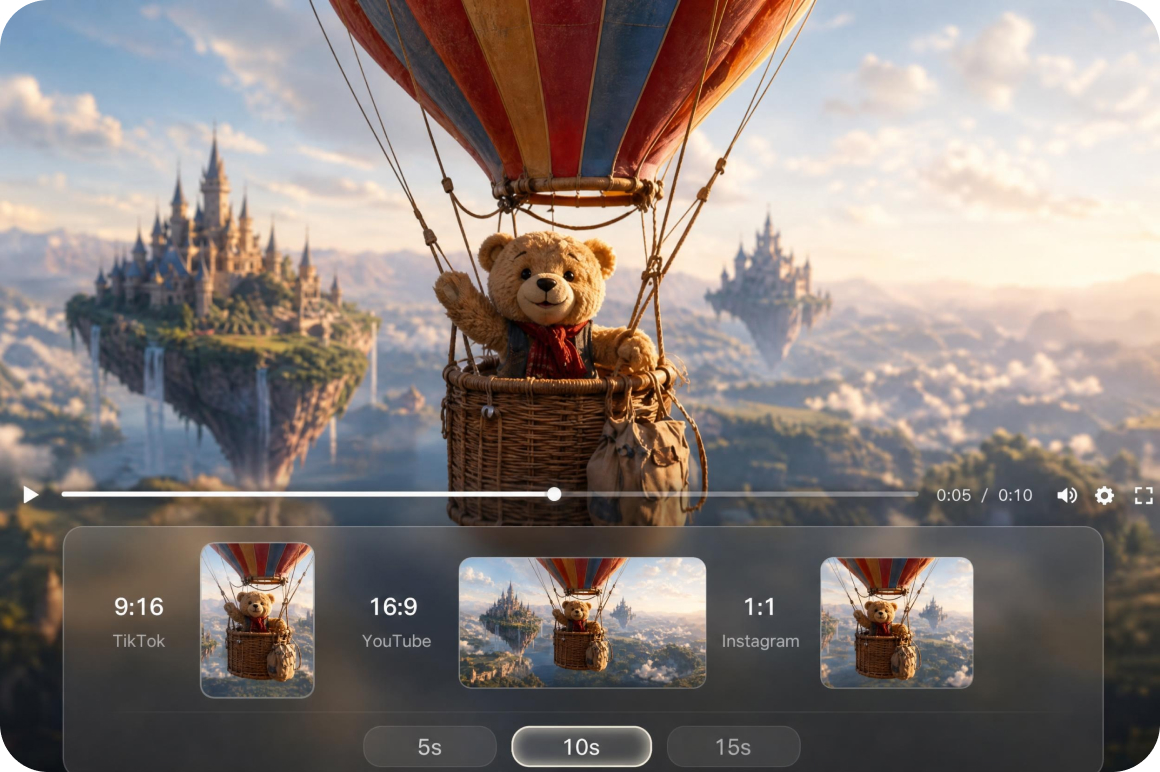
Customize video duration and formats
Adjust video duration and choose from multiple aspect ratios before generation. Flexible output settings help prepare videos for social media, presentations, product promotion, and storytelling projects.
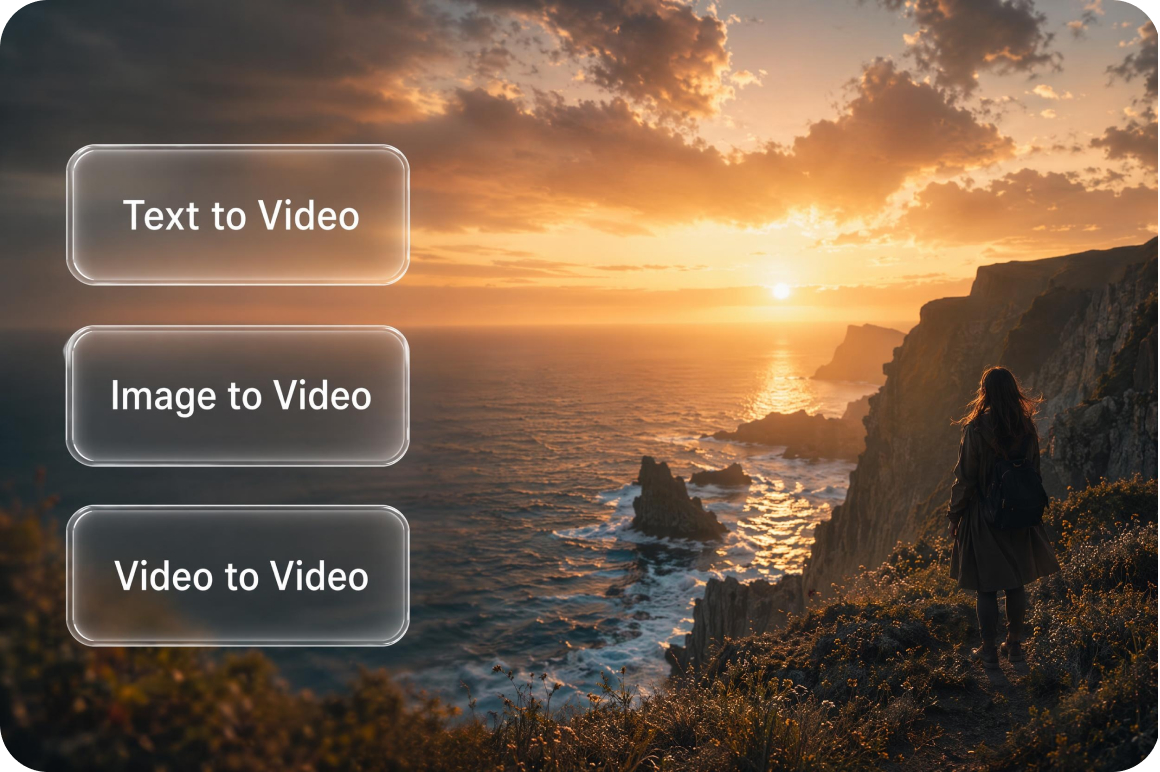
Create videos beyond text prompts
Expand your creative workflow with Image to Video and Video to Video. Generate videos from reference images, first and last frame inputs, built in effects, or reference videos to explore more visual possibilities.
Who uses Vmake Labs script to video AI most
Marketing teams
Marketing professionals often struggle with long creative turnaround times. By inputting specific script prompts instead of coordinating complex physical productions, teams can build quick campaign variations efficiently.
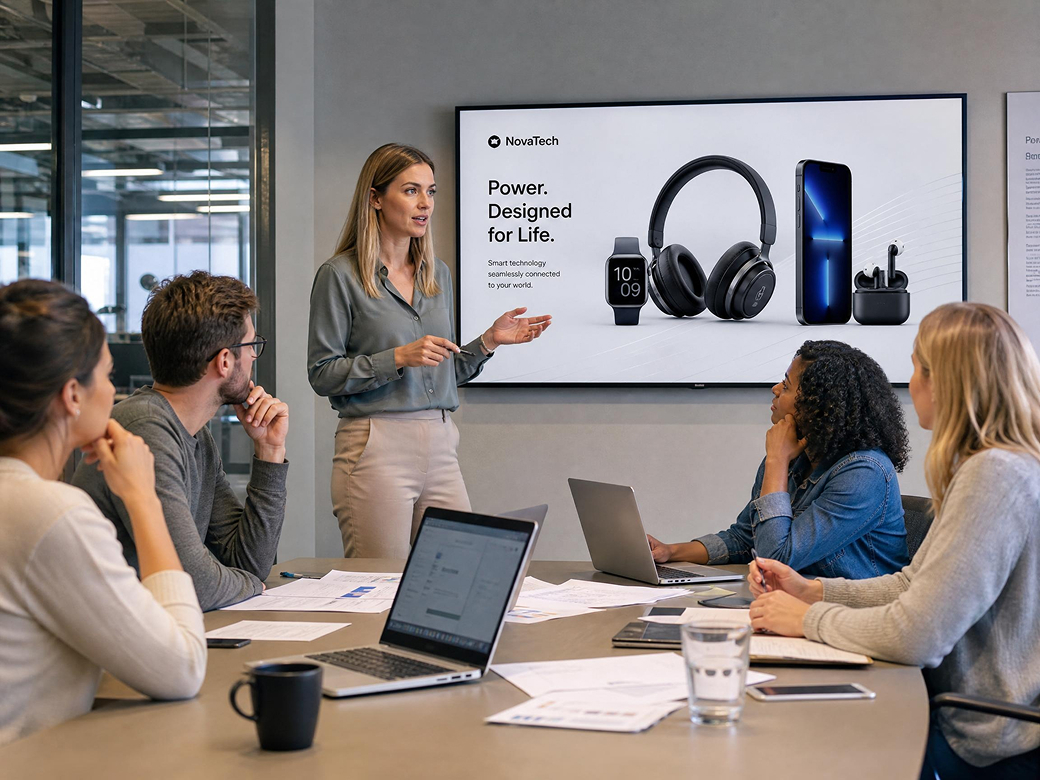
Educators and trainers
Corporate coaches and digital instructors need clear visuals to break up text-heavy slide collections. Converting short instructional prompts into video clips helps represent dense technical topics in an accessible visual medium.

Content creators
Digital storytellers need to test creative treatments before finalizing scripts. Generating videos from script prompts allows creators to explore different visual styles before moving forward with larger creative projects.
Frequently asked questions about script to video AI
What is script to video AI?
Can I create videos from scripts?
Yes. Use script prompts, dialogue, story outlines, or scene descriptions with Vmake's Text to Video workflow to generate AI video scenes.
What types of scripts can I use?
You can use marketing copy, product descriptions, educational outlines, storytelling scenes, promotional concepts, and other script style prompts.
Which AI models are available?
Vmake Labs supports popular AI video models including Seedance 2.0, Kling 3.0, Google Veo 3.1, Google Veo 3, Sora 2, Hailuo 2.3, Vidu Q2, and Wan 2.2.
Can I customize generated videos?
Yes. Before generating your video, you can adjust the prompt, choose an AI model, and select the video duration and aspect ratio that best fit your project.
Is script to video AI suitable for business use?
Yes. Businesses can generate product video content, promotional content, ecommerce marketing assets, educational visuals, and creative presentations from script style prompts.
Why users choose Vmake Labs for script to video AI

Turn script prompts into AI generated video scenes more efficiently, making it easier to develop ideas for marketing, storytelling, product showcases, and creative projects.
Generate multiple video concepts from different script prompts to support ongoing campaigns, content publishing, and creative exploration.

Support marketing campaigns, product showcases, educational materials, brand storytelling, and promotional projects from one streamlined AI video generation platform.
Explore more Al tools

Video & image enhancer

AVideo Translator

Video background remover

Video & audio to text
UGC Video

Video Upscaler

Watermark & text remover

Video noise reducer
Turn scripts into videos with Vmake Labs
Transform script prompts, scene descriptions, and story ideas into engaging AI generated video scenes with Vmake Labs. Create videos from scripts now!
What users say about Vmake Labs script to video AI
I used campaign concepts as script prompts to create several promotional video ideas. Trying different AI models helped our team compare visual styles before selecting a direction.
My lesson outlines became short visual scenes that made technical concepts easier to explain. The prompt based workflow was simple to learn and fit naturally into my content planning process.
I entered dialogue and scene descriptions from my story to generate concept scenes. It was a practical way to visualize scenes before moving into larger creative projects.
We explored several campaign ideas by refining the prompt instead of starting from scratch. That made it much easier to compare creative concepts for our next launch.
Having multiple AI models available in one workspace allowed us to test different visual styles using the same script prompt without changing platforms.
I transformed training outlines into short demonstration videos that worked well for presentations and learning materials. The workflow was straightforward and easy to repeat.