
Free AI Meme Video Maker Online
Meme videos drive more engagement than almost any other content format but creating the right visual takes time. Vmake AI meme video generator creates clips from a text prompt or uploaded image using Text to Video, Image to Video and multiple AI models.
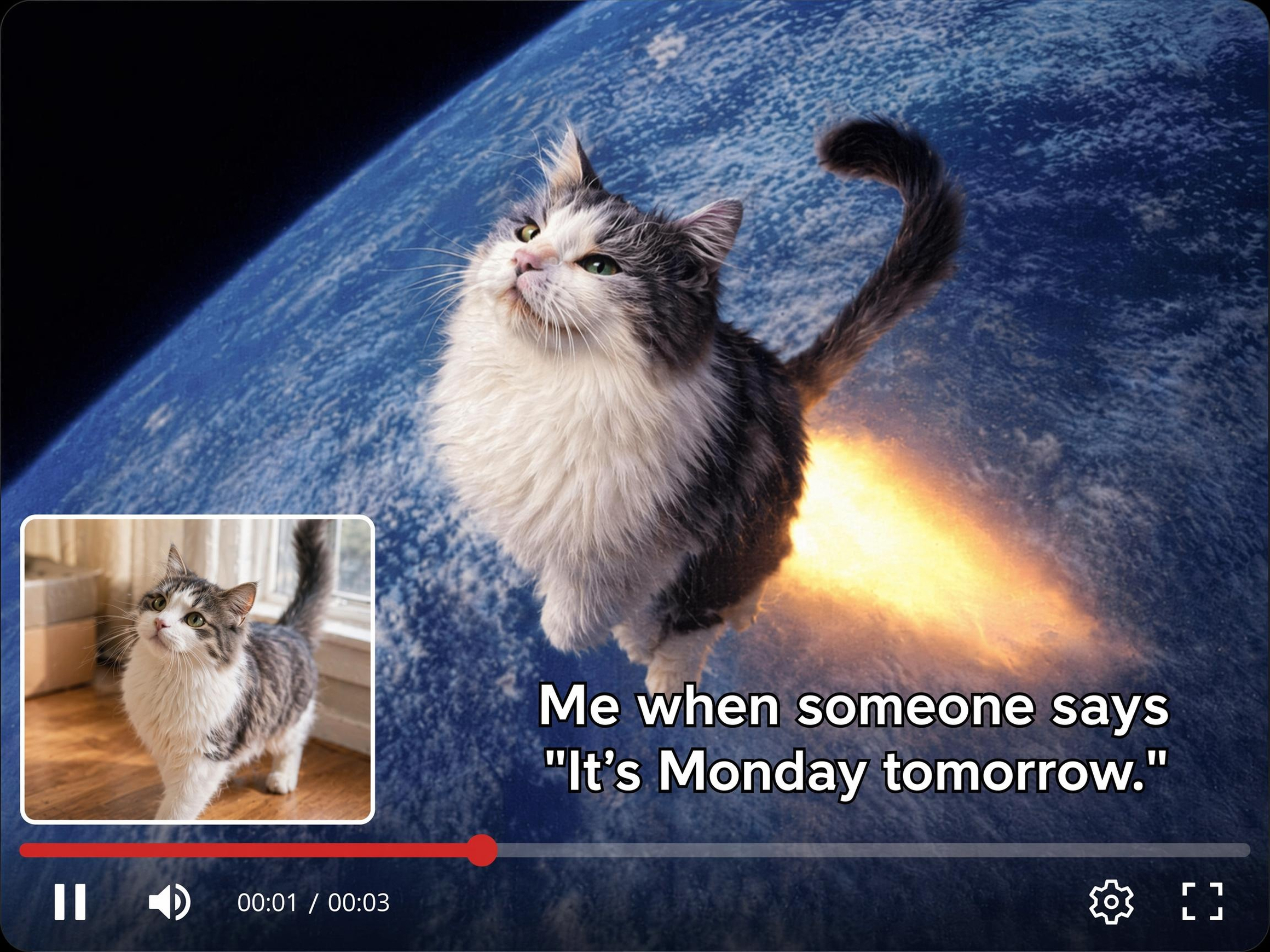


How to make a meme video with Vmake
Step 1. Choose your input
Click Text to Video and type your meme concept or script in the Description field. Or click Image to Video, upload a reference image and describe the motion or scene you want to generate.
Step 2. Set the format and generate
Select a model from the Model dropdown. Set your preferred duration and ratio from the dropdowns. Click Generate to create your meme video clip.
Step 3. Download and share
Preview the output in the main player. Find it saved in Generation History. Click Download to save your meme clip ready for further editing or sharing.
What meme creators make with Vmake Labs meme video maker
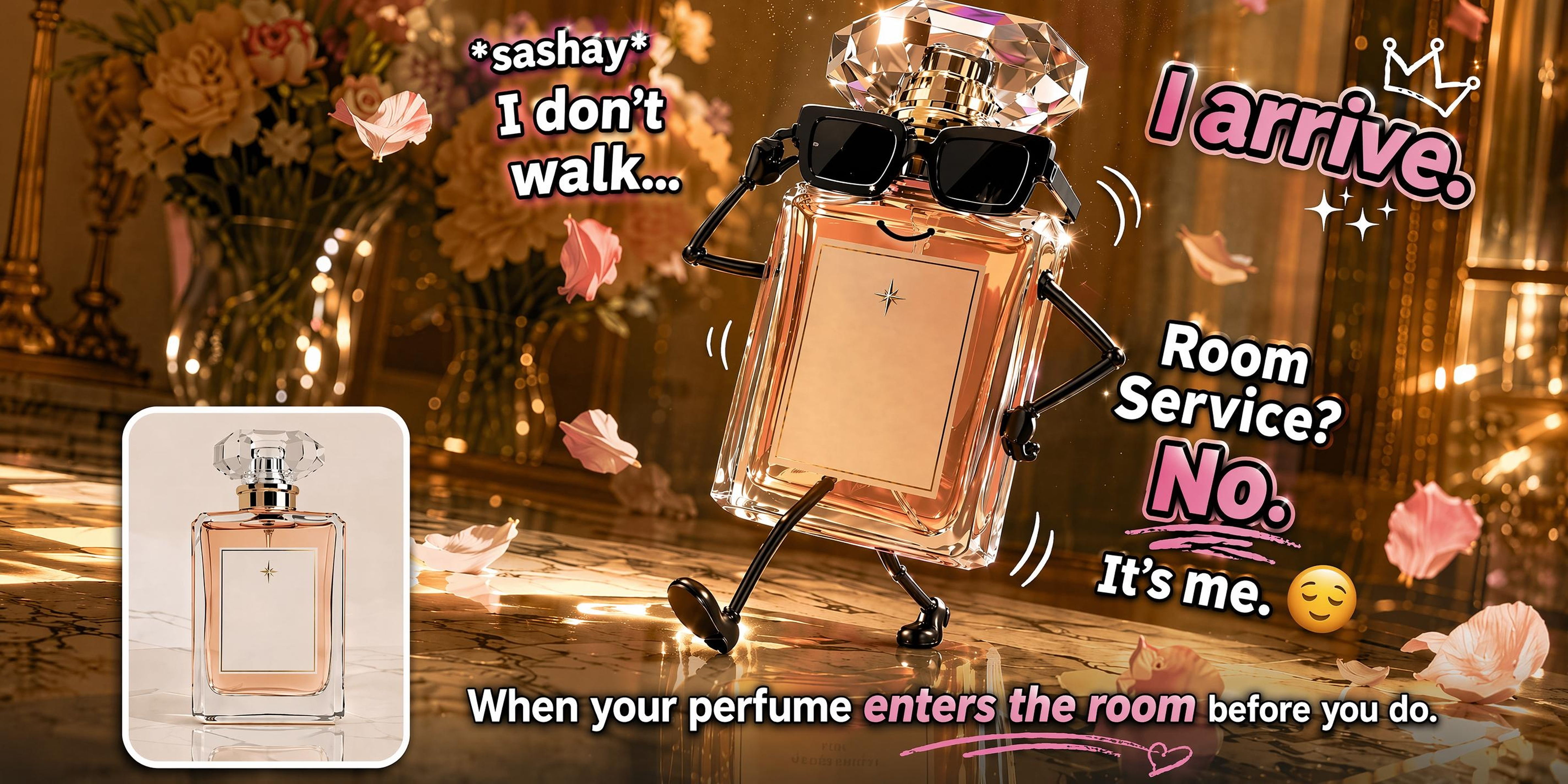
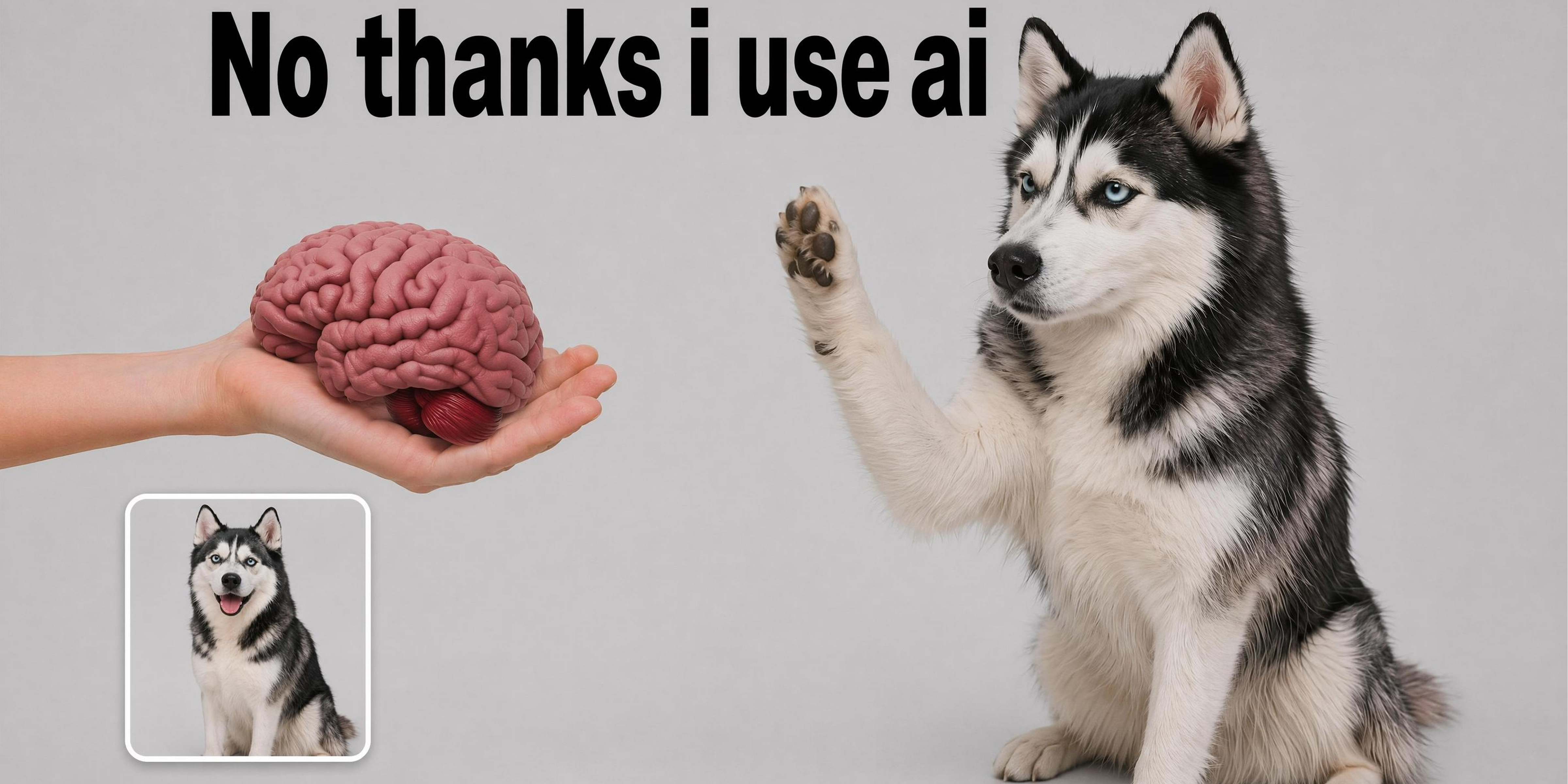
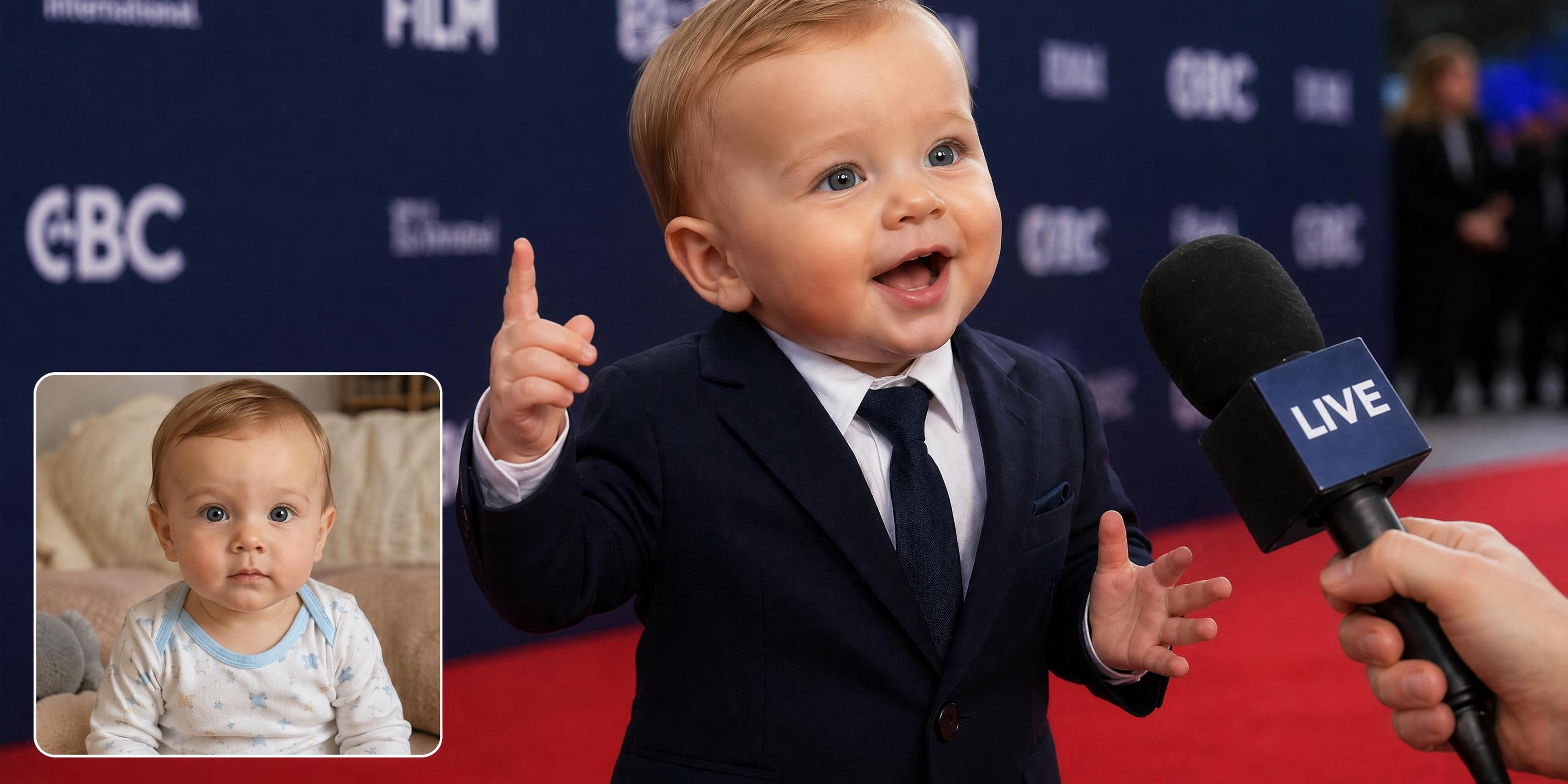
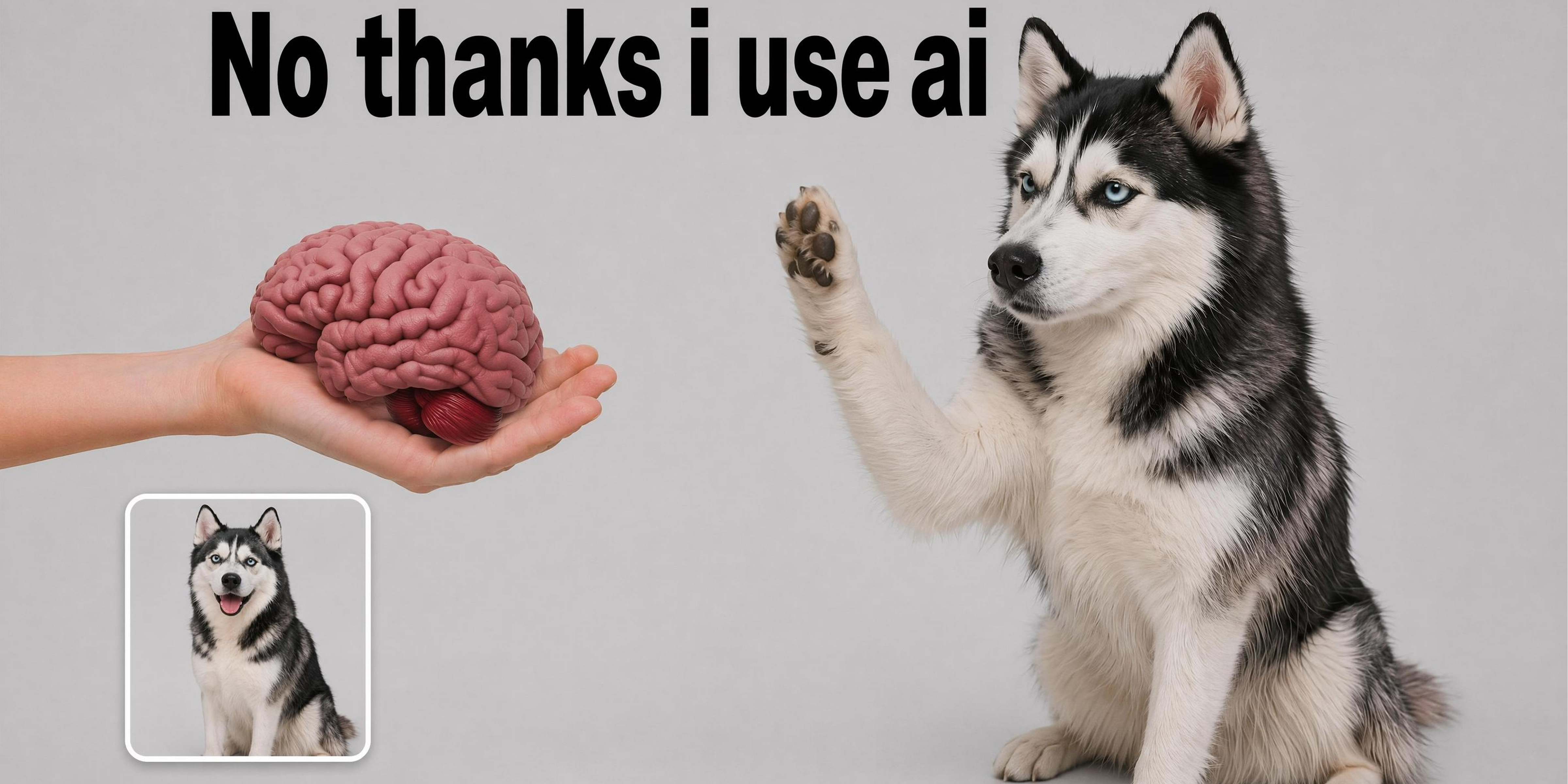
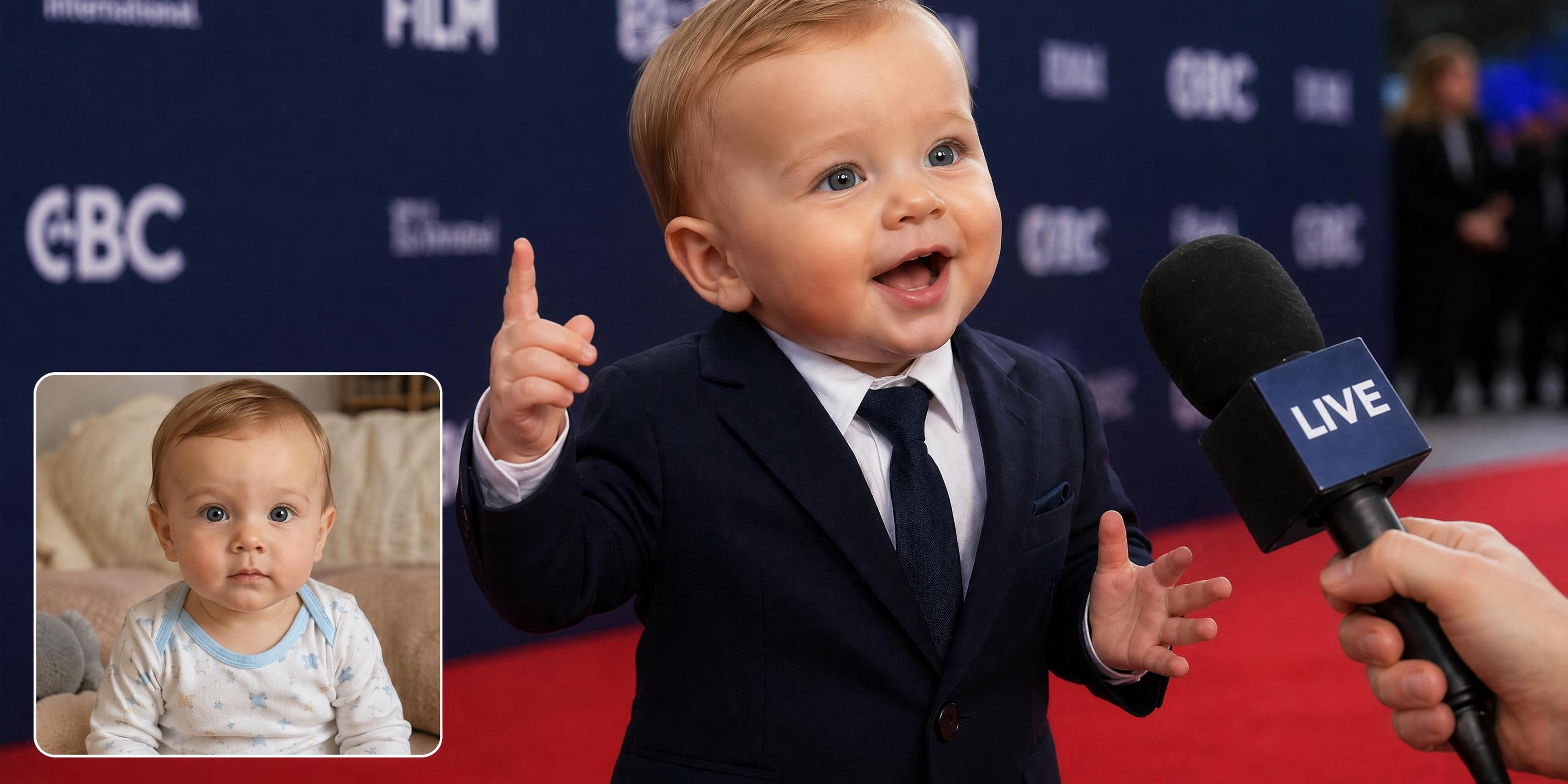
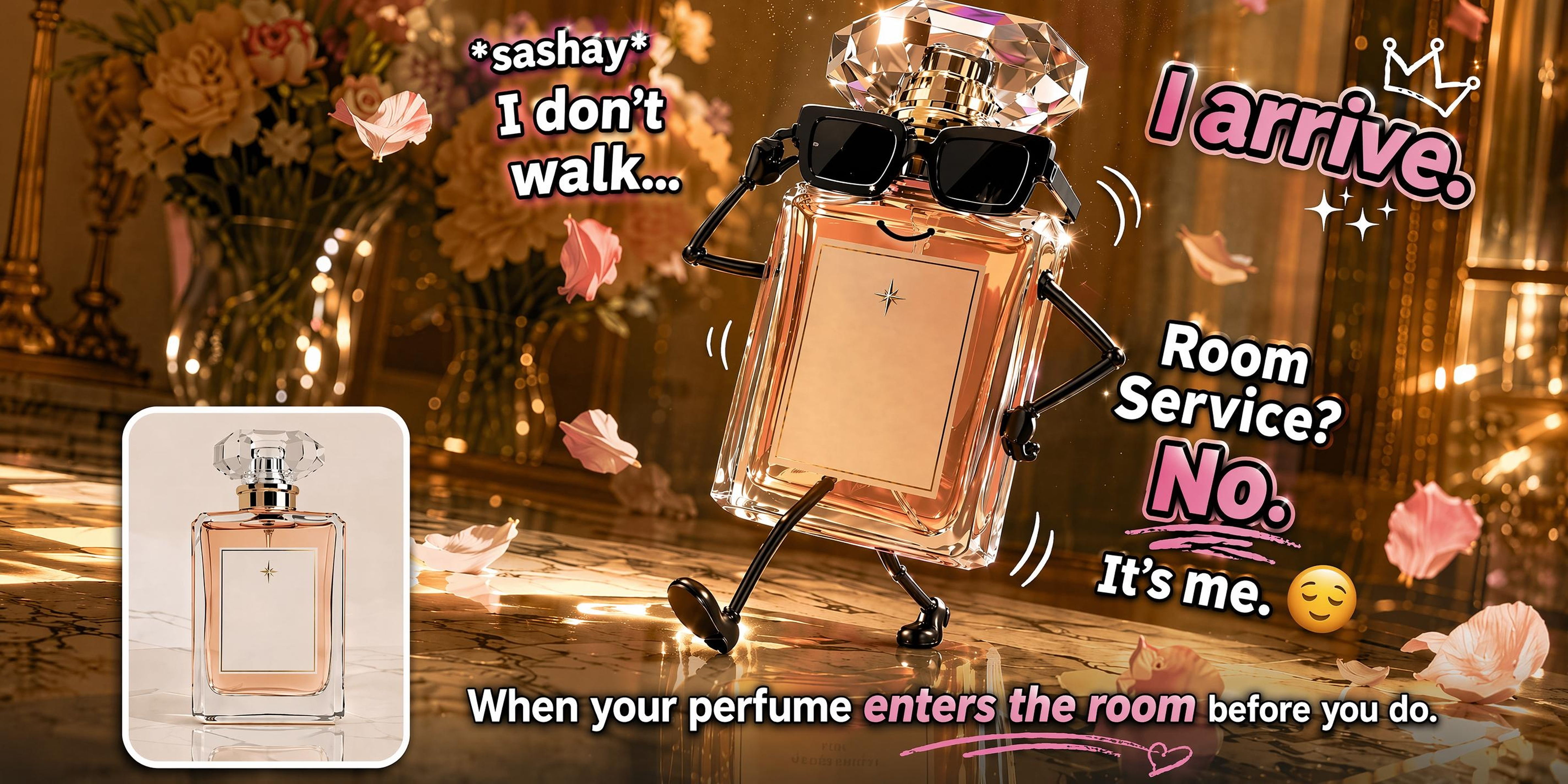
What makes Vmake Labs the right AI meme video generator
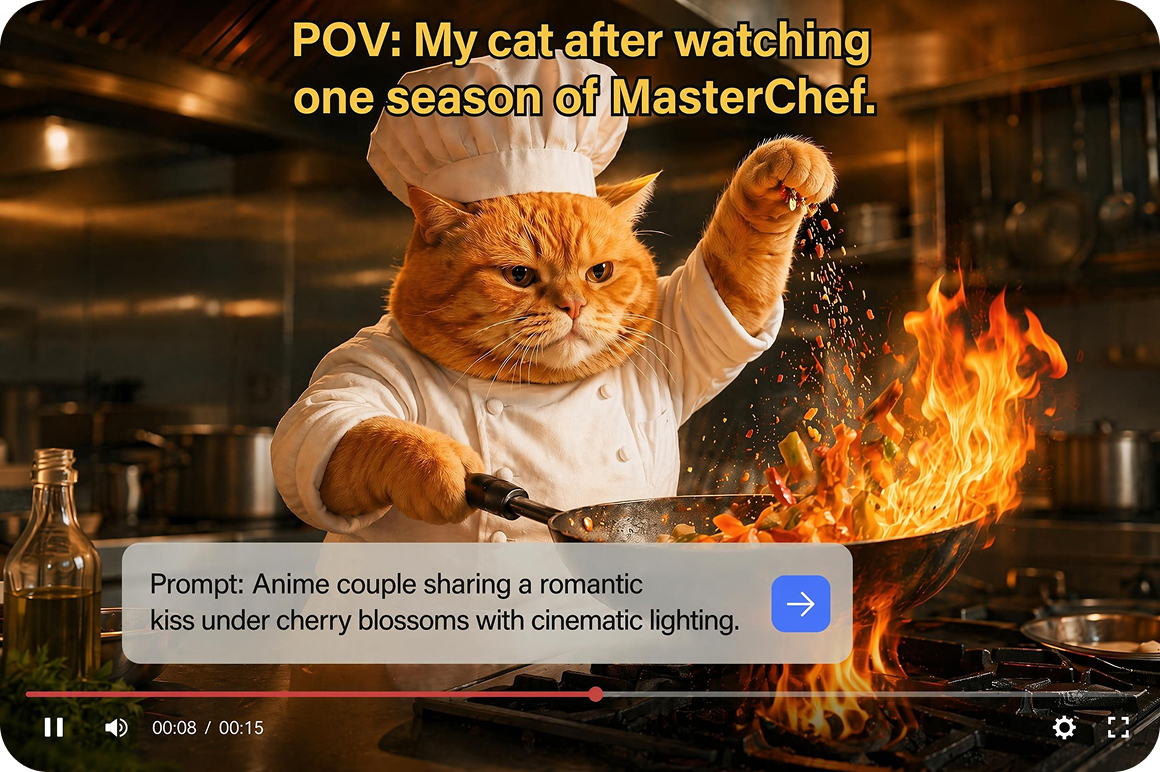
Text to video for any meme concept
Type any meme concept, script or scenario in the Description field. Select a model, set your preferred duration and ratio from the dropdowns, then click Generate. The meme concept goes from text to a generated clip without sourcing footage, filming anything or needing an existing visual to start from.
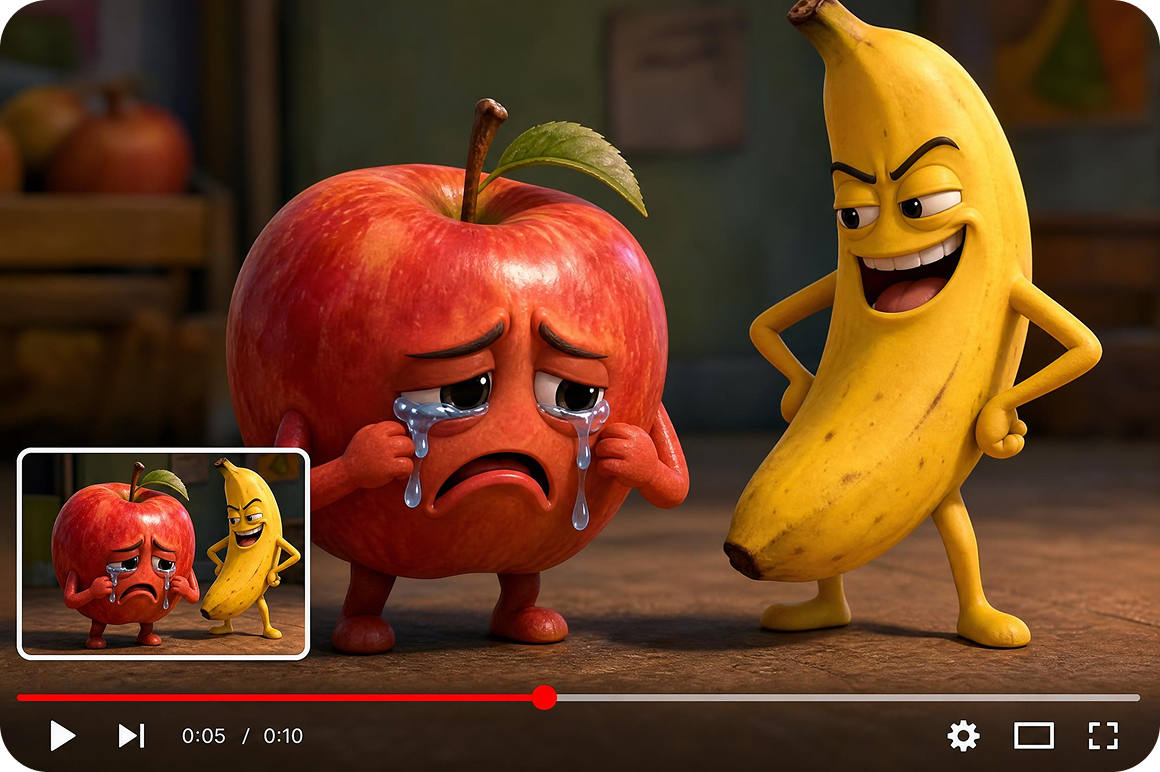
Image to video for reaction and visual memes
Upload reference images and describe the motion or scene. Image to Video animates the uploaded image into a video clip using Elements, Frames or Effects sub modes. Reaction memes, visual gag formats and image based meme content all start from an image upload without additional filming.
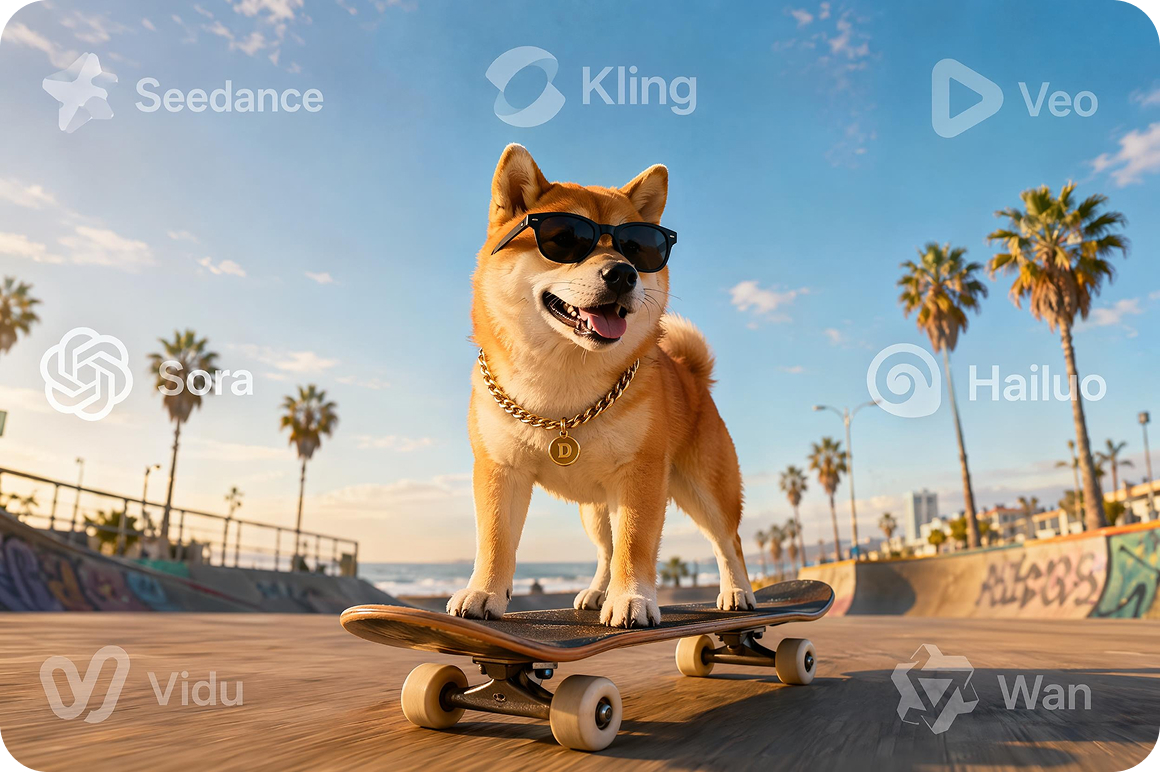
Multiple models for different meme styles
A model selector offers multiple generation models each producing different visual styles and motion quality on the same text or image input. Switch between models to match the meme aesthetic whether the format calls for a realistic, animated or stylized look. The same concept can be generated in multiple styles without re-entering the description.
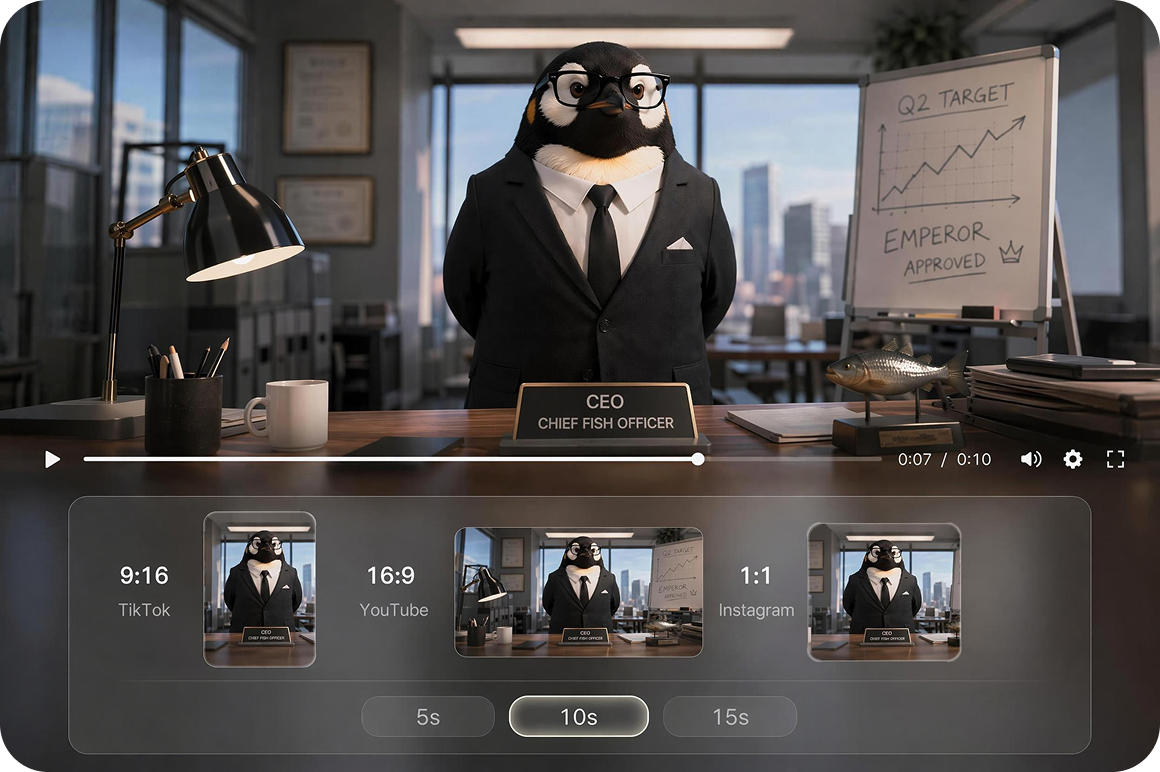
Format ready output ratios
Set the output ratio before generating. 9:16 for TikTok and Reels meme formats, 16:9 for YouTube meme content, 1:1 for Instagram and feed posts. For adding captions and subtitles to your meme clip after generating, the TikTok auto subtitles tool handles that step for TikTok content.
Who uses Vmake meme video maker most
Meme creators and humor accounts
Running a high volume meme account requires consistent fresh visual content that is fast to produce. Vmake Labs generates meme style video clips from text descriptions or reference images in multiple visual styles using a model selector. Clip material is available without a filming or production step between each concept and the generated output.
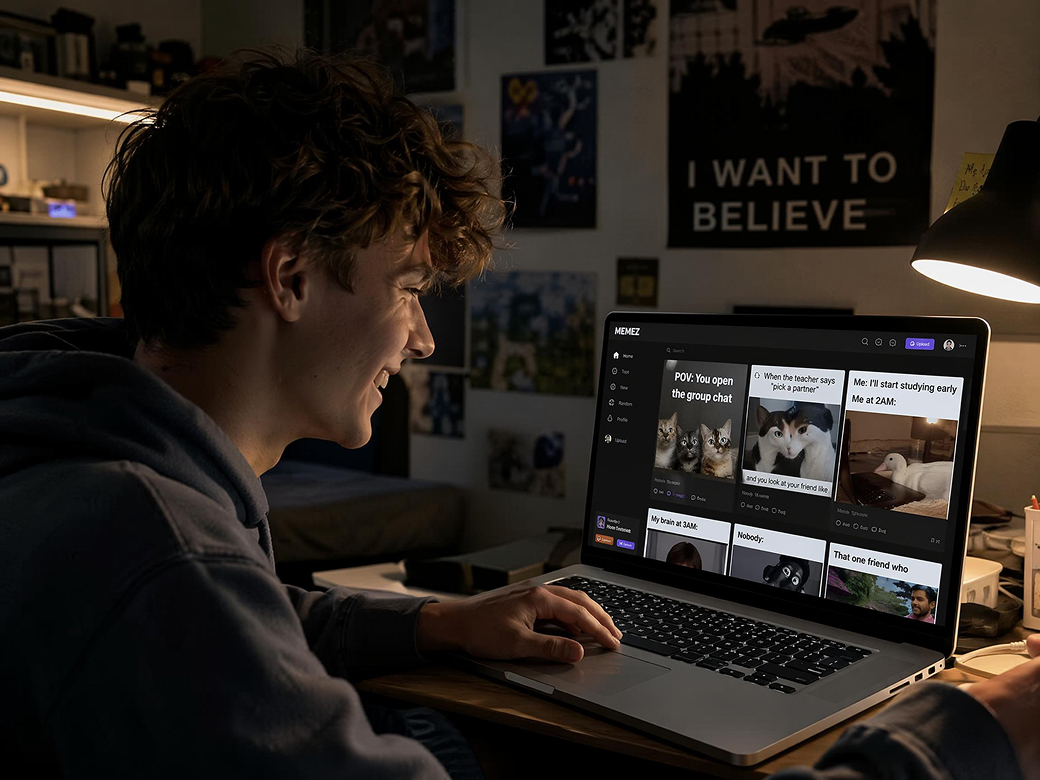
Social media managers for brands
Brand social teams need meme style visual content quickly to participate in culturally relevant moments before the window passes. Vmake Labs generates brand relevant meme style clips from a text description or reference image without a production team. Visual clip material is available to develop from without briefing an agency for each concept.
Content creators building engagement
Creators who want to experiment with meme video formats need visual clip material that does not require a separate filming session for each concept. Vmake Labs generate meme format clips from text or image input with format ready ratio output for the intended platform. Clip material is available to work from without a dedicated production setup.
Frequently asked questions about meme video makers
Can I make a meme video from just a text description?
Can I use my own image to create a meme video?
What aspect ratios are available for meme video output?
How long can a generated meme video clip be?
How do I get started with the online meme video maker?
Why meme creators use Vmake Labs as their meme video maker

Switch models, adjust the description and generate again on the same meme concept without starting over. Each iteration stays in Generation History so nothing is lost between attempts.

The full meme video creation workflow runs in the browser from any desktop device. No software download or editing application needed to go from idea to finished meme video clip.

Turn a fresh meme idea into a finished video clip while the trend is still moving. React faster to viral moments, community jokes, and social conversations.
Explore more Al tools
UGC video

Video & Image Enhancer

Video upscaler

Video Translator

Watermark & text remover

Video noise reducer

Video background remover

Video & audio to text
Start making meme videos today
Every meme concept is a clip waiting to be generated. Type a concept or upload an image and Vmake creates the meme style visual ready for further editing or sharing.
What creators say about Vmake meme video maker
I generated a few meme-style clips from text prompts and tried different models to compare the results. One of them matched the look I was after, and it gave me a solid starting point for editing.
Brand meme content usually takes too long to produce through our normal workflow. Vmake Labs gave us a way to generate meme style clip material from a text description without going through the full production process. The output is a starting point rather than a finished post but it gets the concept visual quickly.
I used the image-to-video feature to turn a reference image into a reaction clip. The animation was pretty close to what I had in mind, and it gave me something I could use as a meme without filming a new video.
I generated meme-style clips in both 9:16 and 1:1 from the same prompt. Having both versions ready saved me from generating everything twice, and it made posting to different platforms a lot easier.
I wanted product content that didn't feel like a typical ad, so I used Vmake Labs to generate a meme-style clip from a text prompt. It gave me a good starting point, and the result felt a lot more casual than the product footage we usually use.
I generated a few meme-style clips from text prompts for a client project. They were useful for showing different ideas before we started filming, and it was much quicker than putting together sample footage ourselves.