
Italian Brainrot Maker
Create original Italian brainrot videos with Vmake Labs video generator. Start from a text prompt, a reference image, or your own video, then explore multiple AI video models to produce entertaining, meme-inspired content for social media, creative projects, and online communities.
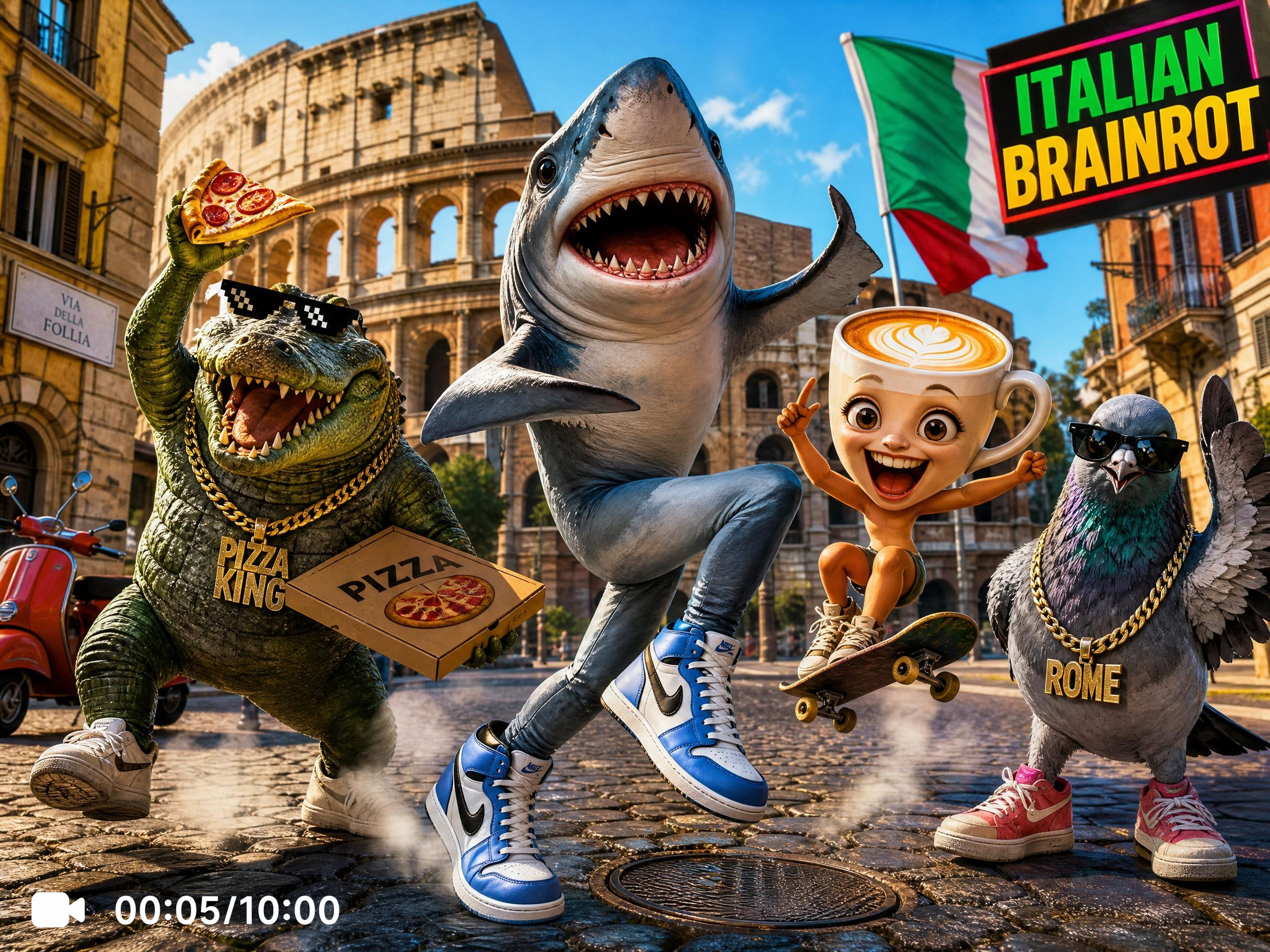


How to create Italian brainrot videos
Step 1. Choose your generation method
Simply choose the tabs: Text to Video when working from a written concept, Image to Video when using an authorized reference image, or Video to Video to reinterpret an existing video with a fresh Italian brainrot style.
Step 2. Describe your Italian brainrot concept
Develop your prompt with details about the characters, dialogue, humor, environments, and visual style you want to achieve. After choosing an AI video model, adjust the generation settings to match the creative direction of your project.
Step 3. Generate and download
Review the completed video, compare different generations if you'd like to explore additional ideas, and make prompt adjustments whenever needed. Once satisfied with the final result, download the video and publish it across your preferred platforms.
Where Italian brainrot videos inspire creative content
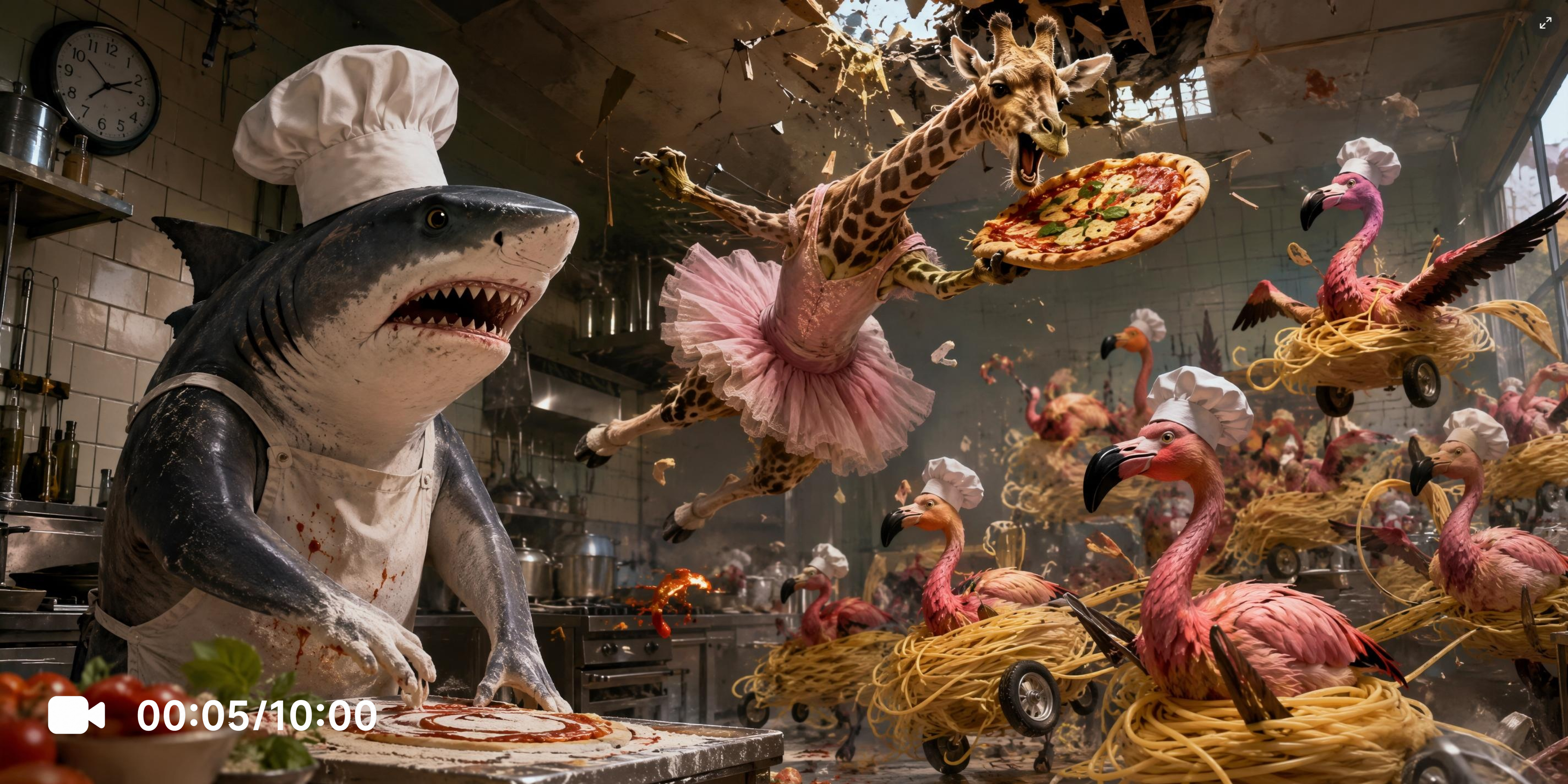
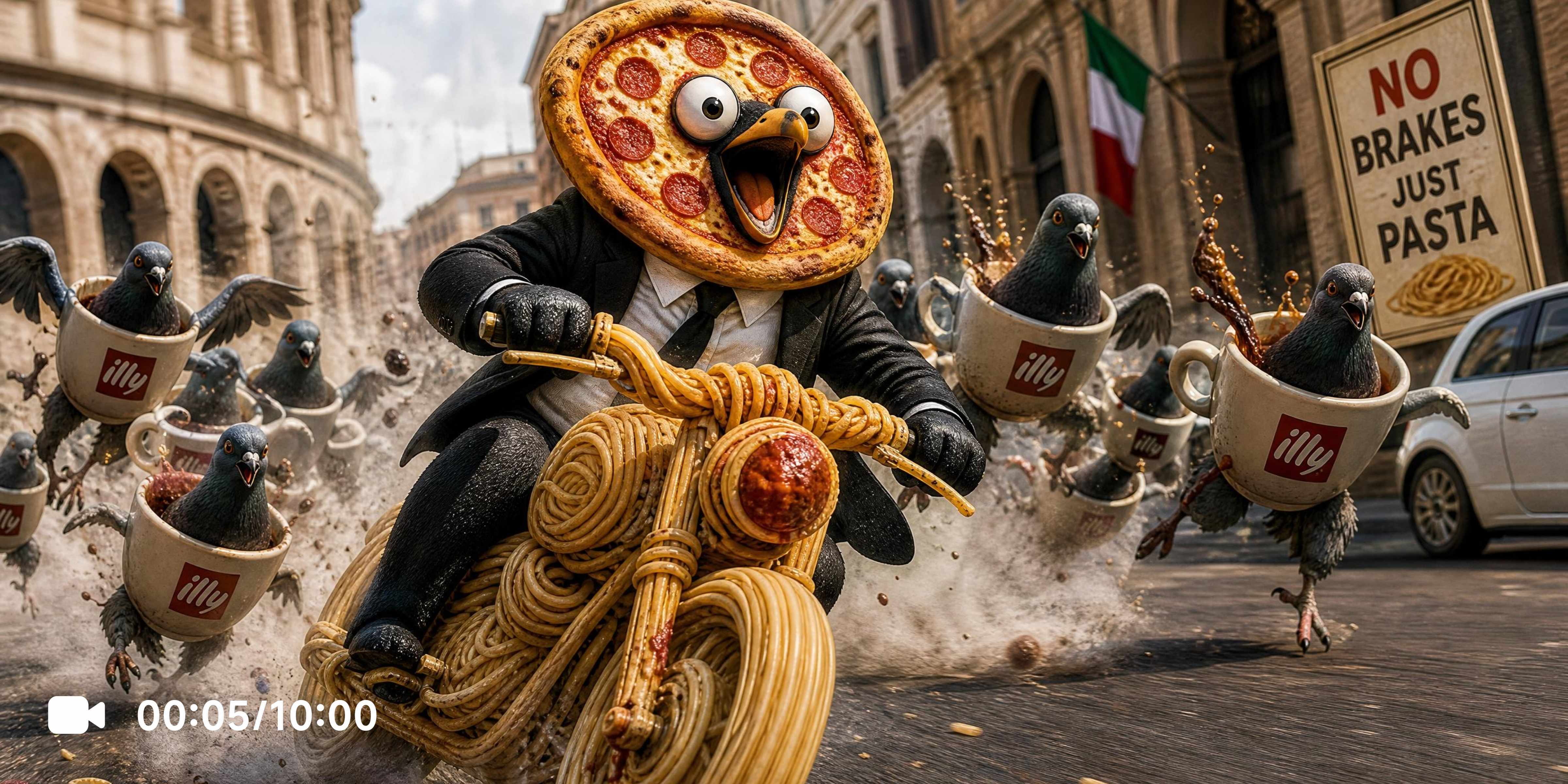
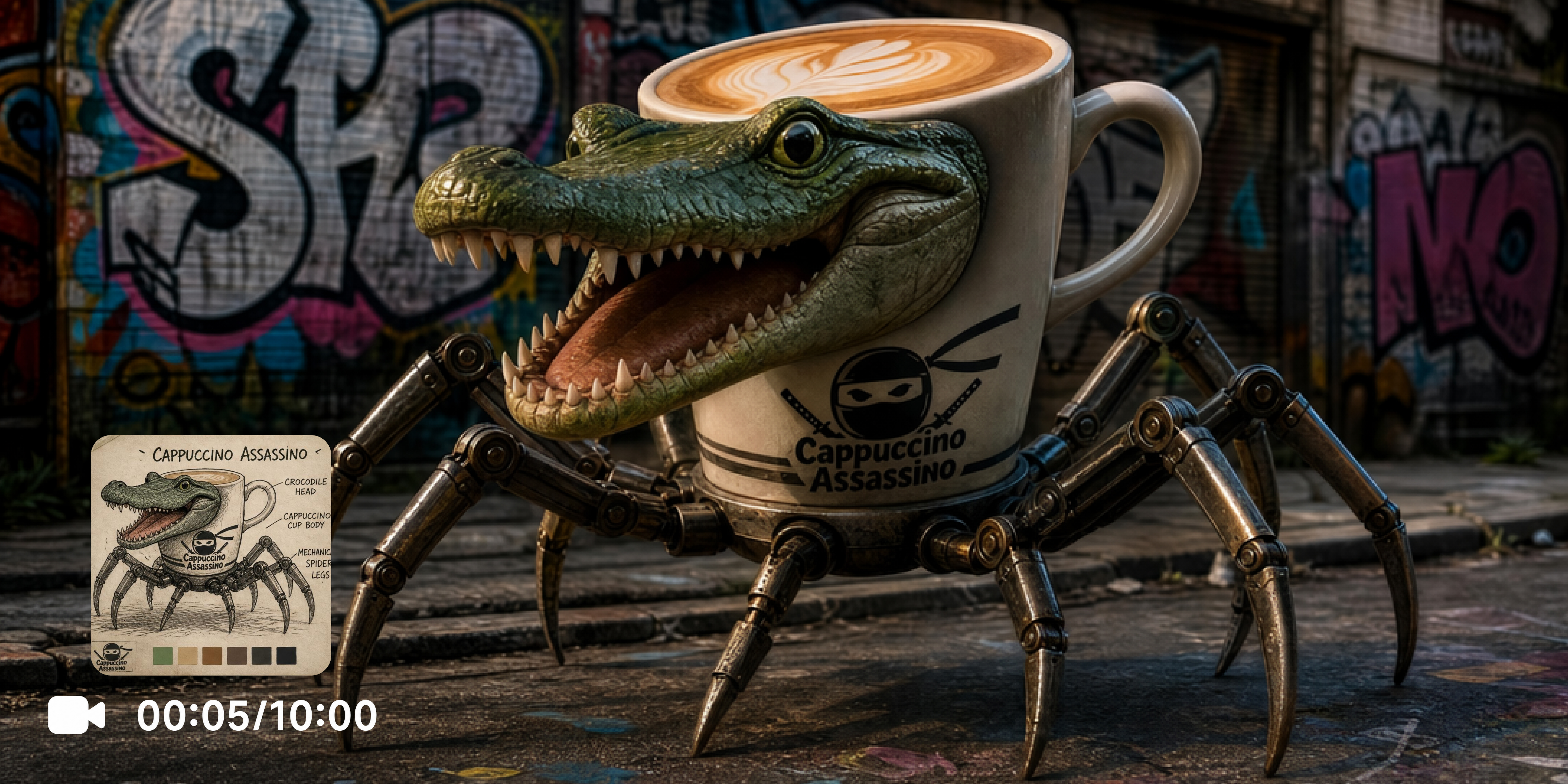
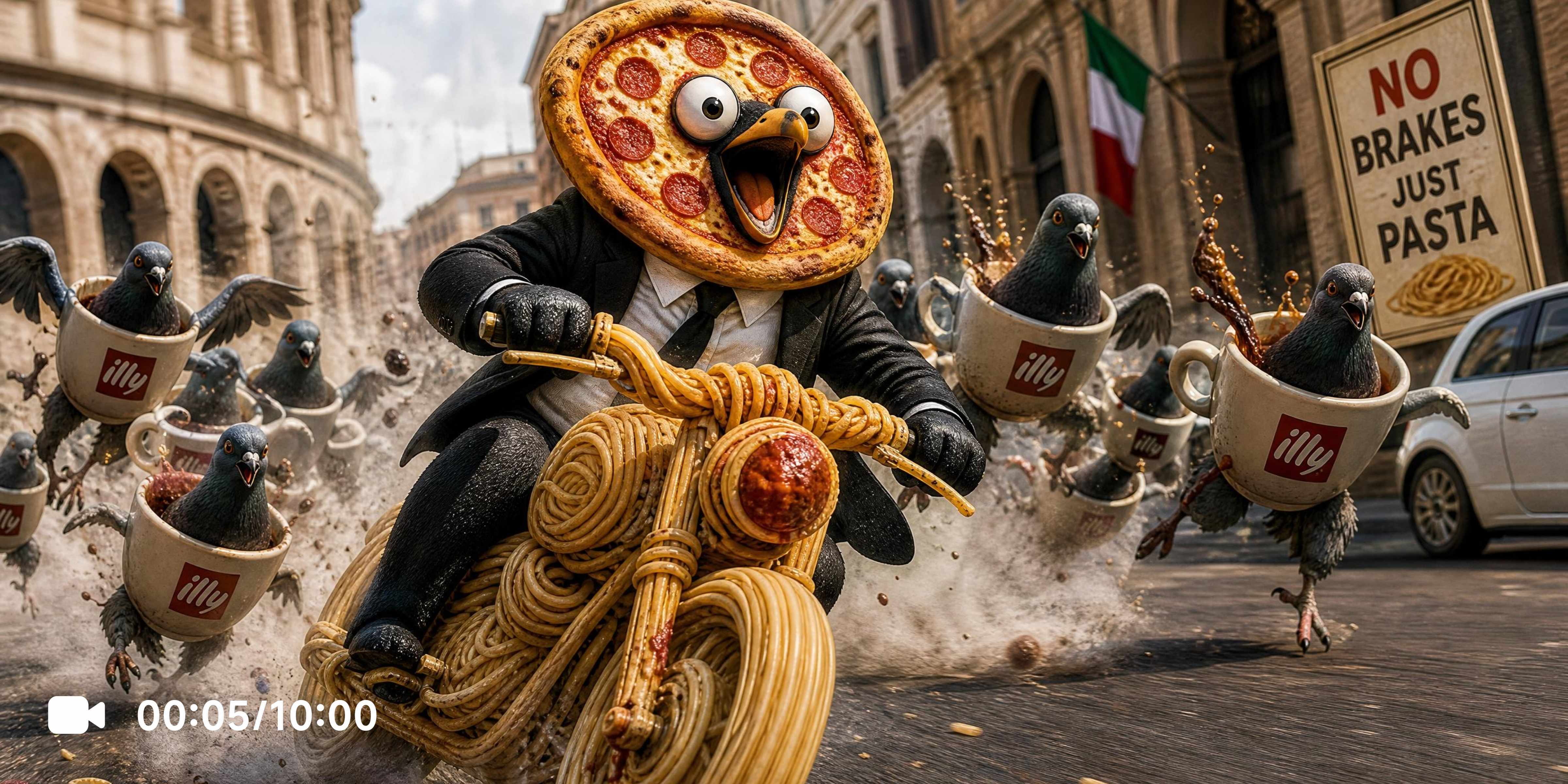
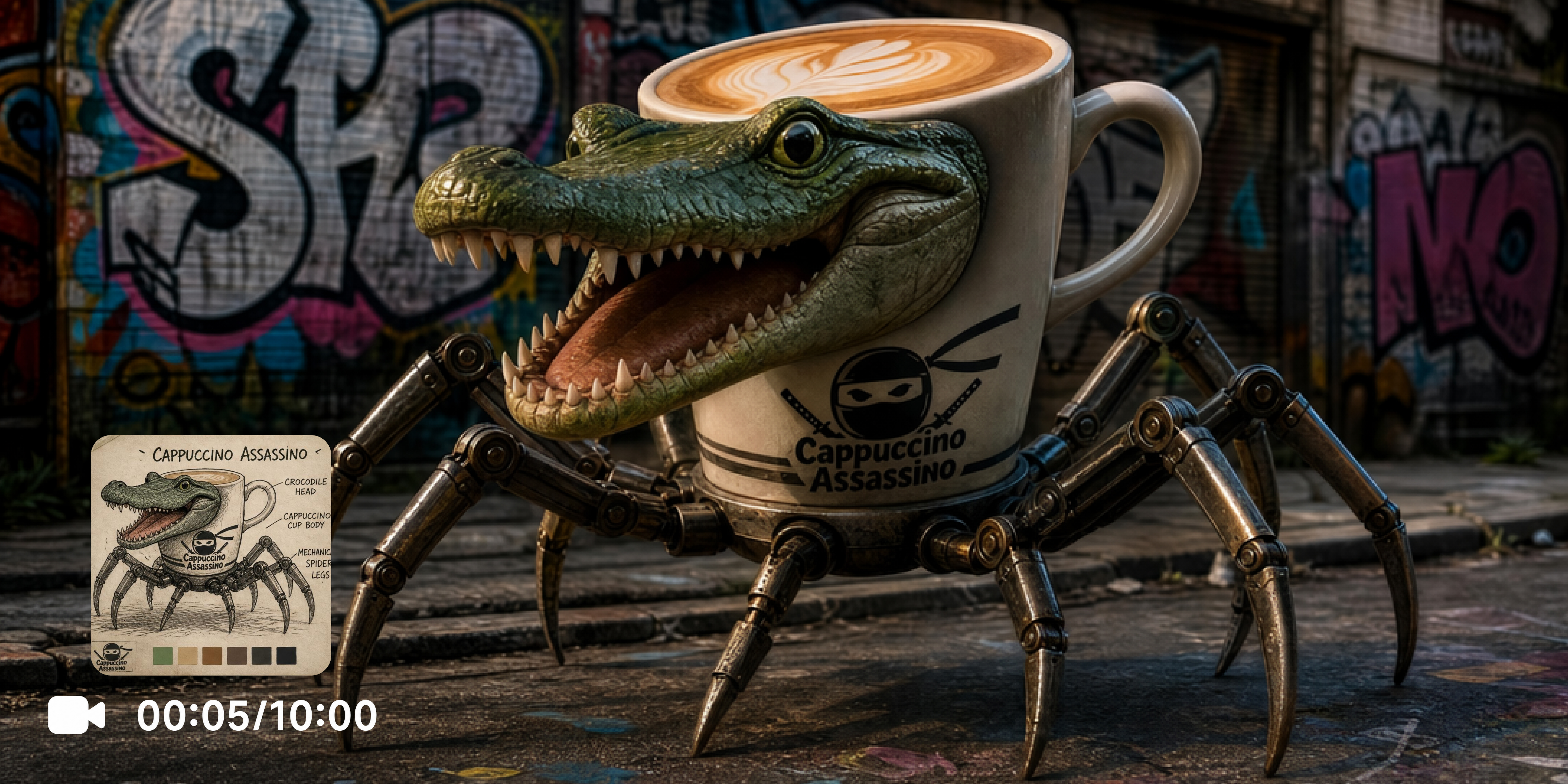
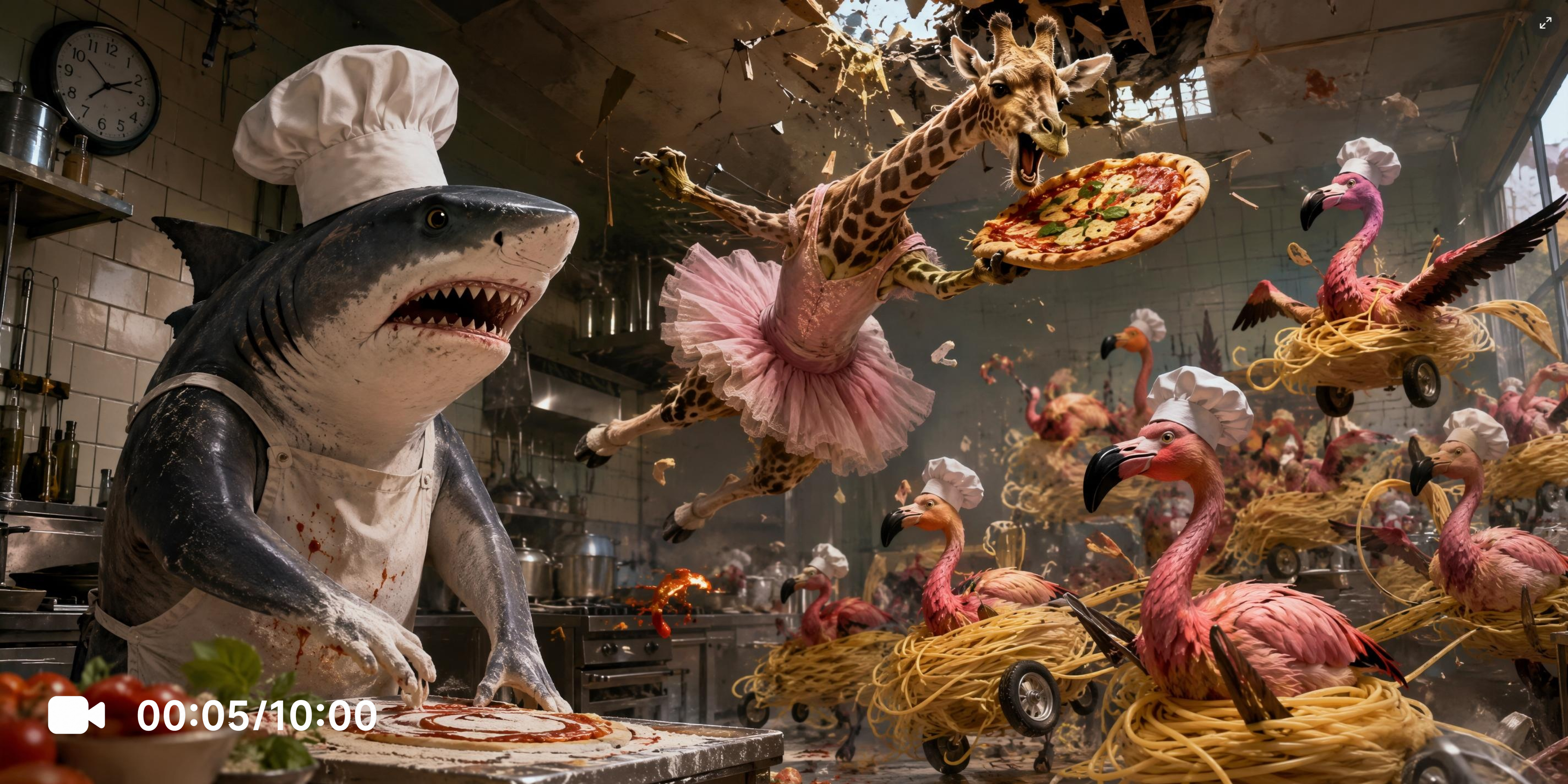
Explore key features of Vmake Labs Italian brainrot maker
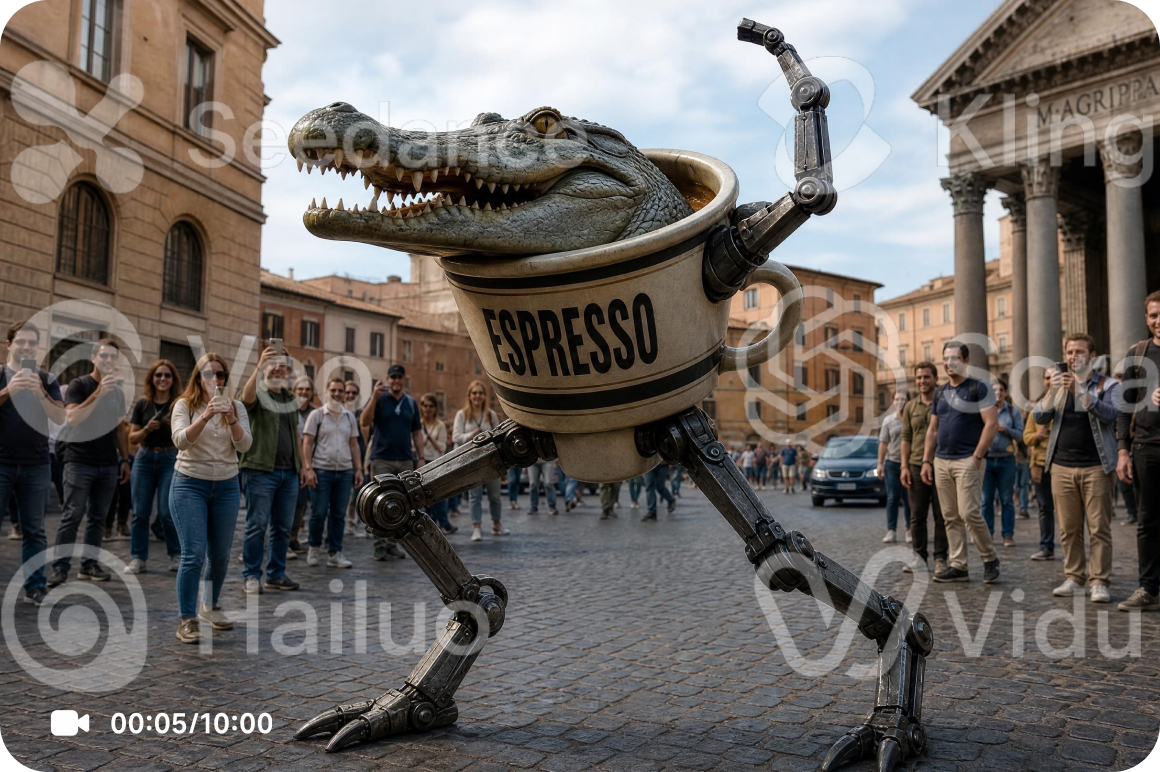
Access multiple AI video generation models
Every AI model offers a unique visual style and motion quality. Vmake Labs video generator supports leading models including Seedance 2.0, Kling 3.0, Google Veo 3.1, Google Veo 3, Sora 2, Hailuo 2.3, Wan 2.2, and Vidu Q2 for different creative results.
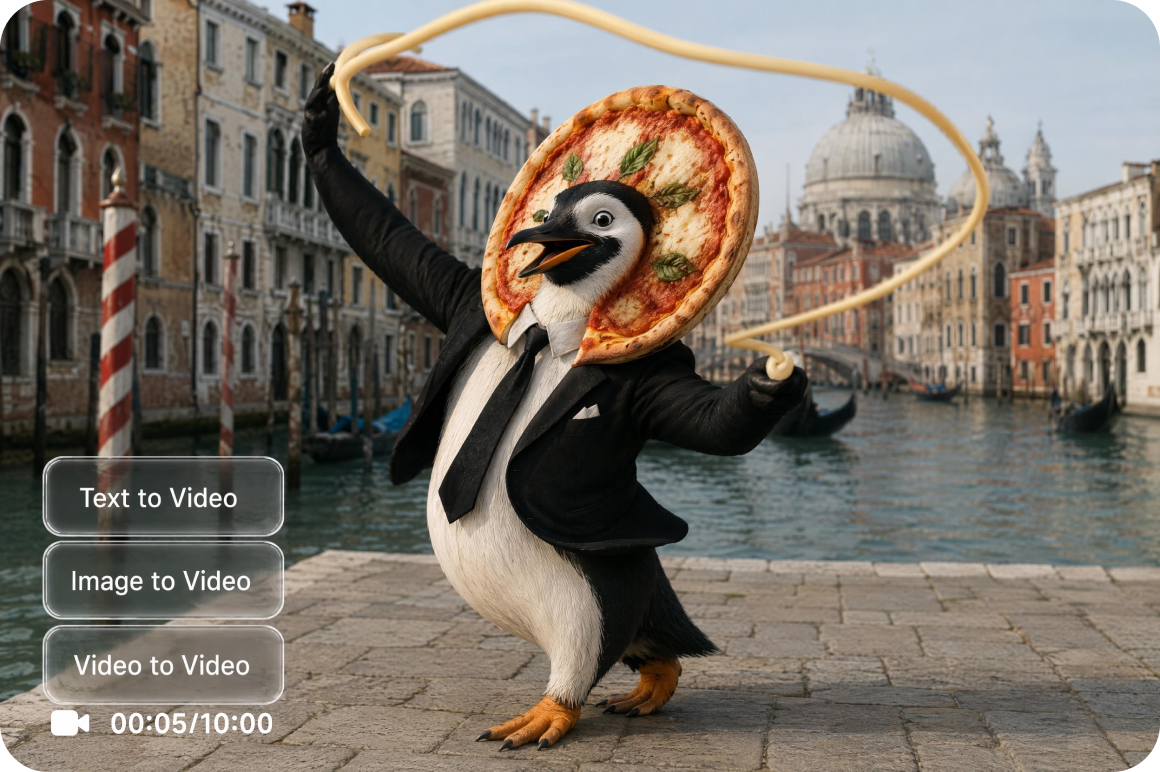
Turn prompts and images into videos
Creative ideas don't always begin the same way. A detailed prompt can inspire entirely new Brainrot scenes, while an authorized reference image provides visual direction. Text to Video and Image to Video support both approaches, making it easy to experiment with original concepts.
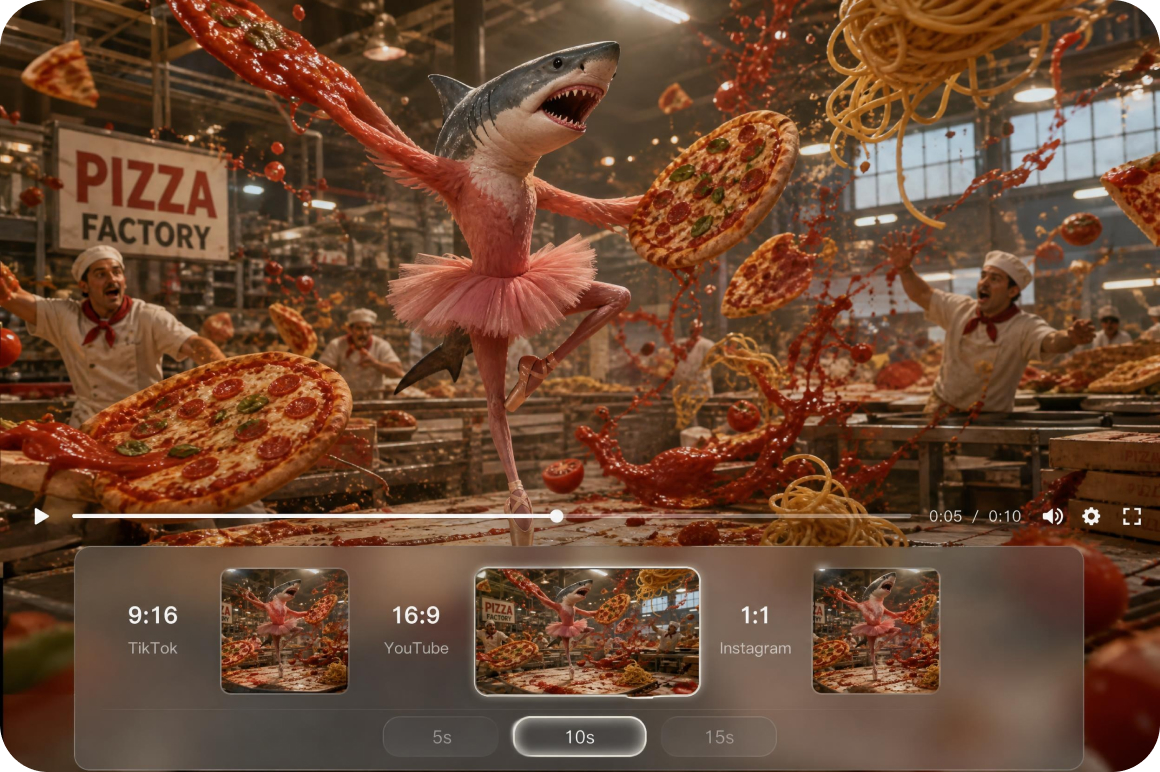
Flexible video creation controls
Brainrot ideas often evolve while a project is taking shape. Video to Video, Elements, Frames, and built-in Effects provide different ways to refine concepts, while adjustable prompts, duration, and aspect ratio help every video better match its intended style.
Who uses Vmake Labs Italian brainrot maker most
Content creators
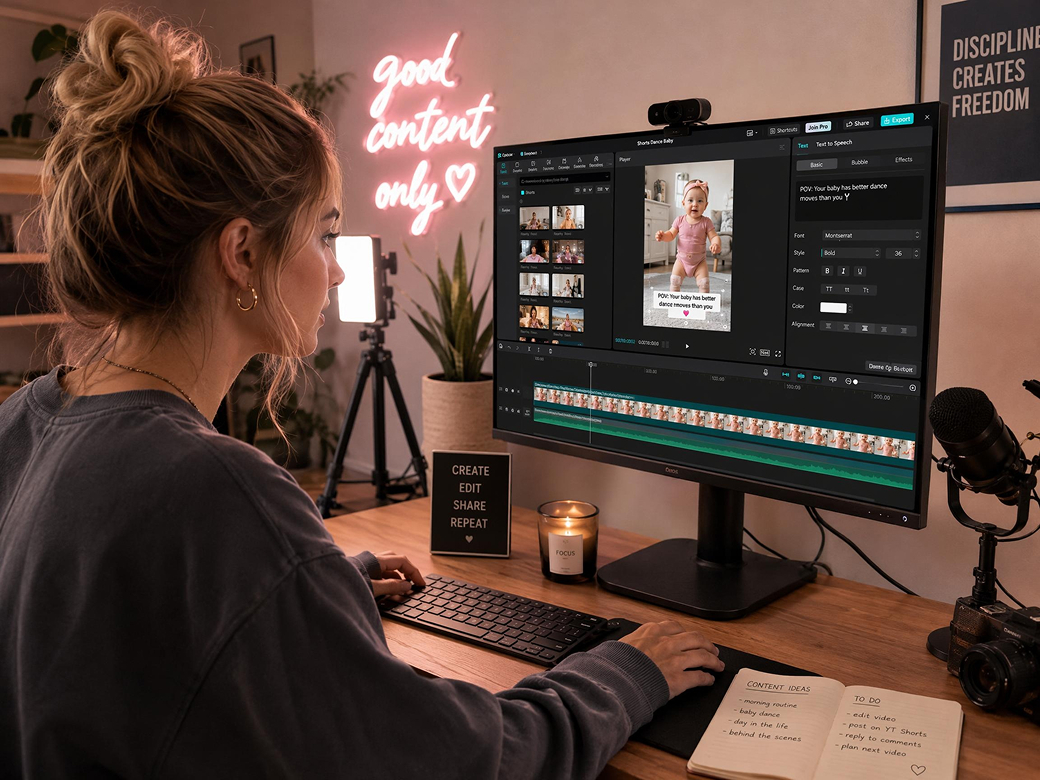
Regular uploads require a steady flow of original ideas for videos and social content. Vmake Labs converts text prompts and authorized reference images into animated Brainrot videos through multiple AI generation methods. Creators can develop fresh concepts more efficiently without filming or complex editing workflows.

Short form creators
Short-form platforms require frequent content production to maintain publishing schedules. Vmake Labs combines Text to Video, Image to Video, and multiple AI video models within one workspace. Creators can process new Brainrot concepts quickly while exploring different visual styles for ongoing content development.
Creative designers
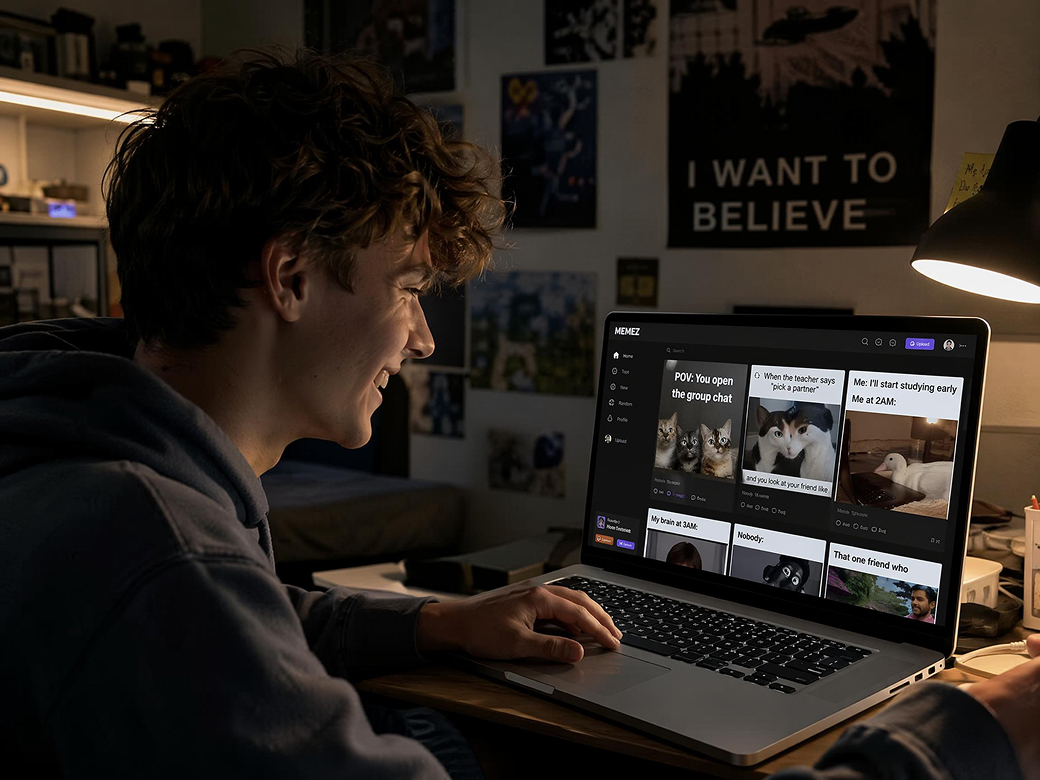
Developing imaginative visual concepts often involves time consuming production and repeated revisions. Vmake Labs delivers multiple AI video models and flexible creation modes from a single platform. Designers can rapidly test creative directions, compare visual results, and refine concepts before moving into full production.
Frequently asked questions about Italian brainrot makers
What is an Italian brainrot maker?
Can I create Brainrot videos from images?
Can I customize the characters and scenes?
Which AI models are available?
What can I create with an Italian brainrot maker?
Can I download my generated video?
Why users choose Vmake Labs Italian brainrot maker

A straightforward workspace keeps the creative process simple from beginning to end. Vmake Labs video generator organizes every step in a clear workflow, allowing both first time users and experienced creators to focus on developing Brainrot ideas instead of learning complicated software.

Creative trends move fast, and new ideas often need to be tested just as quickly. Vmake Labs video generator helps creators explore different prompts, visual styles, and AI models efficiently, making it easier to refine concepts and keep fresh content flowing.

Managing multiple tools can interrupt the creative process and slow production. Vmake Labs video generator brings generation, creative refinement, and video export together in one workspace, helping projects move from the first idea to the finished video with less effort.
Explore more Al tools
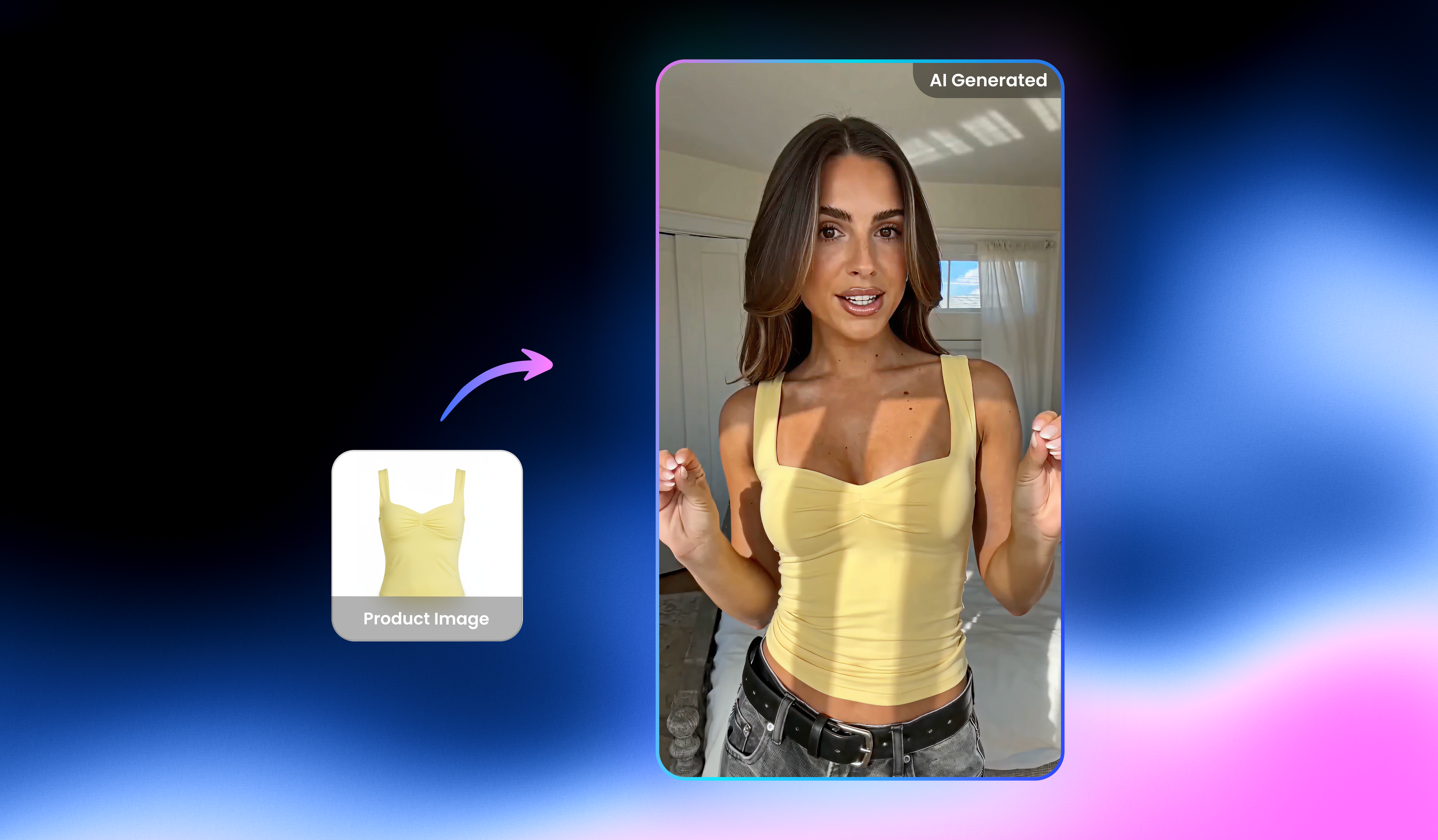
UGC video

Video & image enhancer

Watermark & text remover

Video translator

Video upscaler

Video background remover

Video & audio to text

Video noise reducer
Create Italian brainrot videos today
Turn imaginative Brainrot ideas into original AI generated videos with Vmake Labs video generator. Explore different AI models, refine creative ideas, and bring surreal internet humor to life from one streamlined workspace.
What users say about Vmake Labs Italian brainrot maker
I turned a few surreal prompts into Italian Brainrot videos for my YouTube Shorts channel. Comparing several AI models helped me explore different comedy styles before selecting my favorite version. The creative workflow generated fresh visual ideas that inspired new concepts for future short form videos.
I experimented with bizarre characters, exaggerated humor, and unexpected scenes to create entertaining videos for TikTok and Instagram Reels. Text to Video made it simple to test multiple concepts, while different AI models helped me compare visual styles and refine ideas before publishing new content.
I uploaded original character artwork through Image to Video and explored several Brainrot inspired animation styles. Comparing different AI models produced useful visual references that helped shape my creative direction. It became much easier to evaluate concepts before investing additional time in detailed illustrations.
I often need quick visual references before developing larger comedy projects. Vmake Labs transformed simple prompts into imaginative Brainrot scenes that helped me compare creative directions and experiment with unusual storytelling ideas. The workflow supported early concept development without requiring lengthy production planning.
Having multiple AI video models available in one workspace made creative experimentation much more efficient. I compared different interpretations of the same prompt before choosing the style that matched my parody videos. The variety of results encouraged new ideas for future entertainment focused content.
I wanted a simple way to turn funny ideas into animated videos without learning complex editing software. The workflow was easy to follow, and experimenting with different prompts generated plenty of entertaining Brainrot concepts. It became an enjoyable way to create videos for friends and online communities.