
AI Instagram Story Maker Online
Create Instagram Story-style videos from text prompts, reference images, or videos with Vmake Labs. Use Text to Video, Image to Video, and Video to Video workflows to generate creative Story content for creators, businesses, and personal projects.
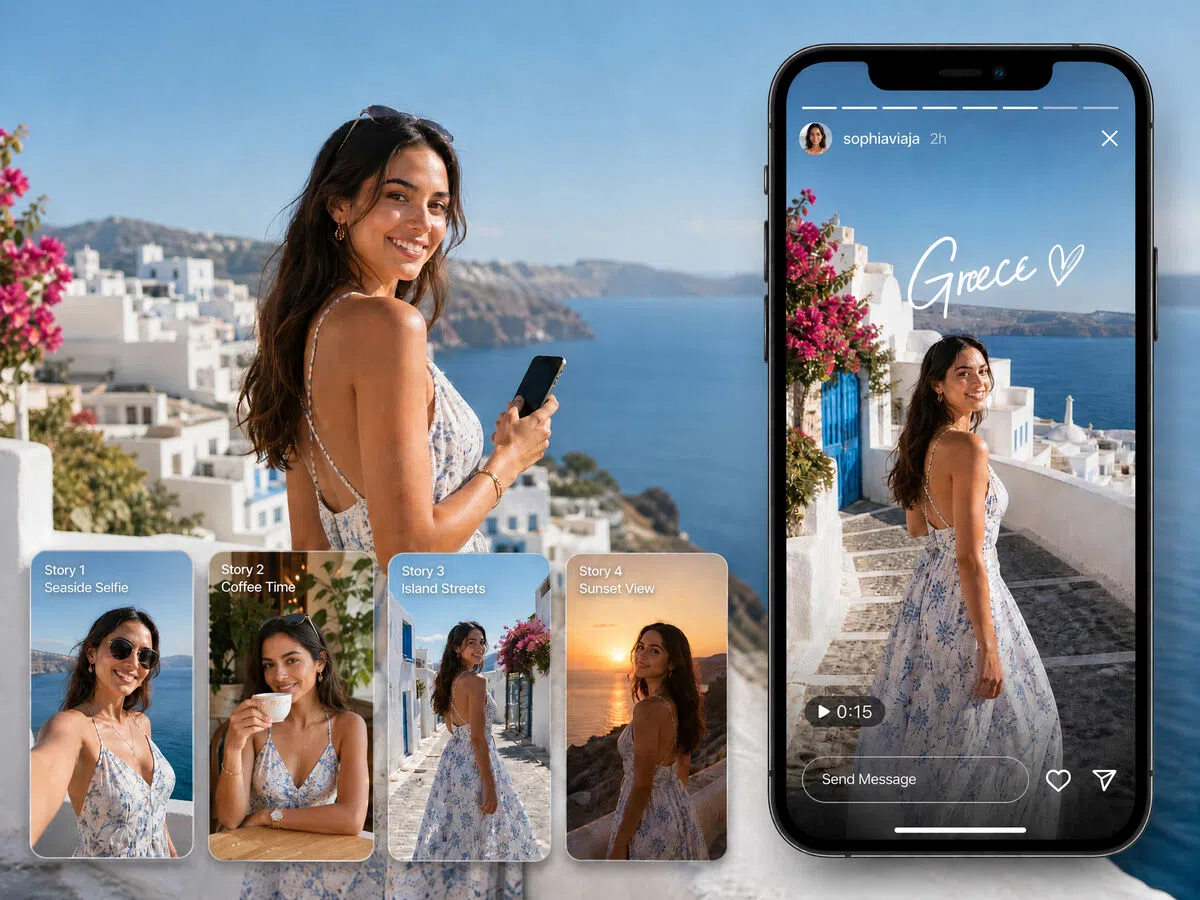


How to create Instagram Stories with Vmake Labs
Step 1. Choose a video generation workflow
Open Vmake Labs Video Generator and choose Text to Video, Image to Video, or Video to Video based on your creative idea before creating your Story-style video.
Step 2. Add your content and customize settings
Enter a text prompt or upload a reference image or video. Choose your preferred AI video model, then adjust the video duration and aspect ratio before generating.
Step 3. Generate and download
Preview your generated Story video in the workspace and review previous creations in Generation History. Once you're satisfied with the result, download your video for use in your Story workflow.
Popular ways to use an Instagram story maker
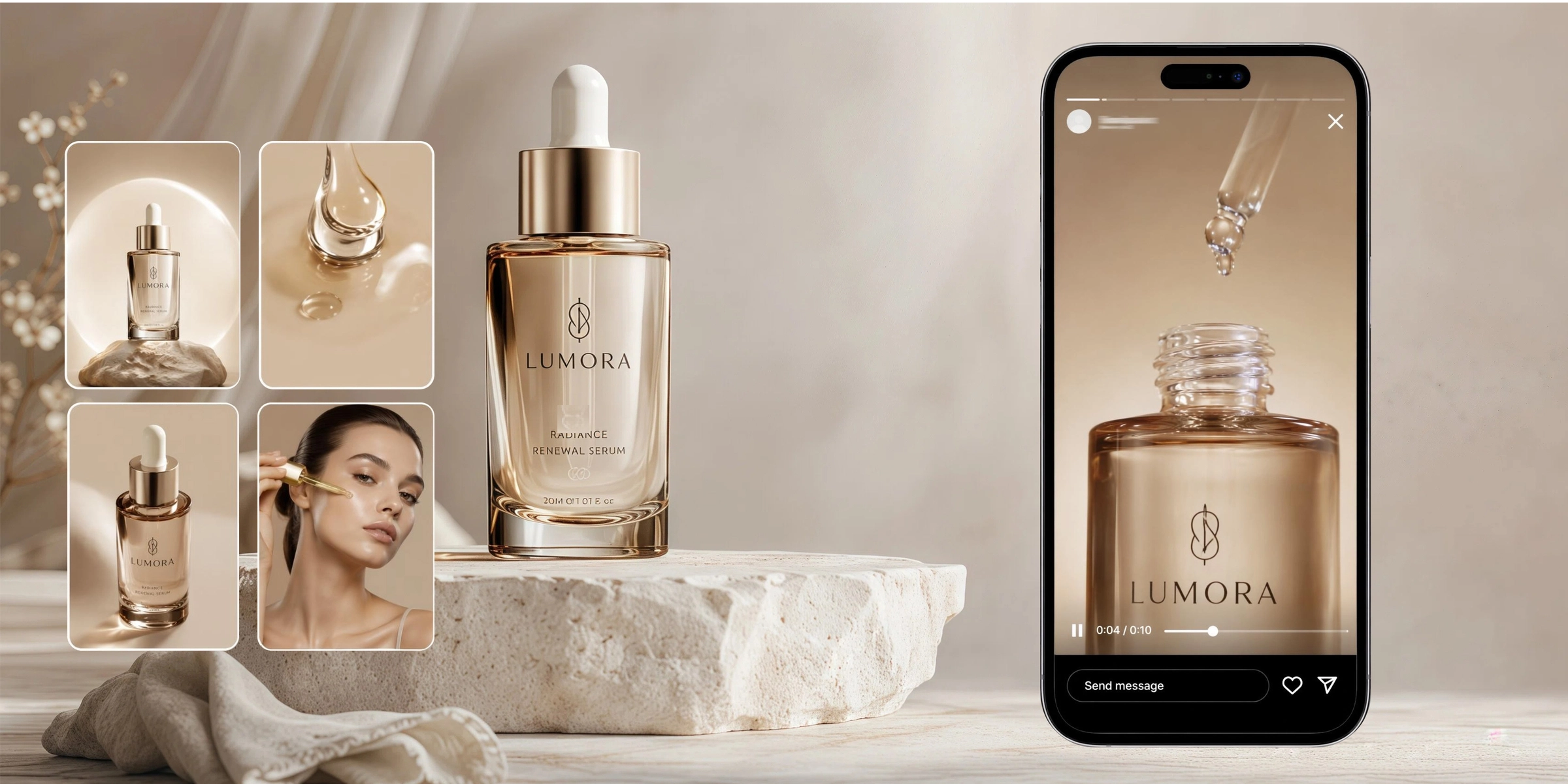
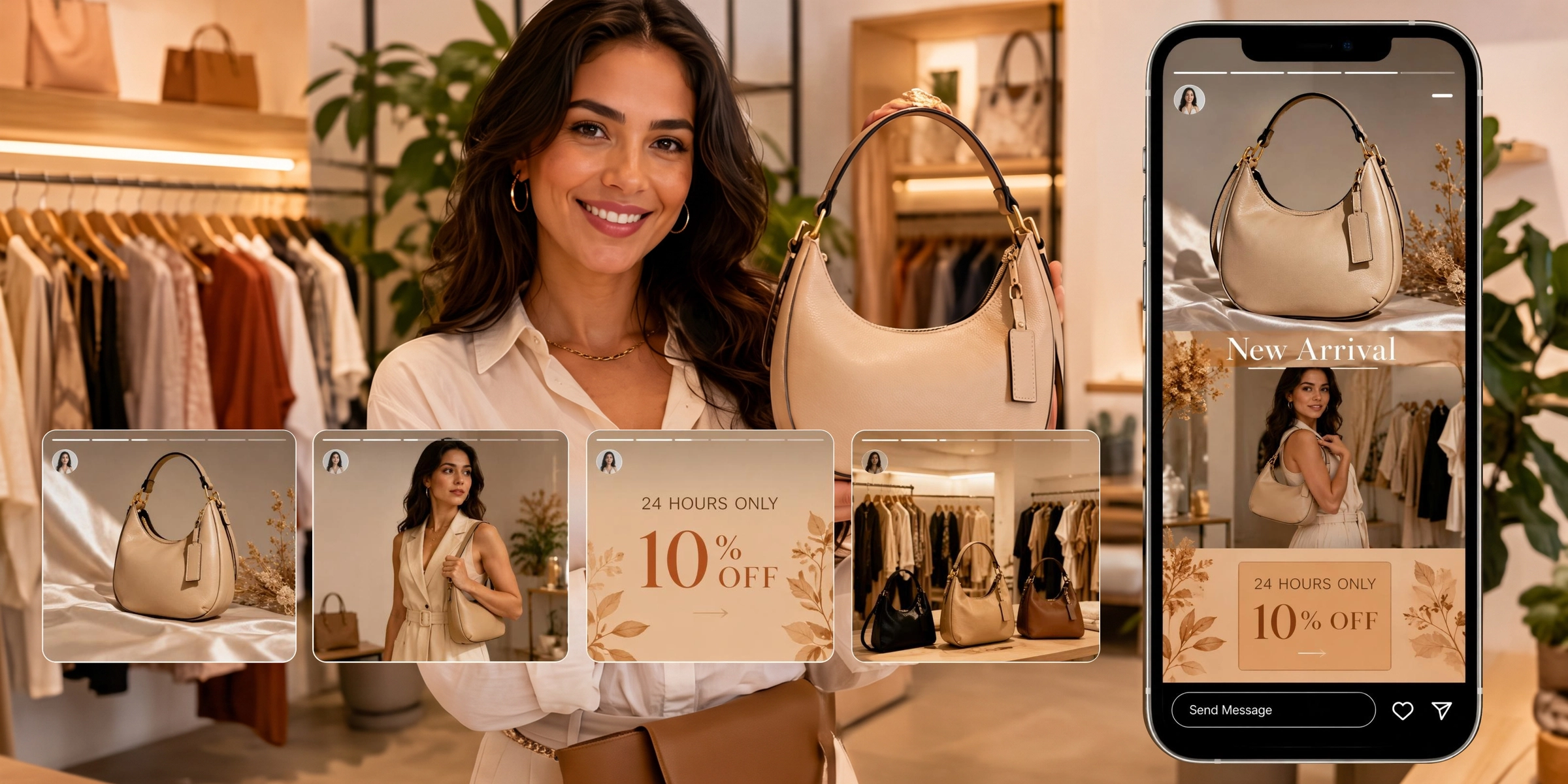
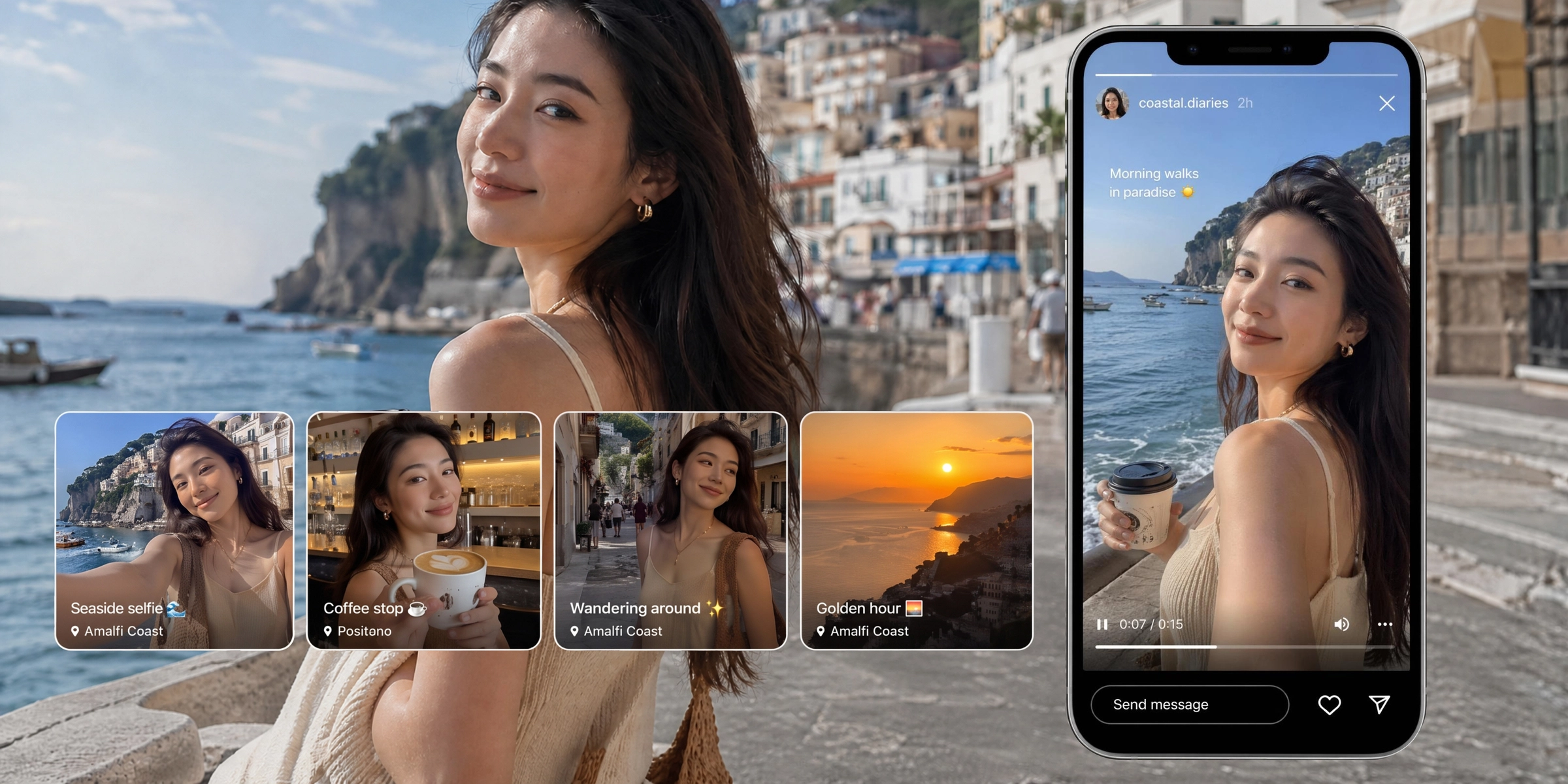



Explore powerful features of Vmake Labs Instagram story maker
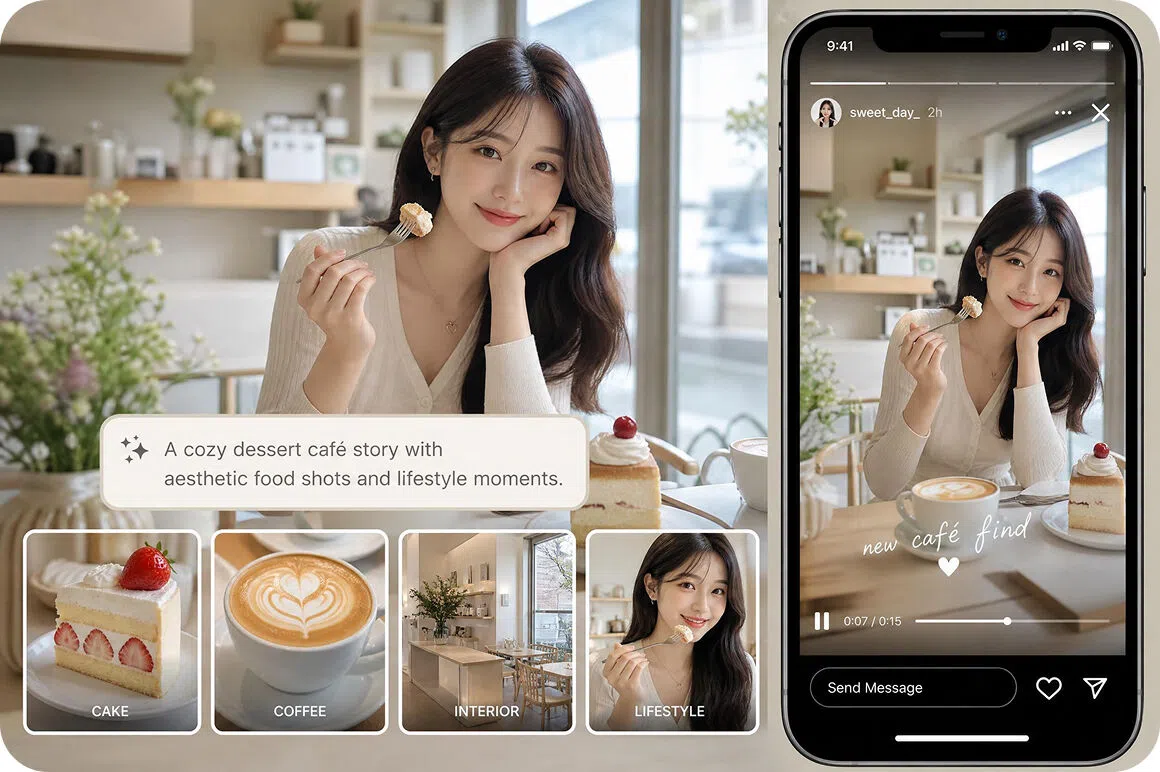
Generate Stories from text prompts
Describe your ideas using natural language and generate Story-style videos through Text to Video. Create promotional content, creative concepts, product announcements, or social media visuals from a simple prompt.
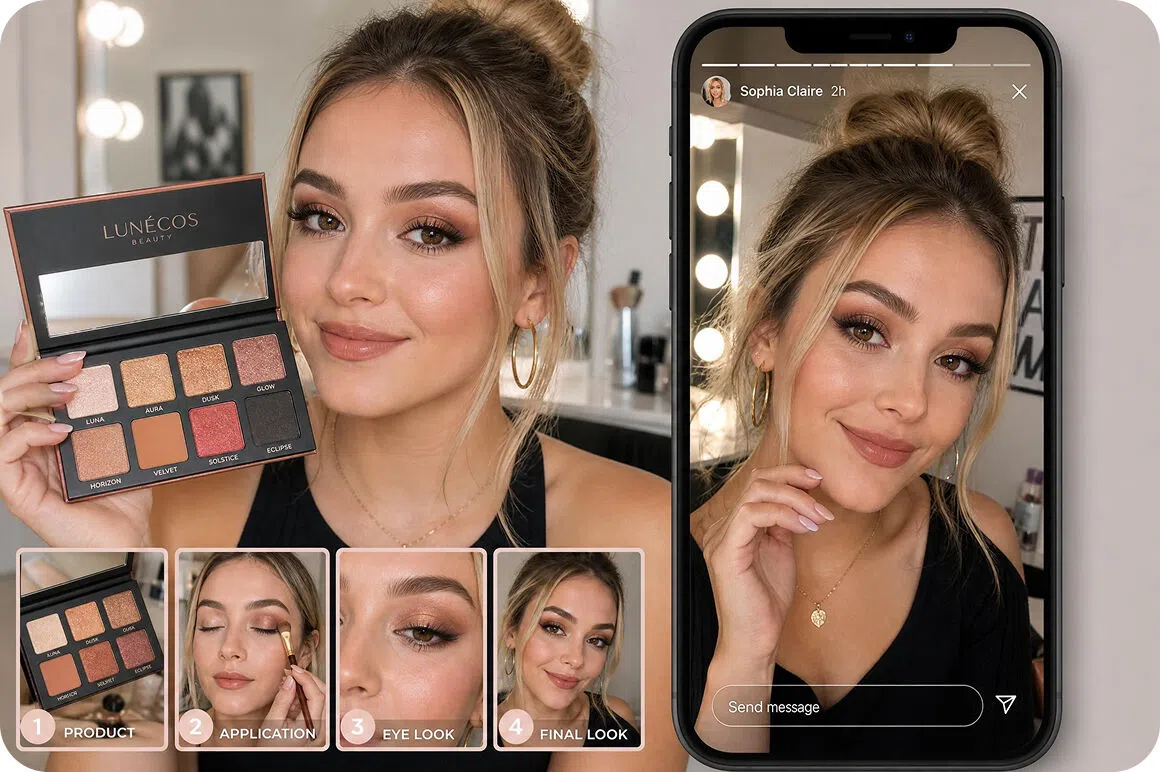
Turn images into Story videos
Upload photos or reference images and use Image to Video to create animated Story-style videos. Explore Elements, Frames, or built in Effects to generate different visual results from your original images.
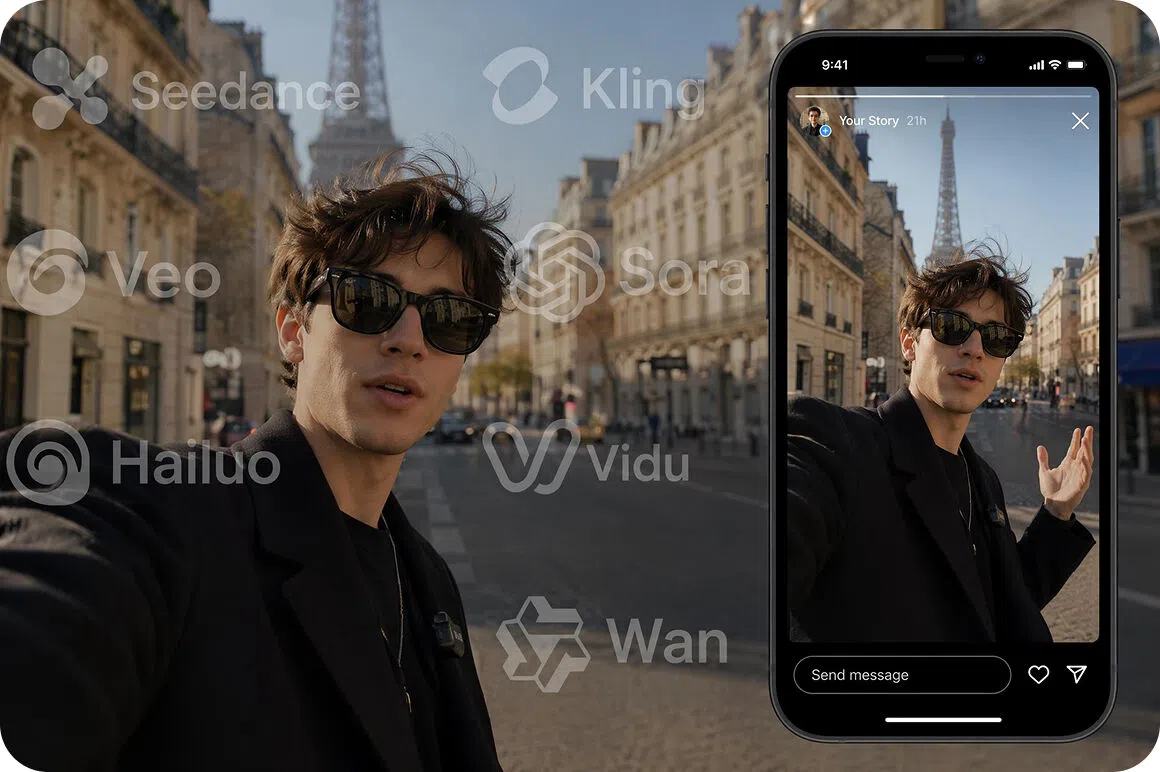
Access multiple AI video models
Generate Story videos using multiple AI video models available in Vmake Labs, including Seedance 2.0, Kling 3.0, Google Veo 3.1, Google Veo 3, Sora 2, Hailuo 2.3, Vidu Q2, and Wan 2.2. Vmake Labs's AI video generator lets you compare different visual styles.
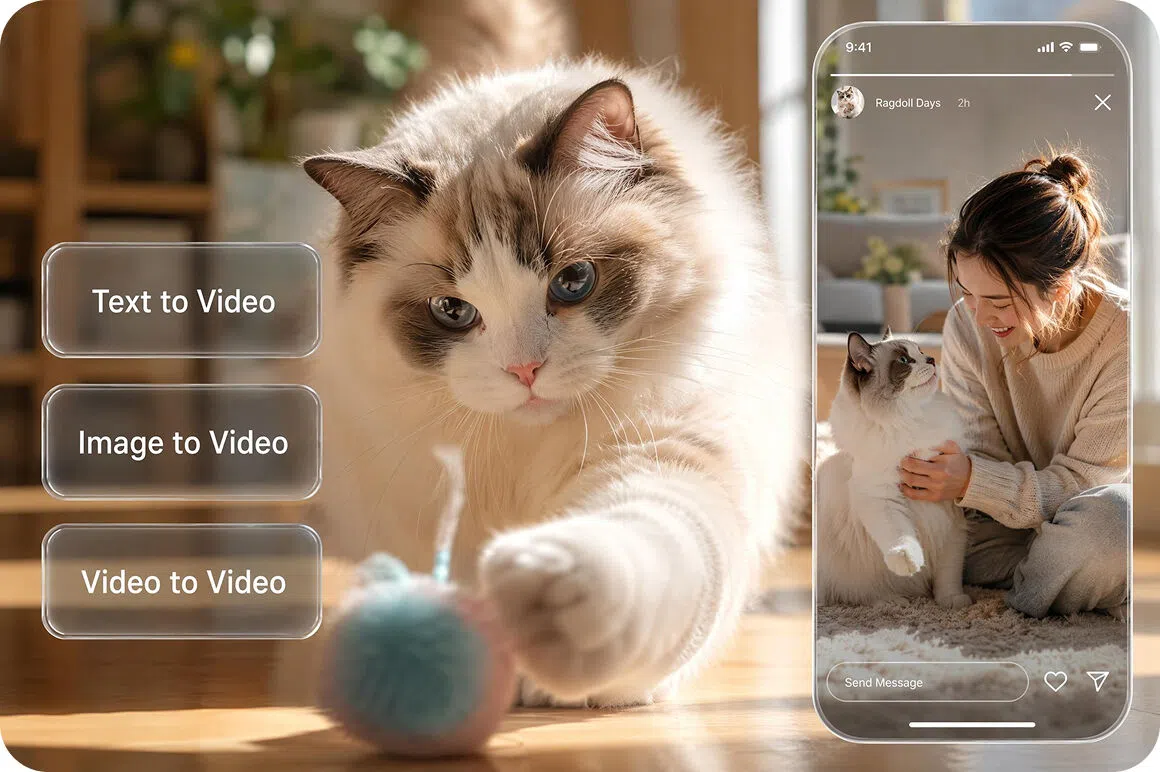
Create with flexible workflows
Start with text prompts, reference images, or existing videos using Text to Video, Image to Video, or Video to Video. Choose the workflow that best fits your creative process and generate Story-style videos from different starting points.
Who uses Vmake Labs Instagram story maker
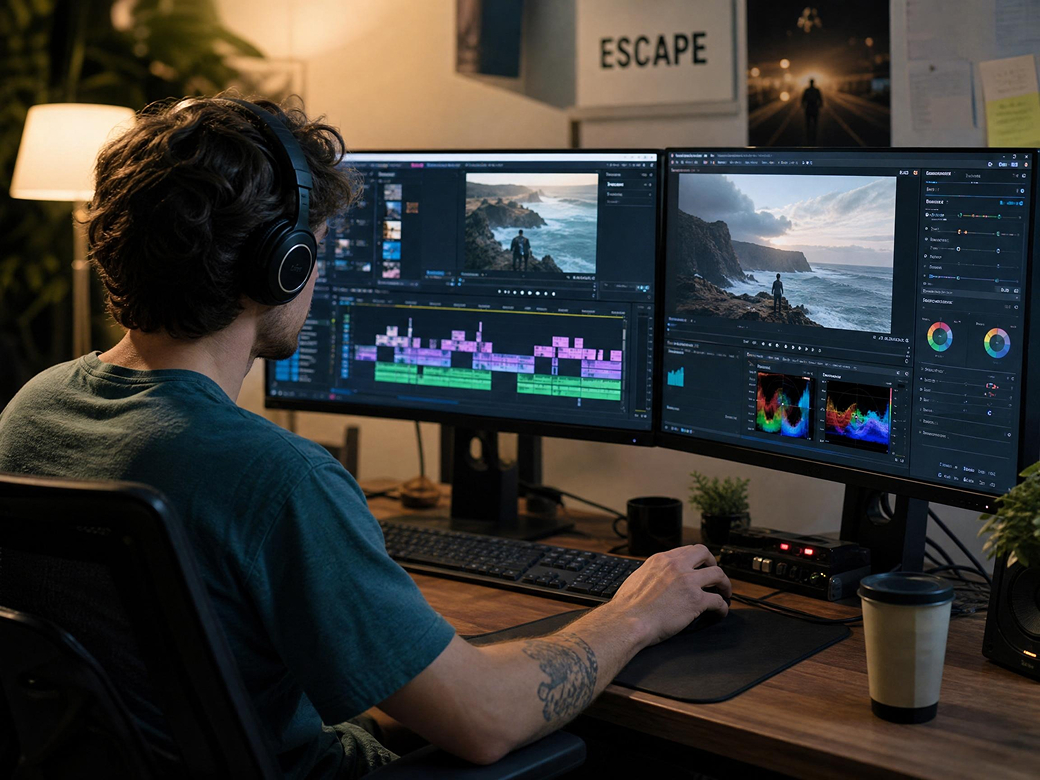
Content creators
Content creators regularly need fresh Story content to keep their audience engaged. Vmake Labs transforms prompts and images into Story-style videos, making it easier to publish creative content on a regular basis.
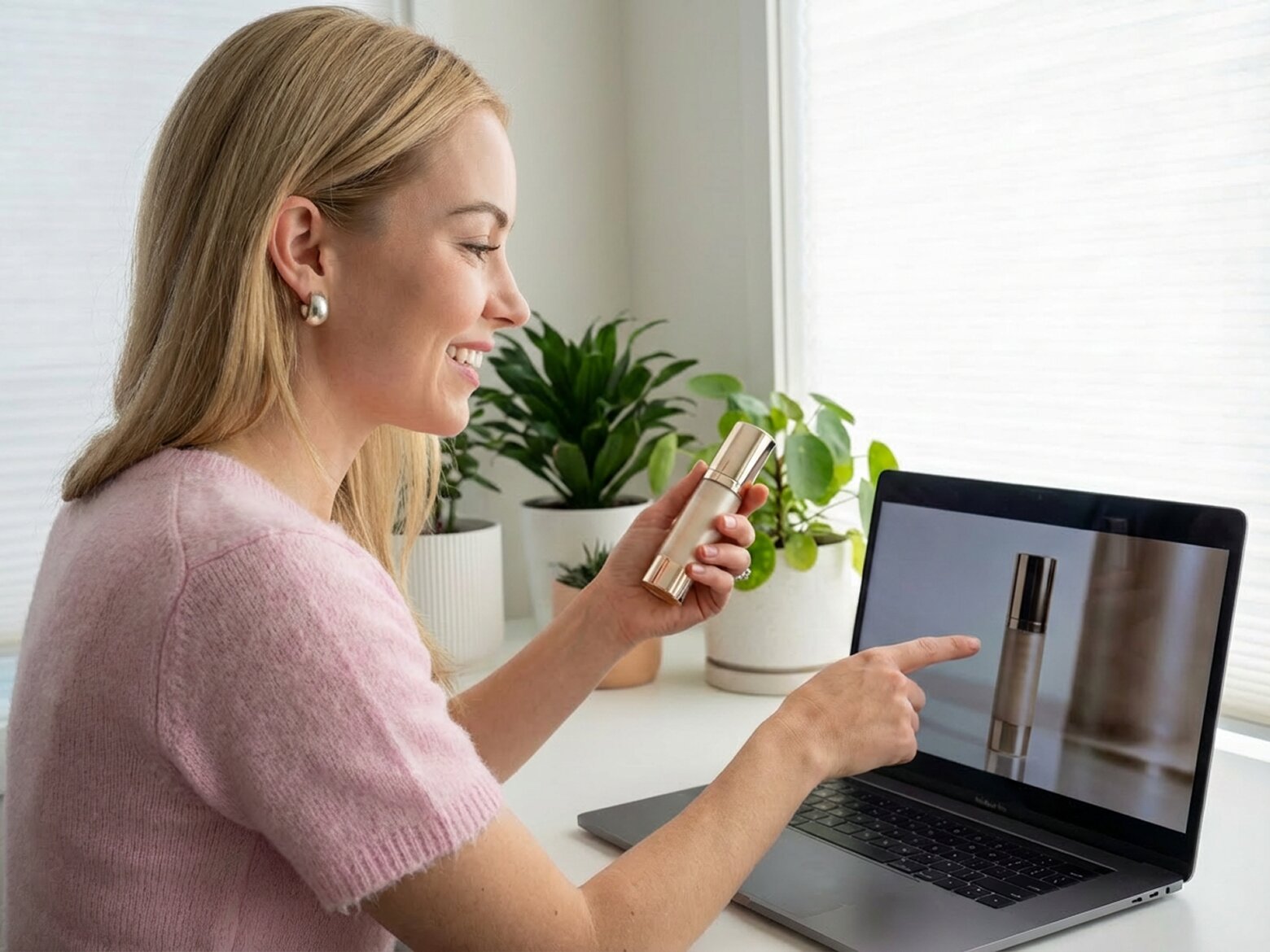
Small businesses
Businesses frequently create Story updates for promotions, product launches, and seasonal campaigns. Vmake Labs generates Story-style videos from existing ideas, product images, or creative concepts without complicated production.
Social media marketers
Marketing teams often develop multiple Story concepts for different campaigns. Vmake Labs creates Story-style videos from prompts, images, or videos, helping marketers explore different creative directions before choosing a final version.

Frequently asked questions about Instagram story makers
What is an Instagram story maker?
Can I create Stories from images?
Can I generate Stories from text prompts?
Which AI models are available?
Can I customize Story videos?
Can I use Story videos for marketing?
Why users choose Vmake Labs for Instagram Stories

Create Story-style videos for product updates, everyday moments, brand storytelling, and creative projects from one streamlined workspace.

Experiment with different prompts, AI models, and creative directions to generate multiple Story concepts before choosing the version that best fits your project.

Whether you're a content creator, small business, marketer, or agency, Vmake Labs provides flexible AI video generation workflows for a wide range of Story-style content.
Explore more Al tools
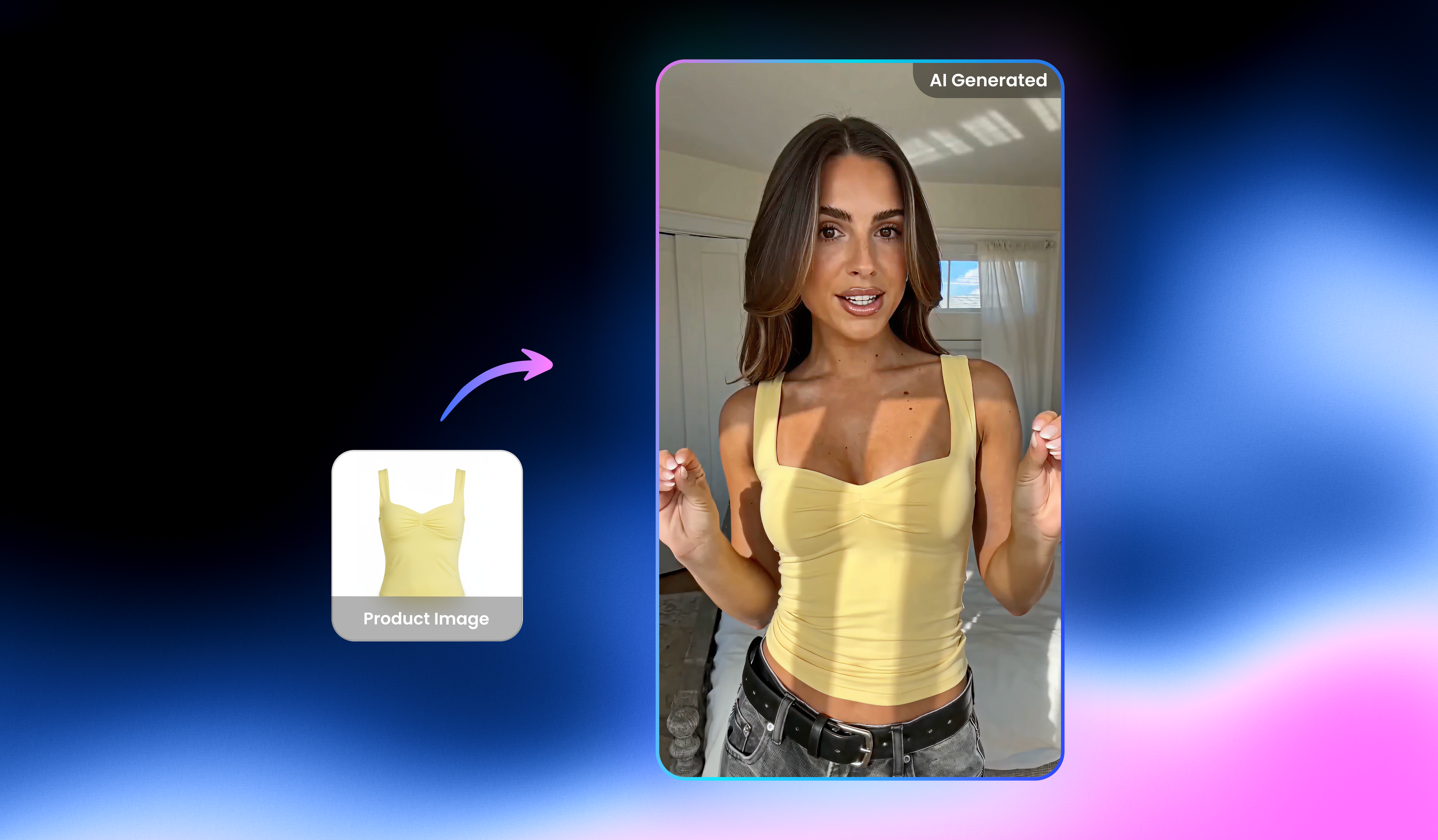
UGC video

Video & image enhancer

Watermark & text remover

Video upscaler

Video translator

Video noise reducer

Video background remover

Video & audio to text
Create Instagram Stories with Vmake Labs
Turn your ideas, photos, and videos into engaging Instagram Story-style videos with Vmake Labs AI video generation workflows.
What users say about Vmake Labs Instagram story maker
I used Text to Video to create several Story-style videos from simple prompts. Comparing different AI models helped me find the visual style that worked best for my content.
Uploading product photos through Image to Video made it easy to create Story videos for seasonal promotions. The workflow was simple, and the generated videos matched the creative direction I had in mind.
I liked being able to compare multiple AI video models in one workspace. Testing different Story concepts helped our team explore several campaign ideas before choosing one.
I uploaded travel photos and turned them into animated Story-style videos with Image to Video. It gave my personal content a fresh visual style without additional editing.
We often test different creative directions for product announcements. Using prompts and reference images helped us generate several Story video concepts quickly.
The workflow was straightforward and easy to follow. I entered a few prompts, experimented with different AI models, and generated original Story videos for my social content.